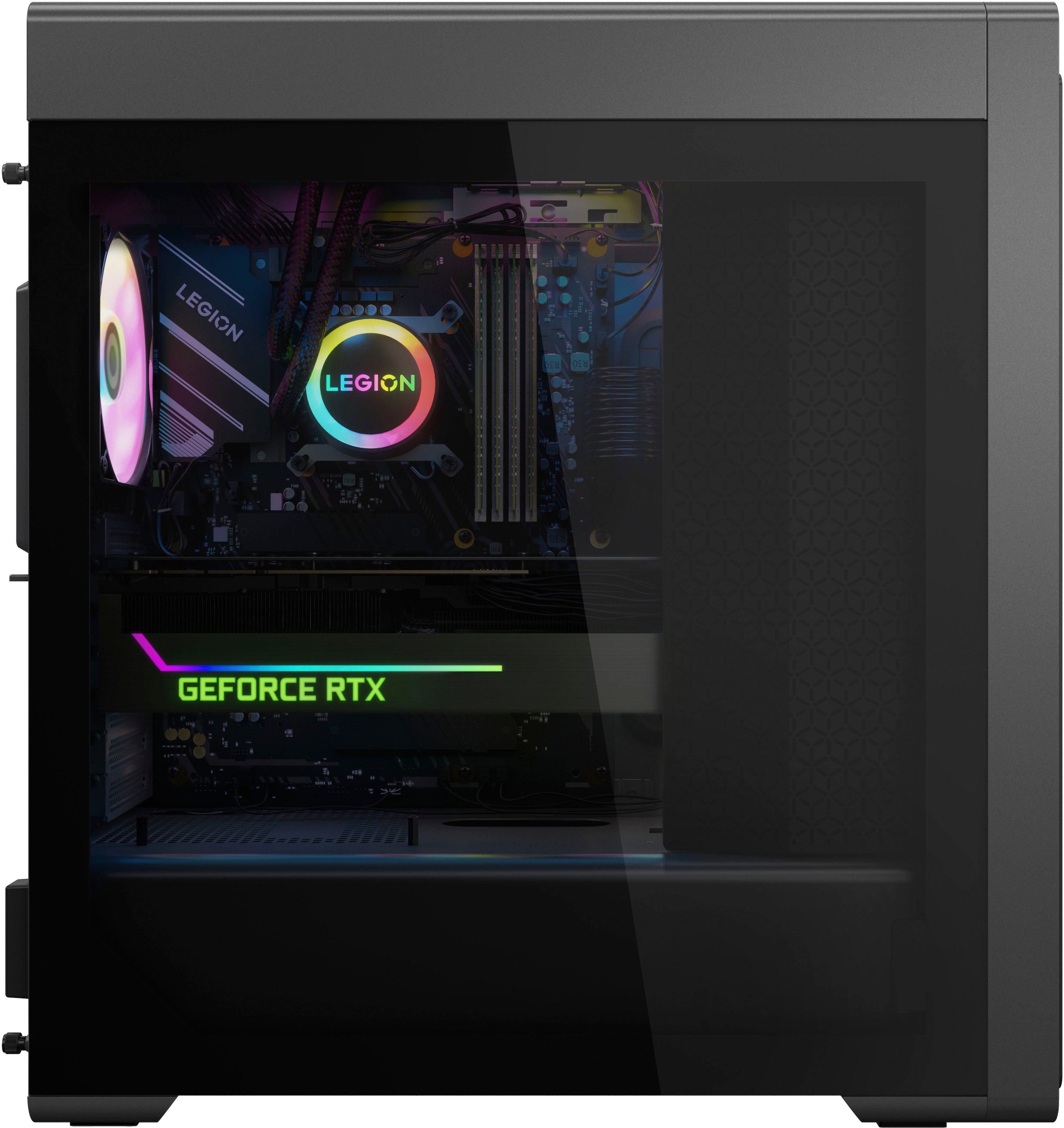
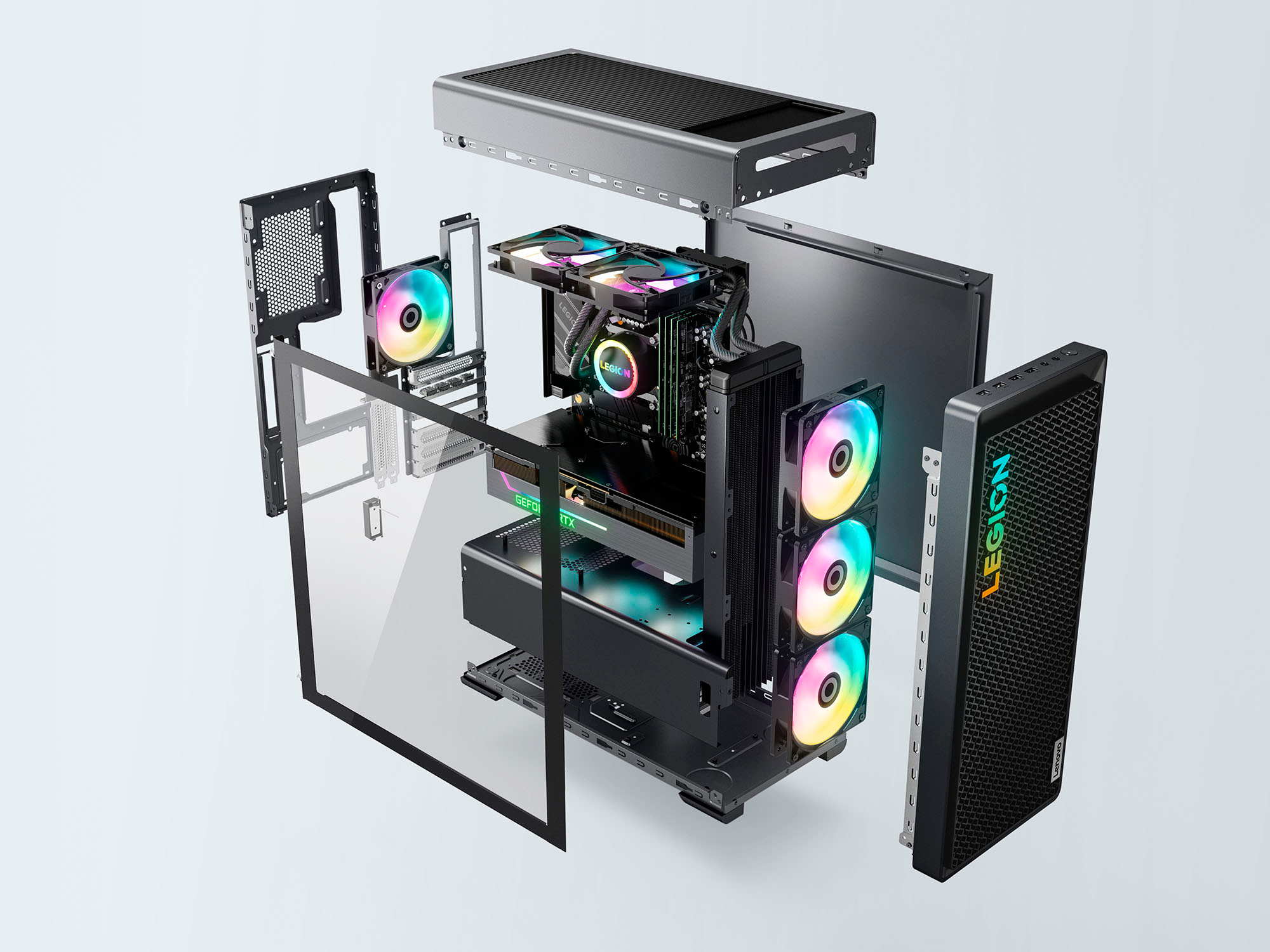
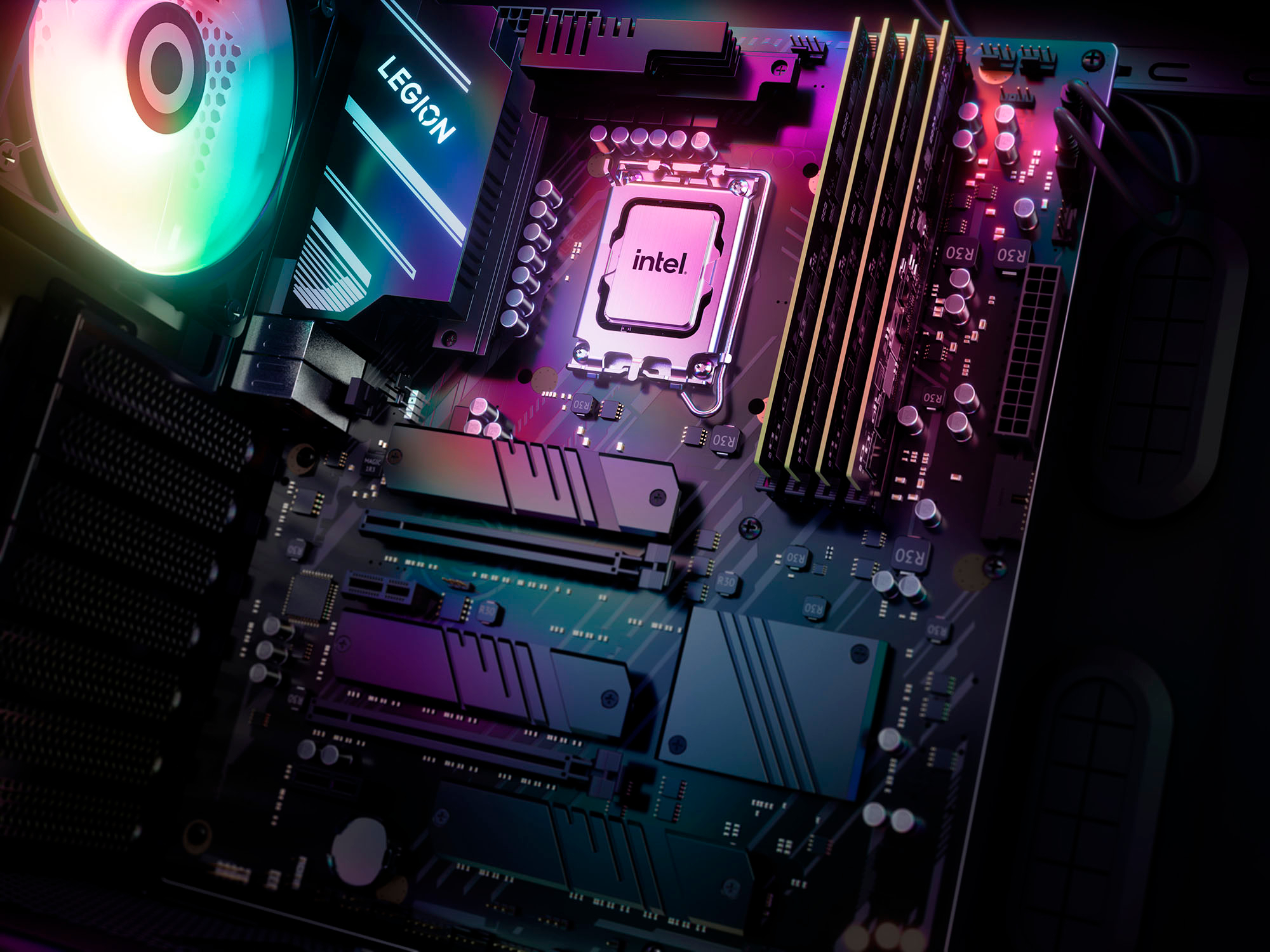
A:AnswerYou can easily add an SSD to one of the two open NVMe slots WITHOUT taking the GPU out. I added a Samsung 990 Pro 4TB into the top slot. There is another open slot below the video card as well that you can access without removing the GPU as far as I can tell.
To replace the 1TB that comes with it, you do need to remove the GPU. However, I reinstalled Windows (with the Lenovo recovery software) and put it into the new 4TB SSD and am using the 1TB as additional storage now.
A:AnswerHi, NodeRunner. This model ships with a 1TB M.2 2280 SSD. For more information, here is a link to this model's product specification datasheet: https://psref.lenovo.com/Detail/Legion/Legion_T7_34IRZ8?M=90V6000LUS
A:AnswerGreetings from the Intel team. Thank you for your question.
Based on the product specifications reference (PSREF), the Lenovo - Legion Tower 7i model 90V6000LUS comes with the NVIDIA® GeForce RTX™ 4080 SUPER, which has 16GB GDDR6X VRAM.
For further information, check the PSREF:
https://psref.lenovo.com/Detail/Legion_T7_34IRZ8?M=90V6000LUS
For detailed information about the Intel® Core™ i9 processor 14900KF, visit:
https://ark.intel.com/content/www/us/en/ark/products/236787/intel-core-i9-processor-14900kf-36m-cache-up-to-6-00-ghz.html
Thank you for choosing Intel! Emilio_Intel
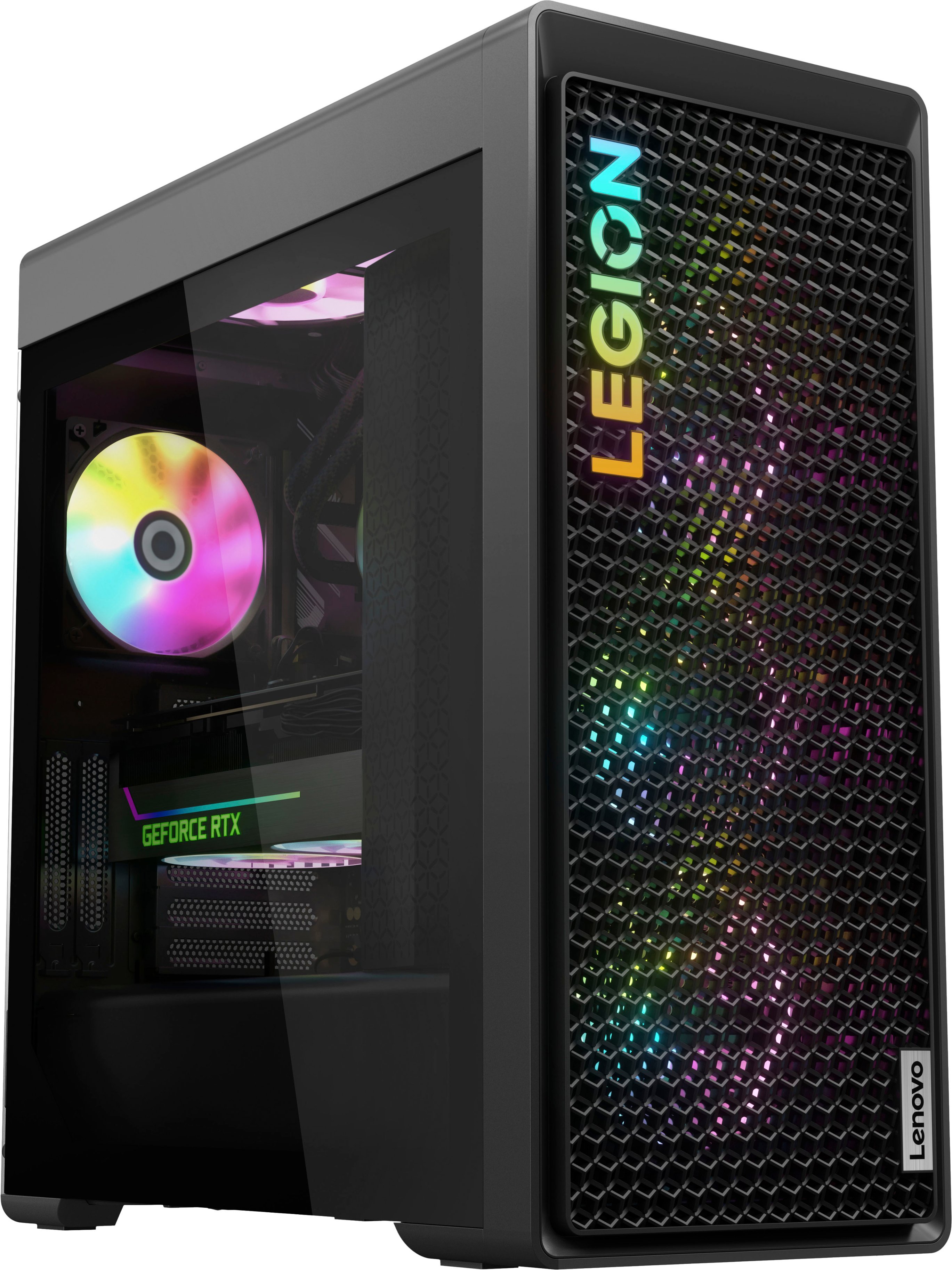
A:AnswerHi, Epic1Hit. It is an assortment of brands including ourselves. Here's a link to this model's part list page on our support site for you to see more details: https://pcsupport.lenovo.com/us/en/products/desktops-and-all-in-ones/legion-series/legion-t7-34irz8/90v6/parts/display/buy-now?linkTrack=Caps%3ABody_SearchProduct&searchType=4&keyWordSearch=Legion%20T7%2034IRZ8%20-%20Type%2090V6