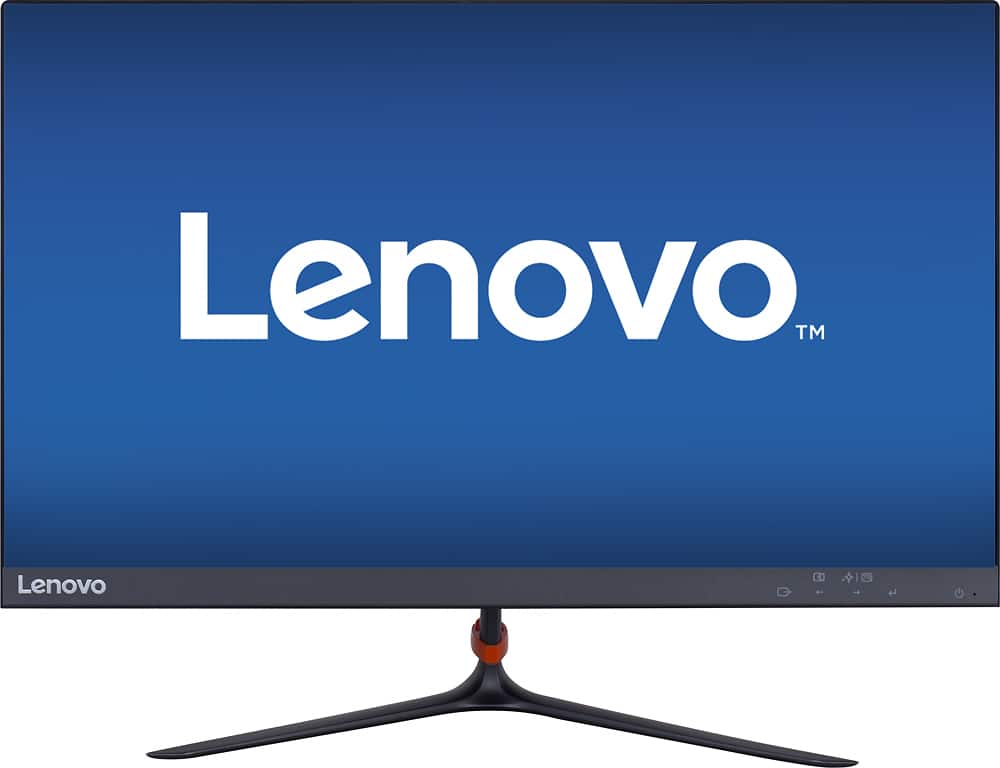
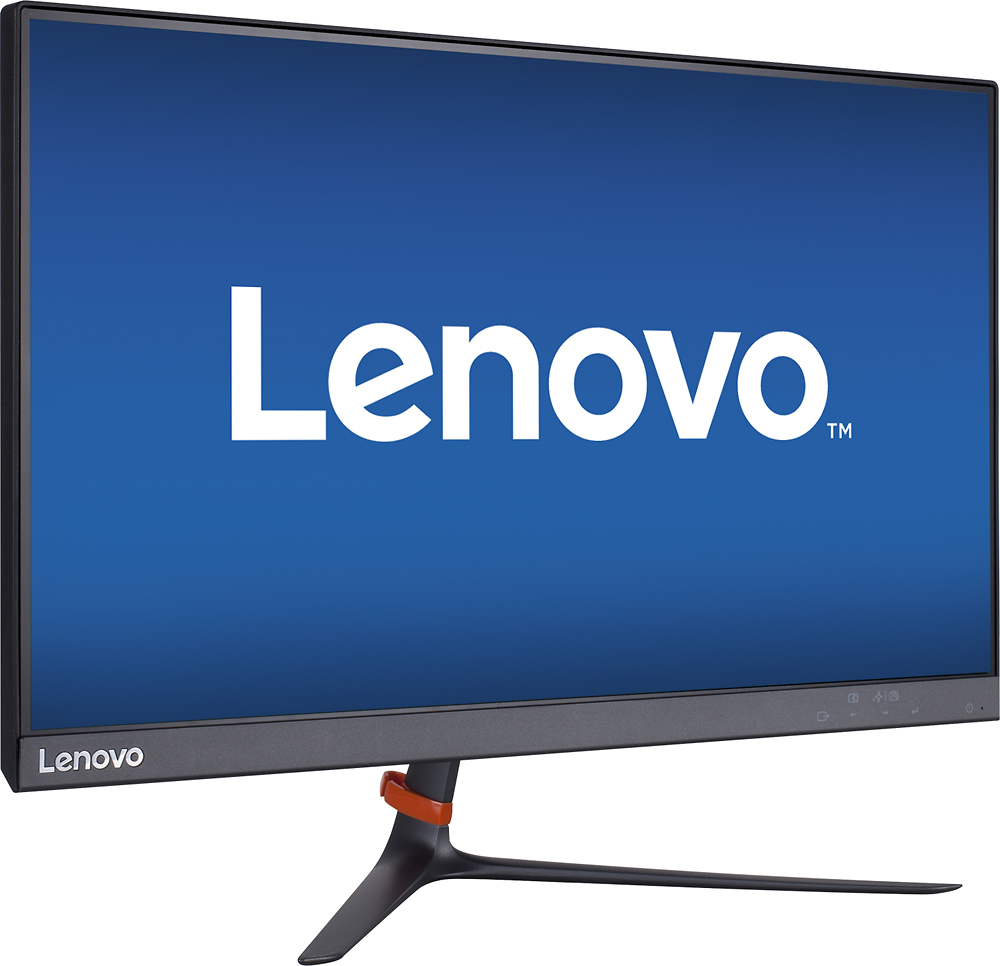
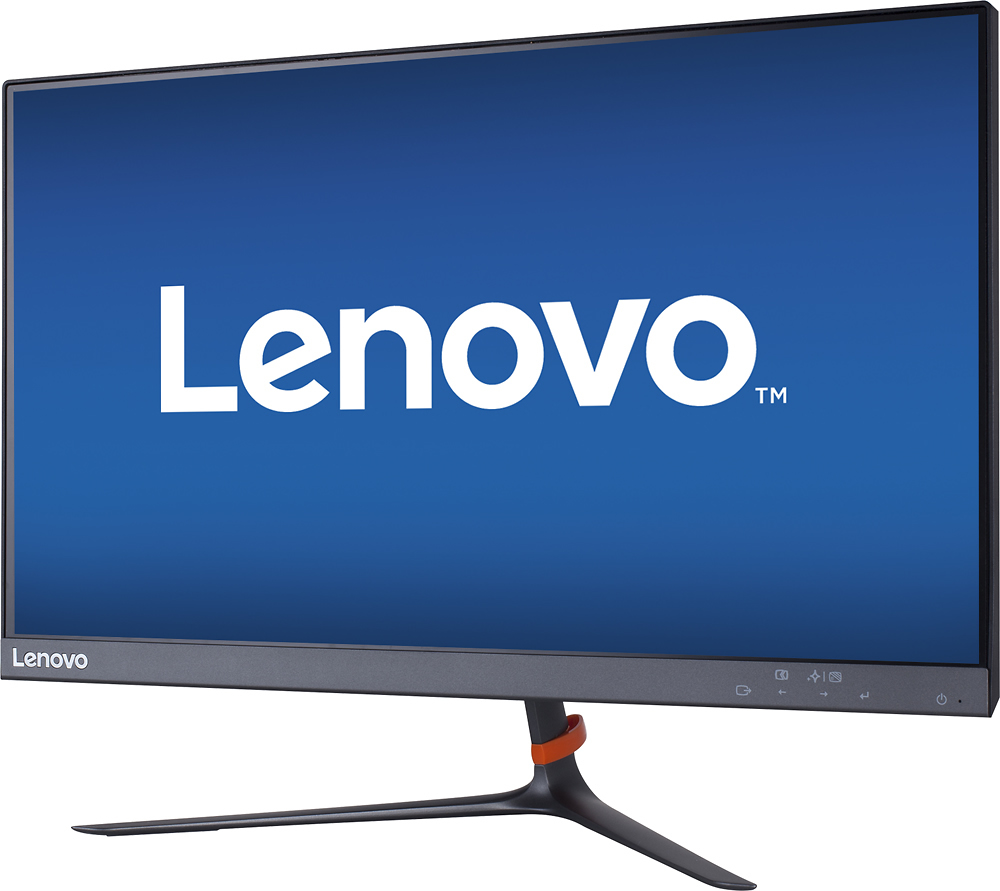
A:AnswerYes you can. I switch between my Xbox one and PC. I think its better than playing on a standard TV. This has gaming monitor response times. Which is 7ms which is unnoticeable.
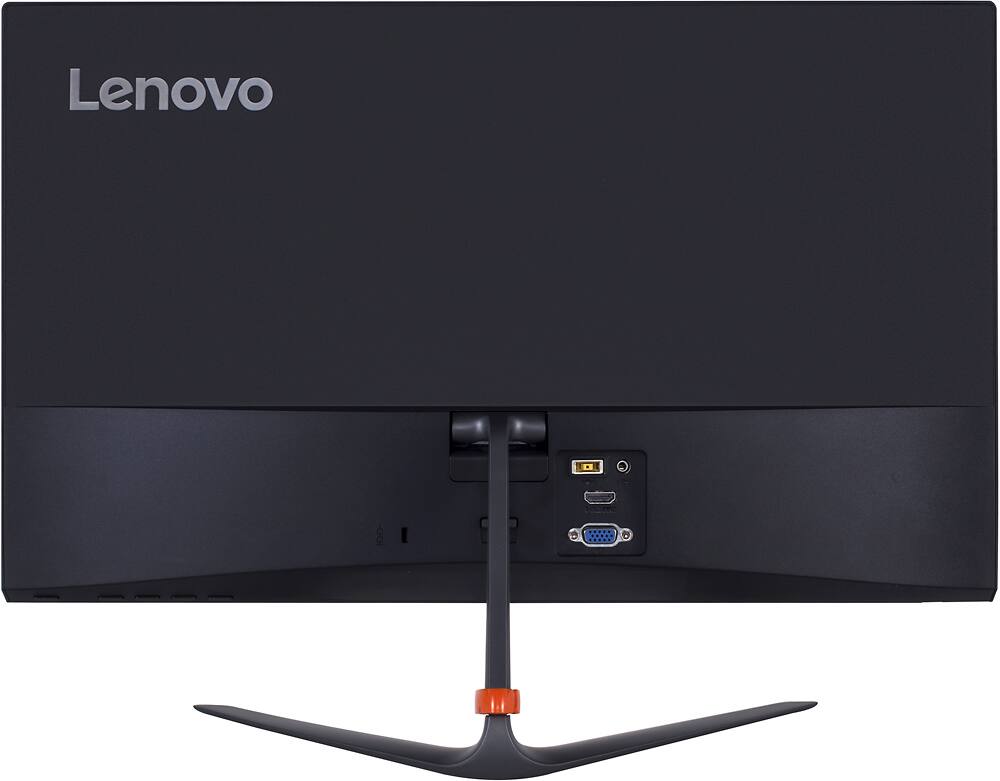
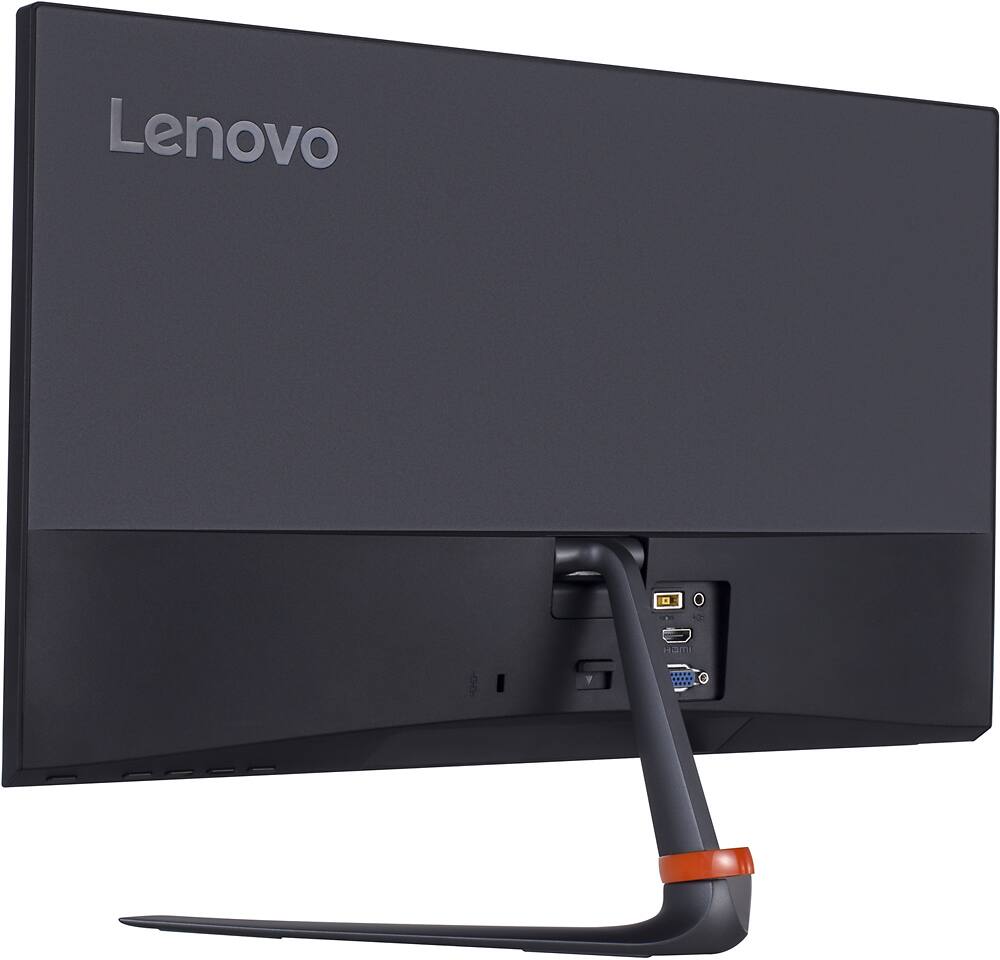
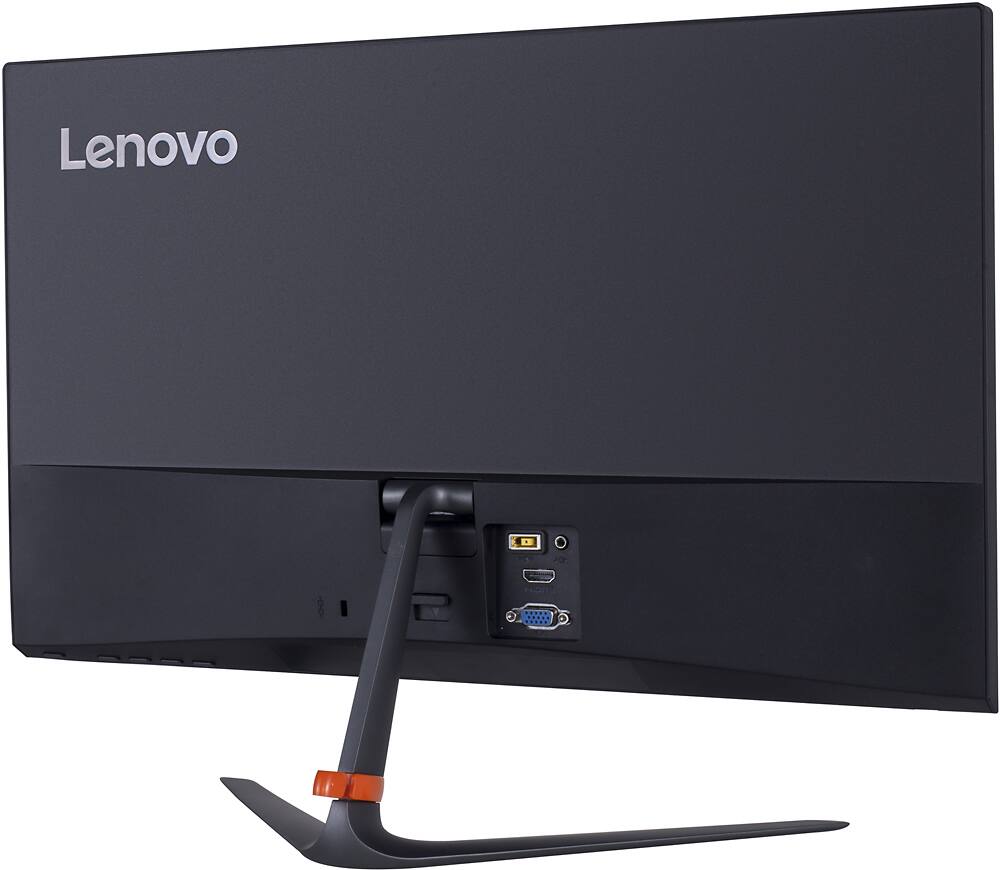
A:AnswerYou would need a converter for the cables. This only have an HDMI and VGA cable. You would have to get a HDMI to thunderbolt if you have something like a newer iMac.
A:AnswerTechnically, monitors don't really have a strict compatibility to a certain OS. They're just plug-and-play.
What you should be worried about is the hardware on your computer and whether or not it has the performance to output the full resolution the display has to offer.