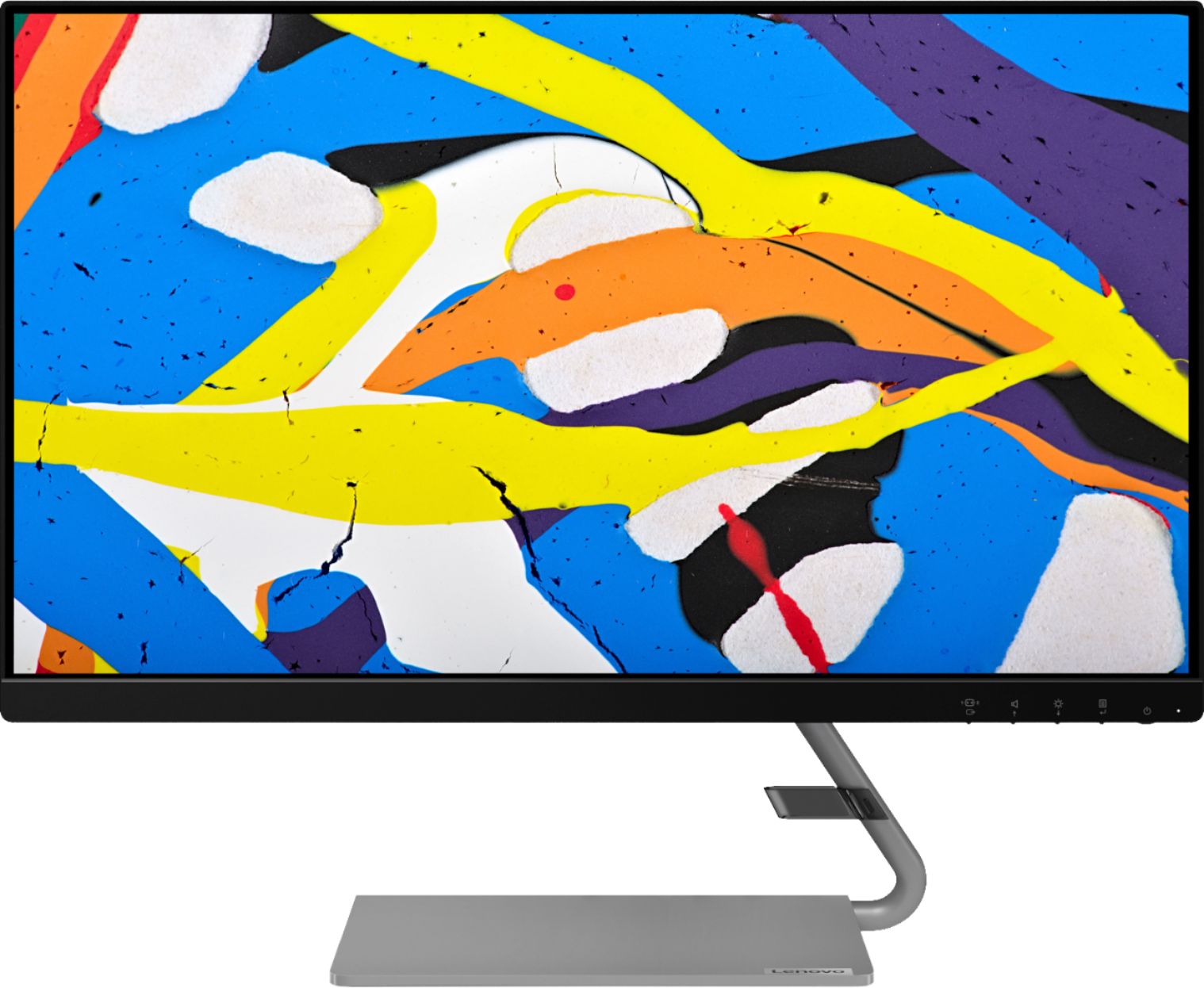
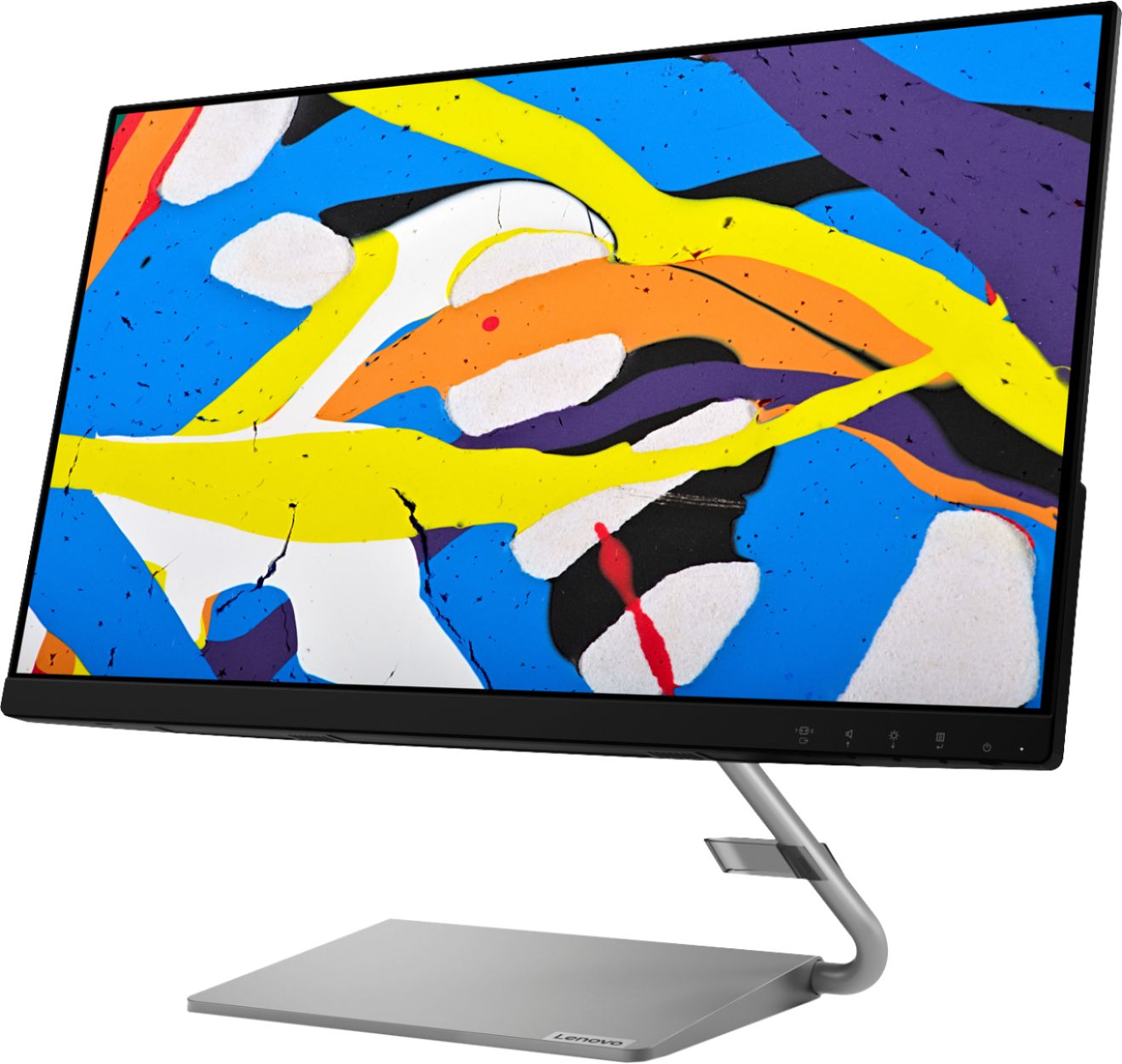
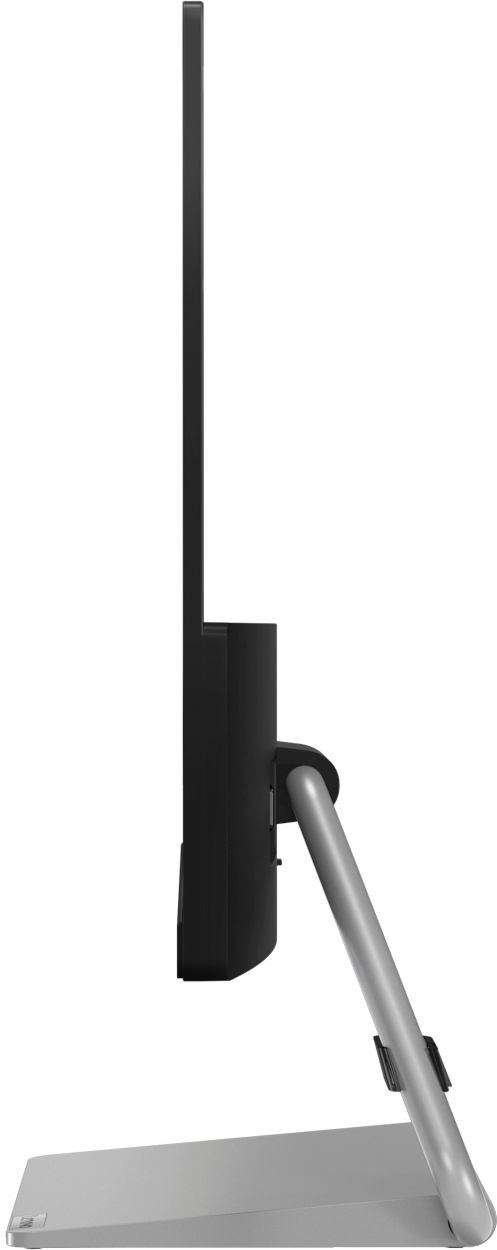
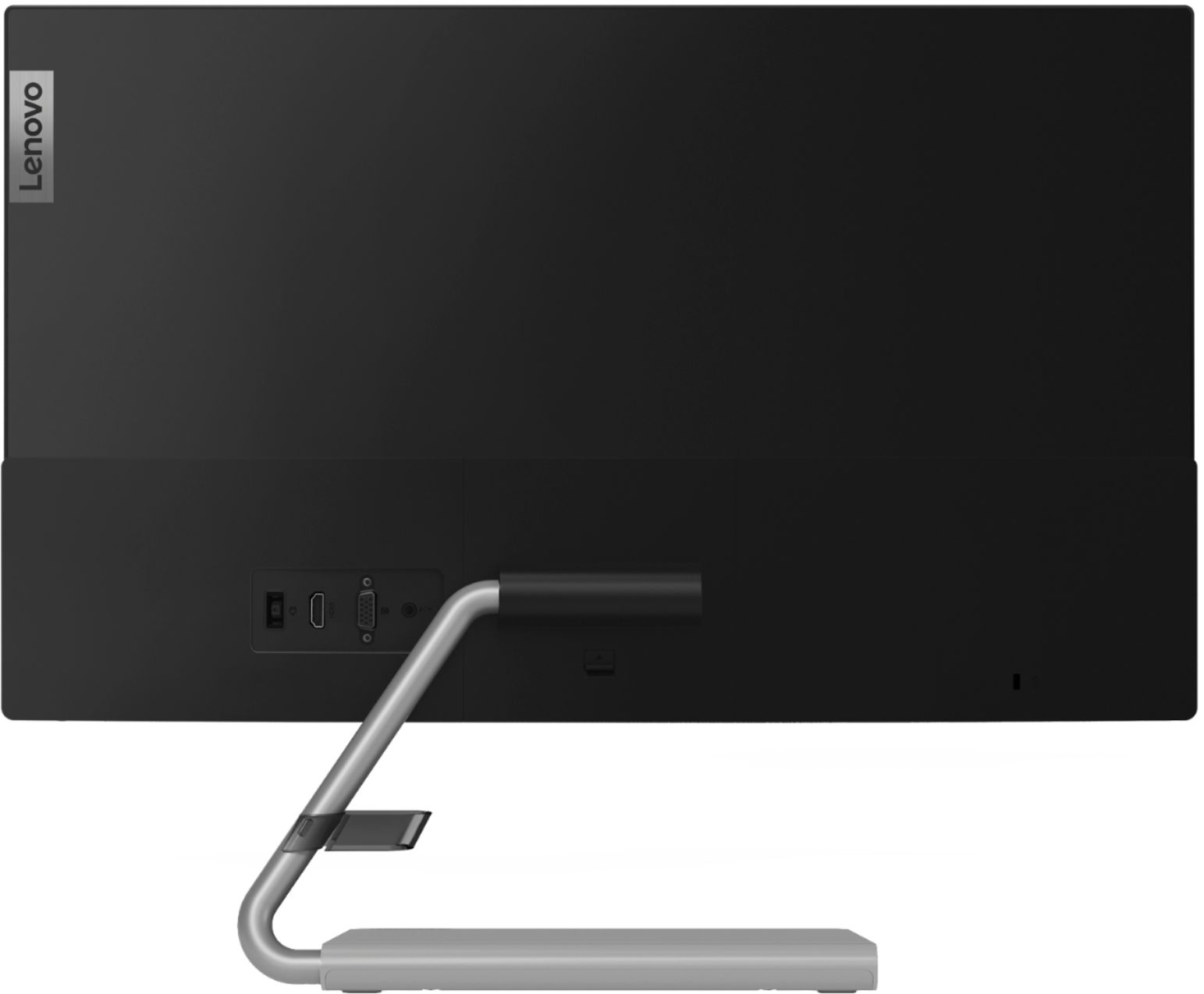
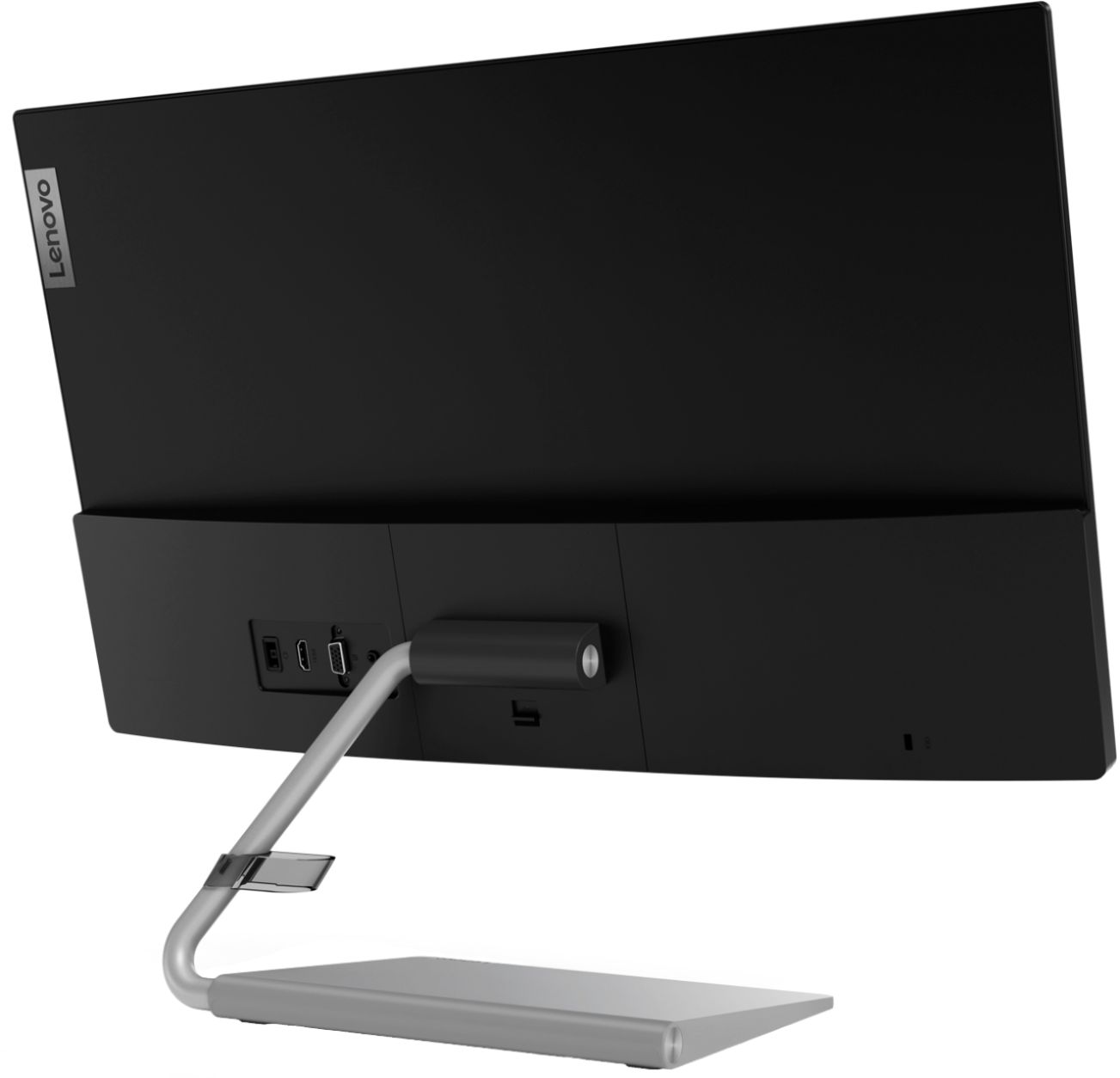
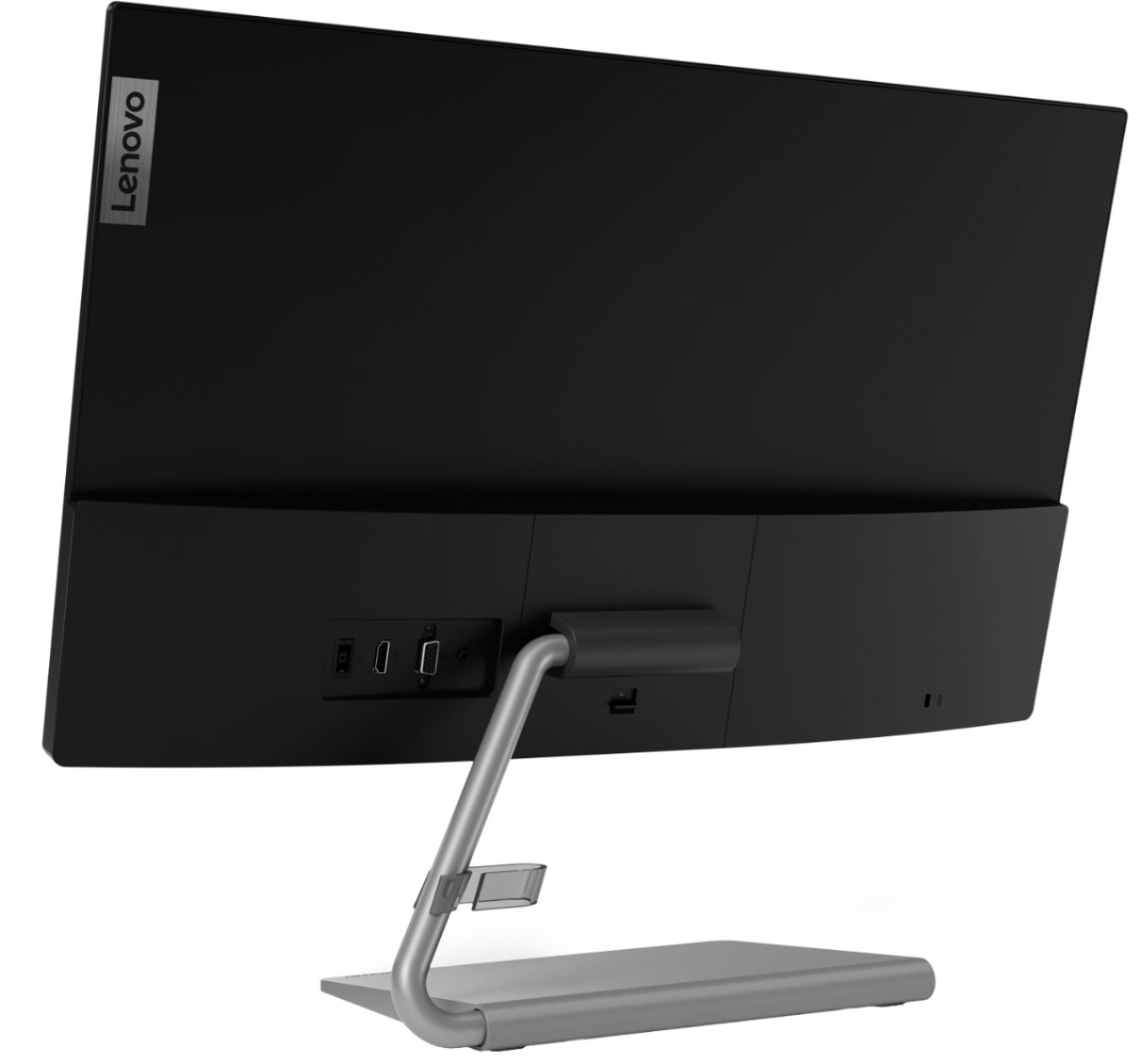
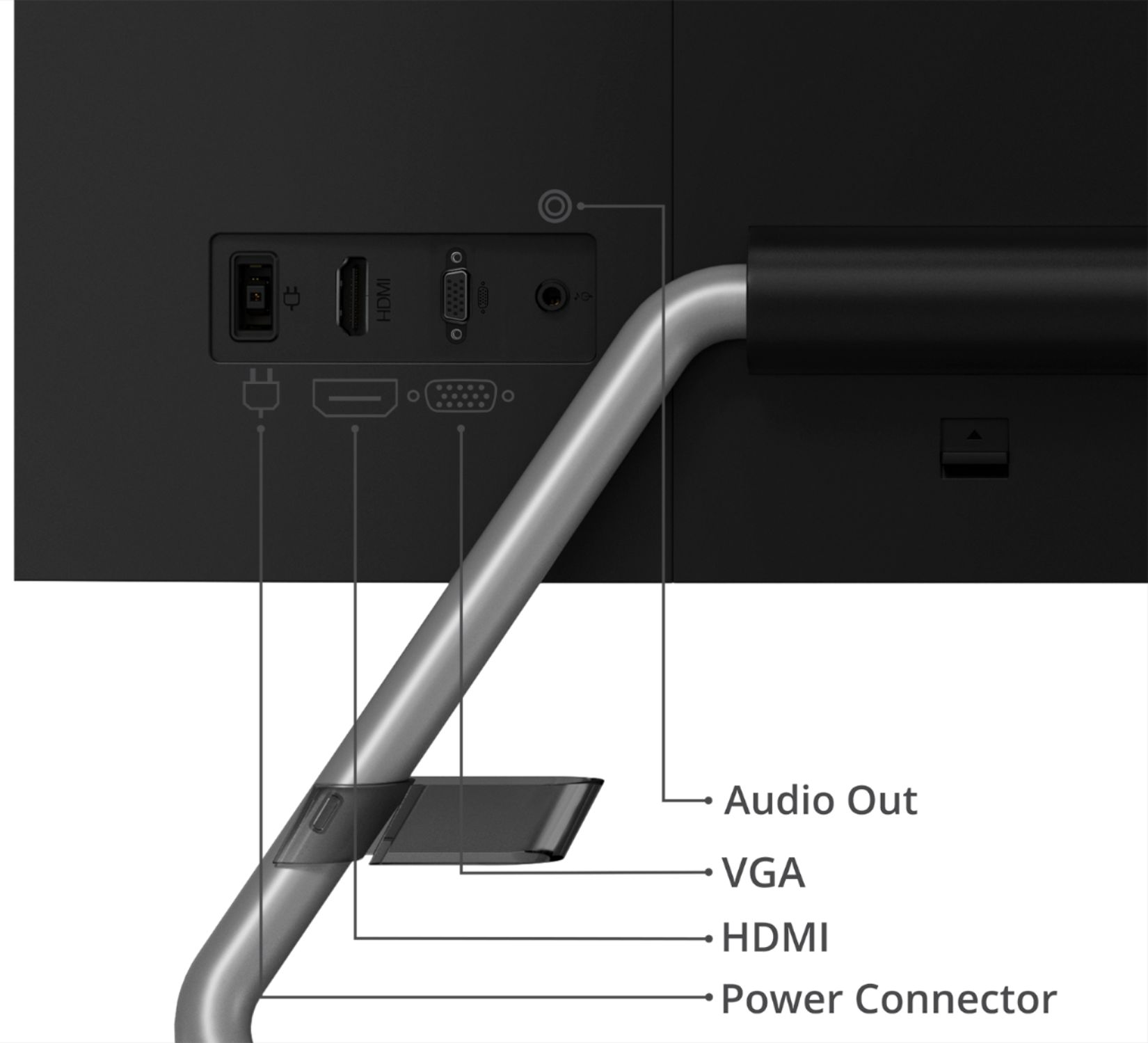
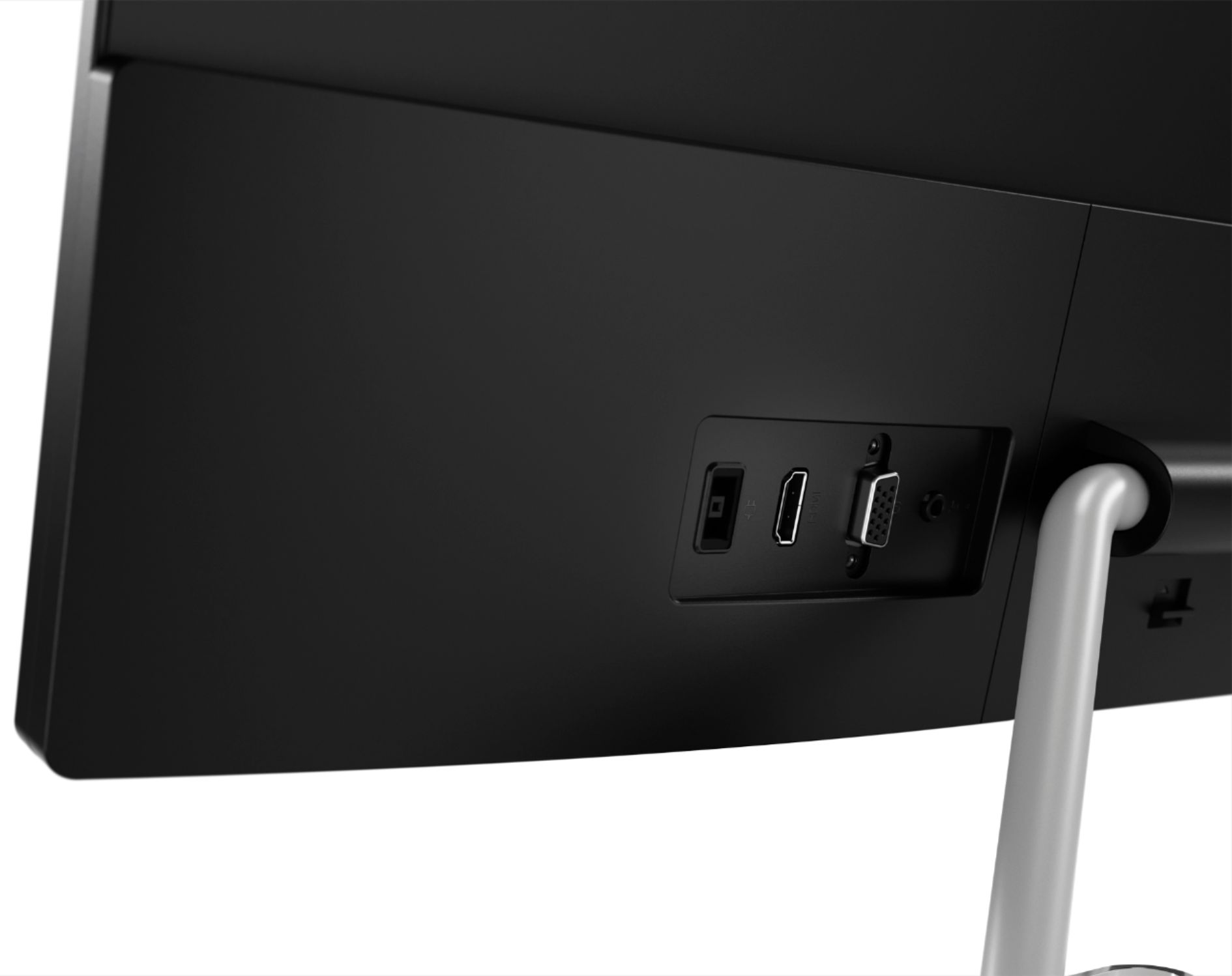
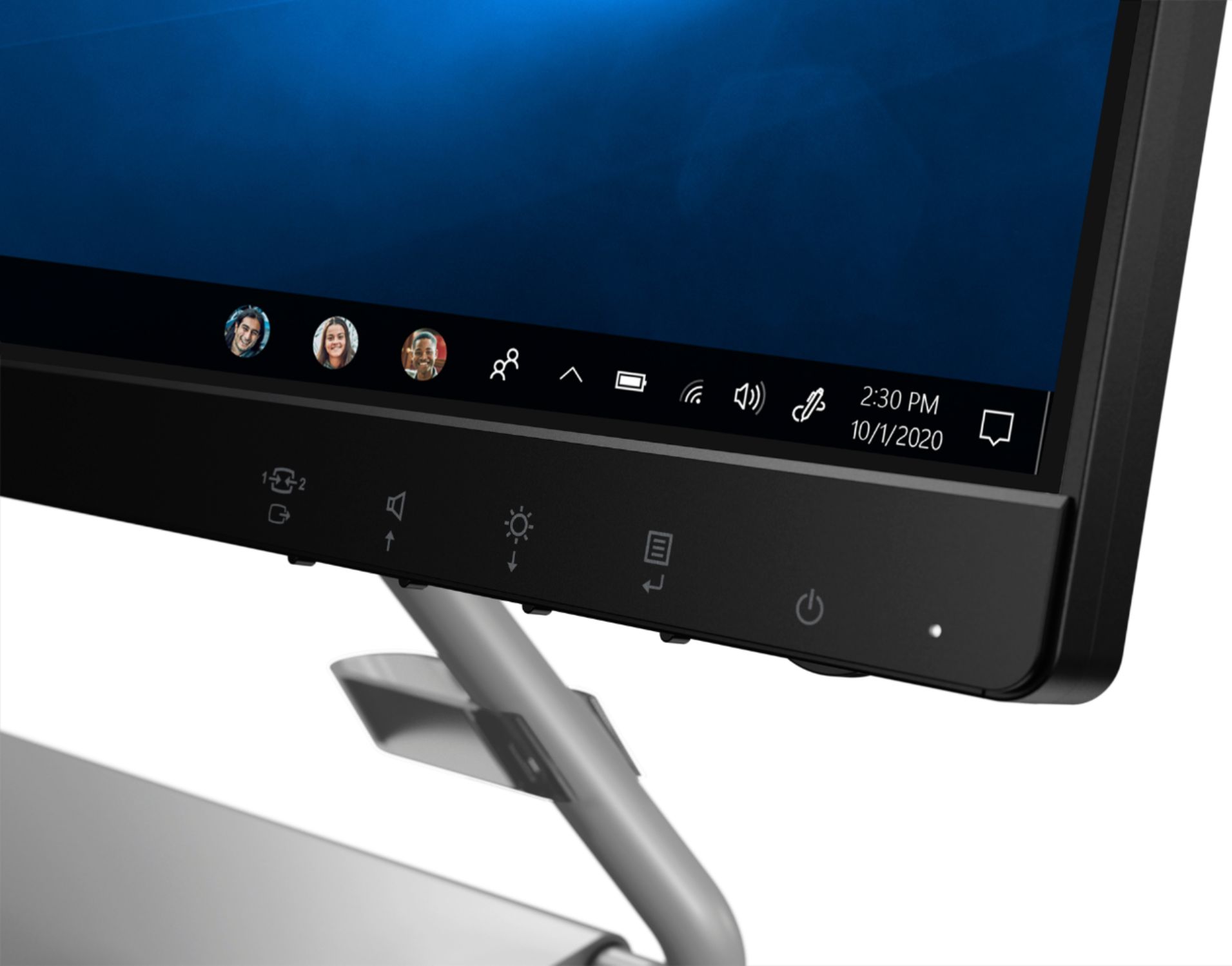
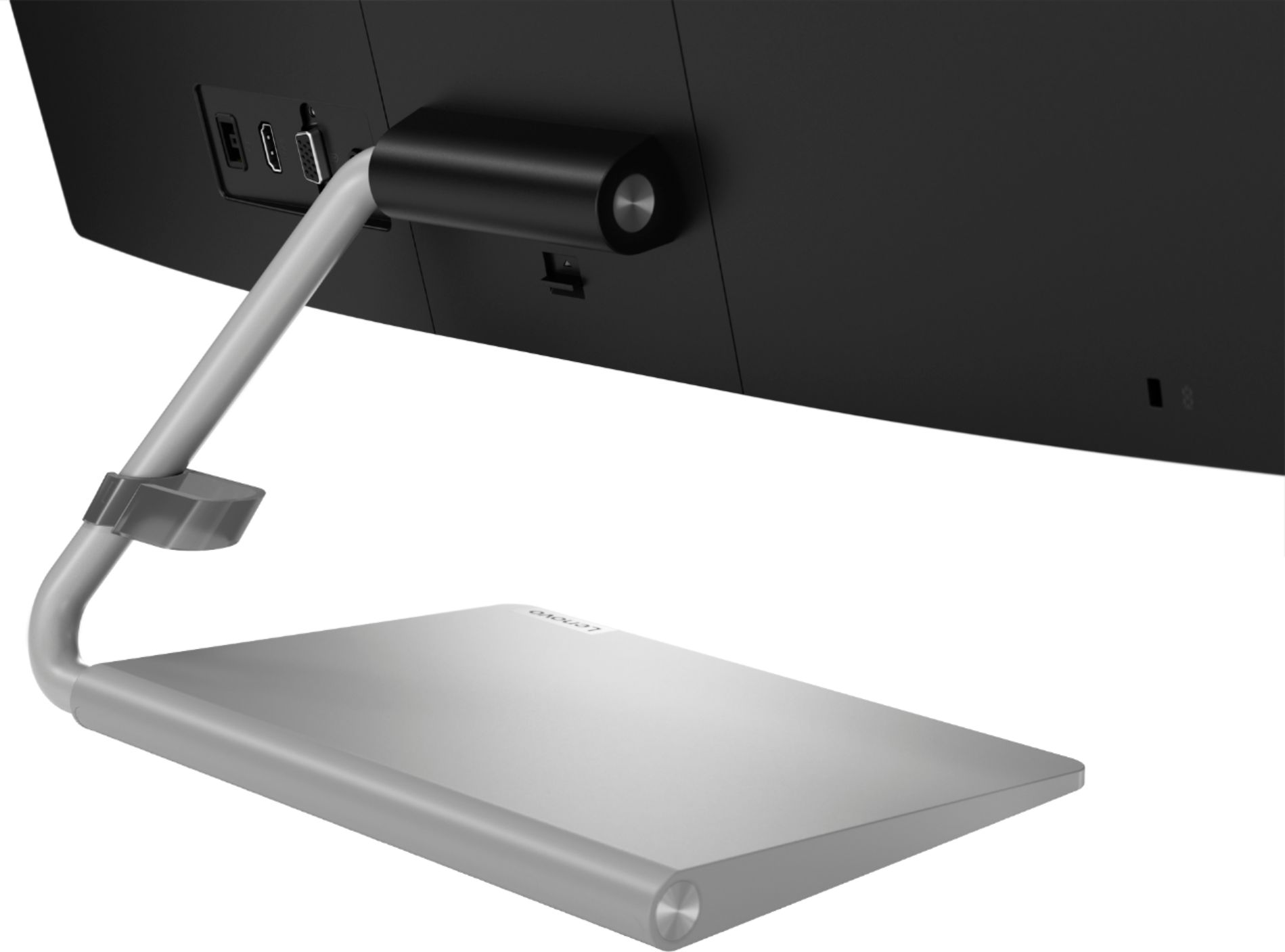
A:Answer The audio can be carried over DVI to HDMI cable depending on the graphics card within the computer you are connecting to. For newer GPUs, you just need to set the HDMI audio device in the Windows Sound control panel. Older GPUs need to use a digital audio S/PDIF cable to connect from the PC to the graphics board's on board S/PDIF connector. Please contact your graphics board manufacturer if you have questions on supporting HDMI audio over DVI. If your computer GPU does not support audio through DVI, connect your computer's 3.5mm audio jack to the monitor's 3.5mm audio jack. For more information, here is a link to the User Guide for this monitor: https://download.lenovo.com/consumer/monitor/q24i_1l_ug_en.pdf. You can also contact Lenovo Tech Support for monitors for additional help at: 866-426-0911.