Questions & Answers
- Model:
- 66C1GCC3US
- |
- SKU:
- 6453642
Highly rated by customers for: Picture Quality, Blue Light, Design
Clearance
$303.99$303.99
Save $16
The comparable value is Comp. Value: $319.99
Page Showing 1-11 of 11 questions
Q: QuestionPhotographer. I run a display calibrator for my monitors. Are there manual or firmware controls that adjust the calibration or allow me to control it? My iMac was firmware control(auto), my second monitor is manual(button). Thx
Asked by SWil.
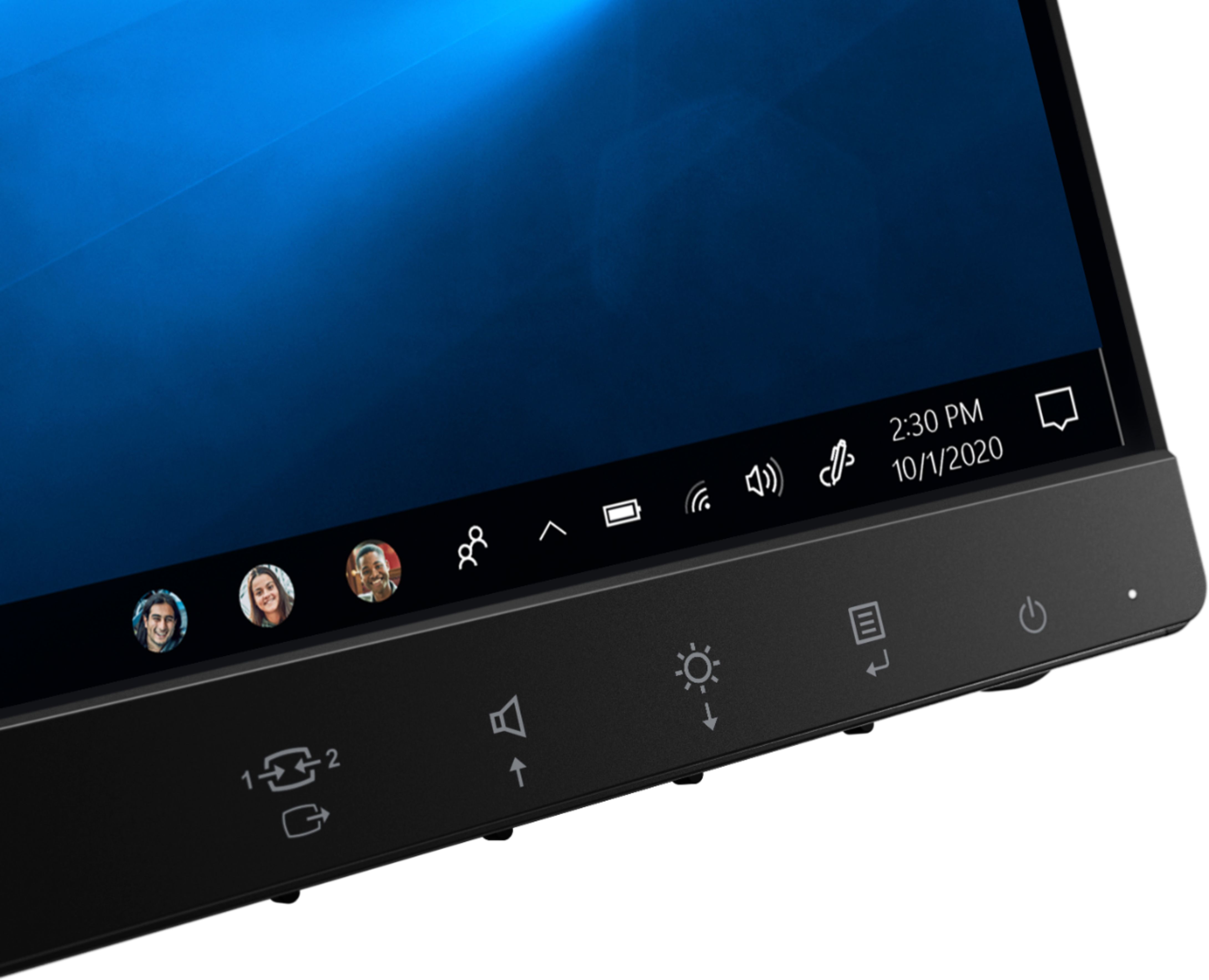
- A:Answer Here is a link to the User Guide for this Lenovo Q27q-1L Monitor. It will illustrate the settings that are available on this monitor as well as the on-screen settings menus that are available. There are calibration settings also available within the Windows 10 Operating System. Here is a link to more information: https://www.windowscentral.com/how-calibrate-your-pcs-monitor-windows-10
Answered by Lenovo Product Expert

Q: QuestionHas anyone tried to use this with a Chromecast? I would love to buy this and also have it double up as a streaming device. Thanks.
Asked by zoostar.
- A:Answer Here is a link to some information about connecting a ChromeCast Device to a Monitor: https://www.androidcentral.com/can-you-use-chromecast-monitor
Answered by Lenovo Product Expert

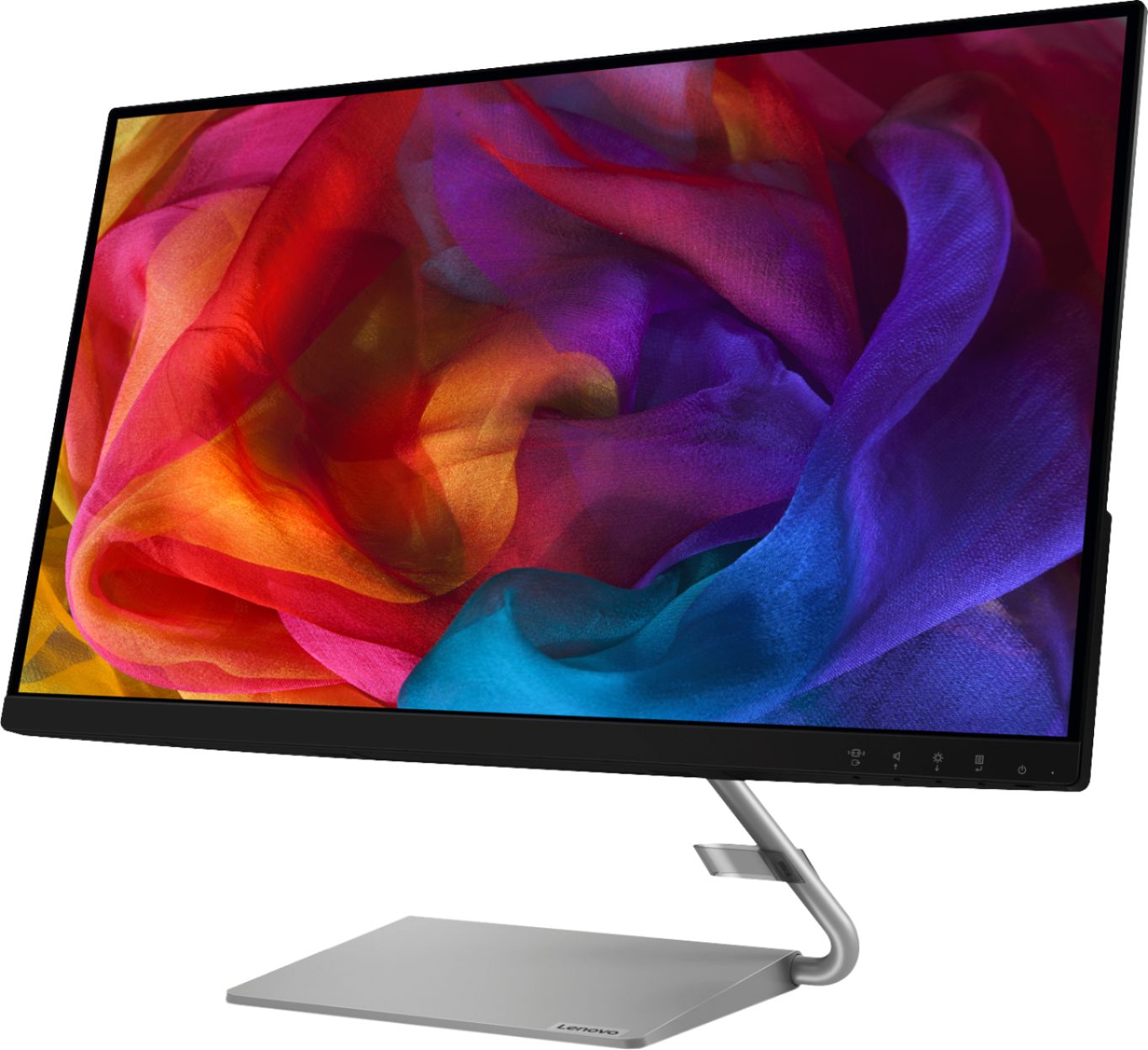
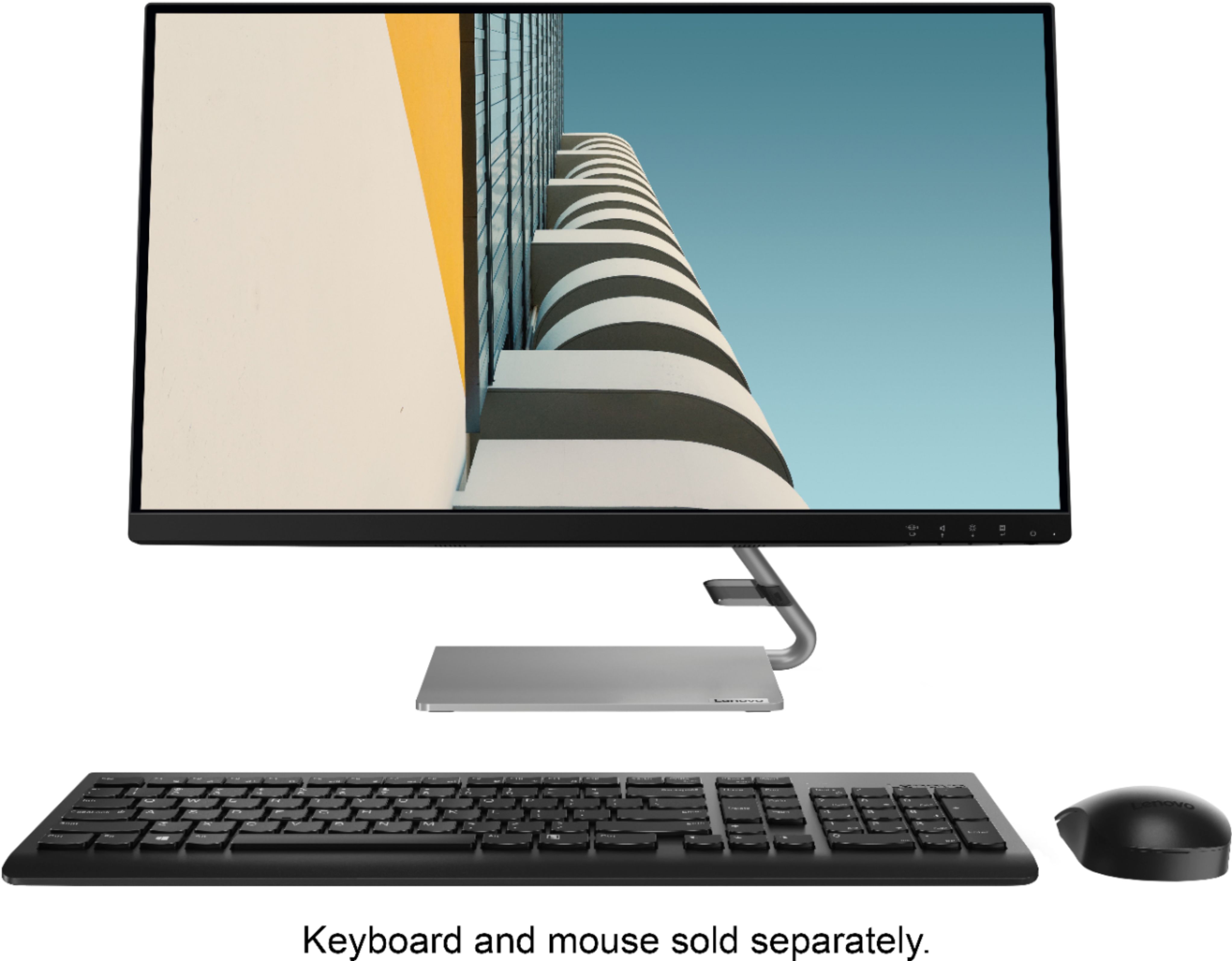
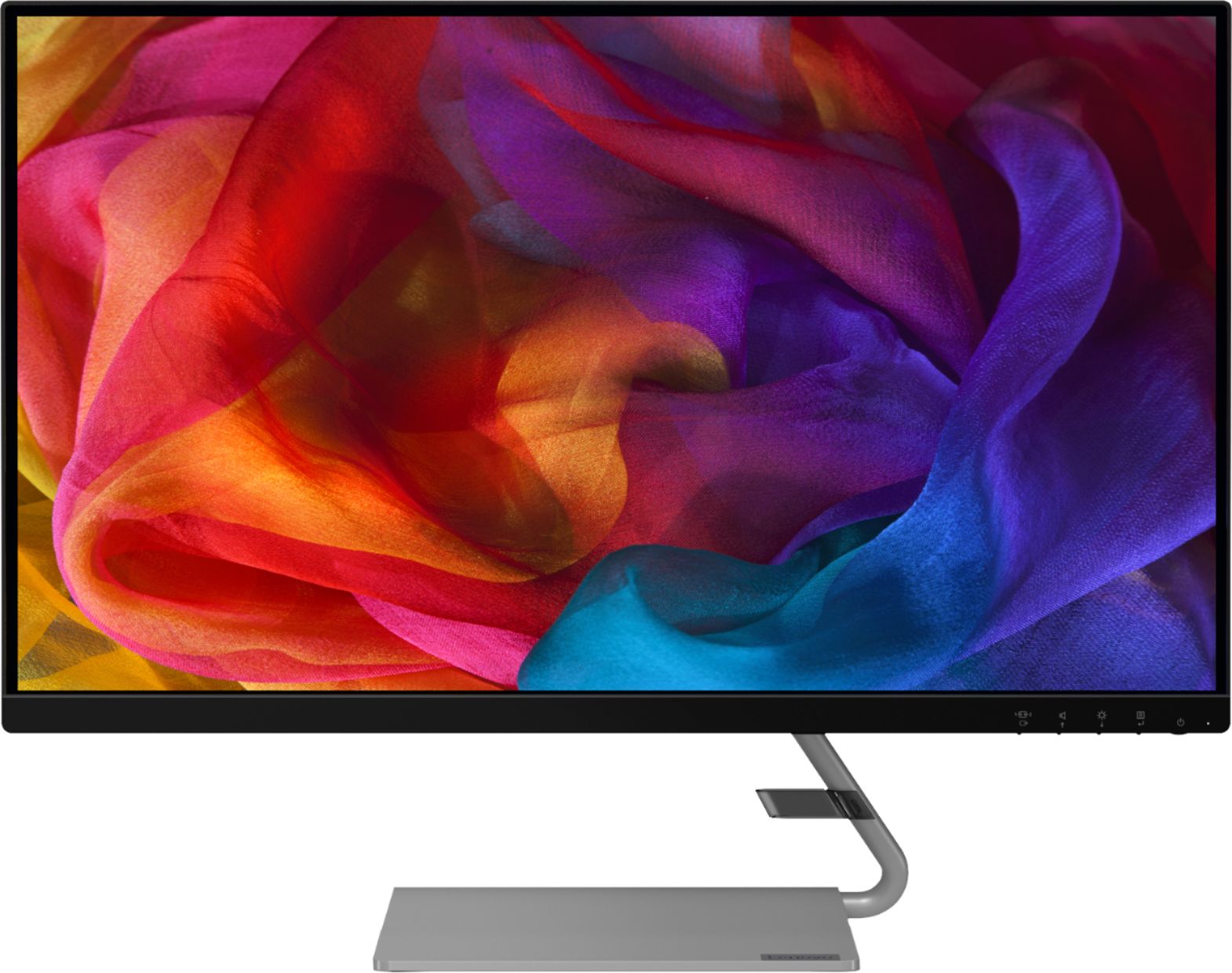
Q: QuestionIs this a computer or just the monitor
Asked by bair.
- A:Answer Just a monitor
Answered by hollywoodty
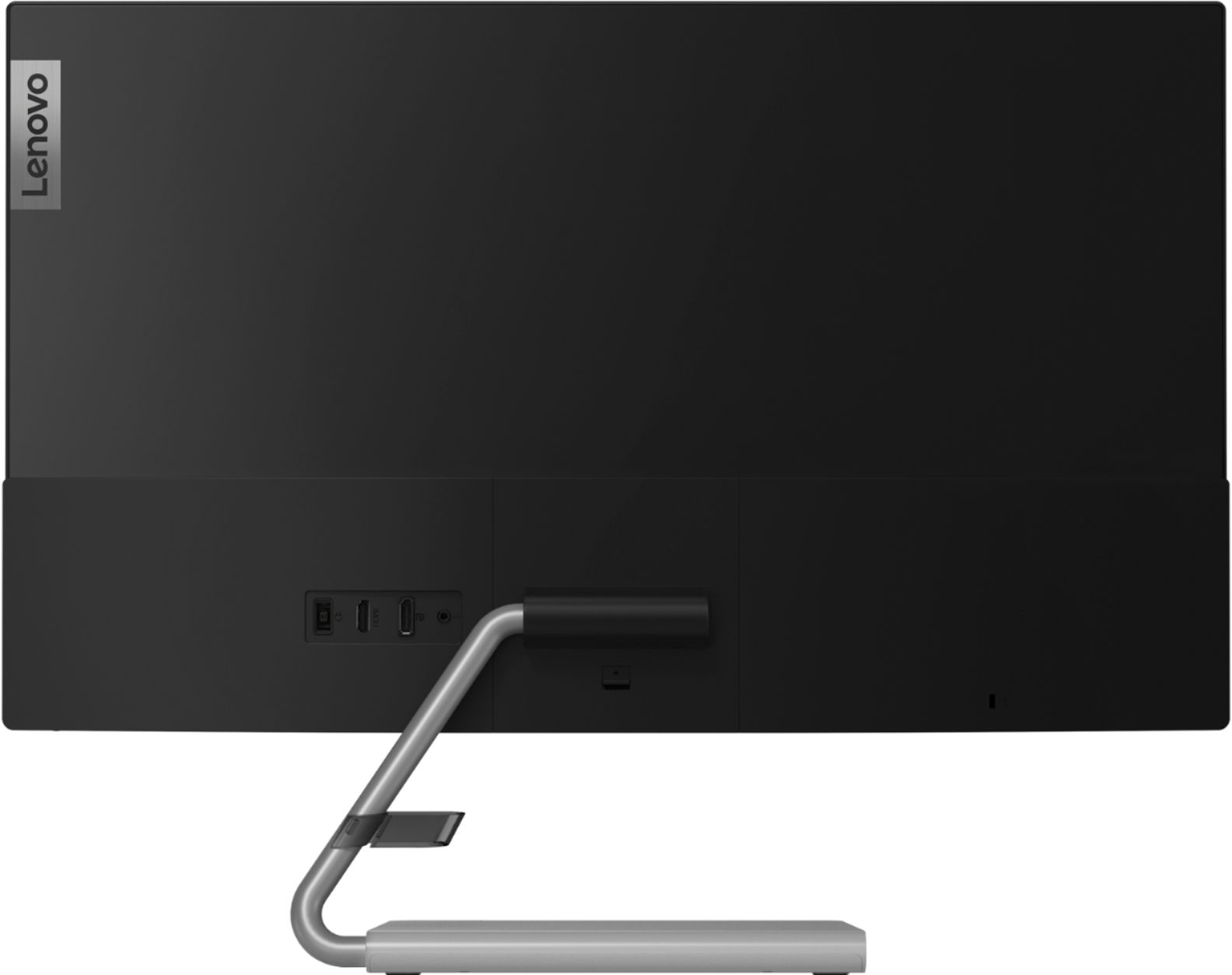
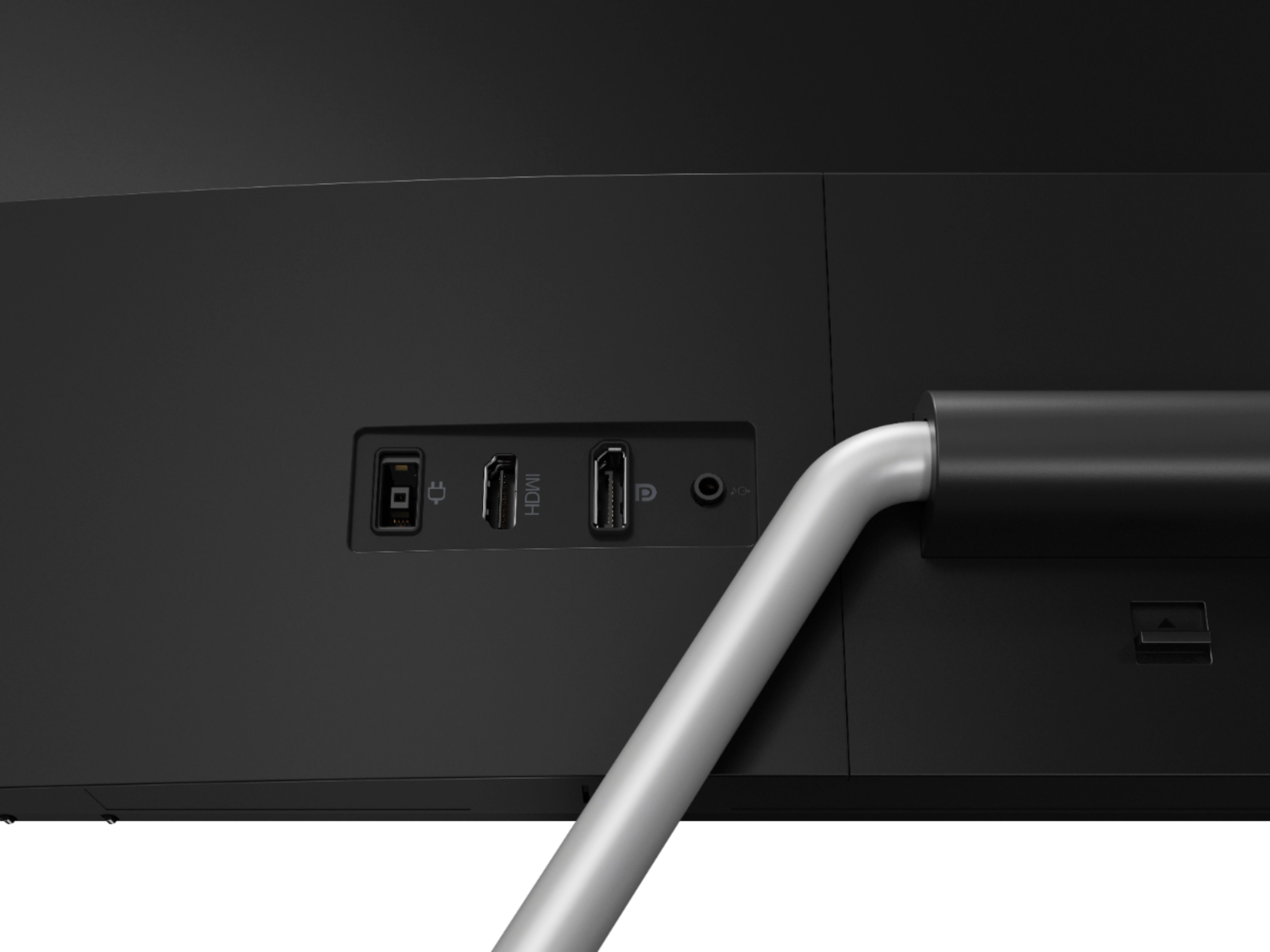
Q: QuestionHow do I get the sound to work or do I still need external speakers. I have a Thinkpad 480s and I am using the Lenovo USA ThinkPad Thunderbolt 3 Dock Gen 2 135W (40AN0135US)
Asked by DMartin.
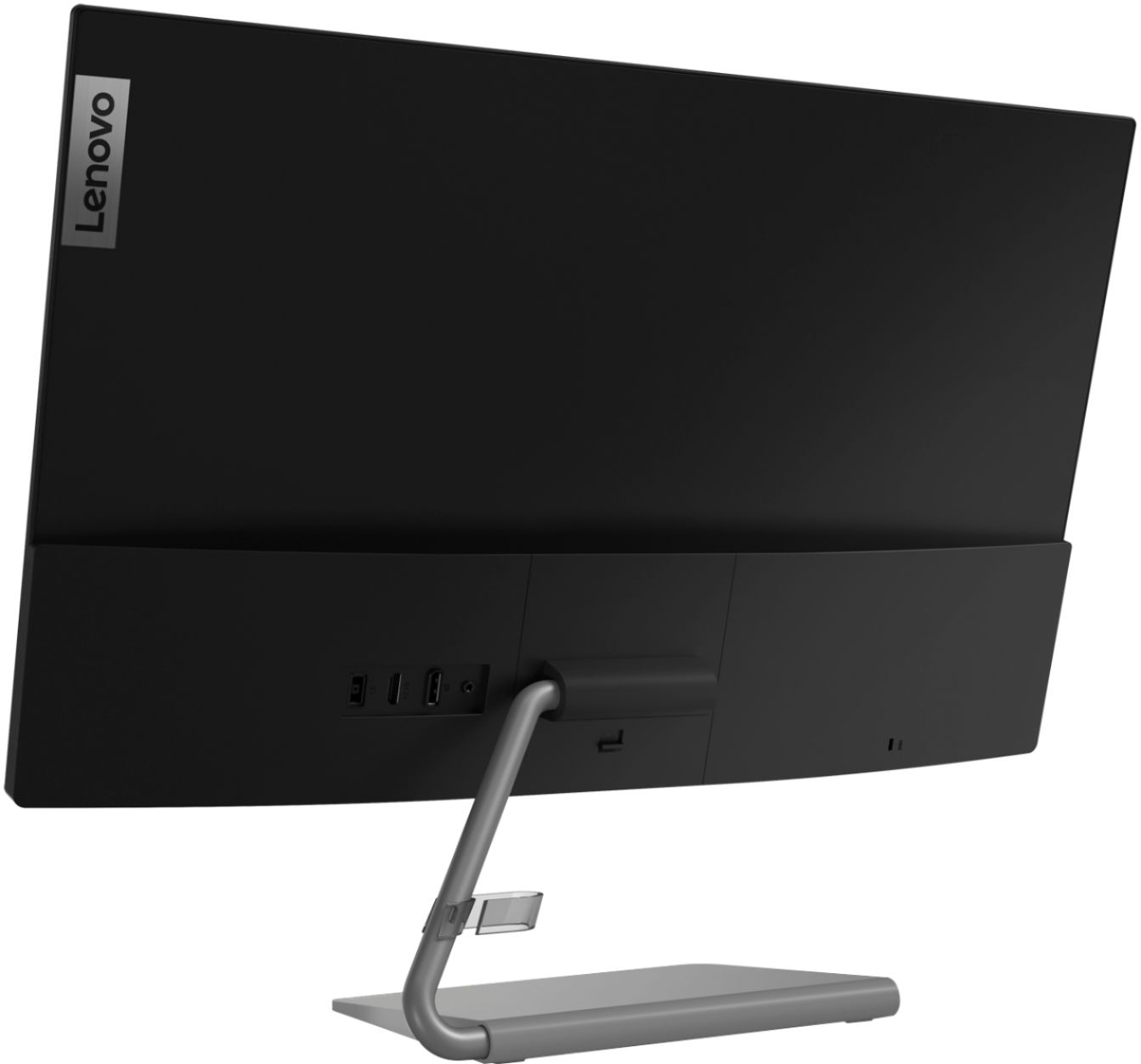
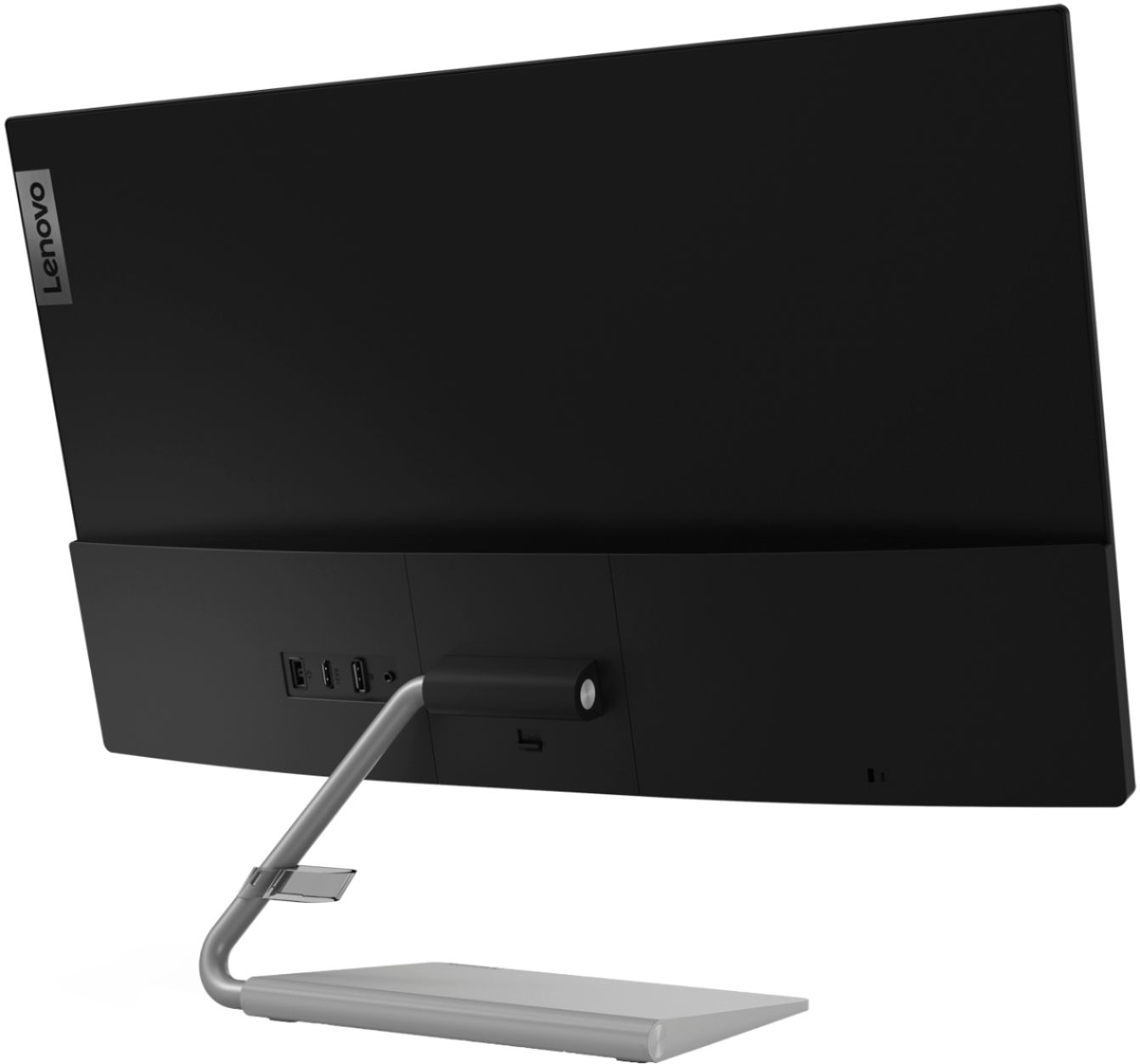
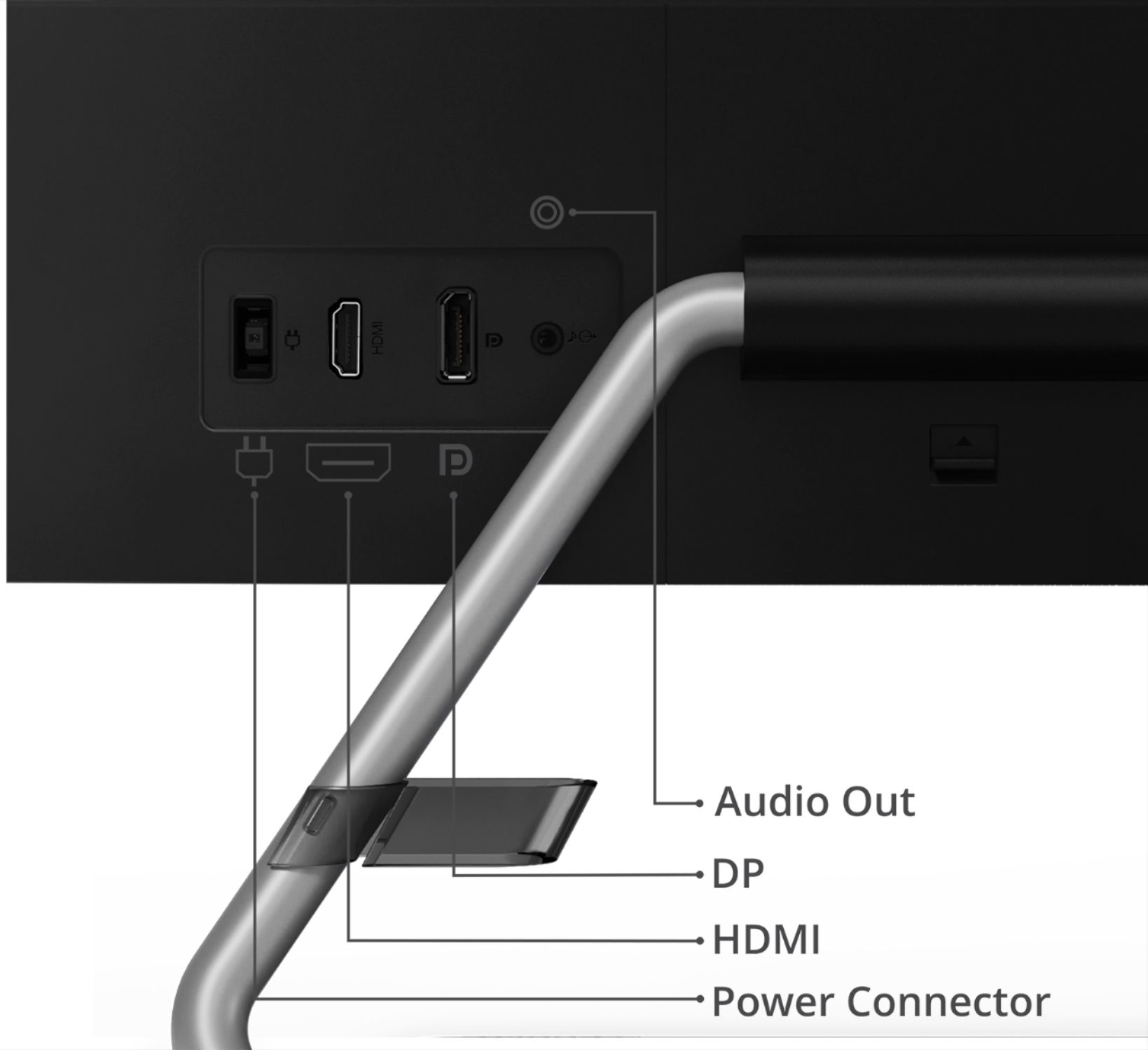
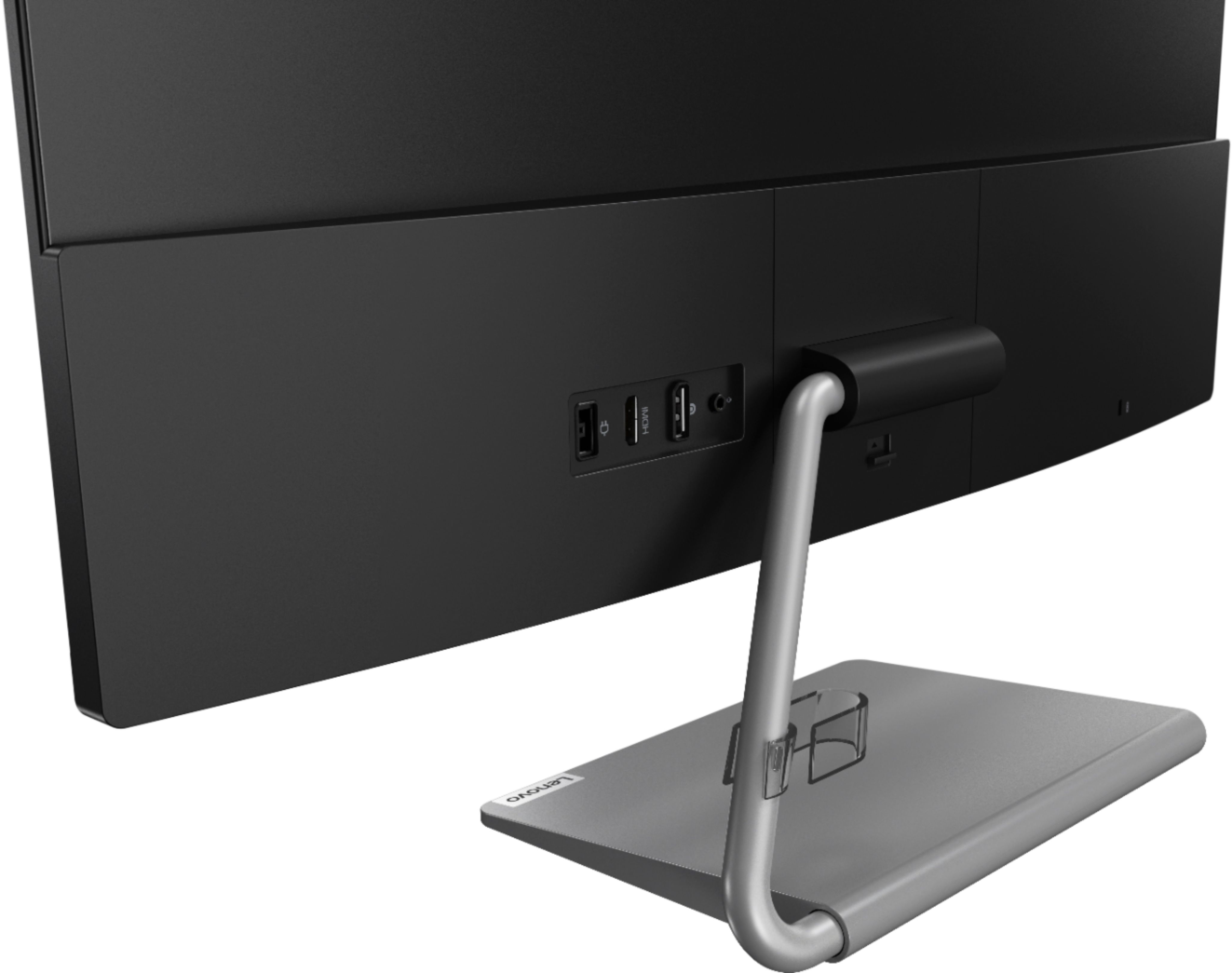
- A:Answer You will need to connect the ThinkPad 480s via a 3.5mm audio cable to the back of the monitor through the 3.5mm jack on the back of the monitor to generate audio. If you continue to have issues, we recommend you contact lenovo Tech Support for monitors, at: 866-426-0911.
Answered by Lenovo Product Expert

Q: QuestionIs this monitor g-sync compatible?
Asked by raybone.
- A:Answer It has Freesync by AMD not G-Sync which is Nvidia I believe
Answered by MR2TOBY
Q: QuestionCan this be mounted on a Vesa mount?
Asked by Tansh.
- A:Answer Yes. The Lenovo Q27q-1L Monitor model number 66C1GCC3US, is compatible with a 100 x 100 mm format VESA Mount. This mount is sold separately.
Answered by Lenovo Product Expert

Q: QuestionHi, I recently received my monitors and I ordered the wrong connection port to attach the two monitors. What do you recommend I buy to be able to connect the two screens?
Asked by DanG.
- A:Answer In order to use two of these monitors with a work-provided laptop, we employed a docking station. It interfaces to the computer using a USB-C connection, then the monitors connected to it using Display Ports, though HDMI was also an option. Look for a docking station that indicates it would be compatible with your computer, and provides your preferred type of digital video output. The safest option would always be if you could find one that's the same brand as your computer.
Answered by Blatherer
Q: QuestionDoes this have a built in camera?
Asked by Lenova27.
- A:Answer No. It doesn't have any camera
Answered by Sandeep
Q: QuestionWill this work with a MacBook Pro?
Asked by SONYOLEDBravia.
- A:Answer That really will depend on the requirements and compatibility of the specific model computer you want to connect to the monitor. The Lenovo Q27q-1L Monitor is Operating System independent and it connects to a compatible computer via either DisplayPort 1.2 version or HDMI 1.4 version port. We recommend you check with your computer manufacturer's web site for the compatibility and requirements of your specific model computer, then compare those requirements and compatibility with this monitor's configuration.
Answered by Lenovo Product Expert

Page 1, Showing 1-11 of 11 questions
Most-viewed items
- $329.99$329.99The price was $469.99
- $149.00$149.00The price was $399.00
- $159.99$159.99The price was $179.99
- $1,149.00$1,149.00The price was $1,299.00
- $449.99$449.99The price was $649.99