Questions & Answers
- Model:
- 81V30000US
- |
- SKU:
- 6402114
Highly rated by customers for: Ease of use, Touch Screen, Price
Page Showing 41-60 of 129 questions
Q: QuestionWhat is the Zoom capability for this laptop? Is the picture clear? Thank you!
Asked by Chet.
- A:Answer The picture is clear, and ChromeOS will support zoom either through the browser or app download
Answered by 86smh
Q: Questioncan I run Windows 10 on this laptop
Asked by Anonymous.
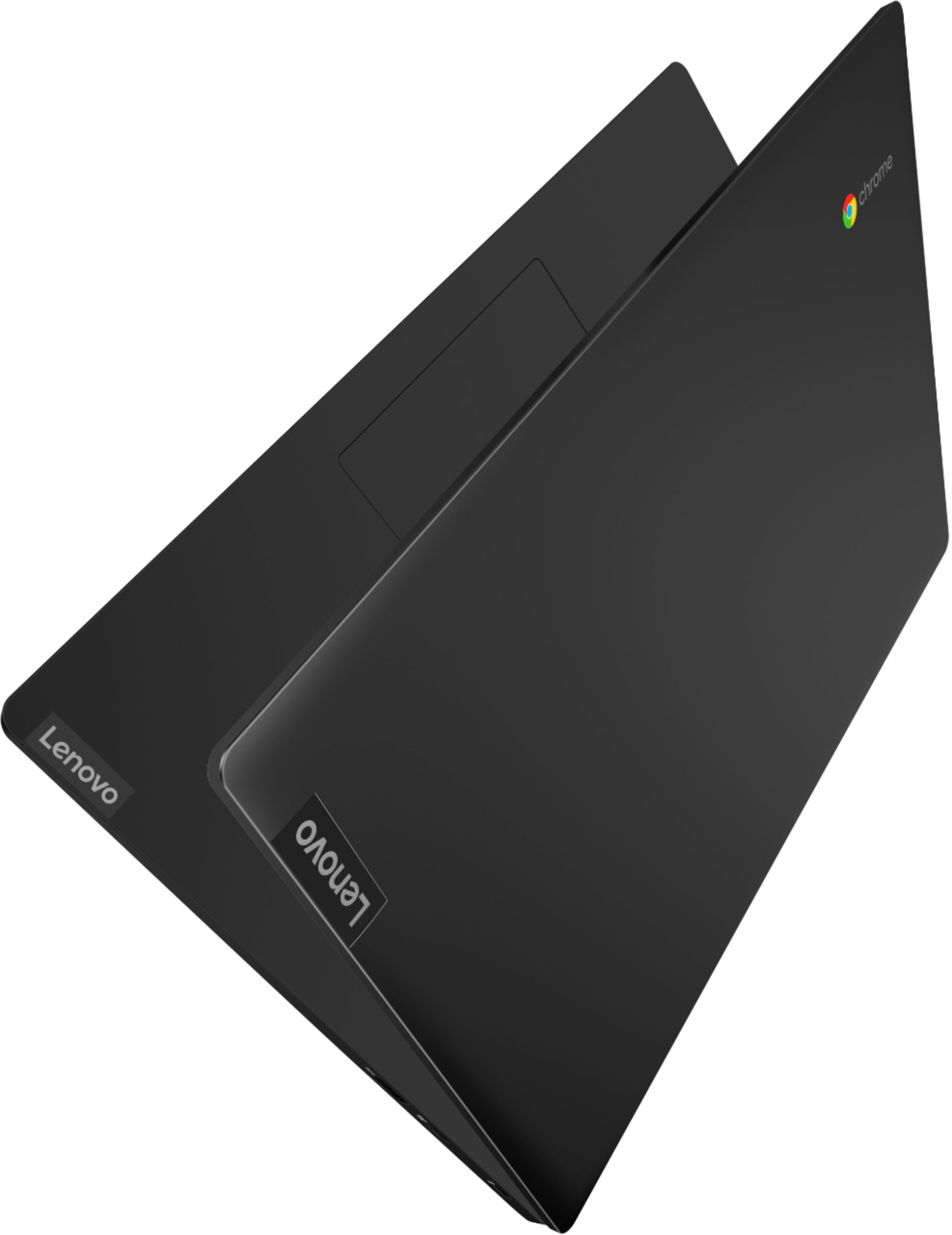
- A:Answer No, it's a chromebook
Answered by kenroc
Q: QuestionWould this work well for online college?
Asked by Heather.
- A:Answer I think it would... internet runs fast, files are stored in the cloud though google. Should work well for college and provides flexibility as they can pull up file on google on their phone. Best of luck!
Answered by Jsyb
Q: Questioncan this unit connect wirelessly to my local network?
Asked by Anonymous.
- A:Answer Yes
Answered by Iva97
Q: QuestionWill I be able to play Minecraft Java edition on this Laptop?
Asked by Bree.
- A:Answer That really will depend on the requirements and compatibility of the game you want to play. The S340-14 Chromebook ships with the Chrome Operating System and is compatible with Google Play Store APPs. We recommend you check with the game's software publisher's web site for their compatibility with the Chrome operating system and the minimum/recommended hardware requirements (Is a Graphics card required, the processor speed and the minimum required system RAM and the minimum available hard drive space) to run their program, then compare those requirements to this system's configuration.
Answered by Lenovo Product Expert

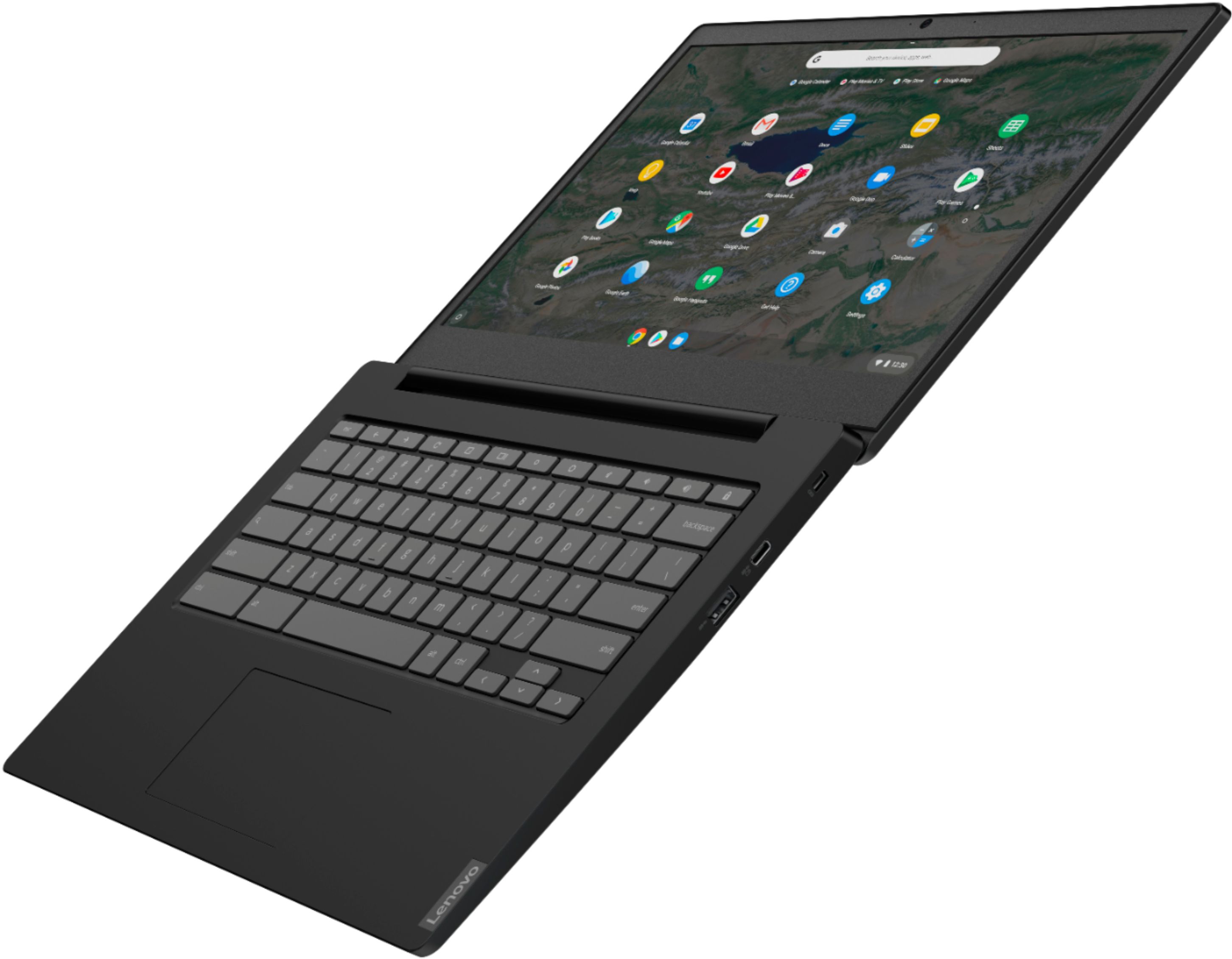
Q: Questionis the keyboard backlit
Asked by Nasus10.
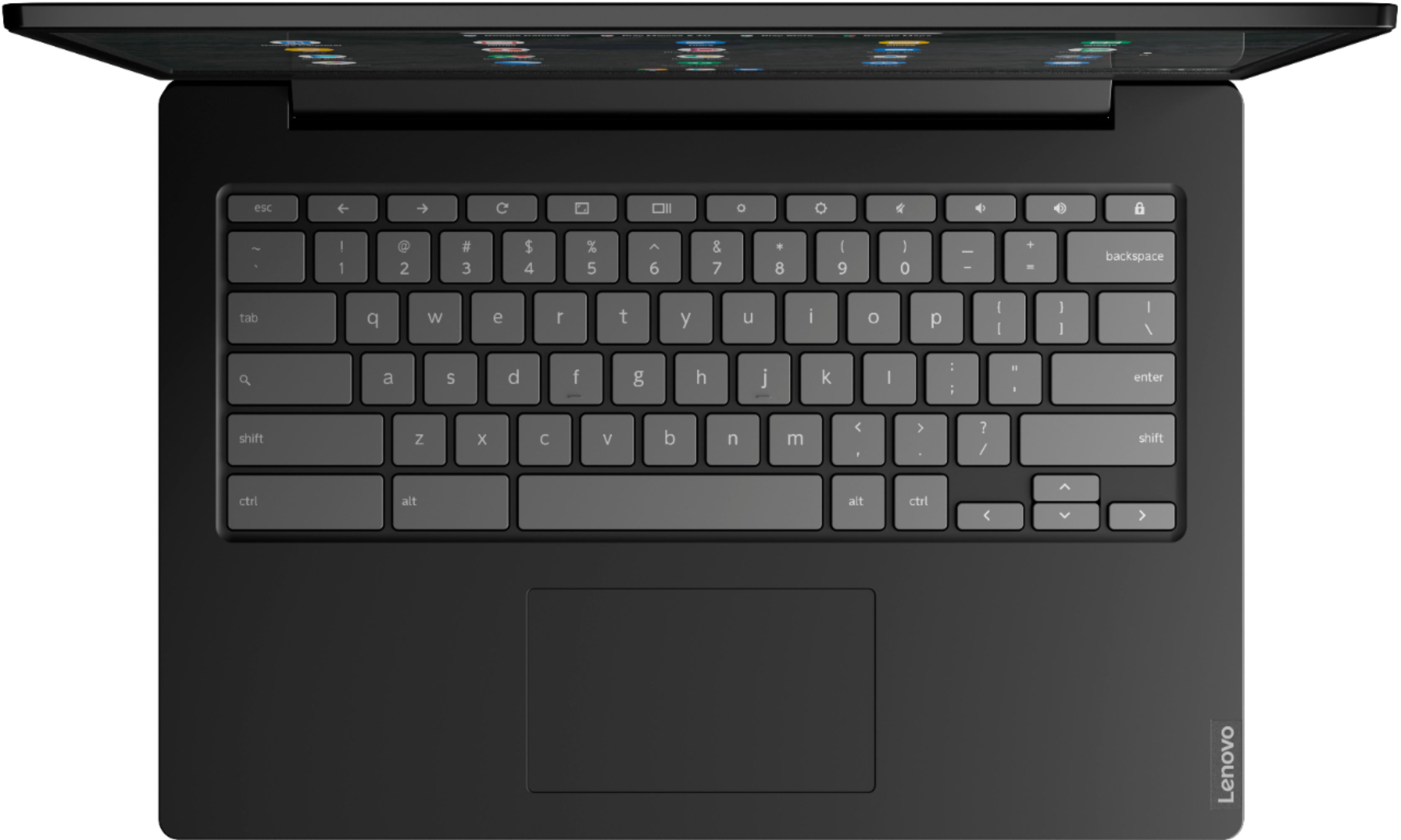
- A:Answer No. The Lenovo S340-14 Chromebook, model number 81V30000US, does not have a backlit keyboard.
Answered by Lenovo Product Expert

Q: QuestionCan you use this computer for a work at home computer to get Internet Microsoft.Are you able to get Microsoft edgeAnd Windows 7 Higher
Asked by Kay.
- A:Answer Not sure if I understand your question. If you are asking if you can add a Microsoft OS to Chromebook and have both ( which is theoretically possible) I don’t think there is enough HD space to have both systems loaded...with this particular laptop. If you NEED Microsoft as a requirement for your job...working at home...I would not recommend a Chromebook. Buy a laptop with a Microsoft OS.
Answered by Skip
Q: QuestionCan you transfer your data from old laptop
Asked by Cd1.
- A:Answer Yes. My son transferred old pics.
Answered by Silver
Q: QuestionCan CD's be burned on this via a portable burner?
Asked by lonewolf.
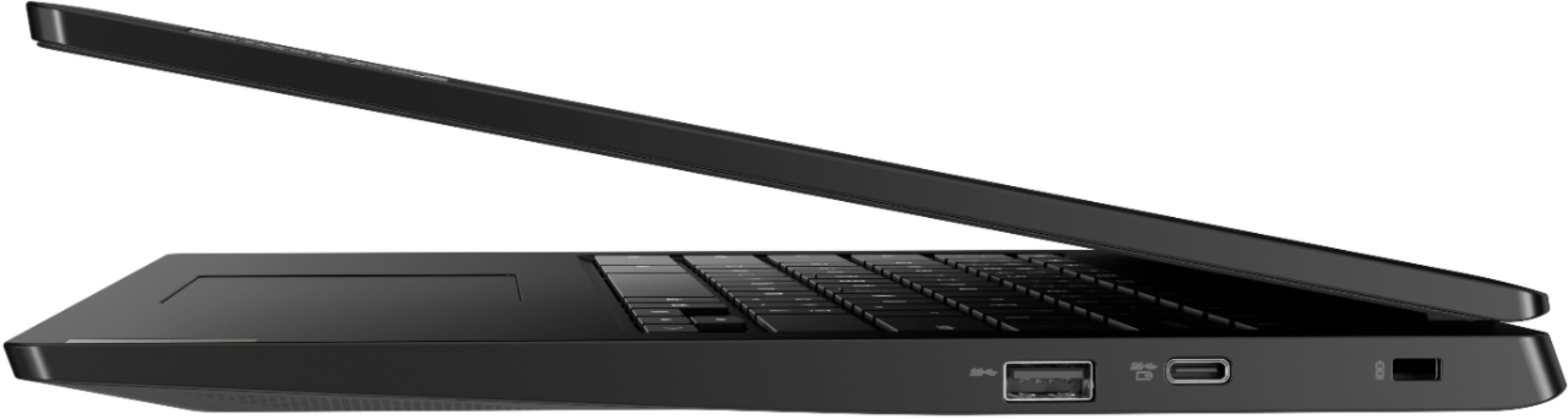
- A:Answer You can use an external USB CD/DVD drive with a Chromebook. There are some major limitations to using a Chromebook external DVD or CD drive. External devices are limited as to storage of readable files, and music and media files are not, without drivers, which cannot be installed on a Chromebook. Here is a link to more information: https://cbookreviewguide.com/chromebook-reviews/external-dvd-drive-for-chromebook/
Answered by Lenovo Product Expert

Q: QuestionCan you play DVD on it
Asked by Anonymous.
- A:Answer No, it does not have a DVD drive.
Answered by Psychlops924
Q: QuestionDoes this lap top has office program built in?
Asked by abcd.
- A:Answer Not MS Office, but it is integrated with the whole Google suite of word processor, spreadsheet, calendar, etc.
Answered by turtle81
Q: QuestionDoes the s340 have a voice assistant?
Asked by Sue.
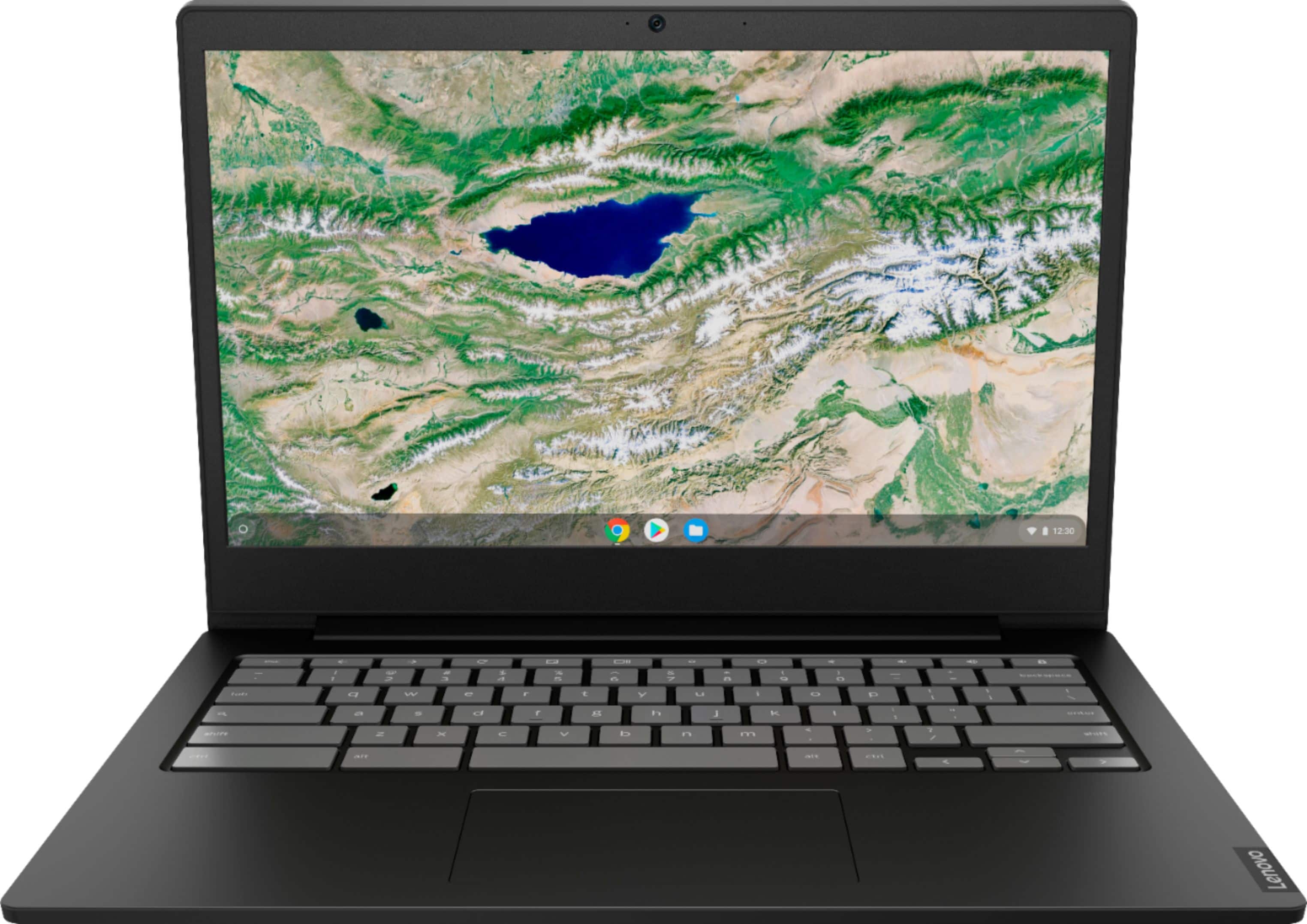
- A:Answer The Lenovo S340-14 Chromebook ships with Google Assistant. Get more done fast with the Google Assistant on your Chromebook S340. Send an email, find documents, listen to music, access your calendar, or control smart home devices, all without switching screens. Just say Hey Google to get started.
Answered by Lenovo Product Expert

Q: Questiondose it have a back lite key board?
Asked by fushia.
- A:Answer No, the keyboard is not backlit
Answered by Psychlops924
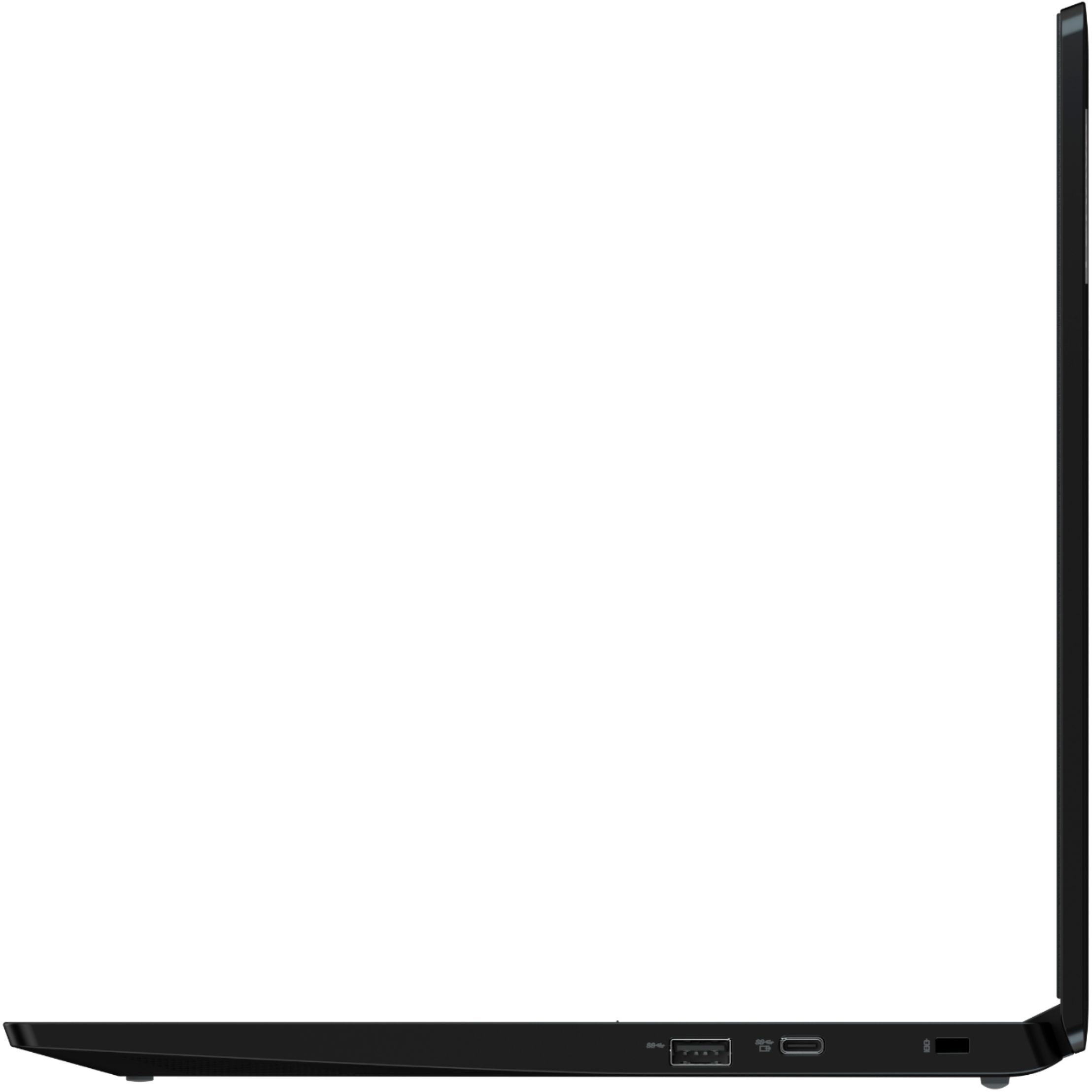
Q: QuestionCan this laptop be charged with a USB C cable and a portable power bank or a normal USB charging outlet plug.
Asked by TomC.
- A:Answer I charged mine from a regular phone charger but it warned that it would be slow and that it probably wouldn't charge properly if the screen was on. It was fully charged from 80% the next morning but I can't tell you how long that took.
Answered by FloridaPhil
Q: QuestionIs the system memory 4 or 8 GB? Can it be upgraded if it is 4? Is the storage 32 or 64 GB? Can it be upgraded?
Asked by Anonymous.
- A:Answer No. Both the 4GB RAM and the 32GB eMMC solid state hard drive are soldered to the motherboard.
Answered by Lenovo Product Expert

Most-viewed items
- $1,299.99$1,299.99The price was $2,999.99
- $329.99$329.99The price was $469.99
- $149.00$149.00The price was $399.00
- $249.99$249.99The price was $379.99
- $449.99$449.99The price was $649.99
- $199.99$199.99The price was $349.99