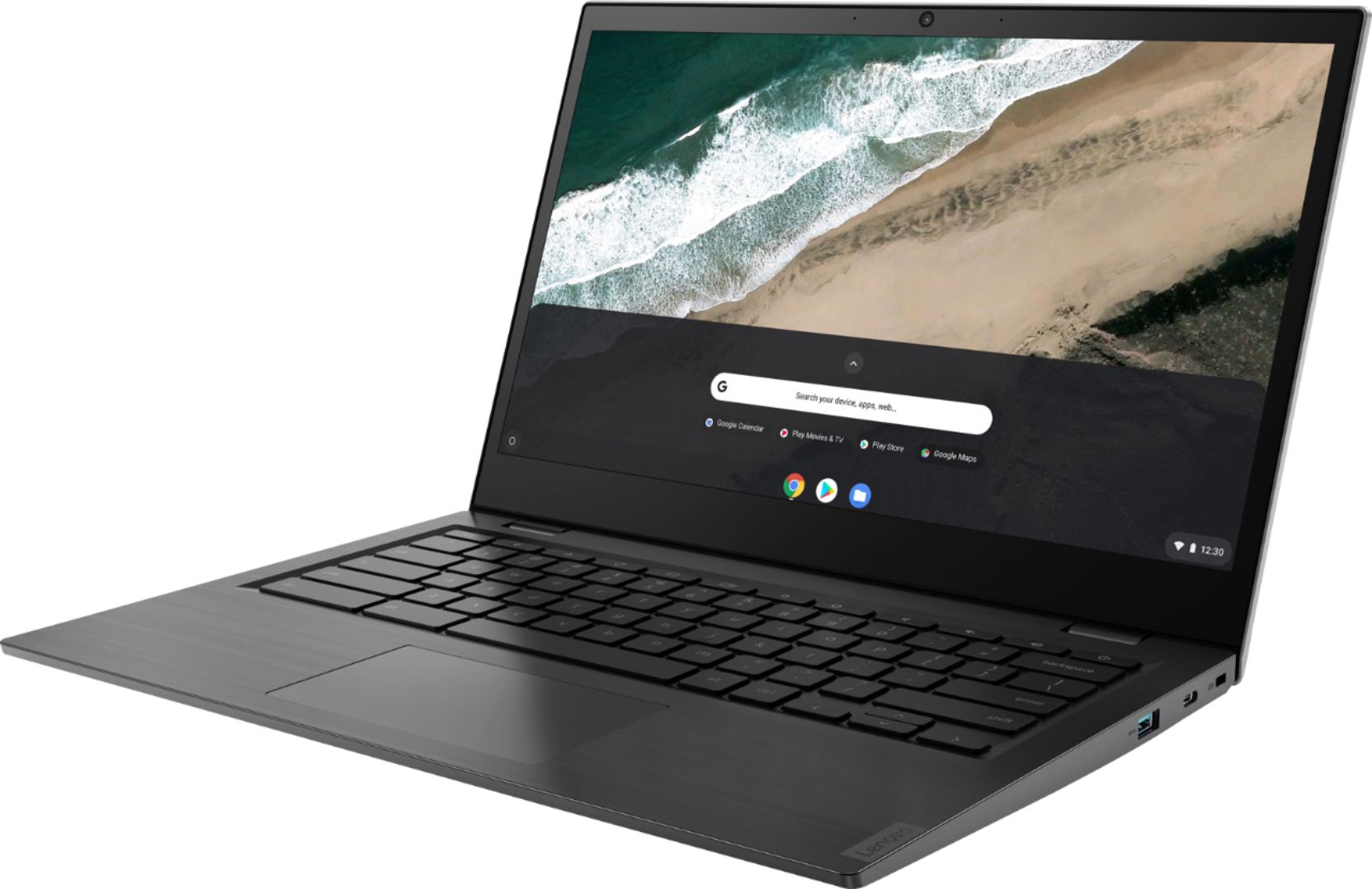
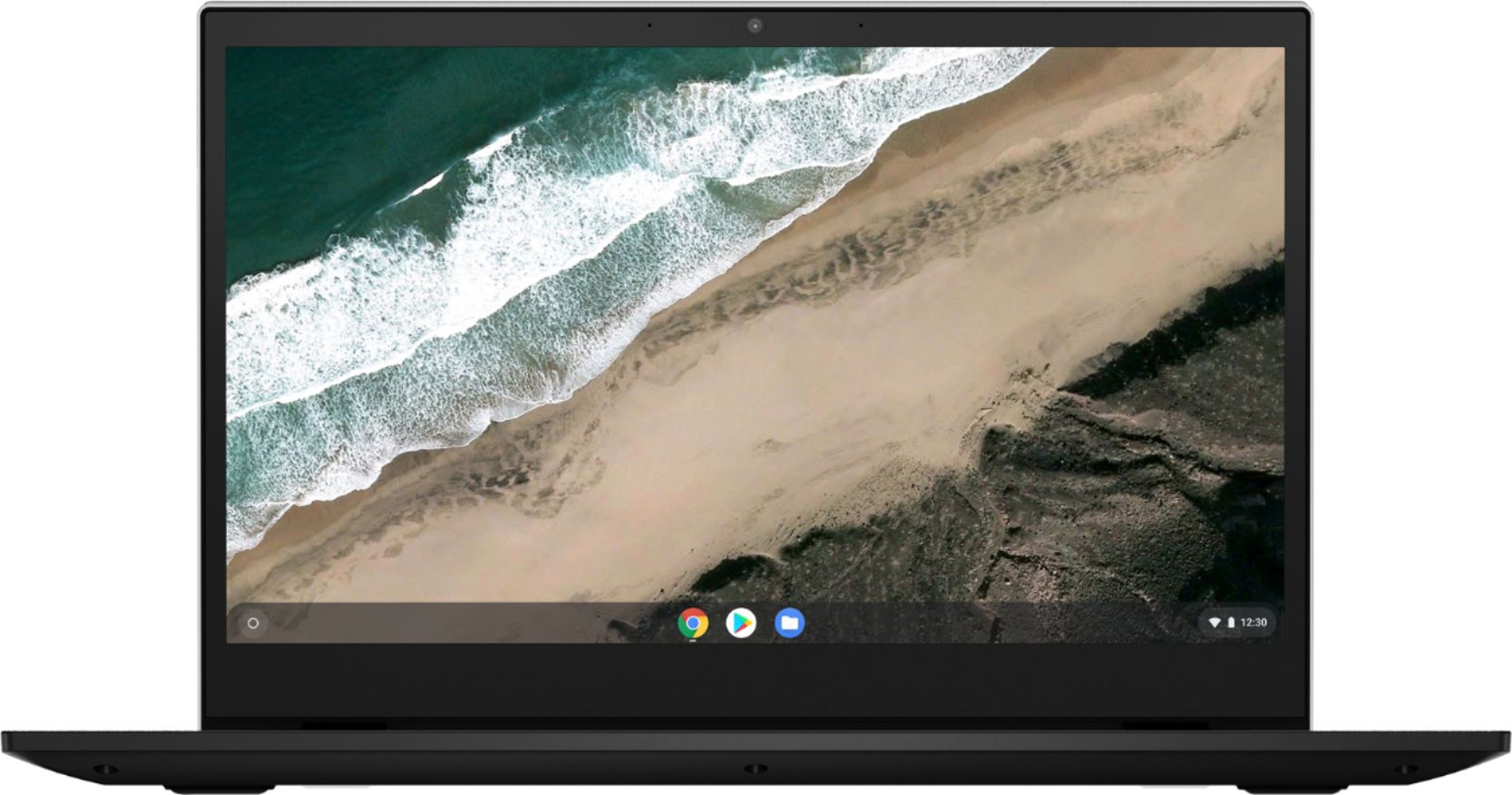
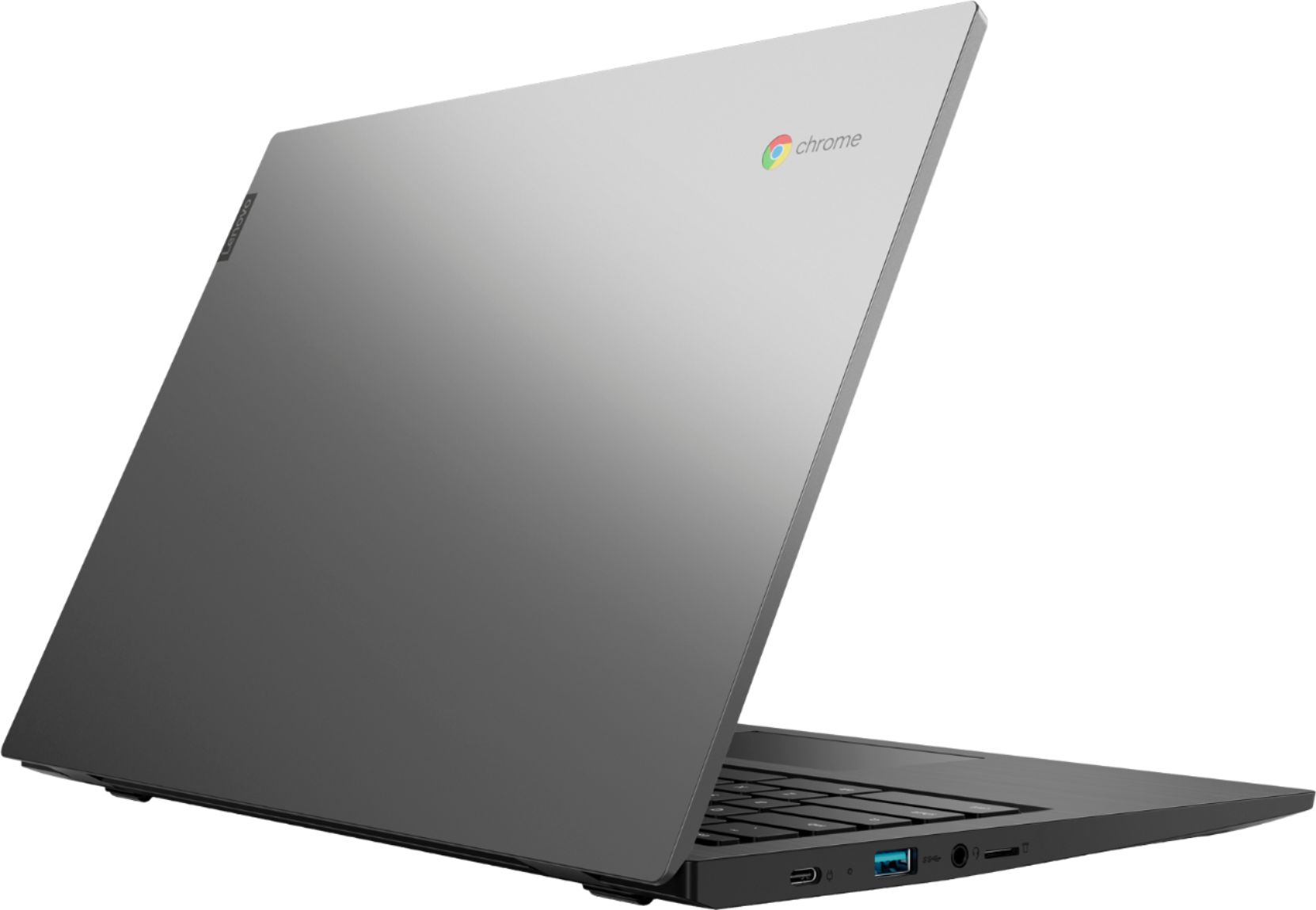
A:AnswerThe Lenovo S345-14 Chromebook, model number does ship with a 720p (HD) webcam. It is possible that the APP you are using the camera with can only support 480p. Try using your webcam offline, with the camera APP within the Chrome Operating System. Here is a link to instructions for doing this: https://support.google.com/chromebook/answer/4487486?hl=en. Your camera should show a resolution of 720p (HD). Use the "Change Settings" instructions if you need to make adjustments to the camera. If the issue continues, we recommend you contact Lenovo Tech Support for Chromebooks at: 800-426-7378.
A:AnswerNo. The Lenovo S345-14 Chromebook has 5G, 2x2 802.11AC frequency WiFi. It does not have Broadband/LTE capability. You can connect this device to a Broadband WiFi HotSpot though.
A:AnswerYes. Here is a link to instructions for connecting multiple monitors to this Chromebook: https://www.howtogeek.com/262282/how-to-connect-an-external-monitor-to-a-chromebook/
A:AnswerNo. The top cover is Aluminum. The rest of the case of the Lenovo S345-14 Chromebook is polycarbonate plastic. Here is a link to more details of this model: https://psref.lenovo.com/syspool/Sys/PDF/Lenovo%20Laptops/Lenovo%20Chromebook%20S345-14AST/Lenovo_Chromebook_S345-14AST_Platform_Specifications.pdf
A:AnswerThat will depend on the requirements and compatibility of the specific games you want to play. The Lenovo S345-14 Chromebook ships with the Chrome Operating System and is compatible with Google Play Store APPs. We recommend you check with the specific game's software publisher's web site for their compatibility with the Chrome operating system and the minimum/recommended hardware requirements (Is a Graphics card required, the processor speed and the minimum required system RAM and the minimum available hard drive space) to run their program, then compare those requirements to this system's configuration.
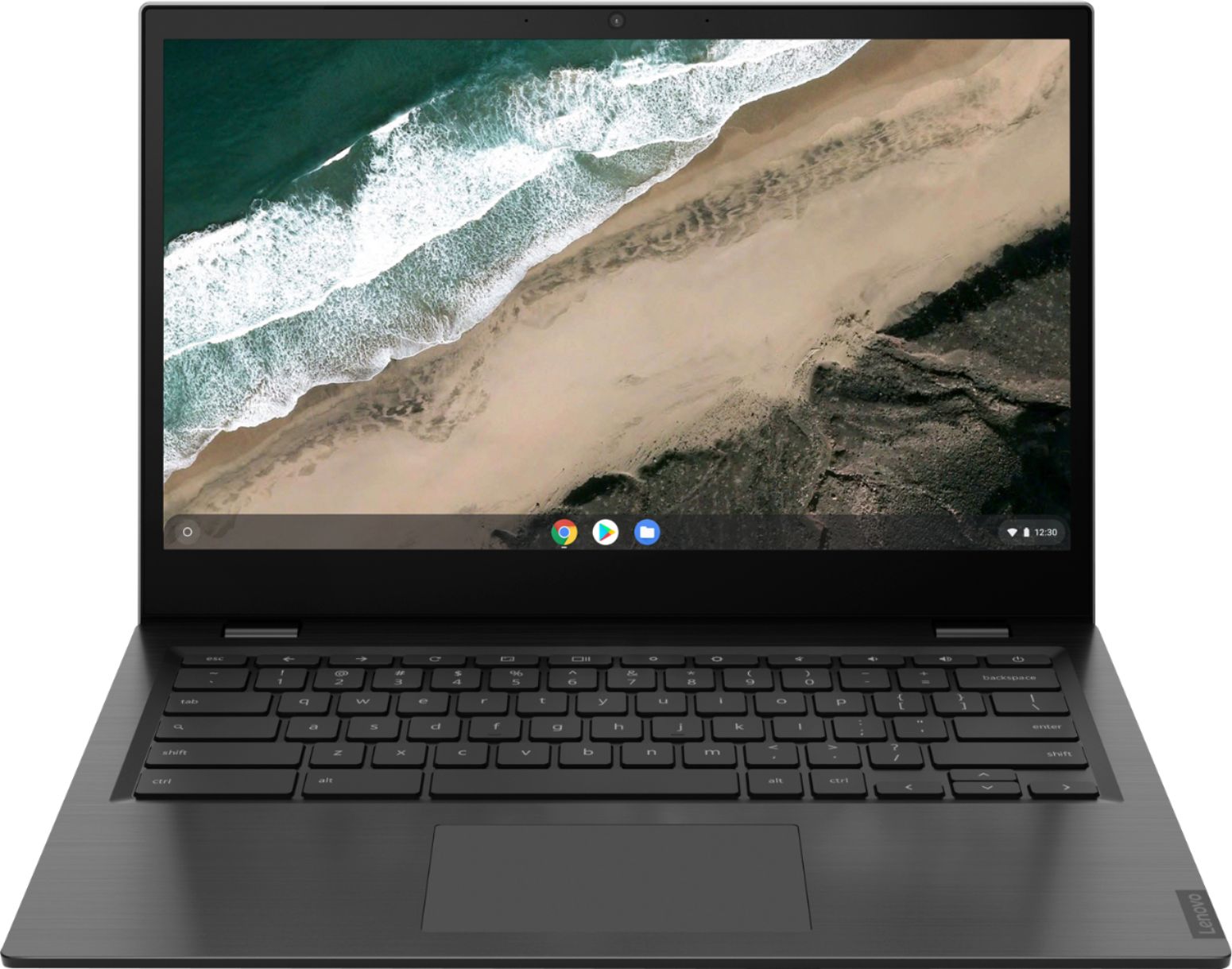
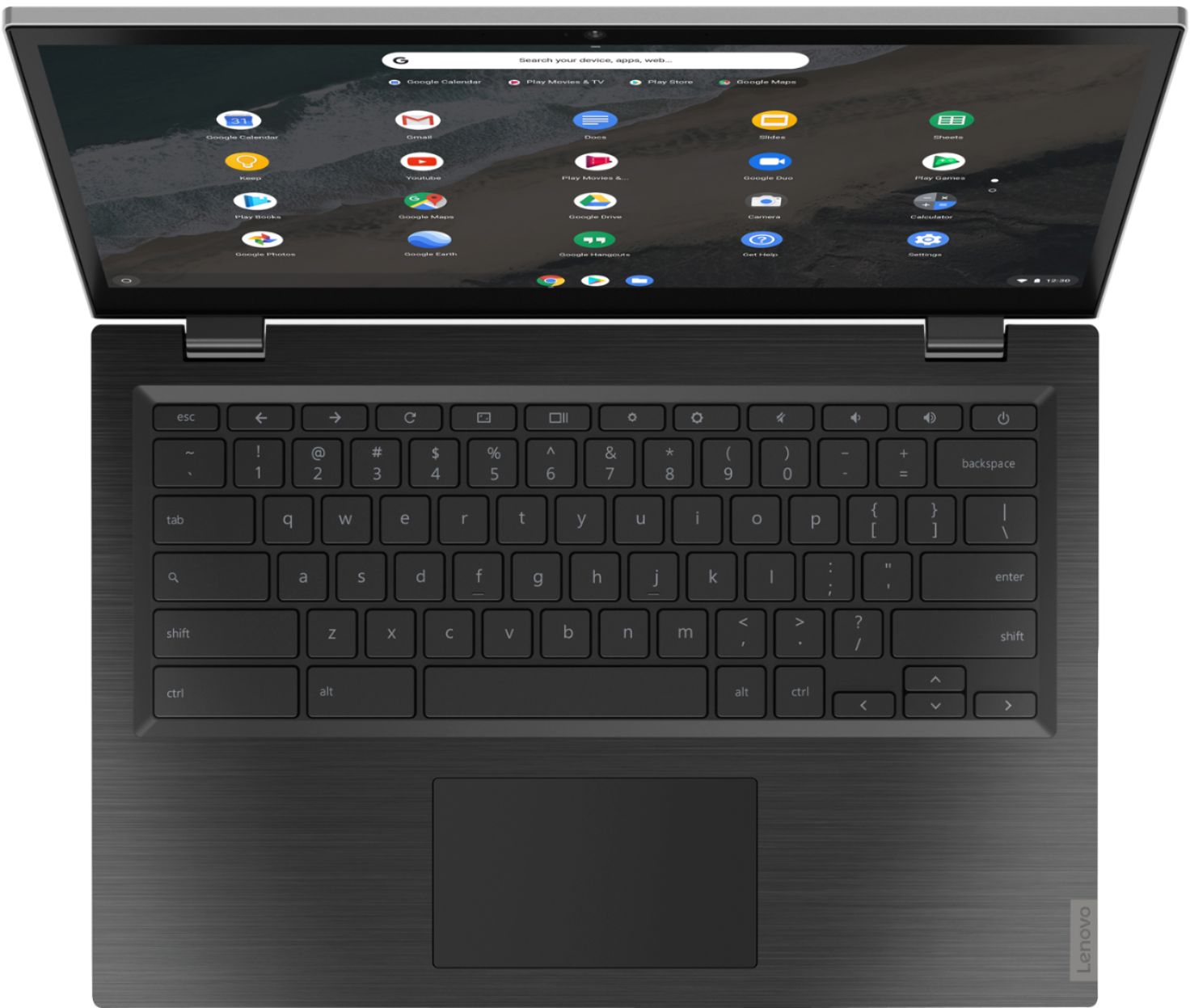
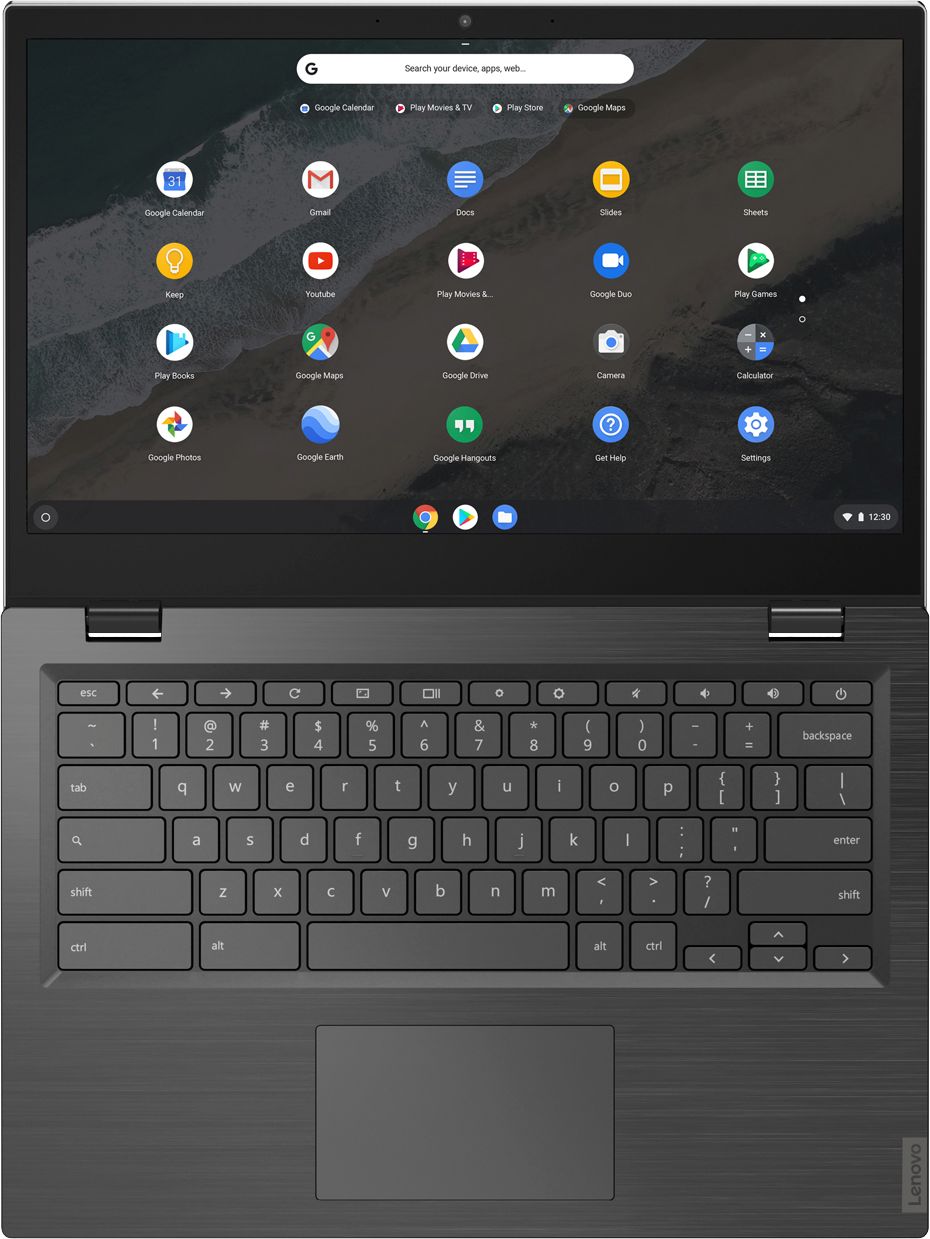
A:AnswerChromebooks do not have "Fn" keys.
Please do your research and look at the details of the item BEFORE you purchase to prevent something like this from happening in the future.
A:AnswerThat really will depend on the requirements and compatibility of the specific printer model. The Lenovo S345-14 Chromebook ships with the Chrome Operating System and is compatible with Google Play Store APPs. We recommend you check with your printer manufacturer for the requirements and compatibility of your specific printer model.
A:AnswerHere is a link to some tips for fixing a Chromebook touchscreen that is not working: https://www.lifewire.com/fix-non-working-touchscreen-on-chromebook-4845822. If the issue continues, we recommend you contact Lenovo Tech Support for Chromebooks for additional help at: 800-426-7378.
A:AnswerThe Lenovo S345-14 Chromebook model number 81WX0000UX, ships with the Chrome Operating System and is compatible with Google Play Store APPs. We recommend you check with the specific APPs software publisher's web site or the hardware manufacturer's website that you want to use with this Chromebook, for their compatibility with the Chrome operating system and the minimum/recommended hardware requirements (Is a Graphics card required, the processor speed and the minimum required system RAM and the minimum available hard drive space) to run their program, then compare those requirements to this system's configuration.
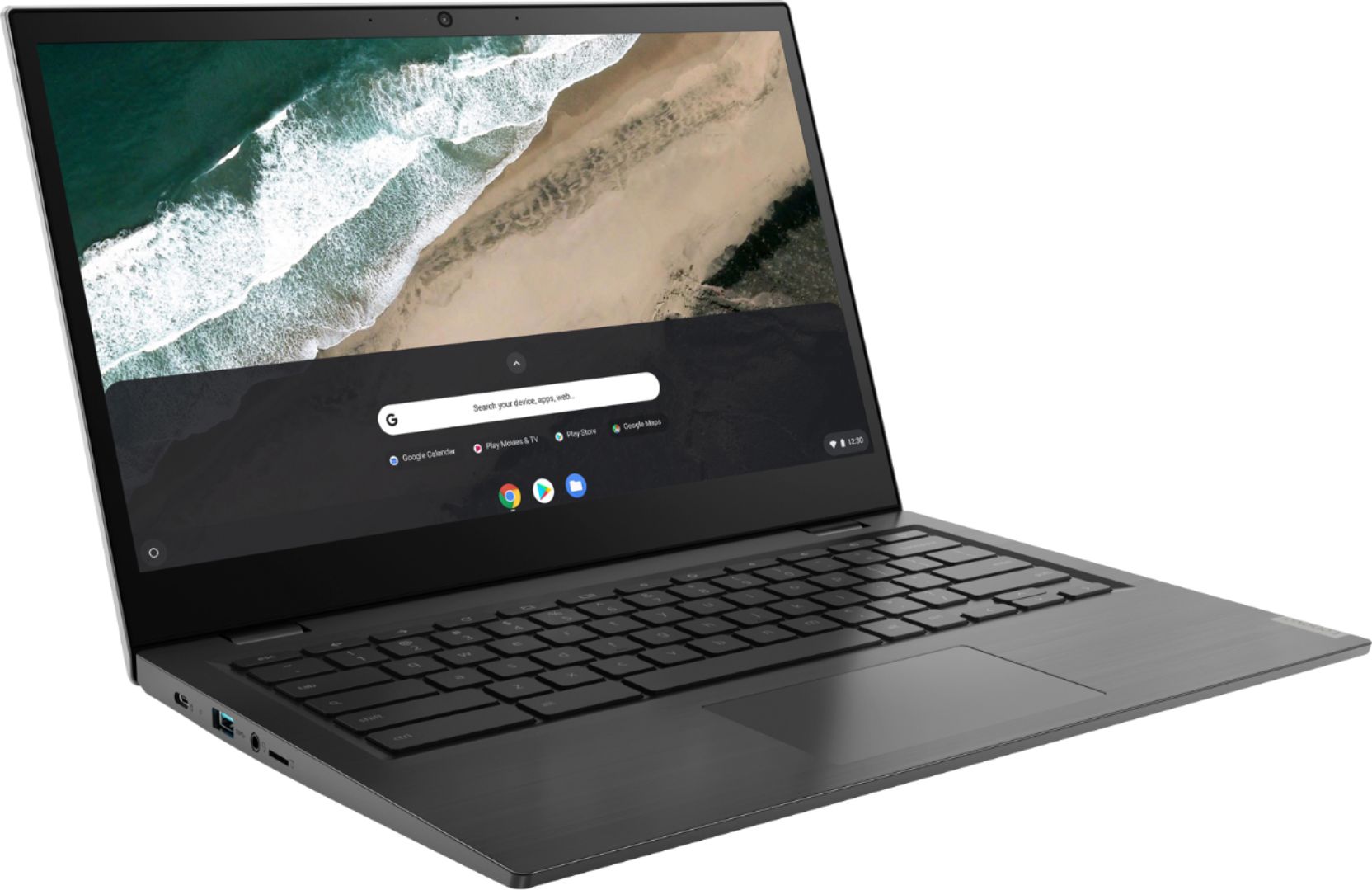
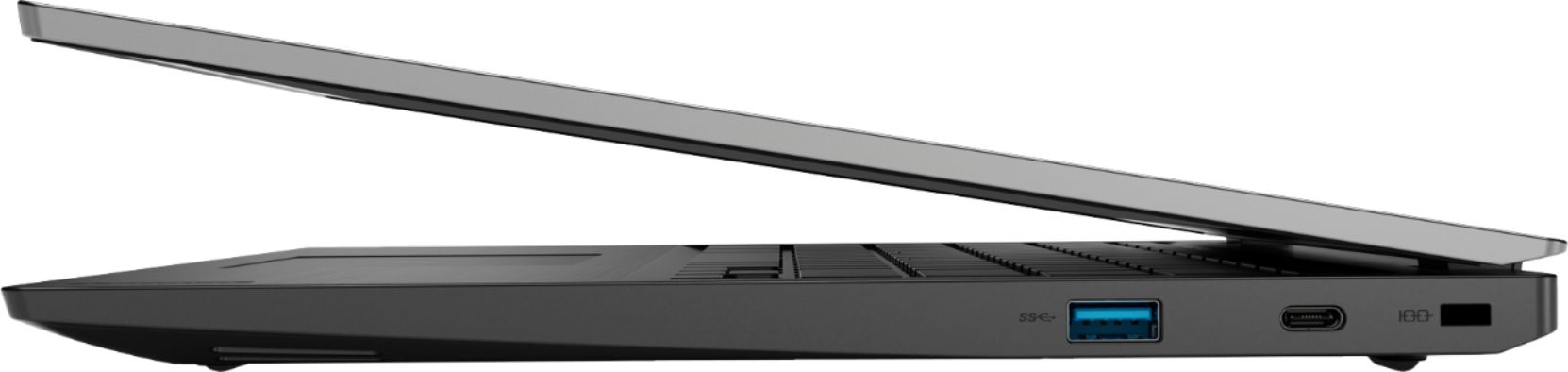
A:AnswerAlthough the Lenovo S345-14 Chromebook has no built in ethernet port, you can connect this Chromebook to an ethernet cable by using a USB to ethernet adapter like this one: https://www.bestbuy.com/site/insignia-usb-to-ethernet-adapter-white/6418345.p?skuId=6418345