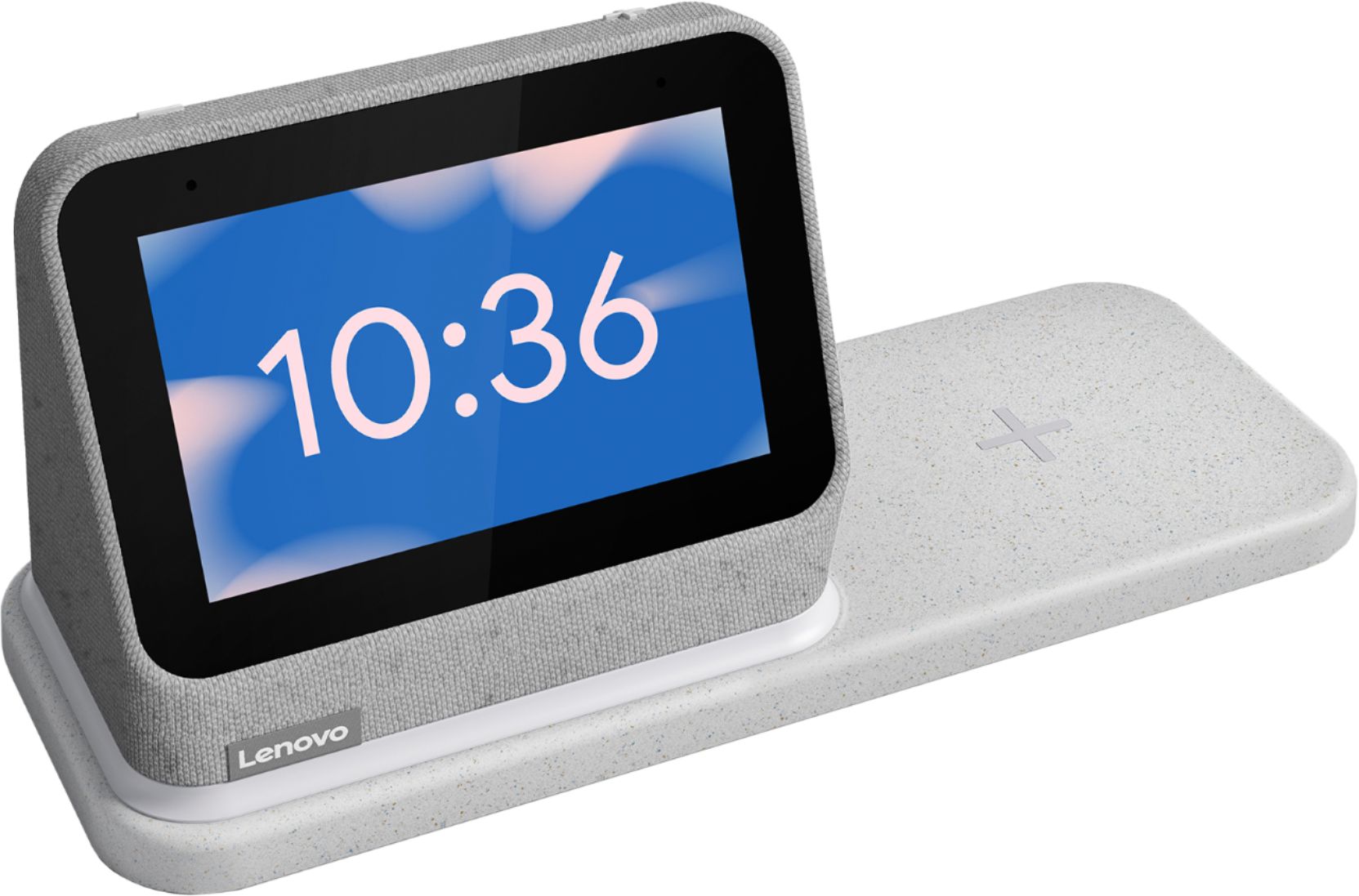
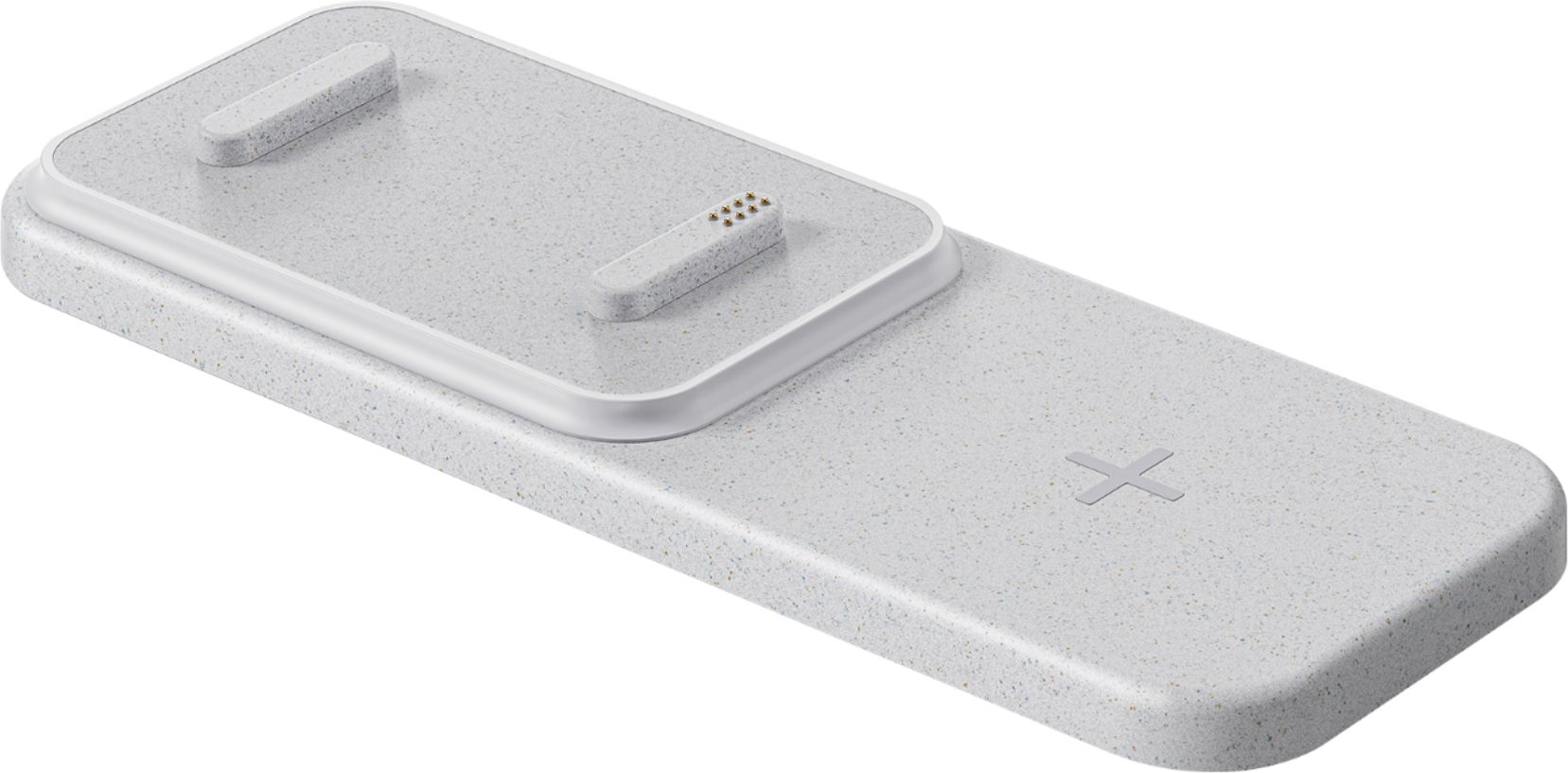
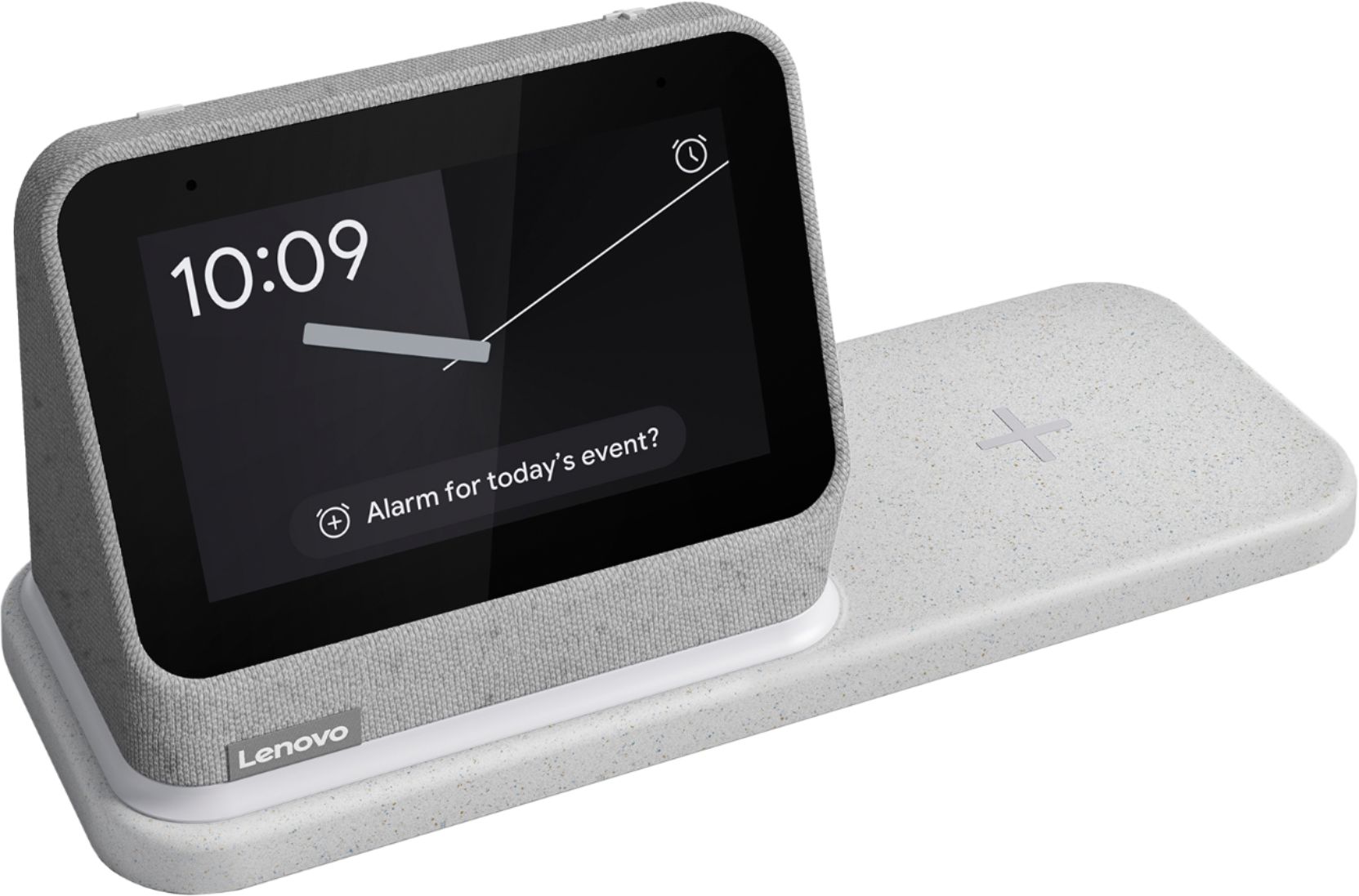
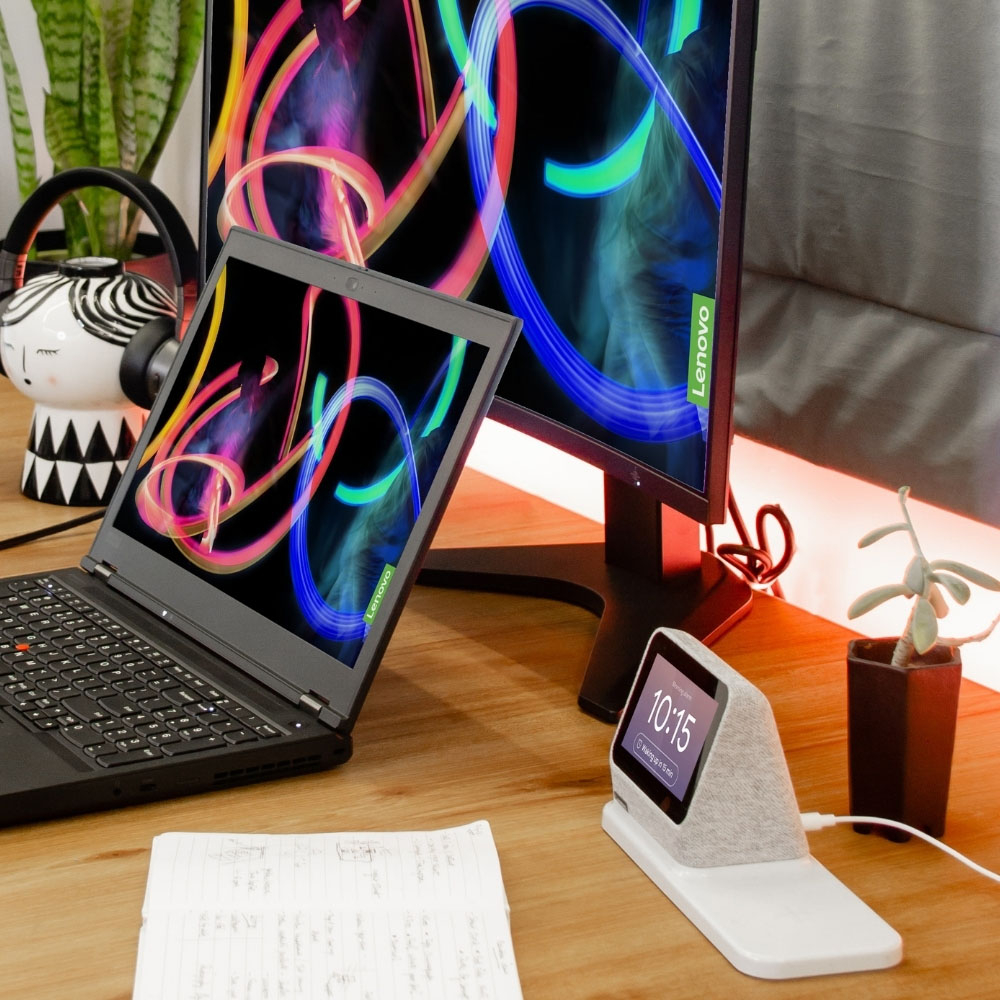
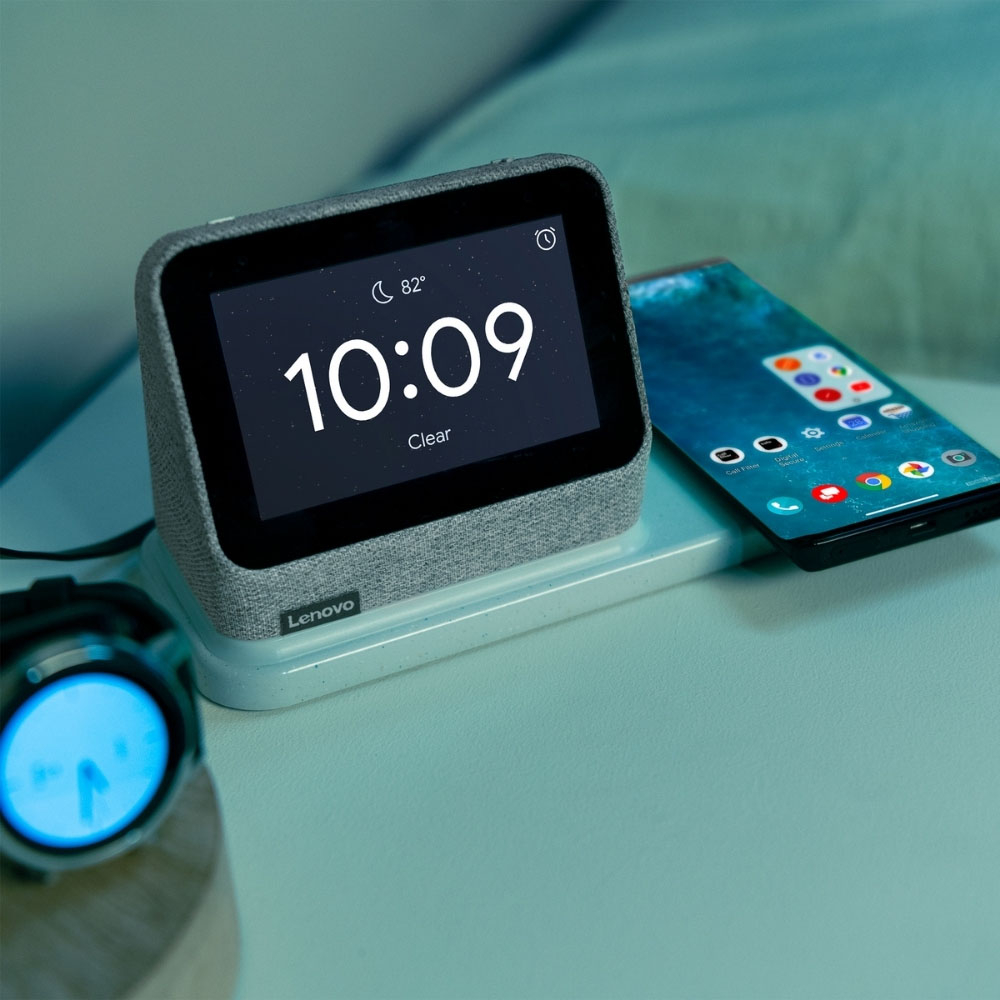
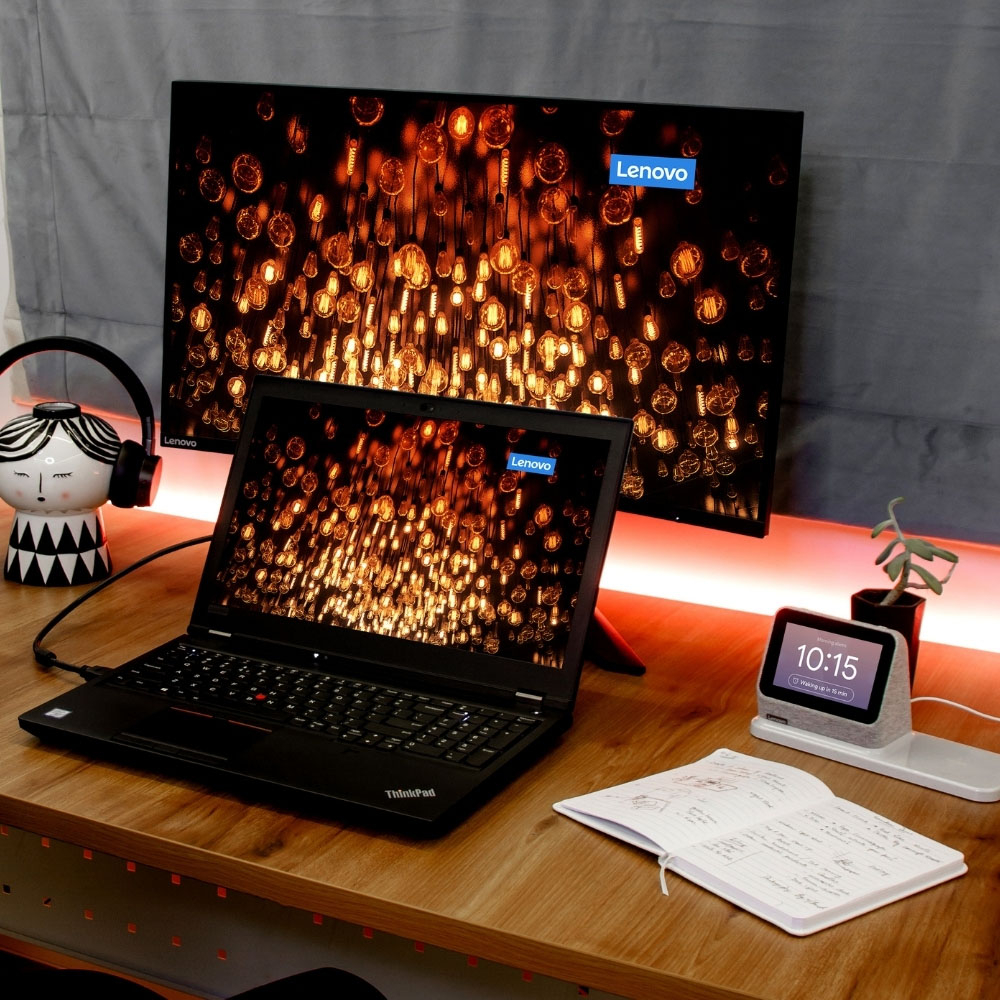
A:AnswerThe charging base of the Lenovo Smart Clock 2 must have the Smart Clock 2 attached to the charging base to provide power to the charging base for it to operate.
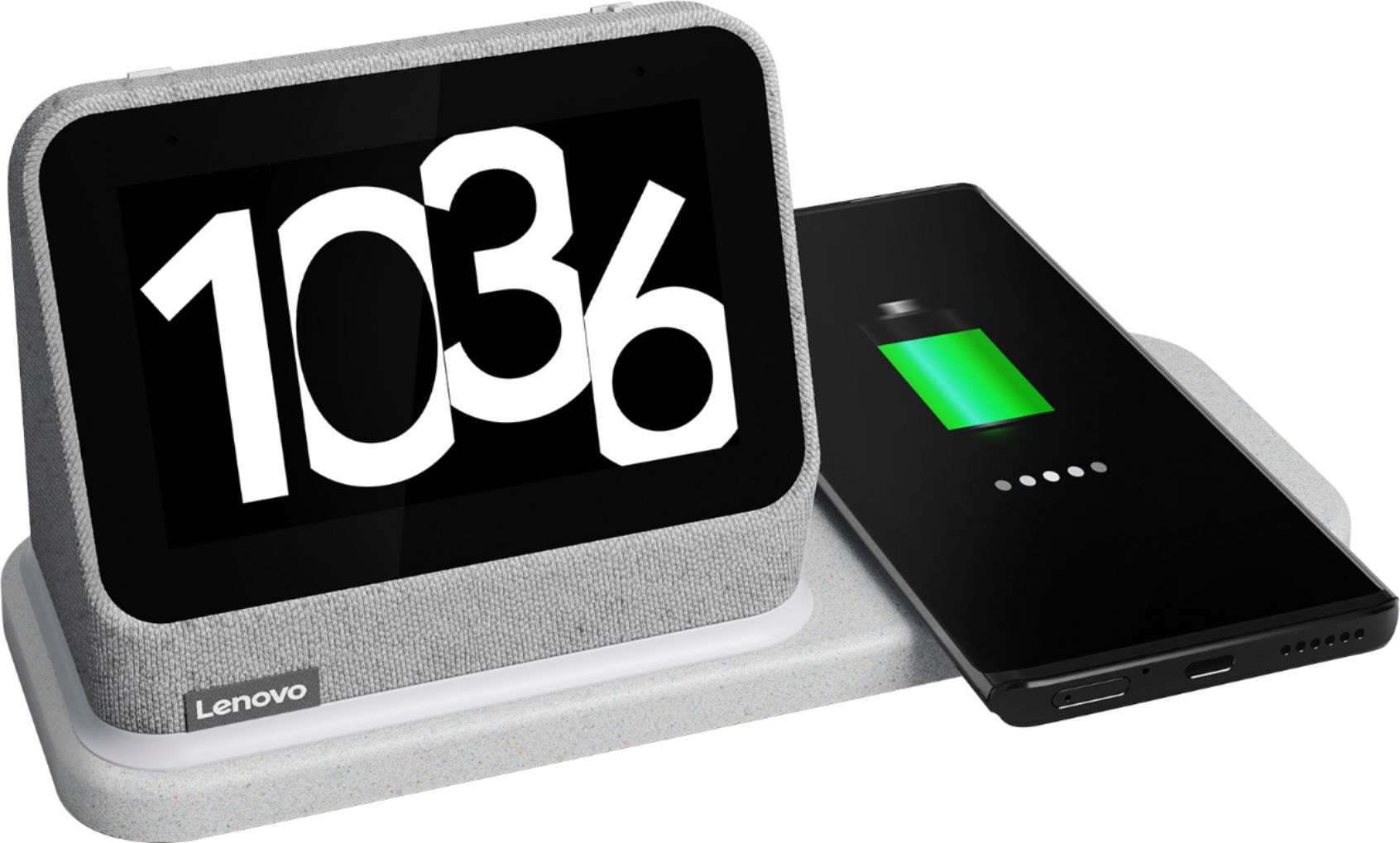
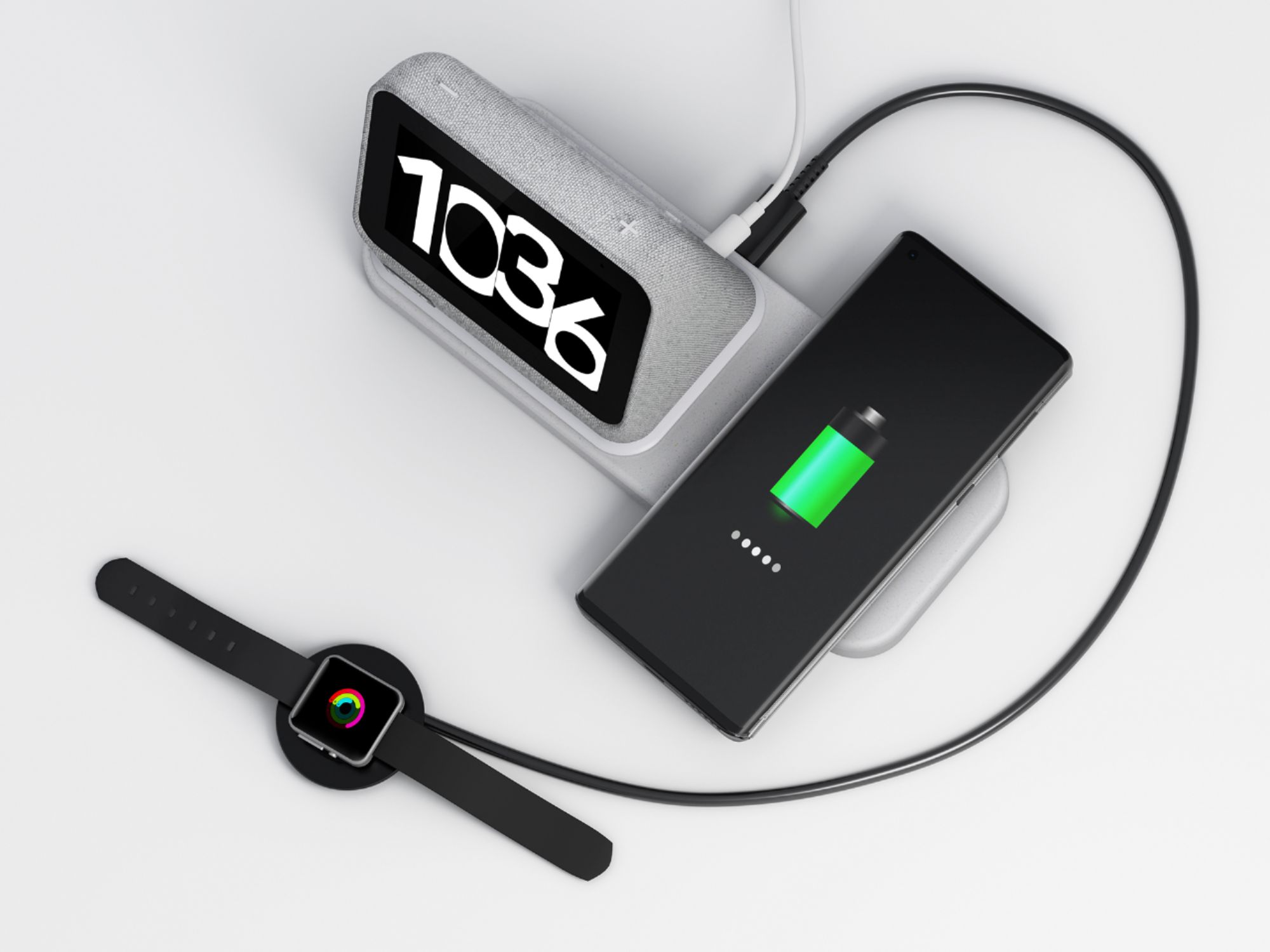
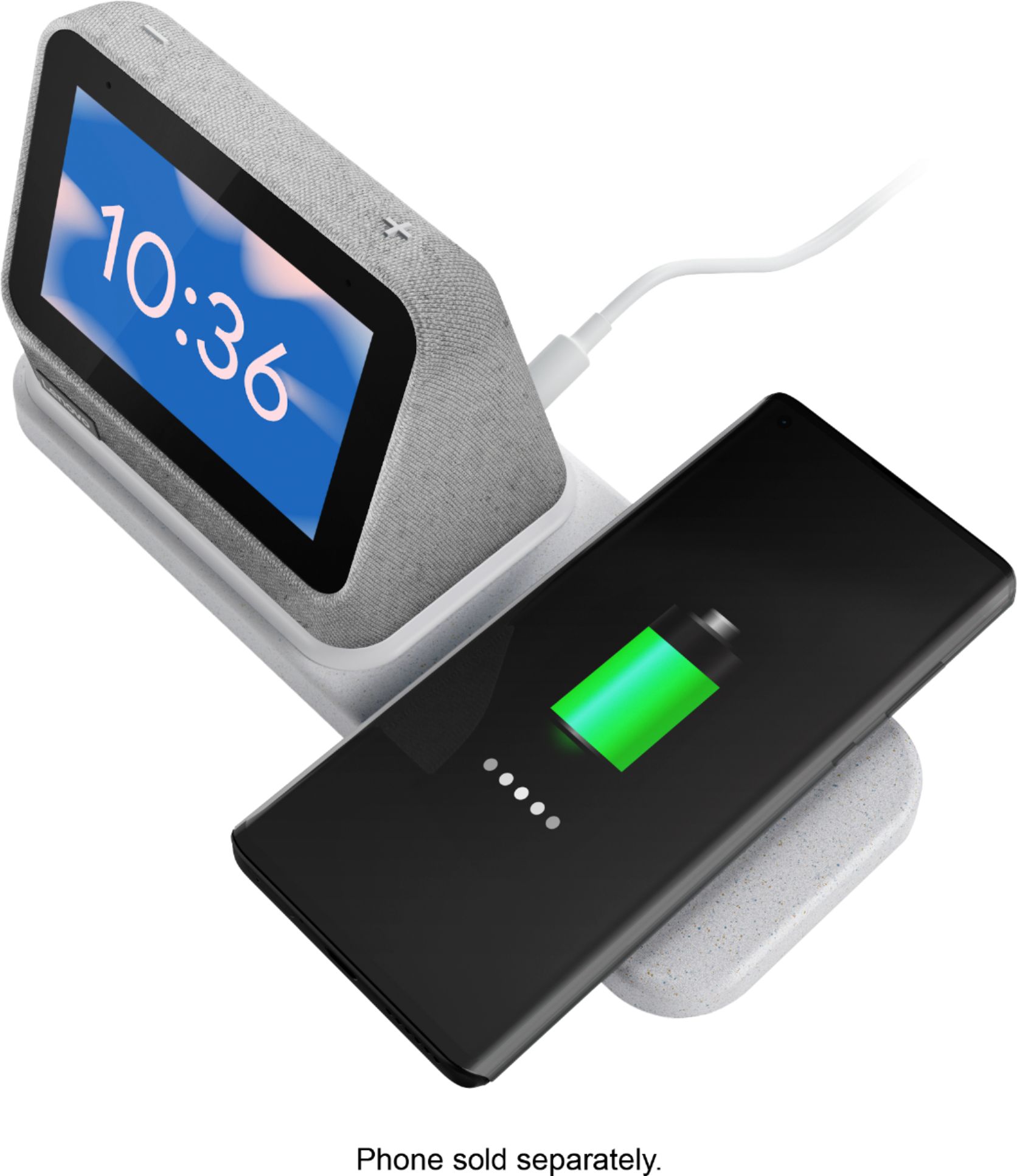
A:AnswerIn order to charge wirelessly, the phone will need to be compatible with either the Qi or MagSafe format of wireless charging. There is also a USB wired charging port on the back of the wireless charging dock for wired charging of a USB-based wired charging capable device.
A:AnswerThat will depend on the compatibility of your music play list source with the Google Assistant and the Google Home APP. You would need to setup the Smart Clock 2 with the phone you want to pair with the Smart Clock 2 as well. We recommend you check with your phone manufacturer and your music streaming APP for compatibility with Google Assistant.
A:AnswerIf your phone currently is able to wirelessly charge through the case you are using and if the phone is compatible with either the Qi or MagSafe wireless charging format, you should be able to wirelessly charge the same phone with the Smart Clock 2 wireless Charging Dock.