A:AnswerIt all depends on the information you are transferring from a phone to a tablet. Personal information like photos, contacts, downloaded stuff, yes you can. Settings information might not trabsfer from one device to the other.
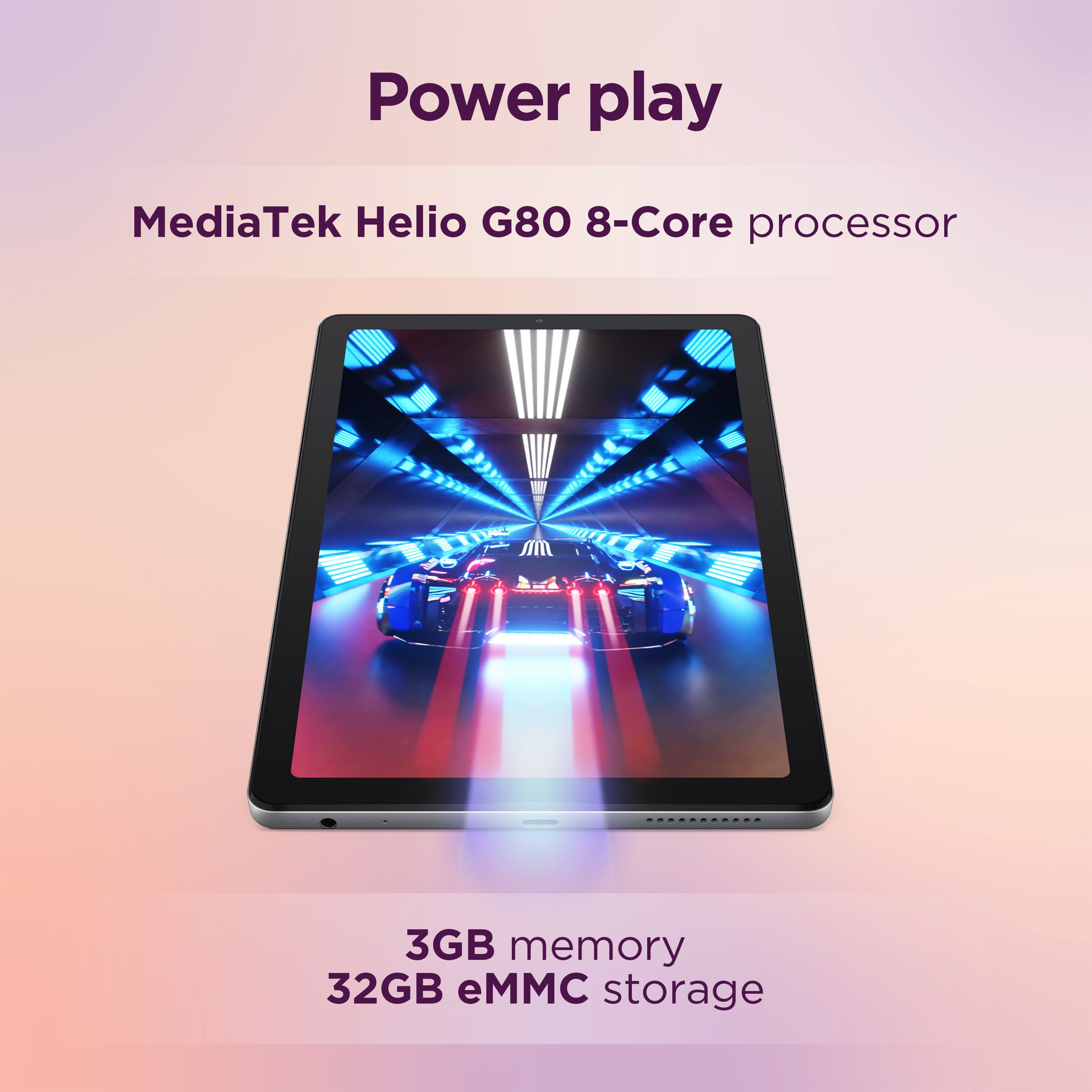
A:AnswerNo you can't. It only works as portable storage and you can't put anything on it. Called Lenovo and they told me to return it and buy a bigger tablet but Bestbuy will not accept a return on it. Other manufacturers you can format the SD card to be used as "internal storage" but Lenovo blocked it.
A:AnswerHey Squeek,
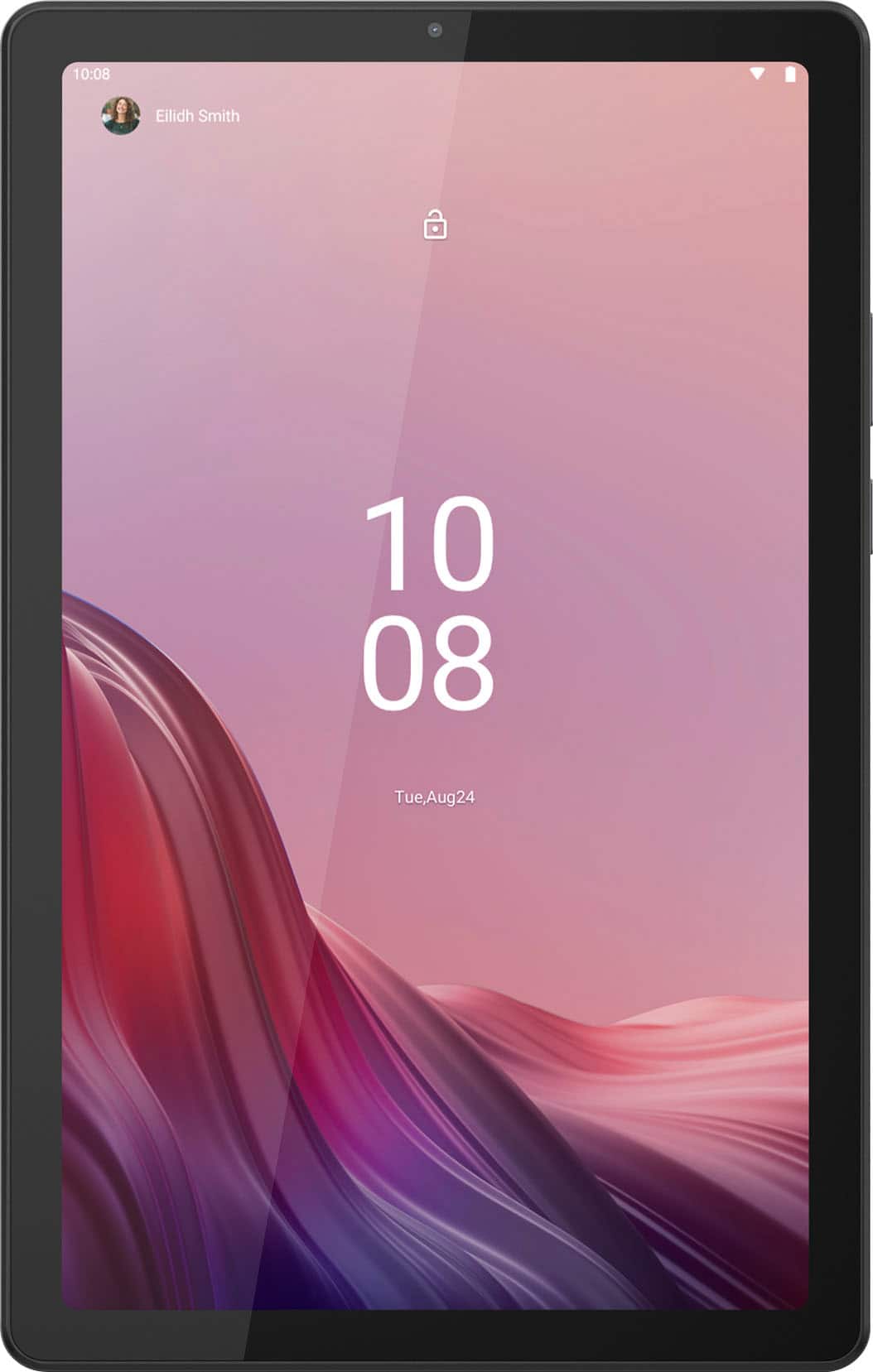
While you cannot the Tab M9 to a TV physically, natively, you can connect it to compatible TV wireless via casting.
Please feel free to reach out to us with any other questions!
A:AnswerHi,
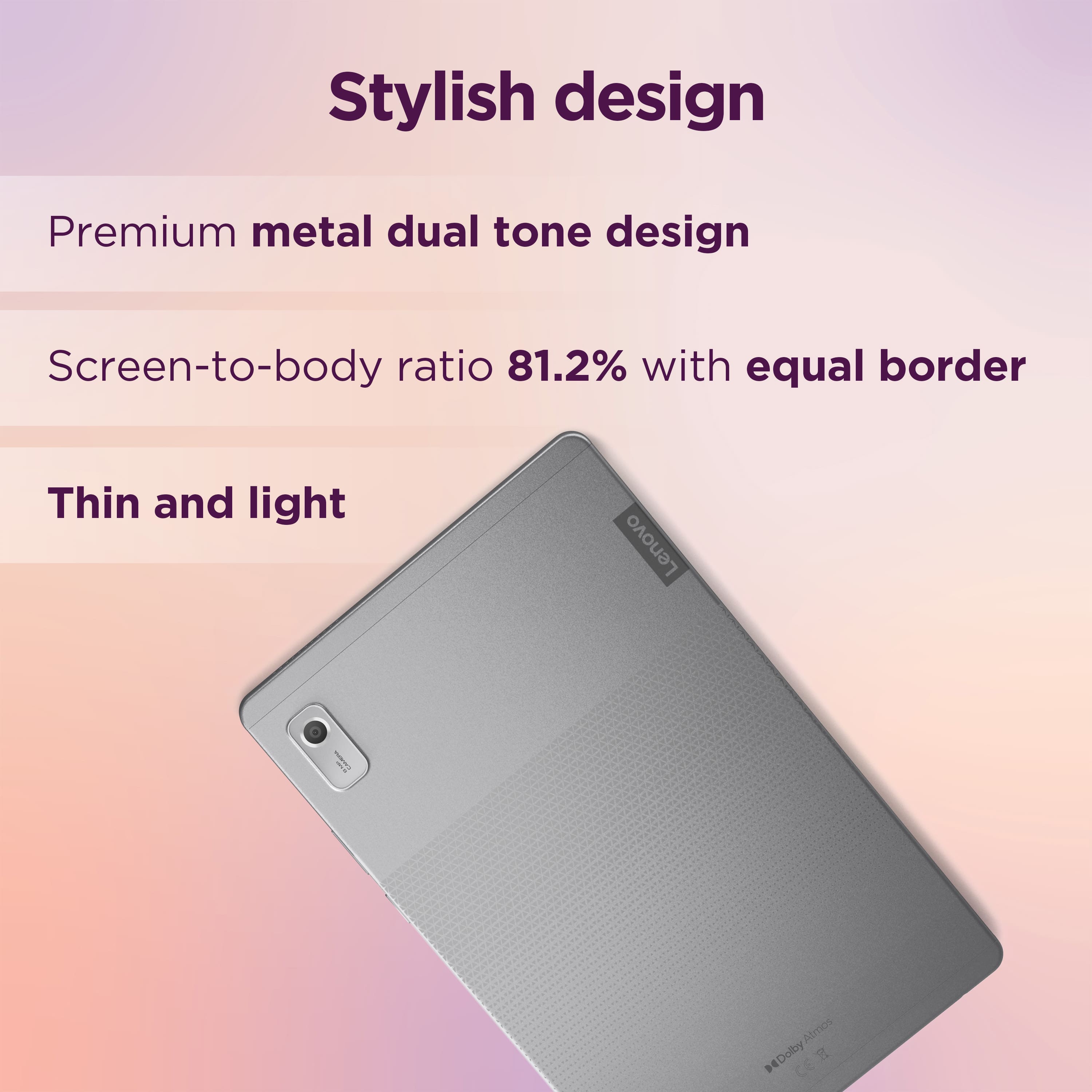
The Tab M9 can be manufactured in various regions, as Lenovo is a world-wide computing company with manufacturing facilities across the globe. This information is labeled on the box of the specific unit you would receive.
Please feel free to reach out to us with any other questions!
A:AnswerHey again Greenie,
You can use various Bluetooth keyboard that are compatible with Android devices like this Lenovo Multi-Device Wireless Keyboard: https://www.bestbuy.com/site/lenovo-multi-device-wireless-keyboard-luna-gray/6605230.p?skuId=6605230, that's currently offered at Best Buy.
Please feel free to reach out to us with any other questions!
A:AnswerHi, Rule62. Yes, the Tab M9 has a touchscreen display. If you're looking for that function specifically, you could do so in either the notes app using the draw feature that is preinstalled on your Tab, or you could install an app or your choice from the Google Play Store.
A:AnswerHey, Bill. When you restart your device or toggle auto-rotate, your system will default to portrait mode due to the size of the device -- it's how it was designed. There is not a way to permanently set the orientation of your tablet since not all apps are designed to work in landscape and it could cause the app and your device to misbehave. When you have it in landscape mode, then turn off auto-rotate. It should stay that way but it will change when the device is restarted.