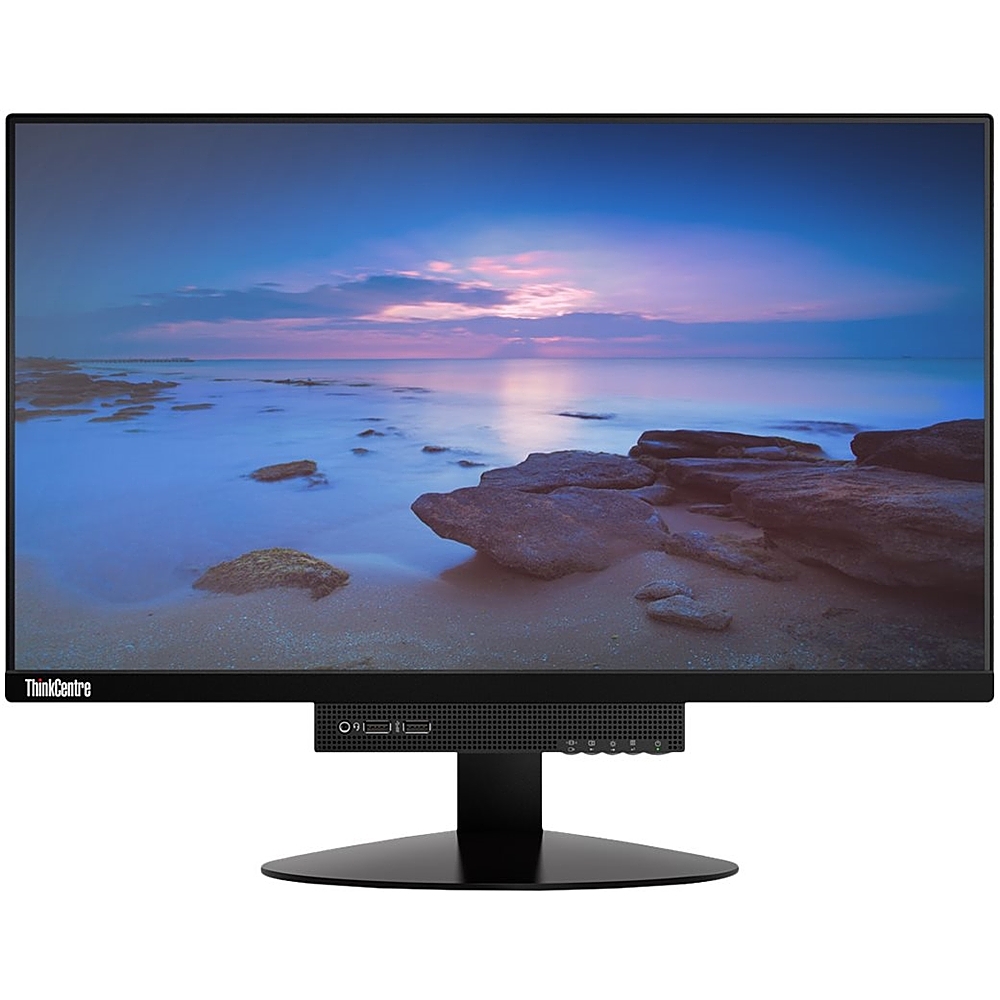
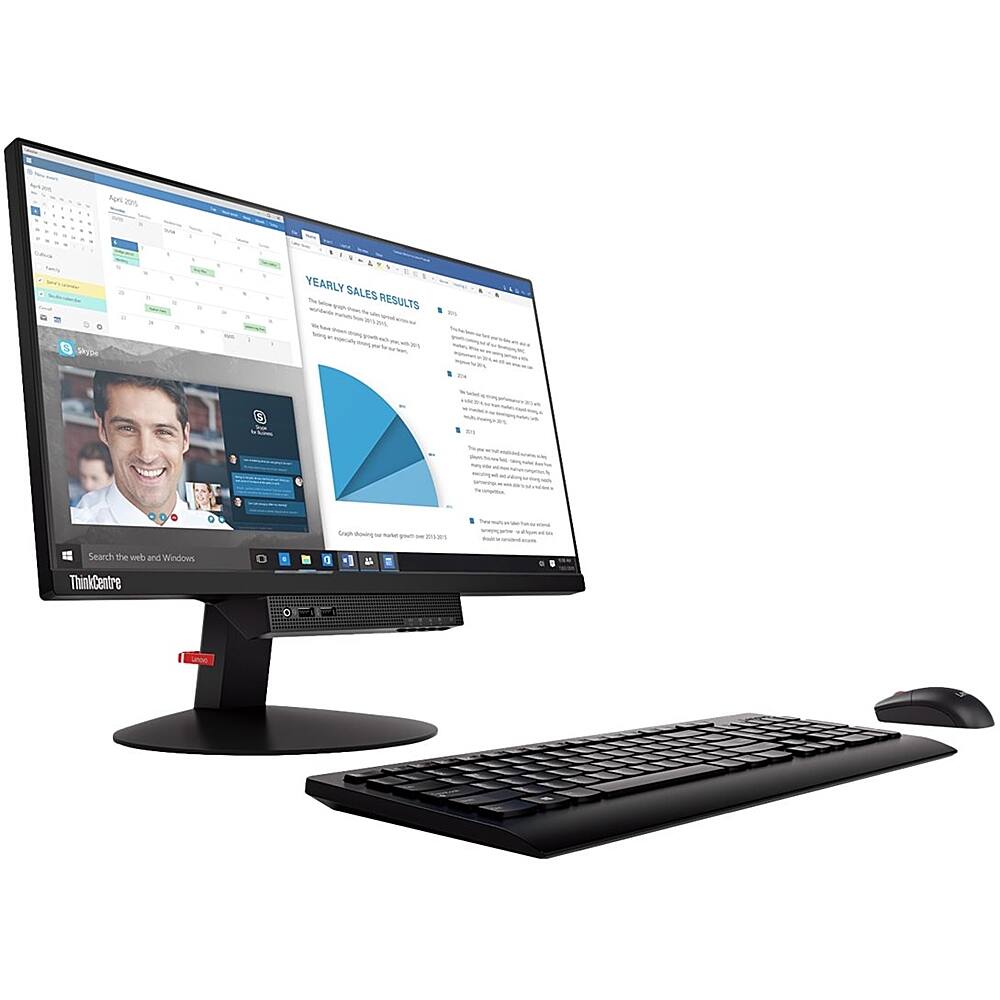
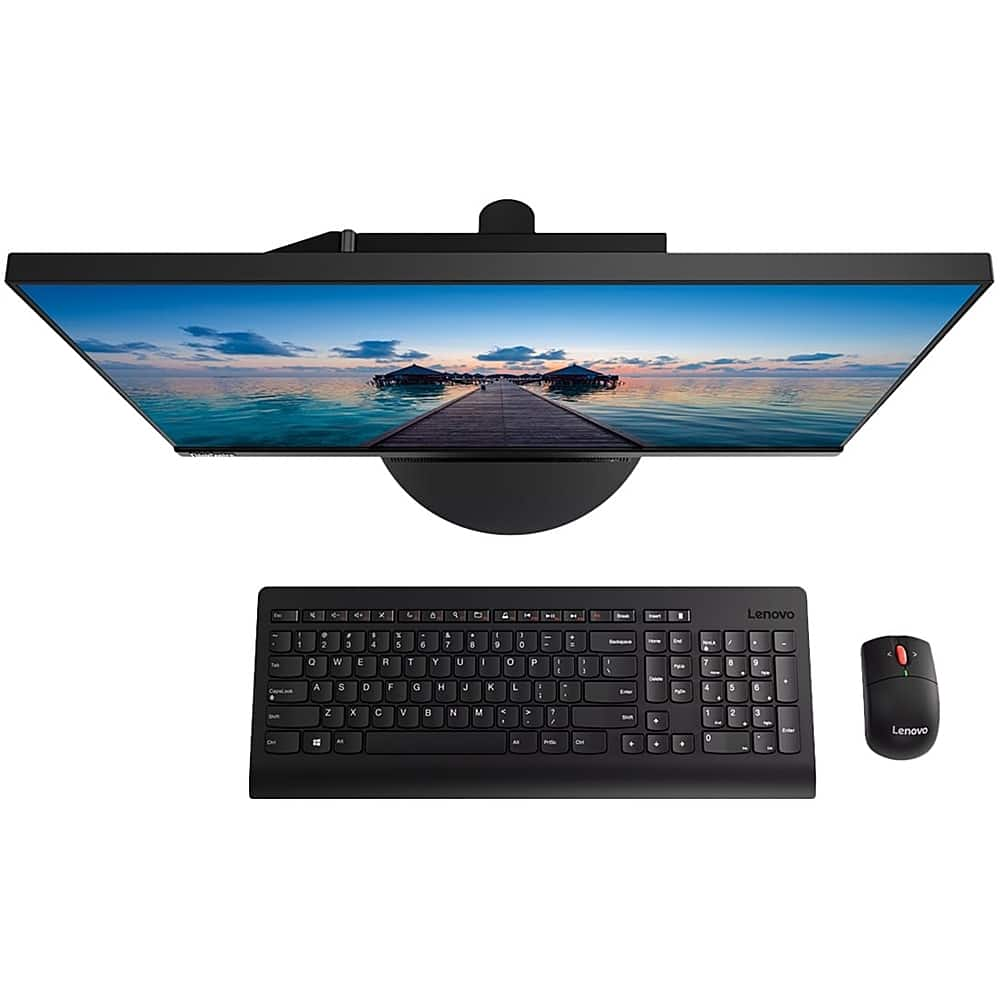
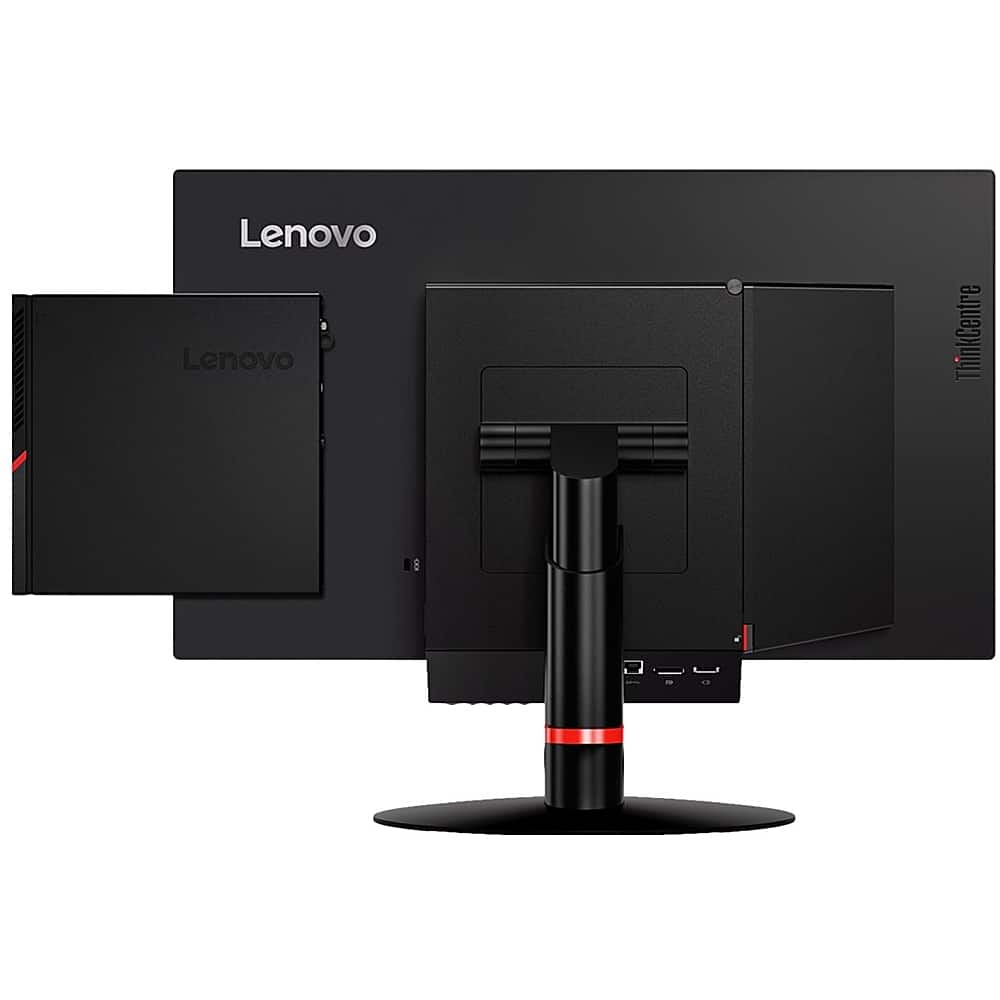
A:Answer The Lenovo ThinkCentre Tiny-In-One 22 Monitor has a DisplayPort only connection for video in from a computer. If you are trying to connect a computer that does not have a DisplayPort out port and are using an HDMI-Out port from your computer to this monitor, you need to convert the HDMI port on the computer to a DisplayPort compatible port. You will need a USB powered HDMI to DisplayPort adapter. Here is a link to one example, available through a Best Buy partner advertiser: https://www.cablestogo.com/product/22323/hdmi-to-displayport-converter-4k-30hz?utm_source=Google&utm_medium=Shopping&utm_campaign=SEM&gclid=EAIaIQobChMI-LaolNWQ6wIVg8DACh3vuQsqEAYYASABEgKcGvD_BwE&gclsrc=aw.ds. Use this adapter to connect your standard DisplayPort cable from the computer to the monitor: https://www.bestbuy.com/site/insignia-6-4k-ultra-hd-displayport-cable-black/5580672.p?skuId=5580672. This connection will deliver a video signal to the monitor screen. To get the built in webcam and microphone to work, you will nee a separate cable connection, using a USB Type B to a USB Type A cable like this one: https://www.bestbuy.com/site/insignia-6-usb-2-0-a-male-to-b-male-cable-black/5886035.p?skuId=5886035. If you continue to have difficulty connecting your ThinkCentre 22 Monitor to your HDMI computer, we recommend you contact Lenovo Tech Support for Monitors at: 866-426-0911.