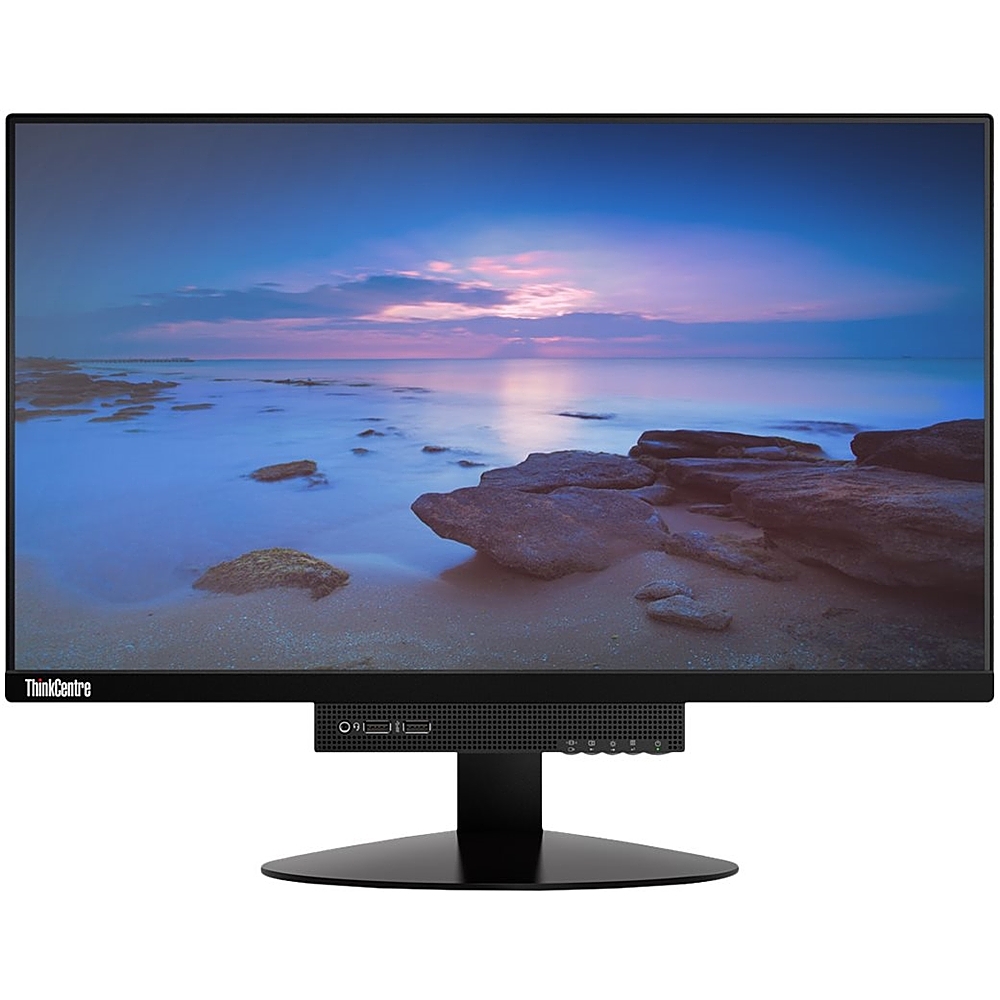
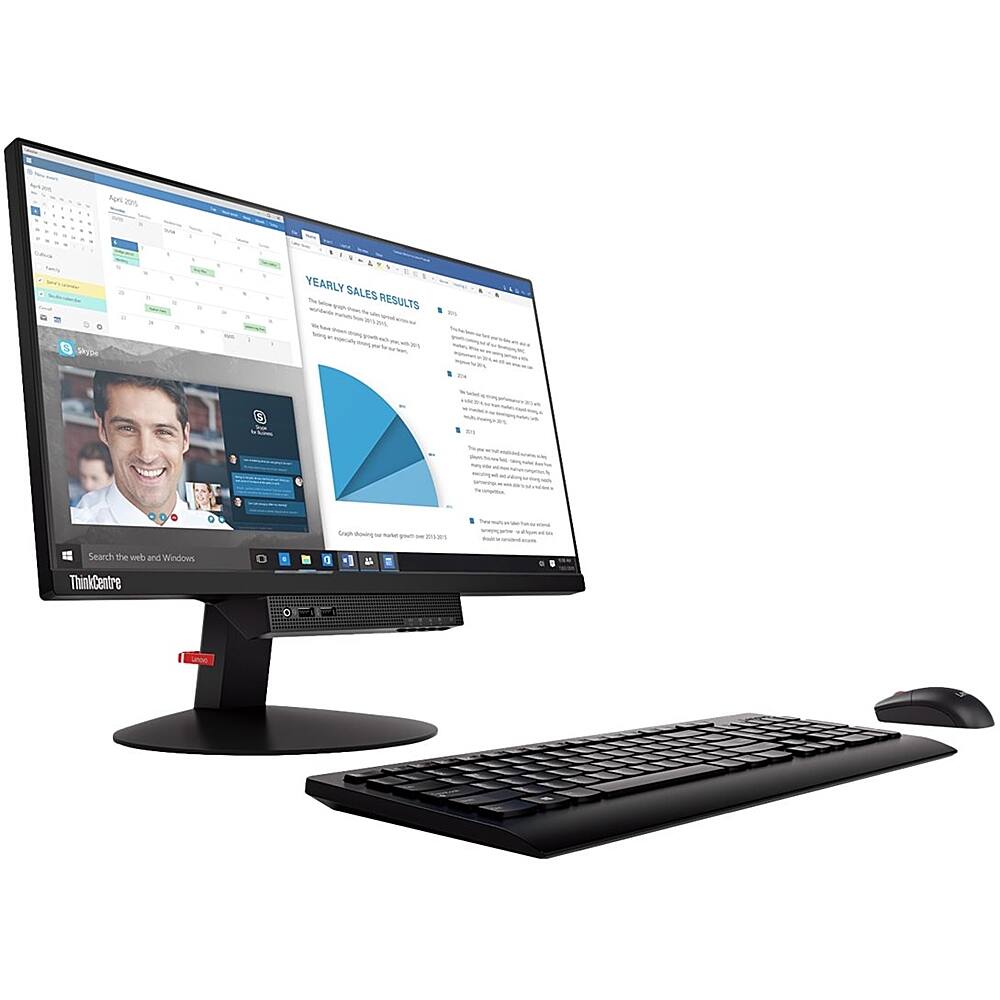
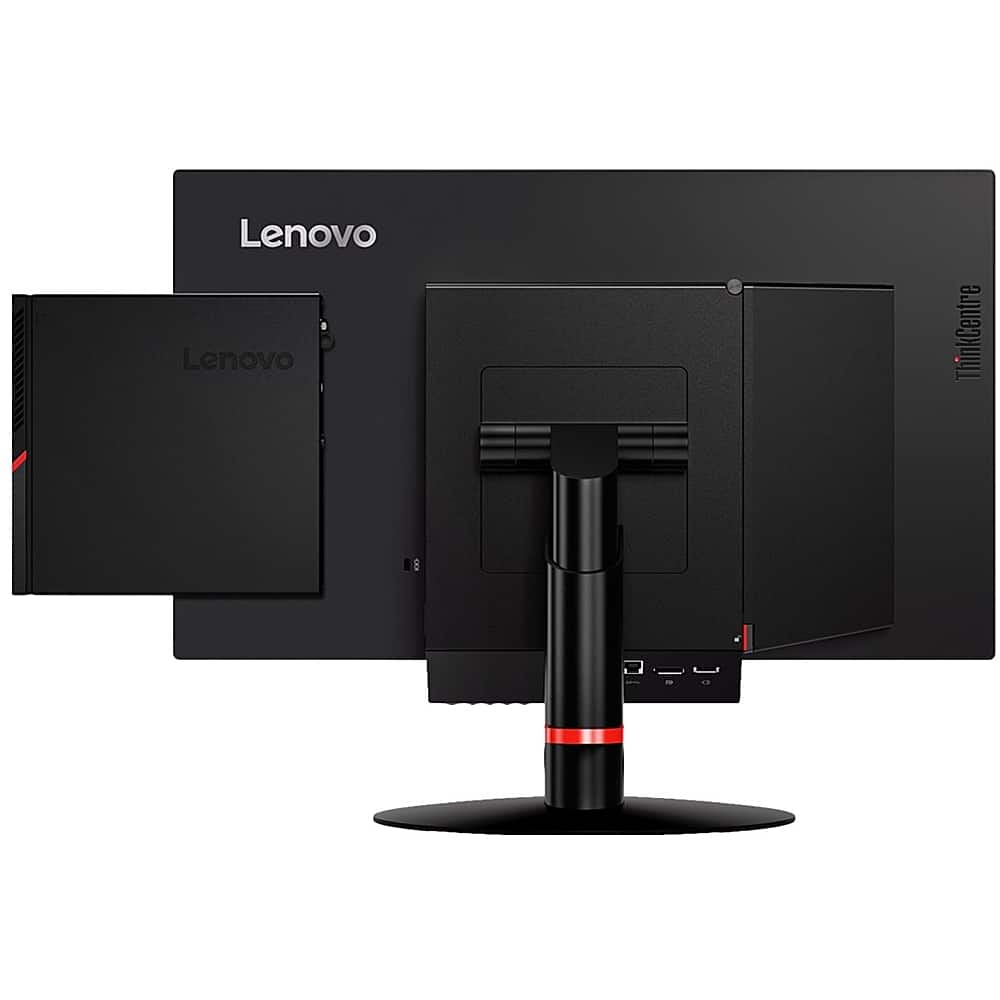
A:AnswerThe Lenovo ThinkCentre 22 Monitor connects via a DisplayPort connector. To connect to an HDMI laptop/docking station, you will need a DisplayPort to HDMI cable like this one: https://www.bestbuy.com/site/dynex-6-displayport-to-hdmi-cable-black/8720312.p?skuId=8720312
A:AnswerNo video cables are included. What is in the box: The Monitor, Stand and base, AC power adapter and Power Cord, CD containing multilingual user guide, setup test pattern and Windows installation file, Quick start and safety poster.