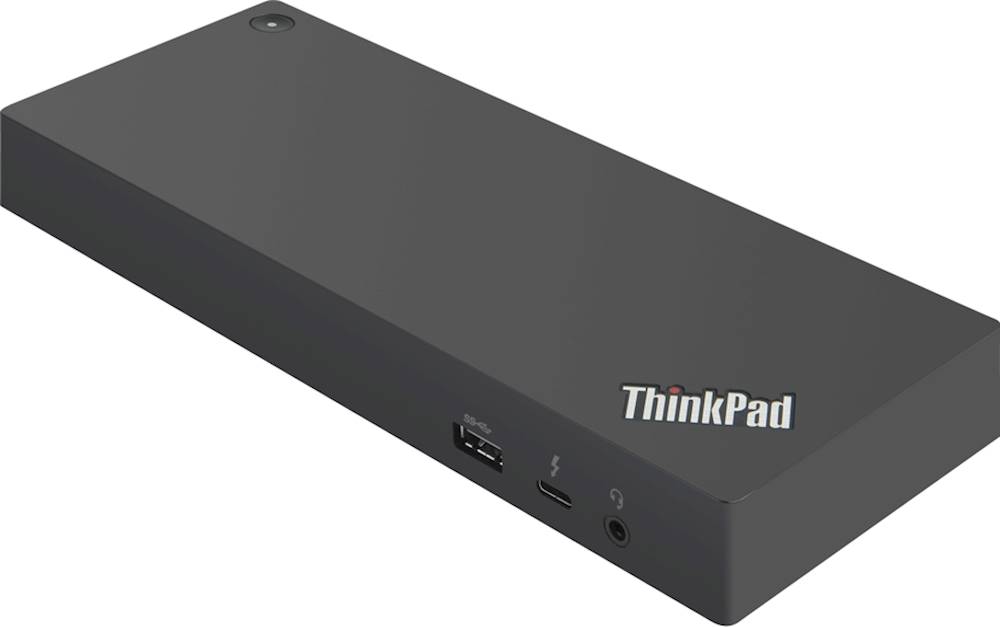
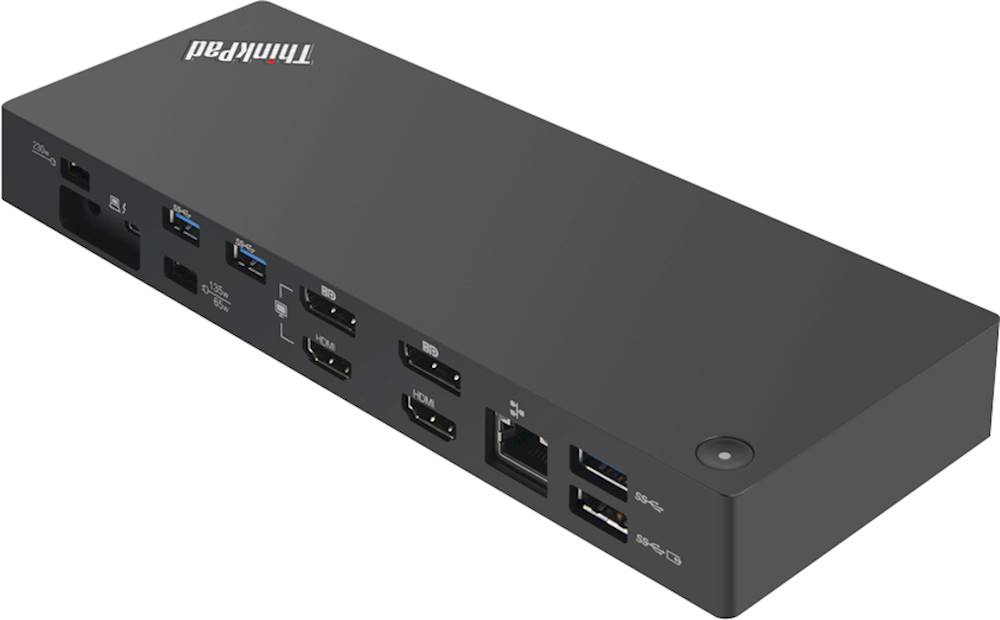
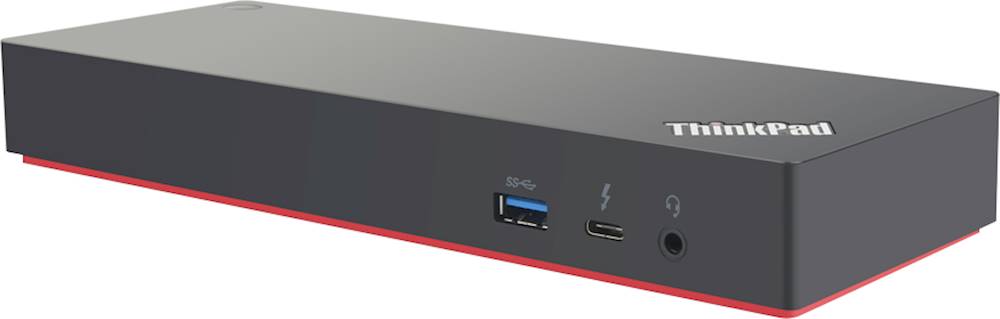
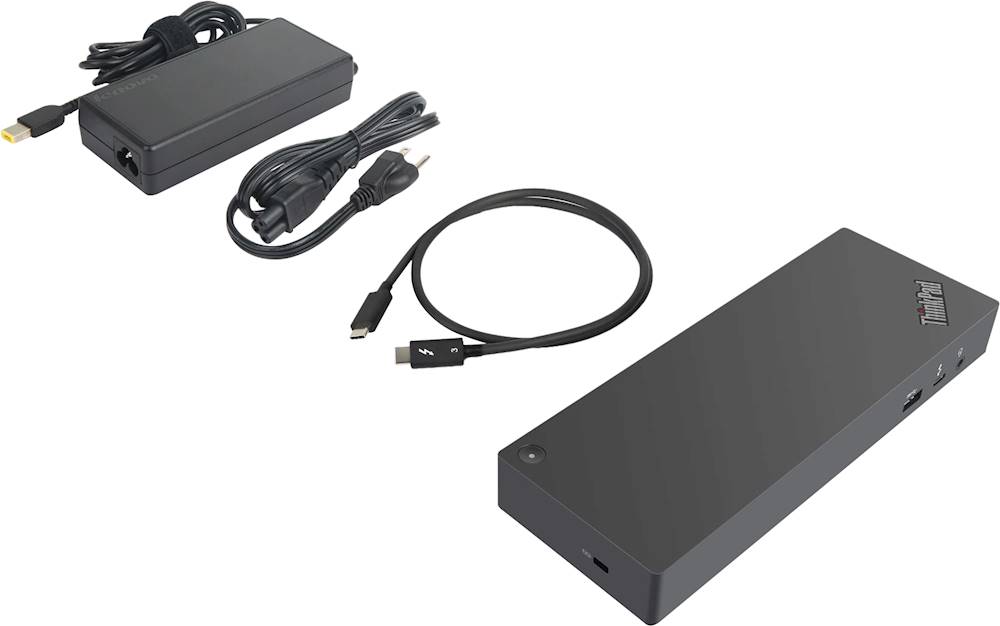
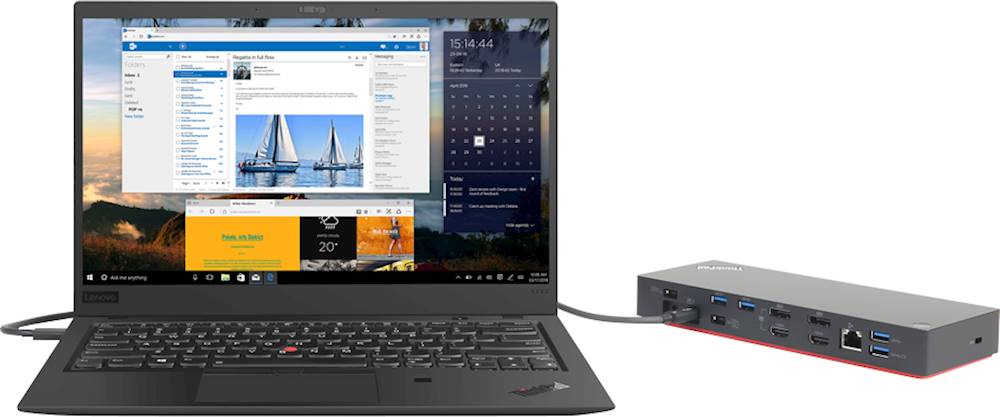
A:AnswerThat will depend on the capabilities of the specific laptop. This a is universal Thunderbolt 3.0 90W dock. This Lenovo ThinkPad Thunderbolt 3 dock delivers up to 90W to provide easy device charging and is compatible with USB Type-C and Thunderbolt-enabled devices for versatility. Included is the power cable and USB cable
A:AnswerYes. The first set of DisplayPort HDMI ports are either/or not both, so that will support one monitor, the next HDMI and DisplayPort can be used together for a total of three external monitors. Here is a link to the configuration guide for the ThinkPad Thunderbolt 3 Workstation Dock - 170W/230W (40AN): https://support.lenovo.com/us/en/solutions/pd029622#Thunderbolt%203%20Workstation%20Dock
A:AnswerThe ThinkVision monitor should have a DisplayPort connection. This dock has a DisplayPort Connection. Check the specific version of the ThinkVision Monitor you have. It is possible that your specific model does not have a DisplayPort connection. For more information, you may want to call Lenovo Tech Support for Monitors at: 866-426-0911.
A:AnswerThat will depend on the capabilities of the specific laptop. This a is universal Thunderbolt 3.0 90W dock. This Lenovo ThinkPad Thunderbolt 3 dock delivers up to 90W to provide easy device charging and is compatible with USB Type-C and Thunderbolt-enabled devices for versatility.