A:AnswerHey, TSK. It features a 1-year manufacturer warranty, and yes, preinstalled software includes Windows required applications, Microsoft partner apps, Lenovo device health and support applications like Lenovo Vantage, Microsoft 365 apps, and more.
A:AnswerHey, JD. It should do fine for most common software like Adobe Premiere, but it would depend on the specific video software since some can have high system specification demands. We recommend reviewing the system requirements detailed on each software publisher's website, then comparing it with the specifications this Yoga or any potential computer you’re interested in to help ensure you find the right fit for you. If you have a specific software in mind, you can ask another question mentioning it and we can help.
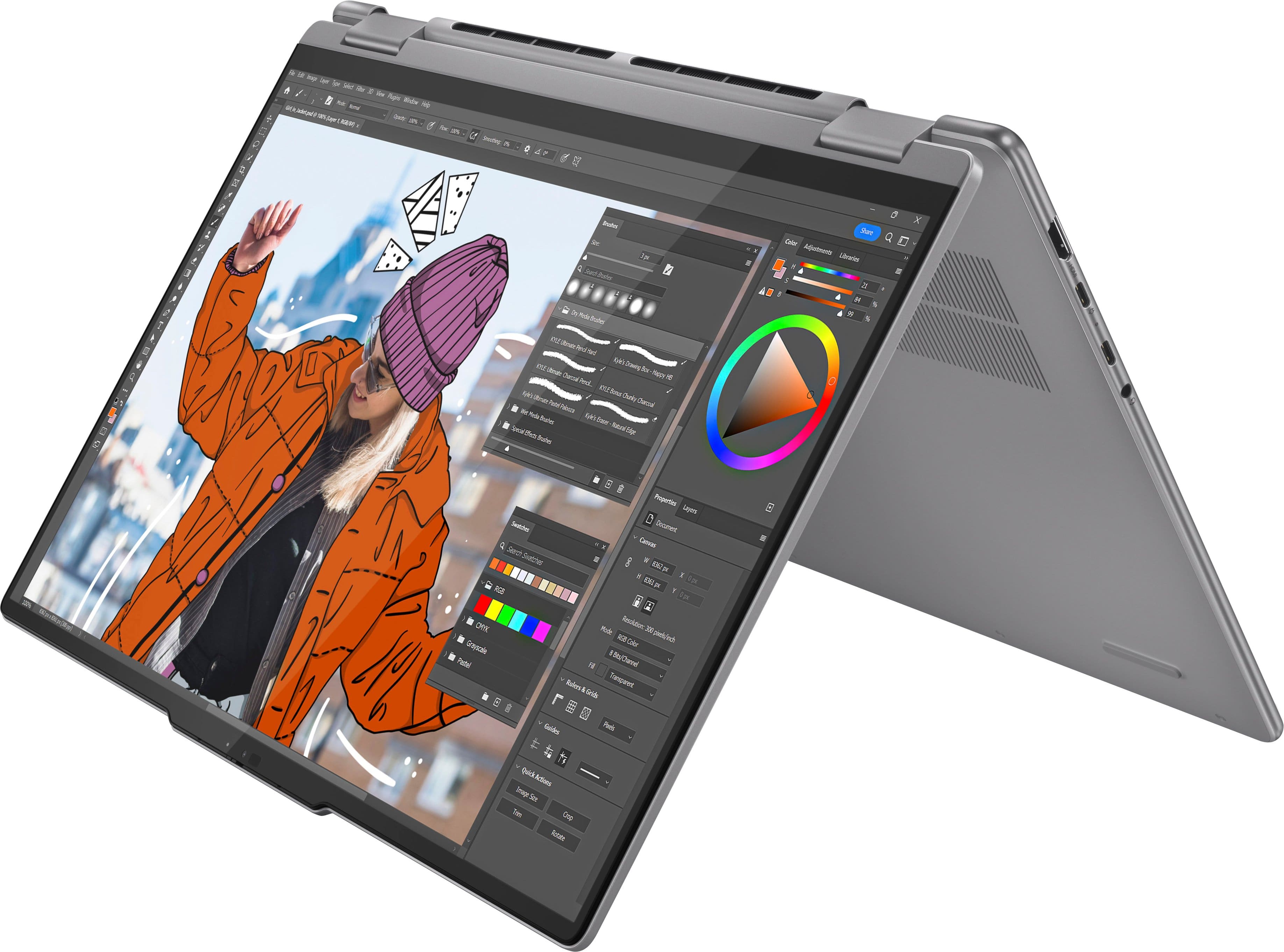
A:AnswerHey, Phil. A pen like this Lenovo Digital Pen 2 (https://www.bestbuy.com/site/lenovo-digital-pen-2-gray/6580719.p?skuId=6580719) will work with this Yoga. Any pen that features MPP and AES pen protocols will work.
A:AnswerHey, PGANT. Based on the system requirements listed on this Autodesk Support webpage (https://www.autodesk.com/support/technical/article/caas/sfdcarticles/sfdcarticles/System-requirements-for-AutoCAD-2024-including-Specialized-Toolsets.html), this Yoga misses the mark for what is recommended by Autodesk for AutoCAD programs due to not having a dedicated graphics card or GPU with at least 2GB of memory for graphics processing. There is a chance that this Yoga could run the software, but for disclosure, it goes against the software publisher's wishes. For guidance in finding the right computing solution for you, we recommend visiting a local Best Buy location and working with an Expert in store or online via this link (https://www.bestbuy.com/services/triage/shopping?cat=cnt).
A:AnswerHey, Adam. It your device is under a heavy workload, it can take a while for it to fully charge. The rate of charge that you explained however, is not normal. We recommend checking for and applying updates in both Windows update settings and in the Lenovo Vantage app on your Yoga. If the issues continue after these updates, we recommend you call Lenovo Support for additional help at: 877-453-6686. Also, the Yoga 7 will only support up to 100W of charging via its USB-C ports.
A:AnswerHi, Mike. If you are referring to a case that attaches to the device itself, that is something we do not offer for the Yoga 7. If you are referring to a Lenovo carrying case or sleeve, any designed for a 16" laptop should work just fine. Hope this helps!
A:AnswerHi, Paul. The included CPU/GPU cannot be removed. We recommend choosing a solution that will be sufficient now and into the future since this is the nature for most laptops.
A:AnswerHi, jws2024s. Depending on when the system was manufactured, it may differ. Both configurations can have the portion of VRAM adjusted to as low as 512MB. By default, it could have 2GB also, but it depends on what version of the BIOS was preinstalled. You can make this adjustment by going into the BIOS > Configuration > UMA Frame Buffer Size.
A:AnswerThe laptop only gets warm if you run cpu intensive programs, like games with high graphics. It does not get hot though, so it'll be fine to use in your lap. I would recommend a stand though, as it will allow for better fan circulation to prevent it from getting too warm. The fans do run a lot when the laptop gets warm, but it's not too loud. If you have headphones in, you won't notice the sound.
A:AnswerHi, RAZ1973. No, not based on our testing, as the Yoga 7 only has one storage slot that supports 1TB, which this version already has installed.
A:AnswerHi, DANO. There are a number of preinstalled programs including Microsoft 365 apps (which can be fully utilized upon trial or subscription activation), Lenovo Vantage for system updates, support and more, along with other programs meant to enhance the Windows 11 user experience. Also, yes, this system comes with Bluetooth connectivity.
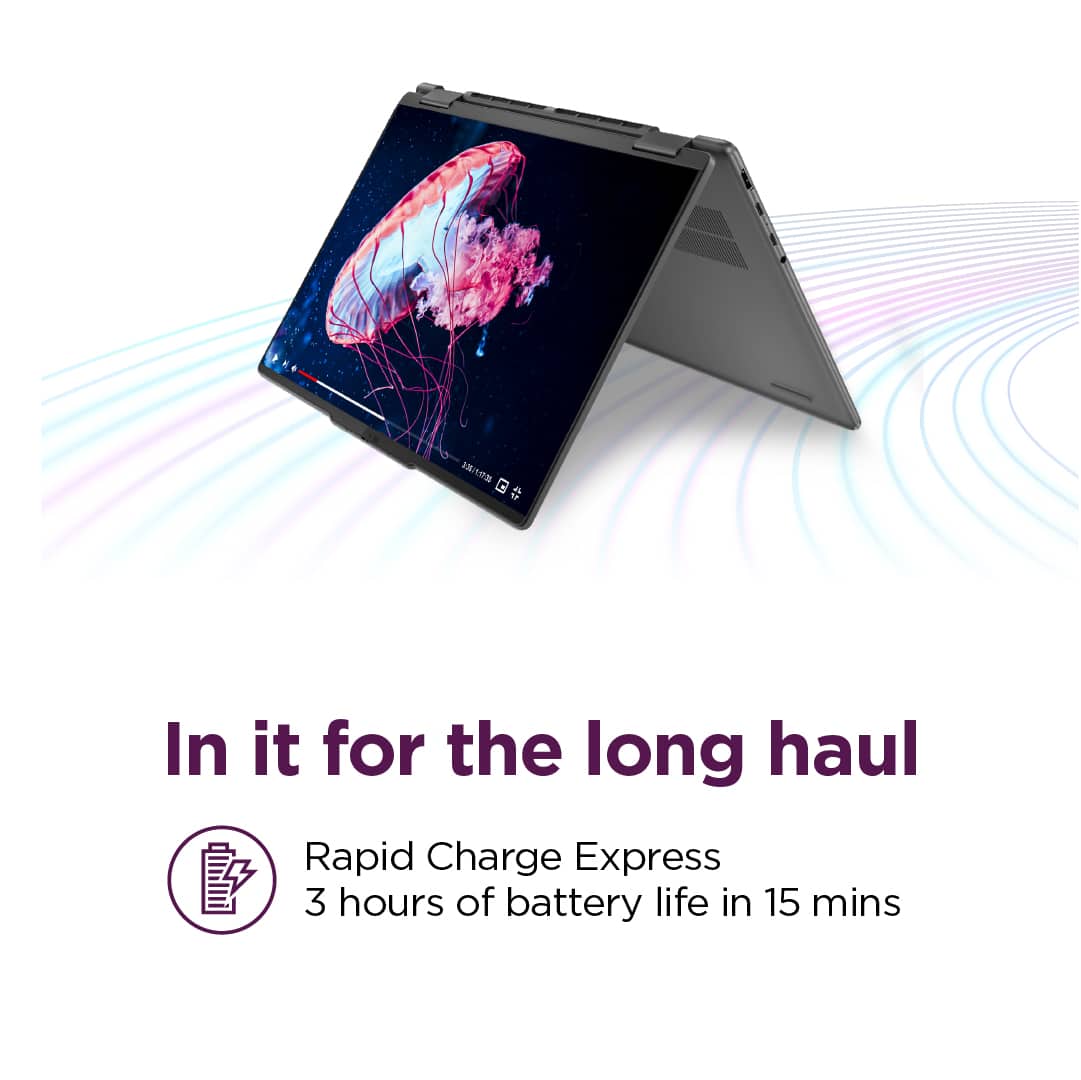
A:AnswerHi, LKH. The MobileMark battery life rating for this Yoga is 12 hours; however, during test like these, the real-world conditions you may be using your Yoga can vary greatly depending on device settings, workload its under, and more. Reviews of this series usually experience around 6-8 hours of battery with moderate use continuously. Putting your device to sleep and making power adjustments can easily extend your battery life.