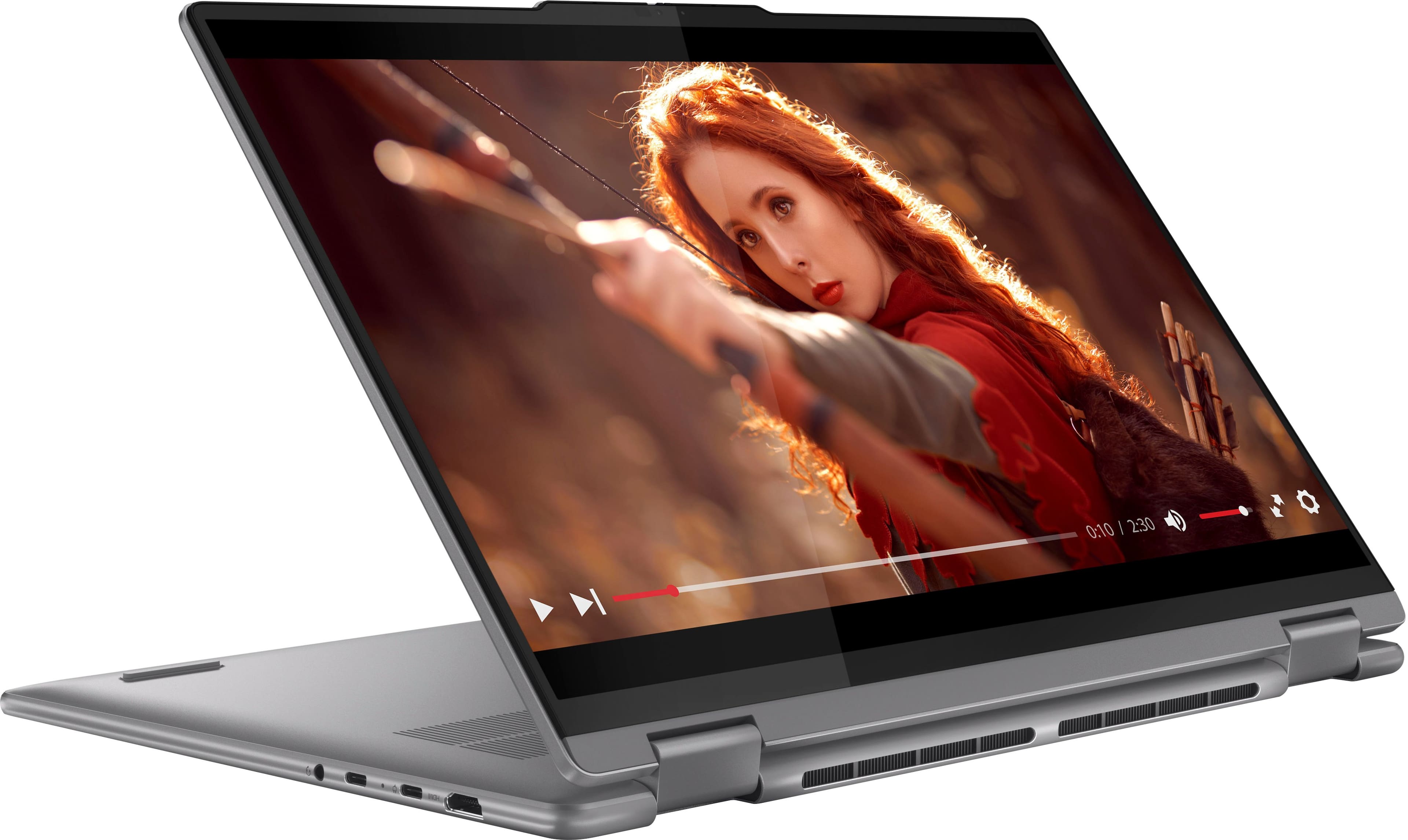
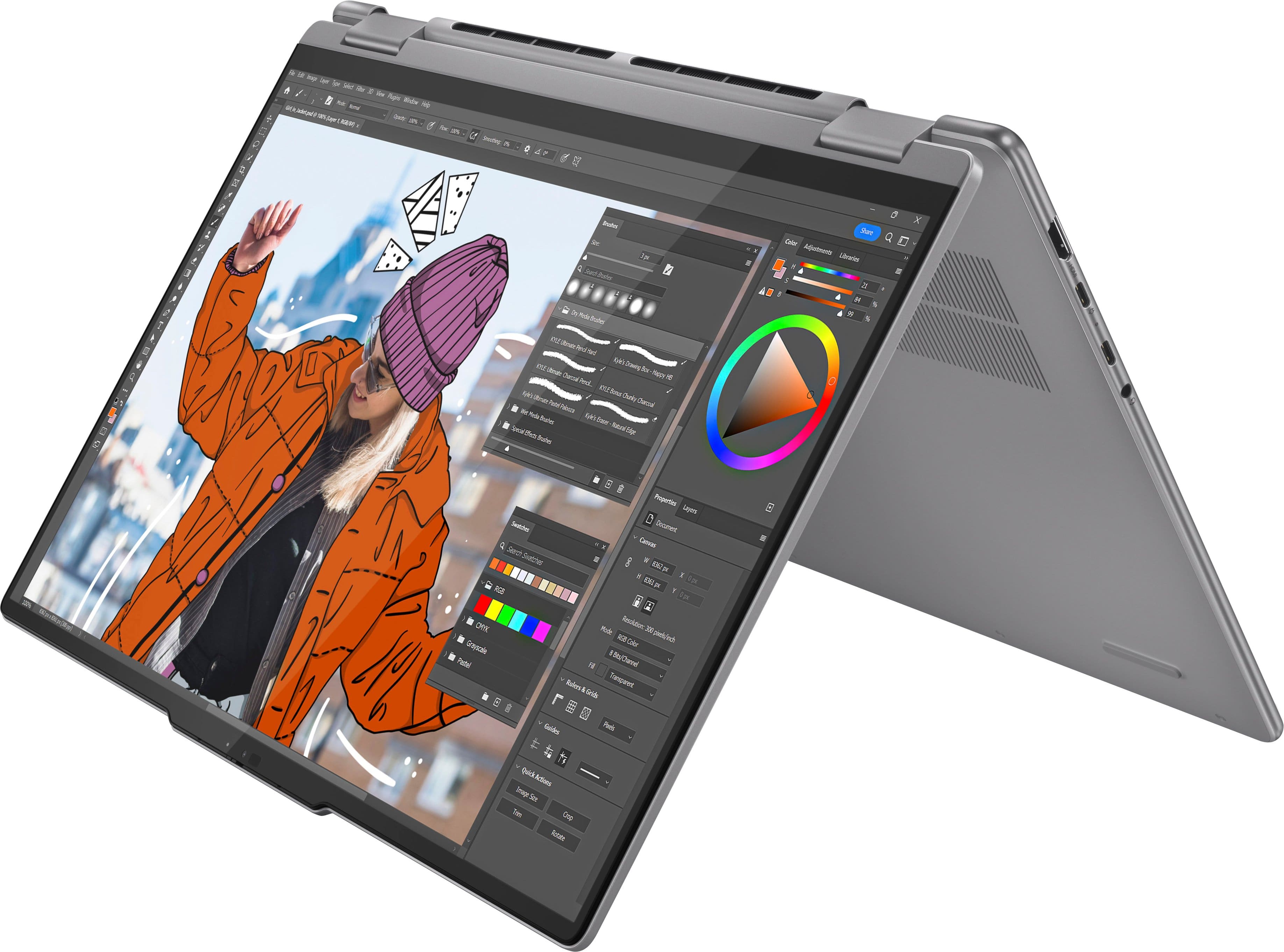
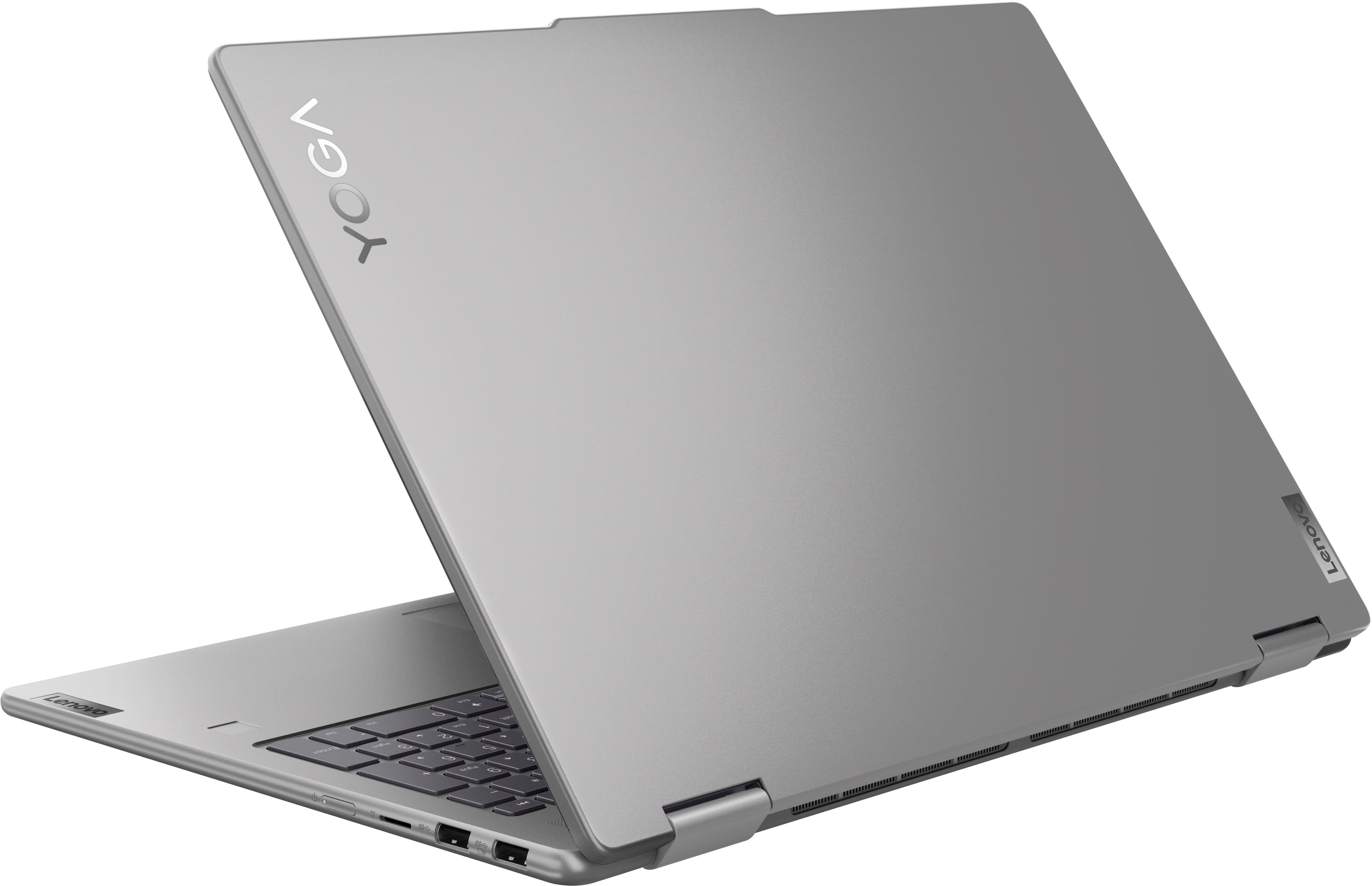
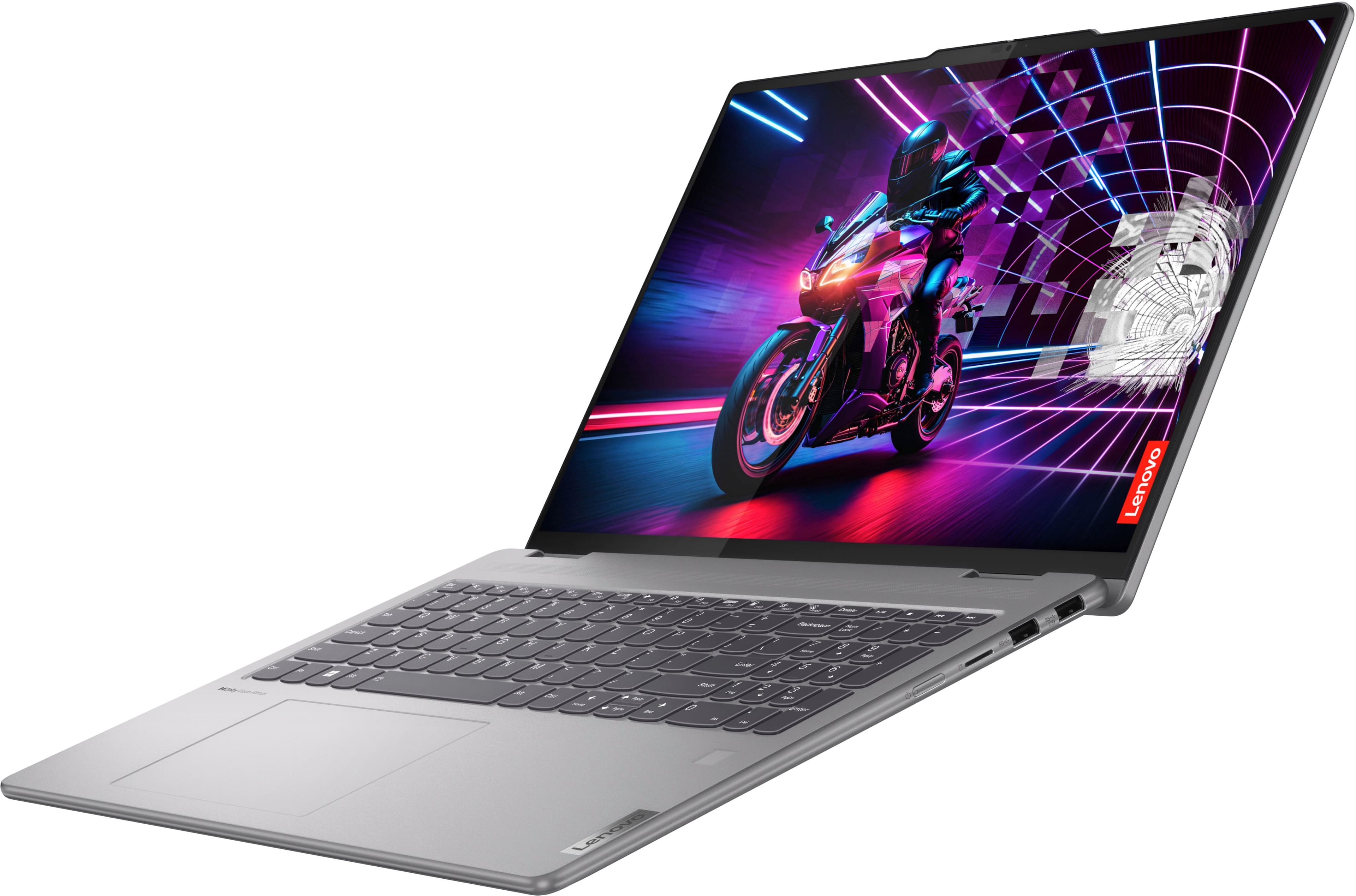
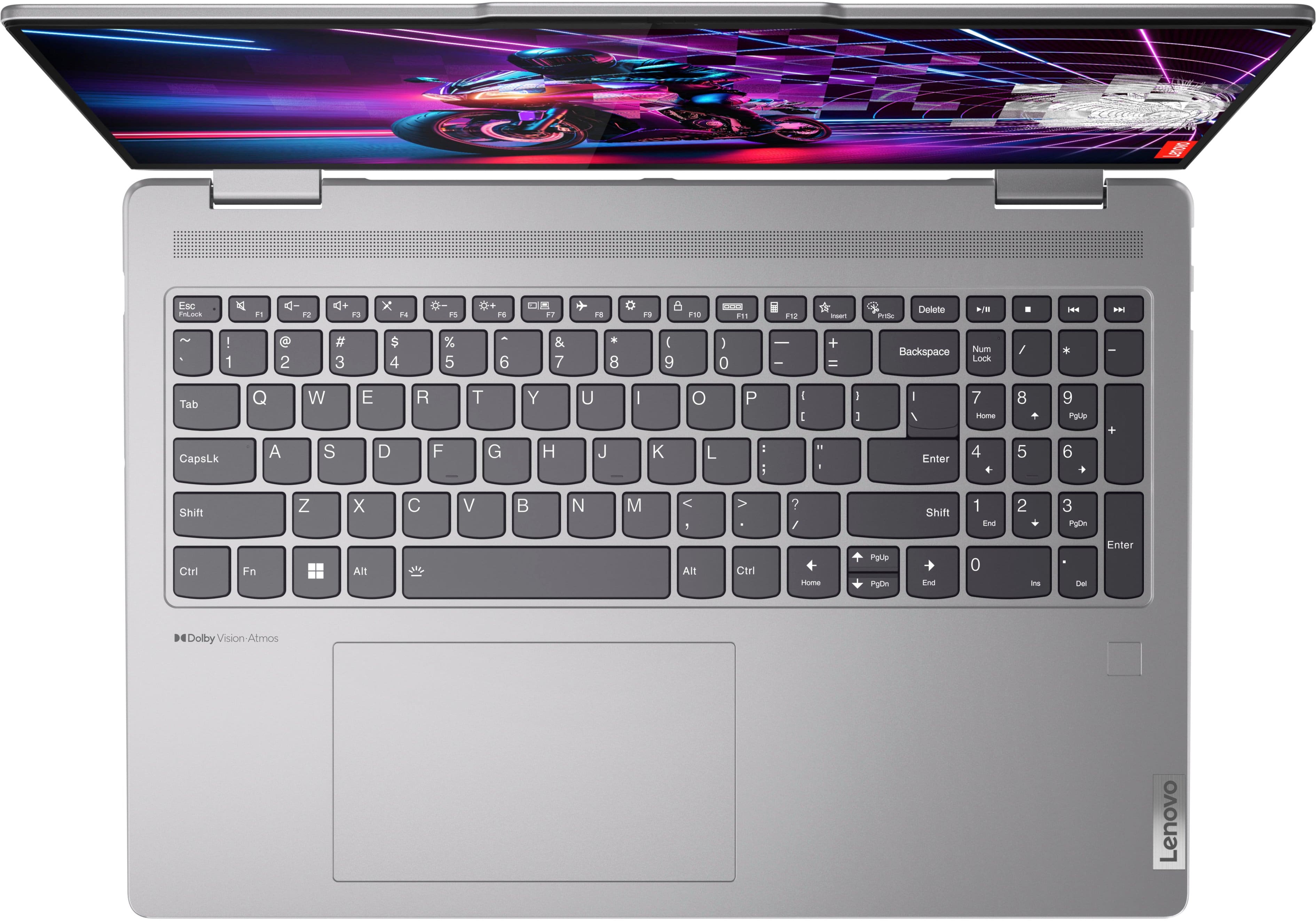
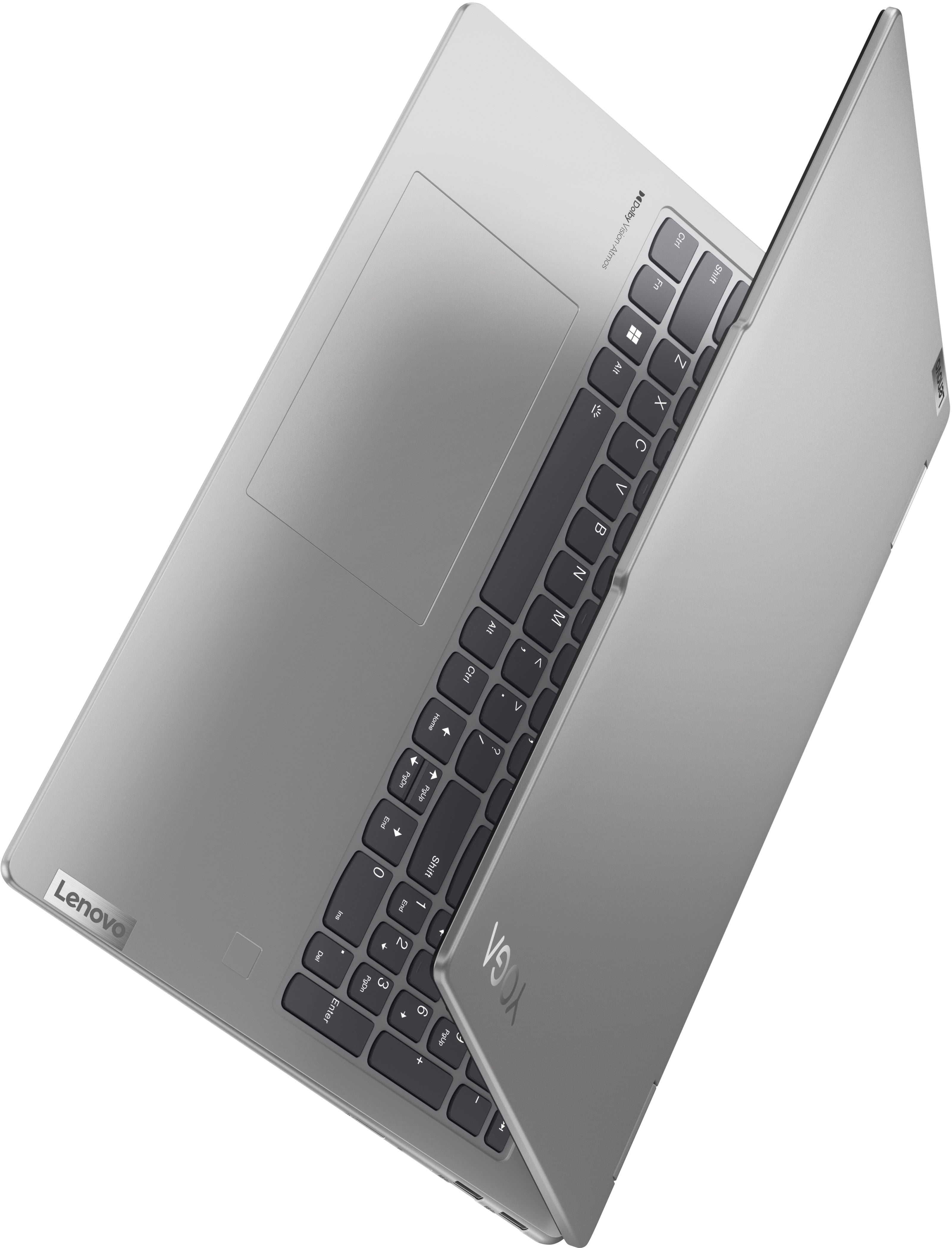
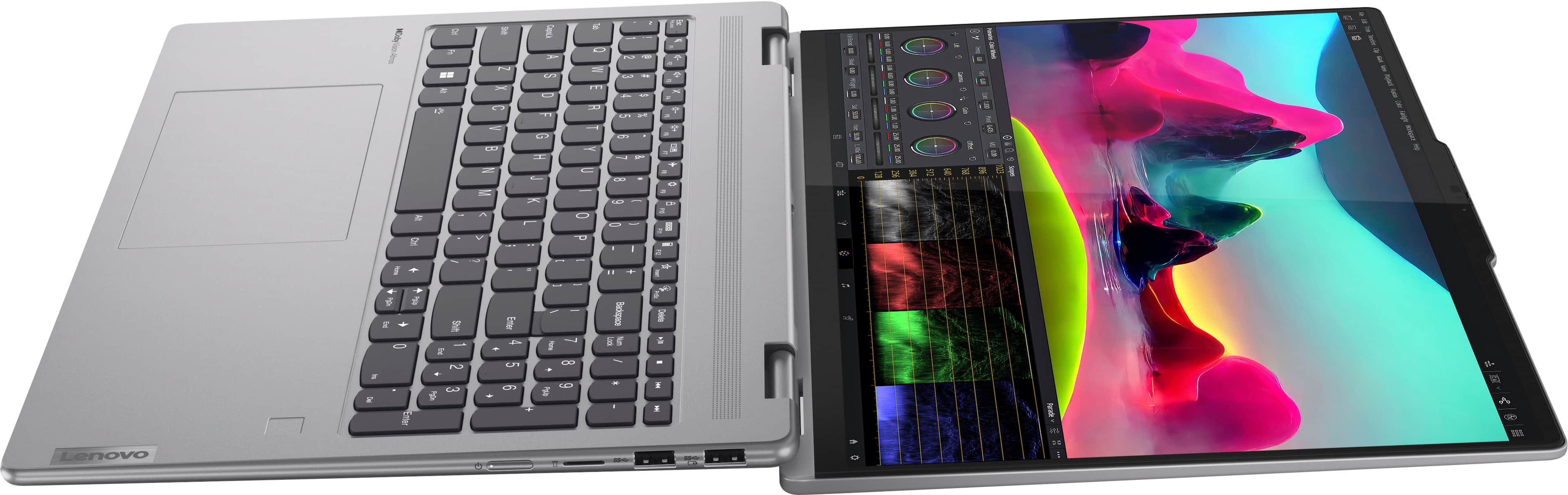
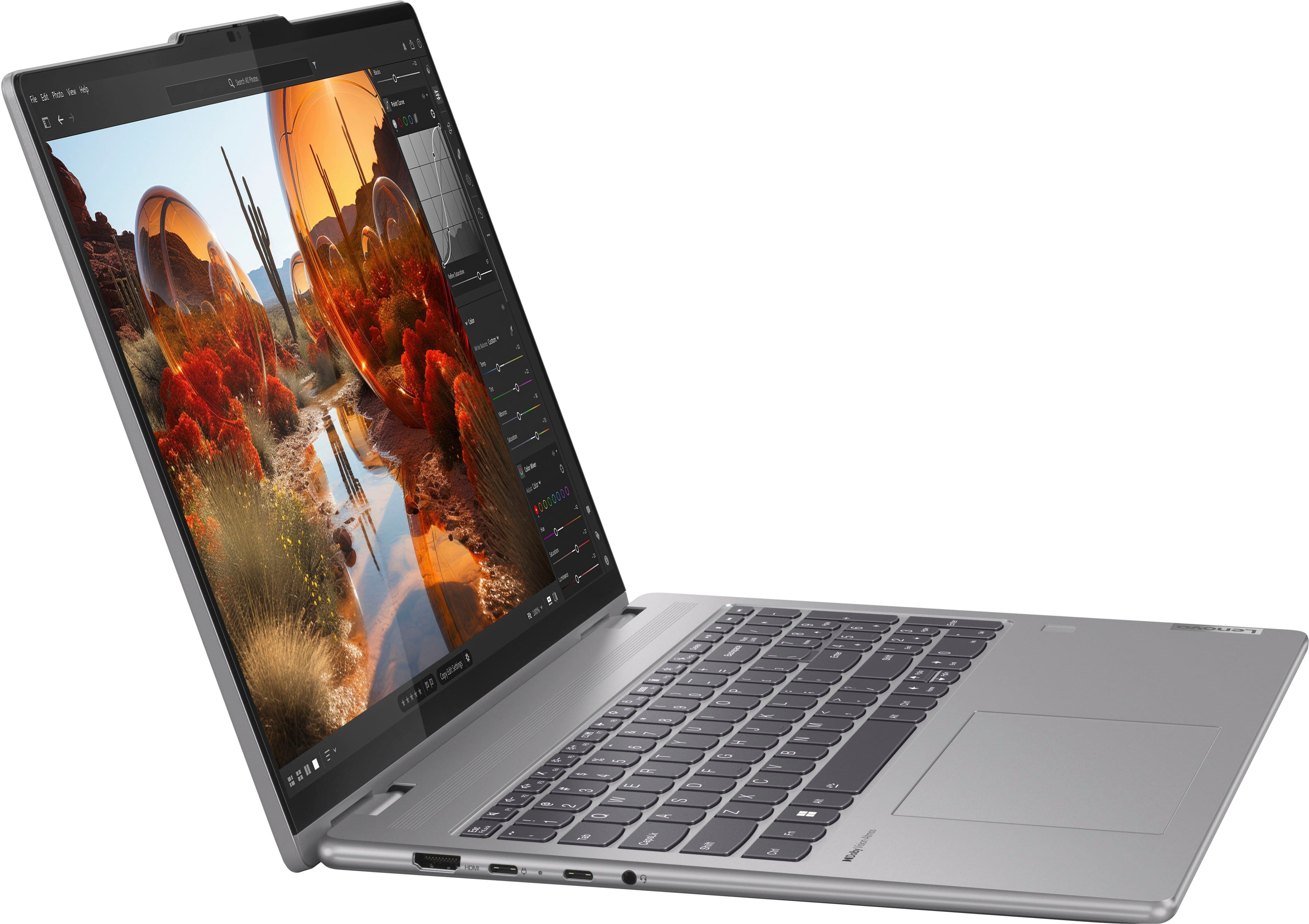
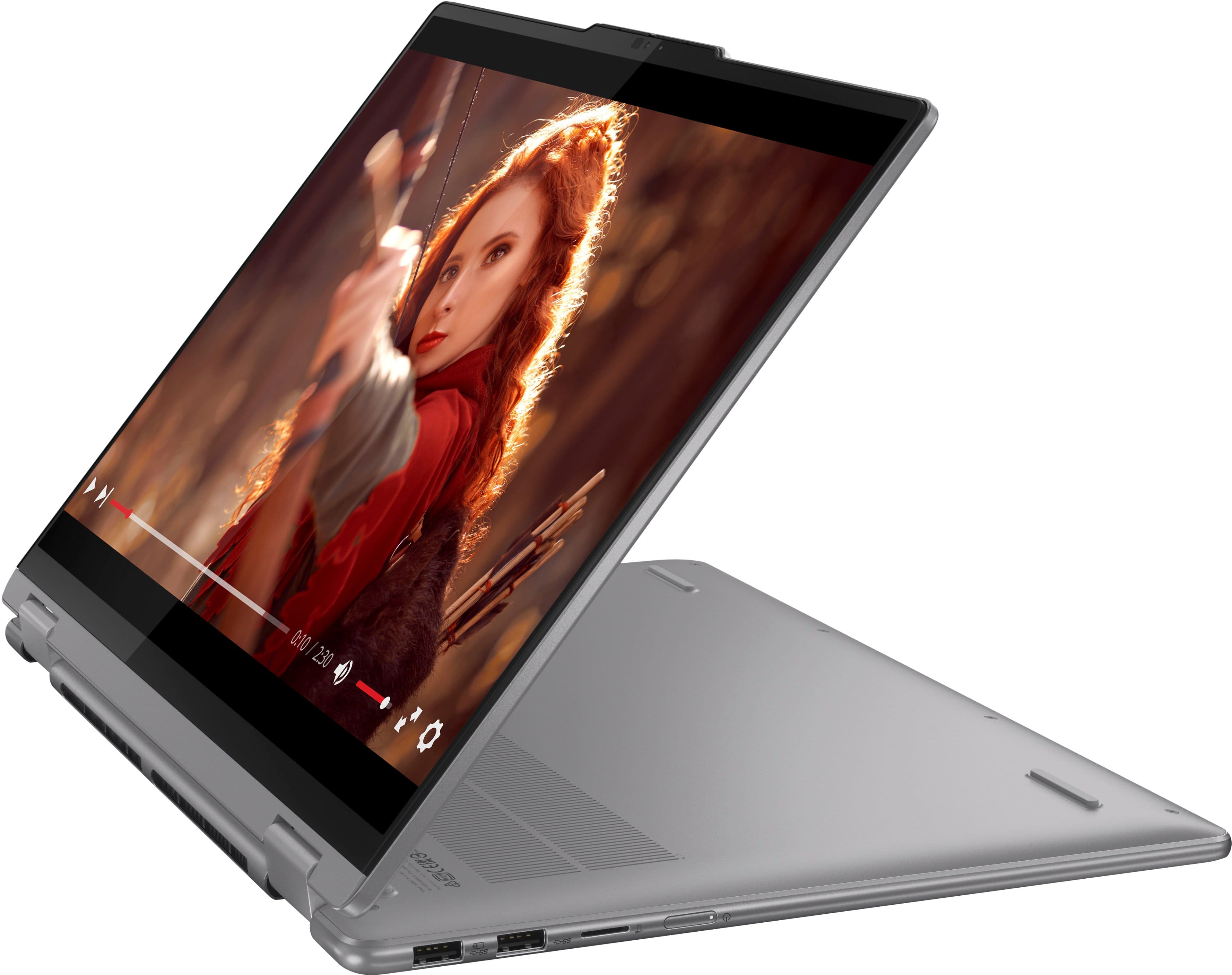
A:AnswerHi, Mika. While Best Buy does not carry any cases or covers specifically designed for the Yoga 7, most 16" laptop bags or sleeve will work with this Yoga.
A:AnswerDownloading updated drivers requires the Lenovo Service Bridge. When I click on the button to use/see/download/activate the Service Bridge NOTHING happens. No information was retrieved, nothing was fixed, no drivers were accessible. I tried many many times from three different browsers.
I will contact Lenovo directly. Thank you for your time!
A:AnswerHey Becca, we're sorry to hear that you ran into this issue with your Yoga 7. To try to resolve this, we recommend visiting our PC Support website at this link: (https://pcsupport.lenovo.com/us/en/products/laptops-and-netbooks/yoga-series/yoga-7-2-in-1-16ahp9/83dm/83dm0003us/downloads/ds567283-wlan-driver-realtek-mediatek-for-windows-11-64-bit-yoga-7-2-in-1-14ahp9-yoga-7-2-in-1-16ahp9?category=Networking%3A%20Wireless%20LAN), to download the drivers for your model Yoga onto an external drive and transfer them to the computer, or setup the computer bypassing internet and having windows search for the drivers for you. For the later process, here is a link to a Microsoft Support webpage that details how to do so: (https://support.microsoft.com/en-us/windows/update-drivers-manually-in-windows-ec62f46c-ff14-c91d-eead-d7126dc1f7b6.)
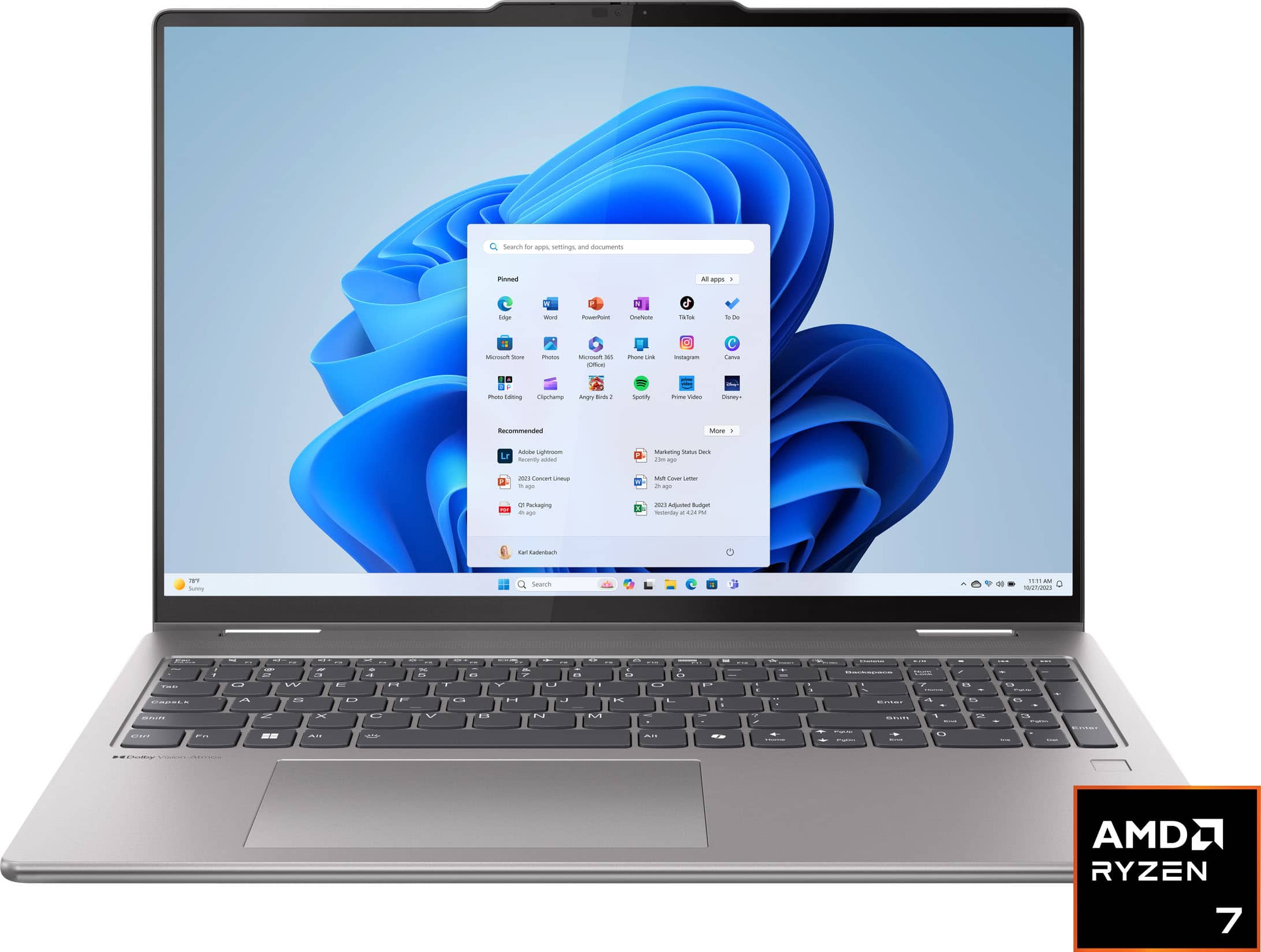
A:AnswerHey, thank you for your question. Based off the system requirements that are listed on this Minecraft webpage (https://www.minecraft.net/en-us/store/minecraft-java-bedrock-edition-pc#accordionv1-0afde1e050-item-2c8cc44a54), this Yoga should be able to run the game and run it well. When you start to get into settings like Ray Tracing and intensive texture packs, then that's where performance can take a dip. Hope this helps!
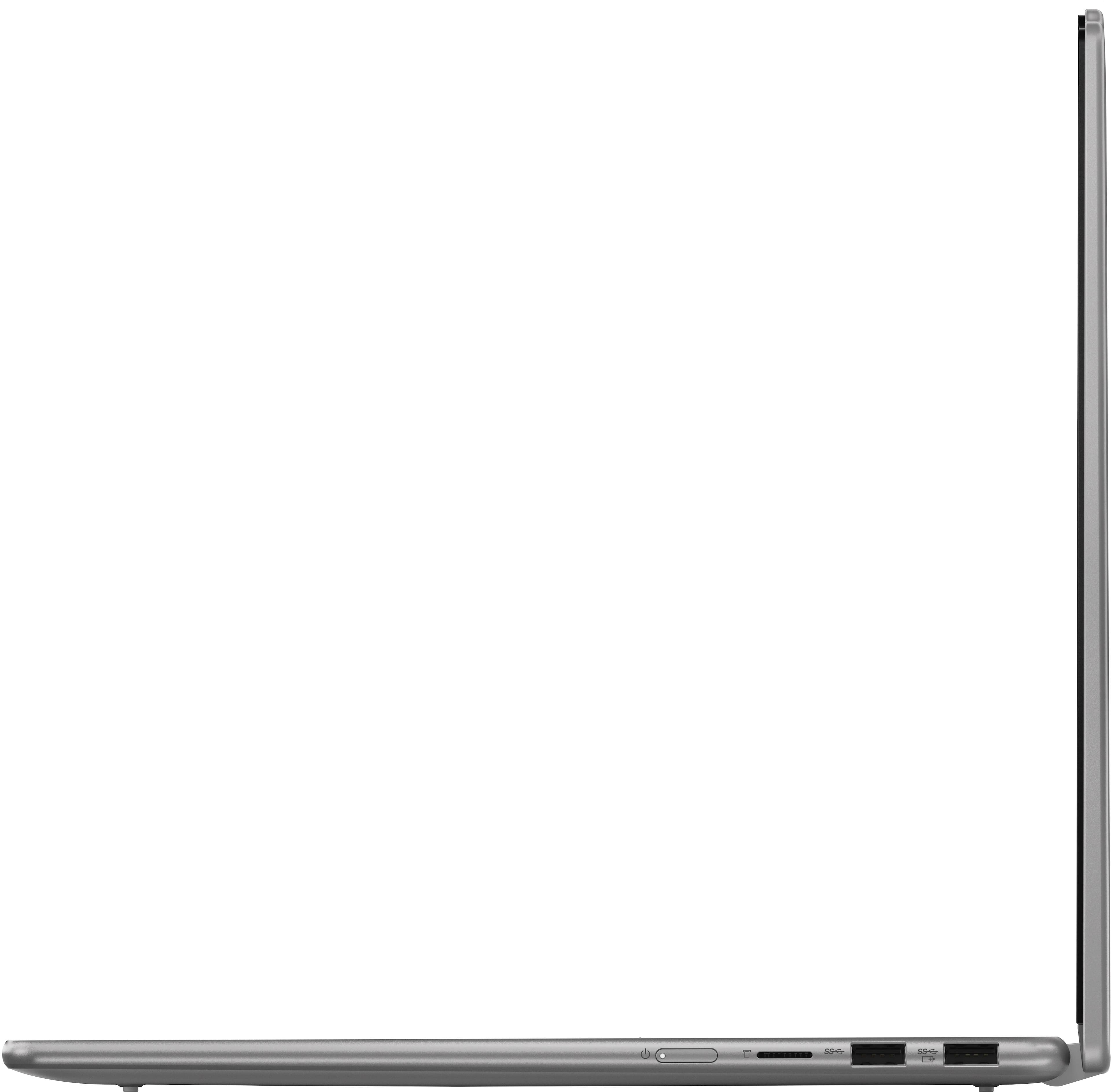
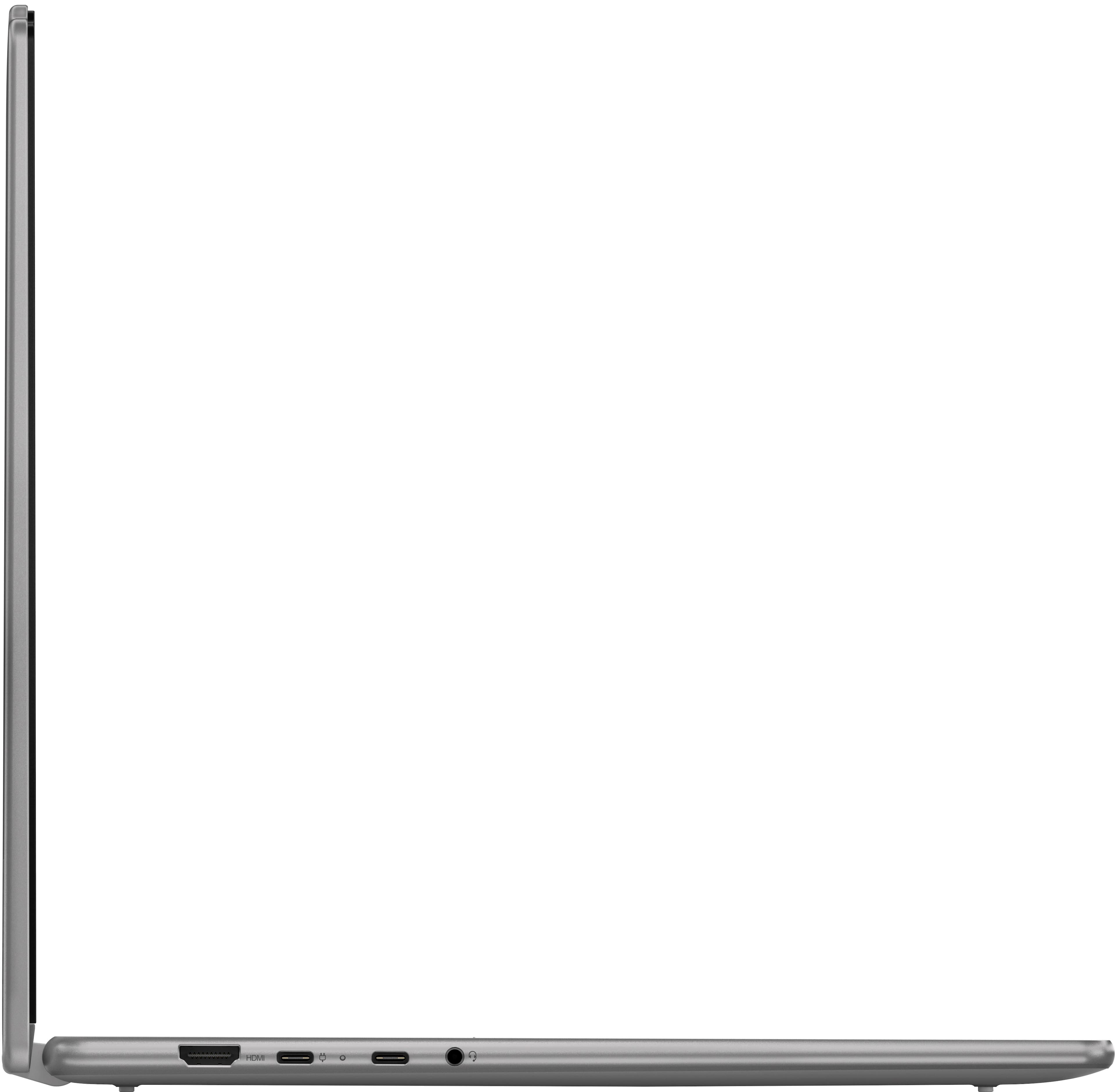
A:AnswerYes, I bought a docking station with a 4kHDMI ports and I am able to use my laptop as a desktop and I have two additional monitors hooked up for a total view of 3 different screens. One additional screen plugs straight into the hdmi port on the computer and the other screen on the docking station. The display port next to the charging port is what you use to connect the usb-c docking station