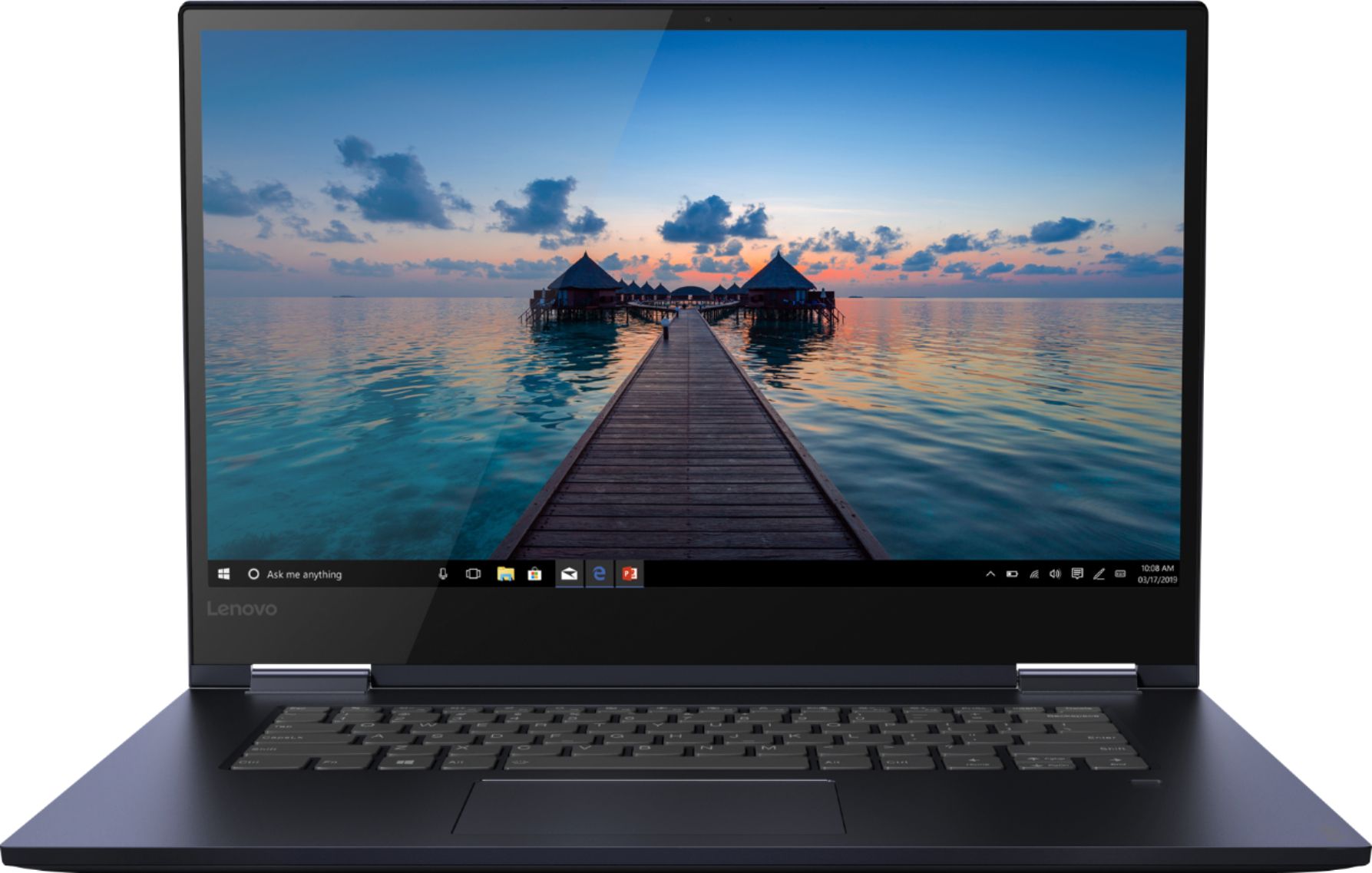
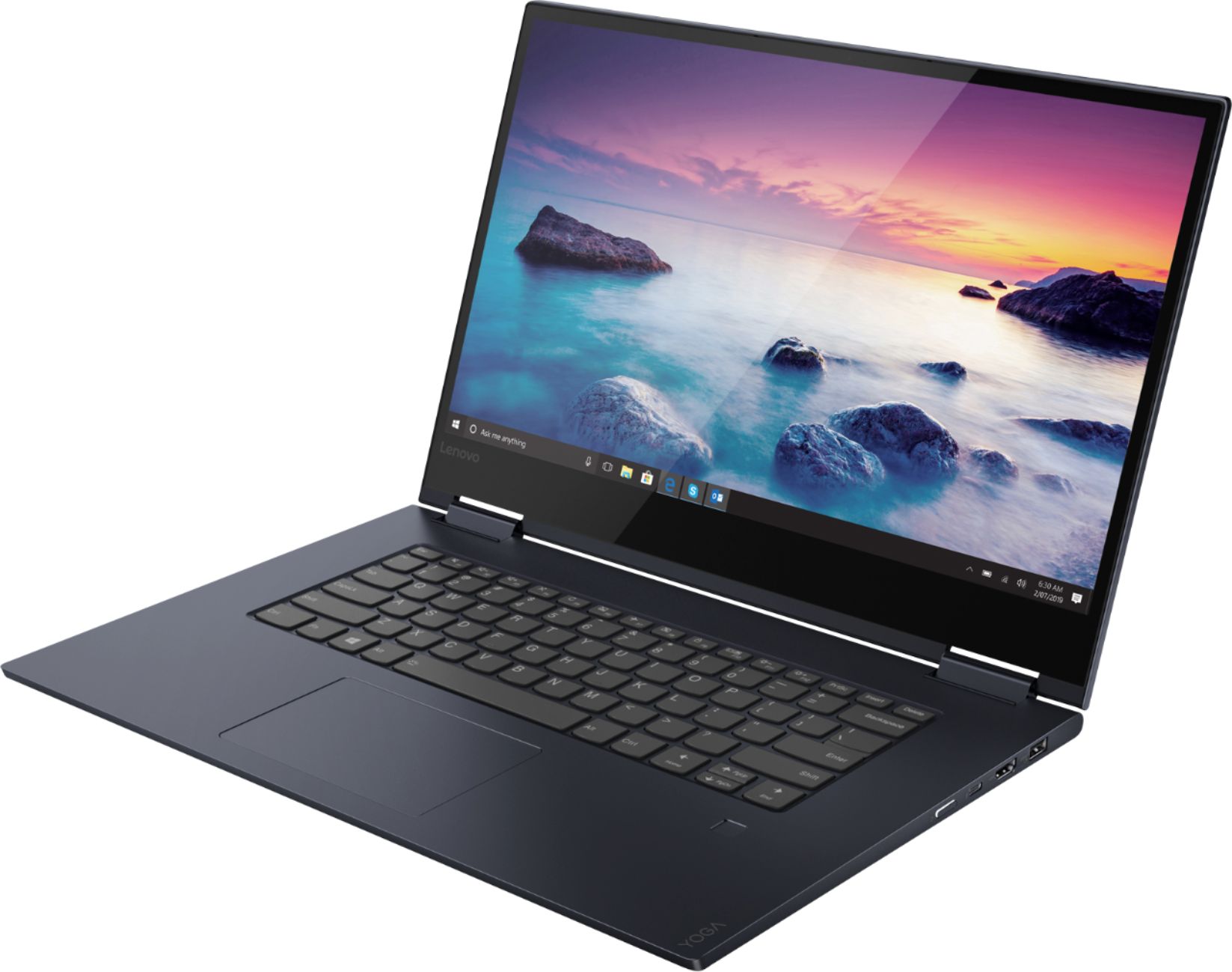
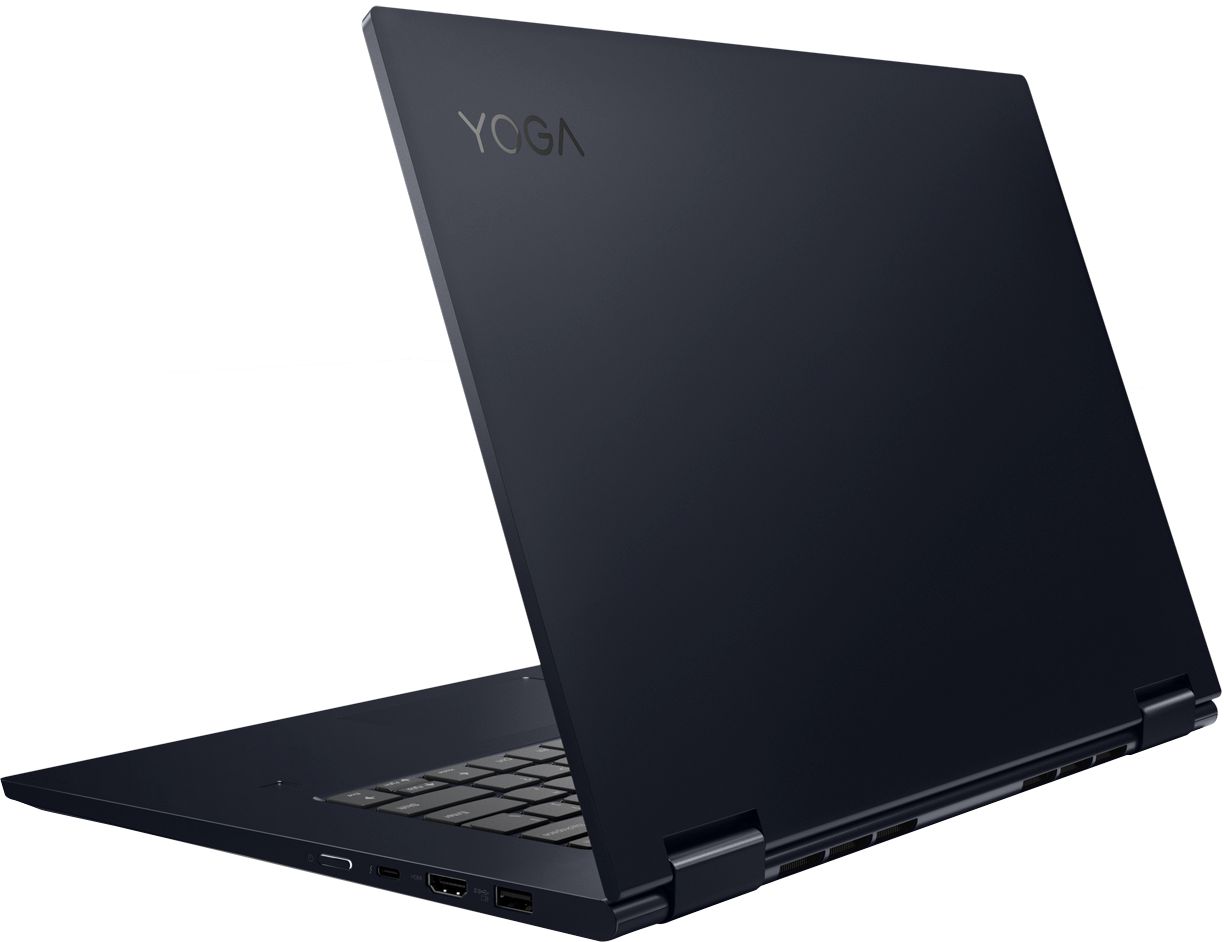
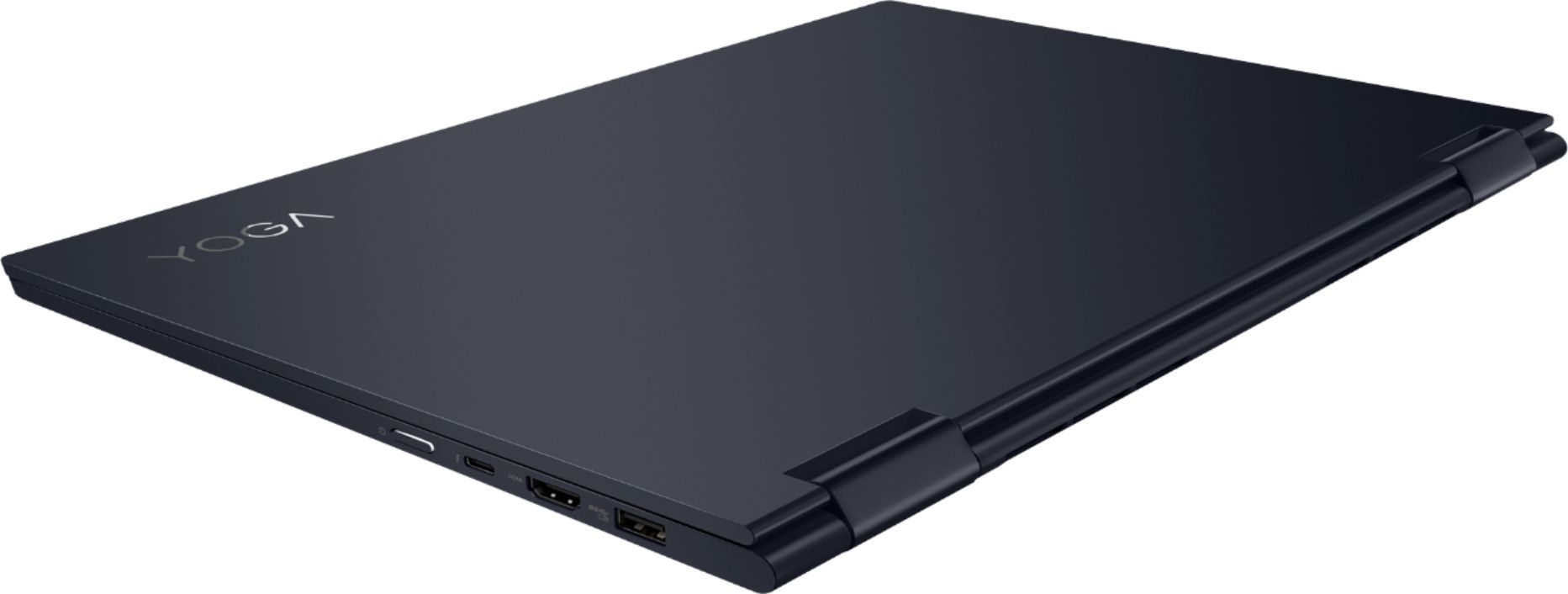
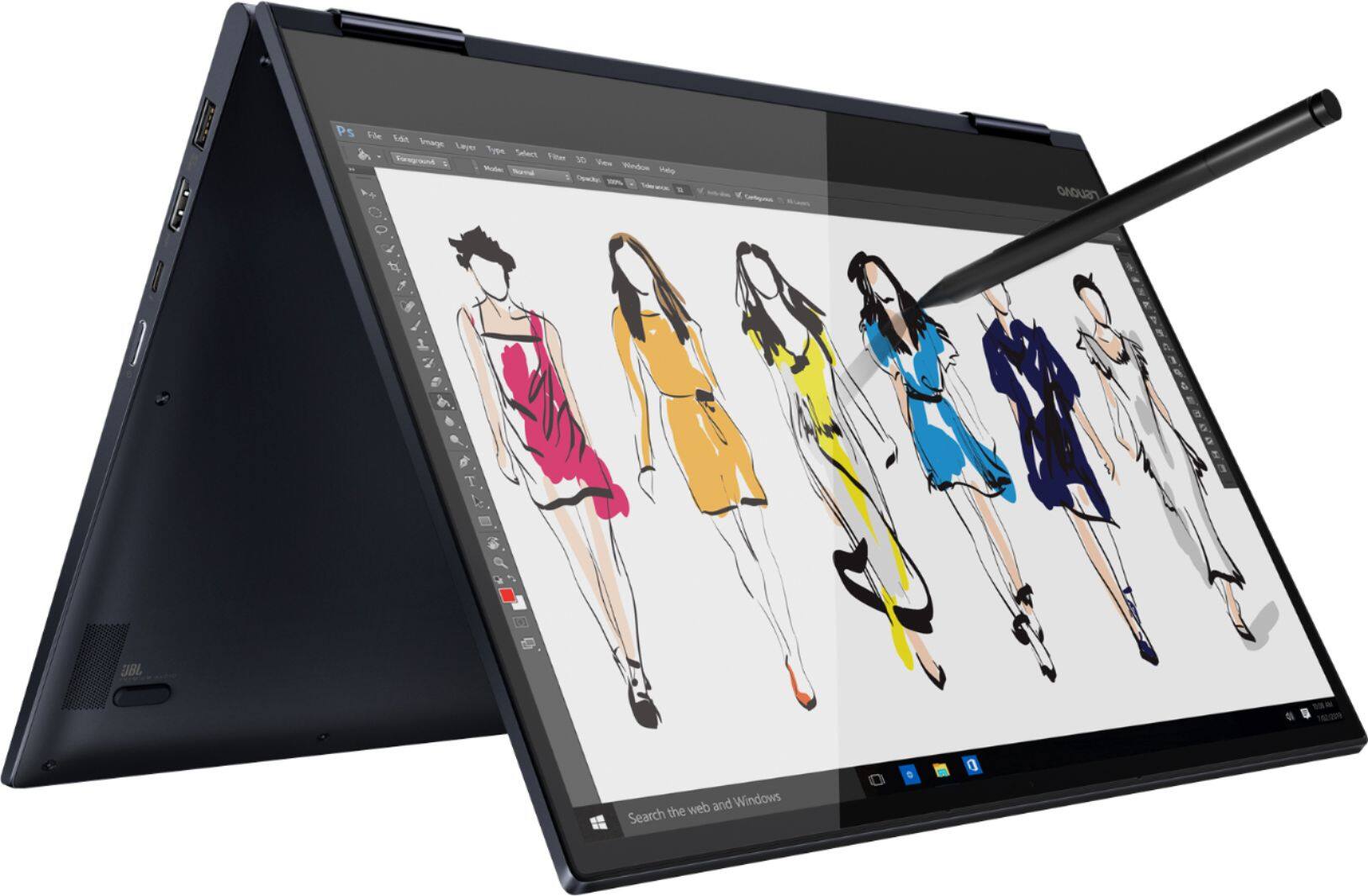
A:AnswerThis model is not user upgradable. A certified technician must do all of the work, so as to not void the warranty. The maximum RAM this configuration, model number 81JS005BUS, can support is 16GB. There is 8GB soldered to the motherboard and one RAM memory slot that ships with a 4GB RAM stick. Your certified technician can remove the existing 4GB RAM stick and replace it with an 8GB RAM stick. We recommend you contact your certified technician for your options. Best Buy Geek Squad Agents are certified technicians.
A:AnswerThe Lenovo Yoga 730-15 model number 81JS005BUS, ships with a 3CELL 51.5WH, Lithium Polymer Battery, with a battery life of up to 10 hours, depending on the work that the device is performing.
A:AnswerWe are sorry to hear that you are having issues with your Lenovo Yoga 730-15. First, be sure you have the latest version of Windows 10 on the computer, then scan for updates for all BIOS files and drivers up to that latest version of Windows 10. You can easily accomplish this by scanning the computer with the Lenovo Utility software available on this computer. This system has Lenovo utilities installed to help maintain the health of the device and keep the operating system software up to date. Type "Lenovo Vantage" in the Cortana Search window (if Lenovo Vantage is not installed on your device, you can download the APP and install it now). Select Lenovo Vantage from the list. In the window that opens, click on "Health and Support". In the expanded menu, select "Hardware Scan" In the window that opens, select "Run Quick Tests". This will scan your entire system for errors. Follow any directions that may pop up. If the problem continues after this scan, now click on "System Update". First select Windows update from the menu. Scan your system to be sure you have the latest version of Windows 10. Once that scan is complete, select "Additional Updates". This will scan your device to be sure there are no new BIOS/Driver updates needed. Follow any instructions that may pop up. If the problem continues, resetting the computer back to original factory settings may clear the issue. Here is a link to restore and reset options for Windows 10: https://support.microsoft.com/en-us/help/12415. If the issue continues after the reset, or if for some reason you could not get into settings to restore the computer, this system is equipped with OneKey Recovery System. There is a very small pin hole on the left side of the device, right near the headphone jack on the device. You will need a pin to push this reset button. Plug the device in. Let the battery charge for about 15 minutes. Push the reset button. The system should boot to a choice screen where you can choose "Restore To Factory Default". Select this. It will delete everything from the hard drive except the original factory install of the operating system. You will need to reinstall all programs and files after the reset. If you don't have copies of the files, try to make one before you restore by selecting "Boot to desktop" and trying to back up your files. If the problem persists after the factory reset, we recommend you contact Lenovo Tech Support at: 877-453-6686.
A:AnswerThat will depend on the requirements and compatibility of the programs you will need to use on the computer. We recommend you check with the specific software publisher's web sites, of the software you will need to use on your new computer, for their compatibility with Windows 10 Home 64-bit operating system and the minimum/recommended hardware requirements (Is a Graphics card required, the processor speed and the minimum required system RAM and the minimum available hard drive space) to run their program, then compare those requirements to this system's configuration
A:AnswerFor some reason Lenovo disabled that function on the only Thunderbolt 3 port on this laptop. It's a deal breaker since I wanted to use this with a dock...
there is not a usb c adapter in the box. It's their huge square proprietary charger
A:AnswerThat really will depend on the requirements and compatibility of the specific games. We recommend you check with the specific games' software publisher's web sites for their compatibility with Windows 10 Home 64-bit operating system and the minimum/recommended hardware requirements (Is a Graphics card required, the processor speed and the minimum required system RAM and the minimum available hard drive space) to run their program, then compare those requirements to this system's configuration.