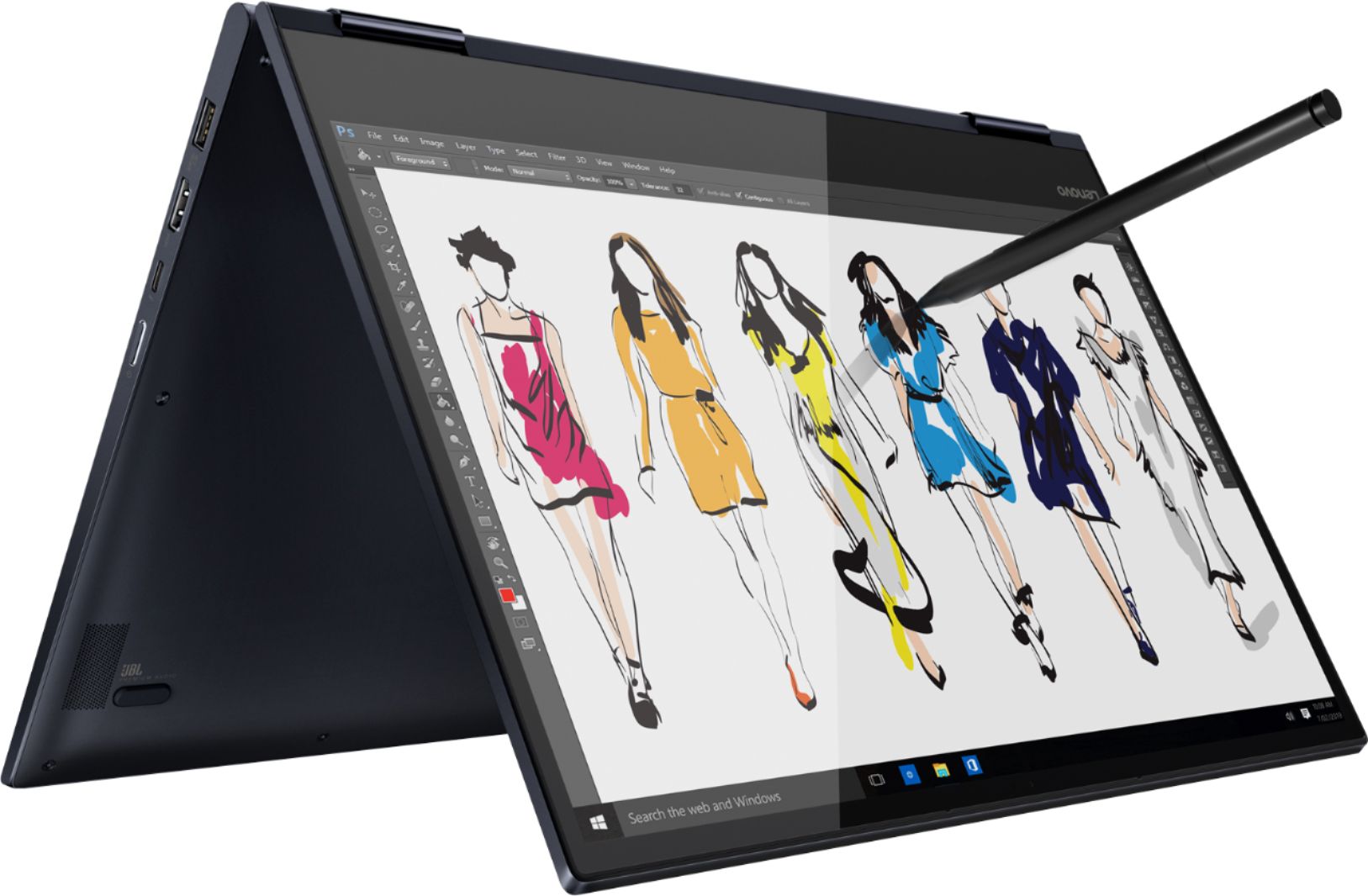
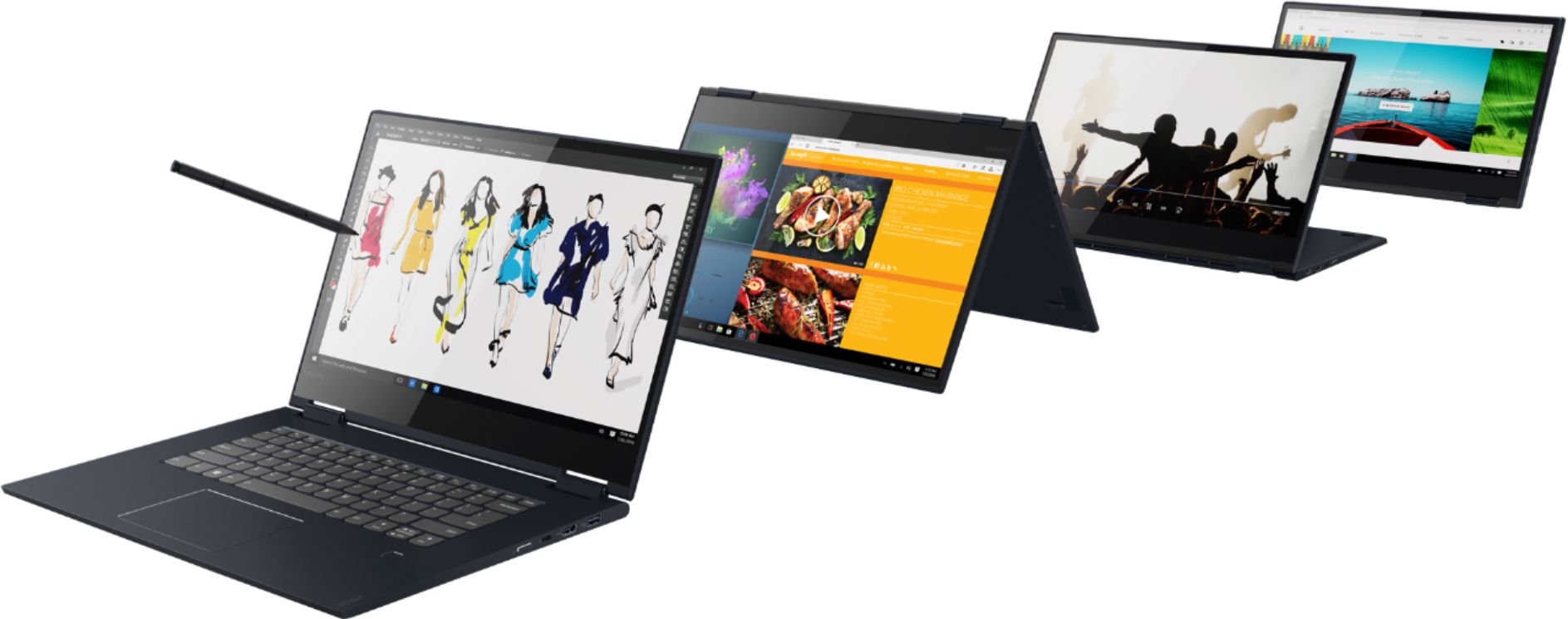
A:AnswerAbsolutely. I am using my Lenovo for Photoshop and Lightbox in my jewelry design and sales business. It has the RAM to handle many open windows at on time.
A:AnswerI got two different answers to my question. So I looked in the User Guide I downloaded from Lenovo. It seems that the SPECS in Best Buy for this model are wrong when it says "USB-C power adapter." The User Guide says that is present on the 13" model, but not on this 15.6" model of the Yoga 730. So THIS model of the Yoga 730 does NOT have the USB-C power adapter, as indicated in the specs. This model has a regular plug-in port for AC power, like most other laptops.
A:AnswerThis model is not user upgradable. A certified technician must do all of the work, so as to not void the warranty. There is 8GB RAM soldered to the motherboard and another 4GB within the one RAM memory slot within this configuration. Your certified technician can replace the 4GB RAM stick for an 8GB stick for a system total of 16GB. Consult your certified technician for your options.
A:AnswerThe Lenovo Yoga 730-15 model number 81JS005CUS, has a IPS LCD w/LED Backlight Glossy screen. There is no SD card slot within this configuration.
A:AnswerThis laptop is not a good choice for anything that you mentioned, since it’s missing a gpu. Video editing will be very slow and playback will be choppy, and this laptop runs the sims like a potato would.
A:AnswerThere may be inventory available at select stores. We recommend you call your local Best Buy Store location for the current product availability in-store.
A:AnswerWe are sorry to hear that you are having an issue with your Lenovo Yoga 730-15. The power on issue you describe could be caused by a software rather than hardware issue. Since you can not start the computer, this system is equipped with OneKey Recovery System. There is a very small pin hole on the left side of the device, right near the headphone jack on the device. You will need a pin to push this reset button. Plug the device in. Let the battery charge for about 15 minutes. Push the reset button. The system should boot to a choice screen where you can choose "Restore To Factory Default". Select this. It will delete everything from the hard drive except the original factory install of the operating system. You will need to reinstall all programs and files after the reset. If you don't have copies of the files, try to make one before you restore by selecting "Boot to desktop" and trying to back up your files. If the problem persists after the factory reset, we recommend you contact Lenovo Tech Support at: 877-453-6686.
A:AnswerCan I use an external cd/dvd +Rw/cd-rw drive even though the laptop does not have a media reader? I have a lenovo yoga 730 model number 81jsoo5cus SKU # 6331989. I read that it is not user upgradable. I asked for the most recent 8 generation laptop. What does this mean. Is the an older model?
A:AnswerNo. The Lenovo Yoga 730-15 uses integrated graphics processing within the Intel Core i7-8565U processor. It is the Intel UHD Graphics 620 version.
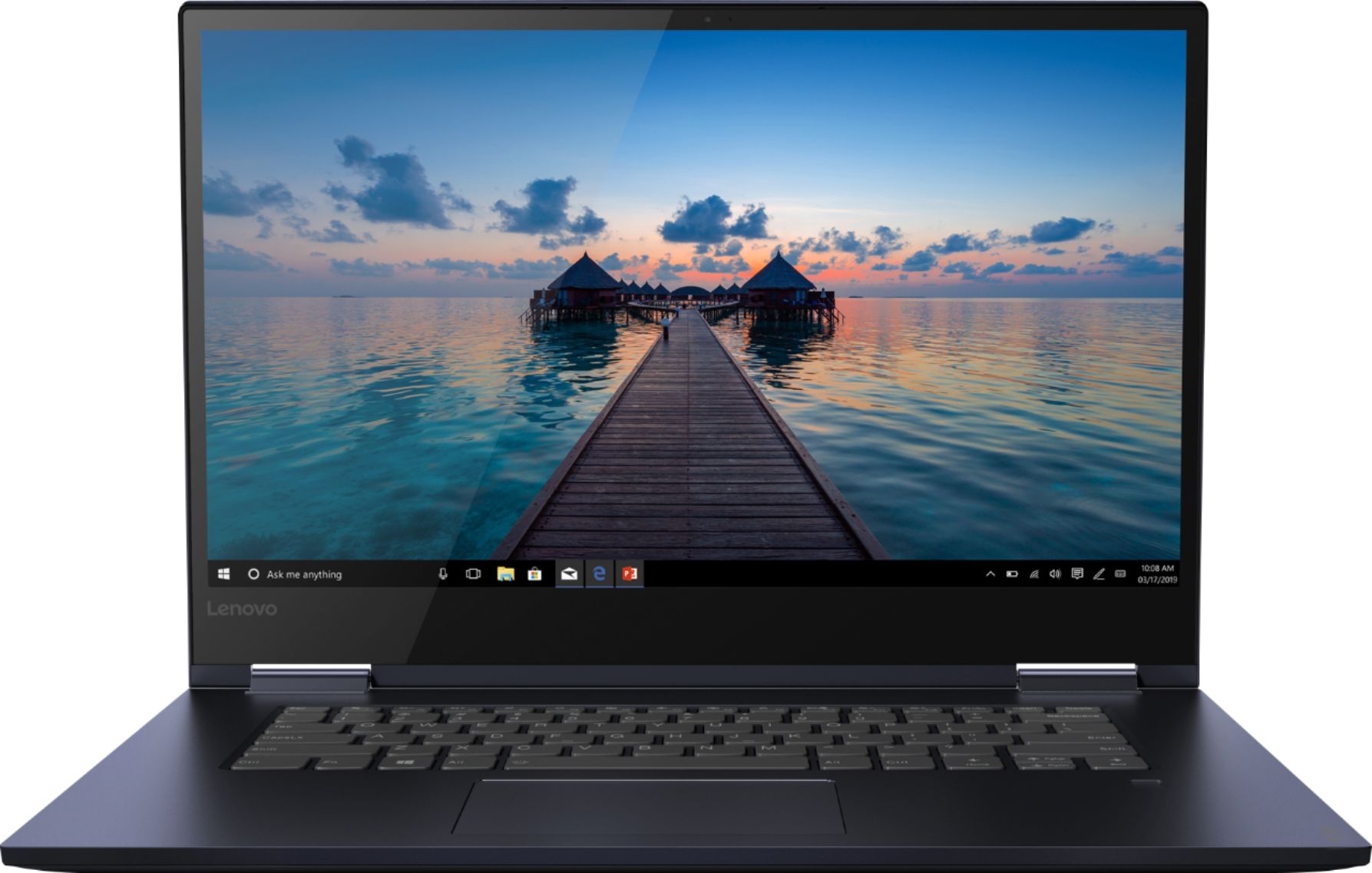
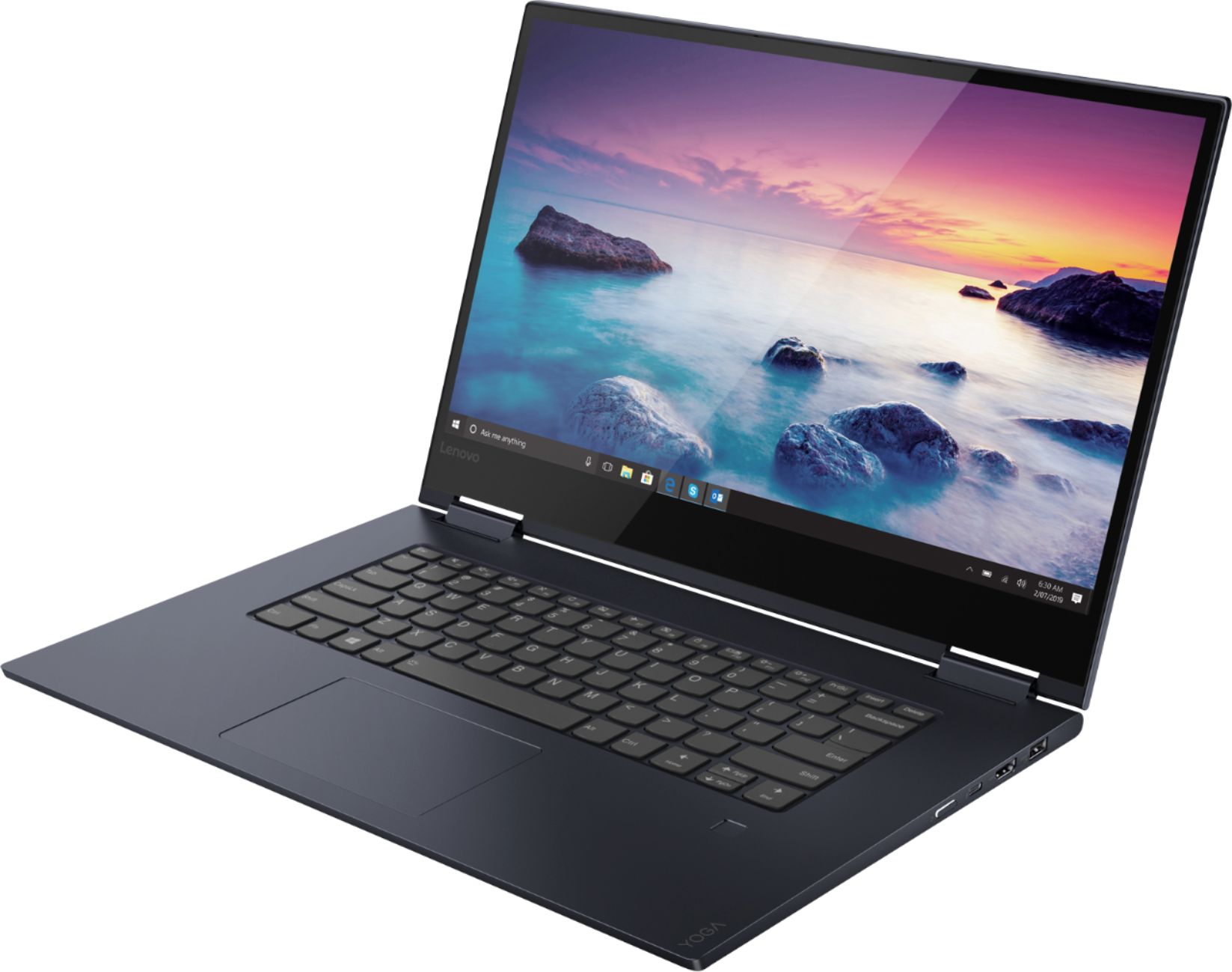
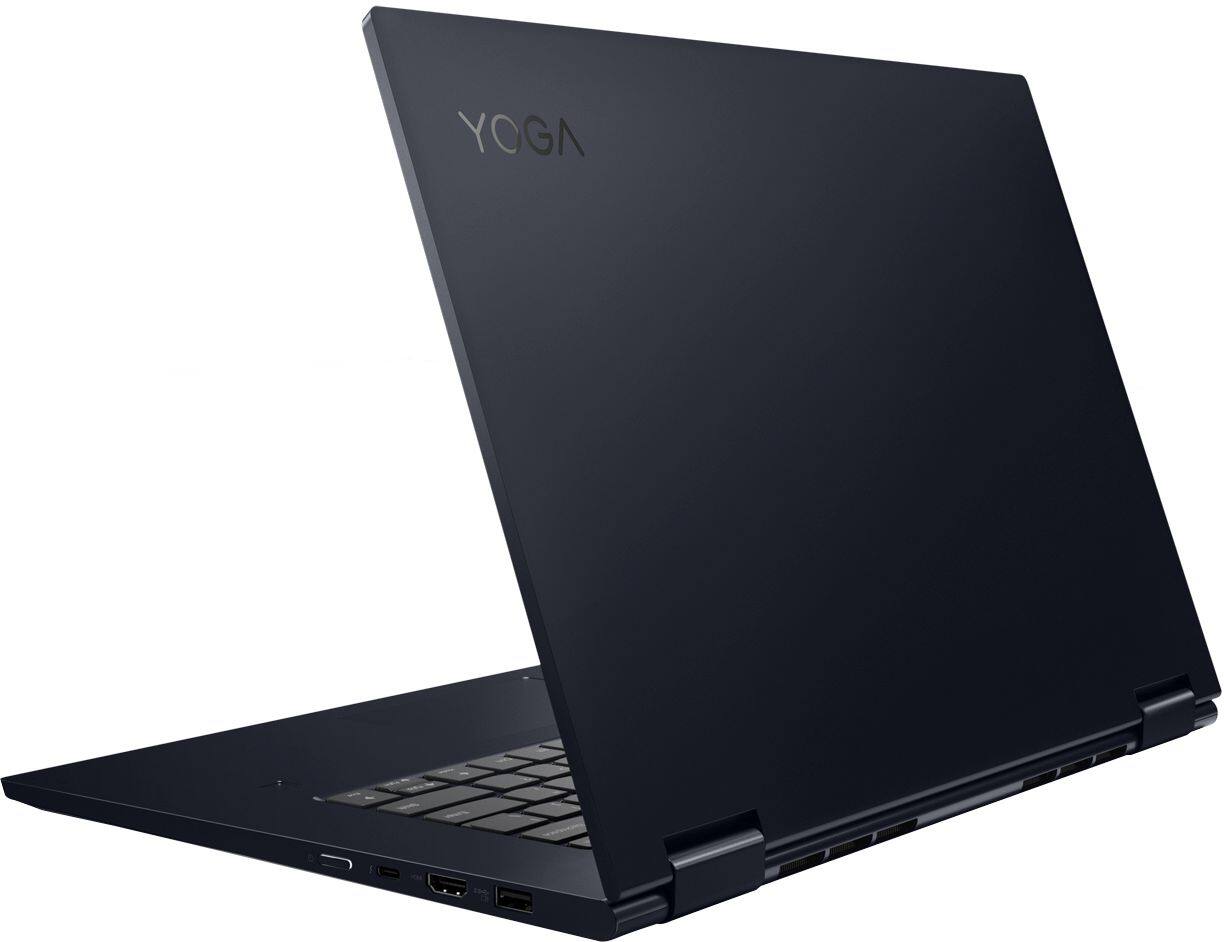
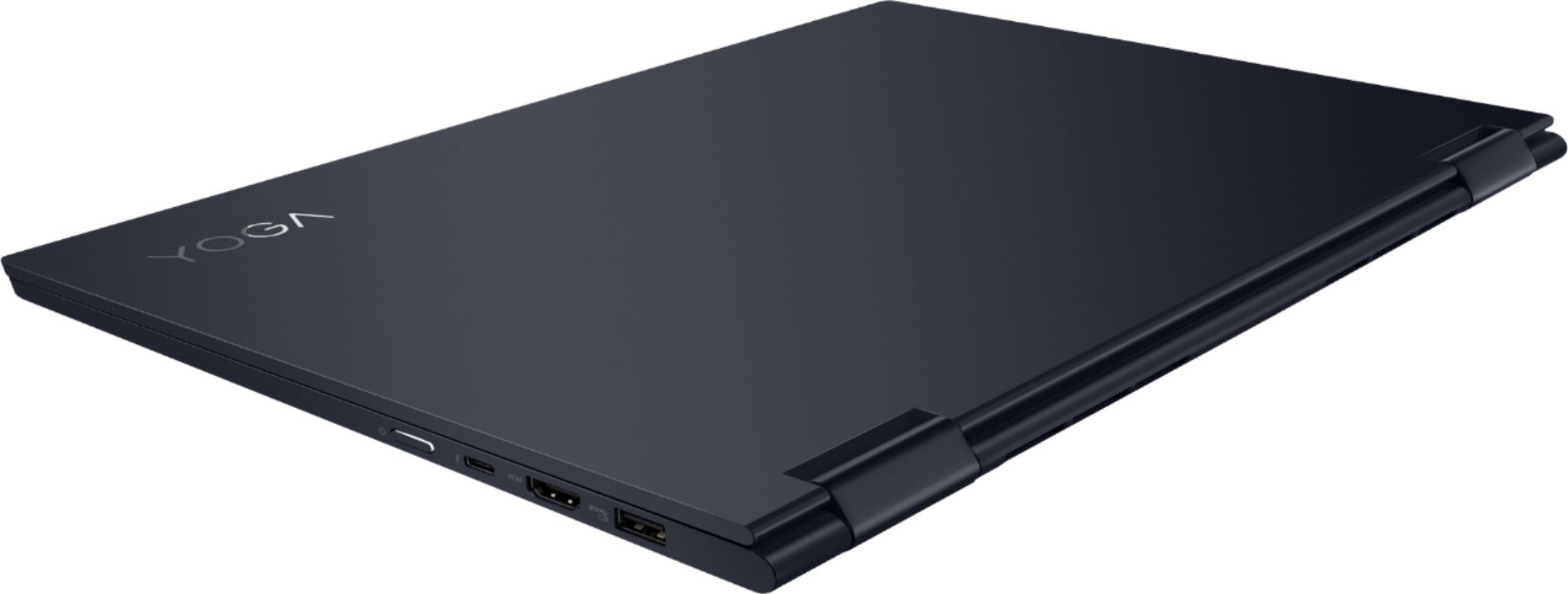
A:AnswerThe Lenovo Yoga 730-15, model number 81JS005CUS, ships with two standard USB ports, one Thunderbolt port, one HDMI port, one 3.5mm combo audio jack.