Main Content

Questions & Answers

Page Showing 21-40 of 88 questions
  • QuestionI've read online the 13 gen i7 "Raptor Lake" processors suffering from voltage overload causing permanent damage to the processor. This is mostly on the desktop units, but it is unclear if the laptop units are affected. What is the warranty on this issue?

    Asked by Andrew.

    • Answer The “Raptor Lake voltage damage” reports and any Intel warranty extensions have been aimed at certain desktop 13th and 14th gen processors, not at laptop U-series chips like the i7-1355U in this Yoga 7i. So there is no special, separate “Intel voltage issue warranty” you can claim for this laptop model. For this laptop, coverage is simply: Lenovo’s standard manufacturer warranty for the laptop (typically 1 year parts and labor, unless your specific unit was sold with a longer term or you purchased an extension). If you added it, Best Buy Geek Squad Protection is separate coverage through Best Buy. If you’re worried about CPU damage or instability, the correct path is to file a Lenovo warranty claim (or Geek Squad if you bought that plan), describe symptoms, and let them diagnose and repair or replace under the laptop’s warranty terms.

      Answered by Leviath

  • QuestionHow do you select a laptop that INCLUDES an INTERNAL OPTICAL DRIVE for DVD/CD media reading and writing?

    Asked by Dilbert.

    • Answer You generally cannot select a modern consumer laptop with an internal DVD/CD optical drive anymore. Most manufacturers stopped including internal optical drives around 2018–2020 to reduce size, weight, and power consumption. Current laptops, including 2-in-1s and ultrabooks, do not ship with internal optical drives. If an internal optical drive is a hard requirement, your options are: Buy an older or refurbished business laptop (roughly 2016–2019 models) that still includes a built-in DVD±RW drive. Purchase a specialized rugged or industrial laptop, where optical drives are still offered for legacy or compliance reasons. Use an external USB optical drive, which is the current standard solution and fully supports DVD/CD reading and writing on modern systems. For new laptops sold today, an external USB optical drive is the only practical and supported option.

      Answered by Leviath

  • QuestionIf I connect this to a larger external touch-screen monitor, will the touch capability work on the external monitor?

    Asked by FRANKLAND.

    • Answer Yes

      Answered by NelsonT

  • QuestionHow do you turn on the internet?

    Asked by Anonymous.

    • Answer You don’t turn on the internet itself, you enable the laptop’s network connection. Steps on a Lenovo Yoga (Windows): 1.) Turn on Wi-Fi ○ Click the network icon in the bottom-right taskbar. ○ Make sure Wi-Fi is toggled On. 2.) Connect to a network ○ Select your Wi-Fi network name. ○ Click Connect and enter the password if prompted. 3.) Check Airplane Mode ○ Ensure Airplane mode is Off in the same network menu. 4.) Confirm the adapter is enabled ○ Open Device Manager ○ Expand Network adapters ○ Verify the wireless adapter is enabled and has no warning icon. If Wi-Fi is on, a network is connected, and the adapter is enabled, the Lenovo Yoga is connected to the internet.

      Answered by Leviath

  • QuestionAfter purchase, can I extend the warranty to 3-years through Lenovo rather than purchase the Geek Squad warranty?

    Asked by Anonymous.

    • Answer Yes. If you bought a Lenovo Yoga through Best Buy, you can extend the warranty directly through Lenovo instead of buying Geek Squad Protection, as long as the original Lenovo warranty is still active (or within Lenovo’s grace period). How it works: - Lenovo allows you to upgrade or extend the manufacturer warranty (often up to 3 years total) using your laptop’s serial number. - Coverage options typically include standard depot repair, on-site service, and accidental damage protection, depending on what Lenovo offers for your specific model. - This is handled entirely through Lenovo, not Best Buy. Important notes: - You do not need Geek Squad to extend coverage through Lenovo. - Once the Lenovo warranty expires, extension options may be limited or unavailable. - Best Buy Geek Squad is optional and separate, it does not replace Lenovo’s own warranty extensions. If your Yoga is still under its original warranty, you can extend it to 3 years directly through Lenovo and skip Geek Squad entirely.

      Answered by Leviath

  • QuestionCannot get the computer to stay hardwired. I can only do the wi-fi. We had a network company in to check all wiring and install new for business. The symbol with the globe shows up with the line through it. Tried new adapter, nothing. Frustrated!

    Asked by JT.

    • Answer this is JT....we finally figured it out thanks to the help of a gentleman at Best Buy in Mechanicsburg. I needed the "C" adapter vs using the USB port adapter (my old computer used the USB ports). Works great now!!! Love this computer!!

      Answered by Anonymous

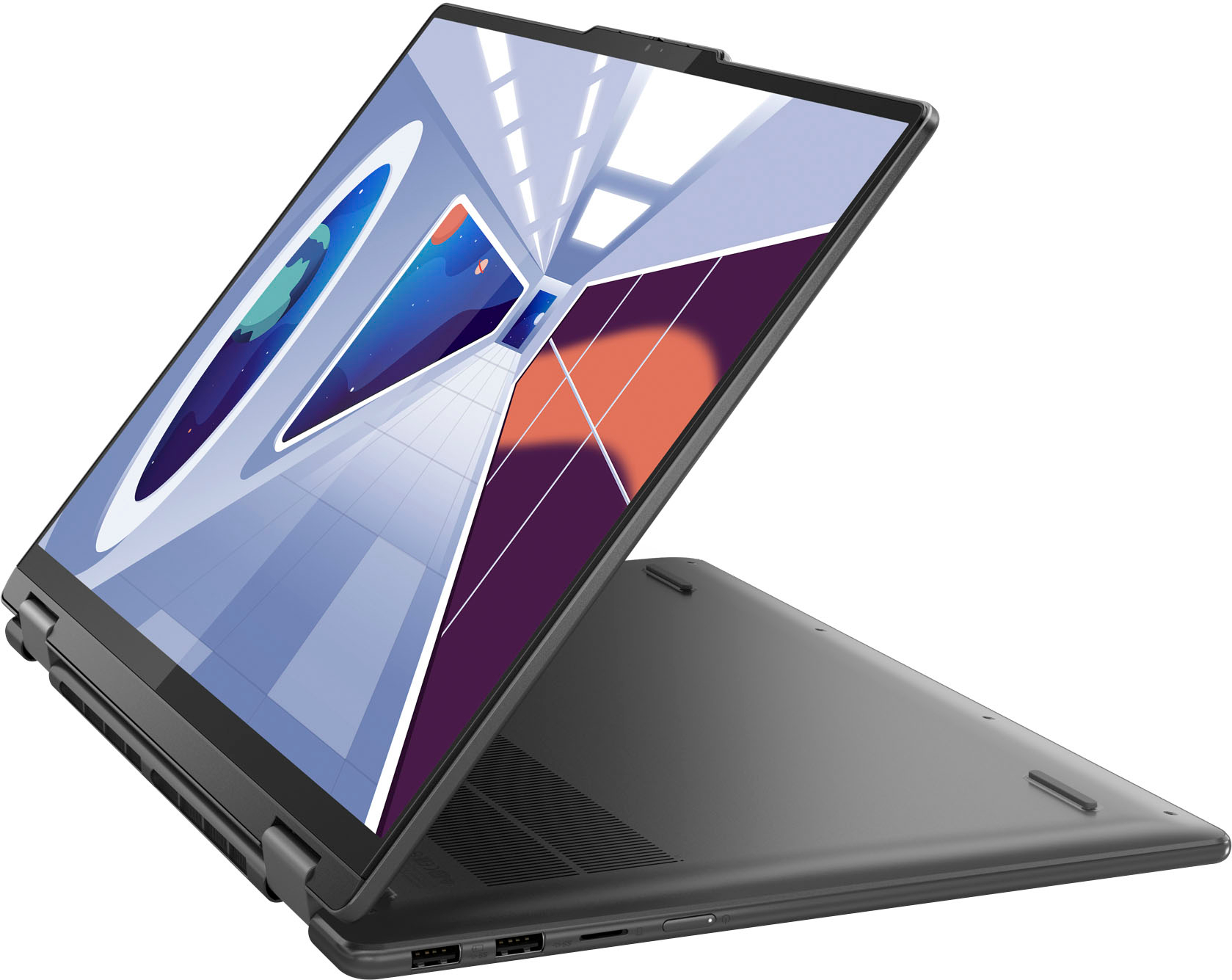
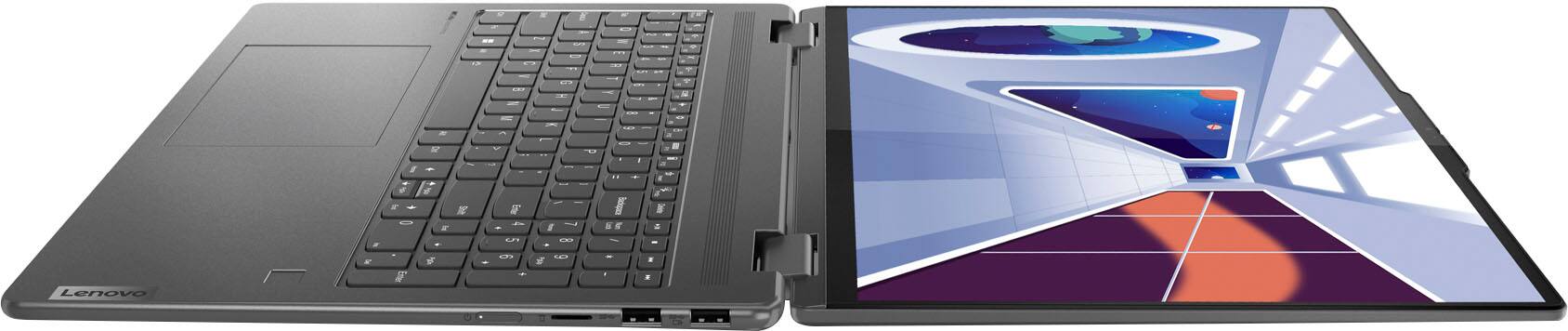
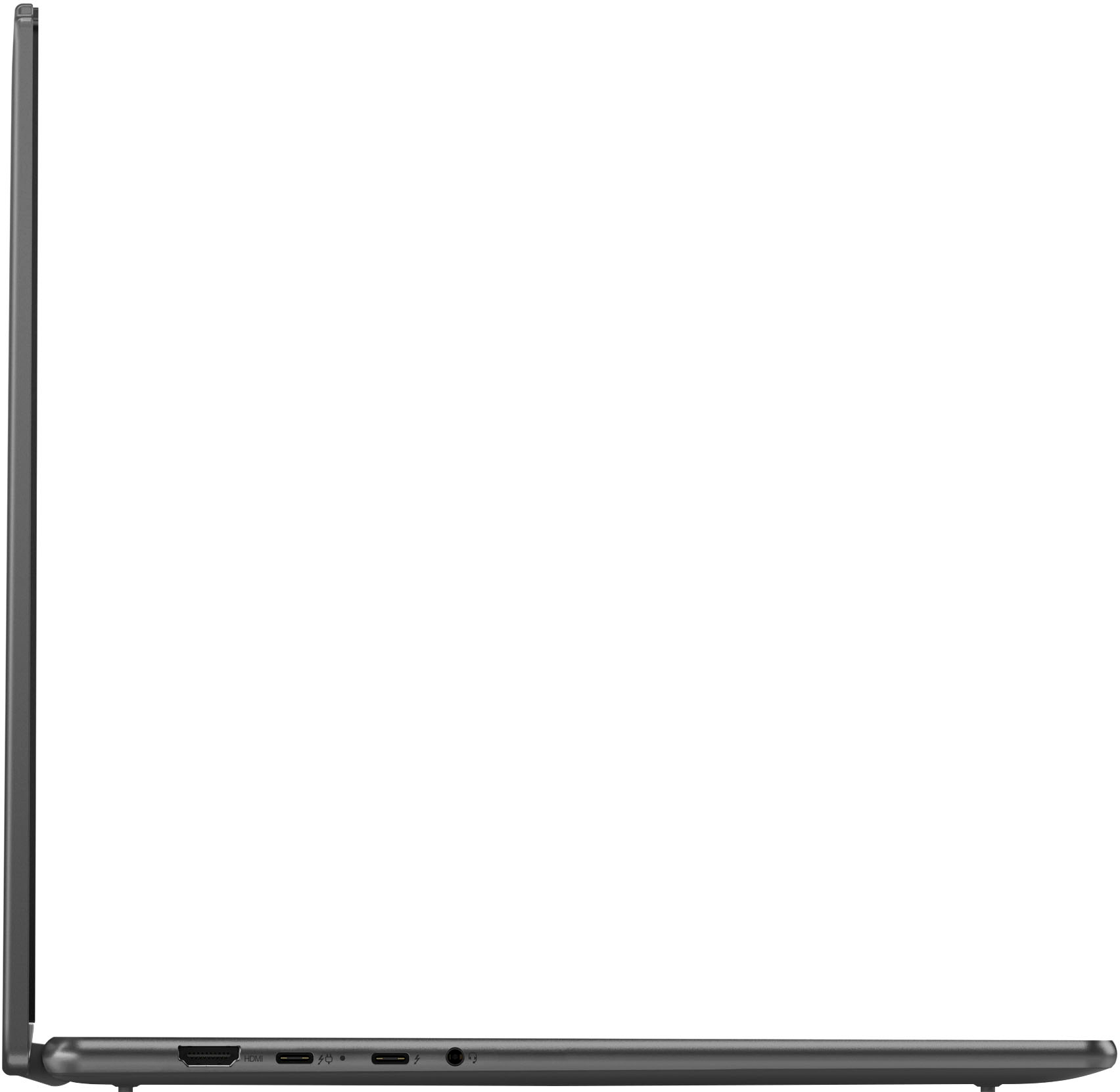
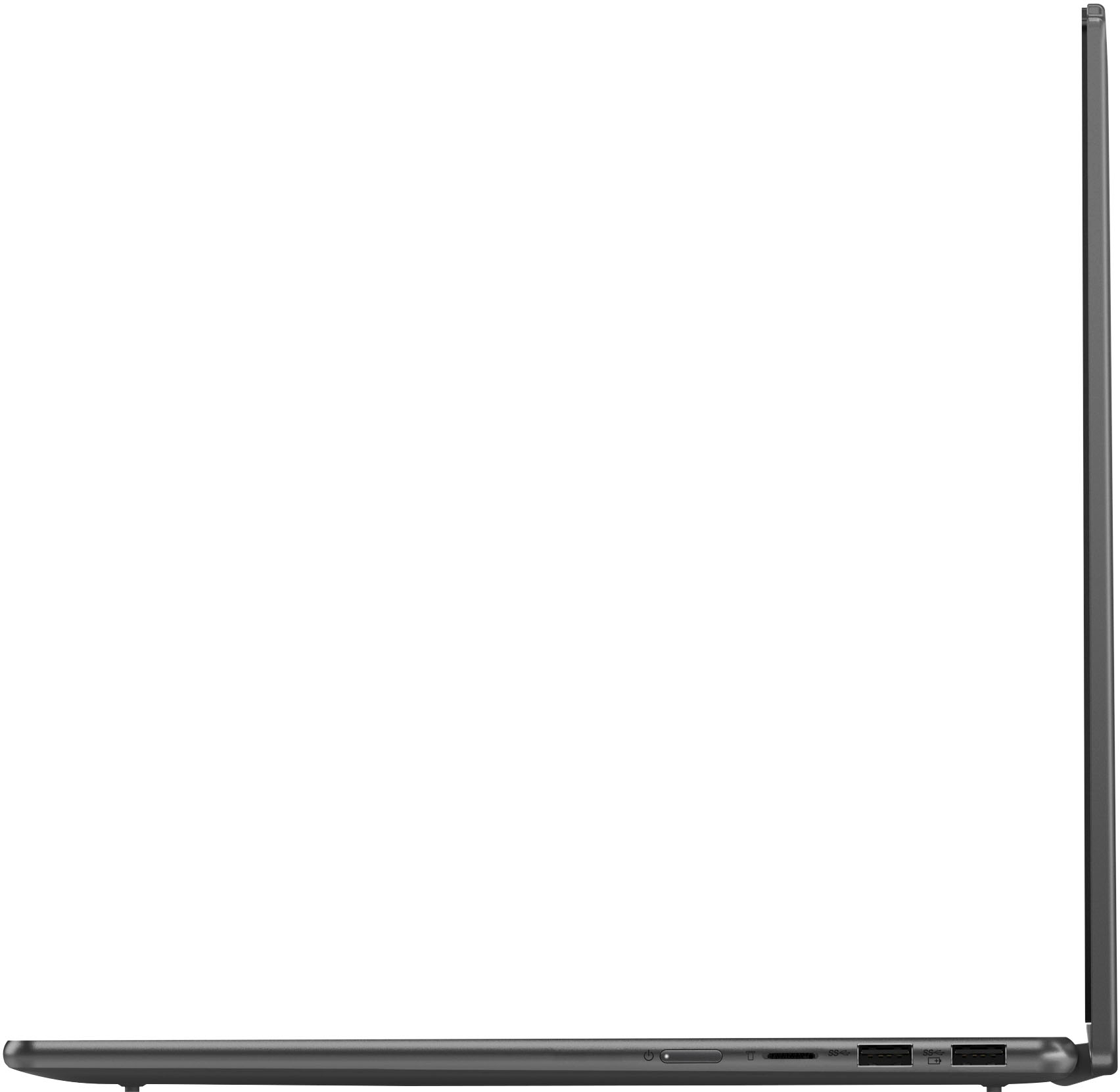
  • QuestionHow many USB ports does this have? Yoga 7i

    Asked by Bet.

    • Answer 2

      Answered by TracyK

  • QuestionDoes this laptop come with cd player

    Asked by Birdie.

    • Answer no

      Answered by DennisH

  • QuestionWhat is the warranty period?

    Asked by Debbie.

    • Answer It has a one year manufacturing warranty

      Answered by NicolasV

  • QuestionWhat is the manufacturer's warranty on this product

    Asked by bj.

    • Answer 1 year

      Answered by MrJonas

  • QuestionI've never owned a laptop with a micro SD slot like this. Micro SD cards are cheap (like $40 for a decent 512gb card) Do they work just like a regular SSD? Store pictures and high res movies?

    Asked by bart.

    • Answer they don't use the same level of encryption or wear-leveling as SSDs, which limits their lifespan and performance. The largest available SD card is 1TB, while the largest SSD is 8TB. Micro SD cards

      Answered by NicolasV

  • QuestionI have this laptop I'm trying to figure out what capture card is Compatible with my laptop any suggestions?

    Asked by TheDudewithknives.

    • Answer Your Lenovo Yoga 7i (i7-1355U) is compatible with USB-based capture cards. You do not need a PCIe capture card, those are for desktop towers only. What to look for (compatibility requirements) Your laptop supports: ★ USB-C (Thunderbolt 4 / USB4) ★ USB-A 3.0 / 3.2 ★ Windows 11 So the capture card must be: ★ USB 3.0 or USB-C ★ UVC compliant (plug-and-play on Windows) ★ External, not internal Reliable, proven options: ★ Elgato HD60 X ★ USB-C ★1080p60 capture, low latency Very stable, widely supported: ★ Elgato HD60 S+ ★ USB-A or USB-C Works without proprietary drivers ★ AVerMedia Live Gamer Mini (GC311) ★ USB-A Simple, affordable, dependable: ★ AVerMedia Live Gamer Ultra (GC553) ★ USB-C Higher-end, supports higher refresh passthrough What NOT to buy ⦻ PCIe capture cards (won’t work in a laptop) ⦻ USB 2.0 capture cards (unreliable, low quality) ⦻ No-name cards without UVC support Any USB 3.0 or USB-C external capture card from Elgato or AVerMedia will work with your Lenovo Yoga 7i. If you want simple and reliable, HD60 X is the safest pick.

      Answered by Leviath

  • QuestionDoes this product come with international warranty? Am from Singapore and interested to buy this laptop as my friend from US is coming to visit me in Singapore.

    Asked by Venkat.

    • Answer **No, this laptop does not automatically come with a global/international warranty.** For a Lenovo Yoga purchased in the **U.S. (via Best Buy)**: * It includes a **U.S.-based Lenovo limited warranty only**. * International warranty coverage is **not guaranteed** unless the exact model and serial number are explicitly listed as eligible under Lenovo’s **International Warranty Service (IWS)** program. Important details: * **Lenovo IWS is model- and region-specific**, not universal. * Many **consumer Yoga models sold at Best Buy are not covered internationally**, or have limited parts/service availability outside the U.S. * If service is needed in Singapore, Lenovo Singapore may **refuse warranty repair** or require **paid service**, even if the laptop is still under warranty. What you should do before buying: 1. Get the **exact model number and MTM (machine type model)** from the Best Buy listing. 2. Check Lenovo’s **International Warranty Lookup** using that model/serial. 3. If international coverage is critical, consider: * Buying the laptop **directly in Singapore**, or * Purchasing a Lenovo warranty upgrade that explicitly includes **International Warranty Service**, if available for that model. Bottom line: Buying this laptop in the U.S. and bringing it to Singapore **does not guarantee warranty coverage there**. Verify IWS eligibility first, otherwise assume **U.S.-only warranty**.

      Answered by Leviath

  • QuestionCan I use a pen with this lenovo? And need which one? It need to be the lenovo one or a normal stylus?

    Asked by Ellen.

    • Answer Hello, Ellen. Yes, a pen can be used with our Yoga devices. You could use a Lenovo Active Stylus, or another that supports MPP or AES pen protocols.

      Answered by Lenovo Product Expert

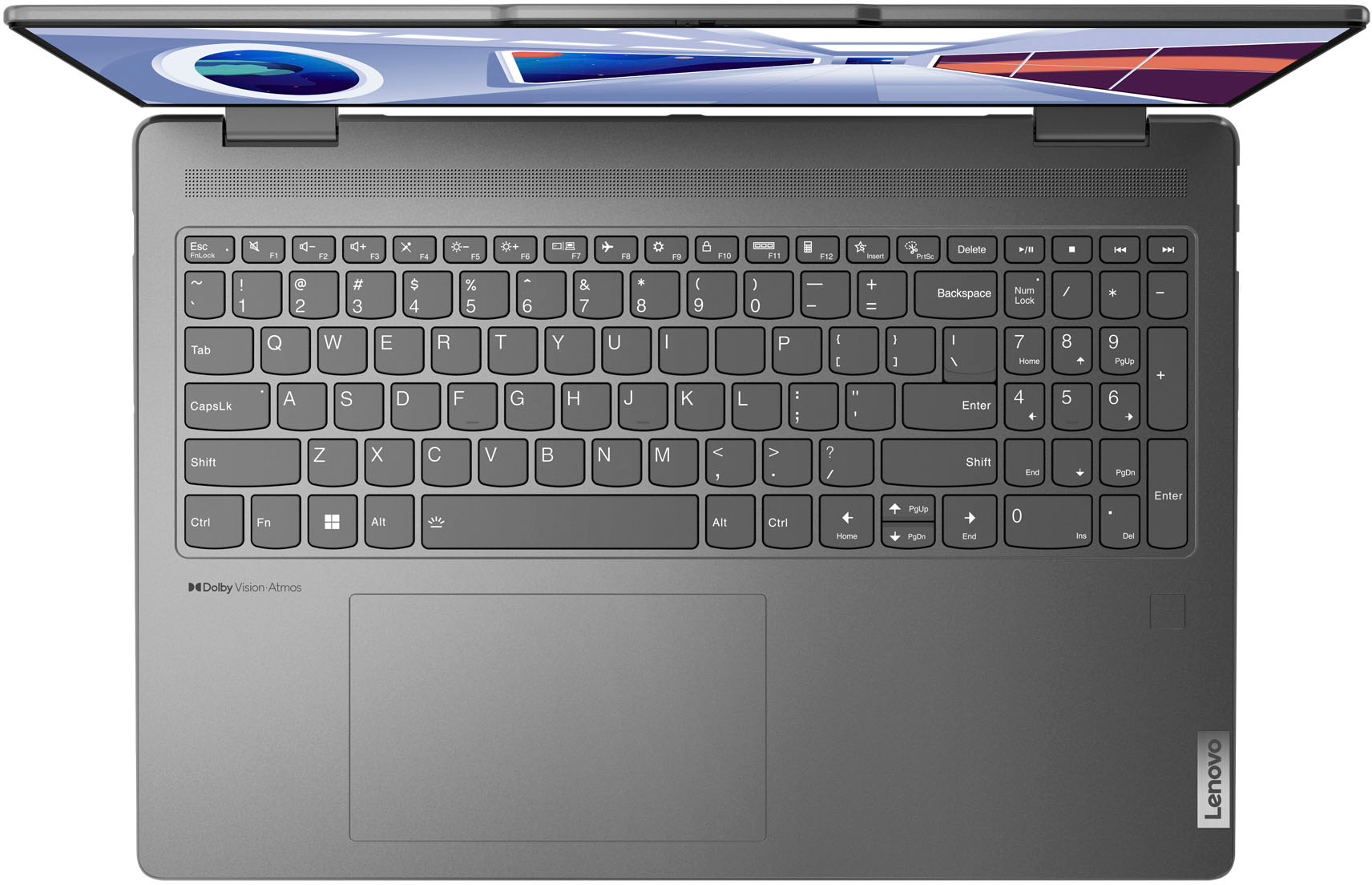
  • QuestionHow do you turn on keyboard lights

    Asked by Mike.

    • Answer Function key + spacebar. There are two levels of backlighting for the keyboard.

      Answered by thekeelog

  • QuestionDoes this computer have a camera and speaker?

    Asked by Anonymous.

    • Answer yes

      Answered by LindaK

  • QuestionDoes this computer have a camera and speaker?

    Asked by Pug.

    • Answer Yes has camera and speaker

      Answered by ErnestoT

  • QuestionIs it possible on this laptop to change Windows 11 to Windows 10?

    Asked by Danyel.

    • Answer Yes, it is possible to install Windows 10 on this Lenovo Yoga 7i, but there are important limitations to be aware of. This laptop ships with Windows 11 and is designed and supported for Windows 11 by Lenovo. While you can manually install Windows 10 using a clean install, Lenovo does not fully support Windows 10 drivers for many newer Yoga 7i models with 13th-gen Intel processors. Because of this, some hardware features may not work correctly on Windows 10, including the touchscreen, touchpad, fingerprint reader, power management, camera, and battery optimization. You may need to rely on generic Windows drivers, which can lead to reduced stability or missing functionality. There is no official downgrade option, only a clean installation, and Lenovo or Microsoft will not guarantee fixes for issues that occur after downgrading. Bottom line: Windows 10 can be installed, but it is not recommended. For full compatibility, stability, and support, Windows 11 is the better and supported option for this laptop.
      Answered by Leviath

  • QuestionWhat does open box mean?

    Asked by Anonymous.

    • Answer Unfortunately, I got an open box Lenovo Yoga 7i 14" for $622 plus tax, and it never charged the battery fully. I kept it logged in for 3 full days, and it only reached 80% battery charge. Very disappointed! I had no problems returning to to Best Buy, but to get another one, they could only reduce a new one by $100, which would have been $899, or I would need to buy the top membership to get a voucher which would bring it down to $799. I later saw the open box listed on Lenovo and Best Buy, but am leery to try again, as it takes too much of my time to continue having to make returns. My husband got the same 14" one at a great price. Only the 16" is reduced, and I would prefer the smaller size. I will say our local Best Buy employes are well-trained and knowledgable, but they have to comply with what they are allowed to adjust. I may have to start looking a other brands to stick with my preferred price point.

      Answered by skkme

  • QuestionI have an older version or excel, word, and powerpoint on my current laptop. This was a purchased version so how could i transfer this to this new laptop. I don't want to have to pay for the newer version.

    Asked by Dave.

    • Answer Hello, Dave. We recommend consulting Microsoft Support for the best guidance regarding this.

      Answered by Lenovo Product Expert