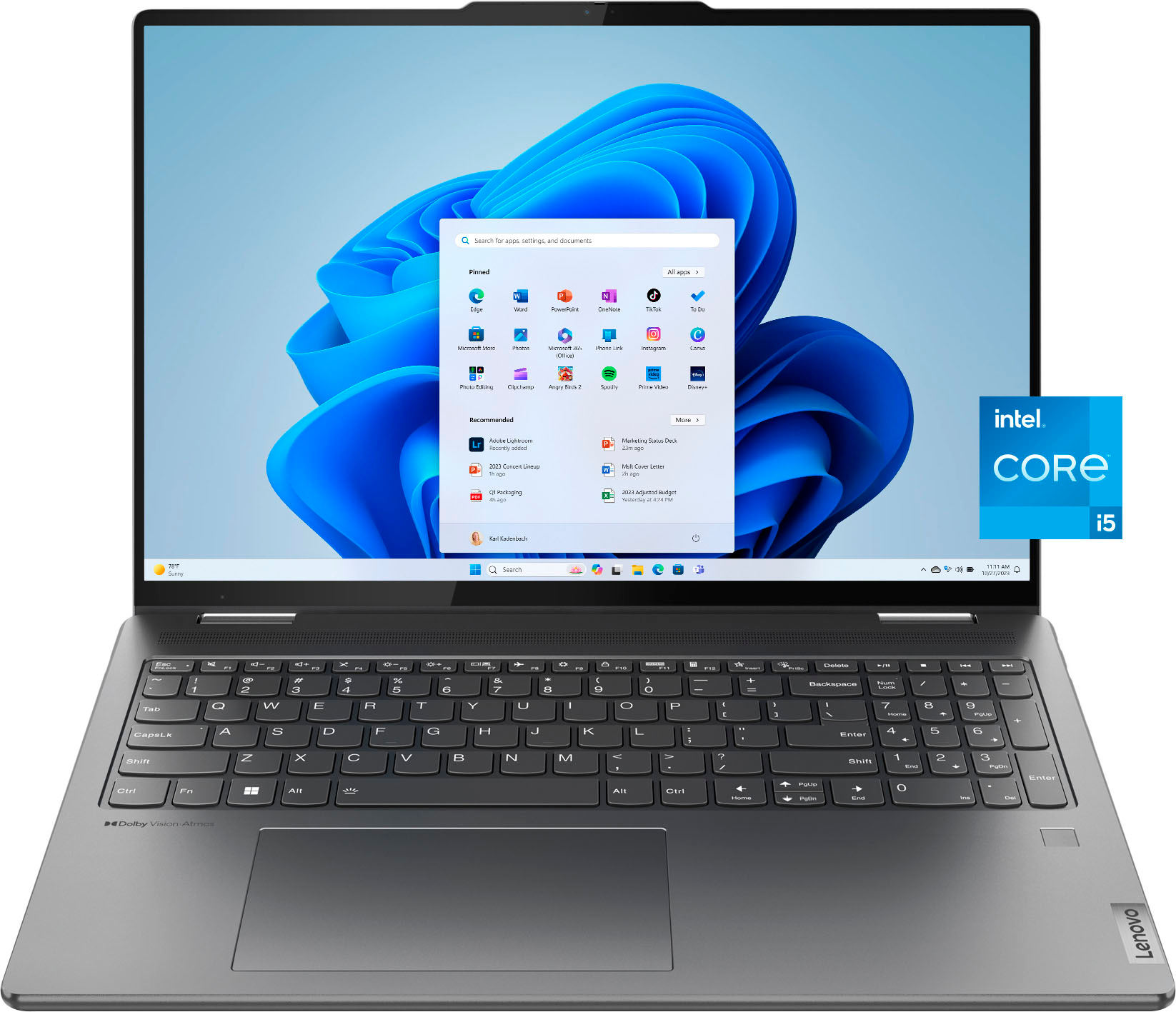
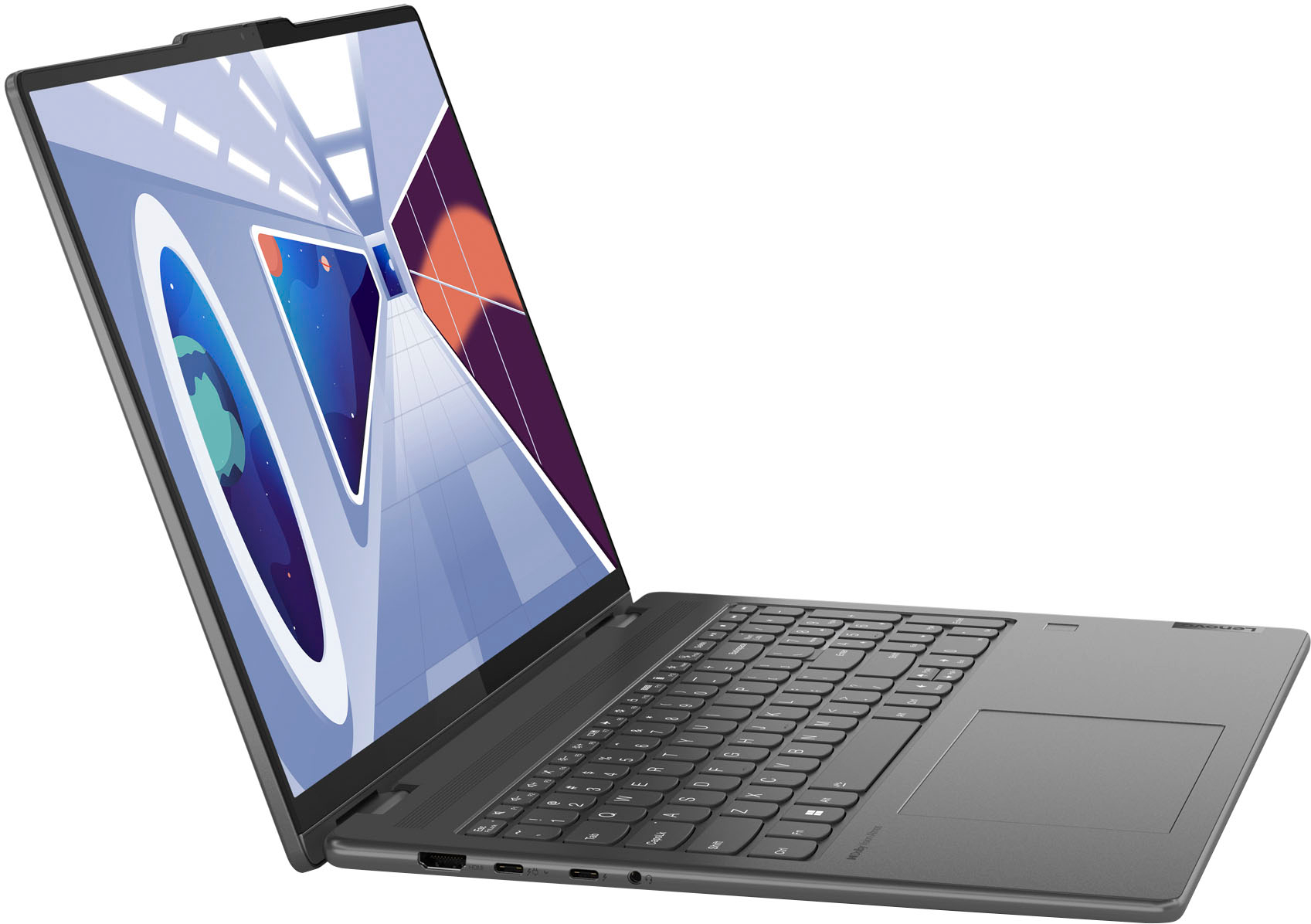
A:AnswerSadly, the Lenovo Yoga 7i 16" Touch-Screen Laptop has some elements that can be frustrating for the average user. The main point of concern is the 'soldered' feature. What this means is that certain important parts of the laptop, like the memory and storage, are permanently attached to the laptop's motherboard.
While this method can make the laptop more compact and lightweight, it limits the ability to upgrade or repair these components. This design approach is seen across many of Lenovo's laptops, even the larger ones.
The current industry trend leans towards making laptops that are difficult to upgrade, and this could be largely because it's more profitable for them. It may seem like a minor issue, but from a user's perspective, this takes away our control over how we can use our laptops and makes it harder to repair or upgrade the device.
For instance, more and more home users are using their laptops for heavy tasks, like downloading large files, which can wear down the laptop's storage over time. If the laptop's memory is limited and cannot be upgraded, this restricts the ways you can use your device and might even force you to buy a more expensive model with more memory.
In addition, the specific type of memory used in the Yoga 7i (known as LPDDR4X) cannot be replaced or upgraded beyond 16GB, while other types of memory can be upgraded to 32GB. On the flip side, LPDDR4X uses less battery power and allows for faster data transfer, so it has its benefits too.
Overall, while this particular design choice might extend your battery life and improve your laptop's performance, it's disappointing that you can't upgrade or repair parts of the Yoga 7i as easily as you could with other laptops. It's something to consider when deciding if this laptop is the right choice for you.
A:AnswerWhen I push the power button when the laptop is closed light blinks for a min then it stops. When I open it the sign in page comes up. I don’t think you would have a problem if you put it in a backpack. Very nice laptop I would recommend I have bought 2 of them.
A:AnswerHaven’t had any problem. I guess it just Selene of your internet speed. I had multiple tabs open but also I’m not sure the amount you have and what type of them that can cause slow functionality of the computer. But again, is normal for any other computer when you have lots of tabs open, everything else will make the functionality slower for sure
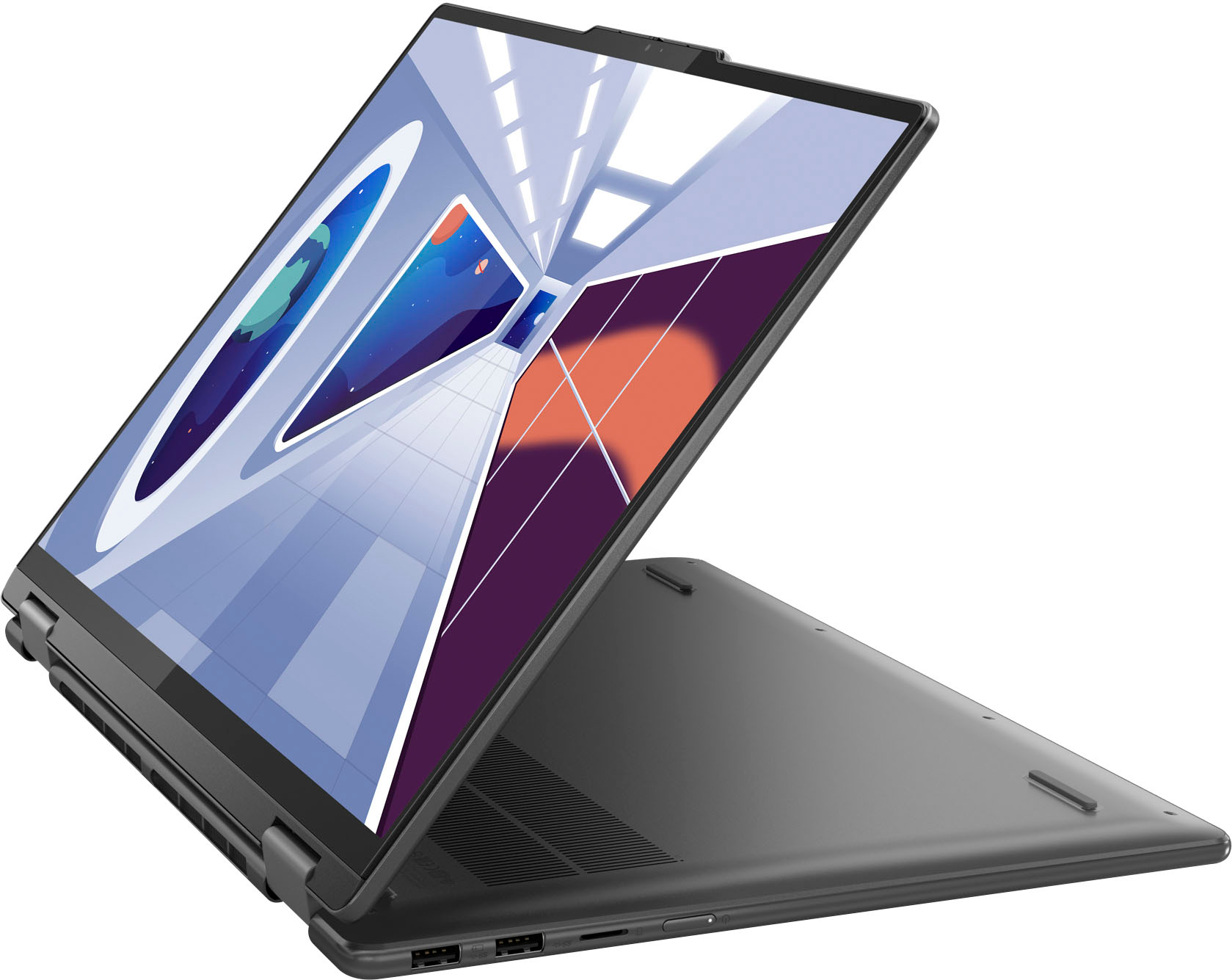
A:AnswerThere is a button on the right side. This button puts the computer to sleep. To turn off the computer, go to the bar at the bottom of the screen. Then click the four squares icon. From there, click the power icon. After that select whether you want the computer to sleep or turn off.
A:AnswerThe one I have has bluetooth - and I believe this is standard on the Yoga 7i models. Really nice - is you can hook up one cable from a HP Thunderdock - and you can connect all your other accessories like monitors, printer, external drive, speakers, etc.. to the Thunderdock. It even provides power at the same time. The HP Thunderdock normally runs close to $300 but you can find a few on sale now for almost half of that.
A:AnswerCurrently $799, I caught it on sale 8/10 for $499. At times Lenovo offers sales, I spoke to a rep as had many questions between the models. They are shipped free or pickup @ Best Buy