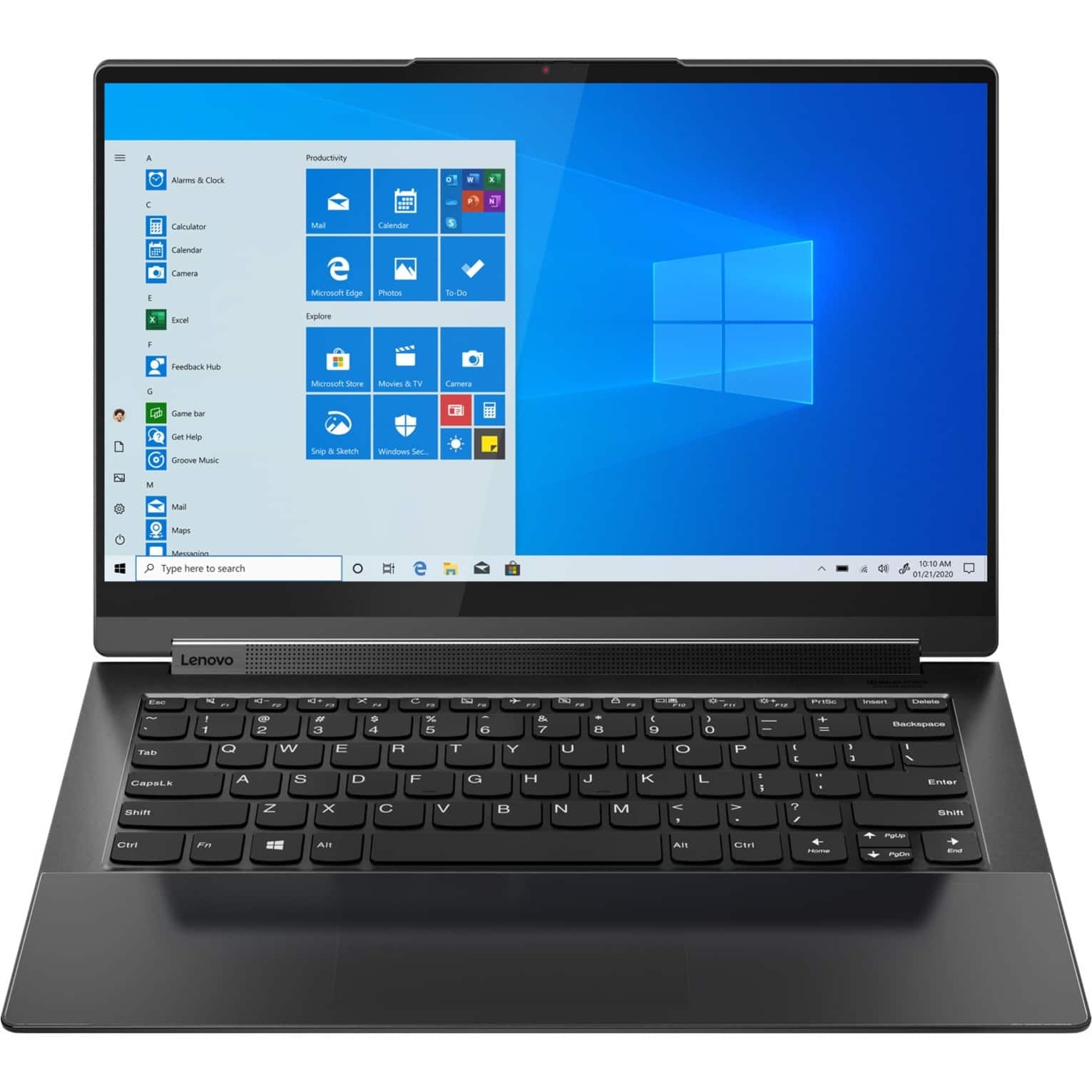
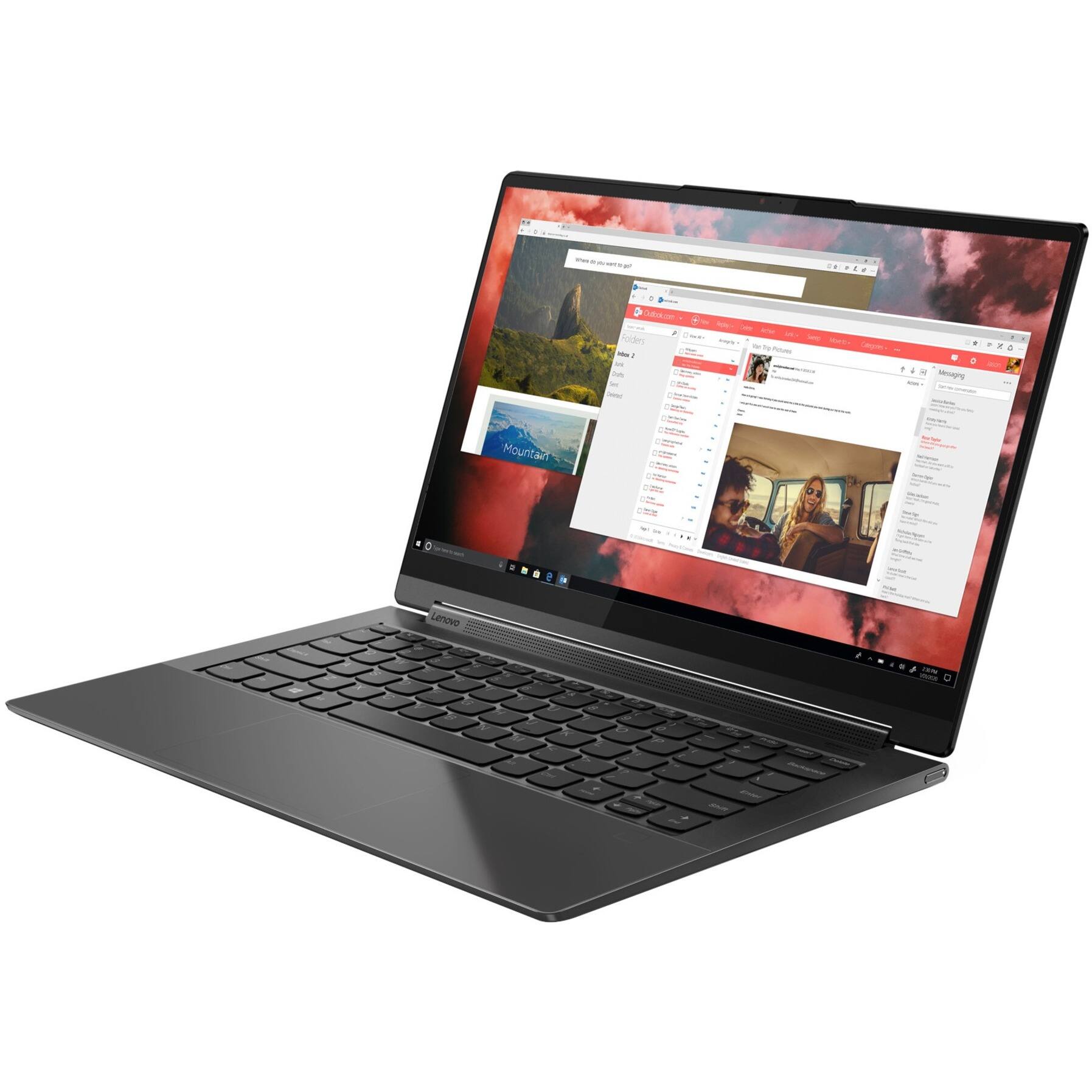
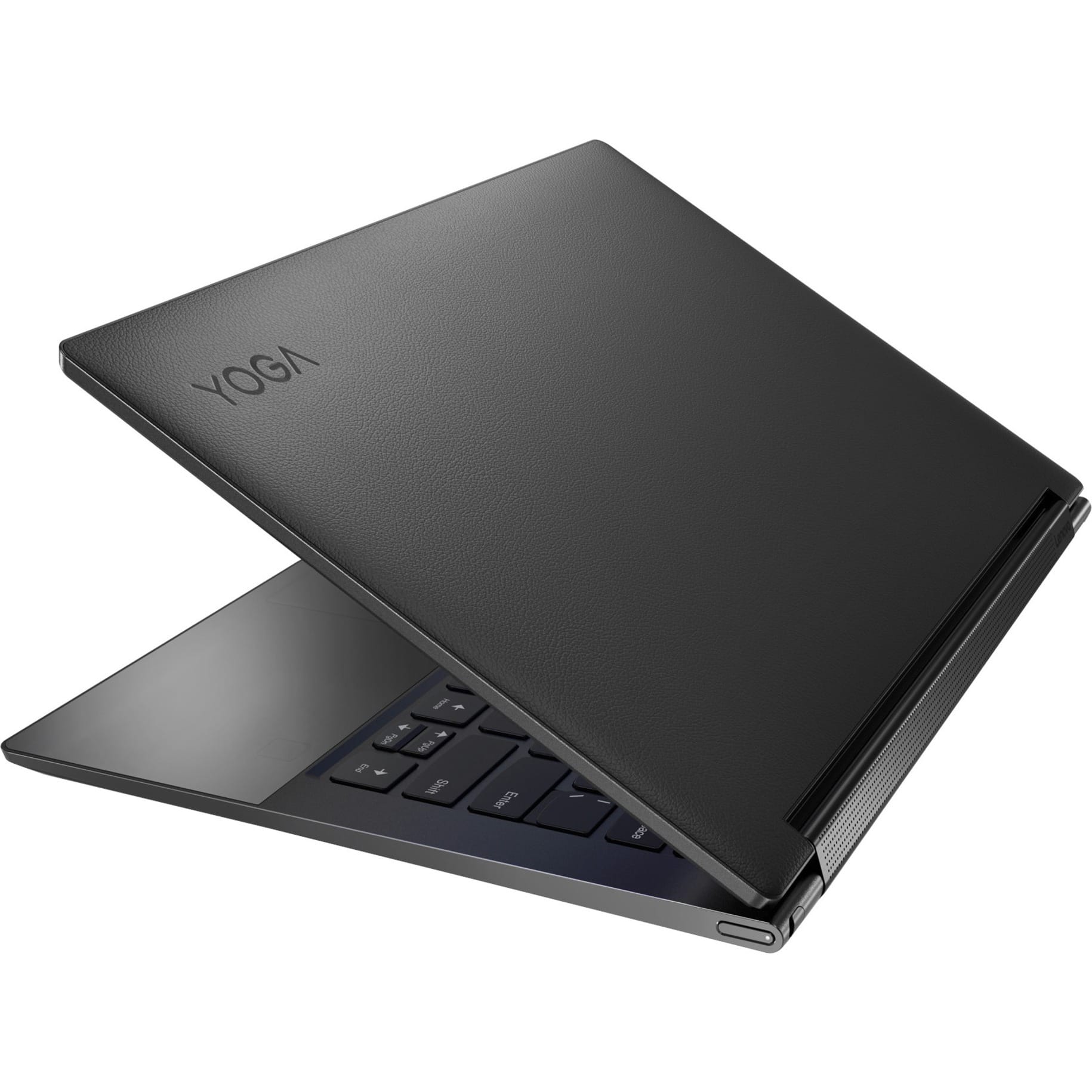
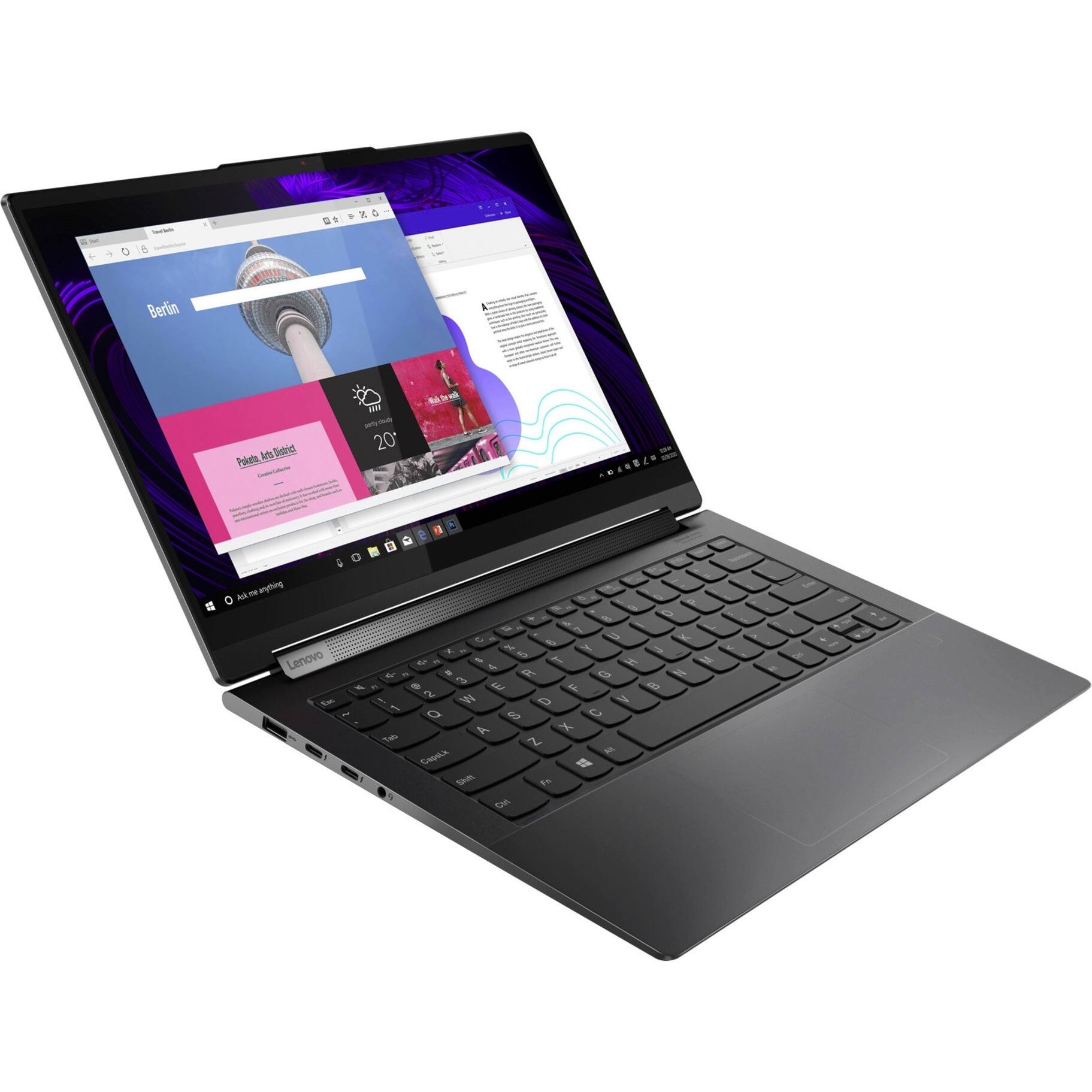
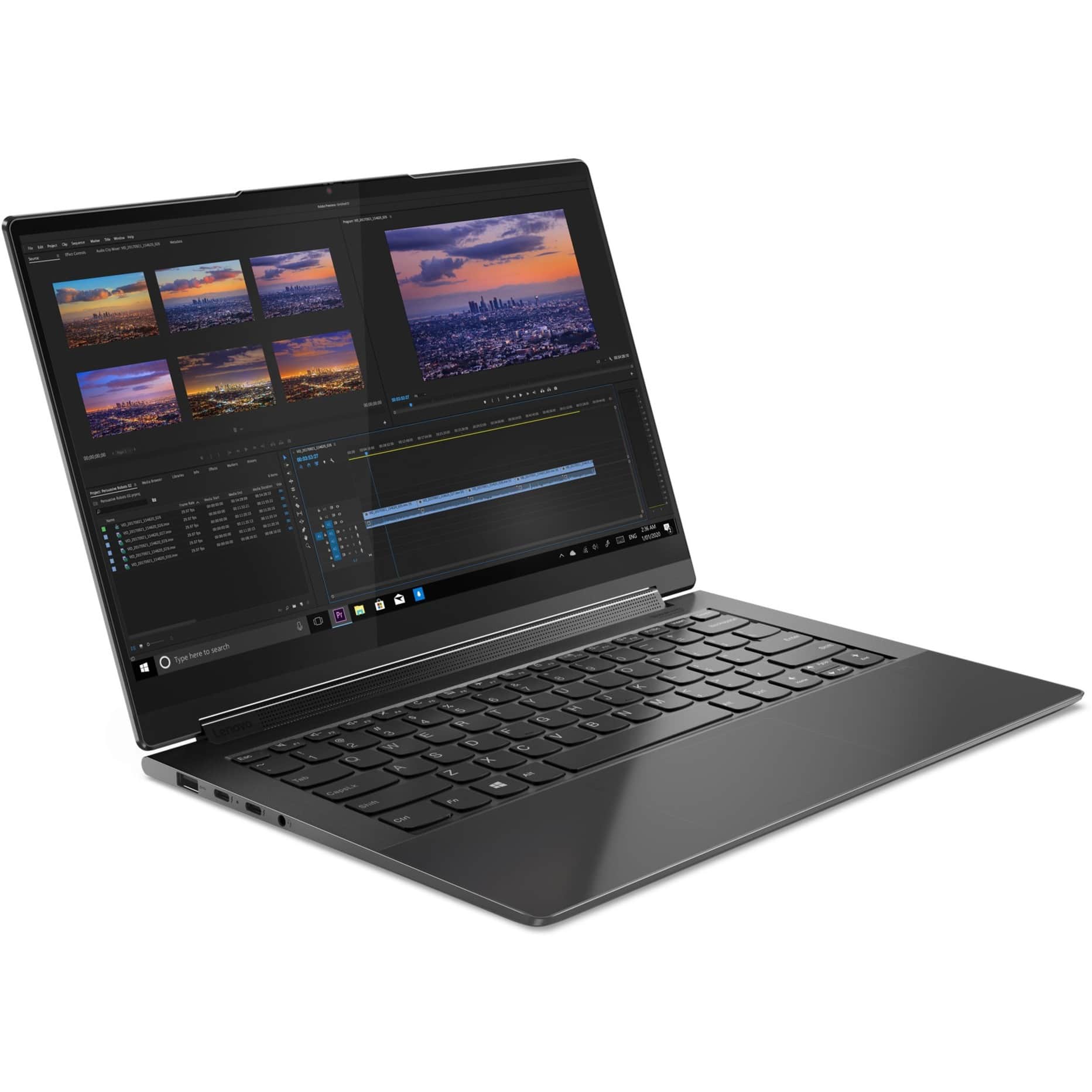
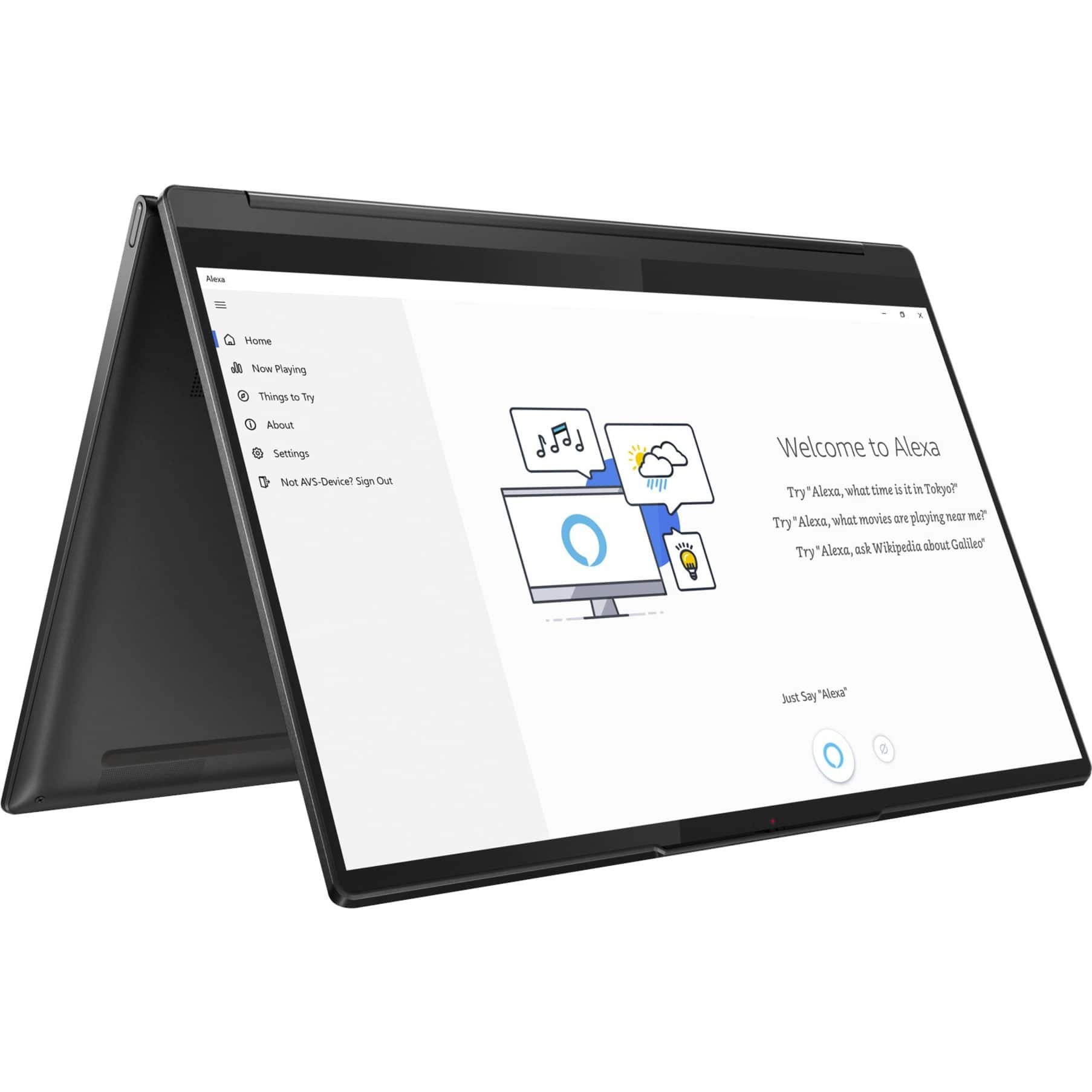
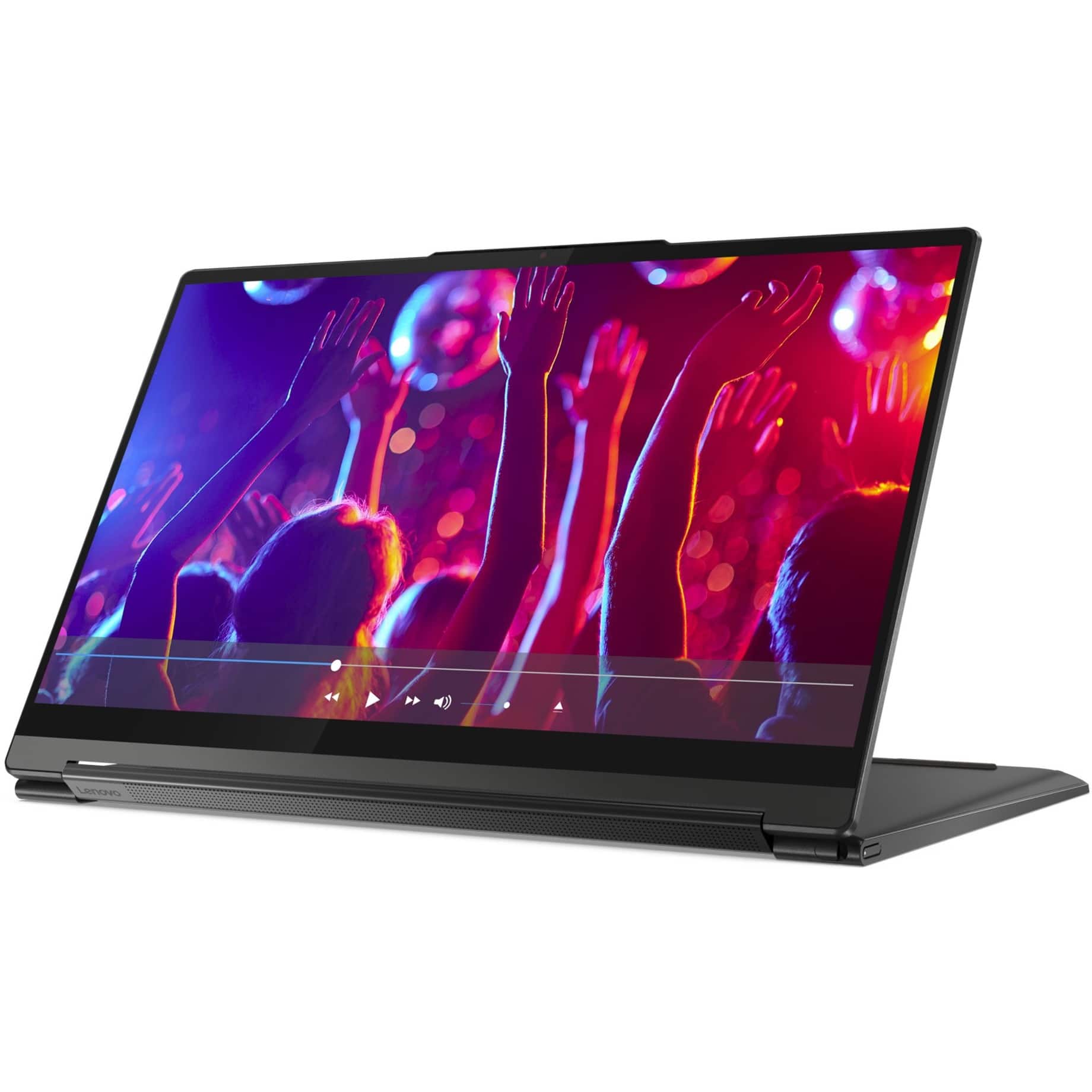
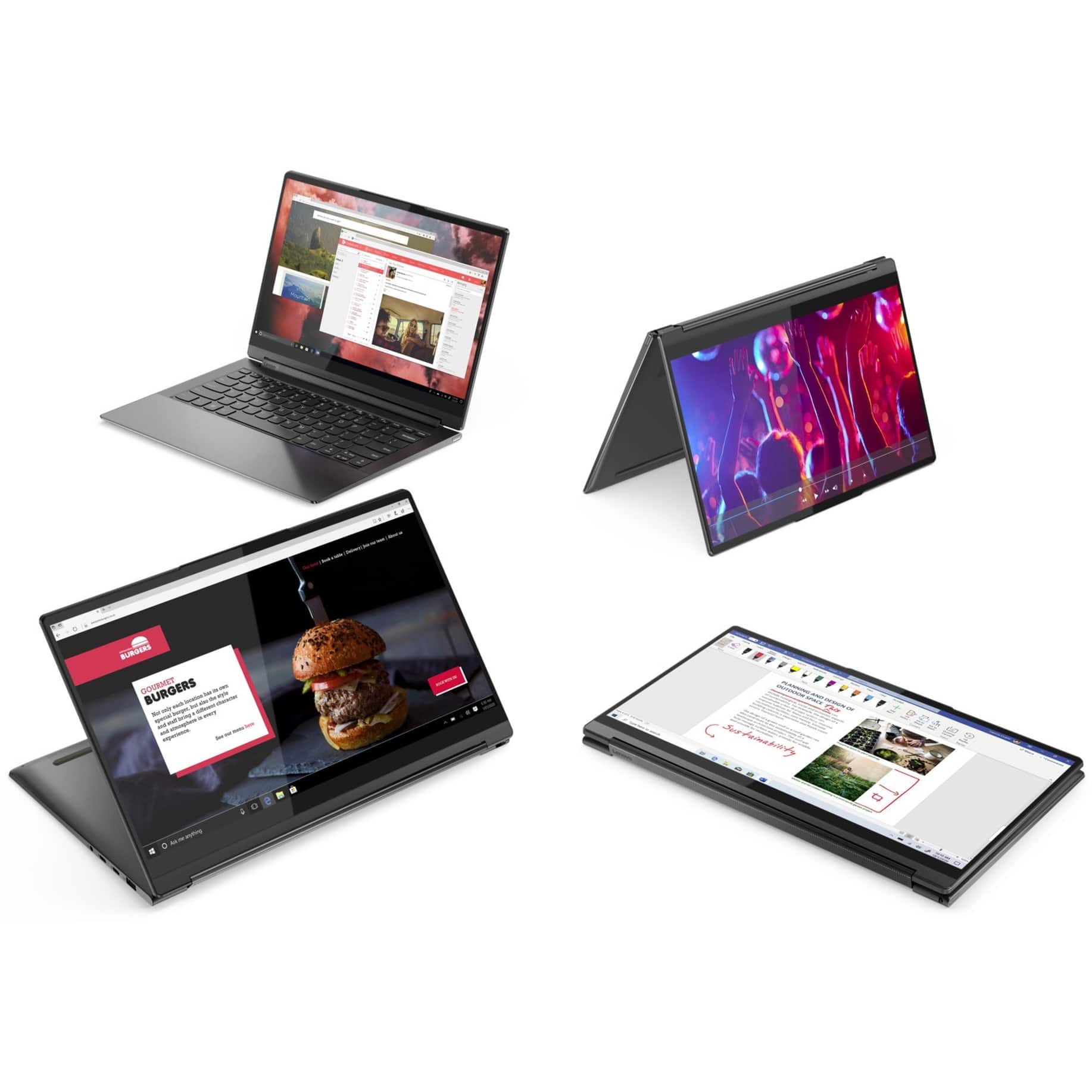
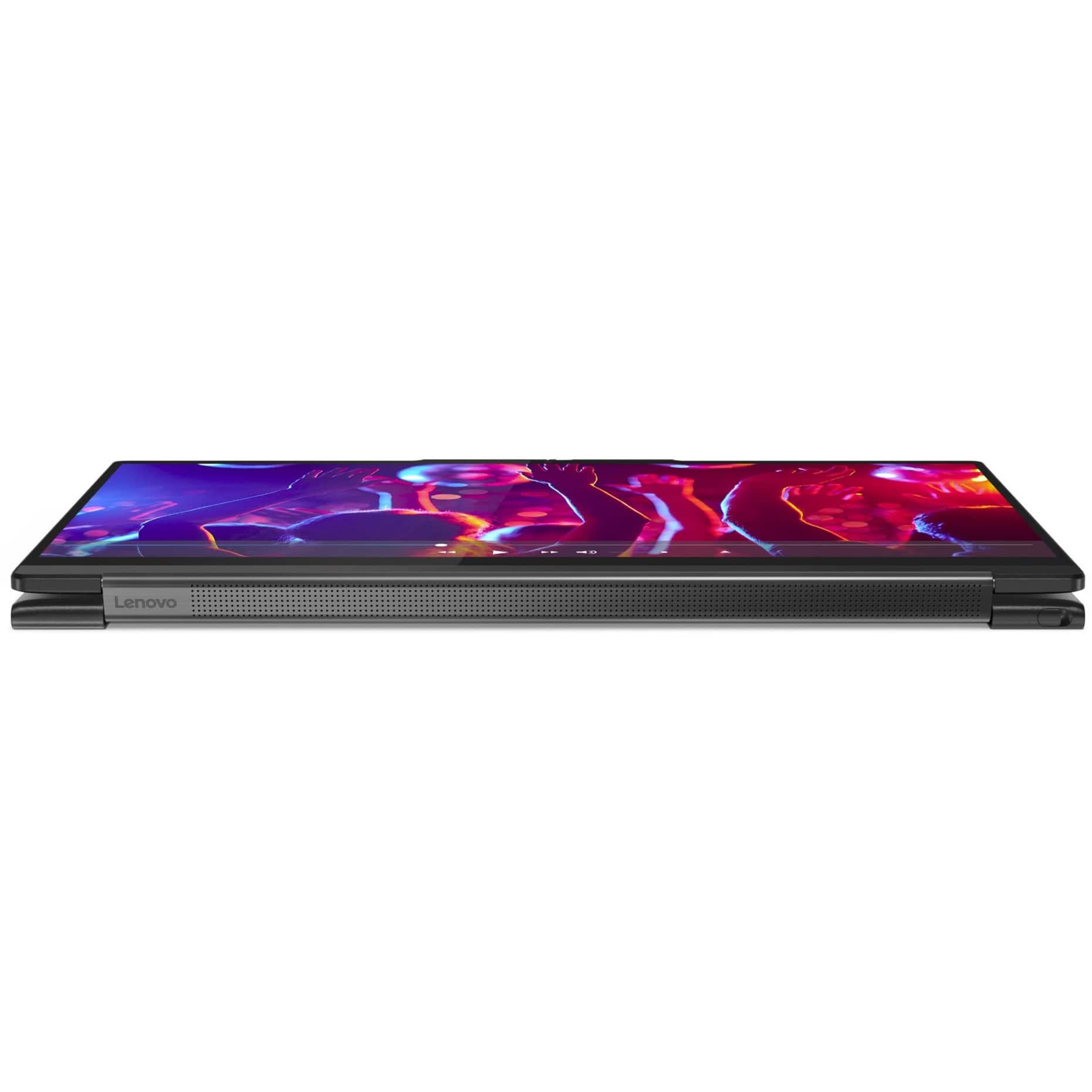
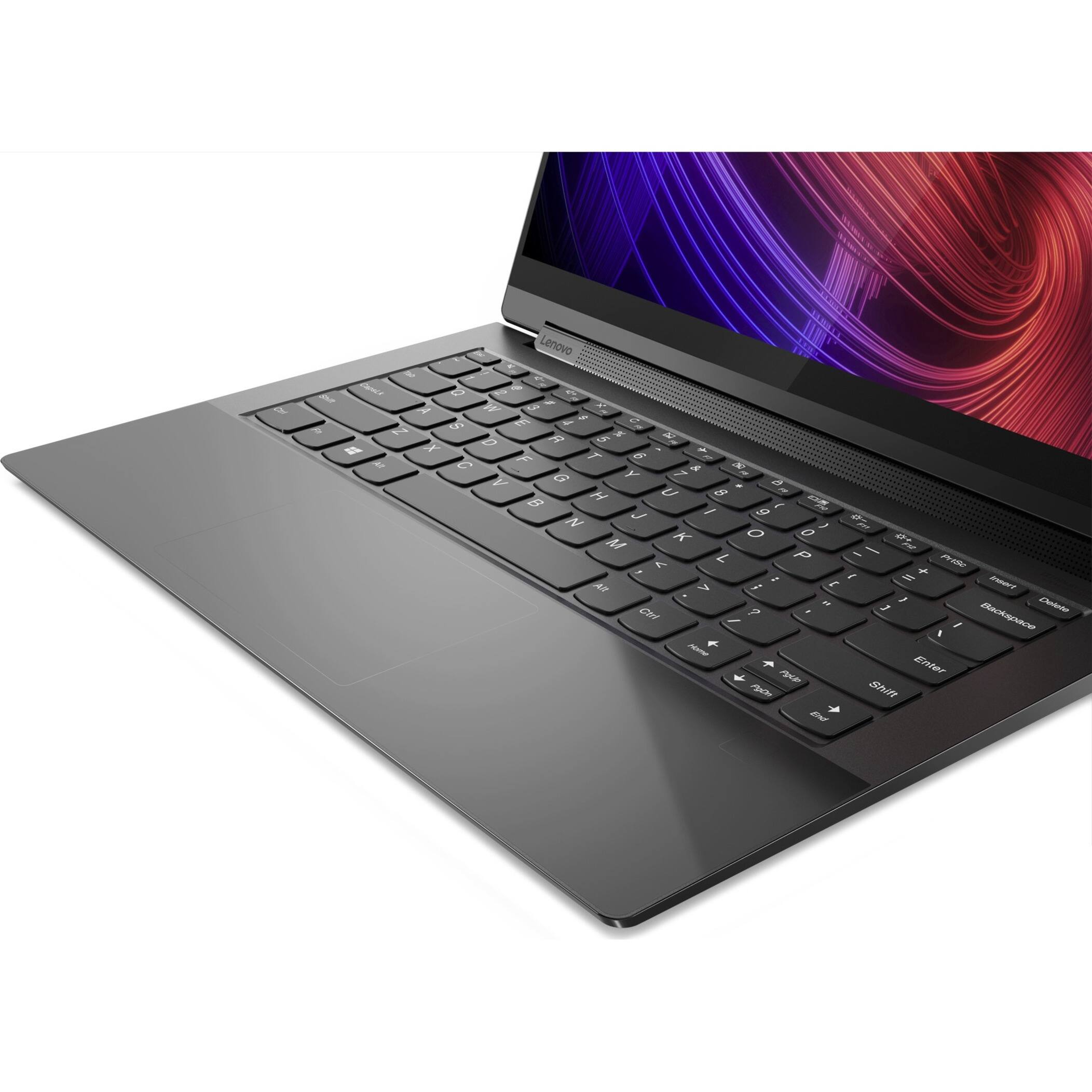
A:AnswerThis Intel Evo-Certified, Lenovo Yoga 9i 14 model number 82BG0091US, ships with a integrated, Buttonless glass surface multi-touch touchpad, supports Precision TouchPad (PTP). Since there are no buttons on this integrated touchpad, tapping the touchpad acts as a click would. Here is a link to a YouTube Video that demonstrates the features and functions of the Precision Touchpad format. It uses Windows 10, but the settings features are the same within the Windows 11 OS on your Yoga 9i 14: https://www.youtube.com/watch?v=vKT_lfudIqU. If you have questions about your Lenovo Yoga 9i 14, we recommend you contact Lenovo Premium Care for additional information at: 888-278-9707.
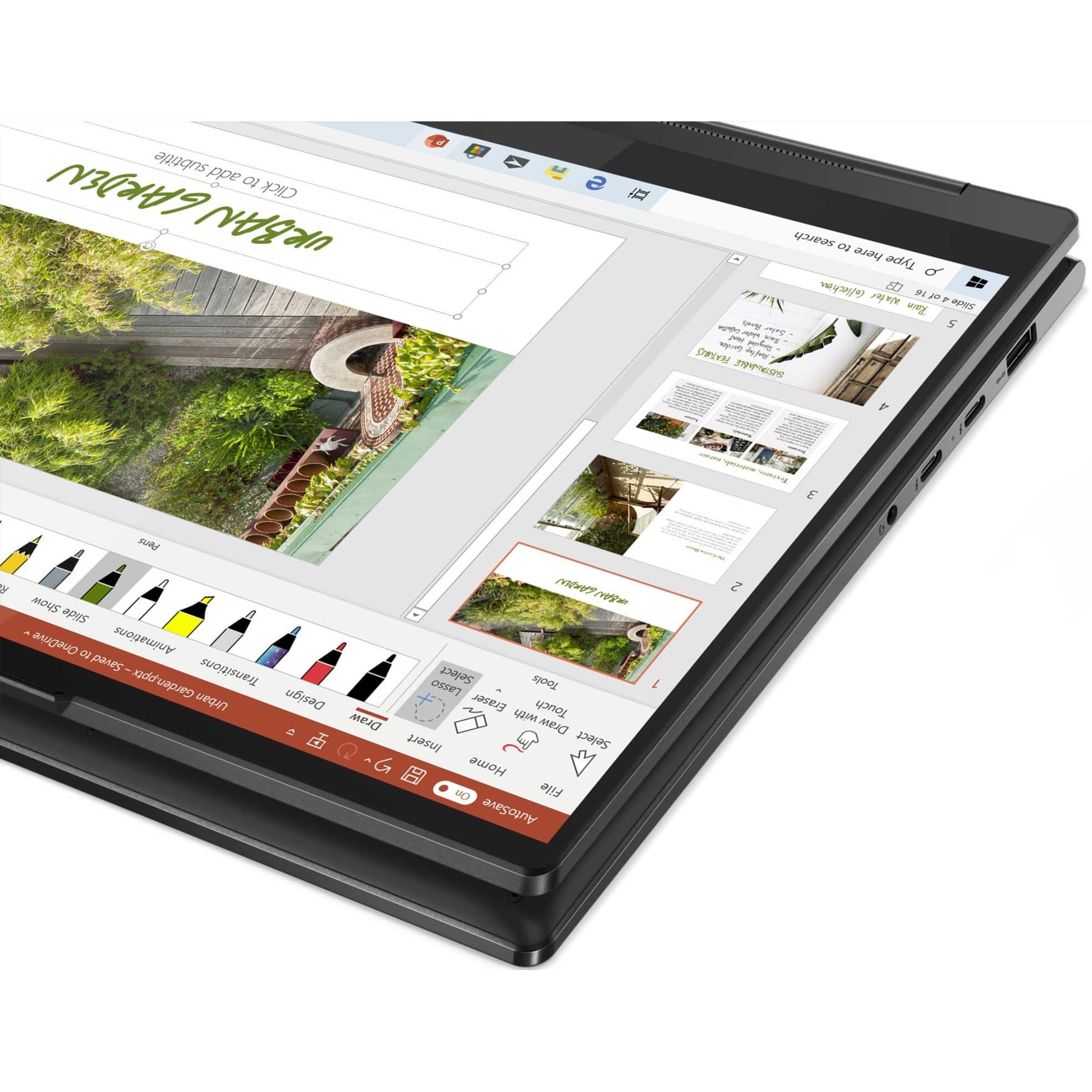
A:AnswerYes. This Intel Evo-Certified, Lenovo Yoga 9i 14, model number 82BG0091US, ships with its own active/digital pen that is garaged within the body of the Yoga 9i 14, where it charges the pen when not in use.
A:AnswerThis Intel Evo-Certified, Lenovo Yoga 9i 14, model number 82BG0091US, ships with its own, rechargeable active/digital pen, which stores and charges within the pen garage within the body of the Yoga 9i 14. If you choose to use a different active/digital pen, you can use a AES Protocol active/digital pen, like this one: https://www.bestbuy.com/site/wacom-bamboo-ink-smart-stylus-for-windows-ink-2nd-generation-gray/6374981.p?skuId=6374981
A:AnswerYes. This Intel Evo-Certified, Lenovo Yoga 9i 14, model number 82BG0091US, ships with a integrated, buttonless glass surface multi-touch touchpad, which supports Precision TouchPad (PTP) functionality.
A:AnswerThis Intel Evo-Certified, Lenovo Yoga 9i 14, model number 82BG0091US, supports up to 3 independent displays (native display and 2 external monitors via Thunderbolt). Thunderbolt supports up to 5120x3200@60Hz.
A:AnswerYes. This Intel Evo-Certified, Lenovo Yoga 9i 14, model number 82BG0091US, ships with a 65W USB-C (3-pin) AC adapter/charger, supports PD 3.0, 100-240V, 50-60Hz included with the laptop.
A:AnswerStrongly recommend you choose a different laptop for Linux. Can’t use your touchpad in anything Debian or Ubuntu. I’ve been trying to find a solution for a month now, nothing. I’d recommend getting something not Lenovo. Lenovo is known to have this issue but even the few fixes that might for some Lenovos will not work with this model due to the haptic touchpad.
A:AnswerNot cellular phone calls. You can use compatible video conferencing APPs on this Intel Evo-Certified, Lenovo Yoga 9i 14 for audio/visual communications.
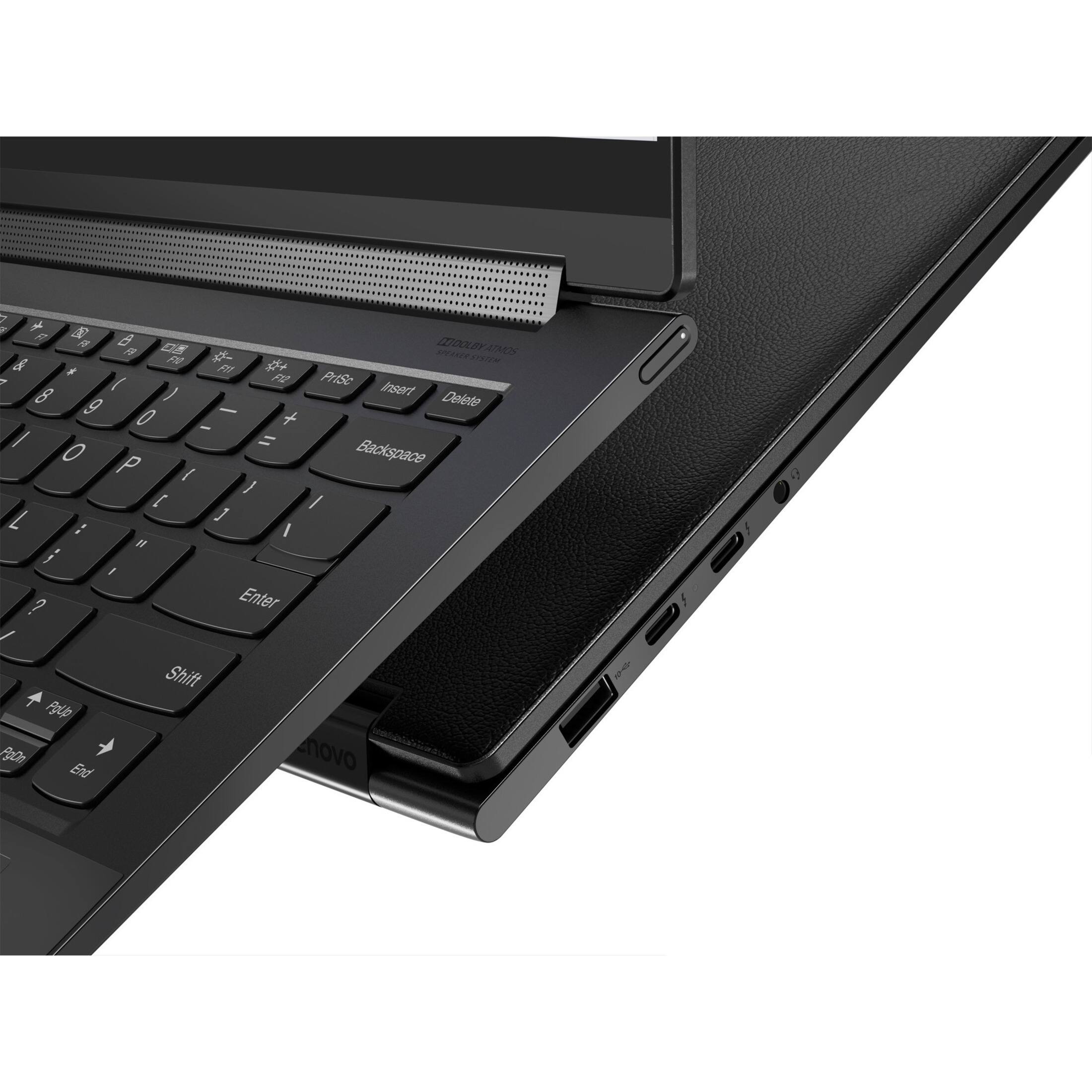
A:AnswerThis Intel Evo-Certified, Lenovo Yoga 9i 14, model number 82BG0091US, ships with these ports: 1x USB 3.2 Gen 2, 2x Thunderbolt 4 (support data transfer, Power Delivery 3.0, DisplayPort 1.4, and Always On), 1x Headphone / microphone combo jack (3.5mm). The two USB-c, Thunderbolt 4.0 compatible ports both have Power Delivery 3.0 capability, both in to the computer and out to a compatible device. Thunderbolt 4.0 ports deliver up to 15W of power to power/charge accessories. Here is a link to more information about Thunderbolt 4.0 Ports on this Lenovo Yoga 9i 14: https://www.intel.com/content/www/us/en/architecture-and-technology/thunderbolt/overview.html?cid=sem&source=Google&campid=2022_q2_asmo_AO-GG&content=Q2&gclid=EAIaIQobChMInt_L46SK-QIVk7jICh1Ukw33EAAYASAAEgJvvvD_BwE. If you have questions about your Lenovo Yoga 9i 14, we recommend you contact Lenovo Premium Care for more information at: 888-278-9707.
A:AnswerIt comes with a stylus that's included. If you look in the back on the left hand side, the stylus is on the inside. If you press it, it will be released from the computer.
A:AnswerIn the past I was able to reach out to Lenovo themselves and buy a 1-4 year warranty directly through them. They have several versions depending on the service level ranging from depot service to next day repairs at your location.
A:AnswerWe are sorry to hear that you are having issues with your Intel Evo-Certified, Lenovo Yoga 9i 14, model number 82BG0091US. This model ships with Windows 11 Home, 64-bit Operating System and should not freeze. First, be sure any software you installed is compatible with Windows 11. this would include any legacy software you may have installed from an old computer. Additionally, there is no need to install Microsoft Office software. The software is already part of the operating system, you just need to activate the software with a purchased product key. If you have installed a copy of Microsoft Office, this is conflicting with the existing copy on the system and this will slow your system down. If you have installed a 3rd party anti-virus program, be sure that Windows Defender is turned off and that the trial version of McAfee Anti-Virus software is uninstalled. There can only be one anti-virus program on the system. Here is a link to instructions for uninstalling McAfee from a Windows computer: https://service.mcafee.com/?articleId=TS101331&page=shell&shell=article-view You may need to restore your system to original factory default settings if any of the programming errors have occurred. You can do that by typing "restore" in the Cortana search window. Just click on the magnifying glass icon at the bottom of your Windows 11 Desktop. Click on "Reset This PC" Then click on "Get Started" and follow the on screen directions to restore to factory defaults. If there is no incompatible software installed but the issues persist, now check to be sure you have the latest version of Windows 11 on the computer. Then update all BIOS files and drivers up to that latest version of Windows 11. You can easily accomplish this by scanning the computer with the Lenovo Utility software available on this computer. This system has Lenovo utilities installed to help maintain the health of the device and keep the operating system software up to date. Type "Lenovo Vantage" in the Cortana Search window (if Lenovo Vantage is not installed on your device, you can download the APP and install it now). Select Lenovo Vantage from the list. In the window that opens, click on "Health and Support". In the expanded menu, select "Hardware Scan" In the window that opens, select "Run Quick Tests". This will scan your entire system for errors. Follow any directions that may pop up. If the problem continues after this scan, now click on "System Update". First select Windows update from the menu. Scan your system to be sure you have the latest version of Windows 11. Once that scan is complete, select "Additional Updates". This will scan your device to be sure there are no new BIOS/Driver updates needed. Follow any instructions that may pop up. If the issue continues after these updates, we recommend you call Lenovo Premium Care for additional help at: 888-278-9707.