Monster deals on the tech you wantDoorBOOsters coming Oct. 31.Shop now

Main Content

Questions & Answers

Your price for this item is $1,087.99
Clearance
The comparable value price is $1,449.99
Page Showing 81-94 of 94 questions
  • QuestionWhat date are the Lenovo yoga i9 coming out???

    Asked by Sue.

    • Answer I chatted online with a Lenovo representative and they said it should be available in about 2 weeks but they do not have a specific date. They said it should be available by Thanksgiving.

      Answered by Anonymous

  • QuestionThank you for the information about the set up. If it did not initially set up how can I go in set up and have it install windows?

    Asked by Raine.

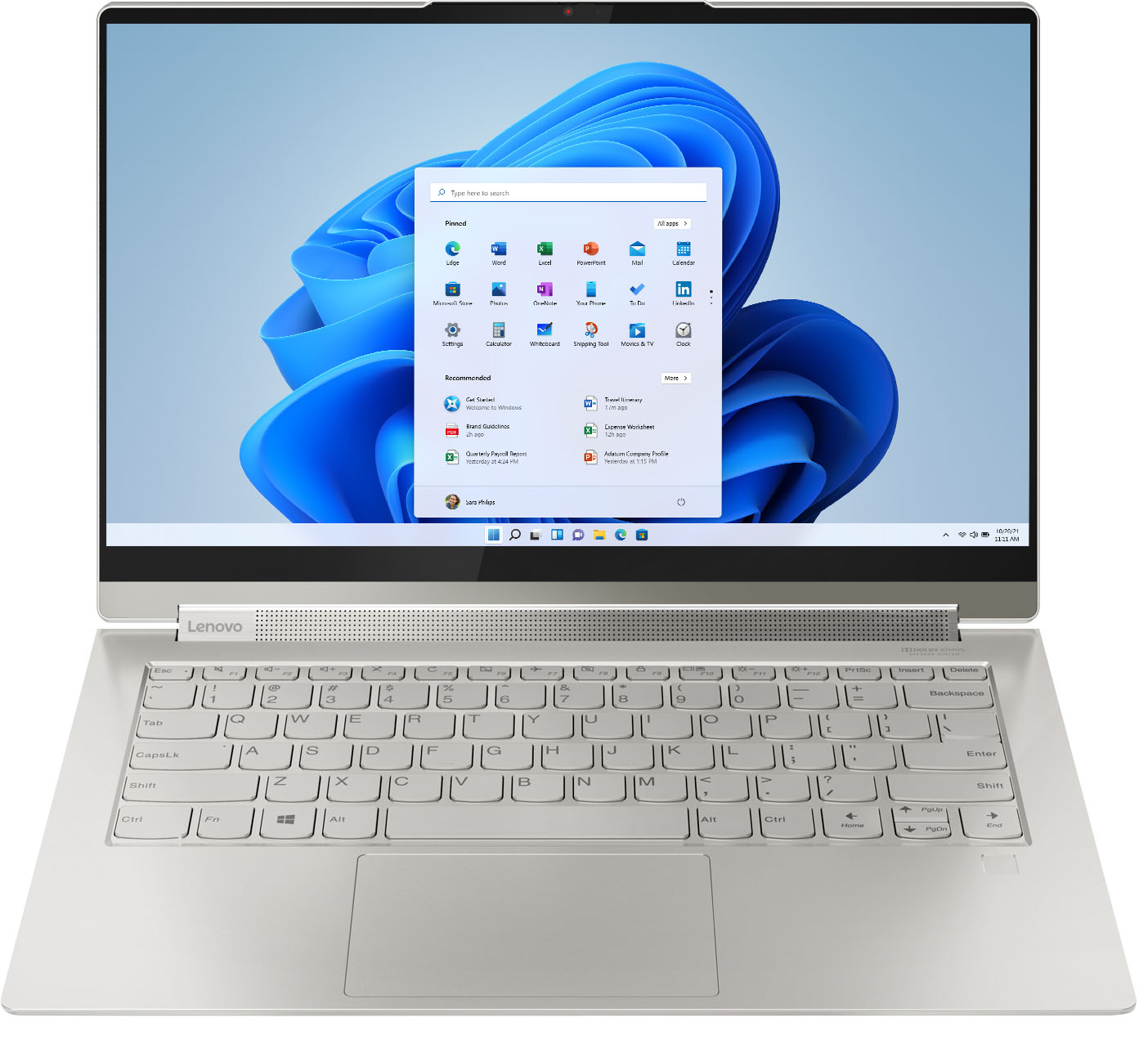
    • Answer If your Intel Evo-Certified, Lenovo Yoga 9i 14 did not power on when you pushed the power button for the first time, plug in the AC adapter/charger that shipped with the Yoga 9i 14 and let the battery charge for approximately 15-minutes before beginning the initial activation and setup of Windows 11. If after charging the battery for 15-minutes, if the computer still does not power on and there is no screen image or audio guiding you through the initial activation of Windows 11, try resetting the computer back to its original factory settings. To do this, turn of f the computer, leave it plugged in. This system is equipped with OneKey Recovery System. There is a very small pin hole on the bottom right side of the device, right near the top right corner of the cooling vent on the bottom of the device. You will need a pin to push this reset button. Plug the device in. If you have not already done so, let the battery charge for about 15 minutes. Push the reset button. The system should boot to a choice screen where you can choose "Restore To Factory Default". Select this. It will delete everything from the hard drive except the original factory install of the operating system. You will need to reinstall all programs and files after the reset. If you don't have copies of the files, try to make one before you restore by selecting "Boot to desktop" and trying to back up your files. If the problem persists after the factory reset, we recommend you contact Lenovo Premium Care for additional help at: 888-278-9707.

      Answered by Lenovo Product Expert

  • QuestionWould this be good for Fedora?

    Asked by Sgtkeebler.

    • Answer I mean fedora Linux

      Answered by Sgtkeebler

  • QuestionWill Lenovo Yoga 9i be able to operate ArcGIS software quickly and efficiently?

    Asked by JAZZ.

    • Answer That really will depend on the requirements and compatibility of the specific software. We recommend you check with the specific software publisher's web site for their compatibility with Windows 10 Home 64-bit operating system and the minimum/recommended hardware requirements (Is a Graphics card required, the processor speed and the minimum required system RAM and the minimum available hard drive space) to run their program, then compare those requirements to this system's configuration.

      Answered by Lenovo Product Expert

  • QuestionDoes it work for gaming?

    Asked by E.

    • Answer That will really depend on the requirements and compatibility of the specific games you want to play. We recommend you check with the game's software publisher's web sites of the specific games you will be playing, for their compatibility with Windows 10 Home 64-bit operating system and the minimum/recommended hardware requirements (Is a Graphics card required, the processor speed and the minimum required system RAM and the minimum available hard drive space) to run their program, then compare those requirements to this system's configuration.

      Answered by Lenovo Product Expert

  • QuestionWhen will this be available for order ?

    Asked by duke3k.

    • Answer Welcome to the Lenovo waiting game. Last time I waited for the Yoga 920 which missed it's release date by 2 months. The 9i is supposed to be released in Oct. but they're probably waiting to clear inventory on the 940, so I don't have my hopes up until after Black Friday.

      Answered by Eono

  • QuestionDoes Lenovo yoga slim 9i comes with a pen?

    Asked by Stan.

    • Answer No it did not.

      Answered by RKWalk

  • QuestionSince this comes with Microsoft 365 Personal Subscription-Auto Renew installed, does that mean you cannot install the one time purchase, one user Microsoft Office on it?

    Asked by MAK.

    • Answer You can activate any Windows 10 Compatible version of Microsoft Office, that has a multiple device license, by using the installed copy of Microsoft Office 365. Just use the Product Code that came with your purchased copy of Microsoft Office to activate your existing multiple device License through the onboard Microsoft Office software.

      Answered by Lenovo Product Expert

  • QuestionI would like to purchase a compatible docking station that gives many port options. What docking station can I purchase that is compatible with the Lenovo Yoga 9I 14” 2 in 1 82BG000C?

    Asked by Gus.

    • Answer My wife uses a cheap $30 USB-C Docking Station from Amazon and it works great. I have the Thunderbolt 3 docking station from Lenovo mentioned in the other answer and it worked for 1 day before the monitors wouldn't work from the 9i. My T480 works with it flawlessly. I found a reddit thread reporting many people with the same problem. Do not use Lenovos Thunderbolt 3 dock with the 9i.

      Answered by jnelson

  • QuestionIs there a case that fits this model?

    Asked by Michelle.

    • Answer You can use any universal 14-Inch laptop case or larger with the Lenovo Yoga 9i 14.

      Answered by Lenovo Product Expert

  • QuestionIs this laptop compatible with a surface pen? if not what pens are compatible?

    Asked by btran.

    • Answer Comes with an onboard pen

      Answered by Ajl111

  • QuestionIs anybody else having WIFI issues. After start-up the wifi disconnects within a few minutes and I have to manually connect again. Sometimes it will automatically reconnect.

    Asked by DanScott.

    • Answer Yup this is a design flaw updates and driver reinstalls wont fix it. Look at the post by jstuart830 on this thread in the Lenovo forum: https://forums.lenovo.com/t5/Lenovo-Yoga-Series-Notebooks/i9-weak-wi-fi-signal/m-p/5056282?page=2 Apparently removing some of the rear screws can correct it.

      Answered by theboi

  • QuestionHow do I access the Lenovo pen on this laptop?

    Asked by Debbie.

    • Answer Remove the active pen from its storage garage at the back right side of the laptop. You will need to use a fingernail to release the active pen from the garage. Once you have the active pen out of the garage, open a compatible program like Microsoft Paint APP and begin to use the active pen.

      Answered by Lenovo Product Expert

  • QuestionWHAT IS SECRET TO REMOVE PEN

    Asked by CHESTER.

    • Answer The onboard active pen within the Intel Evo-Certified, Lenovo Yoga 9i-14 model number 82BG000CUS, is not spring-loaded for push removal. Place your fingernail under the edge of the active pen head, visible from the outside of the computer and lift the pen out of its garage with your fingernail.

      Answered by Lenovo Product Expert