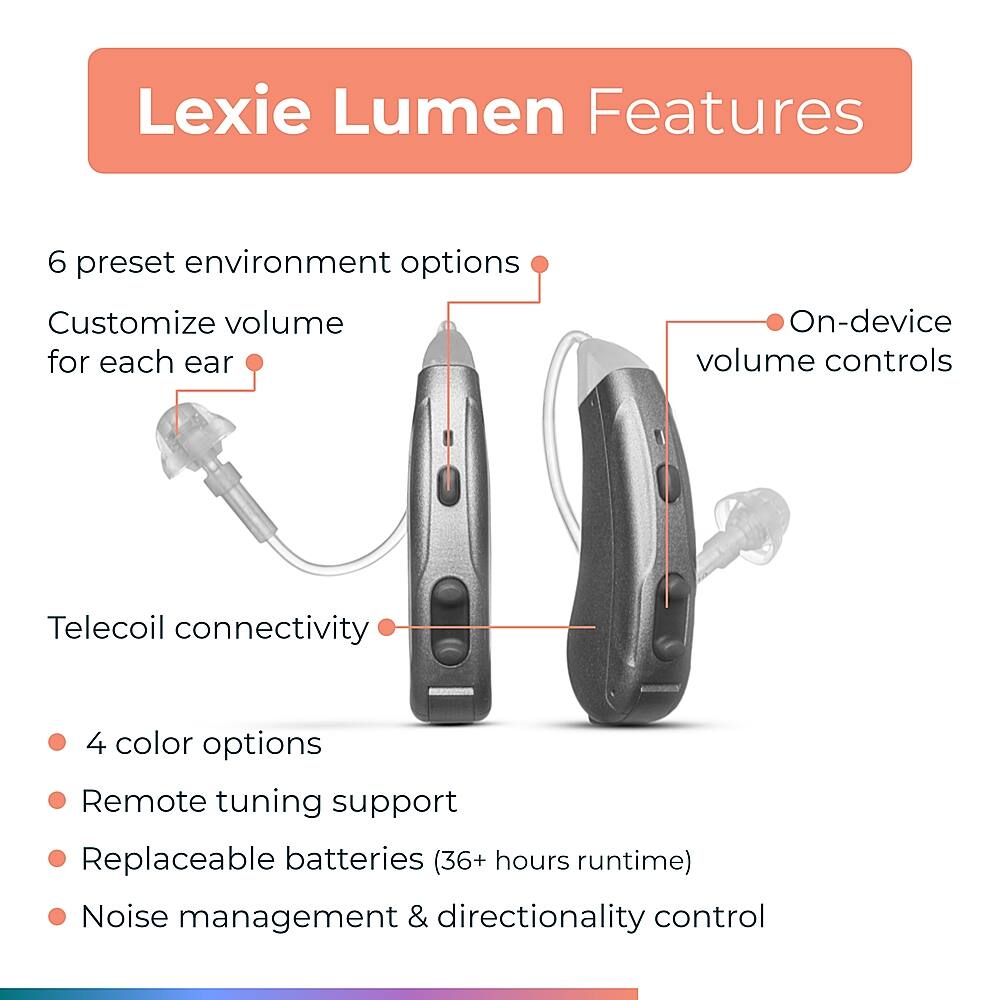
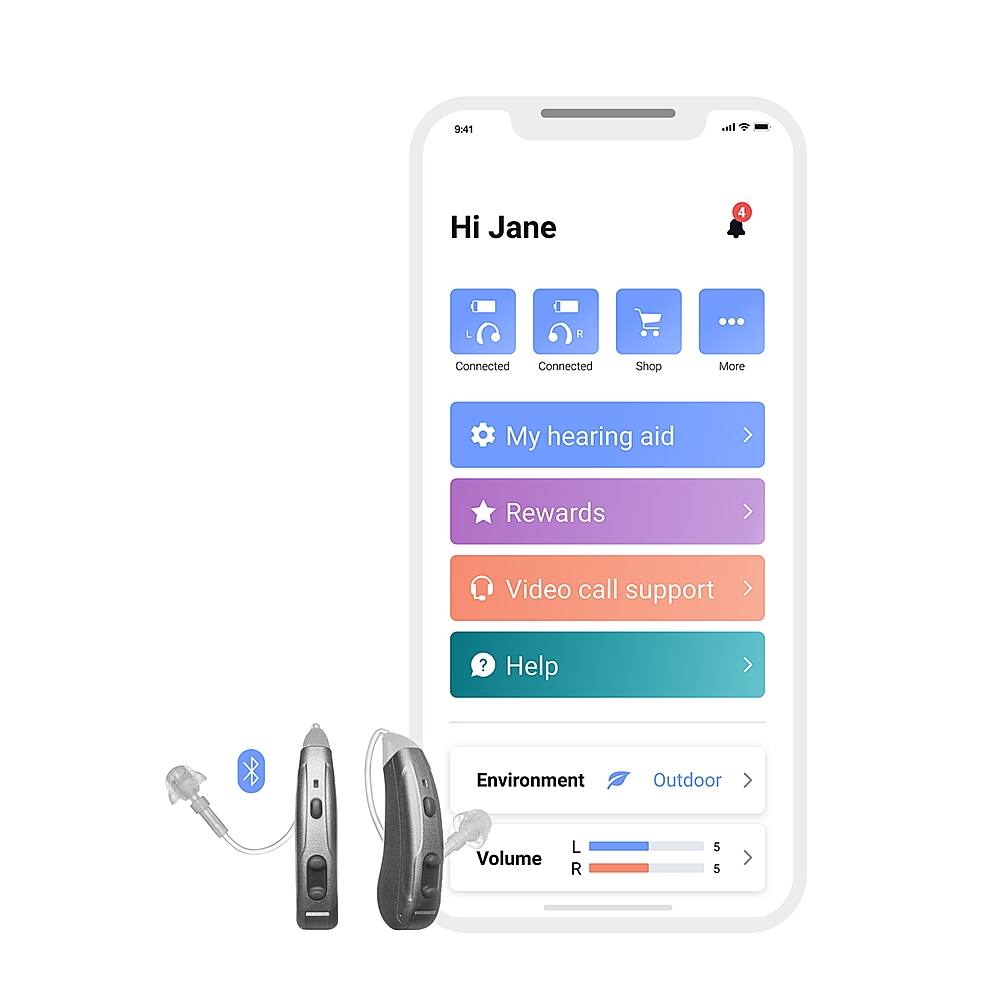
A:AnswerHi Steve, the Lexie Lumen has 6 different hearing environment settings for you to choose from. You can also visit www.lexiehearing.com/us/support where you'll be able to access the user manual of the Lumen hearing aid. There you will find all information on the Lumen hearing aids you're looking for.
A:AnswerHi Alysa, thank you for reaching out. We advise customers with previously diagnosed hearing conditions due to medical reasons to speak to their healthcare practitioner and/or hearing healthcare practitioner to assess if a solution like ours will be suitable for them.
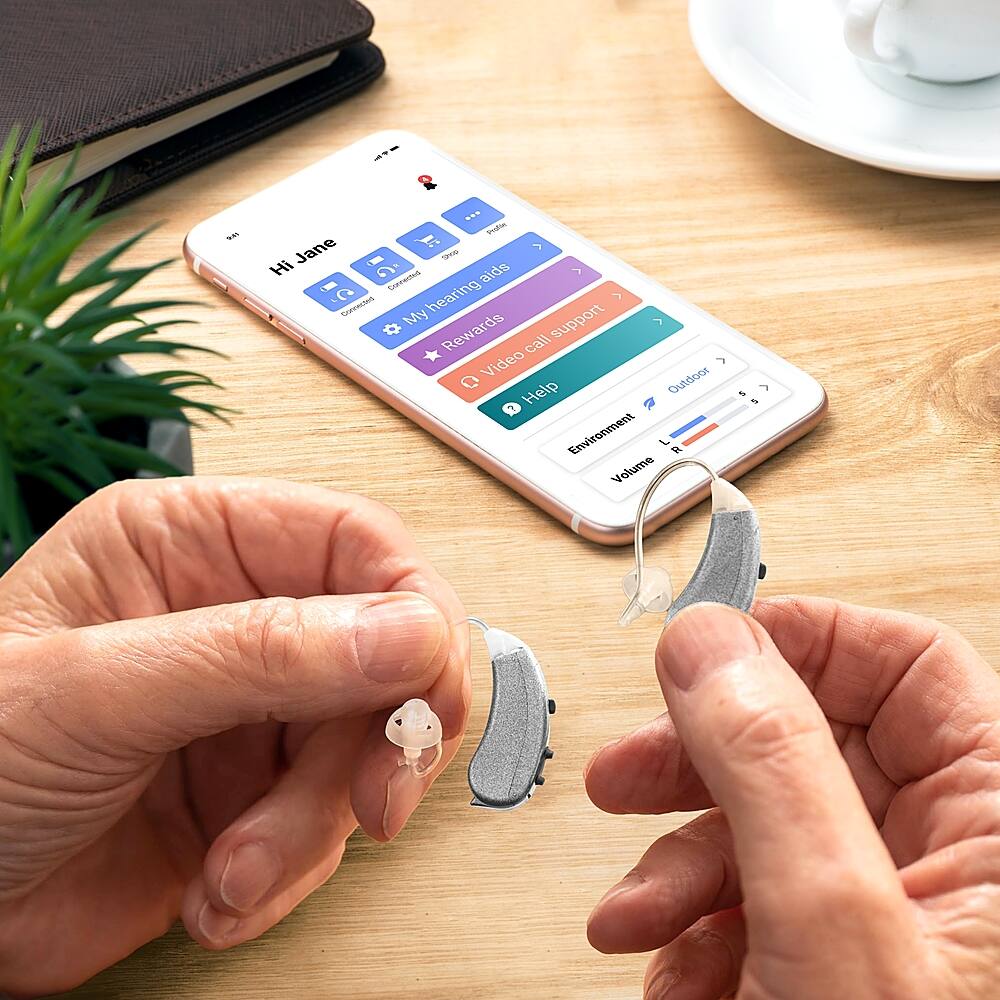
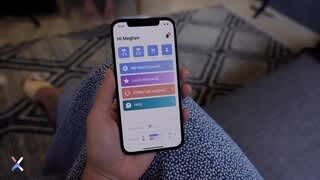
A:AnswerHi Robert, to manage your Lexie Lumen hearing aids you'll need to connect your hearing aids to your smartphone via Bluetooth and download, and connect to, the Lexie app. There aren't any limitations as the Lexie app is compatible with any Android device with an Android 7.0 or above operating system. Please note that Lexie Lumen hearing aids do not stream music or take calls.
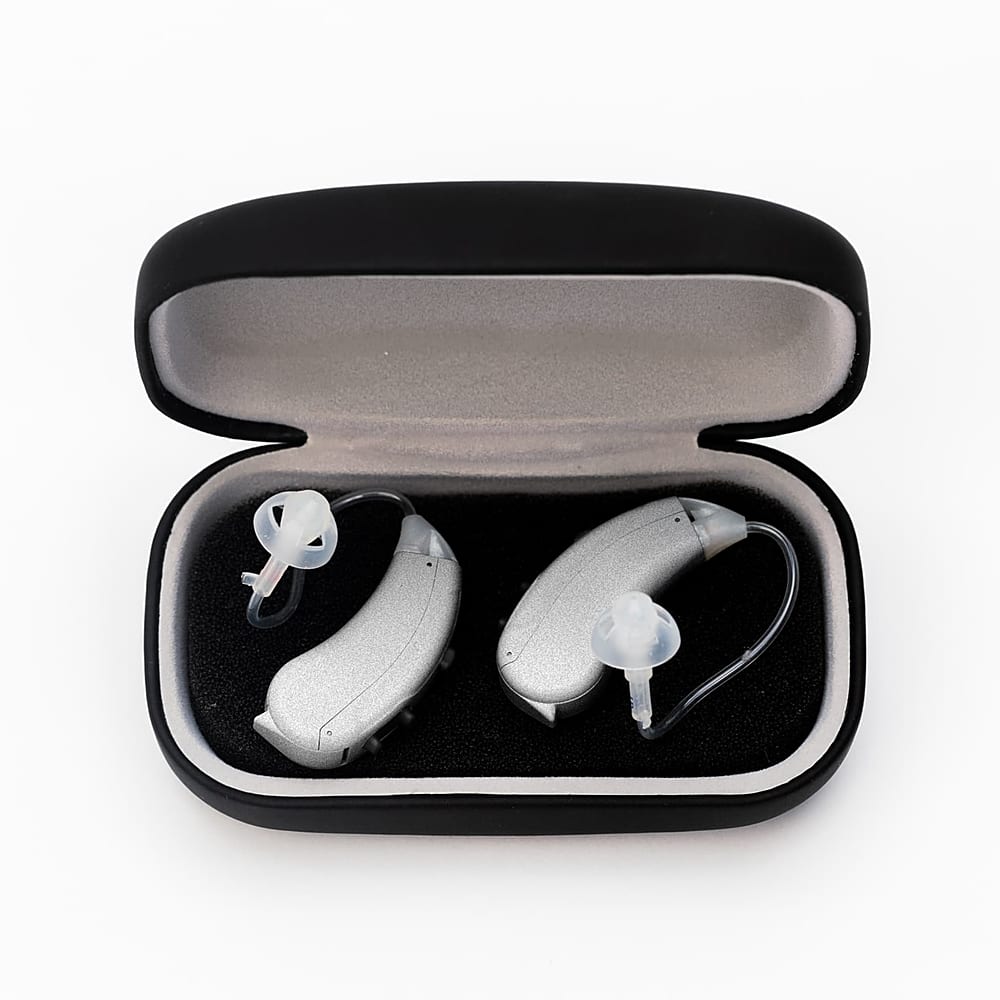
A:AnswerHi, the Lexie Lumen self-fitting OTC hearing aids offer 6 hearing environment settings to choose from.
If you have any further questions, please don't hesitate to contact our support team at (800) 499-1336 or send an email to [email protected] for them to assist you.
A:AnswerHi Micvall, Lexie hearing aids are best suited to individuals with mild to moderate hearing loss. A more severe hearing loss would require a fitting from a hearing healthcare professional.