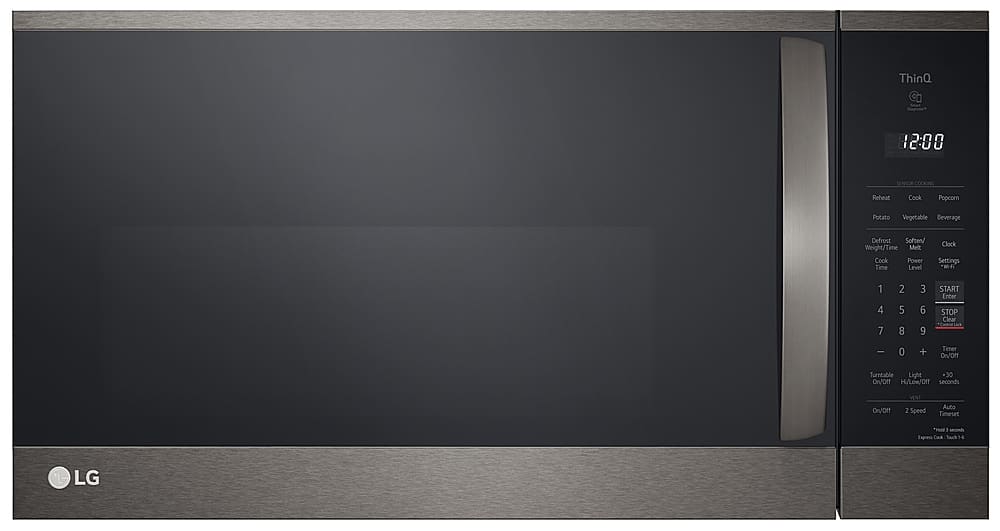
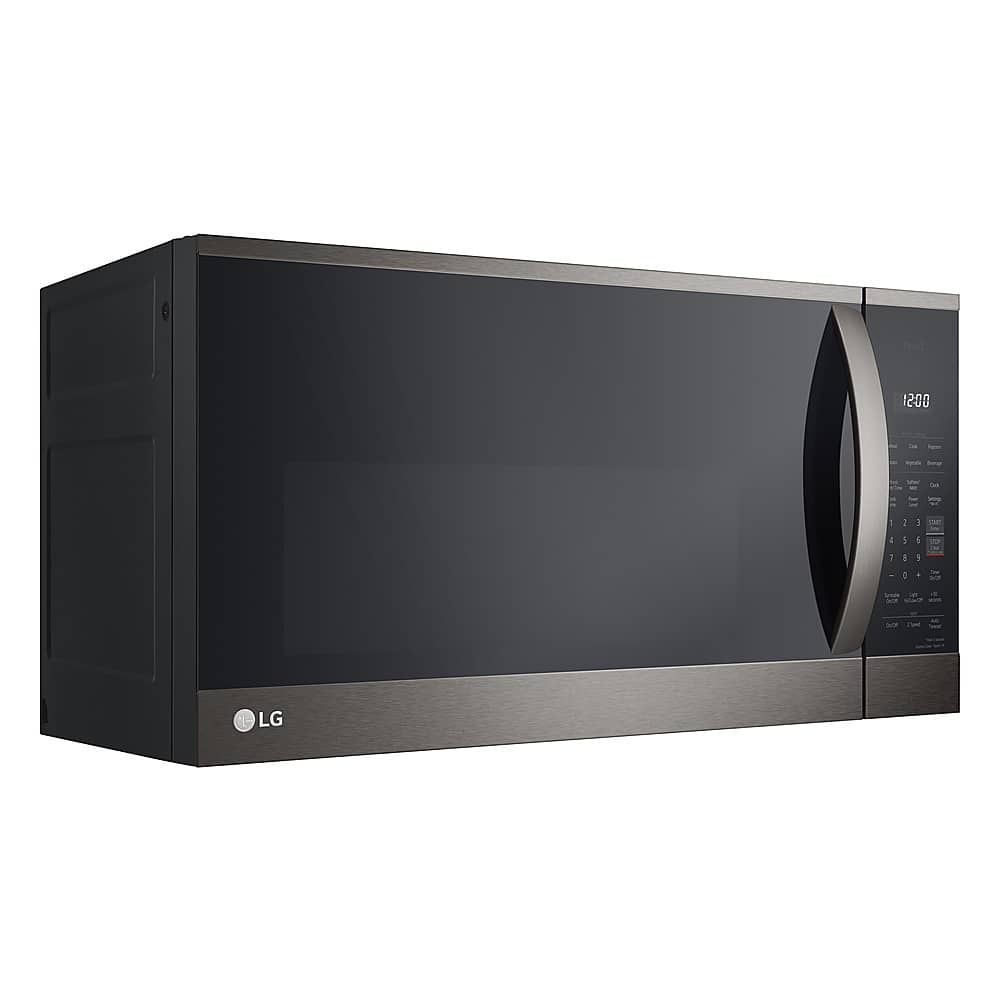
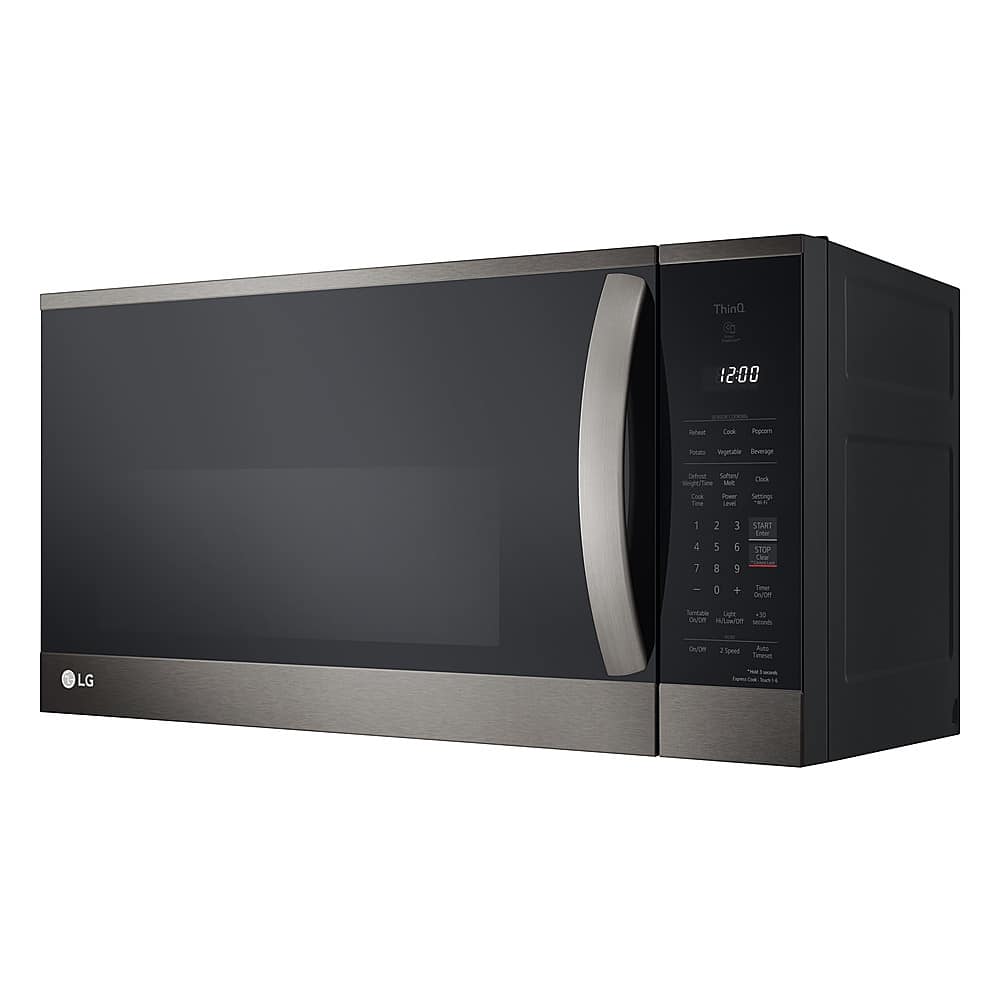
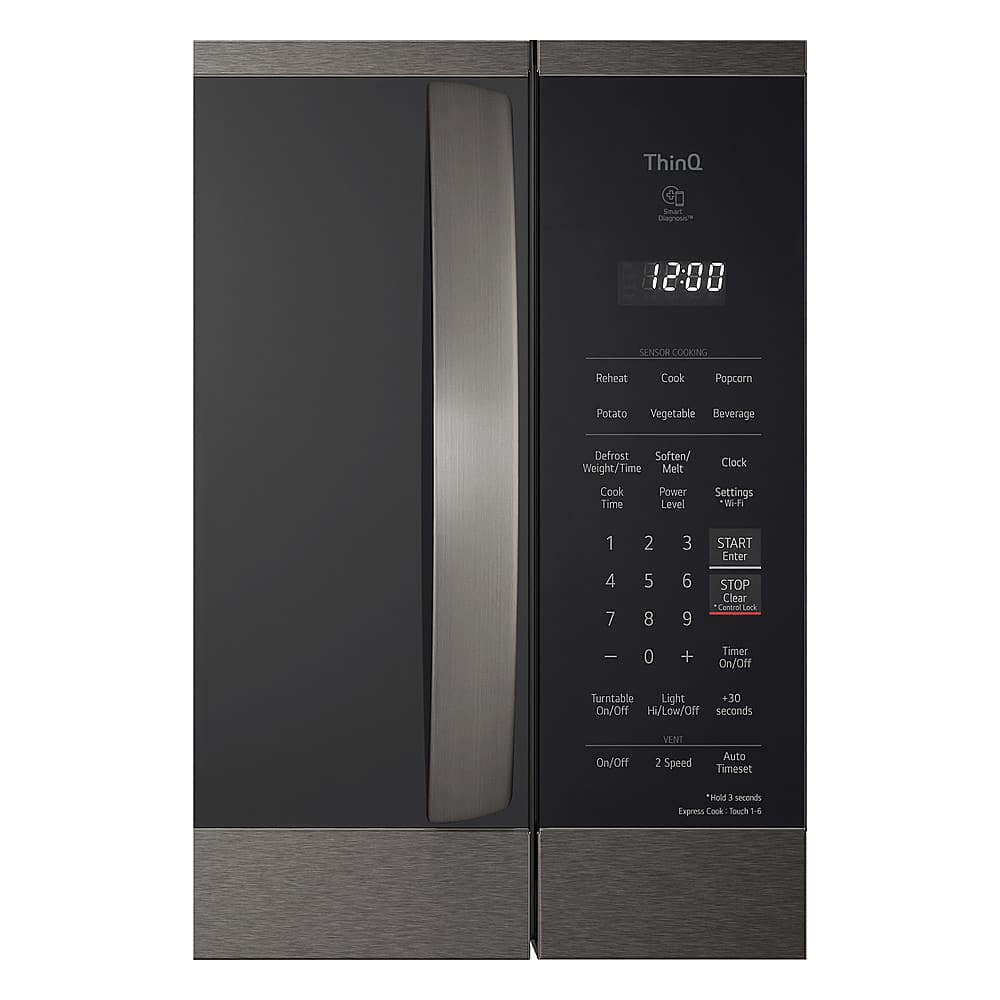
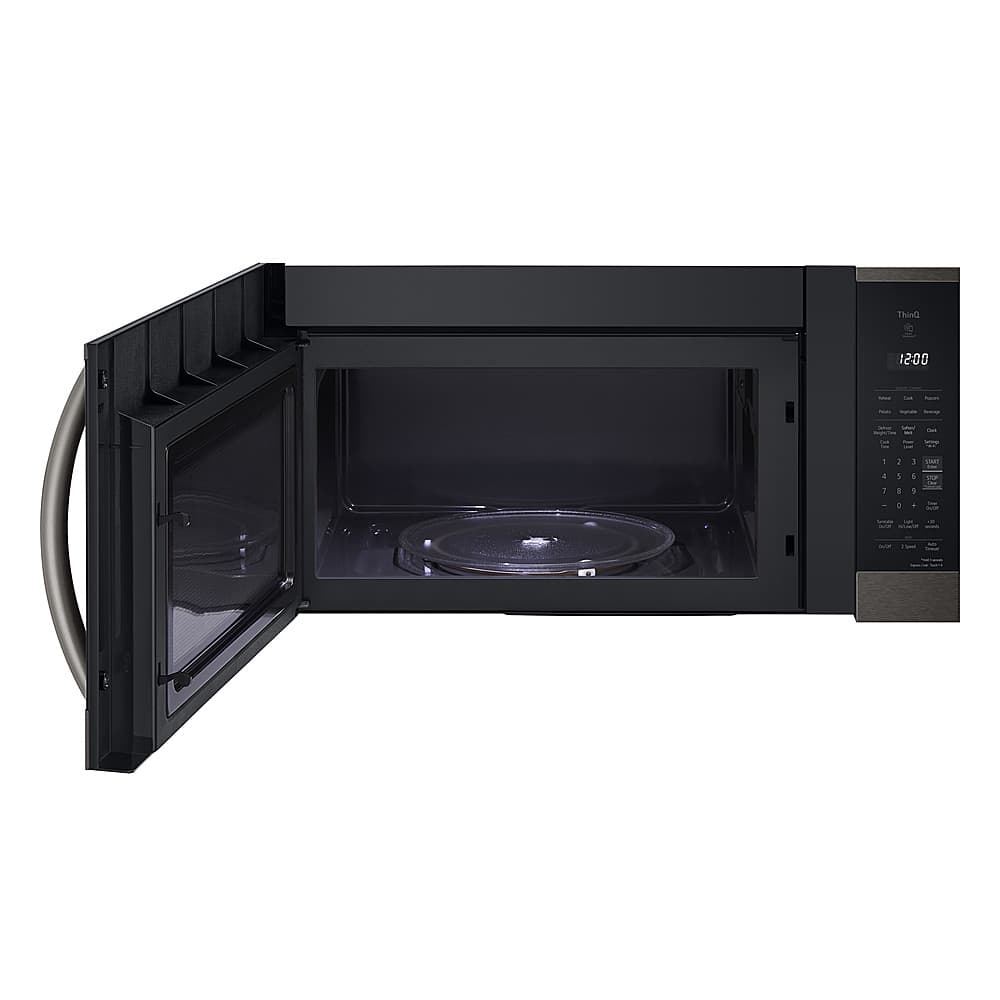
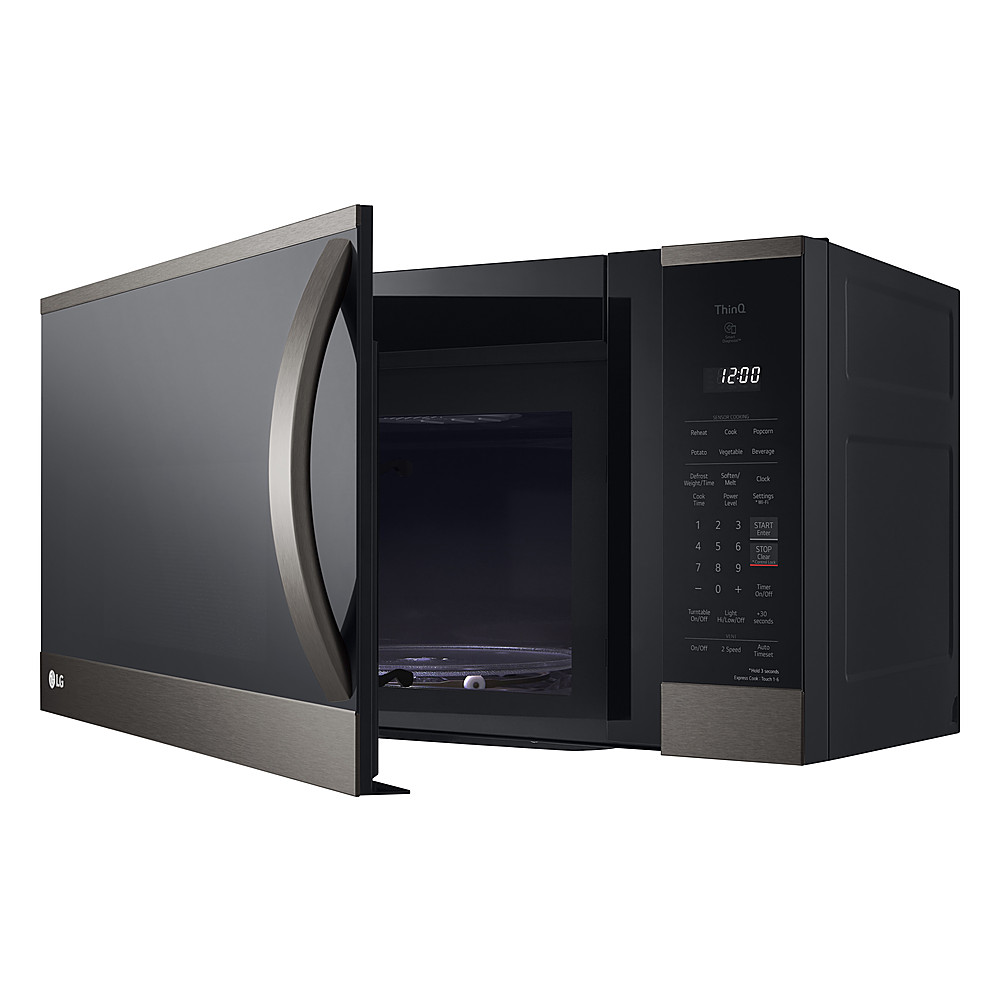
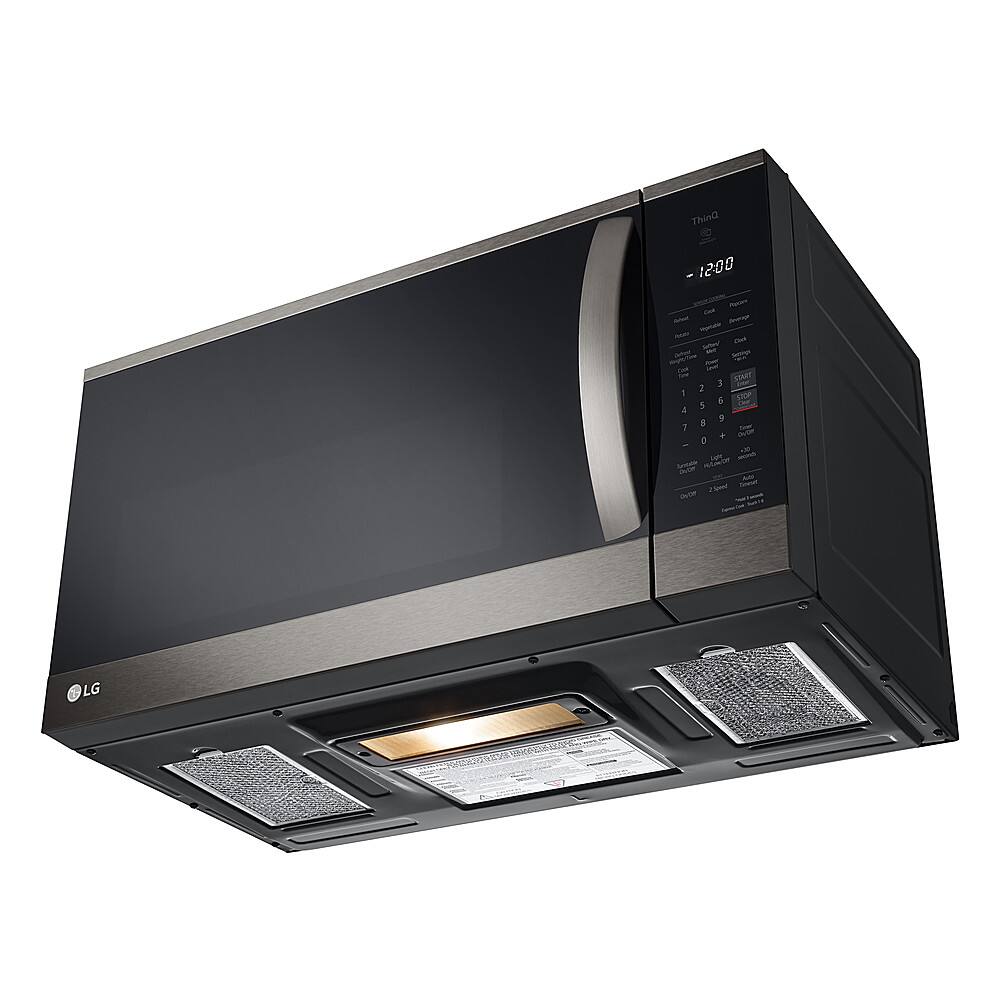
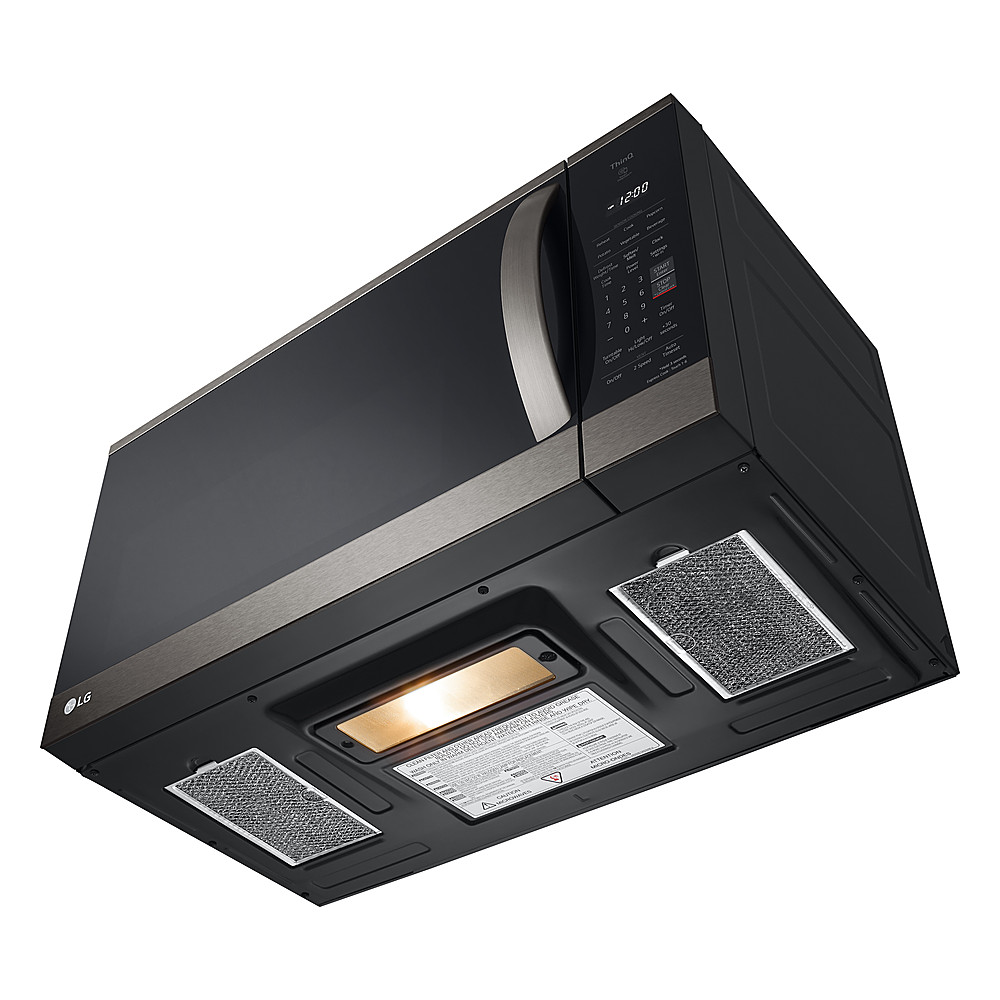
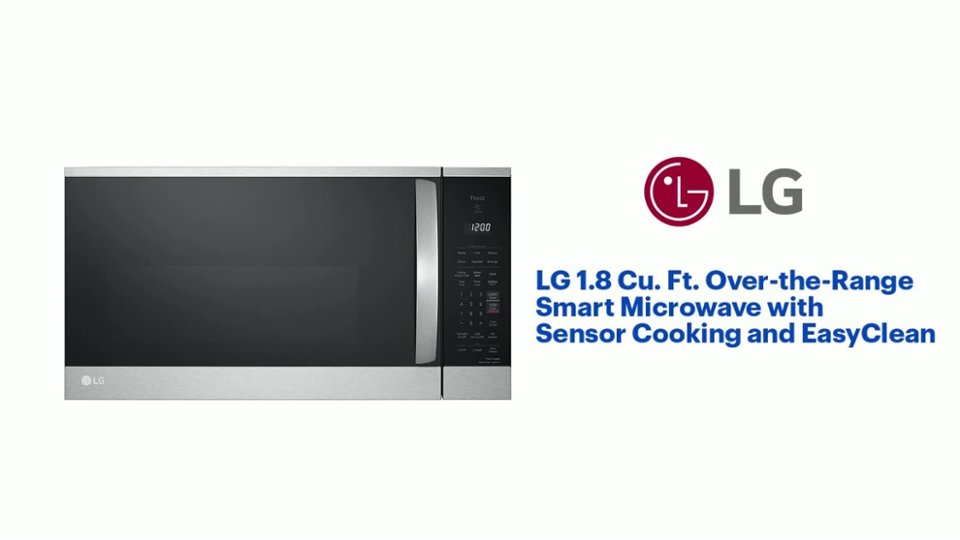
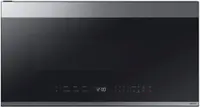
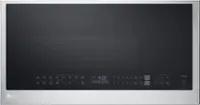
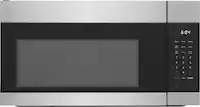
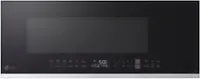
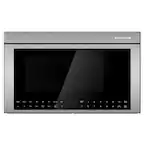
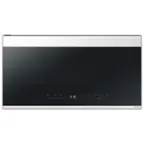
A:AnswerThe LG 1.8 Cu. Ft. Over The Range Smart Microwave with Sensor Cooking and EasyClean® - Printproof™ Stainless Steel, Model # MVEM1825X, can be vented in one of three ways: Roof Venting, Wall Venting, or Room Venting.
It is shipped from the factory with the blower assembled for room venting. You will need to adjust
the blower if you want wall-venting...^Ivan.
A:AnswerHello there. Thank you for sharing your inquiry with us. We understand you're asking if the LG 1.8 cu. ft. Over-the-Range Smart Microwave, model MVEM1825F, can be installed over a gas stove.
Yes, this over-the-range microwave is designed to be installed above both electric and gas cooking appliances. It features built-in ventilation to help manage smoke and odors from your cooktop.
https://www.bestbuy.com/site/lg-1-8-cu-ft-over-the-range-smart-microwave-with-sensor-cooking-and-easyclean-printproof-stainless-steel/6508562.p?skuId=6508562
Please send us a private message on Social Media @LGUSSupport and our team will be more than happy to explore possible solutions. We appreciate your patience. —Renzo
A:AnswerHello there. We understand your inquiry regarding the LG 1.8 Cu. Ft. Over The Range Smart Microwave. This model is designed for flexible venting and can be configured to vent through the top (roof), the back (wall), or recirculate back into the room (charcoal filter).
https://www.bestbuy.com/product/lg-1-8-cu-ft-over-the-range-smart-microwave-with-sensor-cooking-and-easyclean-stainless-steel/J7G5658L4Y
For further assistance and any specific concerns you may have, please contact us on lgdigitalcare@lg.sprinklrsupport.com. —Renzo
A:AnswerHello there. Thank you for reaching out and sharing your inquiry about your MVEM1825F microwave. We understand your situation and are happy to assist you. To turn off the chimes on your microwave, please follow these steps:
• Press the “Timer + Clock” button and, while holding it, press and hold the “STOP” button simultaneously.
• Keep holding both buttons until the display reads “OFF.”
• Once “OFF” appears, press the “STOP” button once to exit Timer mode.
https://www.lg.com/us/cooking-appliances/lg-mvem1825f-over-the-range-microwave#pdp_specs
We understand your situation and recommend verifying that you’re following the sequence exactly as described to ensure the chime is turned off. If you continue to experience any challenges or have further questions, please send us a private message on Social Media @LGUSSupport so our team can provide additional guidance. We appreciate your patience and value your trust in LG. —Renzo
A:AnswerHi there. Thank you for reaching out about your LG MVEM1825F Over-the-Range Microwave. We understand your situation and appreciate you sharing your experience with the timer function. Based on our official resources, the MVEM1825F features a dedicated kitchen timer designed for overall convenience. In many of our microwaves, the timer is integrated within the control panel, so it may not function entirely independently of the cooking operation as you experienced with your previous unit.
Try using the kitchen timer button by itself and then verify if the display counts down while the microwave is actively cooking. Sometimes a specific setting or combination of buttons enables a separate timer function; you might also consider experimenting with a lower power or standby mode to see if the timer operates concurrently.
https://www.lg.com/us/cooking-appliances/lg-mvem1825f-over-the-range-microwave#pdp_specs
If these steps do not provide the clarity you need, please send us a private message on Social Media @LGUSSupport. Our team is more than happy to assist further and explore possible solutions tailored to your MVEM1825F so that you can get the full functionality you’re looking for.
We appreciate your patience and thank you again for your inquiry.
—Renzo
A:AnswerHello there. Thank you for reaching out! We understand that the handle on your LG MVEM1825F over-the-range microwave is damaged, and you're looking to replace it or obtain the necessary screws and washers.
https://www.lg.com/us/cooking-appliances/lg-mvem1825f-over-the-range-microwave#pdp_specs
We recommend sending us a private message on Social Media @LGUSSupport, where our team can assist you with the proper replacement parts and guide you through the process. We'll be happy to help you find the parts you need!
We appreciate your patience.
—Renzo
A:AnswerThank you for reaching us regarding LG Microwave. The MVEM1825F need a 6-inch round duct for outside venting, with a maximum recommended duct run of 140 equivalent feet. The top exhaust requires 17 inches of clearance above the cooktop, while the rear exhaust needs 18 inches of clearance above the microwave. You can download its owner's manual through this link for more information: https://www.lg.com/us/support/product/lg-MVEM1825F.BRSELGA. For additional assistance, please reach out to us on social media @LGUSSupport so we can help you further. ^Cris
A:AnswerThank you for reaching us regarding LG Microwave. The LG MVEM1825F Over-the-Range Microwave is designed for installation over the range and is not intended for use over the counter or in a cabinet. The installation manual provides specific instructions for proper installation, including venting options and measurements to ensure safe and efficient use of the microwave. You can download its owner's manual through this link for more information: https://www.lg.com/us/support/product/lg-MVEM1825F.BRSELGA. For additional assistance, please reach out to us on social media @LGUSSupport so we can help you further. ^Cris
A:AnswerThe bottom needs to be open for the vent fan intake to work and the top has to be clear above for the vent fan exhaust. Above cabinet has to be 14 inches or less from the back wall. So not really. It's meant to take the place of a range hood/or add a range hood.
A:AnswerI'm also a member with free installation, but when they delivered they said it was drop off only. No installation or haul away of old microwave or range hood.
A:AnswerHello there! Thank you for your question about the MVEM1825F microwave. To open the microwave, simply press the button located on the front panel or pull the handle, depending on the model's design. If you have any further questions or need assistance, please send us a private message on Social Media @LGUSSupport, and our team will be happy to help you. We appreciate your interest! —Avril