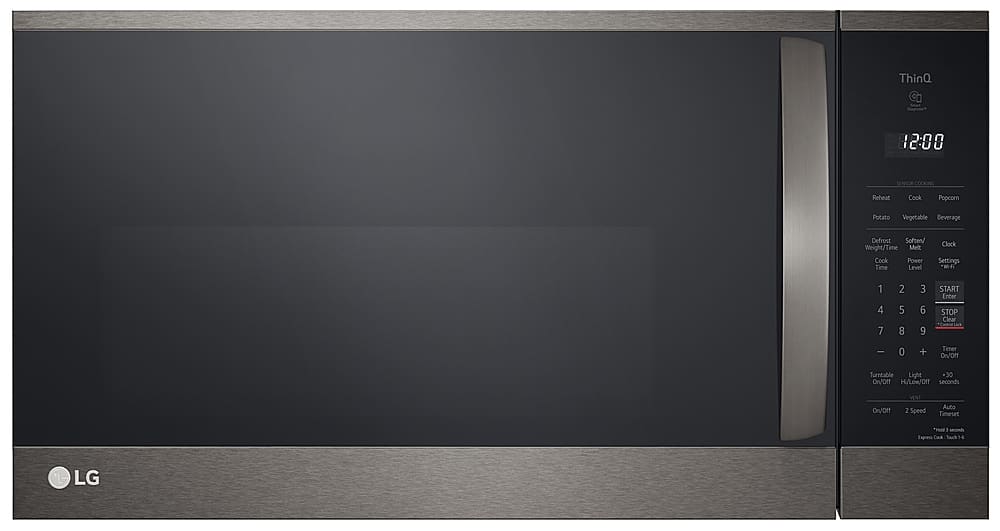
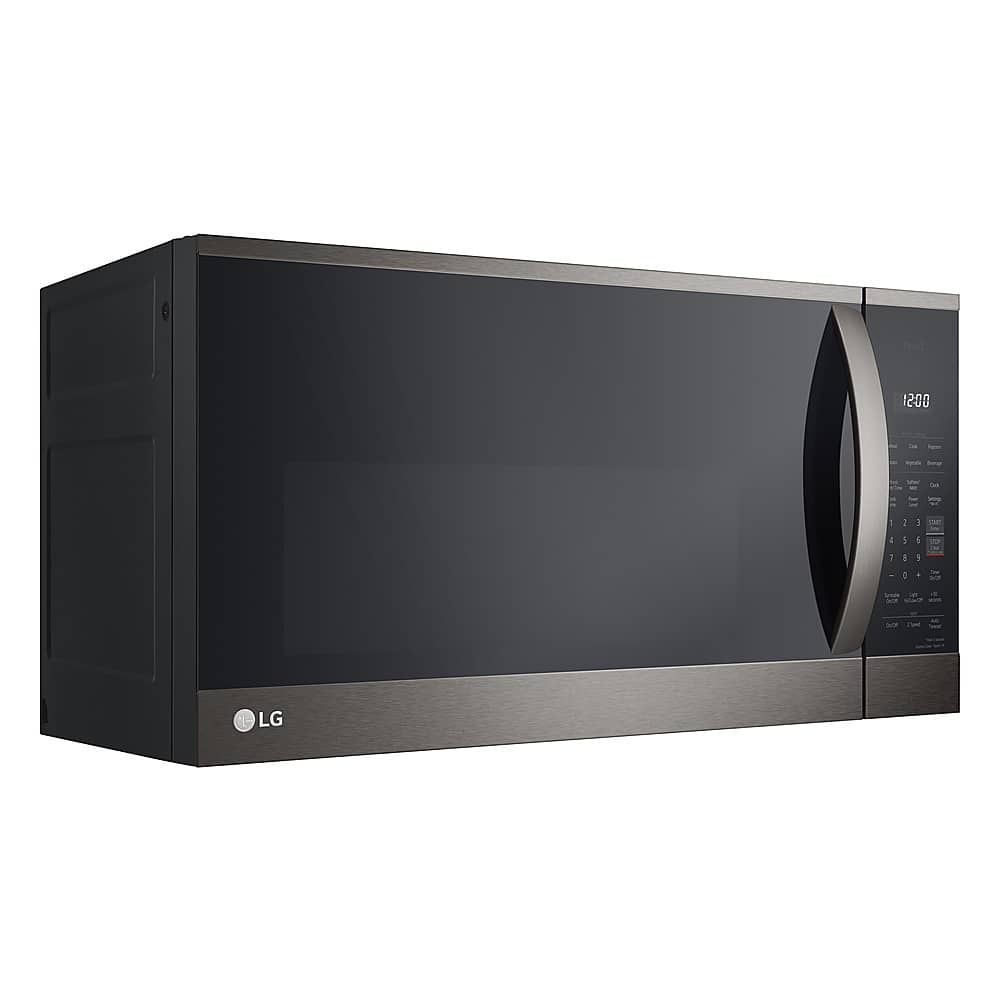
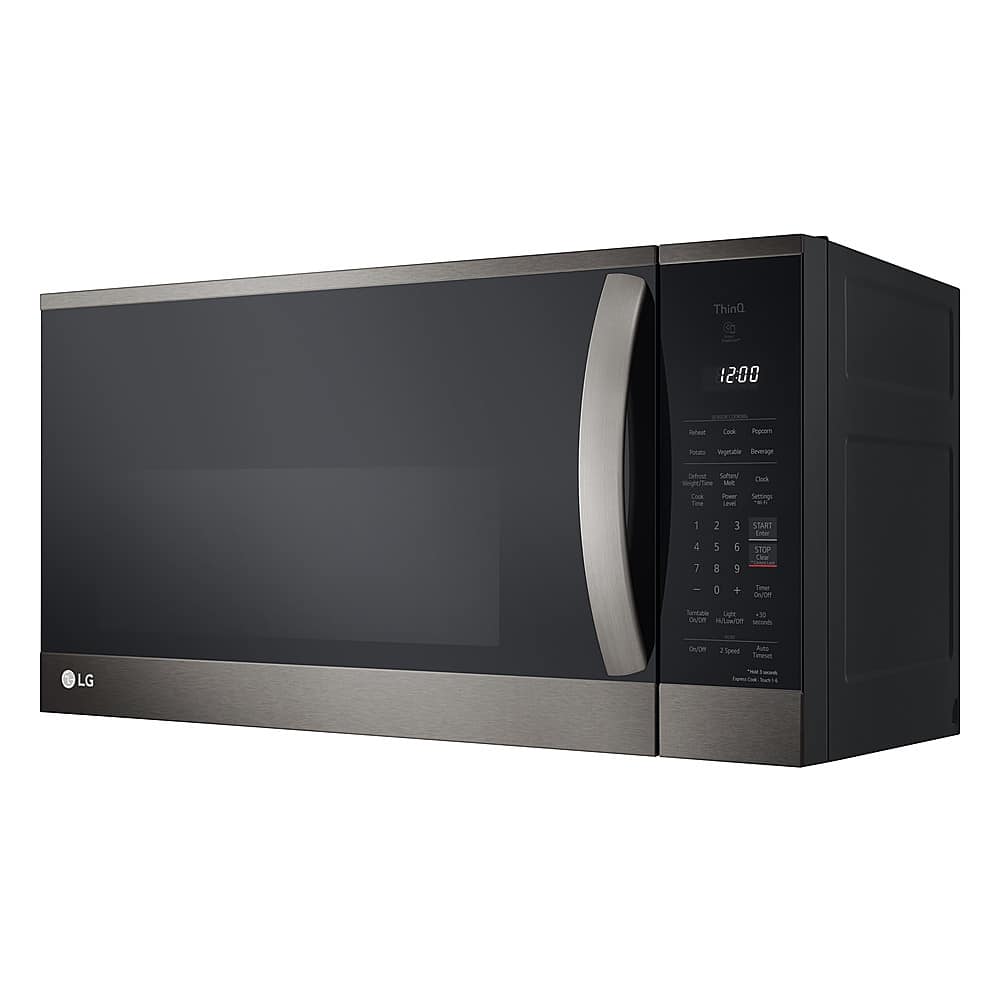
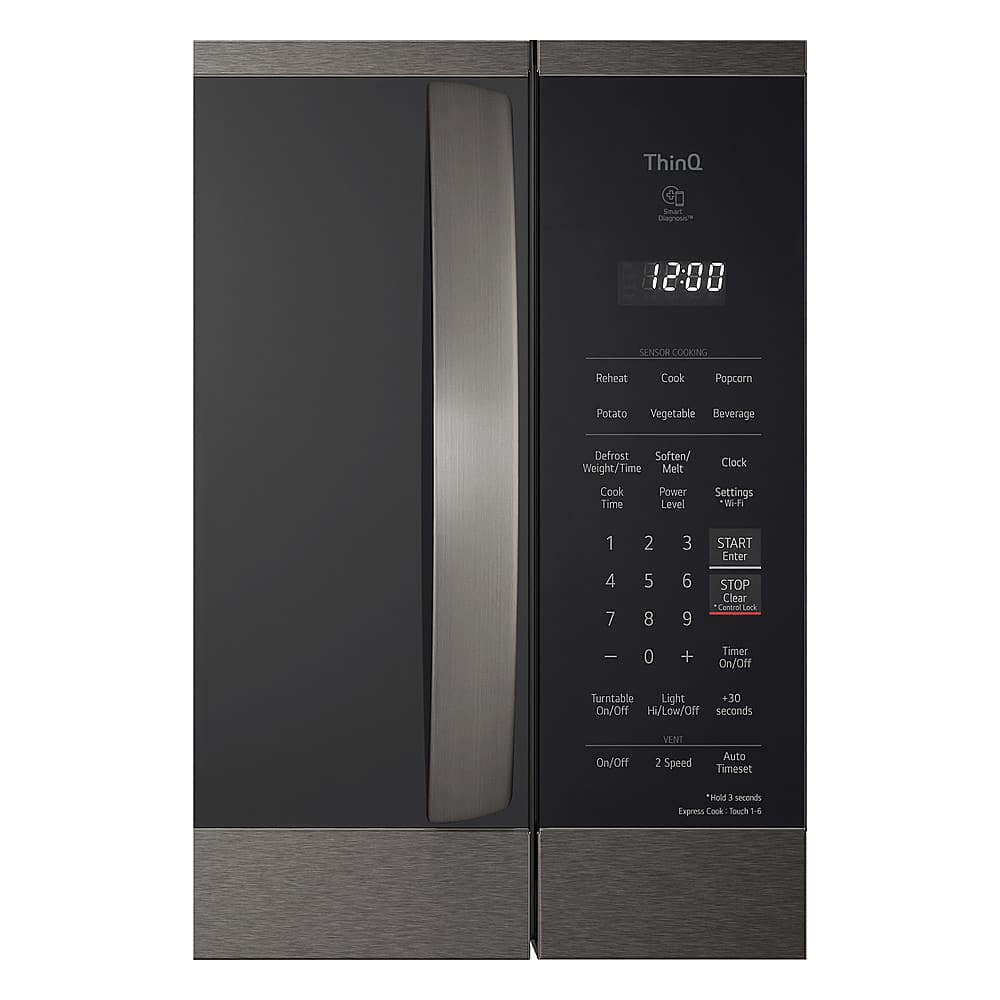
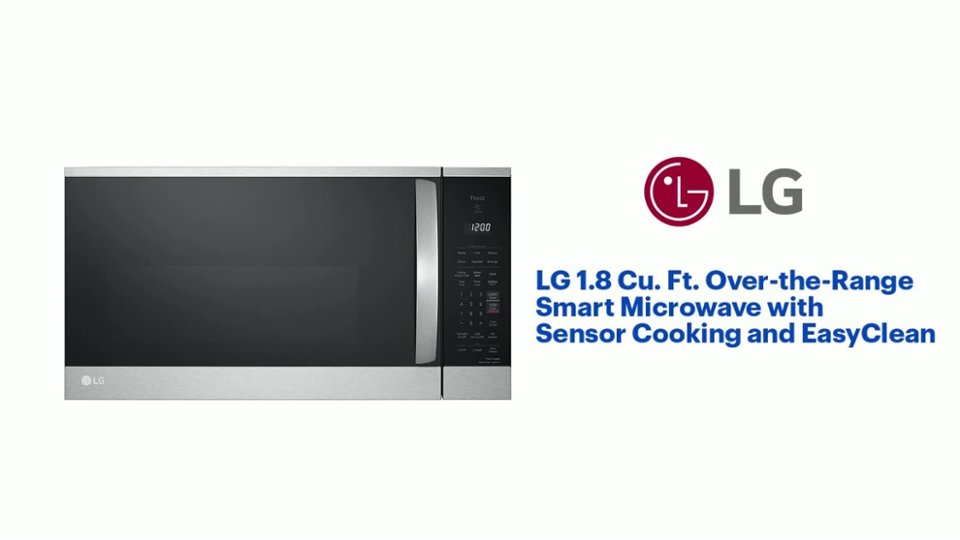
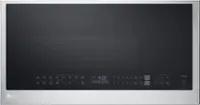
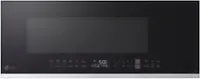
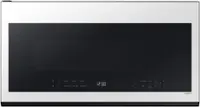
A:AnswerHi, Bob! As long as they are the same dimensions as the LG - 1.8 Cu. Ft. Over-the-Range Microwave with Sensor Cooking and EasyClean Model:MVEM1825F. Take a look at the specifications: https://device.report/m/01ac55d4d9394fbb3a5eef9a6653f5976a5a3040595831526ed2be9d44d84f50.pdf. ~Rita
A:AnswerTo my understanding, this microwave can be vented either way. I had someone install it and he indicated that the instructions provide the adaption methodology.
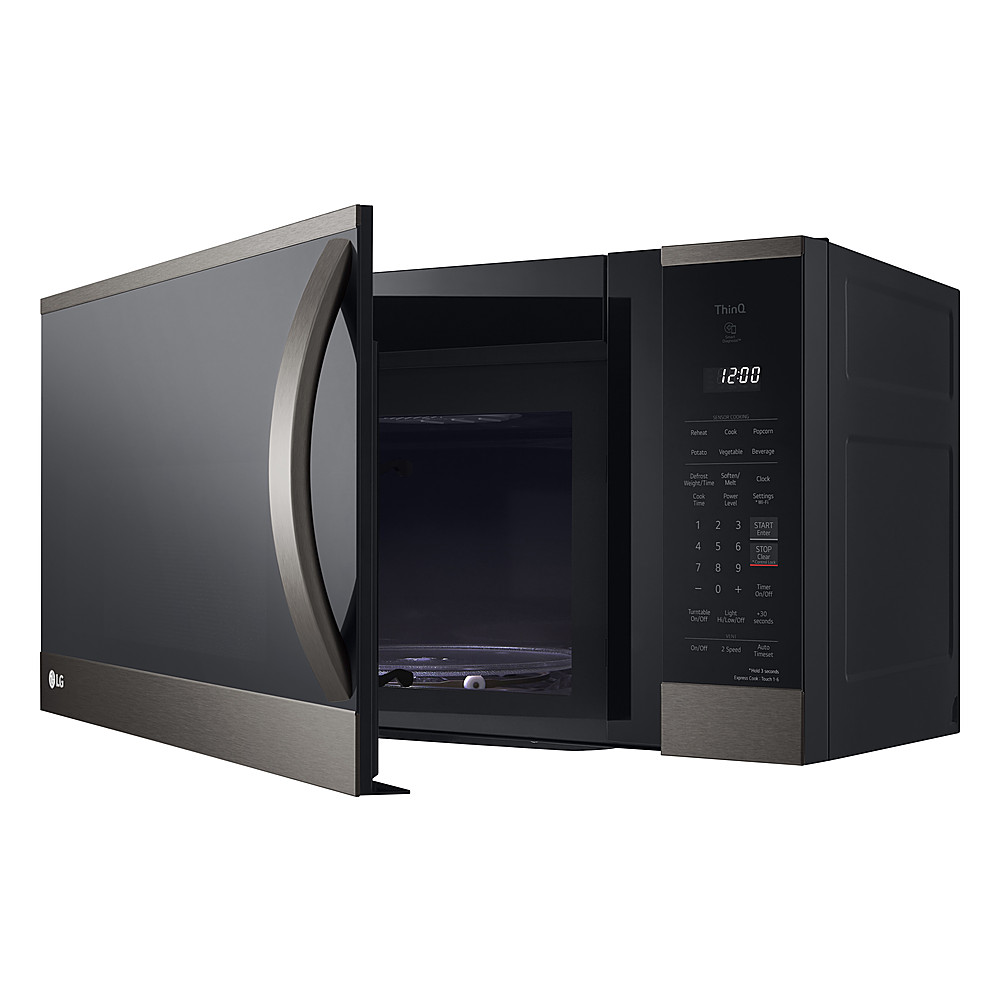
A:AnswerIt works with Alexa. You have to set up a LG account and then install the LG ThinQ skill in your Alexa app. You can also install the LG ThinQ app on your phone. The Alexa skill really doesn't do that much.
A:AnswerHi there. Thanks for reaching out. If your new microwave is the same brand as the old one, you may be able to reuse the existing mounting bracket. LG recommends that you use a LG mounting bracket for this LG microwave. `Jai.
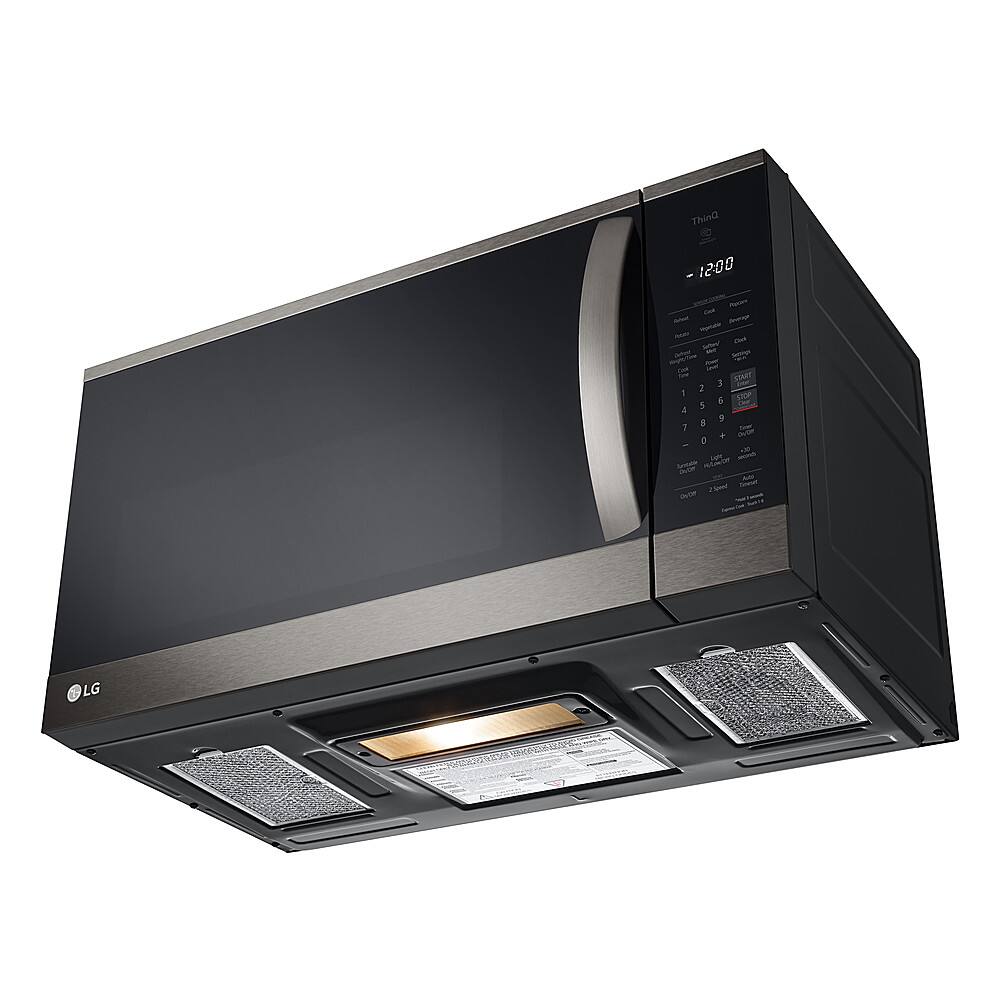
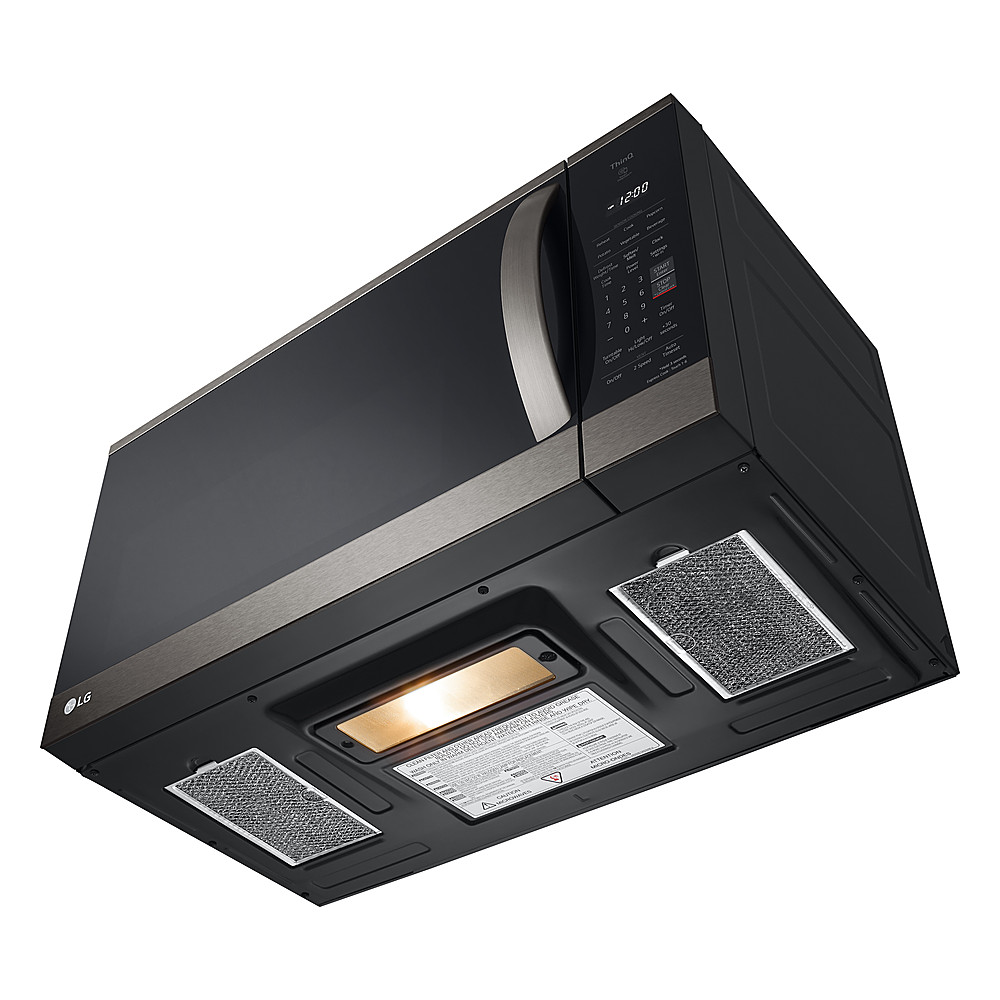
A:AnswerYes, there is a light on the bottom and two vent openings. There is a vent fan inside and instructions for setting up the vent duct connection.
A:AnswerThere is an inside light on when it is heating items and when you open the door. Not overly/annoyingly bright, but you can see what is in there.
A:AnswerHello there. Thank you for your question about the LG MVEM1825F Over-the-Range Microwave. It is normal for the top of the microwave to have an open area for the vents, as this model uses a convertible, recirculating vent style. The exhaust vent is located at the front and top of the unit, and it does not require a cover in this design. However, if you feel that something might be missing or if you have concerns about the setup, please feel free to contact us for further assistance on social media @LGUSSupport.
https://www.lg.com/us/cooking-appliances/lg-mvem1825f-over-the-range-microwave#pdp_specs
We’re happy to help you ensure everything is working properly!
—Renzo
A:AnswerHi there. Thank you for your question about the LG microwave, model MVEM1825F. We understand how important it is to have precise control over the defrosting process. This microwave model allows you to defrost food manually without needing to input the weight or type of food. You can set the defrost function and specify the exact amount of time you want for defrosting.
To do this, simply select the defrost option on the control panel and then enter the desired time for the defrost cycle. This flexibility should help you defrost your food exactly as needed.
If you have any further questions or need additional assistance, please send us a private message on social media @LGUSSupport. We're here to help you make the most of your LG microwave.
—Renzo
A:AnswerThank you for your interest in the LG Microwave (MVEM1825F) model. No, the clock display on the LG MVEM1825F Over-the-Range Microwave cannot be turned off. You can download its owner's manual through this link for more information: https://www.lg.com/us/support/product/lg-MVEM1825F.BRSELGA. ^Cris
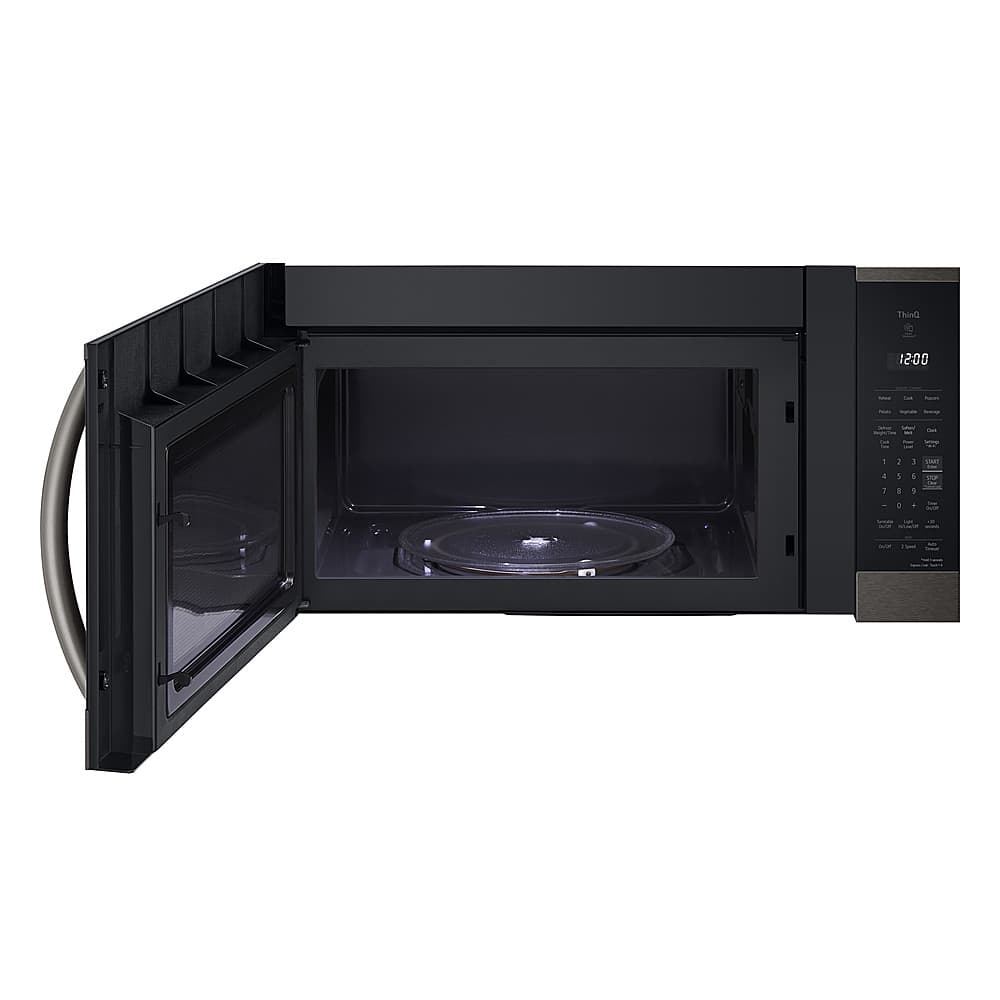
A:AnswerThe hinged left side of the door is flush with the side of the unit when closed. When fully opened (90deg), it extents about an inch beyond the left side.
A:AnswerHello, there. Thank you for your feedback on the musical alarm of your LG OTR Microwave, model MVEM1825F. We understand your need for a simpler notification option. For assistance with adjusting the alarm settings, please send us a private message on our social media platform via @LGUSSupport, and our team will gladly provide you with guidance on how to customize the alert to suit your preferences. We appreciate your understanding. ^Sam
A:AnswerWhen the door of the microwave opens, it will be wider than the 30”. If you're microwave is flush with the wall, you may have trouble opening the door.