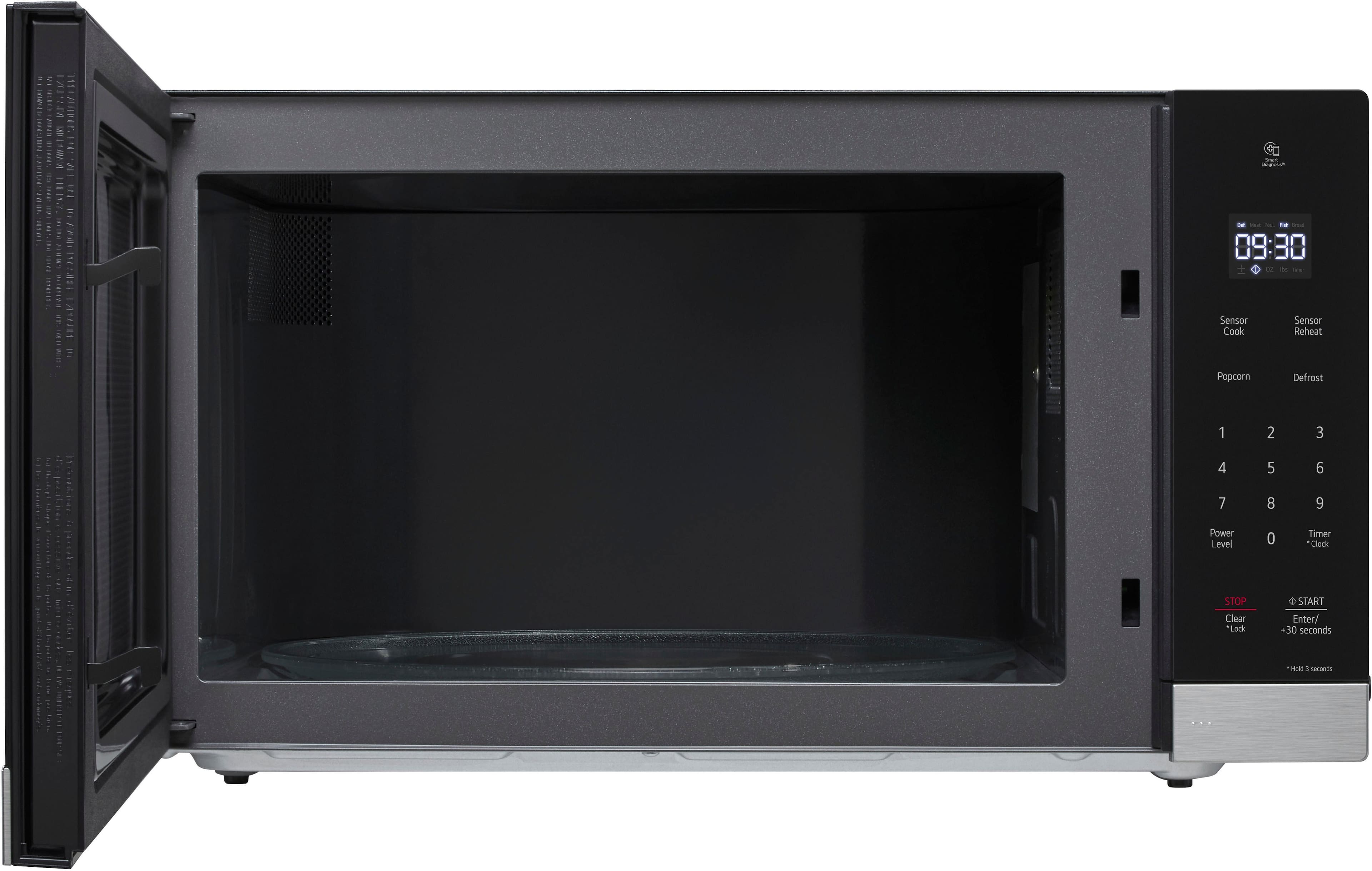
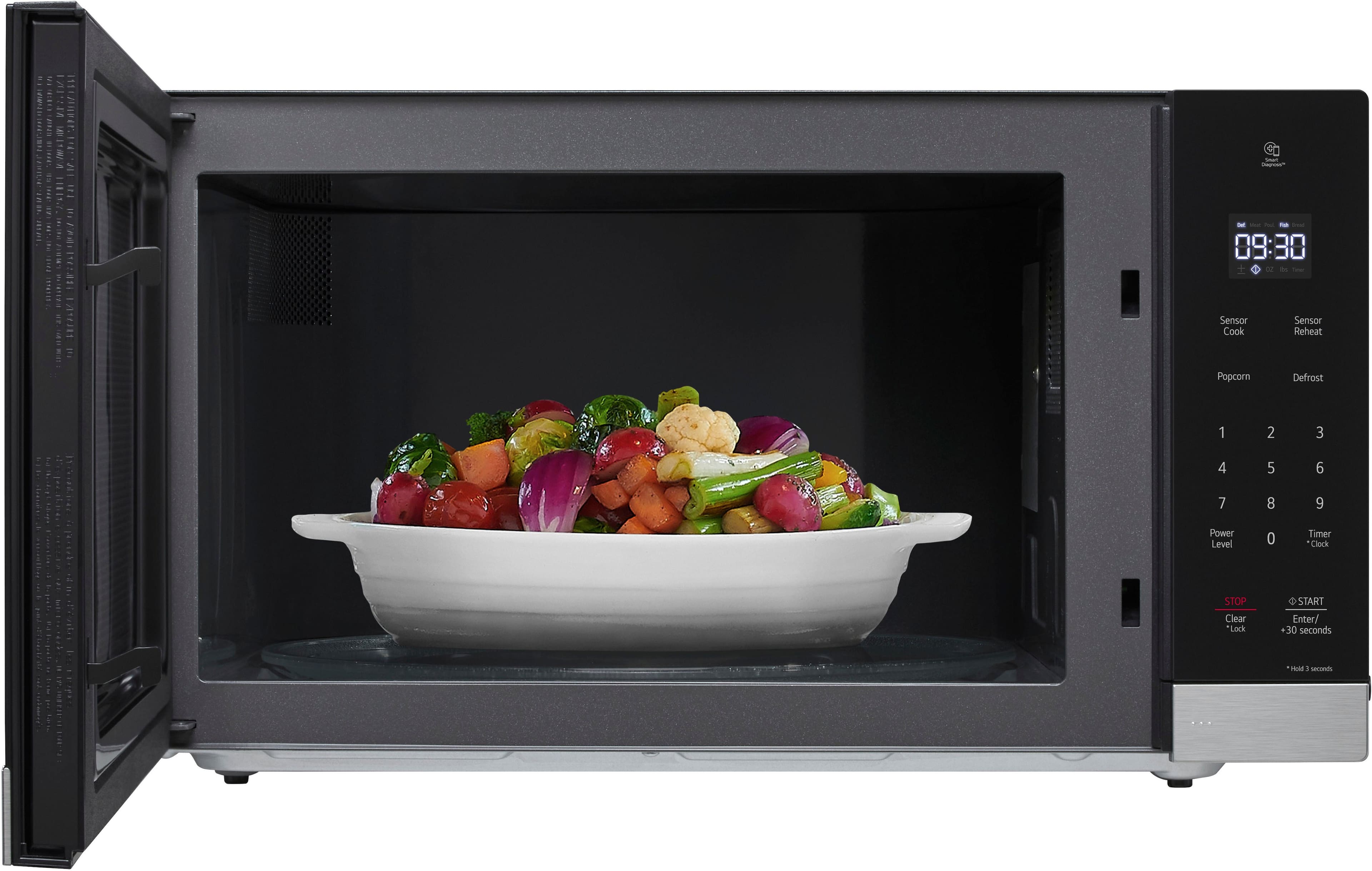
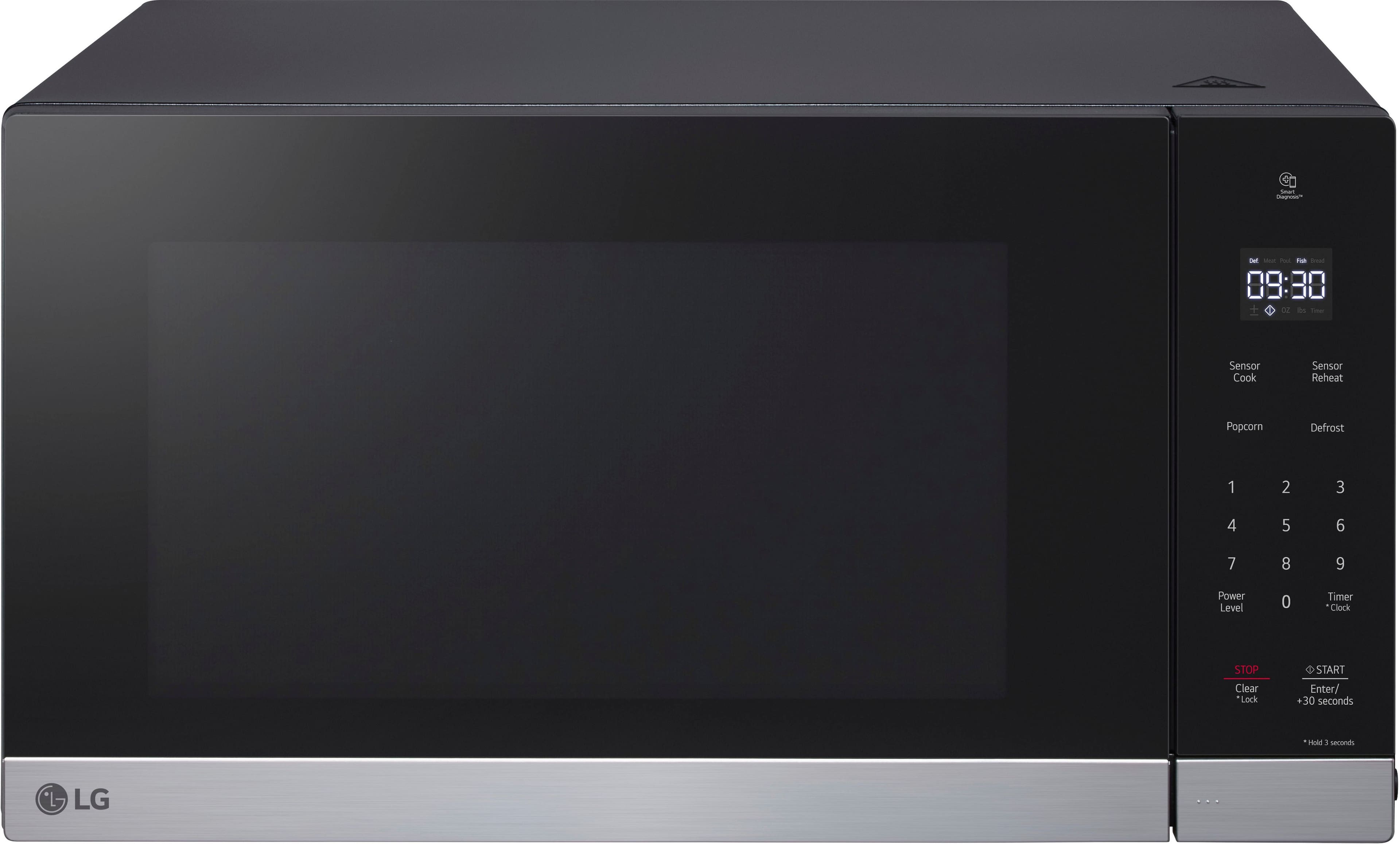
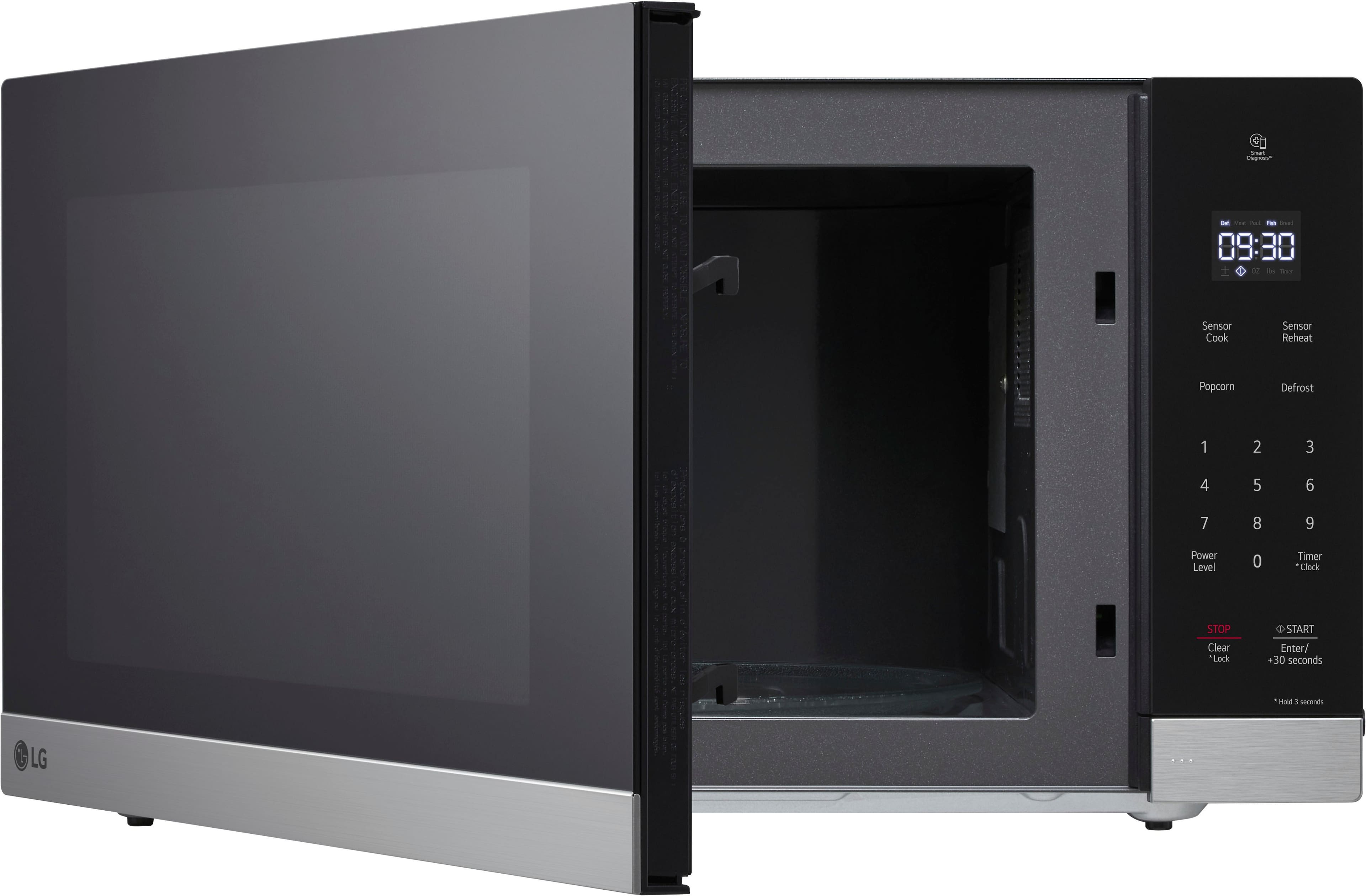
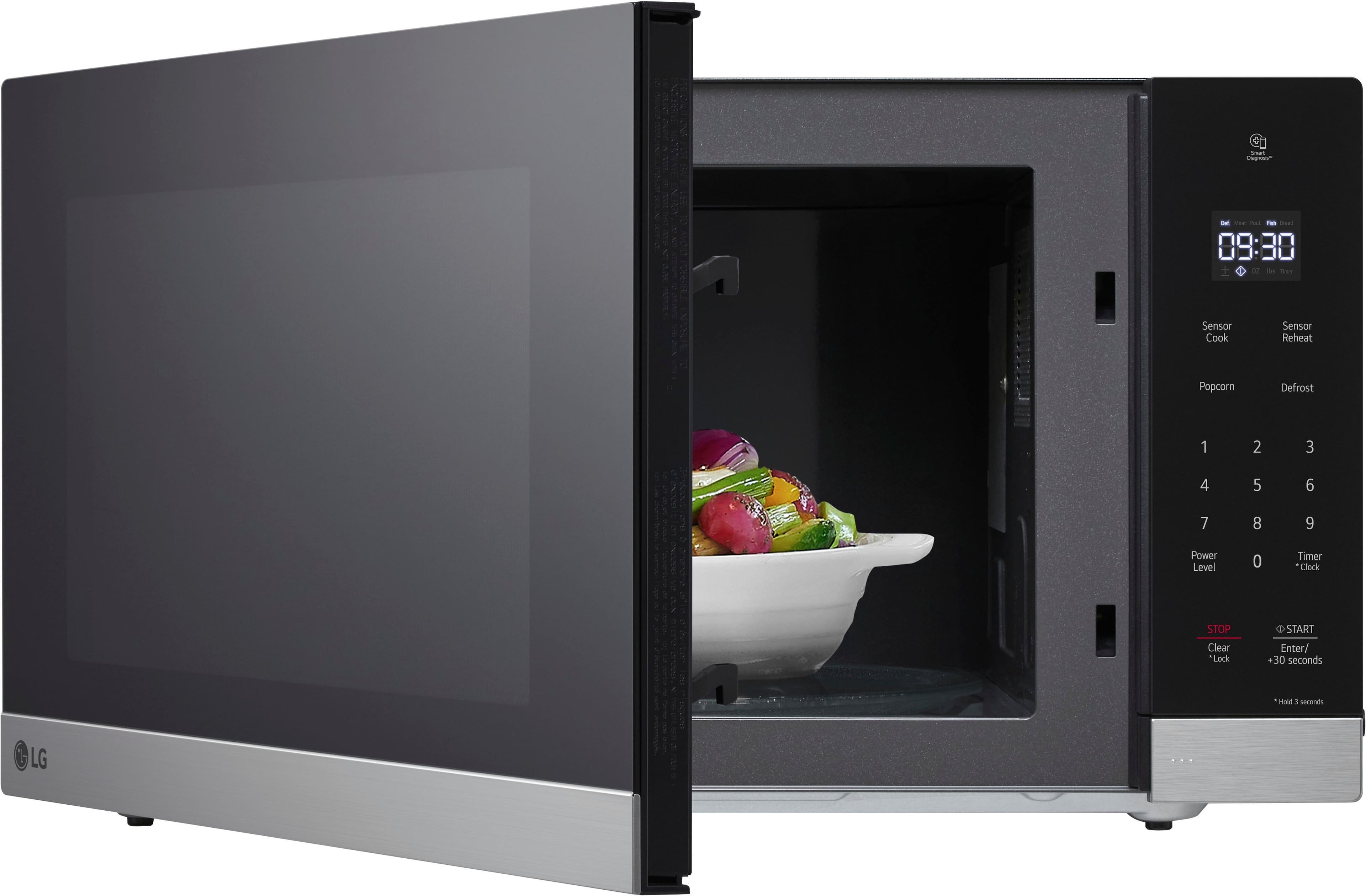
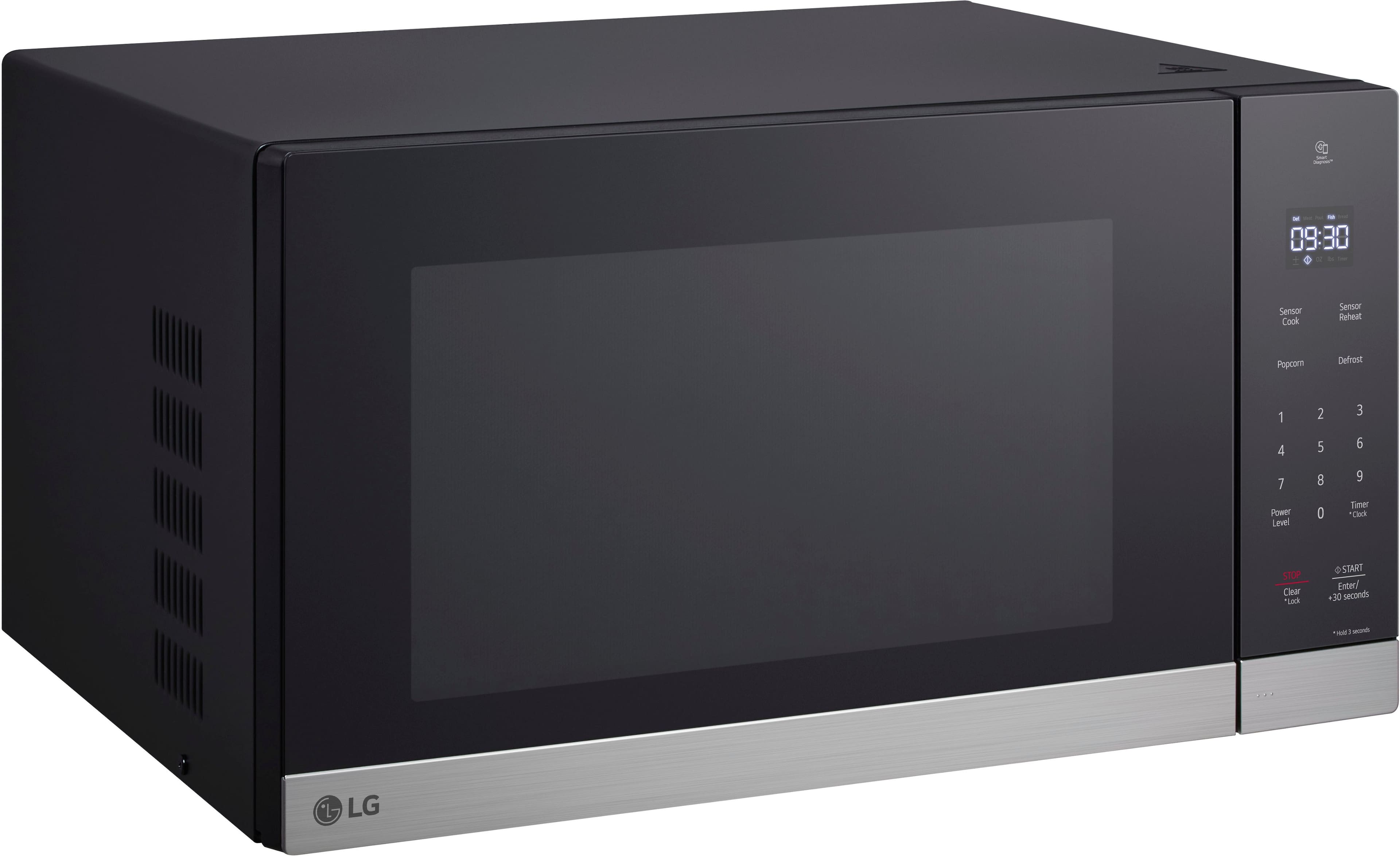
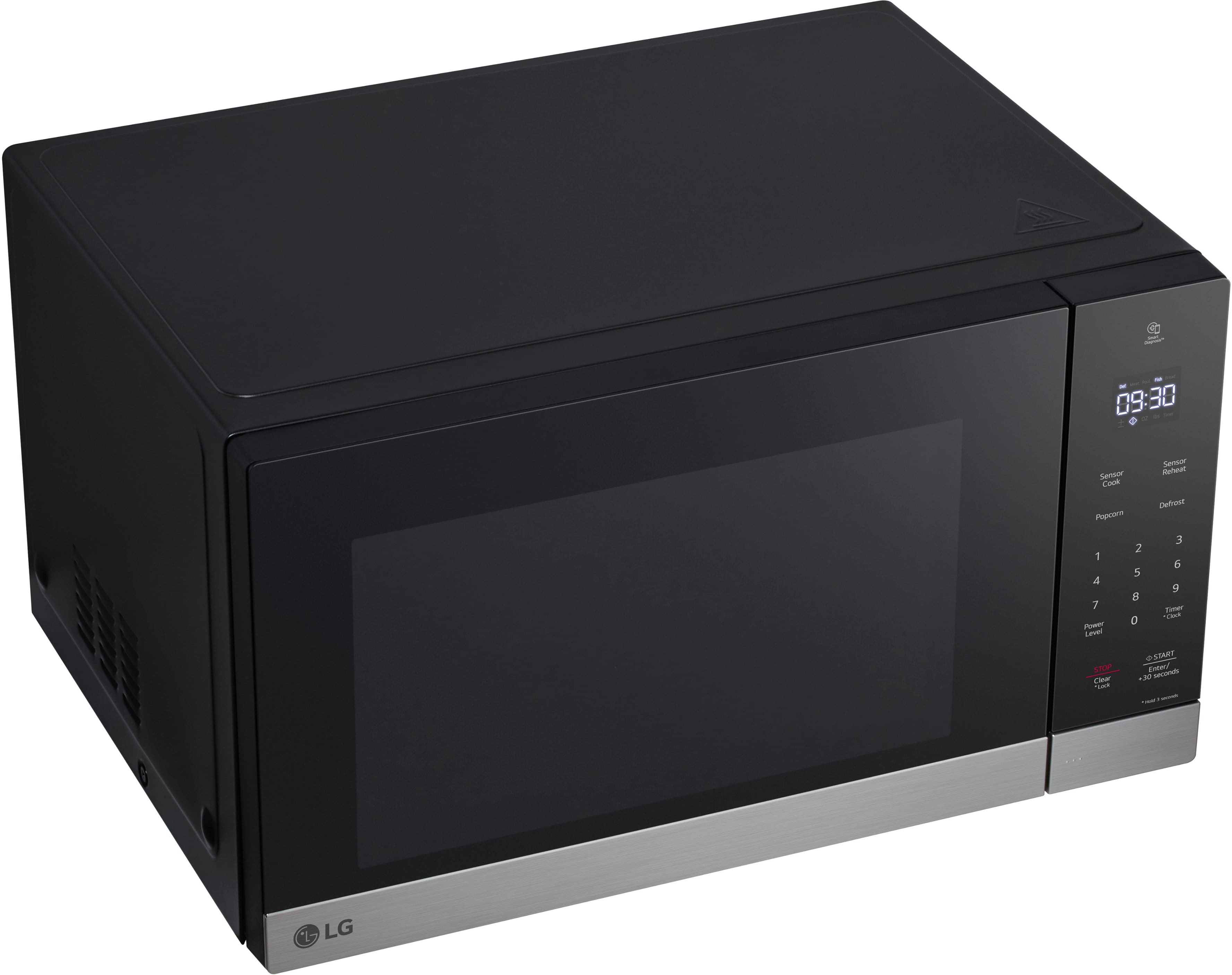
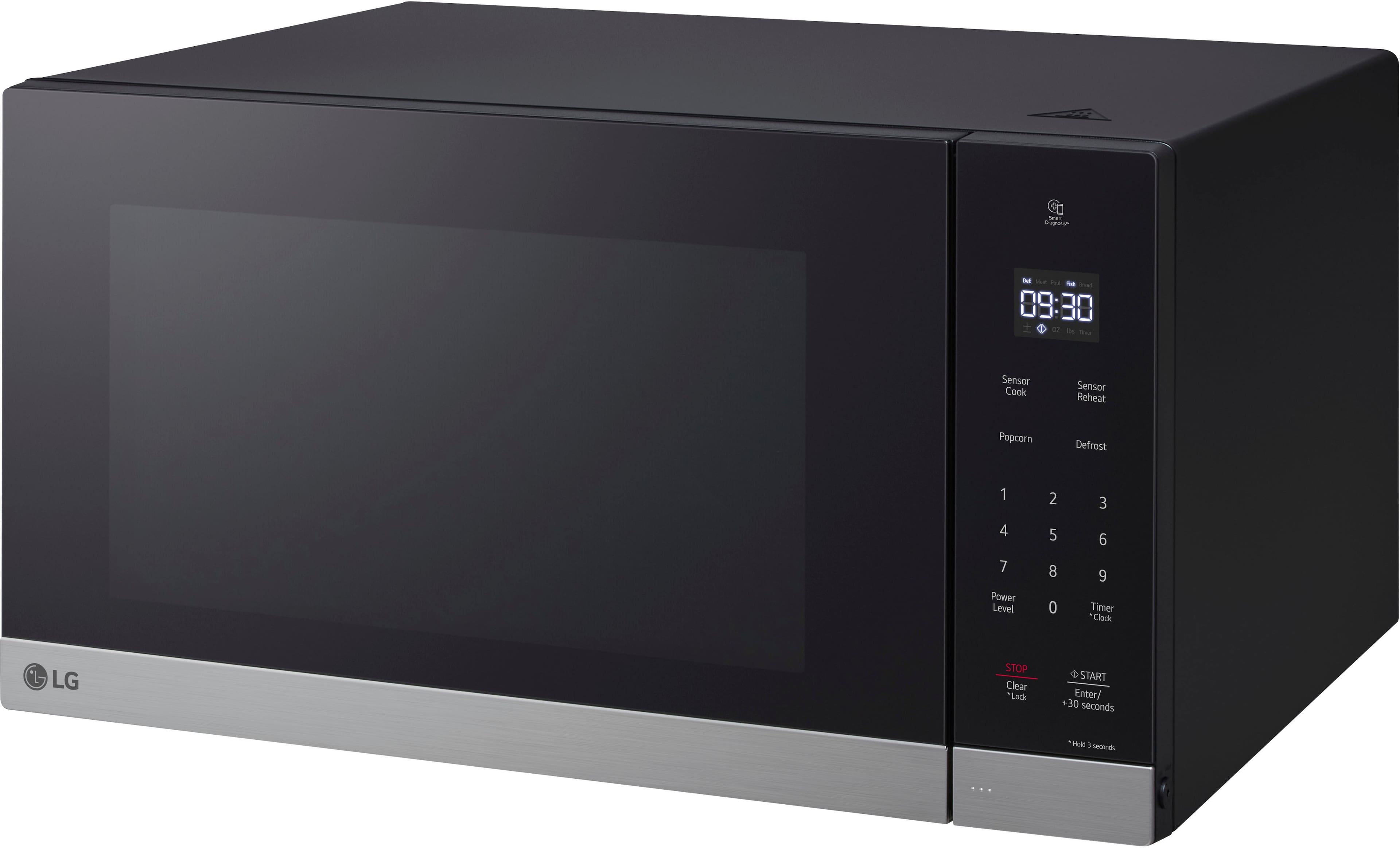
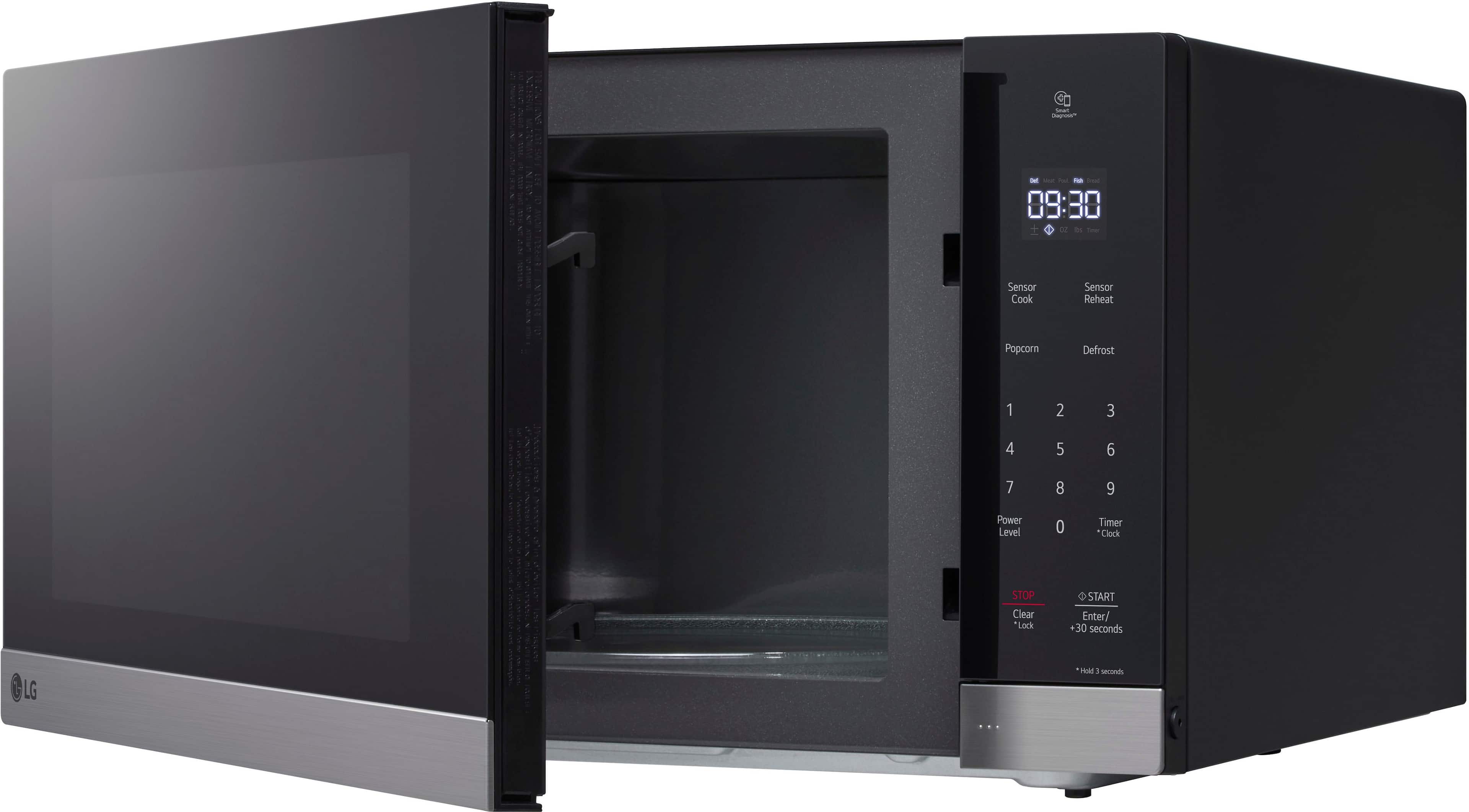
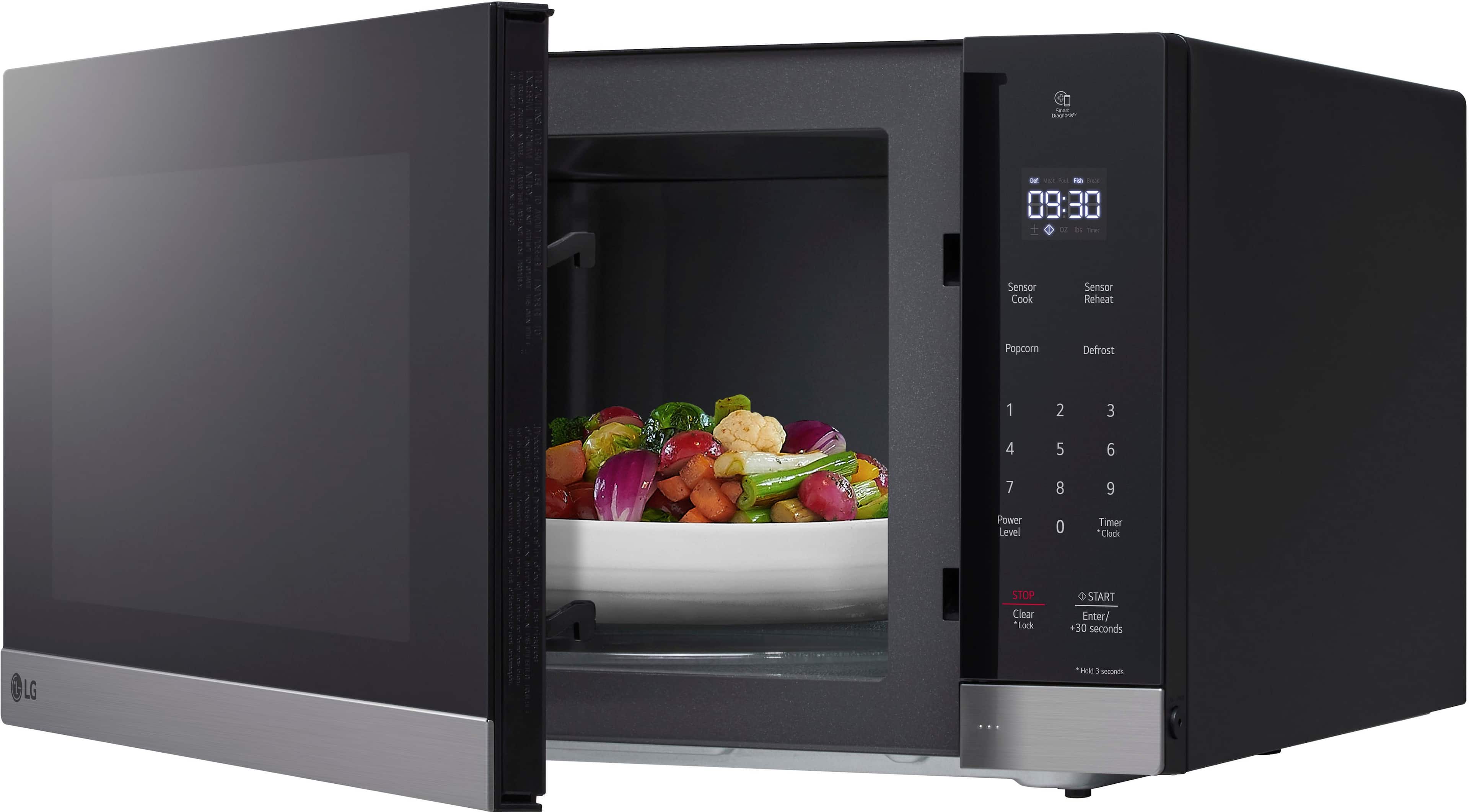
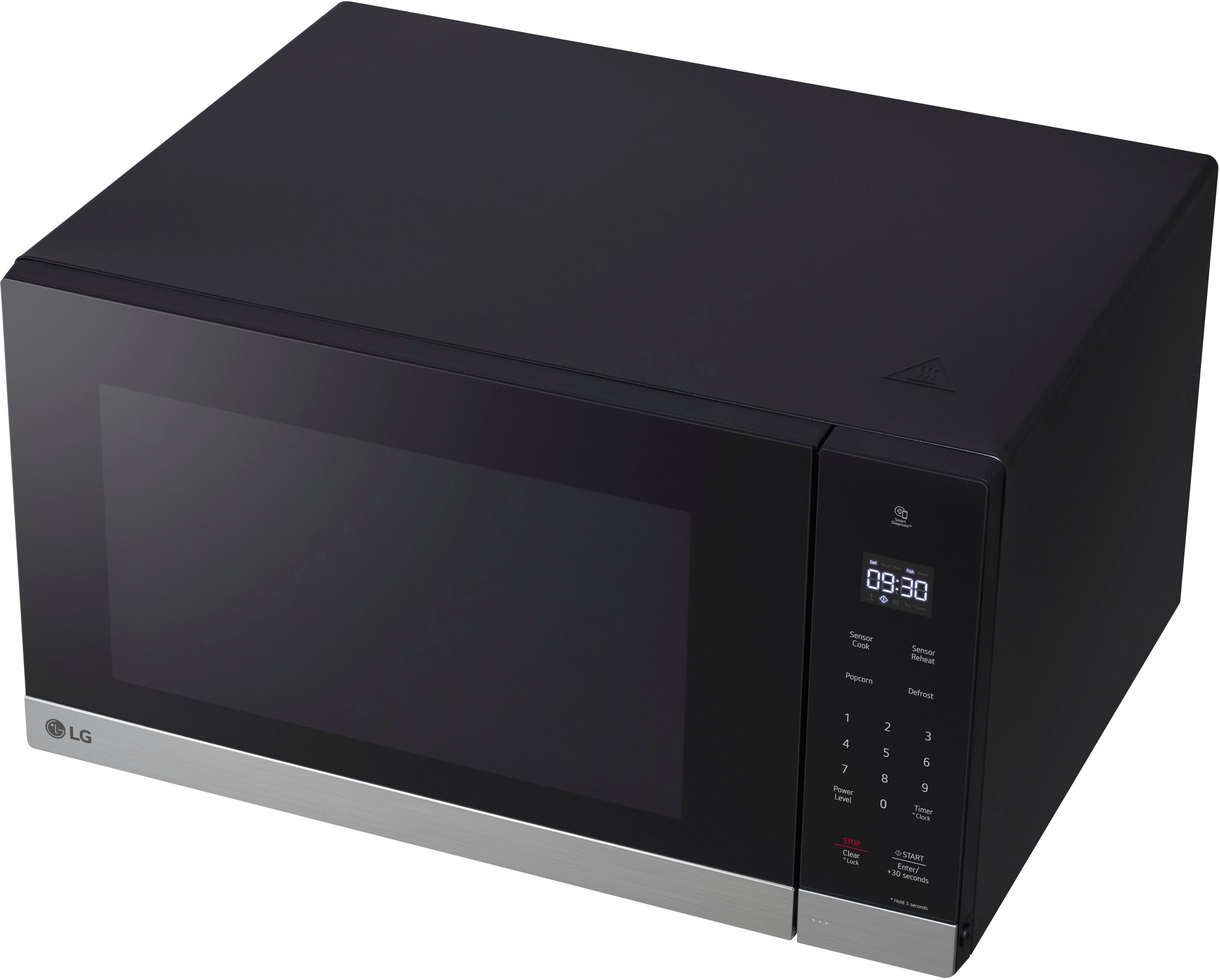
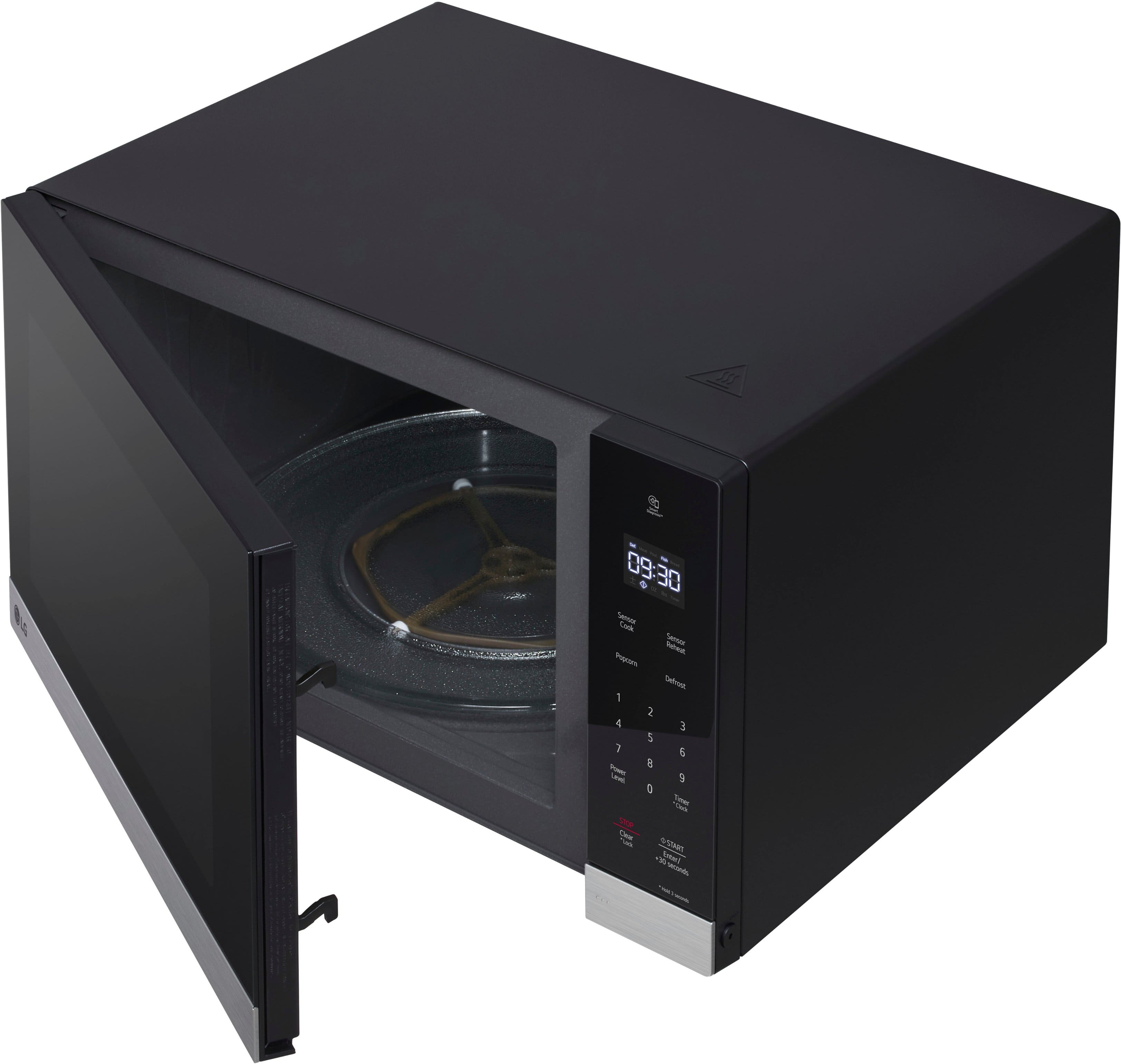
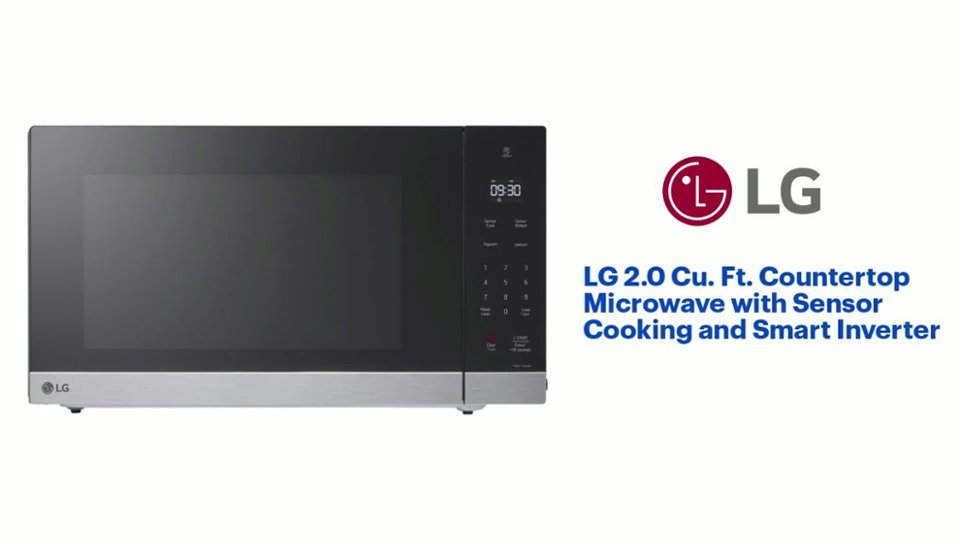
A:AnswerThe LG - 2.0 Cu. Ft. Countertop Microwave with Sensor Cooking and Smart Inverter - Stainless Steel
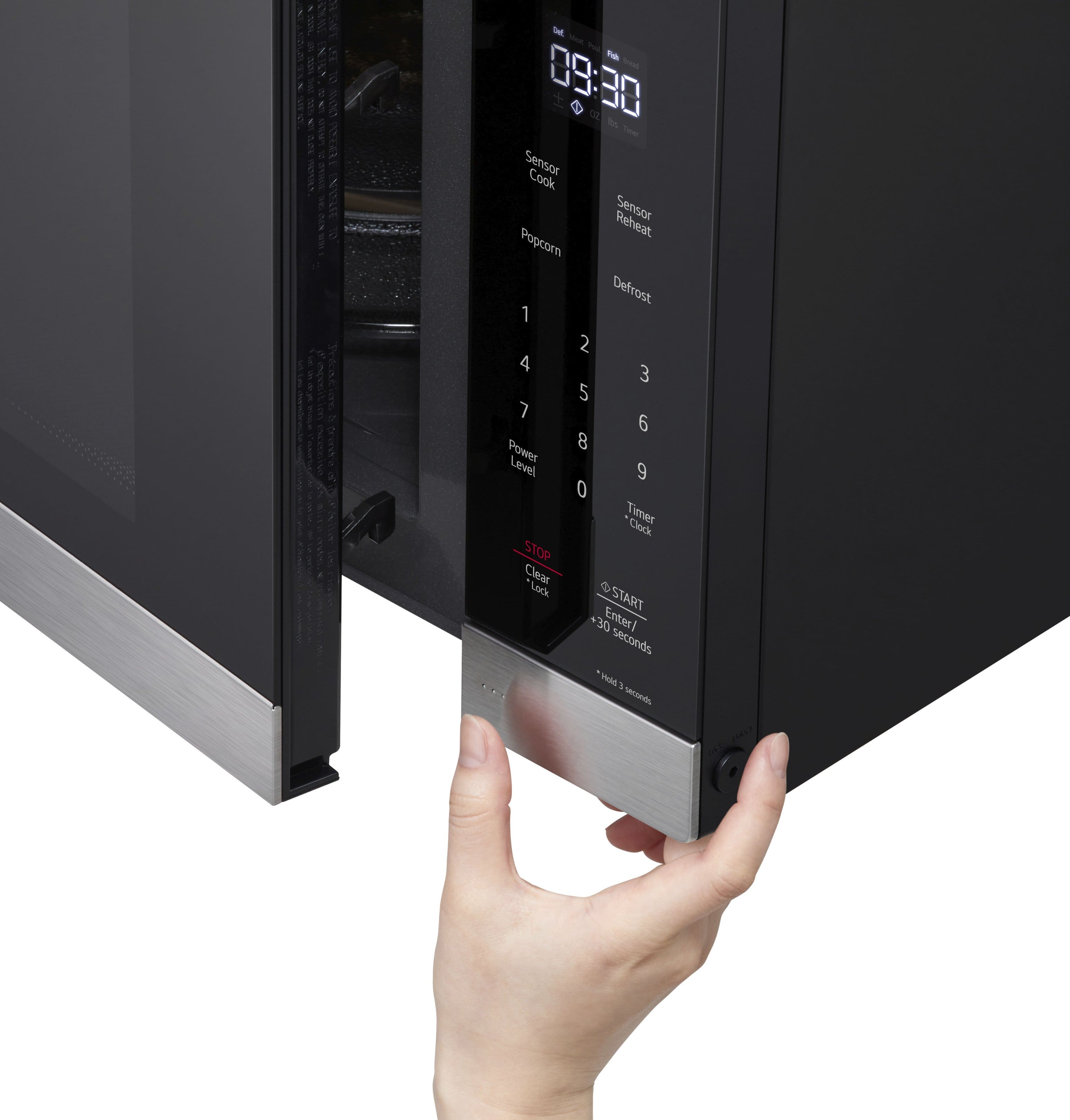
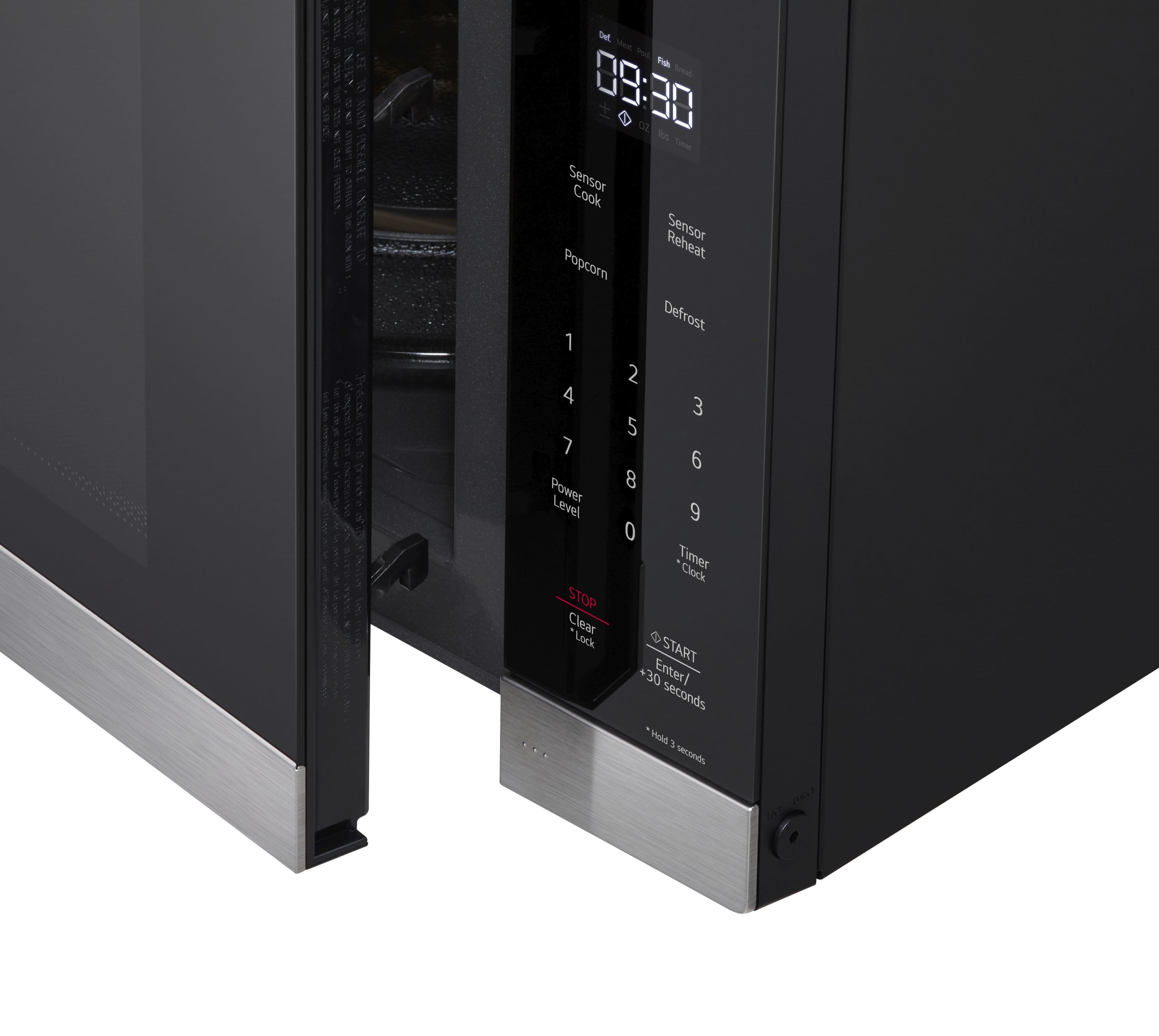
Model # MSER2090S does not have a backlit keypad...^Ivan.
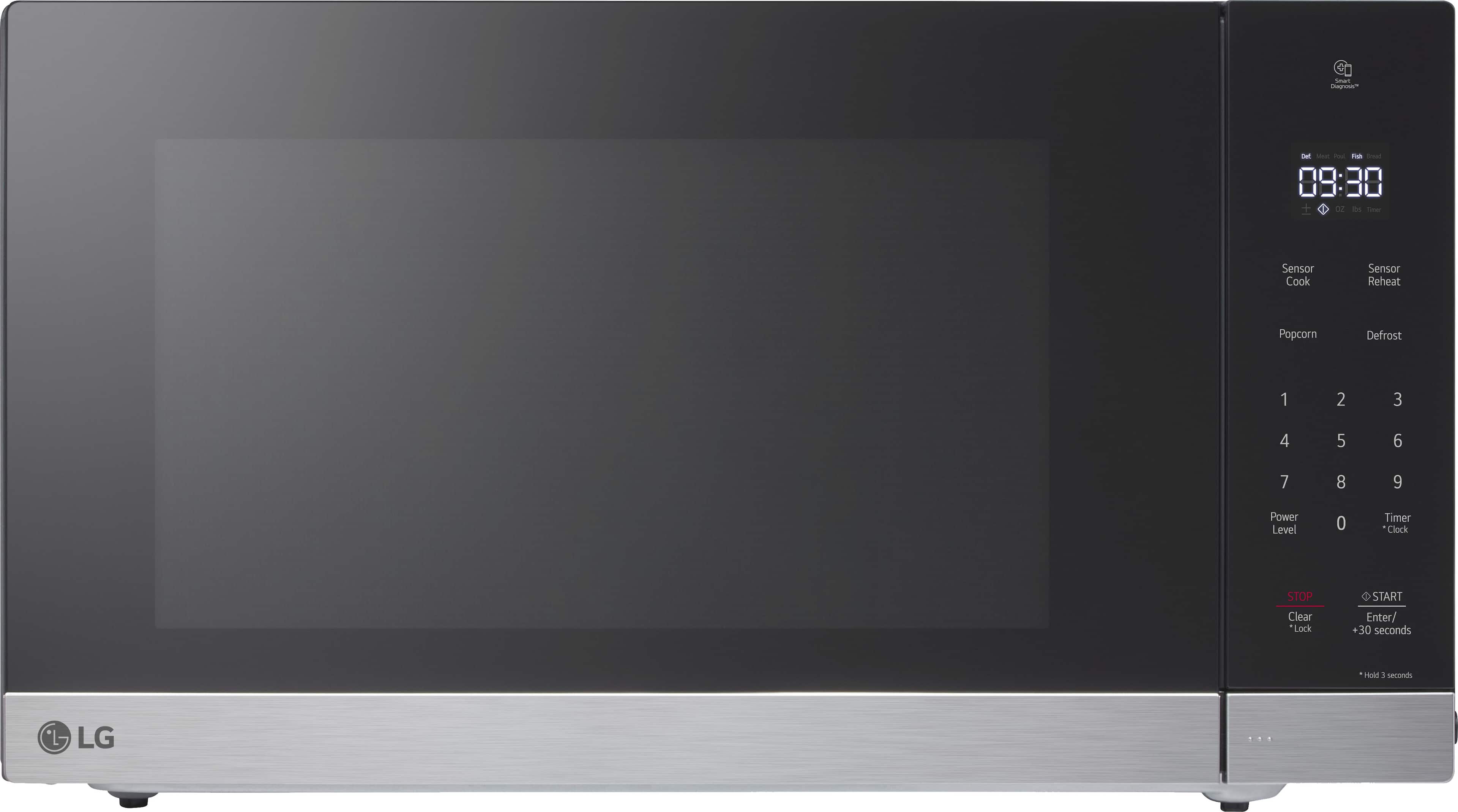
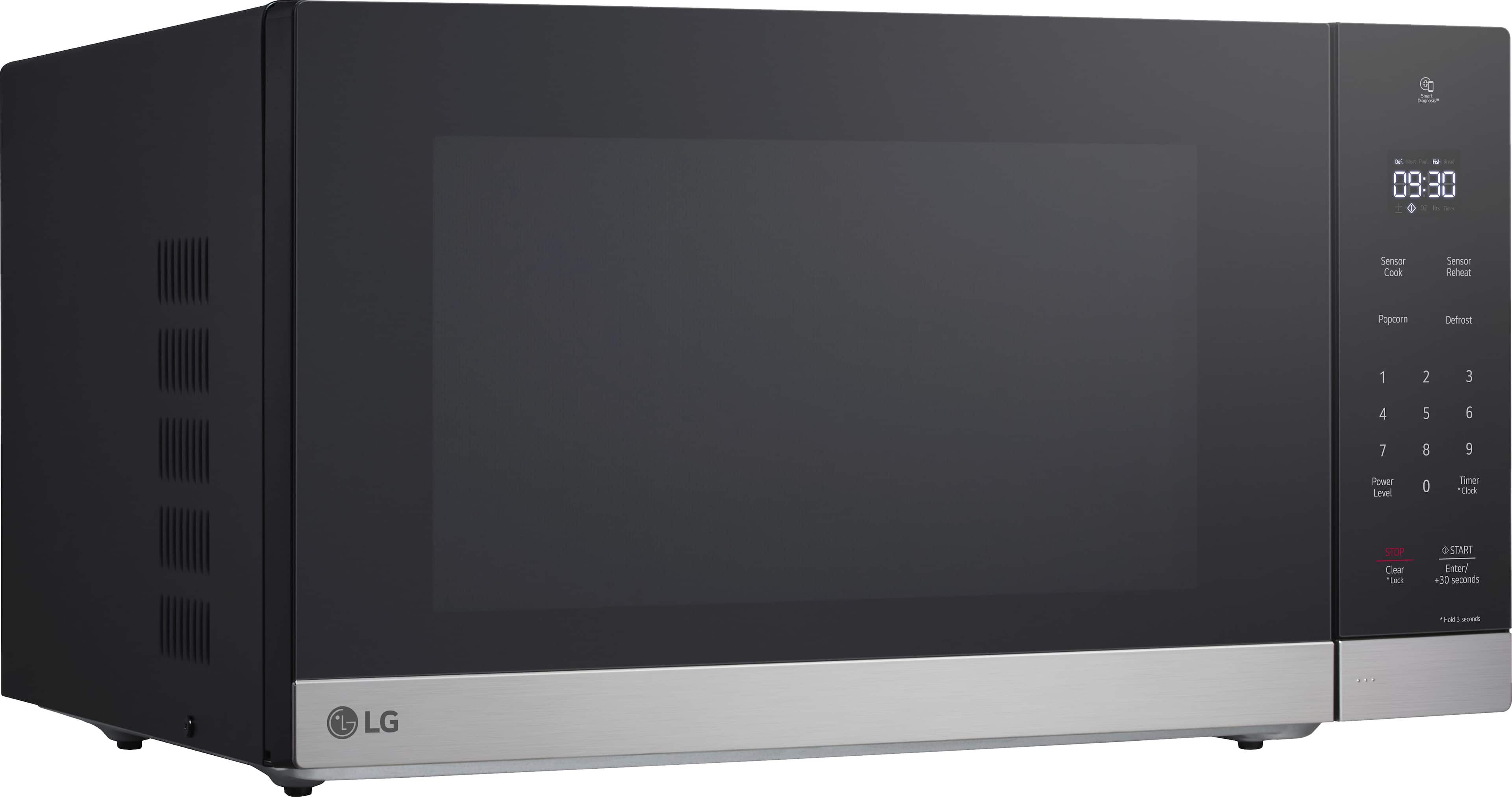
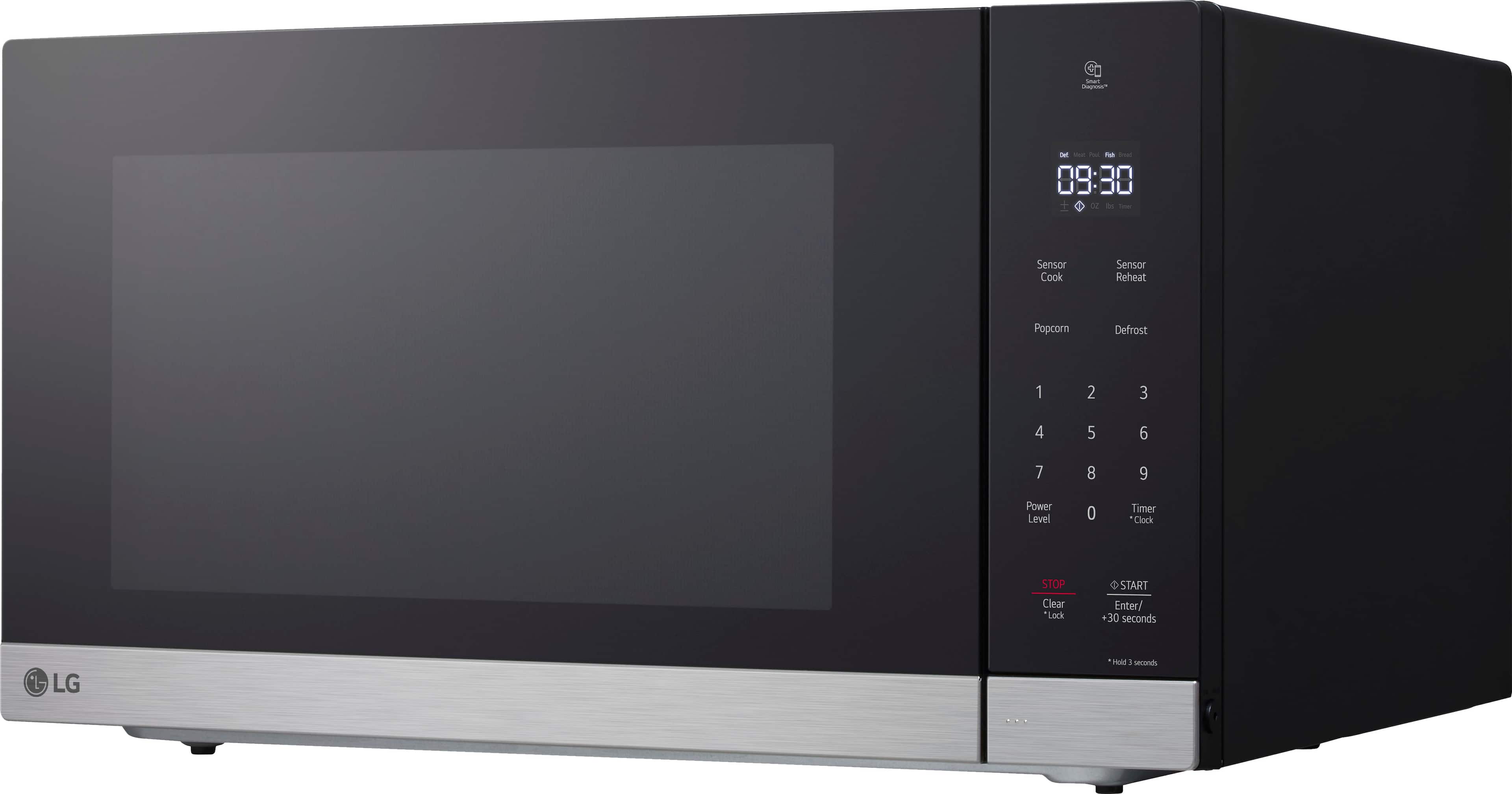
A:AnswerHi there. We understand your inquiry regarding the display panel of this 2.0 cu. ft. microwave. The digital clock and cooking timer light up, but the touch numbers themselves are not backlit.
https://www.bestbuy.com/product/lg-2-0-cu-ft-countertop-microwave-with-sensor-cooking-and-smart-inverter-stainless-steel/J7G56583QY
For further assistance and any specific concerns you may have, please contact us on [email protected]. —Renzo
A:AnswerHello there. Thank you for sharing your experience with us regarding your MSER2090D Microwave. We understand your inquiry about finding an alternative trim kit to integrate your unit into your cabinetry.
We want to share that LG Electronics produces a specific, custom trim kit designed to fit the exact dimensions and venting requirements of the MSER2090D model to ensure a seamless, built-in appearance and proper operation. This officially recommended trim kit is generally the only option we provide for this unit.
Since your inquiry is based on the price and availability from the authorized retailer, Best Buy, we recommend that you reach out to Best Buy directly. They can provide you with the most current information regarding pricing, alternative options (if available through their supply chain), and any potential bundle deals for the trim kit.
https://www.bestbuy.com/product/lg-2-0-cu-ft-countertop-microwave-with-sensor-cooking-and-smart-inverter-black-stainless-steel/J7G56583QH
If you have any further questions about the microwave's features or operation, please contact us on [email protected], and our team will be more than happy to assist you.
—Renzo
A:AnswerHello there. Thank you for sharing your experience with us. We understand your inquiry regarding the installation of your MSER2090S. To answer your question, this unit is classified as a Countertop Microwave and does not come with, nor do we separately manufacture, the slide-out replacement rails you are describing. Your feedback is important, and we'd like to assist you further.
https://www.bestbuy.com/product/lg-2-0-cu-ft-countertop-microwave-with-sensor-cooking-and-smart-inverter-stainless-steel/J7G56583QY
If you have any further questions about its features, please contact us on [email protected], and our team will be more than happy to assist you. —Renzo
A:AnswerThe LG 2.0 cu. Ft. NeoChef™ Countertop Microwave with Smart Inverter and Sensor Cooking, Model # MSER2090S, and LG Smart Inverter microwave ovens, are modern kitchen appliances that utilize advanced inverter technology to provide even heating and precise cooking. They feature smart sensor cooking, which automatically adjusts cooking time and power based on humidity and moisture levels, ensuring optimal results. Additionally, they offers energy-efficient operation and a user-friendly interfaces with SmoothTouch® Glass Controls for easy operation, and overall, they enhance cooking convenience and efficiency...^Ivan.
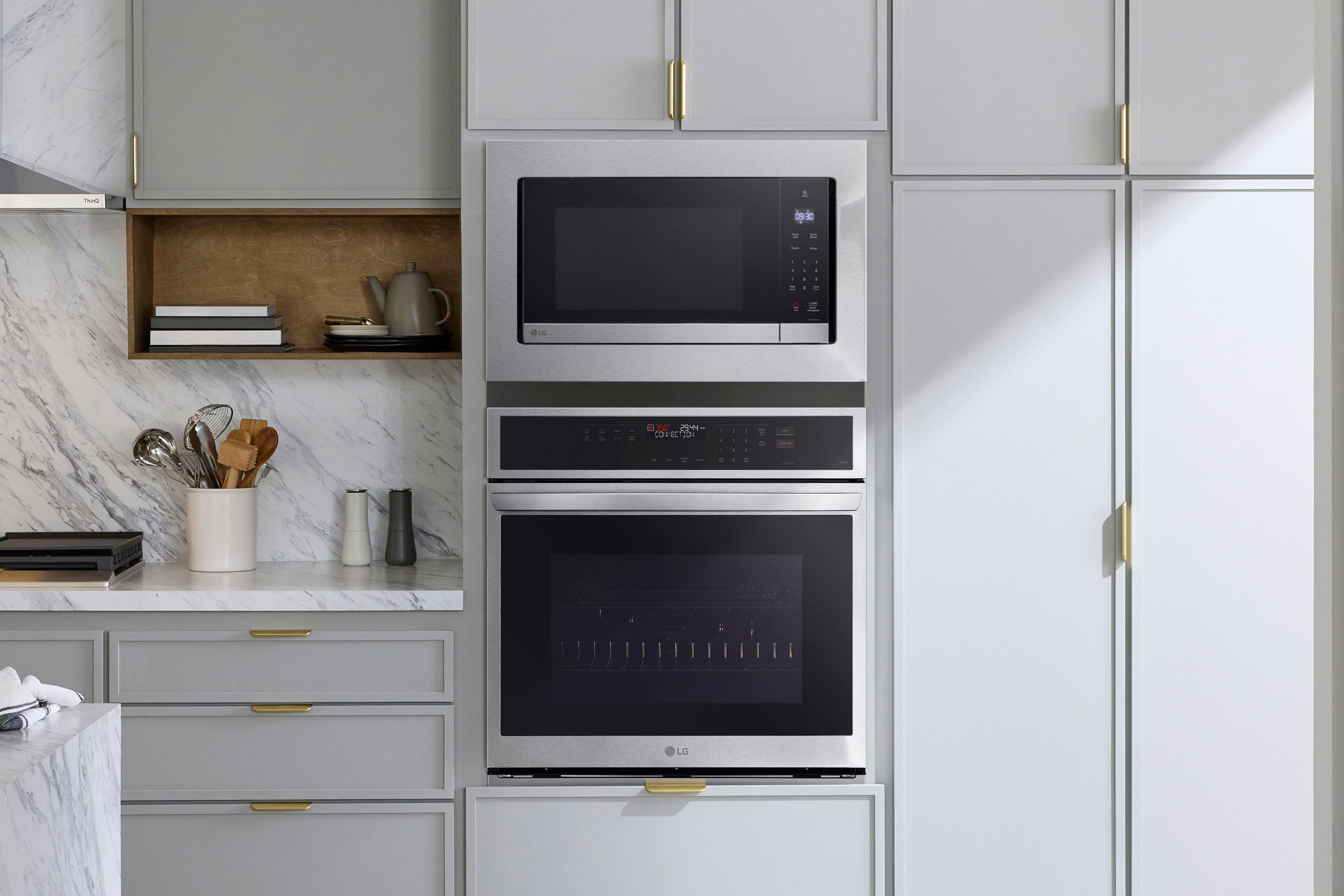
A:AnswerThe LG 2.0 cu. Ft. NeoChef™ Countertop Microwave with Smart Inverter and Sensor Cooking, Model # MSER2090S, can be installed in a cabinet using the compatible LG Microwave Trim Kit, Model # MK2030NST, which is designed to fit the microwave model and provide a seamless look when installed in a cabinet, and ensures proper ventilation and prevents overheating, which is crucial for safe operation.
The exterior W x H x D dimensions of the trim kit are 29 23/32" x 19 1/16" x 1 3/32", the W x H x D dimensions for its cavity are 24 39/64" x 12 61/64" x 1 3/32", and the W x H x D cutout dimensions are 25 1/2" x 16 3/4" x 19 1/2"...^Ivan.
A:AnswerHi there. We understand your inquiry regarding the LG 2.0 Cu. Ft. Countertop Microwave. The interior dimensions for this model are approximately 16.6" x 11.2" x 18.1" (W x H x D).
https://www.bestbuy.com/product/lg-2-0-cu-ft-countertop-microwave-with-sensor-cooking-and-smart-inverter-stainless-steel/J7G56583QY
For further assistance and any specific concerns you may have, please contact us on [email protected]. —Renzo
A:AnswerWe thought we could use the bracket we had but could not. Nothing is standard. Pretty sure feet and holes will not match. Highly recommend you buy their trim kit which is expensive and a bit complicated but well worth it.
A:AnswerThe main component involved with microwave heating is called the magnetron (I used to work on microwaves many years ago).
Mine stopped heating after 10+ years, so my first suspicion is the magnetron. A replacement magnetron is over $125.
I had already replaced the control panel a few years ago, and the door switch was getting janky, so the math led me to just gettting a a whole new microwave.
A:AnswerI'm sure there's something toxic. They pack it with Styrofoam and it has that manufacturing smell stuck on the inside the first few times you use it. But aside from that, using microwaves in general to heat food rapidly is toxic in itself.
A:AnswerThe size for microwave oven turntables are given as a diameter and the diameter for the turntable for this LG 2.0 cu. Ft. NeoChef™ Countertop Microwave with Smart Inverter and Sensor Cooking, Model # MSER2090S has a width of 16".
If you want the circumference of the turntable, since you now know the diameter, you can use the formula C=πd to calculate the circumference which will be 50.266"...^Ivan.
A:AnswerAs per the 'Setting the Clock' instructions on page 11 in your owner's manual for the LG 2.0 Cu. Ft. Countertop Microwave with Sensor Cooking and Smart Inverter - Stainless Steel, Model # MSER2090S:
Setting the Clock
When the oven is plugged in for the first time or
when power resumes after a power interruption,
the clock defaults to the 12-hour clock mode and
12H appears in the display. You can set the time of
day or switch to the 24-hour clock mode.
1 Press START/Enter to confirm the 12H clock display.
• To switch between the 12-hour and 24-hour clock modes, press Timer/Clock.
2 Press the number keys to set the desired hour and minutes, and press START/Enter.
NOTE
• To reset the clock, unplug and reconnect the power cord. Or press and hold Timer/Clock until
12H appears in the display (approximately 3 seconds).
• To keep the time of day from appearing in the display, press STOP/Clear after plugging in the oven.
• When the oven is not in use, the display turns off to save energy, unless the time of day is set to
show in the display...^Ivan.
A:AnswerHello there, Tom. We understand your inquiry regarding the control panel of the LG 2.0 Cu. Ft. Countertop Microwave. The keyboard on this model is not illuminated; however, the bright LED display provides clear visibility for your cooking times and settings. We understand your experience and want to ensure your kitchen tasks are as convenient as possible.
https://www.bestbuy.com/product/lg-2-0-cu-ft-countertop-microwave-with-sensor-cooking-and-smart-inverter-black-stainless-steel/J7G56583QH
For further assistance and any specific concerns you may have, please contact us on [email protected]. —Renzo