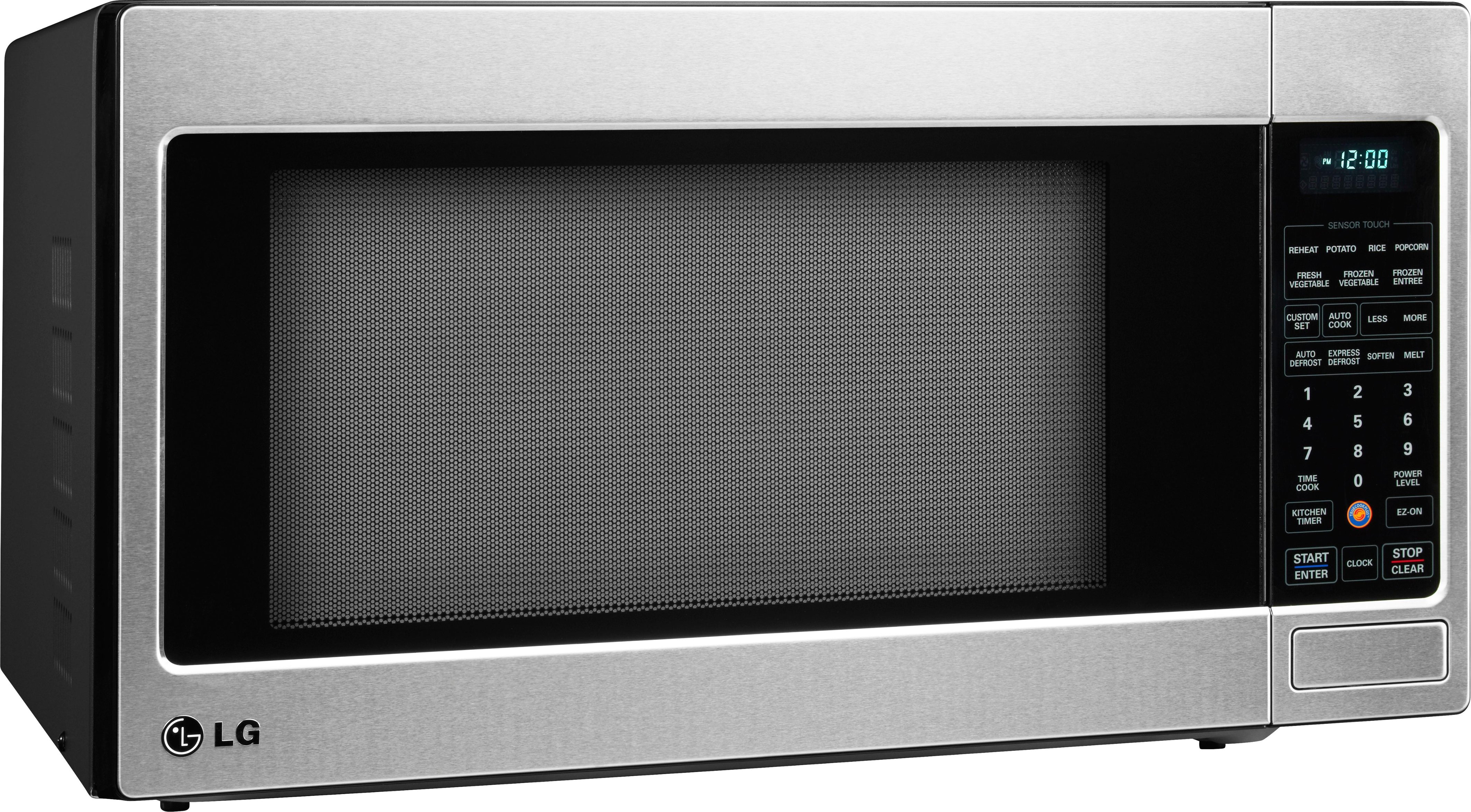
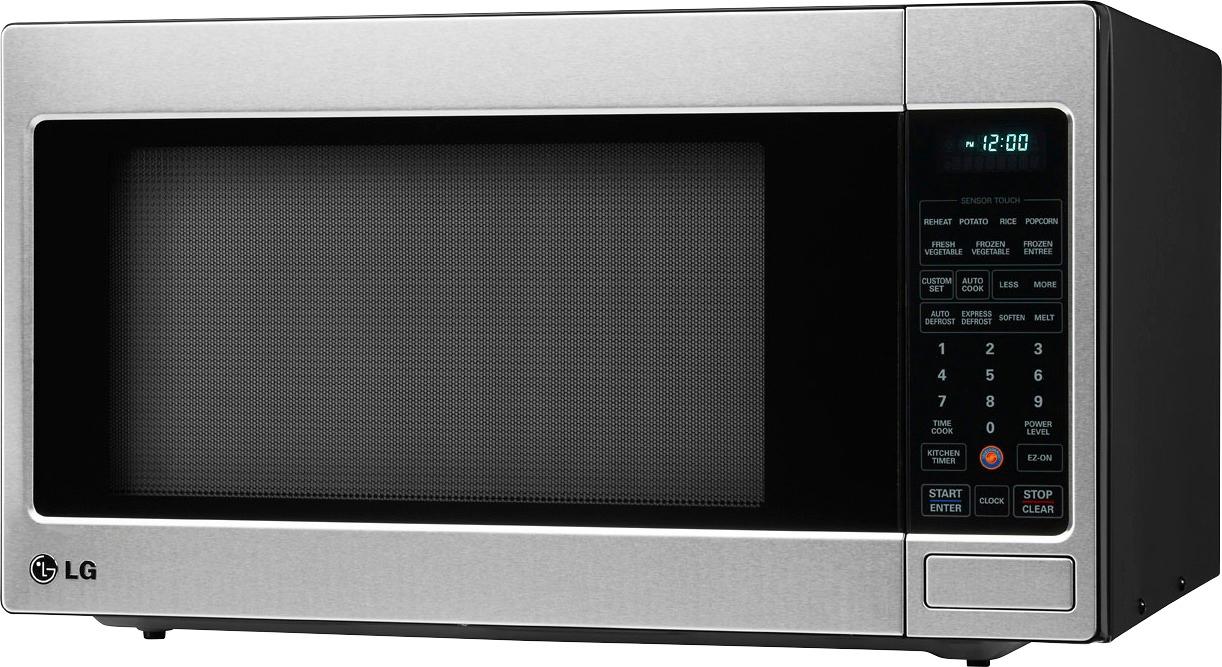
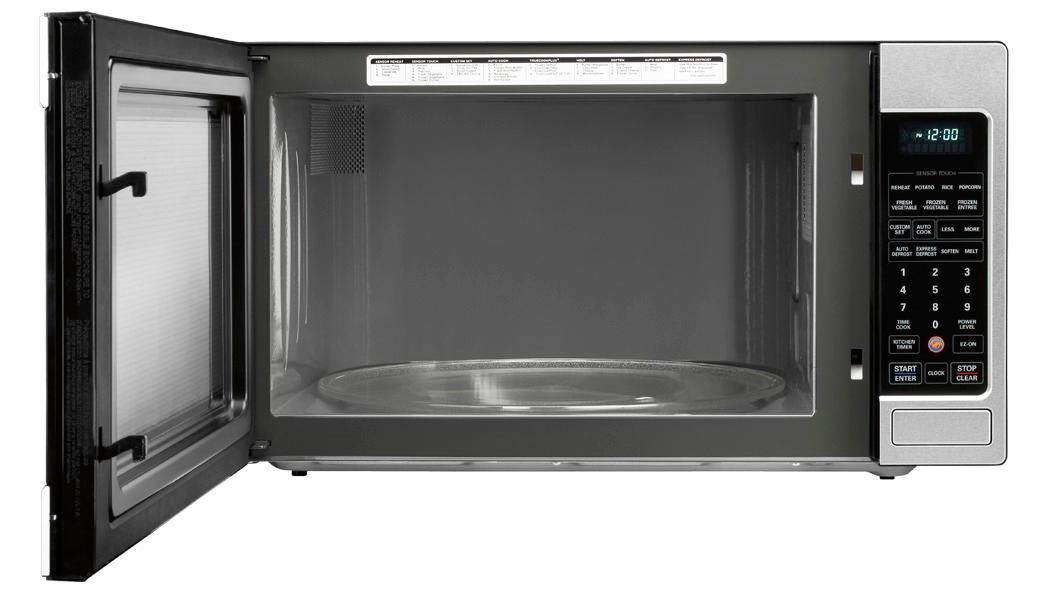
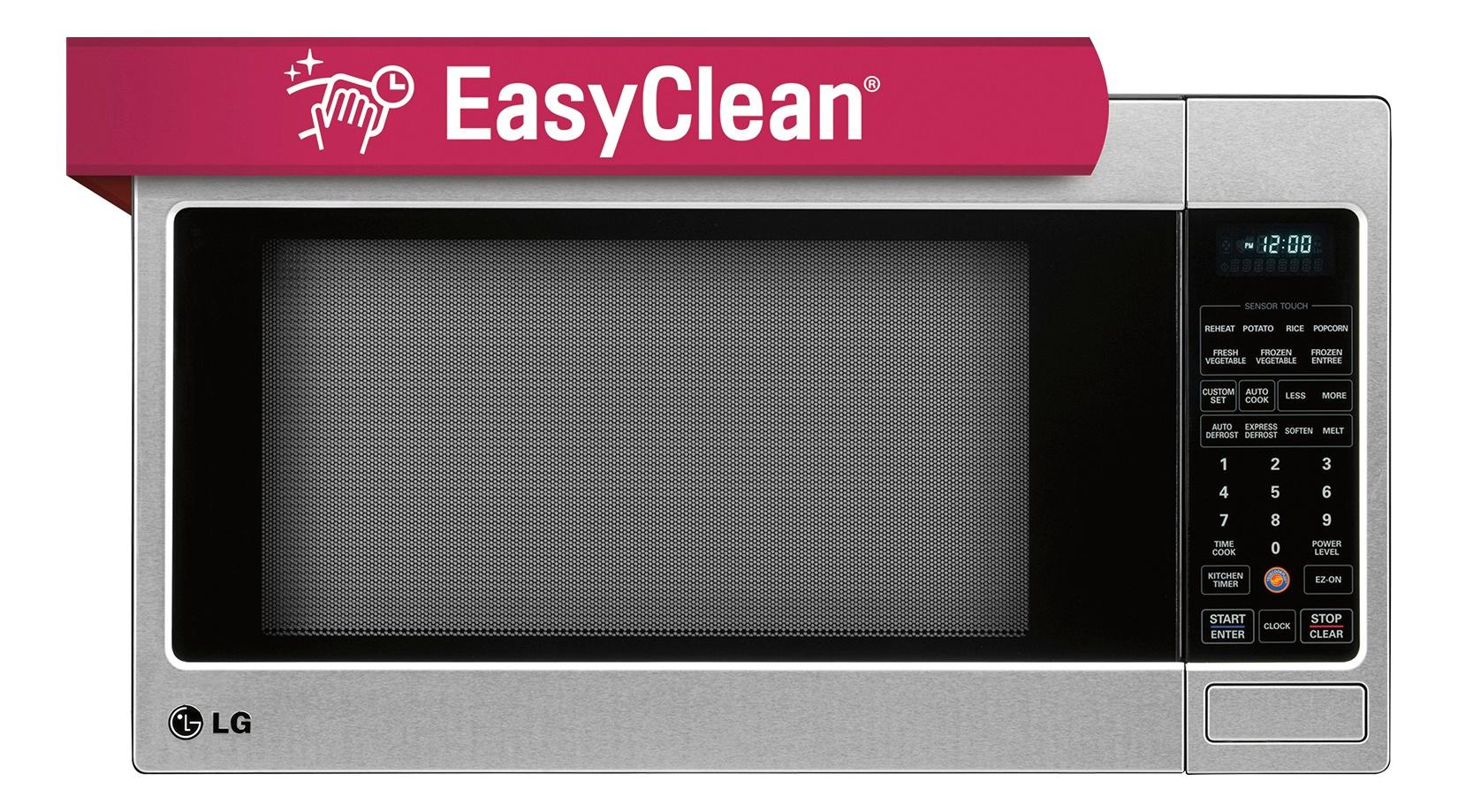
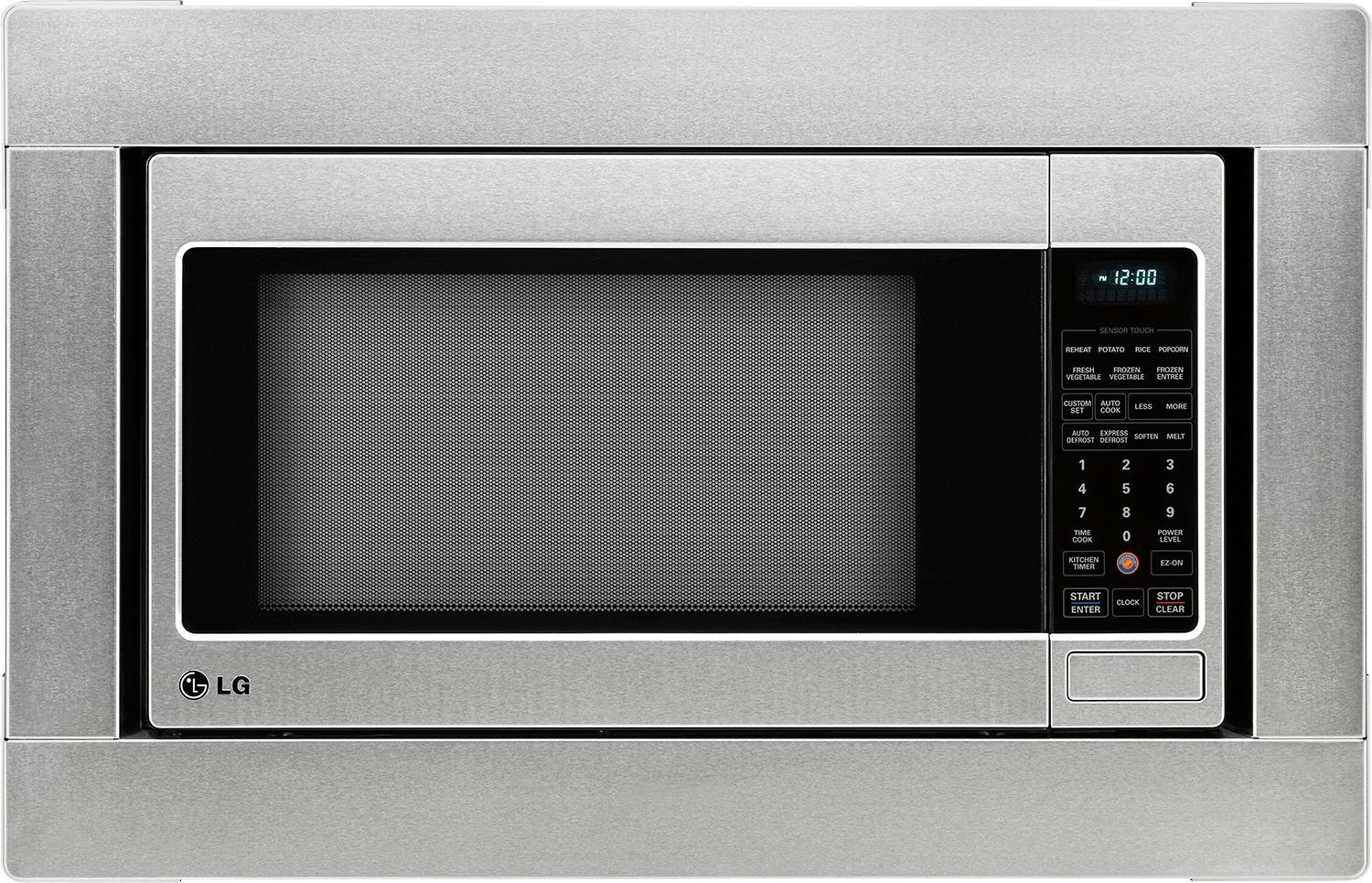
A:AnswerYes, the LG LCRT2010ST Countertop Microwave can be built in with the LG MK2030F Trim Kit.
Thank you. We appreciate your feedback, please give us a “thumbs up” if this answer is helpful to you; and please let us know if we can assist you with anything else.
Have a lovely weekend!
A:AnswerThis is a ridiculous situation… the engineers need to be replaced by others who can make the interior bright enough to be able to monitor the food being cooked.
Older models had already solved this problem…we are going backwards??
The supervisors also need to be replaced for allowing such a deficiency to be accepted.
Is my oatmeal spilling over? Has the cheese melted sufficiently on my nacho chips? Who knows… let’s open the door every 10 seconds to find out… pink slips all round…
A:AnswerWidth almost exactly 24", Depth 18.25" at edge (not counting the extra inch needed for the part the buldges out in back, or more room for venting), Hieght 13.73" as measured from my counter top to the top of the highest edge (so includes feet).
A:AnswerThere was an additional piece of paper inserted in my instruction manual that explains that after five minutes, the display turns off. There is no way to deactivate this "stand-by" functionality. I will be looking for a new home for my new microwave, so I can purchase one with a clock that functions correctly (stays on, so you can actually look at it.)
A:AnswerYour microwave oven has 10 cook power levels to let you cook or heat a wide variety of foods.
Level 1 you can use for:
- Keeping casseroles & main dishes warm.
- Softening butter & cream cheese.
A:AnswerYes, it will. I performed this operation a few months ago. Our Thermador from the same year stopped heating. I had to detach and cut some of the sheet metal used on the Thermador to direct the fan air out of the cabinet so it would fit the LG. Also there are 4 plastic rivets attaching the base that must be pried out. In the end, it was relatively simple, looks great, and cost a lot less.
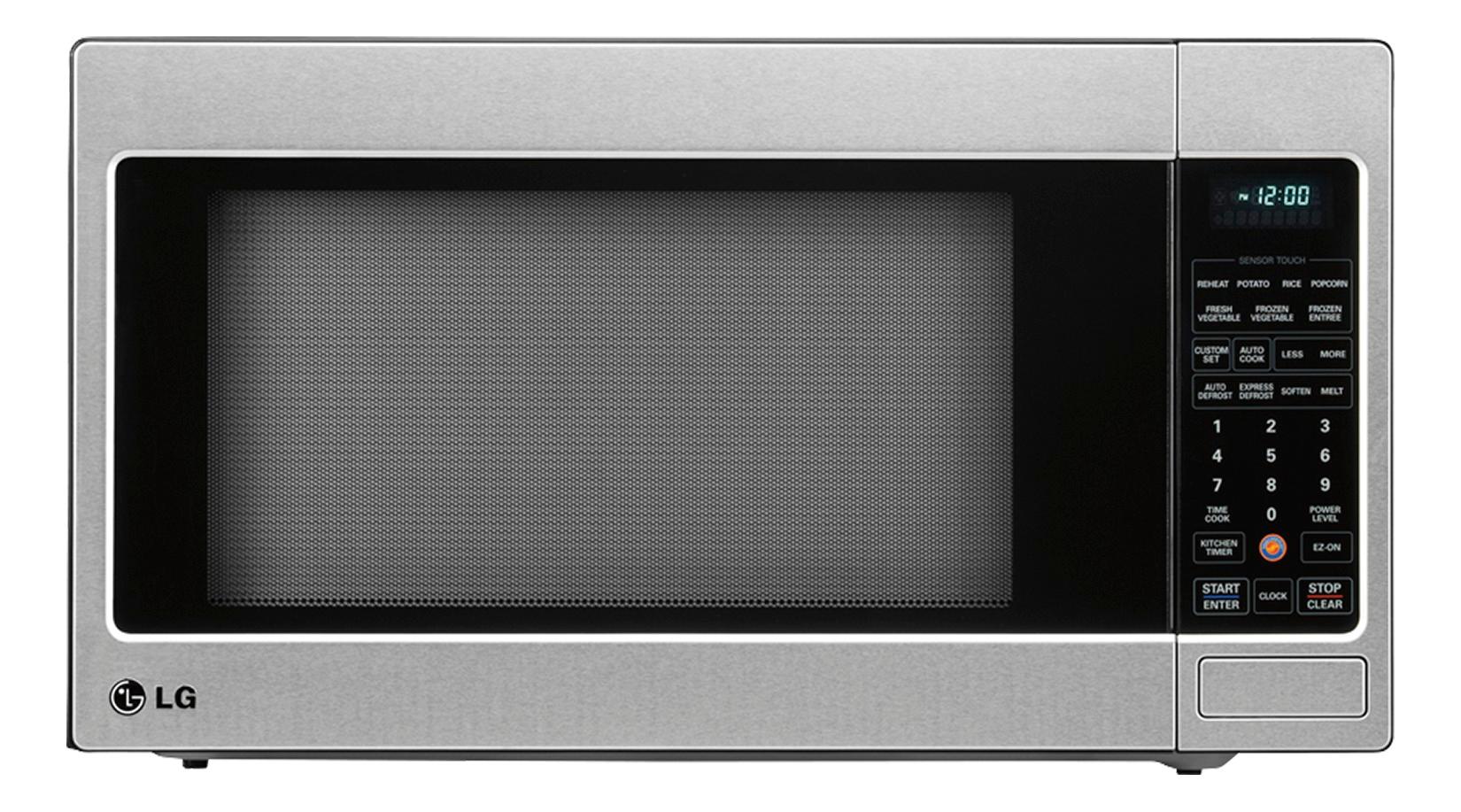
A:AnswerClock
Press the Settings button to enter the time of
day.
[] Press the Settings button two times.
[] Enter the appropriate time of day.
kt Press Settings to select AM or pm
[] Press Settings to accept the time.