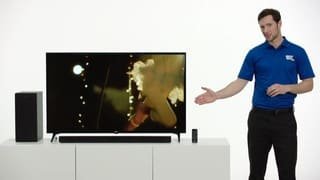
A:AnswerAre you using the remote that came with unit? It’s alittle tricky with tv remote but if you use the remote and hit volume up you should clearly hear a huge difference. My Samsung tv. Had to go to setting- sound and then pick digital output. That shut off the tv speakers and now my comcast remote or samsung remote controls the lg Soundbar. You should hear a big difference. The easy way if your still have problems is to set the tv speakers to zero and then use the volume on the lg remote to turn up unit. Don’t return unit it’s well worth it
A:AnswerI got this to work with my TV remote and my computer! But i am using all LG products. TV and sound bar , remote are all LG. So this my make a difference.
A:AnswerLike wireless Bluetooth Headphones, the LG 2.1ch 300W Sound Bar with Wireless Subwoofer and Bluetooth® Connectivity, Model # SK4D does not transmit Bluetooth signals, it only receives them so you will not be able to pair Bluetooth Headphones with the Soundbar. ^CP
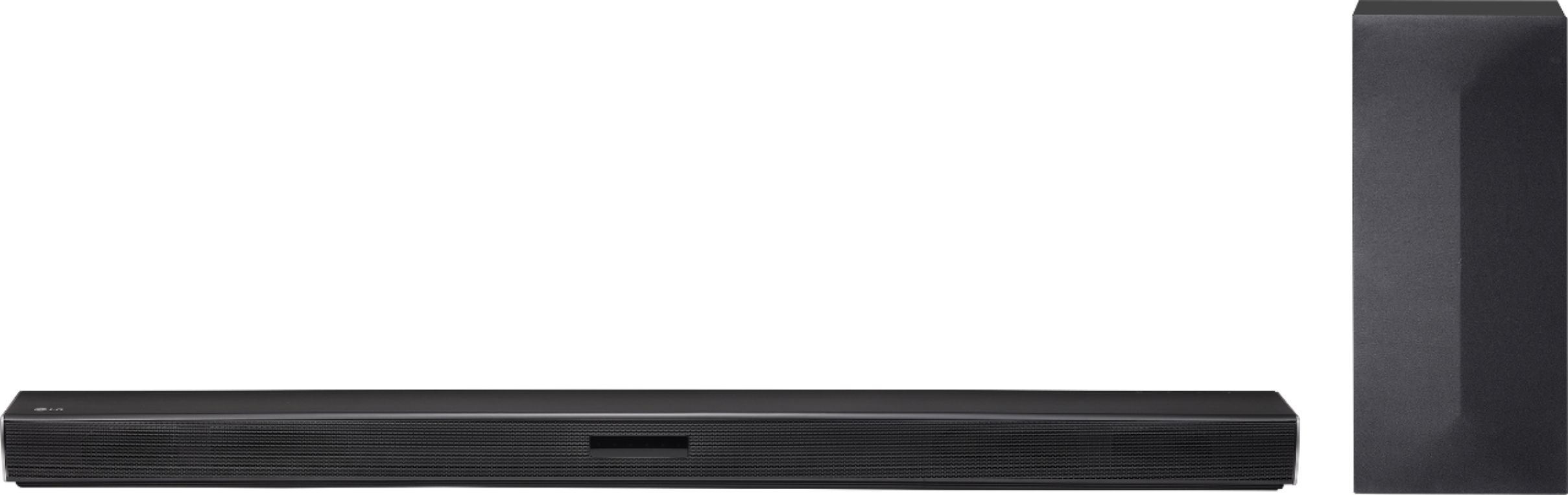
A:AnswerActually, there is. You will need to look up under the model number for rear package on Bestbuy.com I think it’s around $90.00 dollars for it. I haven’t tried it yet so can give you a review. Good luck and hope this helps.
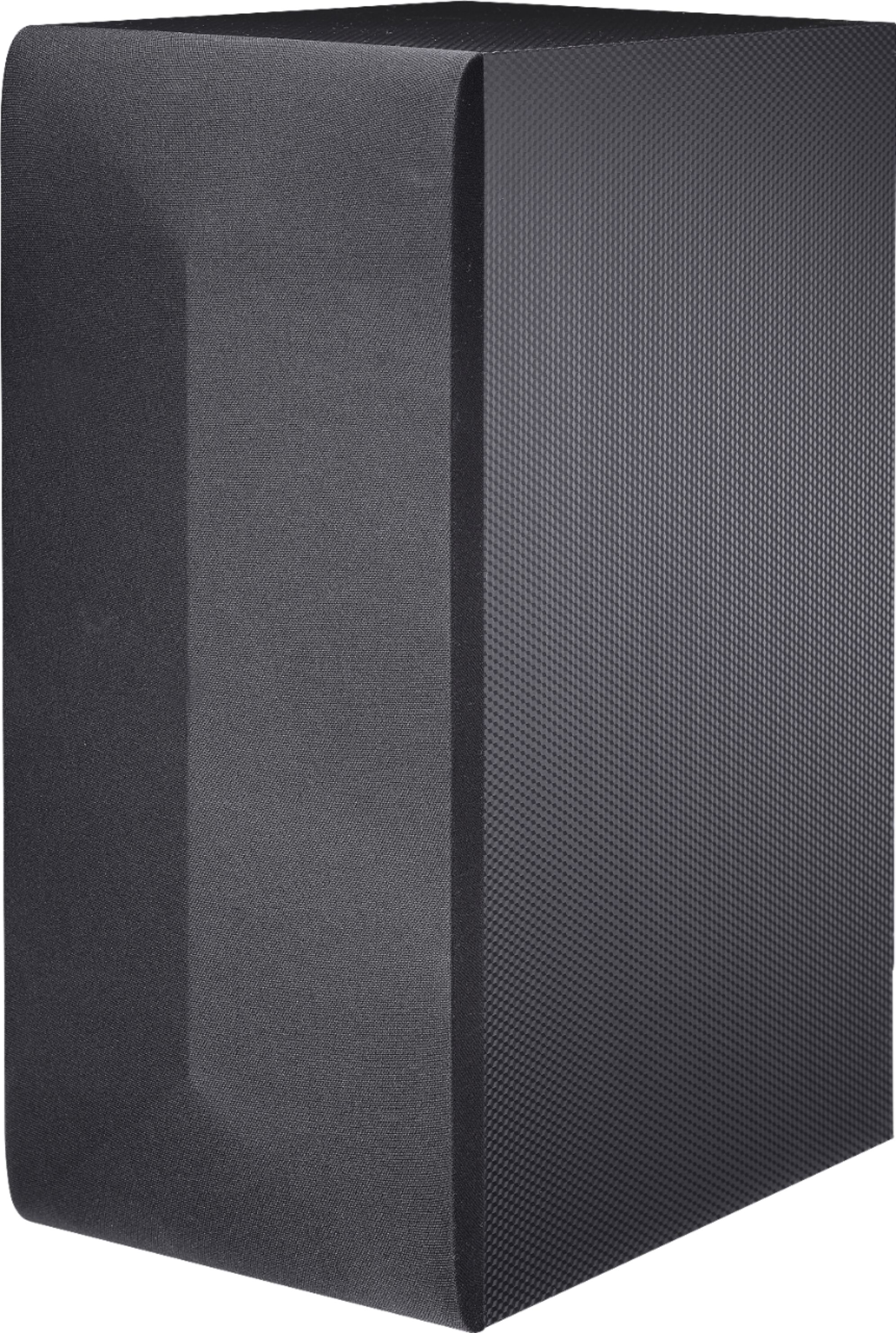
A:AnswerThere should be a button to be pressed/held on the soundbar, woofer, or remote to pair them via Bluetooth (I don't remember exactly). That might be the problem. They also have separate power cables that both need to be used at the same time, so double-check that.
A:AnswerNot sure about this, it has little rubber feet as I think it is intended to be placed flat on your TV unit in front of your TV screen's stand. Is your TV wall-mounted?
A:AnswerWe are sorry to hear you are experiencing an issue with using the soundbar with your video game system. We would be happy to look into what could be causing this to happen. Drop us a line on Twitter at @LGUSSupport or on Facebook https://www.facebook.com/LGUSA/ or you can give us a call at 800-243-0000 so we can get more info and see what we can do. ^CP