Questions & Answers
- Model:
- 24LF452B
- |
- SKU:
- 4569901
Q: QuestionWhat is the viewing angle on this TV?
Asked by Stranger.
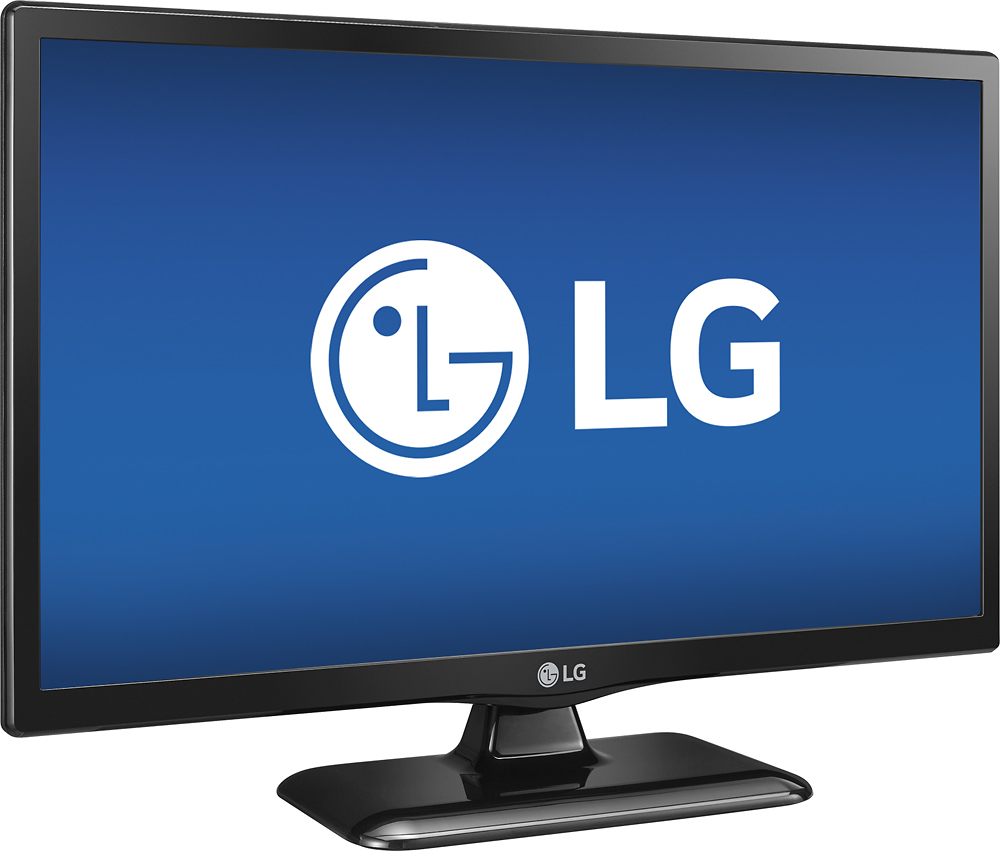
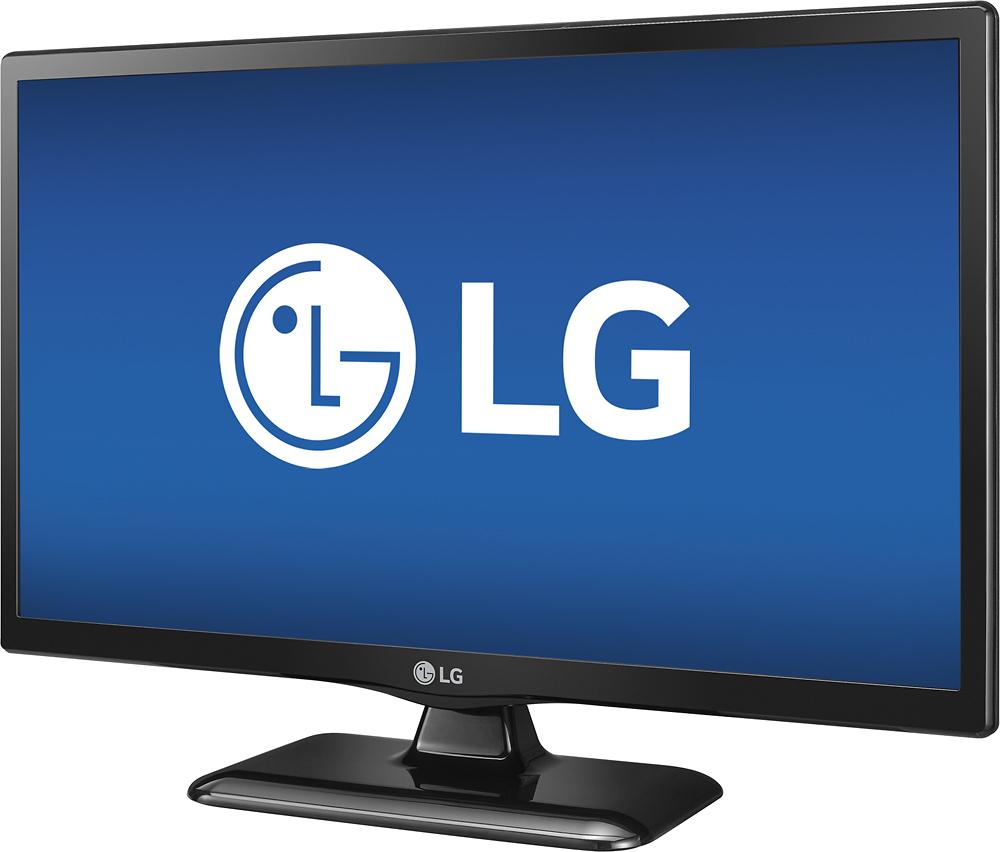
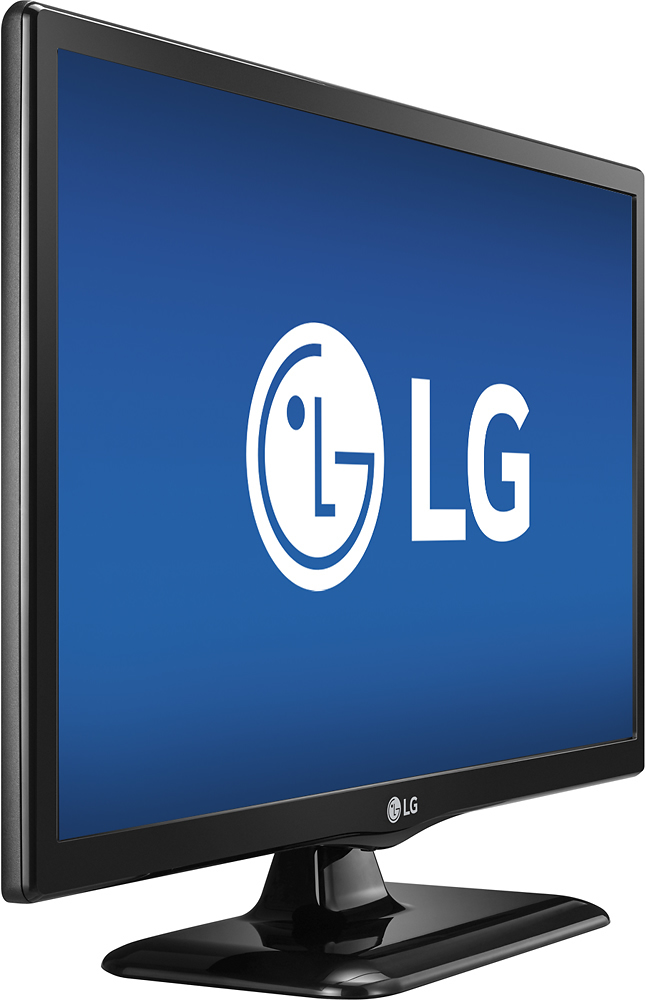
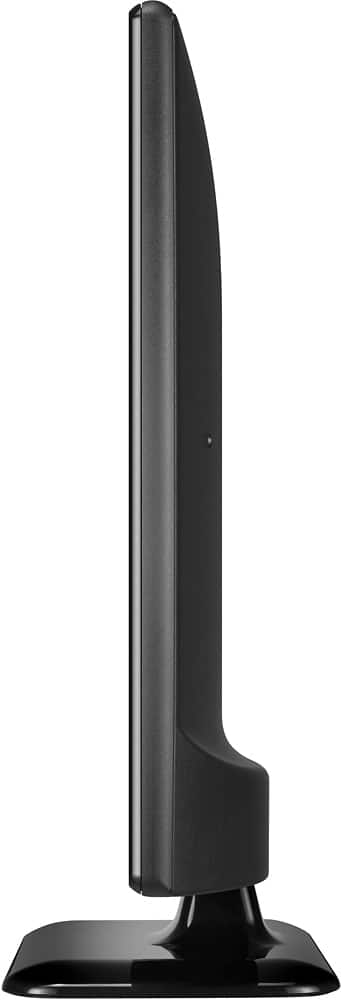
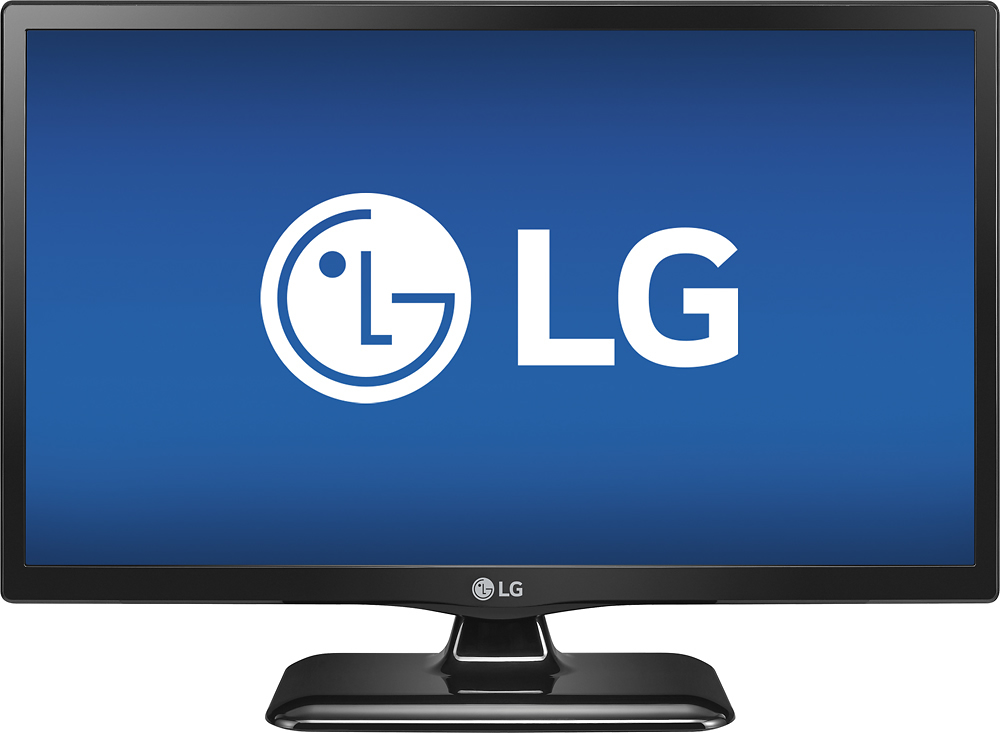
- A:Answer Regrettably, the specifications for the ENERGY STAR® Qualified LG - 24" Class (23.6" Diag.) - LED - 720p - HDTV - Black, Model # 24LF452B do not list its' viewing angle. Depending on what testing method is used and on what distance-to-screen-size ratio per diagonal inch is used, the value can vary. This TV uses the Vertical Alignment panel technology so it will not have as wide a viewing angle as an IPS panel, but will give you great picture quality when viewed in front...^IFV
Answered by LG Digital Customer Care

Q: QuestionWhat is the warranty on this tv
Asked by Pm.
- A:Answer The LG - 24" Class (23.6" Diag.) - LED - 720p - HDTV - Black, Model # 24LF452B has a Limited Manufactuer's Warranty of One (1) Year for Labor and Parts from original date of purchase...^IFV
Answered by LG Digital Customer Care

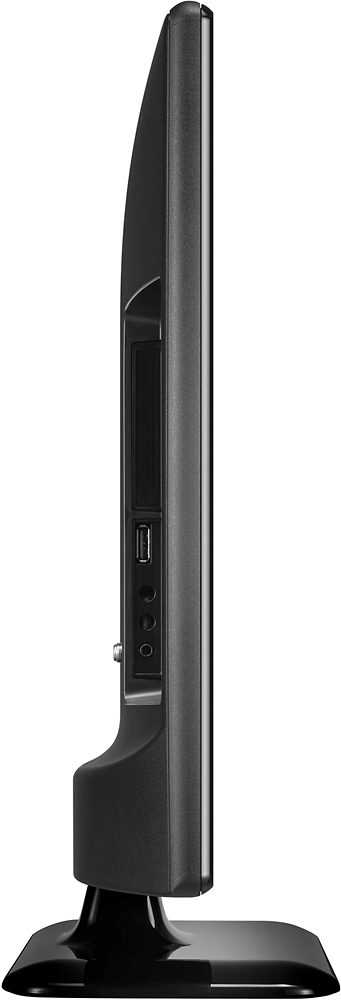
Q: QuestionCan it stand up without the stand?
Asked by Kk.
- A:Answer No, this product can not stand without stand.
Answered by CommunityAnswer
Q: Questionwhat is a compatible dvd playerwhat DVD player is best for this TV?
Asked by Anonymous.
- A:Answer We have a Samsung blue-Ray connected to it and it works great
Answered by Meghan
Q: QuestionDoes this tv have DVD player included
Asked by 99%.
- A:Answer NO this set does not have a DVD player. It's a basic no frills TV, but it has lots of options to customize the picture. We are very pleased with what we got for the price paid.
Answered by SteveM
Q: QuestionIs this TV able to rotate/twist?
Asked by Jane Doe.
- A:Answer The stand it comes with does not rotate
Answered by ChallyScat485
Q: QuestionHow do I change channels and volume without remote
Asked by Anonymous.
- A:Answer You can operate the TV by pressing the button or moving the joystick left, right, up, or down. Place your finger on the joystick button and move it left or right to adjust the volume level. Place your finger on the joystick button and move it up or down to adjust the channel. ^Daphane
Answered by LG Digital Customer Care

Q: QuestionHow do I hook up wifi to it. It doesn't say network in settings. What do I do
Asked by Samueljeffrey.
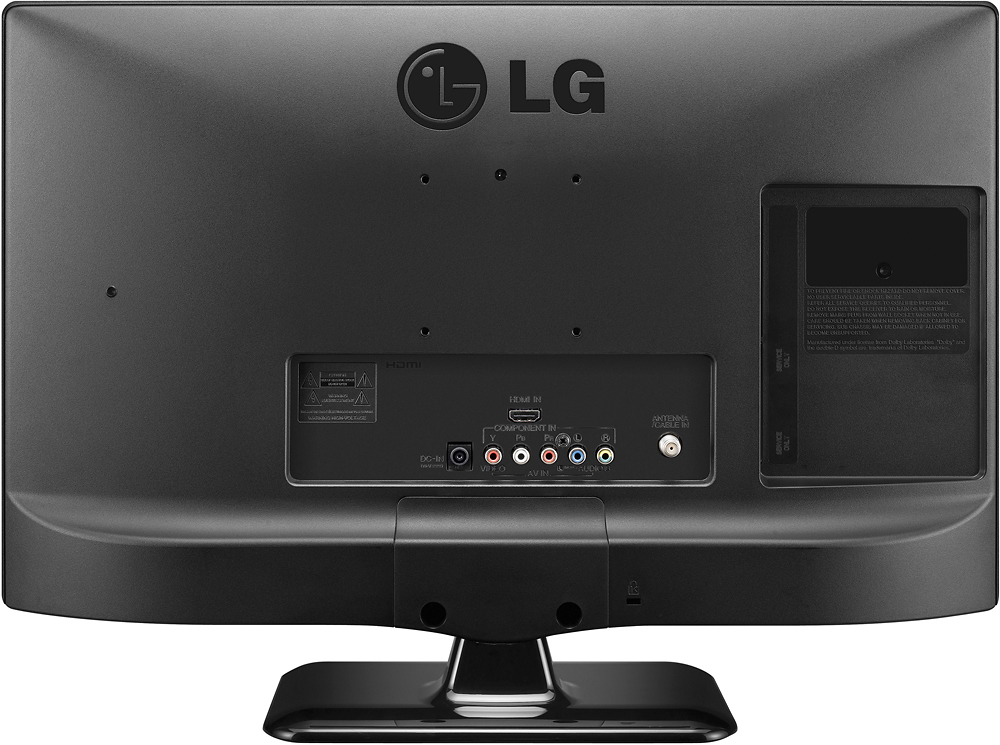
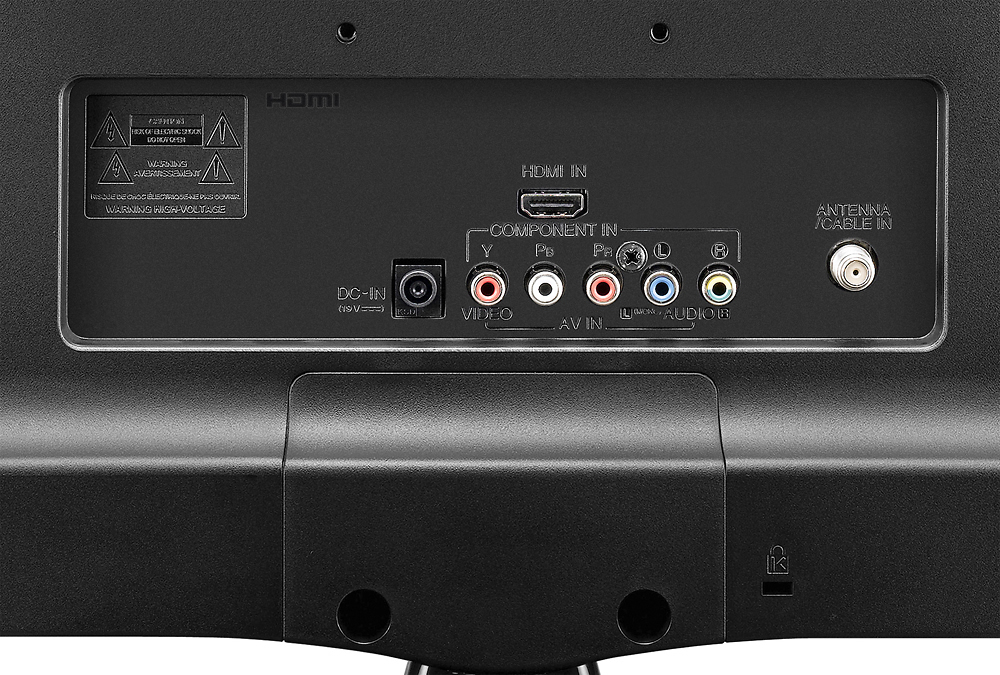
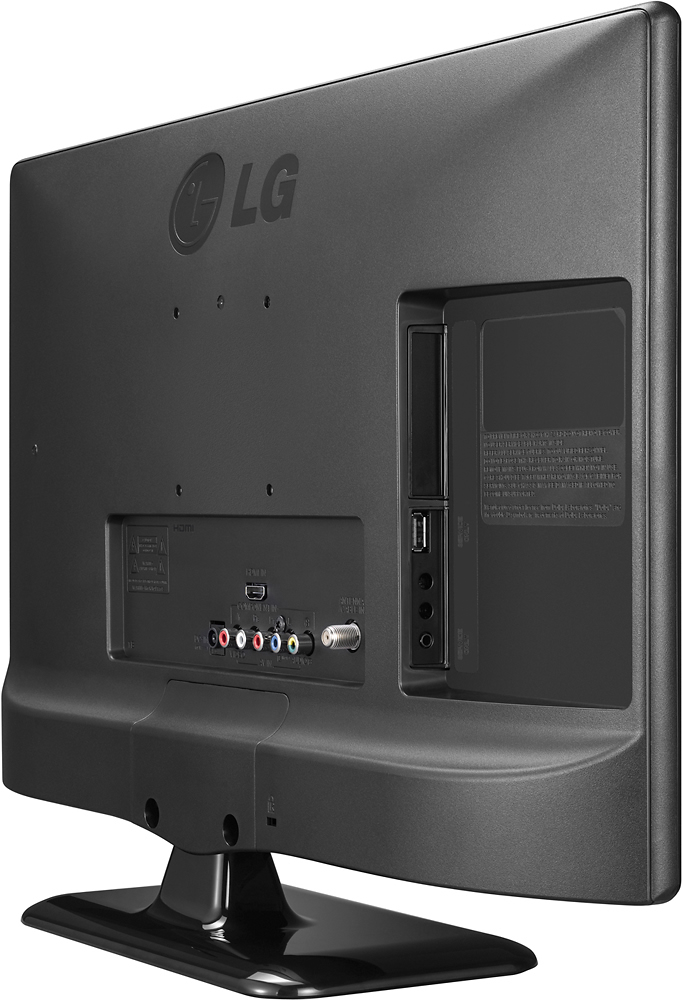
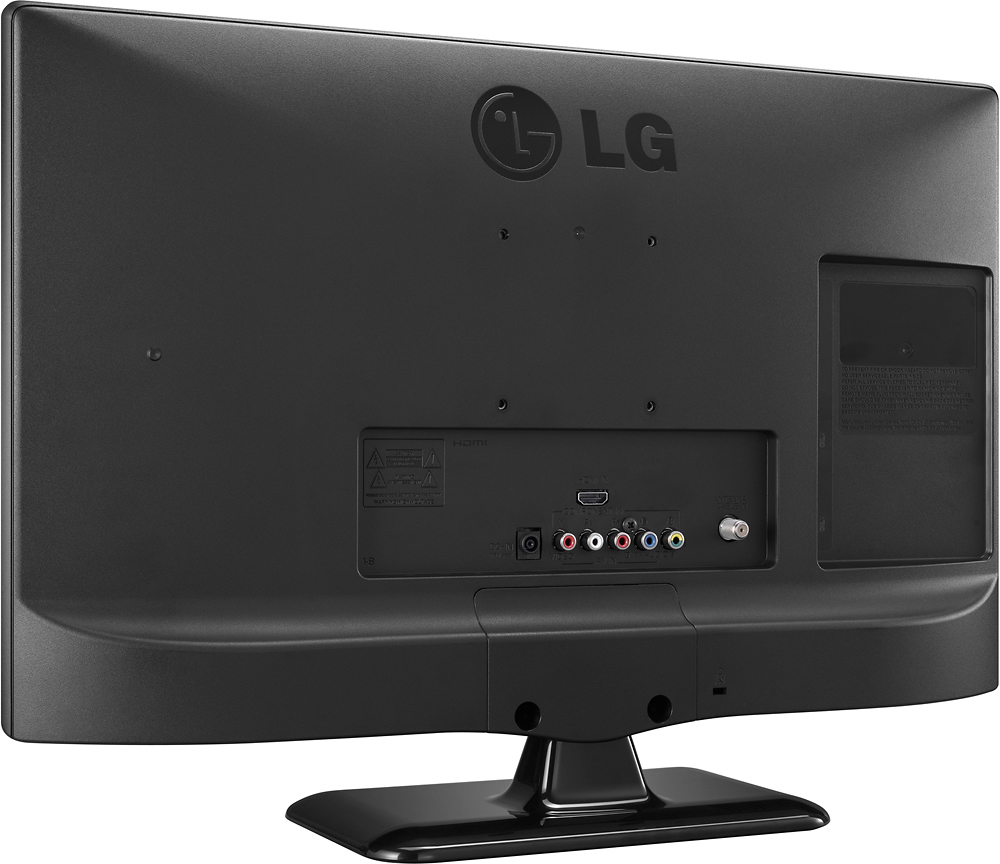
- A:Answer Model 24LF452B does not have Wi-Fi connectivity nor an Ethernet port. ^Daphane
Answered by LG Digital Customer Care

Q: QuestionCan I cast from my phone to this model?
Asked by Coyfish825.
- A:Answer Model 24LF452B does not have screen mirroring technology. ^Daphane
Answered by LG Digital Customer Care

Q: QuestionCannot connect LG24LF452B to computer with hdmi cable
Asked by Les.
- A:Answer Please reach out to our technical support team via private message on Facebook @LGUSSupport and use #VOC in your first message to our social media support team or call at 800-243-0000. Also, be sure to provide your contact information, model/serial numbers and date of purchase. ^Daphane
Answered by LG Digital Customer Care

Q: QuestionWhite screen with the only options when hitting the button the bottom of the tv. I do not have the original remote. Any help would be great.
Asked by Jason.
- A:Answer You can operate the TV by pressing the button or moving the joystick left, right, up, or down. Place your finger on the joystick button and move it left or right to adjust the volume level. Place your finger on the joystick button and move it up or down to adjust the channel. ^Daphane
Answered by LG Digital Customer Care

Q: QuestionI already have this tv. Need to know if it’s a Smart TV? If not, can an Amazon fire stick be used to convert it?
Asked by Anonymous.
- A:Answer Model 24LF452B is not a smart TV. ^Daphane
Answered by LG Digital Customer Care

Q: QuestionHow to adjust brightness
Asked by Torch.
- A:Answer You can select the picture mode optimized for the viewing environment or the program, SETTINGS > PICTURE > Picture Mode. ^Daphane
Answered by LG Digital Customer Care

Q: QuestionThis model came w/o a power plug source. What. Does it look like? And where could I get one? And how much does it cost? It was made manufactured in October 2015
Asked by RASCALRASCAL.
- A:Answer Please reach out to our technical support team via private message on Facebook @LGUSSupport and use #VOC in your first message to our social media support team or call at 800-243-0000. Also, be sure to provide your contact information, model/serial numbers and date of purchase. ^Daphane
Answered by LG Digital Customer Care

Q: QuestionIs it smart
Asked by Tweekmeister.
- A:Answer Model 24LF452B is not a smart TV. ^Daphane
Answered by LG Digital Customer Care

Q: QuestionIs this an HD tv. I can only get one analog station on our antenna?
Asked by Anonymous.
- A:Answer Yes, this unit is an HDTV.
Answered by CommunityAnswer
Q: QuestionI lost the power cable to my tv and I forgot what cable fits this tv can anyone help me?
Asked by Anthony.
- A:Answer Please reach out to our technical support team via private message on Facebook @LGUSSupport and use #VOC in your first message to our social media support team or call at 800-243-0000. Also, be sure to provide your contact information, model/serial numbers and date of purchase. ^Daphane
Answered by LG Digital Customer Care

Q: QuestionCan’t get tv to get out of sleep mode. The screen says going into power saving shortly Then says ... No signal! What can I do to reset this?
Asked by Ryaleo.
- A:Answer Please reach out to our technical support team via private message on Facebook @LGUSSupport and use #VOC in your first message to our social media support team or call at 800-243-0000. Also, be sure to provide your contact information, model/serial numbers and date of purchase. ^Daphane
Answered by LG Digital Customer Care

Q: QuestionDOES THE 24LF452B MODEL ALLOW CELL PHONES TO BE CHARGED?
Asked by HUNTER.
- A:Answer Model 24LF452B does not allow charging of a cell phone. ^Daphane
Answered by LG Digital Customer Care

Q: QuestionHow can I clear malware from my LG smart TV so that bands of my digital TV channels spectrum are no longer blocked?
Asked by Rellie.
- A:Answer Please reach out to our technical support team via private message on Facebook @LGUSSupport and use #VOC in your first message to our social media support team or call at 800-243-0000. Also, be sure to provide your contact information, model/serial numbers and date of purchase. ^Daphane
Answered by LG Digital Customer Care

Most-viewed items
- $1,299.99$1,299.99The price was $2,999.99
- $329.99$329.99The price was $469.99
- $149.00$149.00The price was $399.00
- $249.99$249.99The price was $379.99
- $159.99$159.99The price was $179.99
- $199.99$199.99The price was $349.99