A:AnswerMake sure that your picture settings are correct for HD viewing. I think most of them are by default set to "automatic". I had a similar issue only to discover that I was not paying for HD channels. Called the cable provider and they "turned on" the HD. Good luck
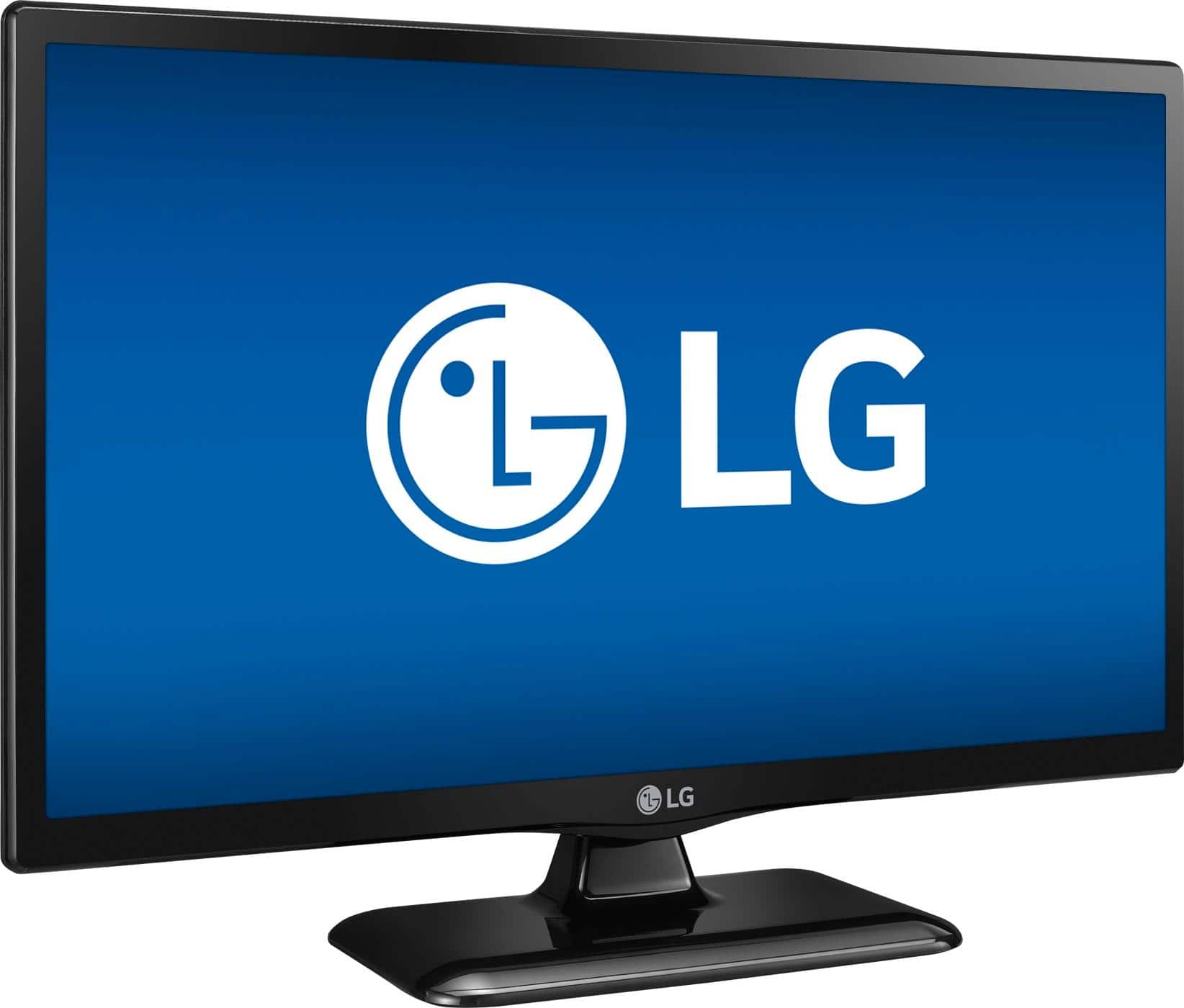
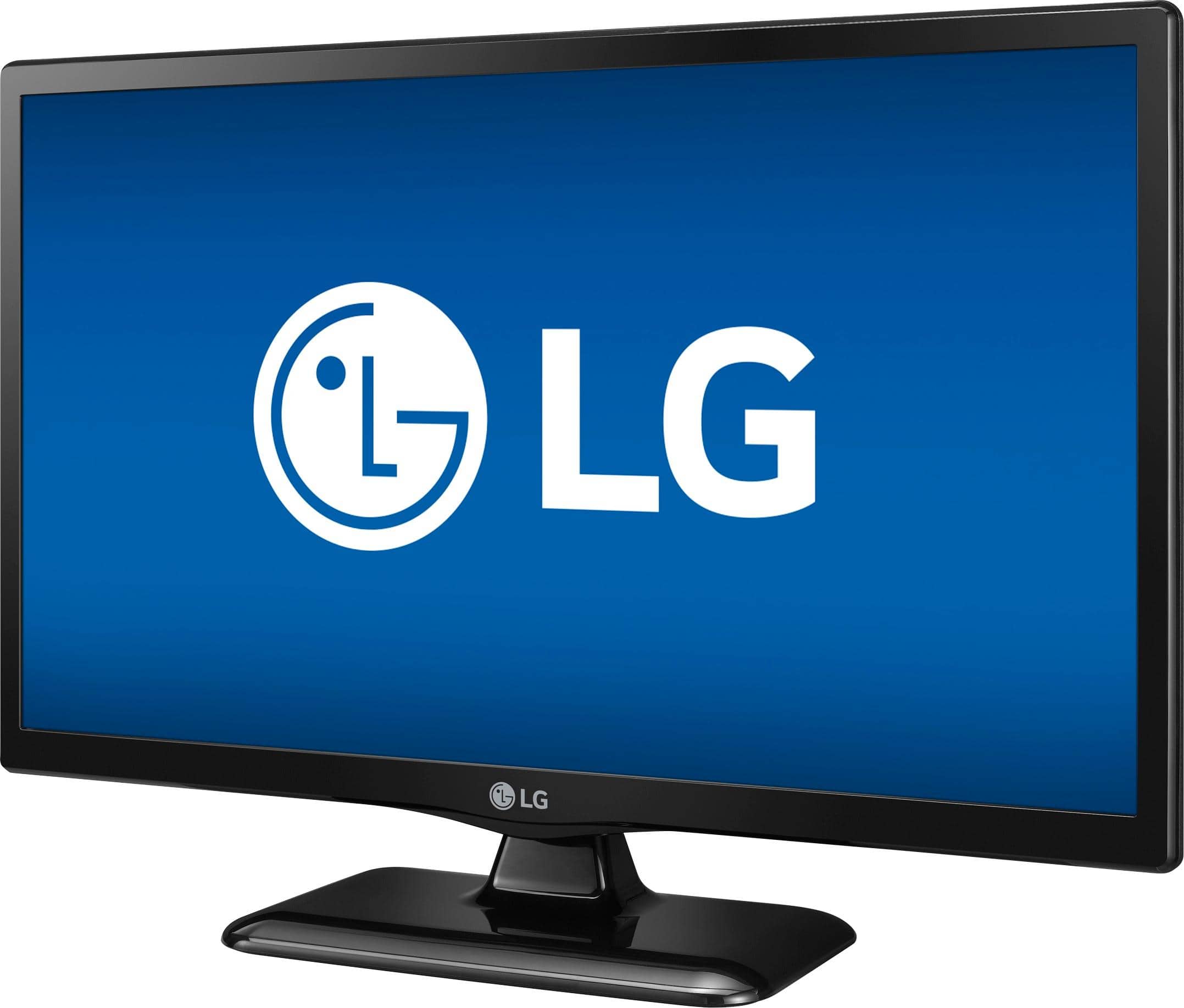
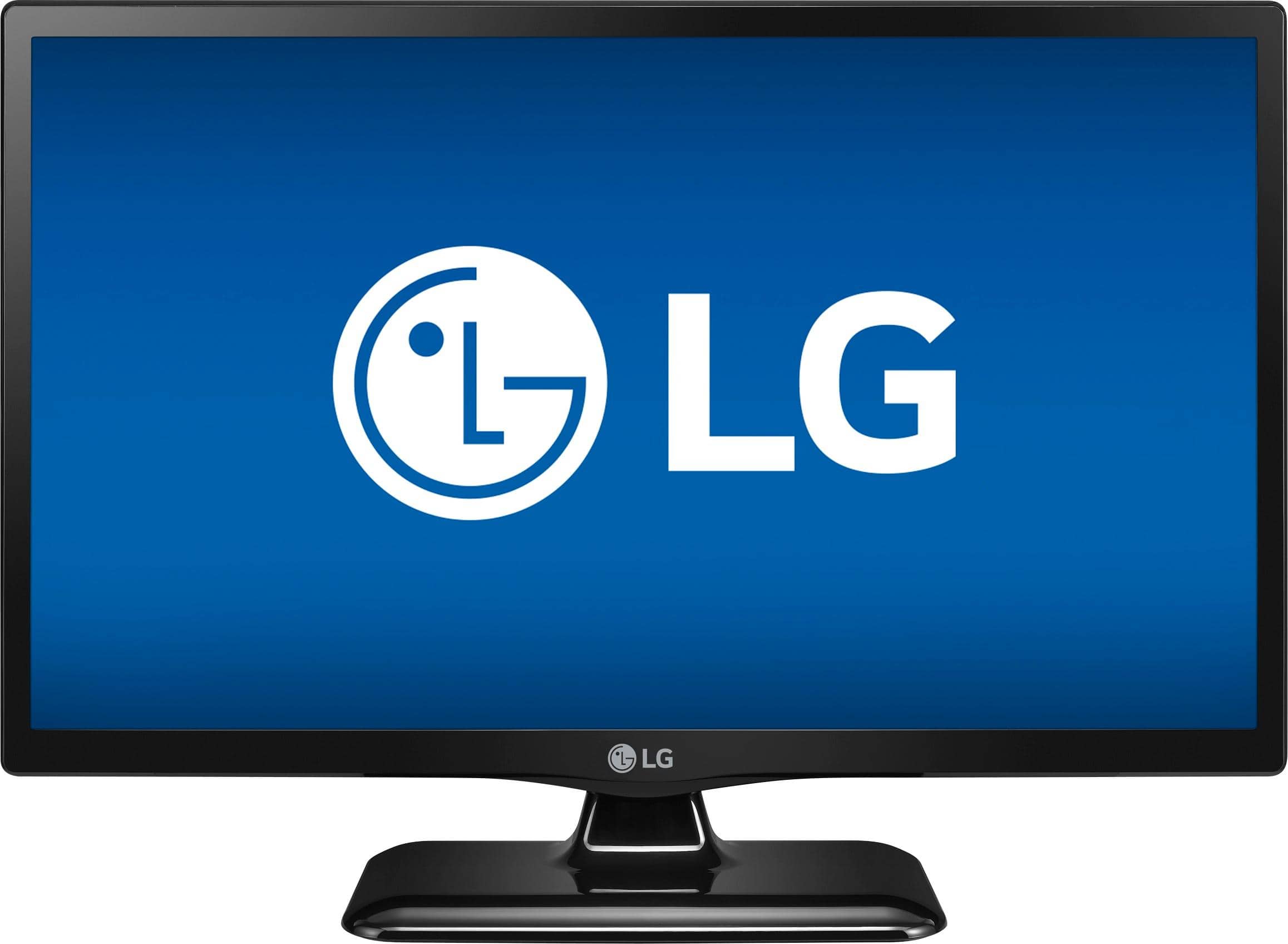
A:AnswerIn our response to your inquiry yesterday, we suggested that you "Try pressing the home icon on the remote control for your LG 720p LED TV – 24” Class (23.6” Diag), Model # 24LF454B-PU, then the settings icon on the TV to bring up the TV menu. Scroll down to Accessibility then navigate to Audio Guidance. When this feature is set to on, audio guides are provided in various situations, such as when you change channels, adjust the volume or change settings and input signals. You can turn it off. If you need further assistance turning this feature off, please contact our Support Center at (800) 243-0000"...^IFV
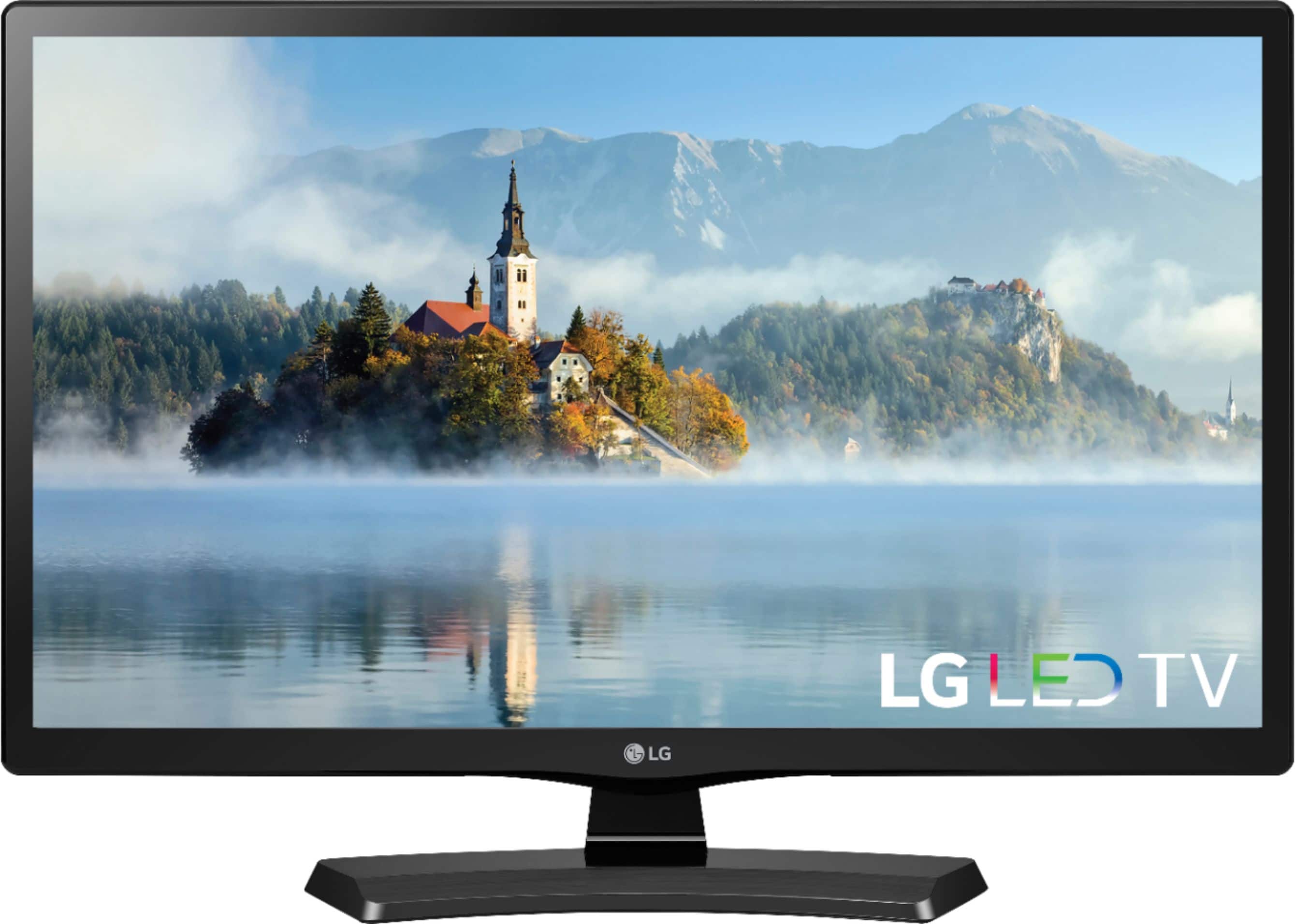
A:AnswerTry pressing the home icon on the remote control for your LG 720p LED TV – 24” Class (23.6” Diag), Model # 24LF454B-PU, then the settings icon on the TV to bring up the TV menu. Scroll down to Accessibility then navigate to Audio Guidance. When this feature is set to on, audio guides are provided in various situations, such as when you change channels, adjust the volume or change settings and input signals. You can turn it off. If you need further assistance turning this feature off, please contact our Support Center at (800) 243-0000...^IFV
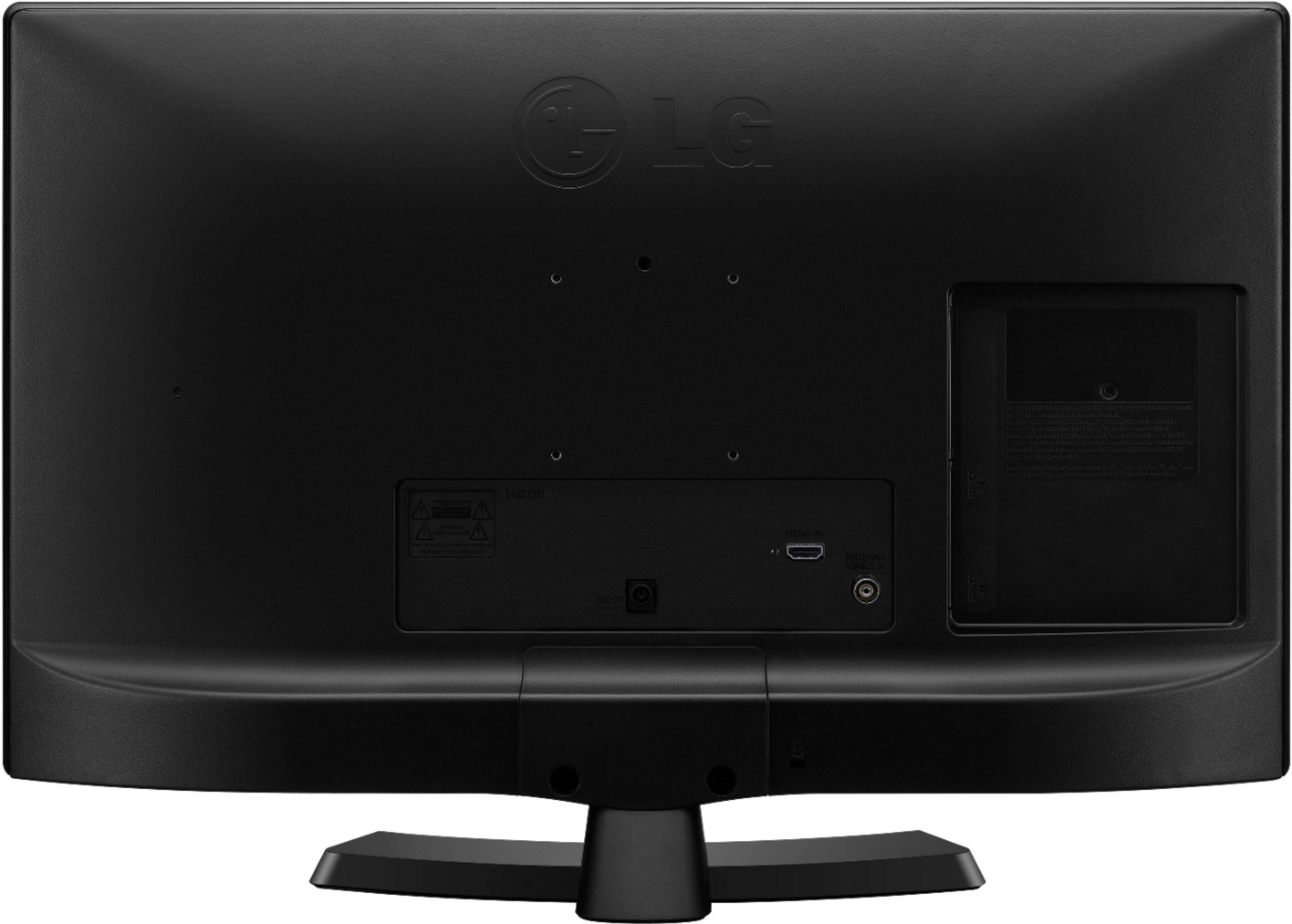
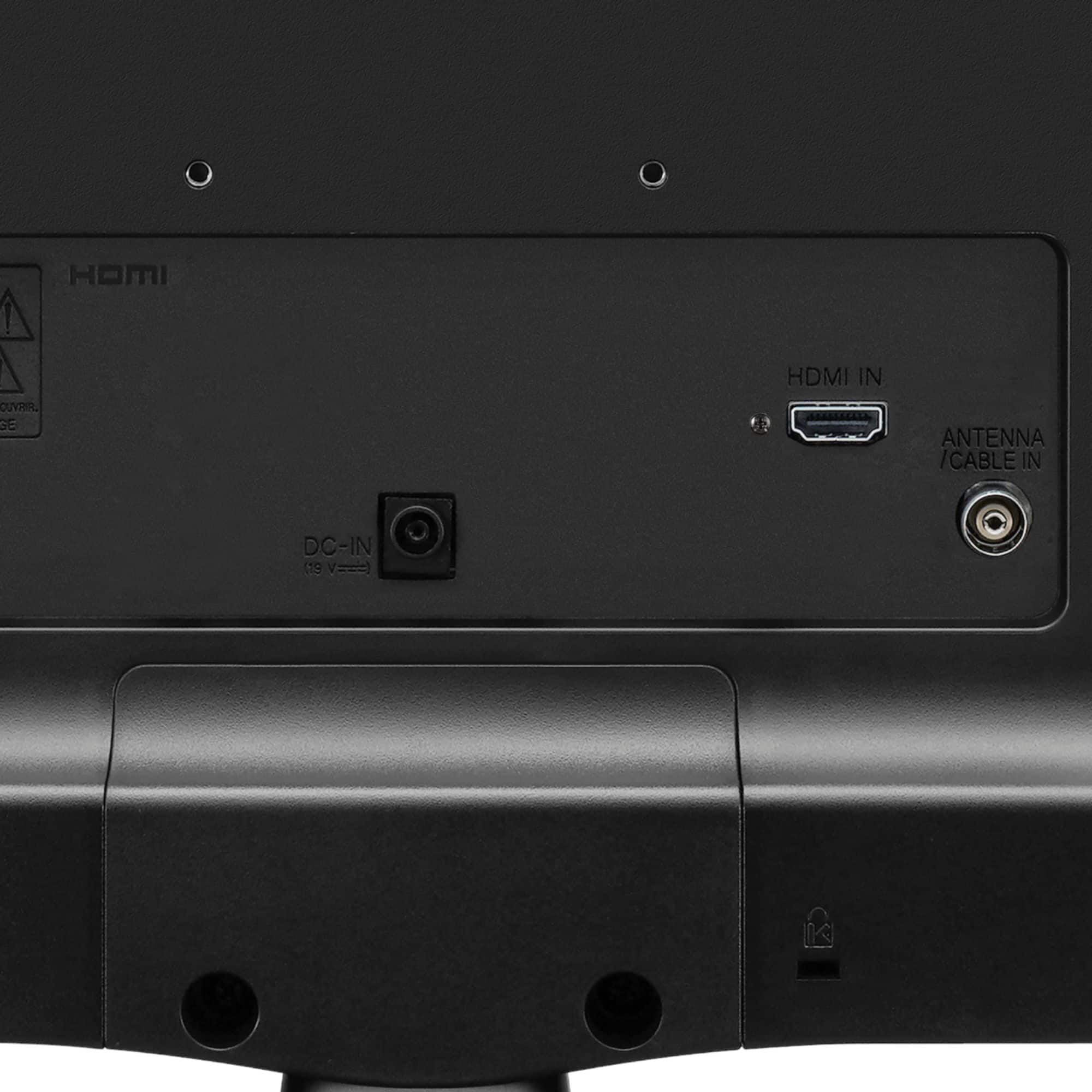
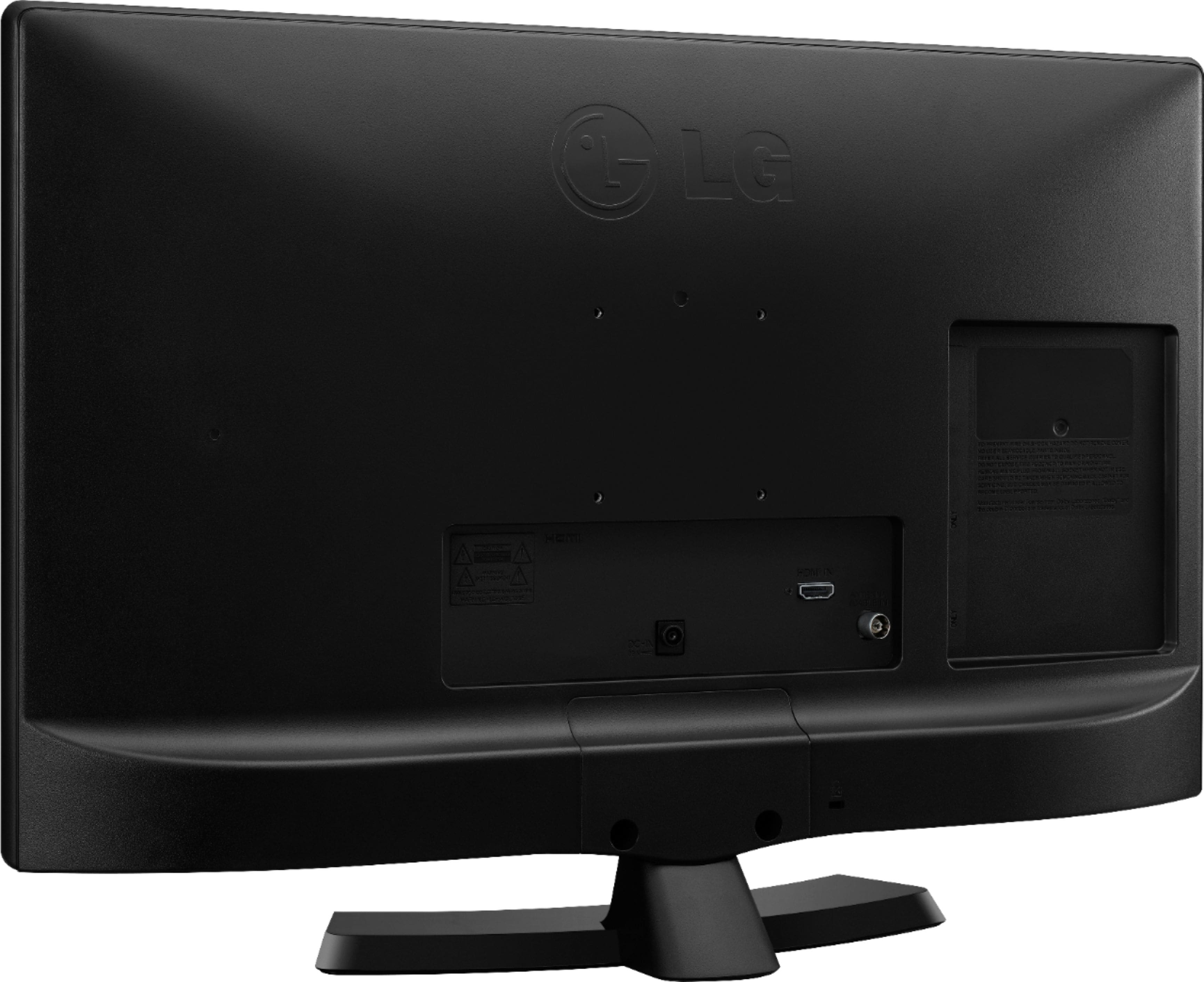
A:AnswerHello Dennis. You cannot use headphones with the LG 720p LED TV – 24” Class (23.6” Diag), Model # 24LF45 because it doesn't have a headphone jack on it and it does not support Bluetooth so you can't use Wireless Bluetooth headphones either...^IFV

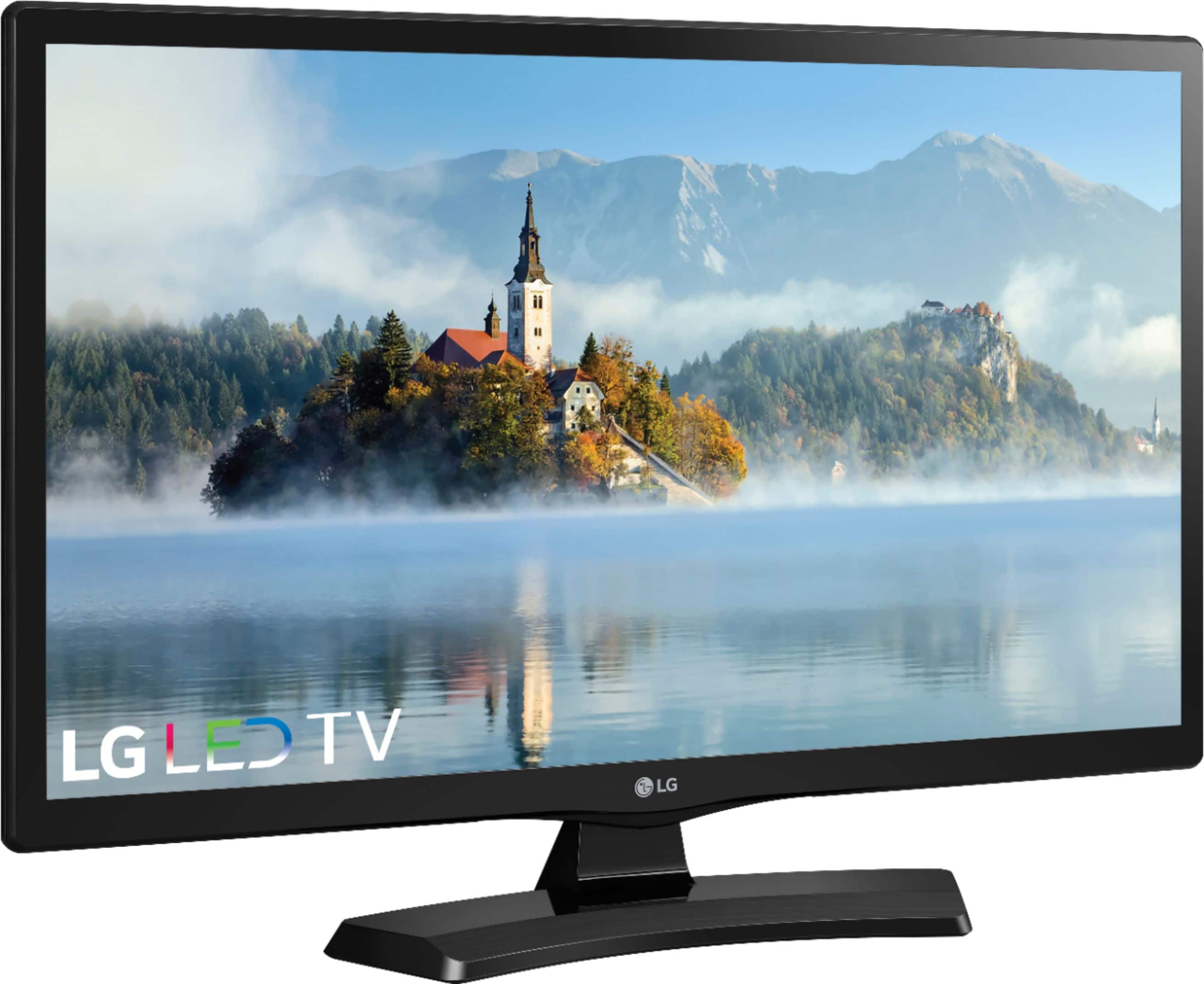
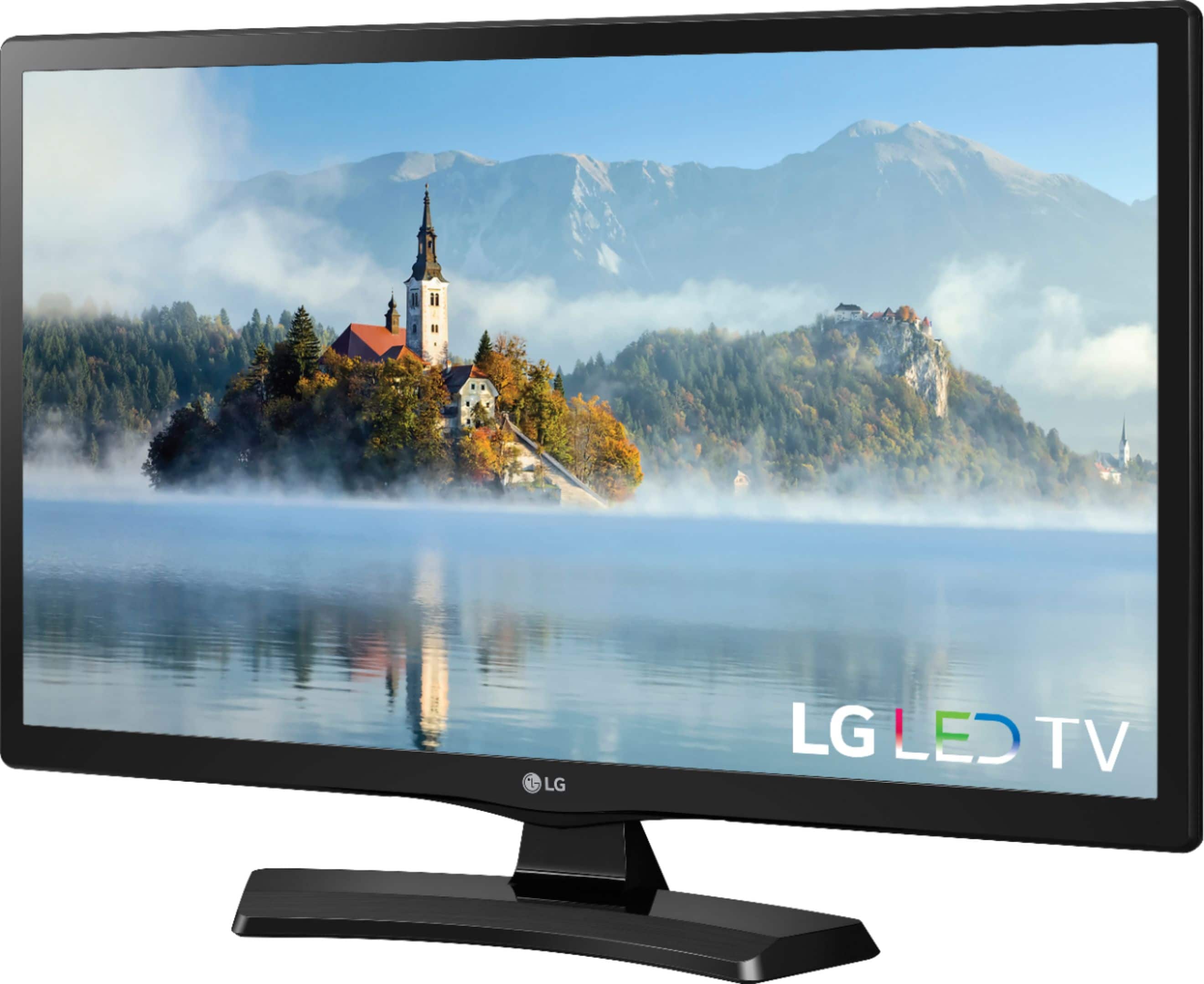
A:AnswerThe LG 720p LED TV – 24” Class (23.6” Diag), Model # 24LF454B-PU has a built-in ATSC DTV tuner that allows reception of digital television (DTV) over-the-air broadcast channels transmitted by television stations in North America. You will need to plug an external or internal antenna into the RF coaxial connector in the back of the TV. The only input on the TV that you can connect an external device to is an HDMI port so if your "old VHS/DVD Player" has an HDMI output port on it, you will be able to use it...^IFV
A:AnswerThe LG 720p LED TV – 24” Class (23.6” Diag), Model # 24LF454B-PUdoes not have any ports that you can use to connect headphones to so you will not be able to use headphones with it...^IFV
A:AnswerTV has a built in tuner....specs don't specify type. It has an HDMI input so could be used as a monitor if your computer can accept it. Haven't tried it so no guarantee of image quality.
A:AnswerPlease reach out to our support team on Facebook at @LGUSSupport and use #VOC in your first message to our social media support team. Please be sure to provide your name, phone number, address, email, model/serial numbers, and date of purchase and we will be happy to assist you. There are policies and procedures in place to ensure resolutions are consistent and fair. I am confident that we will work to provide an agreeable resolution.^Venette
A:AnswerPlease contact LG Customer Support by direct message via Twitter (@LGUSSupport) or Facebook Messenger (https://www.facebook.com/LGUSA/). Please be sure to provide your name, phone number, address, email, model/serial numbers, and date of purchase and we will be happy to assist you. We apologize for any inconvenience this has caused. ^Daphane
A:AnswerUsing this TV as a monitor depend on your individual needs. Please see the link to review the specifications of the TV to determine the feasibility of use as a monitor. Please keep in mind the connection requirements for certain consoles. ^Daphane