Questions & Answers
- Model:
- 24UD58-B
- |
- SKU:
- 6051021
Q: QuestionWill this monitor work with the new Apple Silicon Mac Mini? Thanks
Asked by Alberto79.
- A:Answer This is a Plug and Play monitor and doesn't require drivers. If you are in need of assistance with using a monitor, give our computer specialists a call at 800-243-0000. ^Daphane
Answered by LG Digital Customer Care

Q: QuestionThe specs only mention the monitor being os compatible with windows operating system. Is this compatible with Mac OS (MacBook Air)?
Asked by Tcnole.
- A:Answer This is a Plug and Play monitor and doesn't require drivers. Your Macbook just has to have the right connectivity or you can use adapters to make the necessary connections and support plug and play. If you are in need of assistance with using a monitor, give our computer specialists a call at 800-243-0000. ^Daphane
Answered by LG Digital Customer Care

Q: QuestionHello will this beable to have game consoles hooked up to it and can it run with the lumos by digital storm? I am looking for a good monitor to stream and game on
Asked by MnM.
- A:Answer Please reach out to our support team on Twitter via @LGUSSupport or on Facebook at https://www.facebook.com/LGUSA/.You can also try the LG Community Forum; it is a great resource for getting help from other LG customers: https://lgcommunity.us.com. ^Daphane
Answered by LG Digital Customer Care

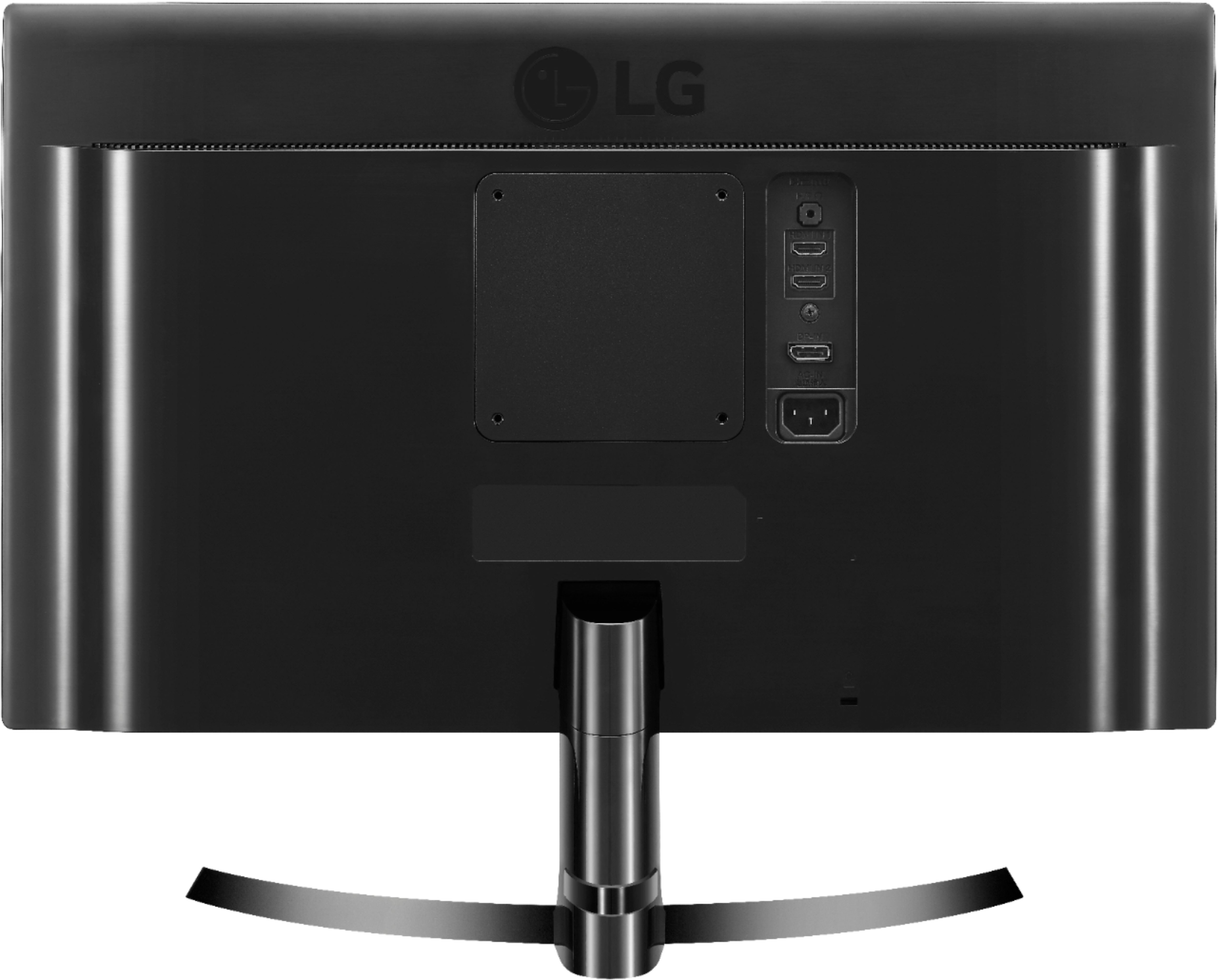
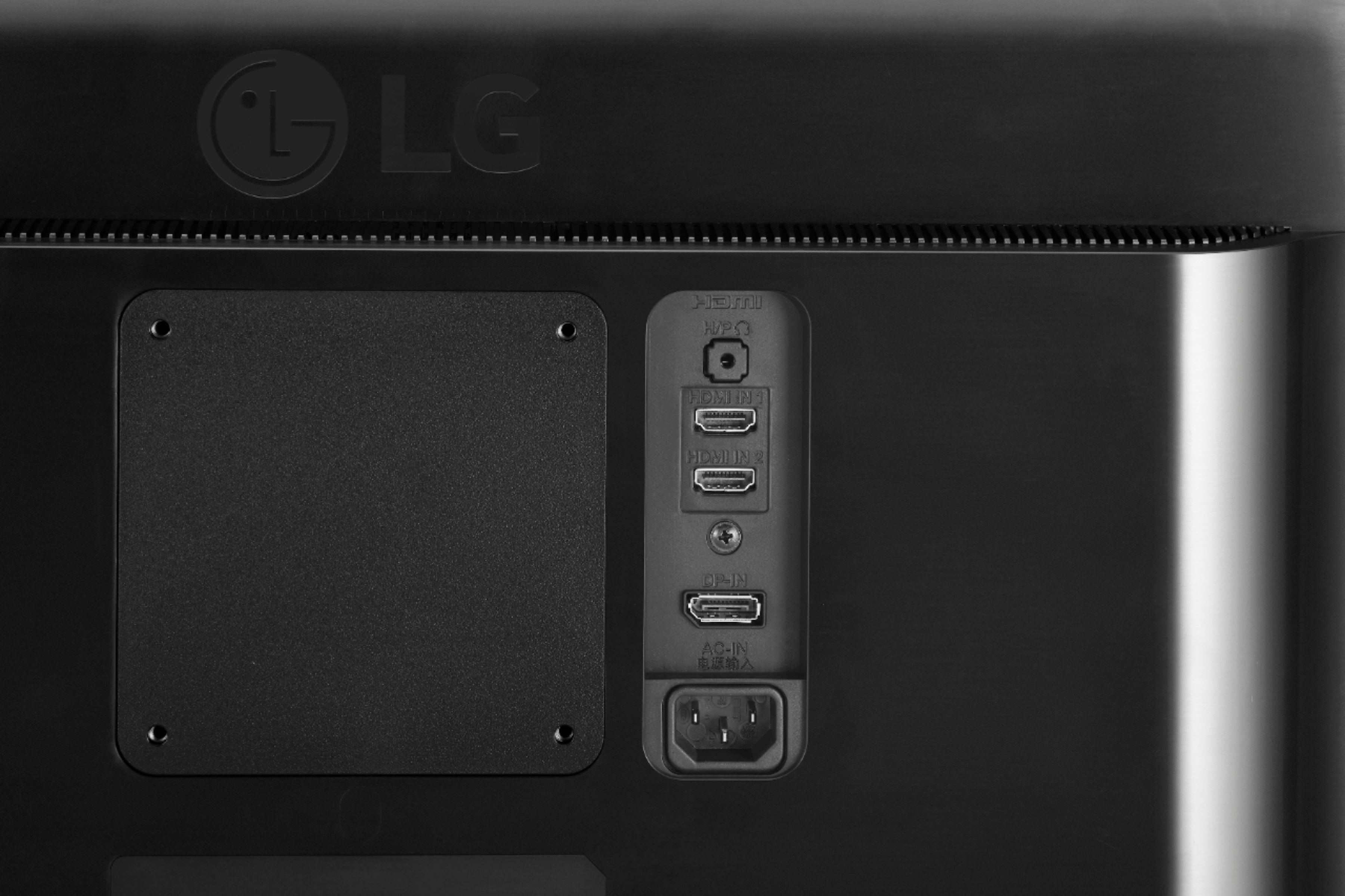
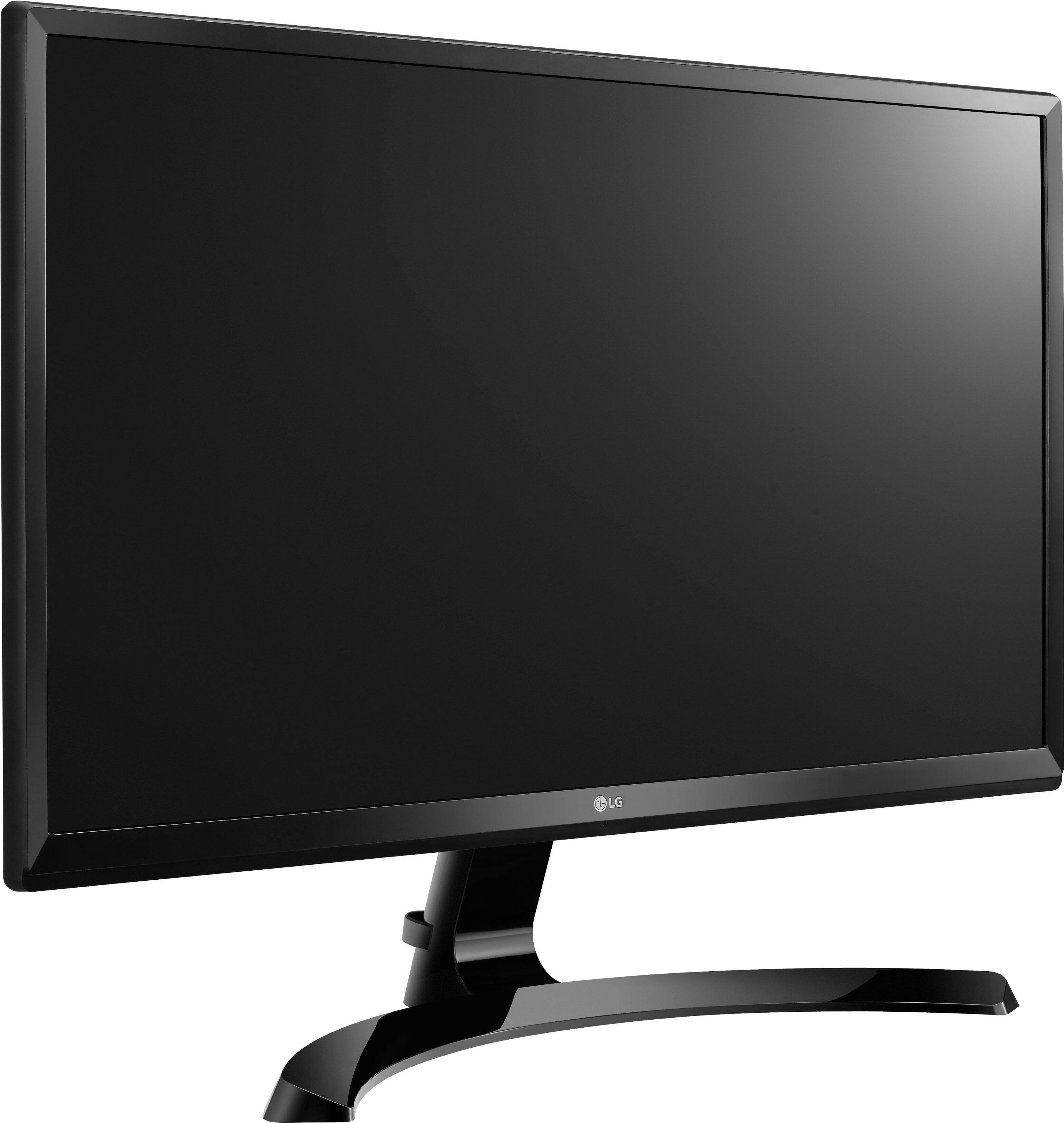
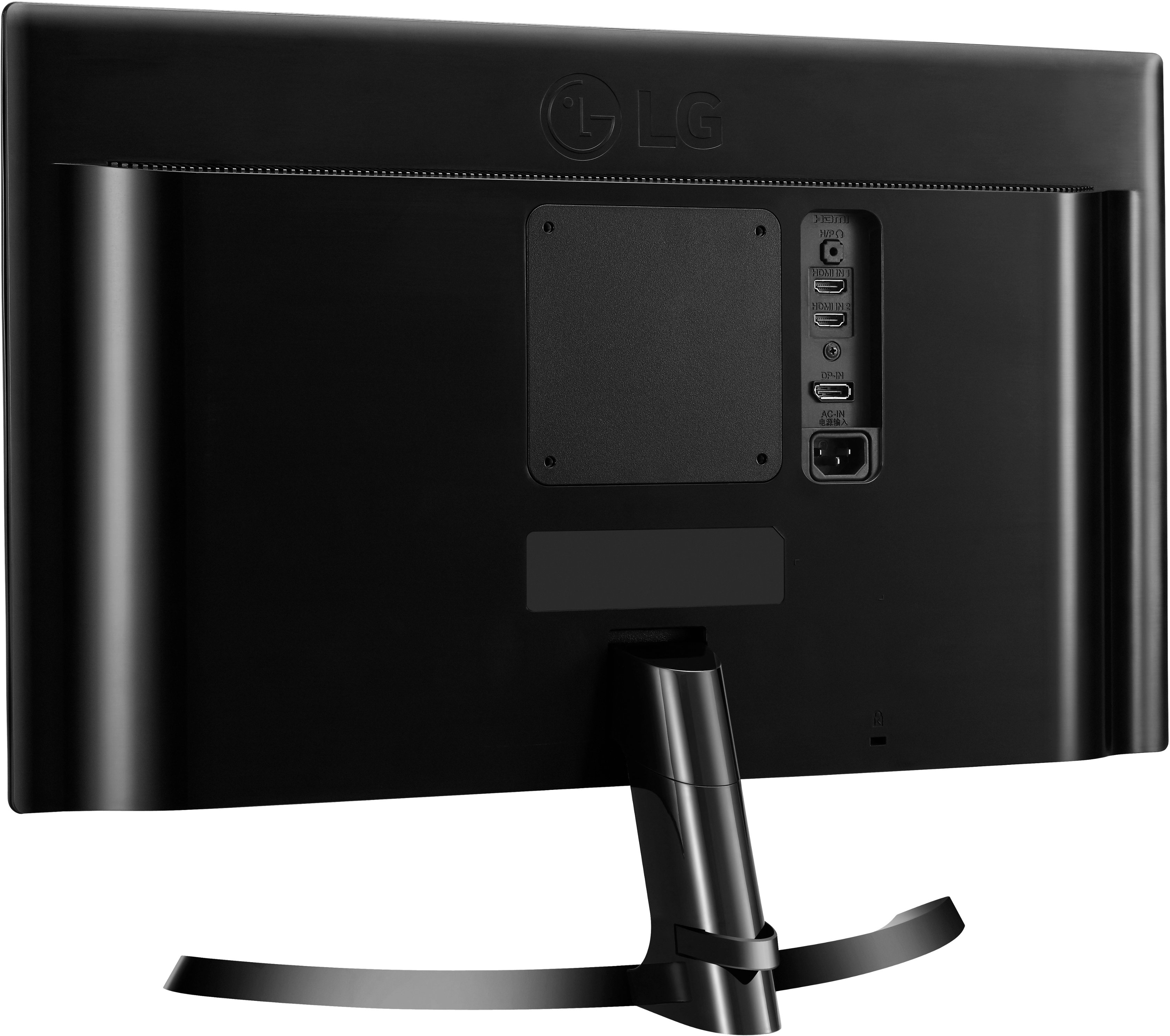
Q: QuestionDoes the model 24UD58-B actually have display ports in the back? The specs say 2 HDMI and 1 VGA port, but the images show a display port instead.
Asked by Marvin.
- A:Answer 2 hdmi & 1 display port
Answered by Larry
Q: QuestionCan the monitor be connected to a cable box?
Asked by Skeezix.
- A:Answer If cable box has a Display Port or HDMI output it can be connected to the monitor. ^Daphane
Answered by LG Digital Customer Care

Q: QuestionNovice question: Do I need to check with Dell, concerning if my graphic card will match the monitor.
Asked by Ron.
- A:Answer Some graphics cards may not support 3840 x 2160 resolution. If the resolution cannot be displayed, contact the manufacturer of your graphics card. ^Daphane
Answered by LG Digital Customer Care

Q: QuestionDoes this monitor ever go on sale at Best Buy 10/9/20
Asked by Ron.
- A:Answer Please consult with your local store regarding pricing, sales or promotions. ^Daphane
Answered by LG Digital Customer Care

Q: Questionwhat is the overall height inclusive of the stand. Need all dimensions. Specs show width but not height. thanks
Asked by Sandy.
- A:Answer The LG 24'' Class 4K UHD IPS LED Monitor (24'' Diagonal), Model # 24UD58-B has a height of 16.6" with the stand attached. You can find all the dimensions for the monitor listed under "DIMENSIONS/WEIGHTS" on our product detail page for the monitor on our site at https://www.lg.com/us/monitors/lg-24UD58-B-4k-uhd-led-monitor ...^IFV
Answered by LG Digital Customer Care

Q: QuestionIs 4k supported if I connect my xbox one s to it by hdmi?
Asked by Samuel.
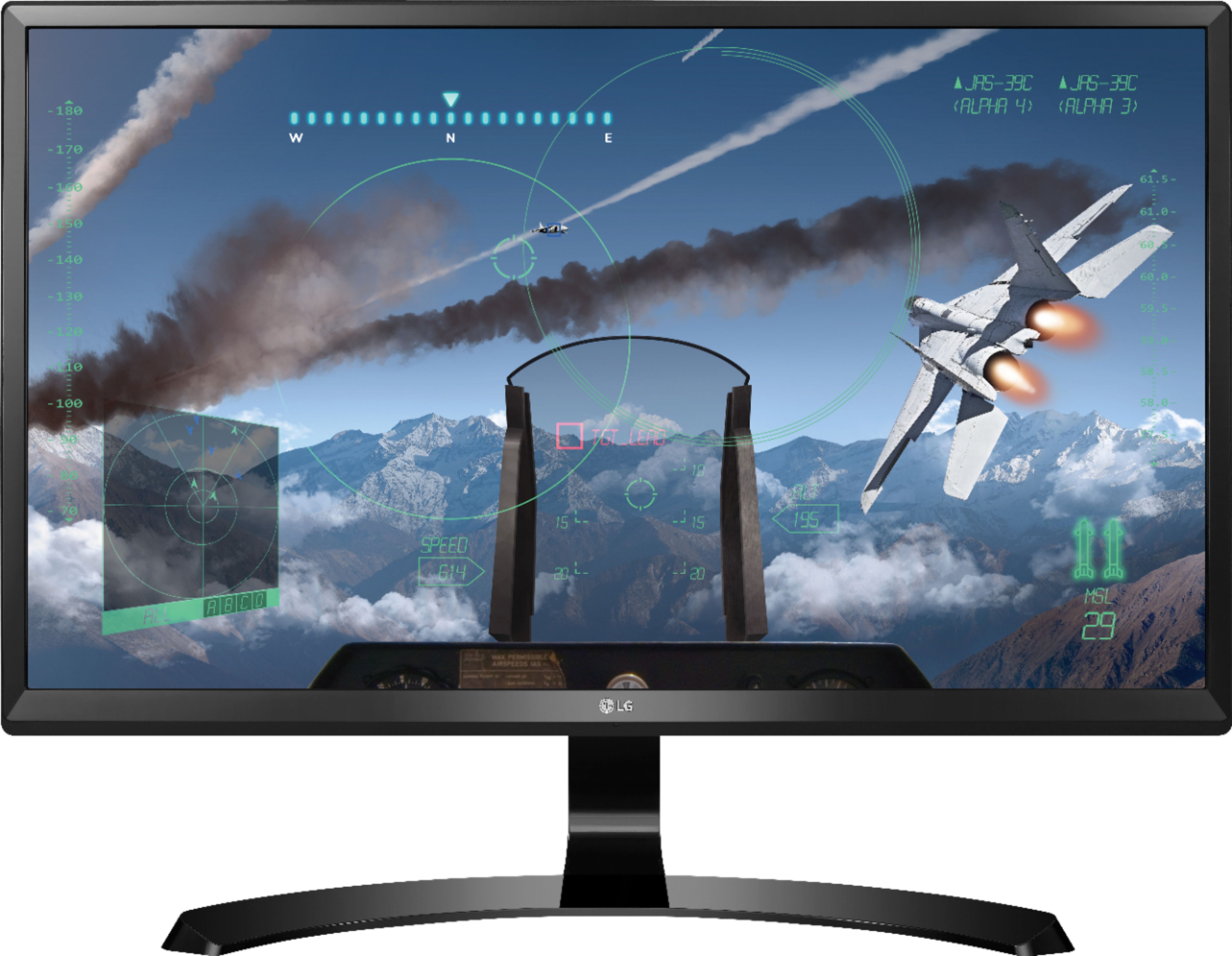
- A:Answer The LG 24'' Class 4K UHD IPS LED Monitor (24'' Diagonal), Model # 24 24UD58-B has a native resolution of 3840 x 2160 (i.e. 4K) and it has to be connected to a 4K source. One thing that gamers should be aware of with the 24UD58-B is that it does not support HDR (high dynamic range) game modes. If you are an Xbox One X or PS4 Pro user—or if you were hoping to use your 4K BlueRay player with HDR on the 24UD58-B—you're out of luck. You can still hook those machines up and get 4K resolution, but it won't support HDR. he are several more advanced settings you can go into to further optimize the 24UD58-B for a variety of uses, including specific game modes for first-person shooter games (FPS 1, FPS 2), real-time strategy play (RTS), and custom settings. Both HDMI ports are HDMI 2.0 ports and they both support 4K @ 60 Hz. o enable the HDMI 2.0 input and run games at 60hz with the full ultra-high definition that the 24UD58-B can deliver, you need to go into the settings and select Deep Color Mode. This setting will get you on the higher 60Hz refresh rate for 4K. ...^IFV
Answered by LG Digital Customer Care

Q: QuestionCan I use this monitor for gaming?
Asked by Avenger421.
- A:Answer The 24'' Class 4K UHD IPS LED Monitor (24'' Diagonal), Model # 24UD58-B features a Game Mode and Back Stabilizer and also supports AMD FreeSync™ Technology. Game mode can be set for for optimal gaming conditions. There are 3 modes, 2 First-Person-Shooter modes and a RTS pre-set mode so you can choose the best mode for your games. You can quickly optimize monitor settings to activate Black Stabilizer to reveal superior detail in dark scenes while the Dynamic Action Sync feature assures smooth, fluid gaming action. With FreeSync, gamers can experience seamless, fluid movement throughout hi-res, fast-paced games. FreeSync eliminates tearing and stuttering that can occur because of differences between a graphic card’s frame rate and a monitor’s refresh rate...^IFV

Answered by LG Digital Customer Care

Q: QuestionCan this be connected to an iPad Pro first generation?
Asked by Pablotitanium.
- A:Answer The LG 24'' Class 4K UHD IPS LED Monitor (24'' Diagonal), Model # 24UD58-B has 2 x HDMI 2.0 inputs and a DisplayPort input for connectivity. It also has a native resolution of 3840 x 2160and a refresh rate of 60Hz. You'll need to check the specification for the Graphics card in your iPad Pro to make sure it supports the monitor's native resolution...^IFV
Answered by LG Digital Customer Care

Q: QuestionHow do you turn on freesync for this monitor the option is greyed out in the monitor settings
Asked by 161mitchell.
- A:Answer If the Graphics card in the PC/Laptop that you have connected to the LG 24'' Class 4K UHD IPS LED Monitor (24'' Diagonal), Model # 24UD58-B does not support FreeSync, the option for FreeSync is greyed out...^IFV
Answered by LG Digital Customer Care

Q: Questionwill this monitor support a 4 camera surveillance system with an NVR
Asked by russ.
- A:Answer Regrettably, we do not have details about your 4 camera surveillance system with an NVR to determine if the LG 24" IPS LED 4K UHD FreeSync Monitor - Black, Model # 24UD58-B will work with it...^IFV
Answered by LG Digital Customer Care

Q: Questiondo this monitor have a camera
Asked by Kofi.
- A:Answer No, this monitor does not have a built in webcam. ^Daphane
Answered by LG Digital Customer Care

Q: QuestionWill my Dell Latitude 5490 with a GeForce MX130 chip support dual 4K monitors?
Asked by Edward.
- A:Answer You will need to check to look up the specifications for your GEForce MX130 Graphics card that is installed in your Dell Latitude 5490 to see if it supports dual 4K monitors. You can look up its specifications on the Nvdia site or contact them...^IFV
Answered by LG Digital Customer Care

Q: QuestionDoes it have a built in camera
Asked by Dadhead.
- A:Answer There is no built-in camera in this monitor.
Answered by MikeManager
Q: QuestionCan this monitor be used as a monitor for a 4 k Lorex security system
Asked by Joeystromboli.
- A:Answer If your security system supports plug n play and is able to connect to the monitor it should be compatible. We would recommend reaching out to the manufacturer of your security system to ensure compatibility. ^CP
Answered by LG Digital Customer Care

Q: QuestionCan you dual monitor 2 of these off a mac mini?
Asked by Vylet.
- A:Answer No, you cannot dual monitor two of this item off a Mac Mini.
Answered by CommunityAnswer
Q: QuestionI just purchased a Thinkpad & docking station. The laptop is HD (not 4k), docking station has DisplayPort 4096 x 2160 @ 60 Hz; HDMI: 4096 x 2160 @ 60 Hz; VGA: 2048 x 1536 @ 85 Hz - will this monitor work & work in 4K with this set up?
Asked by BillyC.
- A:Answer What you have is a docking station that will support a 4K source through its DisplayPort & HDMI ports when it is connected to the LG 24'' Class 4K UHD IPS LED Monitor (24'' Diagonal), Model # 24UD58-B which has a native resolution of 3840 x 2160 and features a DisplayPort and 2 x HDMI ports for connectivity. The limiting unit is your laptop which cannot output 4K so even though the monitor and your docking station support 4K, you are not sending a 4K signal. The monitor will work, but not in 4K. Check the specifications for the Graphics card in your laptop to see if it capable of supporting 4K...^IFV
Answered by LG Digital Customer Care

Q: QuestionDoes this monitor support HDR10 for gaming ?
Asked by statistics.
- A:Answer No
Answered by Josapie
Top Rated
- $299.00$299.00The price was $349.00
- $249.99$249.99The price was $379.99
- $99.99$99.99The price was $129.99