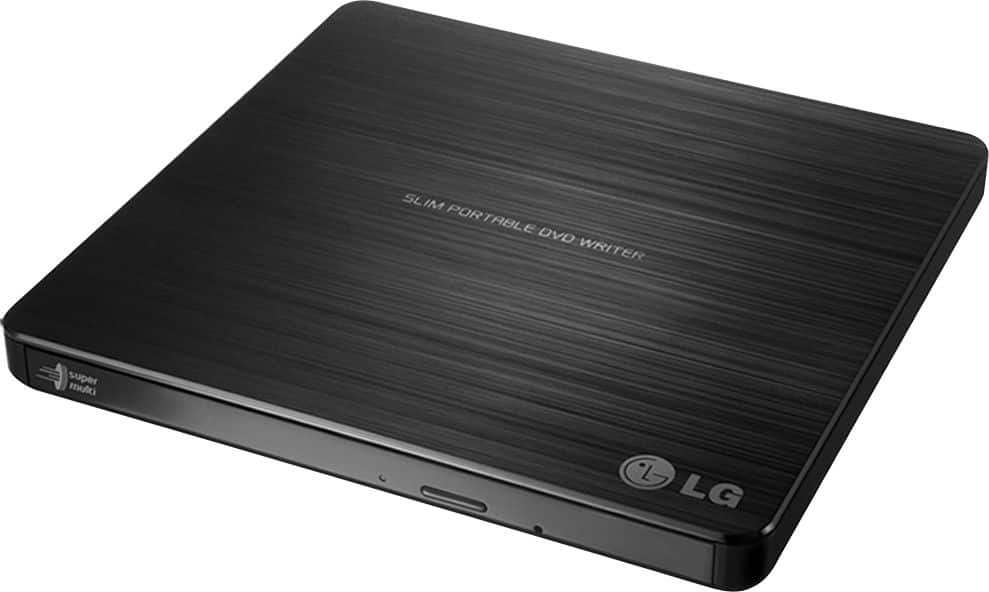
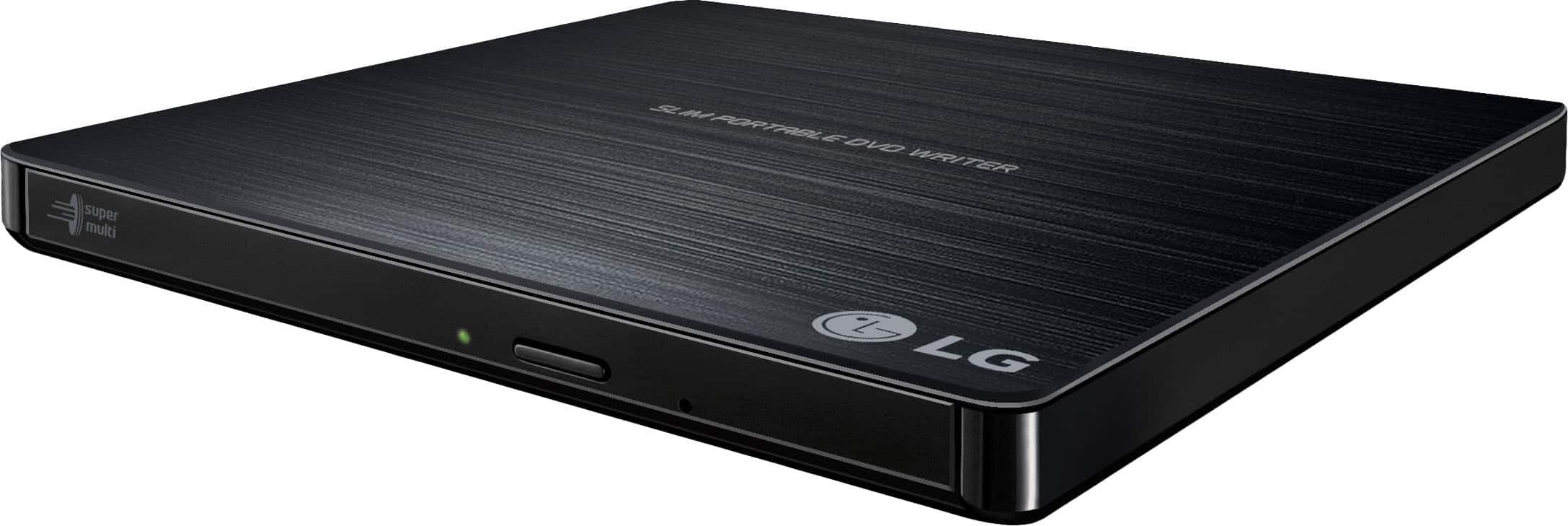
A:AnswerYes, the laptop recognizes it as another drive and you can select files from a CD or DVD inserted in the drive to transfer. This DVD Reader will read all PC games on CD and DVD. If you have additional questions please reach out to a computer specialist directly by calling 800-243-0000. ^Daphane
A:AnswerThis unit is compatible with the following operating systems: Windows 8/Windows 7/Windows Vista (32 bit, 64 bit)/ Windows XP SP3, Mac OS X v.10.5.4 or Higher, Direct X 9.0 or Higher. ^Daphane
A:AnswerSoftware Required OS included Windows 8/Windows 7/Windows Vista (32 bit, 64 bit)/
Windows XP SP3, Mac OS X v.10.5.4 or Higher and Direct X 9.0 or Higher. Chromebook Operating System is not compatible with this device. ^Daphane
A:AnswerCompatible operating systems include Windows 8/Windows 7/Windows Vista (32 bit, 64 bit)/
Windows XP SP3, Mac OS X v.10.5.4 or Higher and Direct X 9.0 or Higher. If you are in need of further assistance, please reach out to our support team on Twitter via @LGUSSupport or on Facebook at https://www.facebook.com/LGUSA or call at 800-243-0000. ^Daphane
A:AnswerCompatibility problems in write/read function may occur with some media depending on the media manufacturing quality. If you have questions or further concerns, please reach out to our support team on Twitter via @LGUSSupport or on Facebook at https://www.facebook.com/LGUSA/. ^Daphane
A:AnswerPlease contact LG Customer Support by direct message via Twitter (@LGUSSupport) or Facebook Messenger (https://www.facebook.com/LGUSA/). Please be sure to provide your name, phone number, address, email, model/serial numbers, and date of purchase and we will be happy to assist you. We apologize for any inconvenience this has caused. ^Daphane