Questions & Answers
- Model:
- 27UL650-W
- |
- SKU:
- 6406946
Highly rated by customers for: Picture Quality, 4K Resolution
Page Showing 1-12 of 12 questions
Q: Questiondoes it have speakers
Asked by dave.
- A:Answer Hi Dave. The LG 27'' Class 4K UHD IPS LED Monitor with VESA DisplayHDR 400 (27'' Diagonal), Model # 27UK650-W does not have built-in speakers. It has a Headphone Out that you can connect a pair of computer speakers to ...^IFV
Answered by LG Digital Customer Care

Q: QuestionHow compatible would this be with a MacBook Pro (15-inch, 2019)?
Asked by AA.
- A:Answer Works great but you need a hdmi connection
Answered by Dlefebvre1701
Q: QuestionDoes it have bluetooth?
Asked by Hoodcrusha64.
- A:Answer No, it doesn't have Bluetooth.
Answered by CommunityAnswer
Q: QuestionDoes it work with MacBook Pro 2017, which has two thunderbolt 3 ports? Does it have Built in speakers? Thanks.
Asked by Anonymous.
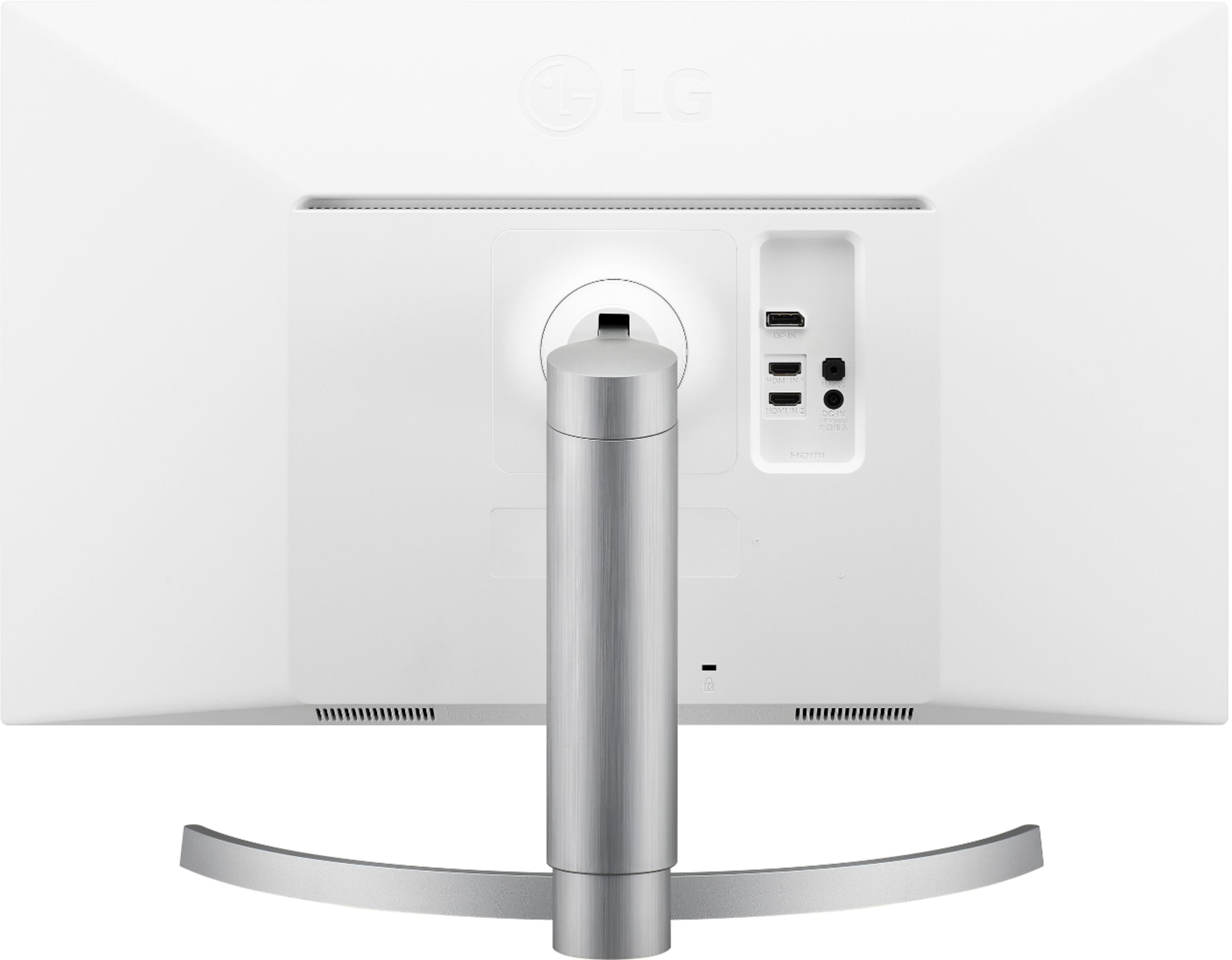
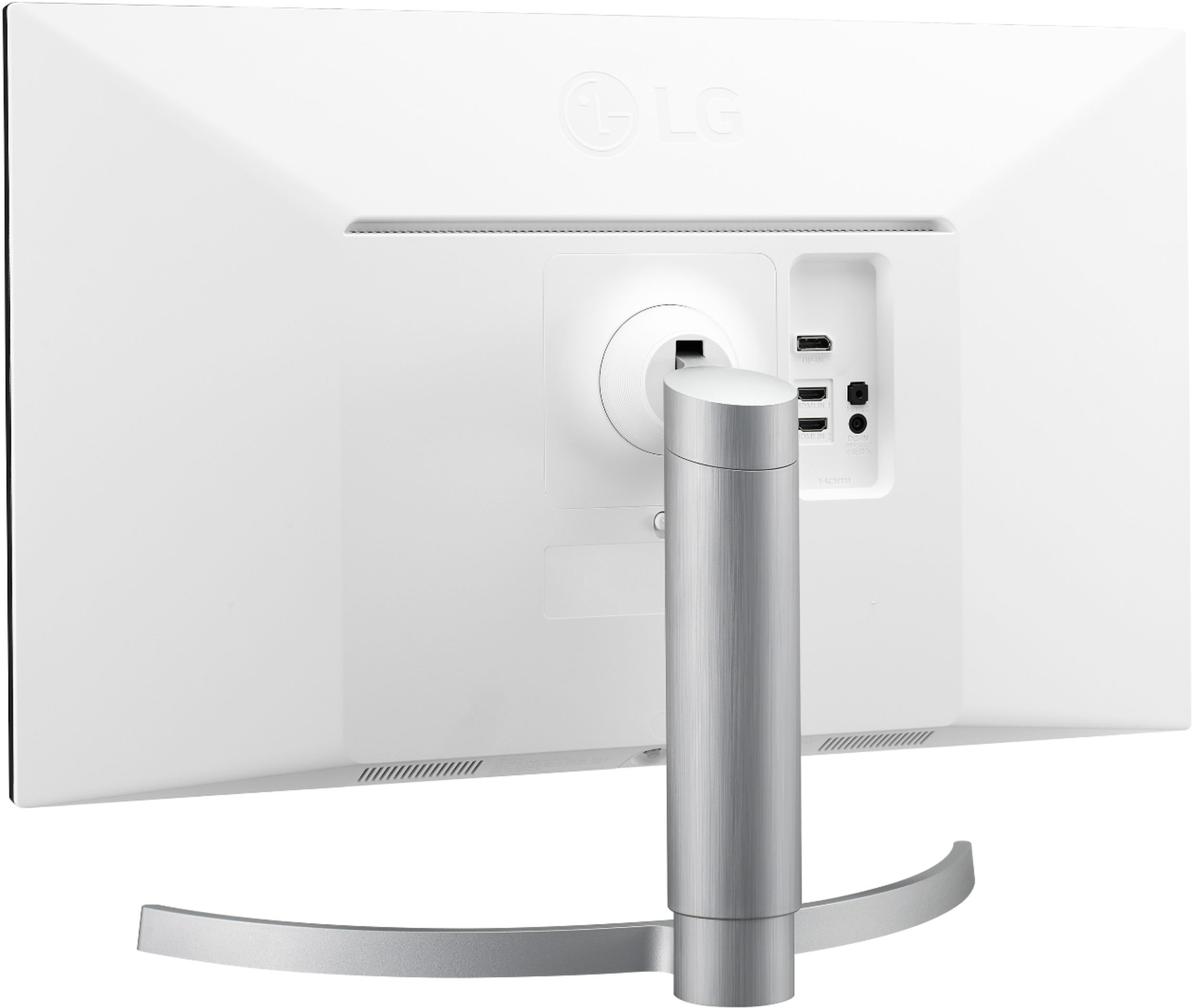
- A:Answer The LG 27'' Class 4K UHD IPS LED Monitor with VESA DisplayHDR 400 (27'' Diagonal), Model # 27UL650-W has 2 x HDMI ports and a DisplayPort input. If your MacBook Pro 2017 only has ThunderBolt 3 ports then you will need an appropriate adapter to connect to the HDMI ports or to the DisplayPort or a combination dock. The monitor does not have built-in speakers...^IFV
Answered by LG Digital Customer Care

Q: QuestionHi... does this monitor allow split screen viewing?
Asked by Emilie.
- A:Answer You will need to download and install LG's On-Screen Control with Screen Split 2.0 and Dual Controller software on your computer or use the screen split feature in your computer's operating system to have screen split on the 27'' Class 4K UHD IPS LED Monitor with VESA DisplayHDR 400 (27'' Diagonal) Model # 27UL650-W. LG's [Windows] OnScreen Control - version 4.78 or [Mac OS] OnScreen Control - version 3.76 can be downloaded and installed from the support page for the monitor on our site...^IFV
Answered by LG Digital Customer Care

Q: QuestionWhy is the screen like this... (see pictures - middle and top right)? The screen does this when I turn on the monitor. I have to change the screen ratio every time I order to fix it.
Asked by Asfand.
- A:Answer Screen tearing
Answered by Asfand
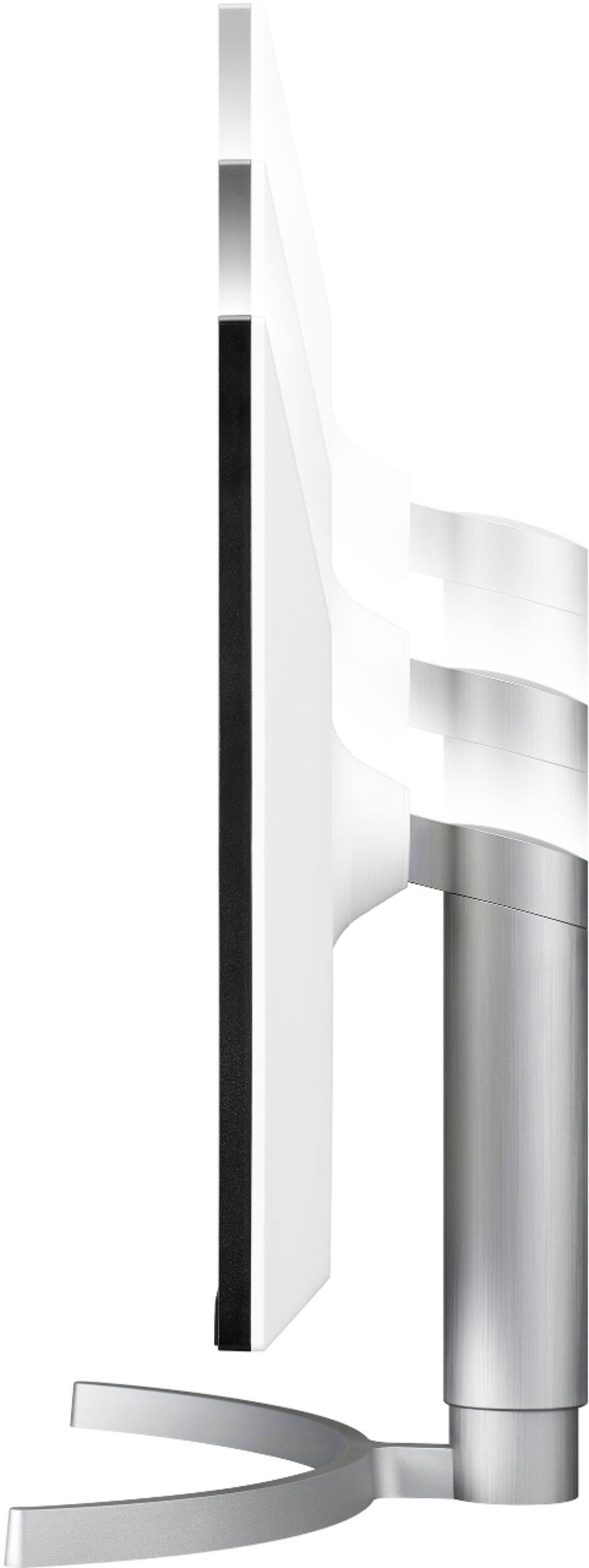
Q: QuestionThe specifications on "compare" say that this monitor is wall/arm mountable with VESA 100mm x 100mm standard, but the rear photo doesn't seem to show how that would work since the stand connection is right where the VESA mount would be. Which is correct?
Asked by Puzzled.
- A:Answer I just mounted mine over my primary monitor using a arm mount. The plate has holes that are in a 10 cm square. This fits my mount. Just use the screws (washer?) that come with the mount. If using a over/under arrangement of two mounters be sure you have both monitors on hand before drilling any holes for the mount. You don't want to run out of head room for the upper monitor!
Answered by Ralph
Q: QuestionDoes this product work for the ps4/ps4 pro? Is it intended to work for the upcoming ps5?
Asked by person.
- A:Answer The LG 27'' Class 4K UHD IPS LED Monitor with VESA DisplayHDR 400 (27'' Diagonal), Model # 27UL650-W has a native resolution of 3840 x 2160with a 60Hz refresh rate. The 2 x HDMI 2.0 ports on the monitor are HDCP 2.2 compliant. It is a computer monitor and is not specifically intended for use with gaming consoles, but is can be used with gaming consoles that support the monitor's refresh rate and native resolutions. If your gaming console has an HDMI port that is HDCP 2.2 compliant, you can watch a 4K video signal sent from your gaming console. If not, you can only send a lower resolution signal. You can check the owner's manuals for the PS4 and PS4 Pro for what the requirements are for a suitable display or contact the manufacturer for advice. The PS5 has not been released yet and again, you will need to contact the manufacturer about the requirements for a suitable display...^IFV
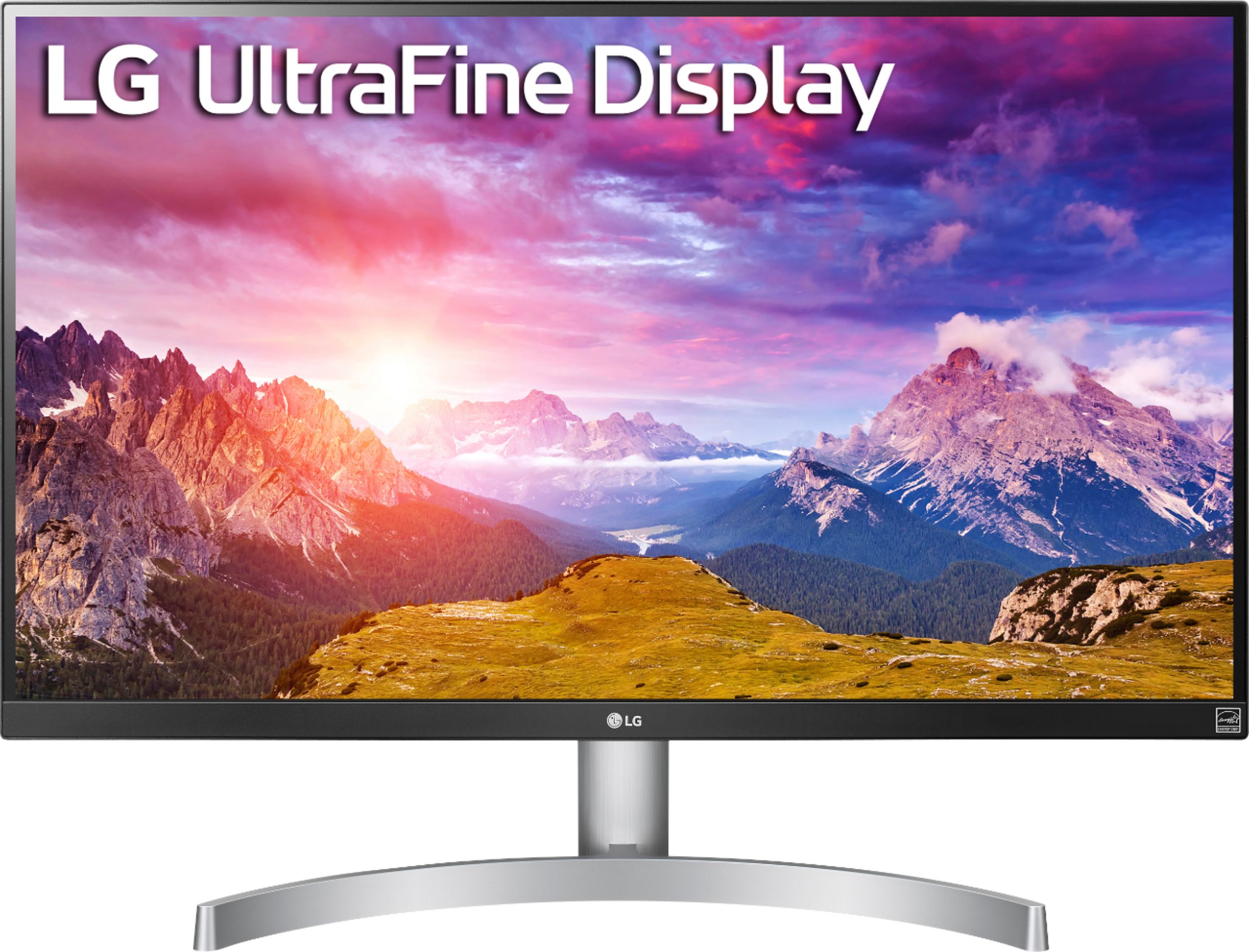
Answered by LG Digital Customer Care

Q: QuestionI have two questions. First, does this model (27UL650-W) work with Macbook pro 2018? Second, Does it have a adjustable height stand?
Asked by Sean.
- A:Answer 1. It definitely works (just not as good as the LG UltraFine 5K Display with a $1300 price tag tho). 2. Yes, according to LG's webpage: https://www.lg.com/us/monitors/lg-27UL650-W-4k-uhd-led-monitor.
Answered by Anonymous
Q: QuestionI just purchased this monitor and need to know what cable and/or adaptor I need to connect this to a macbook pro 13" 2020 laptop?
Asked by Dona.
- A:Answer Hi Dona. That will depend on what connectivity your MacBook Pro 13" 2020 laptop has. The LG 27'' Class 4K UHD IPS LED Monitor with VESA DisplayHDR 400 (27'' Diagonal), Model # 27UL650-W features 2 x HDMI 2.0 inputs that are both HDCP 2.2 compliant and a DisplayPort Input (ver. 1.2). Depending on what connections you have on your MacBook, you can make a direct connection using the appropriate cables to either port if it has the same ports or you can use adapters or converter cables to make the necessary connections from the ports on it to those on the monitor...^IFV
Answered by LG Digital Customer Care

Q: QuestionWhat cable accessory do I need to have this work with my 2019 macbook pro? Is it included. I also need this to work with my Lenovo. Thanks.
Asked by JM.
- A:Answer Regrettably, without knowing what connections you have on your Lenovo or your 2019 MacBook Pro, we cannot advise you on what cables you need to connect to the LG 27'' Class 4K UHD IPS LED Monitor with VESA DisplayHDR 400 (27'' Diagonal), Model # 27UL650-W. The monitor has 2 x HDMI inputs and a DisplayPort Input for connectivity so depending on what connectivity your Lenovo or your 2019 MacBook Pro have, you may need adapters to make the necessary connections or you can make connections with the appropriate cables that have connectors that will plug into the ports on your Lenovo or your 2019 MacBook Pro and can also connect to the ports on the monitor. You will also need to make sure that the Graphics card in your Lenovo or your 2019 MacBook Pro supports the native resolution of 3840 x 2160 on the monitor. A DisplayPort cable and HDMI Cable are included accessories with the monitor...^IFV
Answered by LG Digital Customer Care

Page 1, Showing 1-12 of 12 questions
Most-viewed items
- $949.00$949.00The price was $1,099.00
- $239.99$239.99The price was $269.99
- $329.99$329.99The price was $469.99
- $149.00$149.00The price was $399.00
- $122.00$122.00The price was $129.99
- $1,149.00$1,149.00The price was $1,299.00
- $159.99$159.99The price was $179.99
- $449.99$449.99The price was $649.99