Main Content

Questions & Answers

$259.00
Page Showing 81-100 of 175 questions
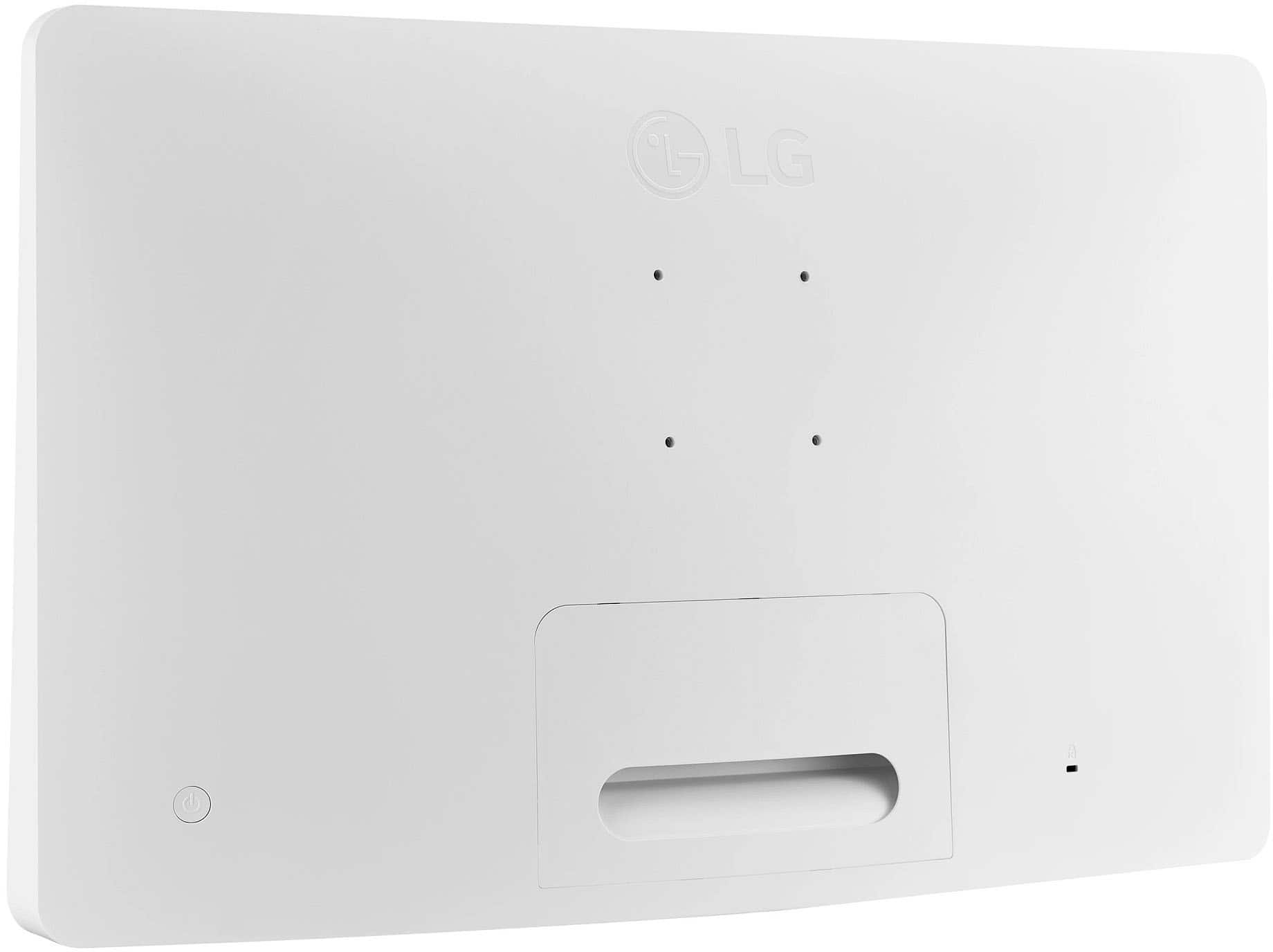
  • QuestionCan you mount this tv on the wall?

    Asked by Wendy.

    • Answer Absolutely

      Answered by BoomerSooner7

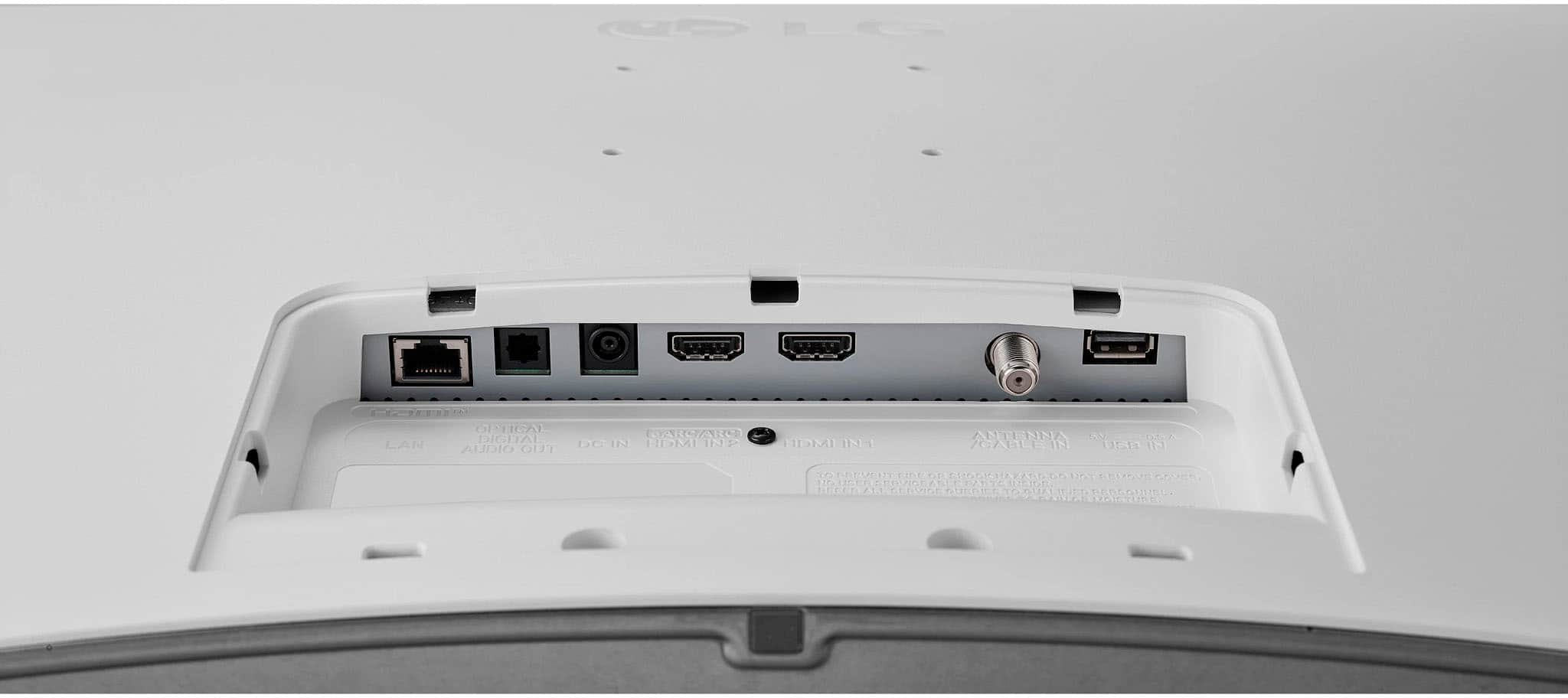
  • QuestionDoes this tv an Ethernet input?

    Asked by Anonymous.

    • Answer Thank you for reaching us regarding LG Smart webOS TV. Yes, the LG 27LQ600S-WU TV does have an Ethernet input. You can download its owner's manual through this link for more information: https://www.lg.com/us/support/product/lg-27LQ600S-WU.AUS. For additional assistance, please reach out to us on social media @LGUSSupport so we can help you further. ^Cris

      Answered by LG Digital Customer Care

  • QuestionI have an LG 27 in TV longer works (12 yrs). I have an outside roof antenna that leads into the house and then connects to screws into the socket and also has a separate plug for the wall outlet. do you carry any 27 TVs? IN OTHER WORDS NO CABLE.

    Asked by SHAI.

    • Answer Hello there! Thank you for your inquiry about a 27-inch TV compatible with your setup. We understand how important it is to find the right television for your needs. Currently, LG does not have a 27-inch TV model in their lineup. However, you might consider looking at larger models that are available, as many LG TVs come with built-in tuners, allowing you to connect your roof antenna directly for over-the-air channels without a cable subscription. If you need help finding a suitable model or have any further questions, please feel free to send us a private message on Social Media @LGUSSupport. Our team is here to help you! We appreciate your patience. —Avril
      Answered by LG Digital Customer Care

  • QuestionDoes this TV have touch screen capability and/or rotate to portrait?

    Asked by screenorientation.

    • Answer No

      Answered by BillieH

  • QuestionI am looking for the Mac Address for this tv and can't find it. I need it in order to connect it to the wifi.

    Asked by sarac.

    • Answer Thank you for reaching us regarding LG Smart webOS TV. To find the MAC address for your LG 27LQ600S-WU TV, follow these simple steps: •Press the Settings button on your TV remote •Navigate to the Network tab •Select Wi-Fi Connection •Go to Advanced Wi-Fi Settings •Scroll down to find the MAC address at the bottom of the screen Alternatively, you can also: •Press the Info button on your remote to display the MAC address •Check the list of connected devices on your wireless router's web interface to find the MAC address You can download its owner's manual through this link for more information: https://www.lg.com/us/support/product/lg-27LQ600S-WU.AUS. If problem persist, please reach out to us on social media @LGUSSupport so we can help you further. ^Cris

      Answered by LG Digital Customer Care

  • QuestionDoes this TV have CEC with eARC HDMI?

    Asked by jakey.

    • Answer Hello there! Thank you for your inquiry. The LG 27LQ600S-WU TV does support HDMI Consumer Electronics Control (CEC), which allows for control of connected HDMI devices through the TV. However, it does not include eARC (Enhanced Audio Return Channel) support. eARC is typically found on higher-end models and provides enhanced audio quality and capabilities. If you have any further questions or need additional assistance, please send us a private message on Social Media @LGUSSupport, and our team will be happy to help. We appreciate your patience. —Renzo

      Answered by LG Digital Customer Care

  • QuestionThe description says 240volt. Is this right? Or does it just have a regular plug

    Asked by Mel.

    • Answer it Has a 3 Way Plug.

      Answered by Bestbuyfan6

  • QuestionCan anyone recommend a wall mount to use with this product?

    Asked by Wall.

    • Answer Best Buy essentials™ - Full Motion TV Wall Mount for Most 19–50" TVs - Black

      Answered by Louie

  • QuestionCan this device be mirrored from a phone using Apple play????

    Asked by Mirroring.

    • Answer Thank you for raising your concern regarding LG Smart webOS TV (27LQ600S-WU) model. To mirror your iPhone screen on the LG TV monitor using Apple AirPlay, make sure both devices are on the same Wi-Fi network. Open the Control Center on your iPhone, select Screen Mirroring, and choose the LG TV monitor from the list. Enter the AirPlay password if needed, and you should see your iPhone screen on the LG TV monitor. If problem persist, please reach out to us on social media @LGUSSupport so we can help you further. ^Cris

      Answered by LG Digital Customer Care

  • QuestionDoes this tv support the peloton app

    Asked by Mary.

    • Answer Hi, There! The LG 27LQ600S-WU.AUS TV does not support the Peloton app. The Peloton app is available on LG Smart TVs running webOS 3.0 or later, with an exception for FHD 3.0 and 3.5 television models from 2016 onwards. ^James.

      Answered by LG Digital Customer Care

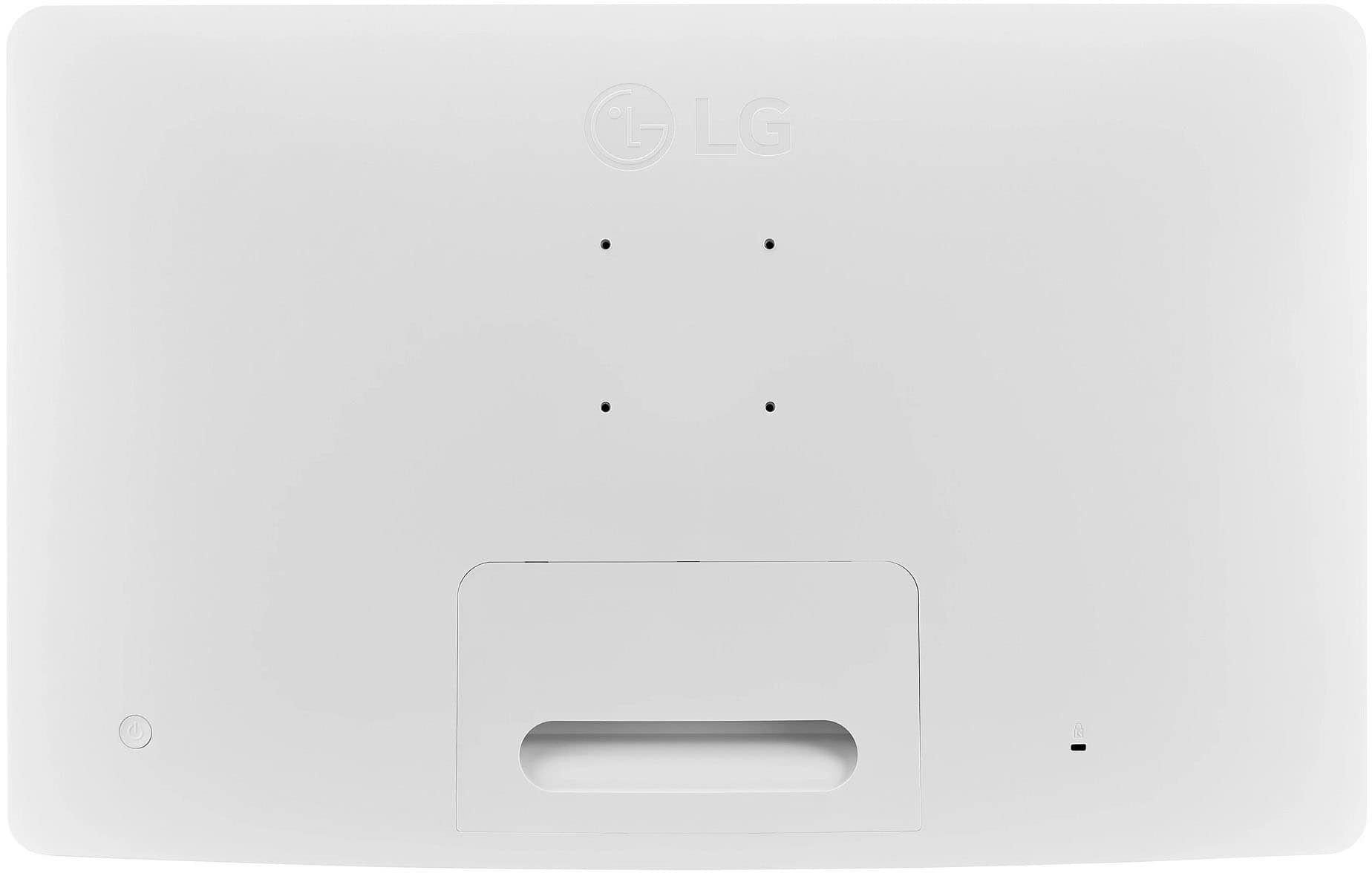
  • QuestionHello, what is the distance between each of the four attachment holes on the back of the tv which wiil be used with a mounting bracket? Thank you

    Asked by Lyneil.

    • Answer Hi there, Lyneil. Thank you for your question about the LG 27LQ600S-WU TV! The distance between the four attachment holes on the back for the mounting bracket is typically standardized at 100mm x 100mm. However, it’s always a good idea to refer to the user manual or specifications sheet for confirmation to ensure compatibility with your mounting bracket. If you have any more questions or need further assistance, please send us a private message on Social Media @LGUSSupport. We’re here to help! —Avril

      Answered by LG Digital Customer Care

  • QuestionWe just bought the TV in November (Christmas present). It mysteriously turns on and off without us doing anything. I have had to unplug it so it doesn’t turn on while we are gone. Now when you are watching it will mysteriously just shut off. Help!

    Asked by John.

    • Answer I’m Sorry: too hear you had a bad experience with This TV mine Works Great and I do t have that issue and I believe you have a Defective one.

      Answered by Bestbuyfan6

  • QuestionWill this tv work on a cruise and will it give me a signal on an island off the boat?

    Asked by MarjorieW.

    • Answer Thank you for your interest in the LG Smart webOS TV. The LG 27LQ600S-WU TV can be used on a cruise ship, but its ability to get a signal while docked at an island depends on a few things. Using the TV on a Cruise: • Power Supply: The TV needs a standard power supply, which is usually available in cruise cabins. Make sure to bring any necessary adapters if the ship has different plug types. • Signal Reception: Most cruise ships offer cable or satellite TV in cabins, but channel availability may vary. Using the TV on an Island: • Wi-Fi and Streaming: The LG 27LQ600S-WU has webOS for streaming services. If the island has Wi-Fi, you can stream content using apps on the TV. • Cable/Satellite Signal: If you're looking for traditional TV channels... (you can continue from here as needed). You can download its owner's manual through this link for more information: https://www.lg.com/us/support/product/lg-27LQ600S-WU.AUS. For additional assistance, please reach out to us on social media @LGUSSupport so we can help you further. ^Cris

      Answered by LG Digital Customer Care

  • QuestionCan this tv Bluetooth to ear pods?

    Asked by Anonymous.

    • Answer No it Does Have Bluetooth or a Headphone Jack.

      Answered by Bestbuyfan6

  • QuestionCan I load and use the SPECTRUM TV app

    Asked by Pwb.

    • Answer No. Not directly from the apps on the TV. You have to use a Roku or Fire Stick to use the Spectrum App on the TV.

      Answered by JClark

  • Questiondoes this tv have sleep timer on it? and does it have a clock for setting a wake-up time?

    Asked by Mark.

    • Answer I went through the settings and didn't see any timer functions.

      Answered by DonZ

  • QuestionWill this TV work using my phone as a hot spot to stream shows? Will be traveling in our RV that does have an inverter>

    Asked by plbfre.

    • Answer Hi there! Thank you for your question about the 27LQ600S-WU TV. We understand the importance of streaming shows while on the go in your RV. Yes, this TV should work with your phone's hotspot for streaming, as long as you have a stable internet connection through your phone's data plan. The TV's built-in Wi-Fi will allow you to connect to your mobile hotspot and stream content from your favorite apps. If you need further assistance or have any additional questions, please send us a private message on Social Media @LGUSSupport, and our team will be more than happy to help. We appreciate your interest in our products! —Avril

      Answered by LG Digital Customer Care

  • QuestionI have downloaded the Xfinity Stream app. I am able to get to the Xfinity channel guide and select a channel. However, the remote won't let me change the channel up/down. Does it work for others? Thanks

    Asked by Mcglink.

    • Answer Thank you for your interest in the LG Monitor (27LQ600S-W) model. The Xfinity Stream app does not currently support the ability to change channels using the arrow keys on the remote control within the app itself. The Xfinity TV Remote app is primarily designed to change channels, set DVR recordings, and browse Xfinity On Demand and TV listings using a smartphone or tablet. The Xfinity Stream app may not fully replicate the functionality of a traditional remote control for changing channels. You can download this website for more information and more options: https://www.lg.com/us/search?q=TV%20Monitor. ^Cris

      Answered by LG Digital Customer Care

  • QuestionBest Buy description says back lit but the lg specs page says edge lit. Which is it?

    Asked by zimm.

    • Answer it Has a Back Lit Light and I Happen Too Own one of These TV's

      Answered by Bestbuyfan6

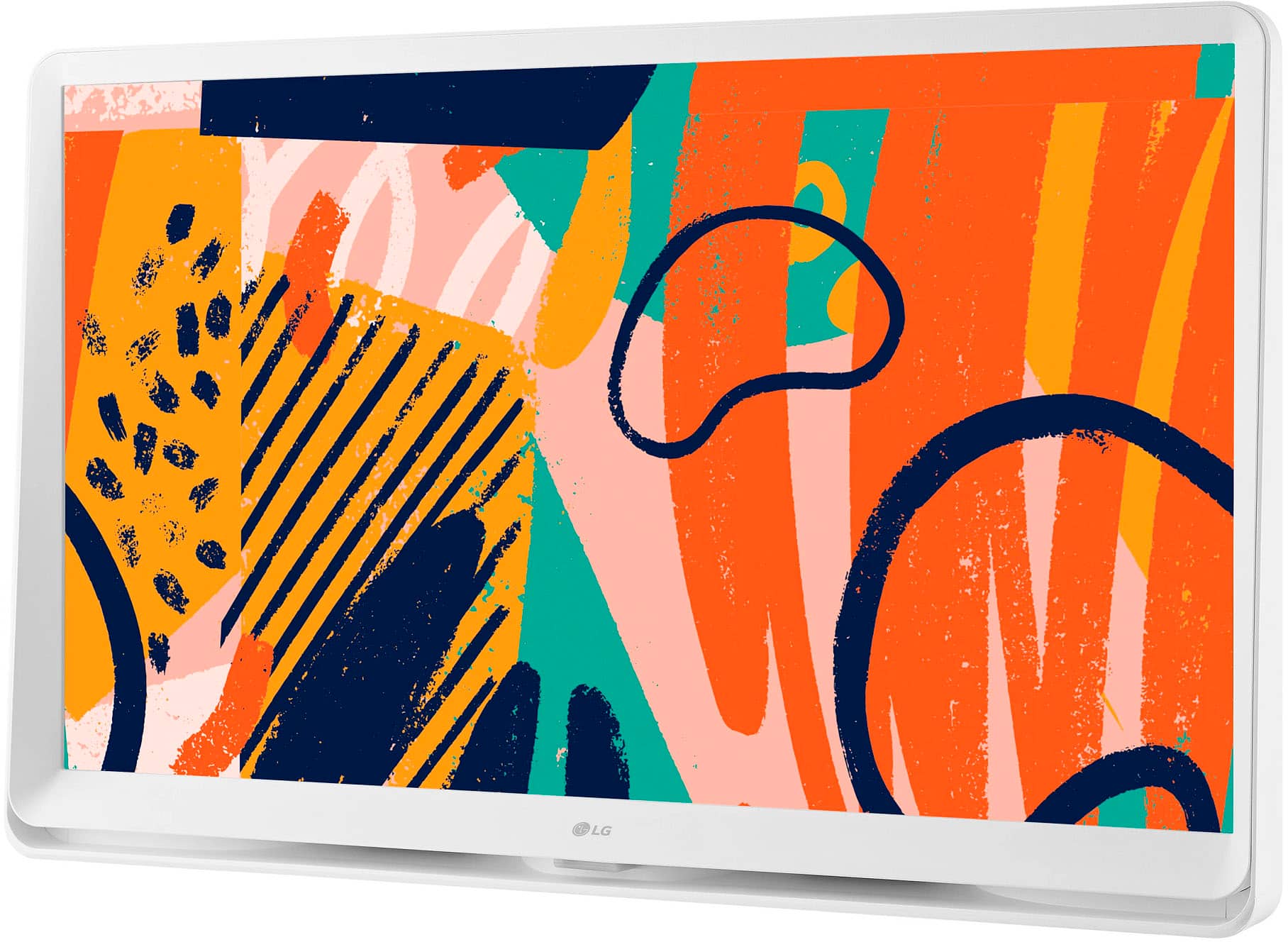
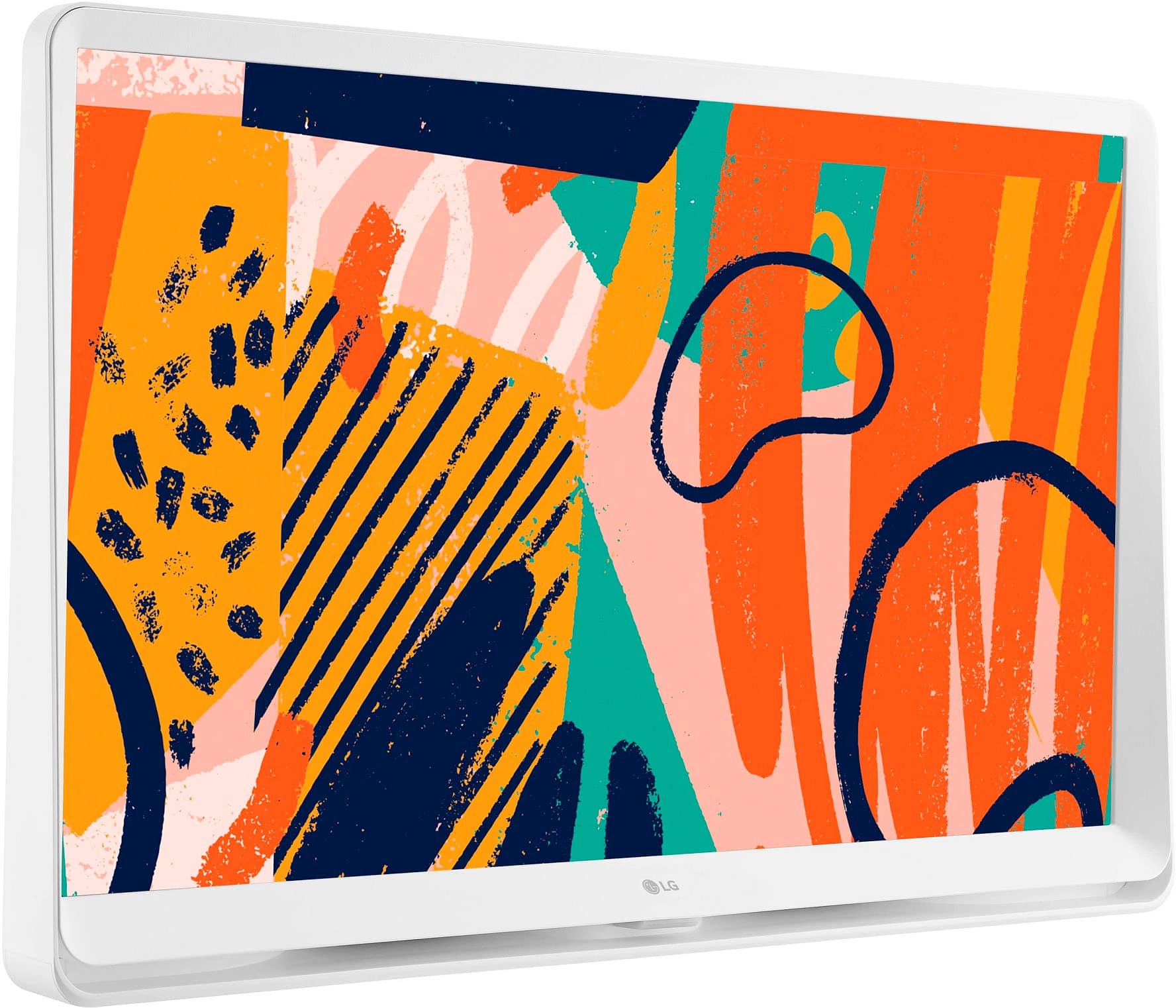
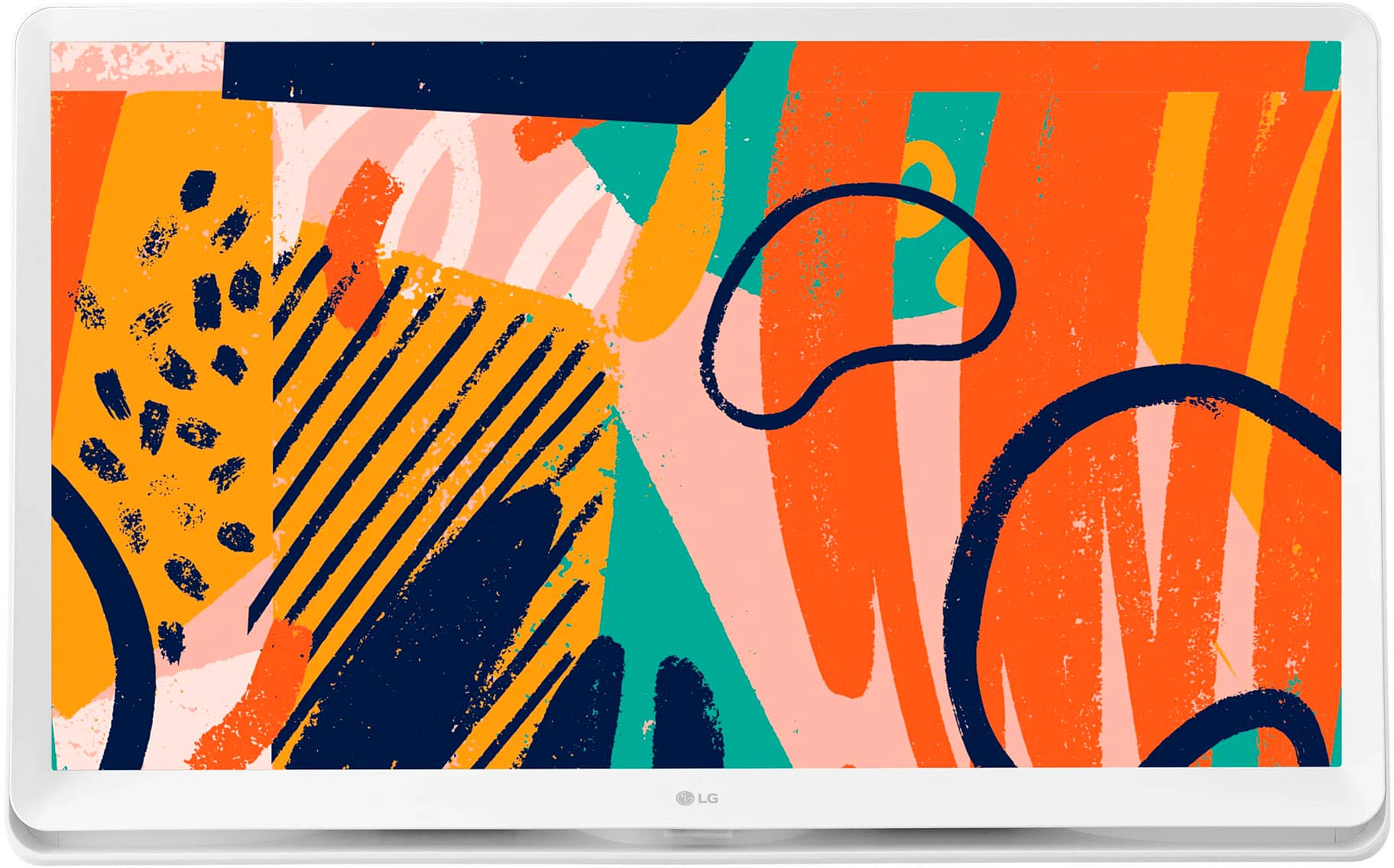
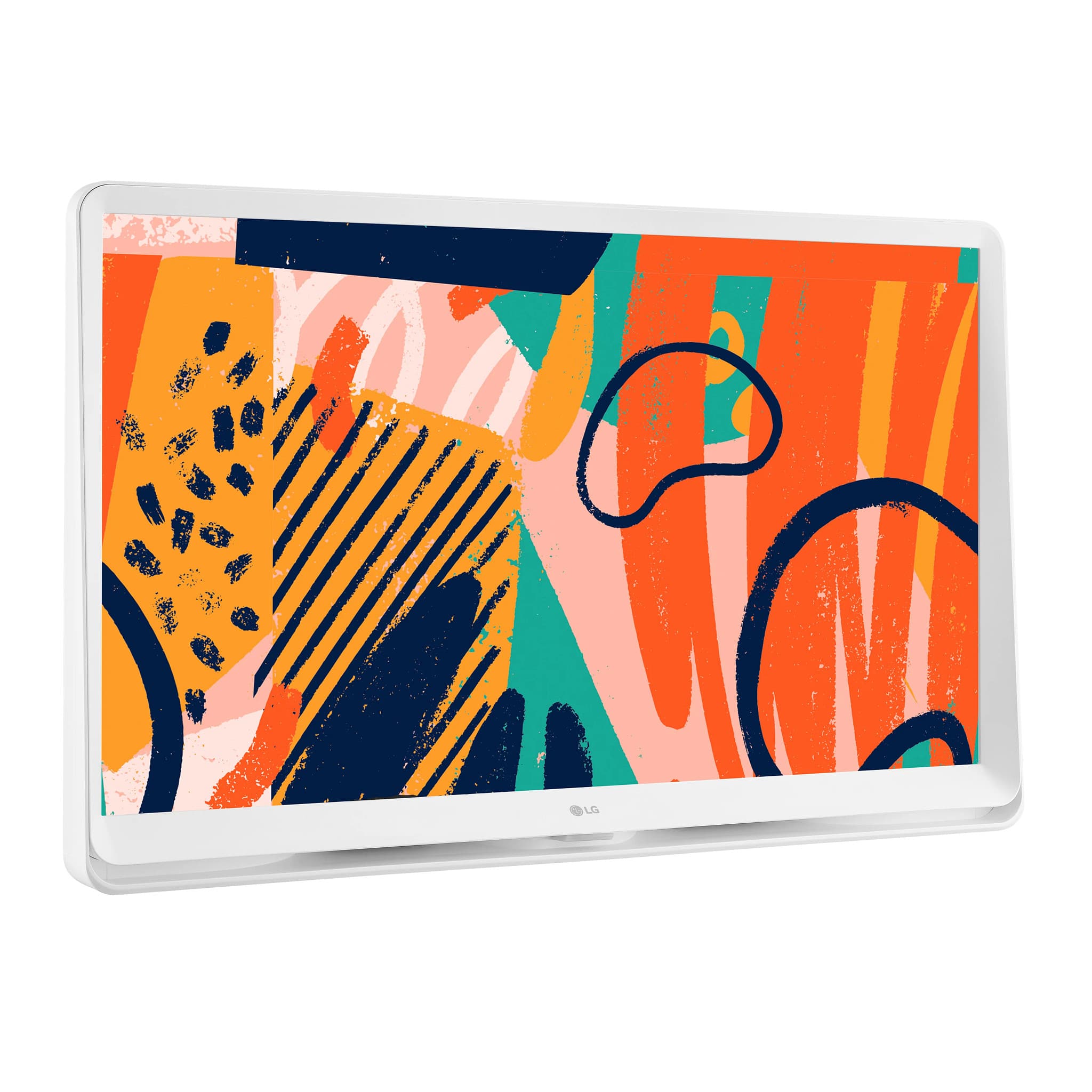
  • QuestionIs the trim around the tv white??

    Asked by Anonymous.

    • Answer Hello there. Thank you for your question about the trim of the 27LQ600S-WU TV. Yes, the trim around this model is white, giving it a sleek and modern appearance that can complement a variety of room styles. If you have any more questions or need further assistance, please feel free to send us a private message on Social Media @LGUSSupport. We’re here to help with any additional information you may need. Thank you for choosing LG! —Avril

      Answered by LG Digital Customer Care