A:AnswerPlease reach out to our technical support team via private message on Facebook @LGUSSupport and use #VOC in your first message to our social media support team or call at 800-243-0000. Also, be sure to provide your contact information, model/serial numbers and date of purchase. ^Daphane
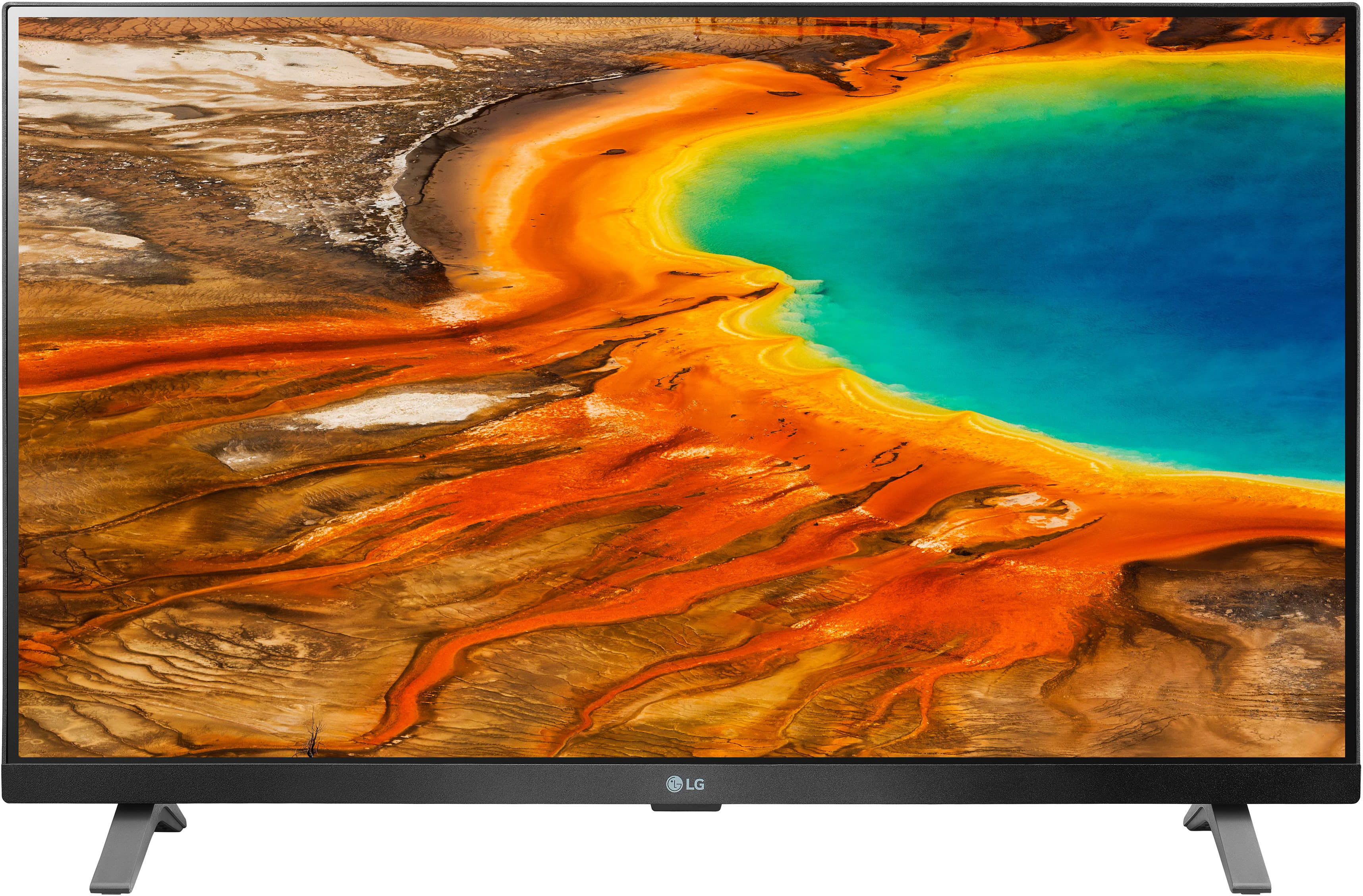
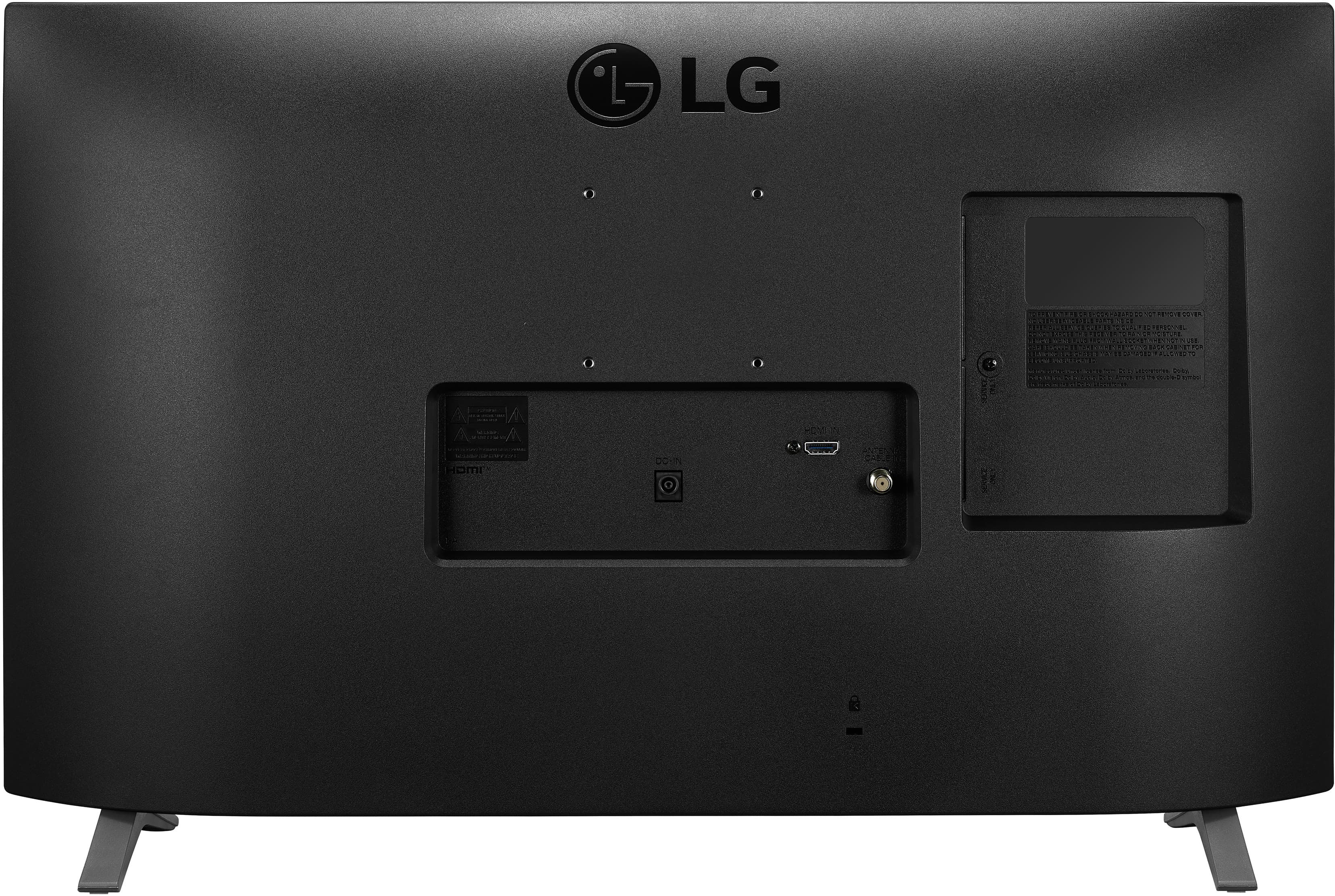
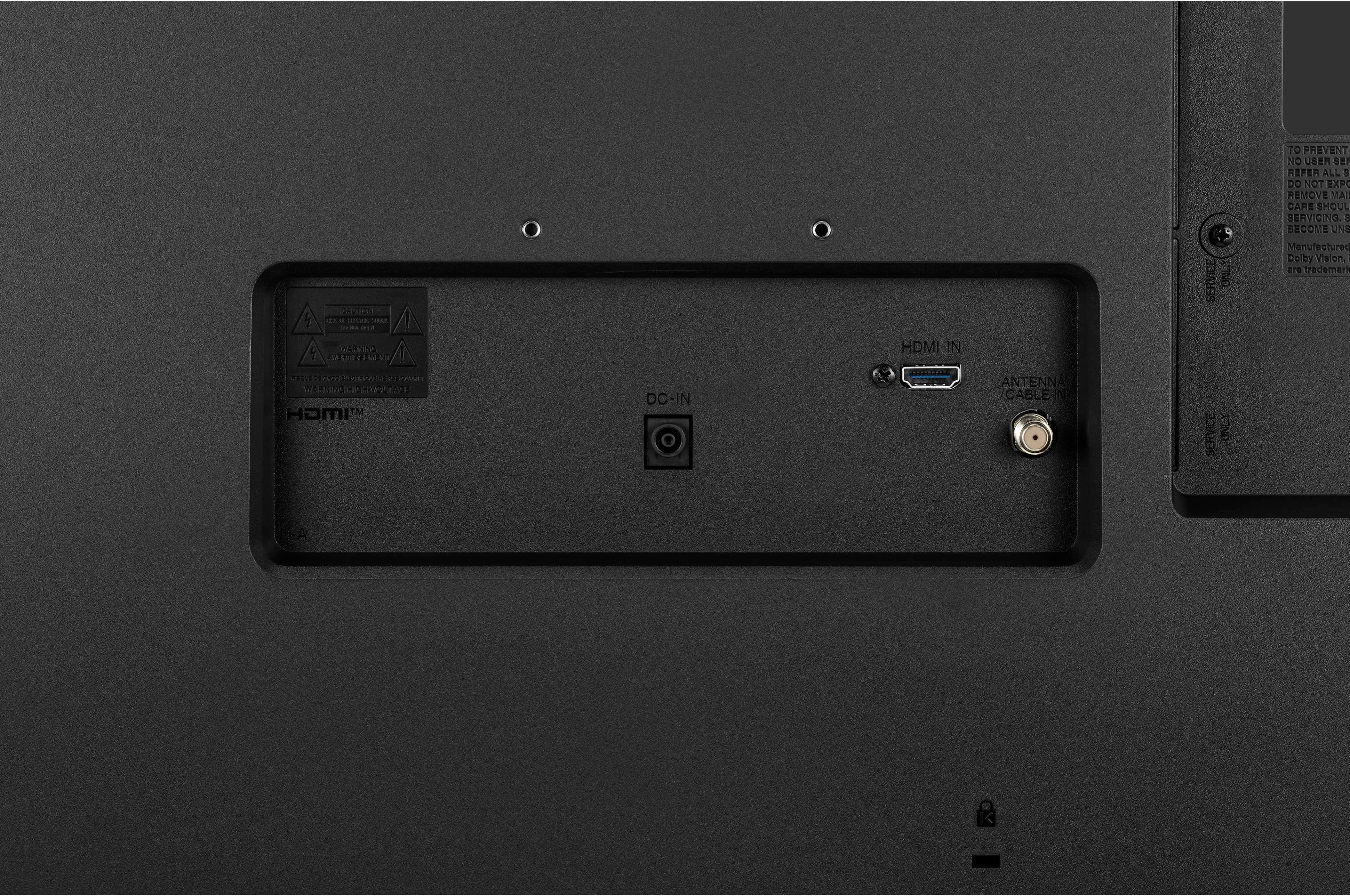
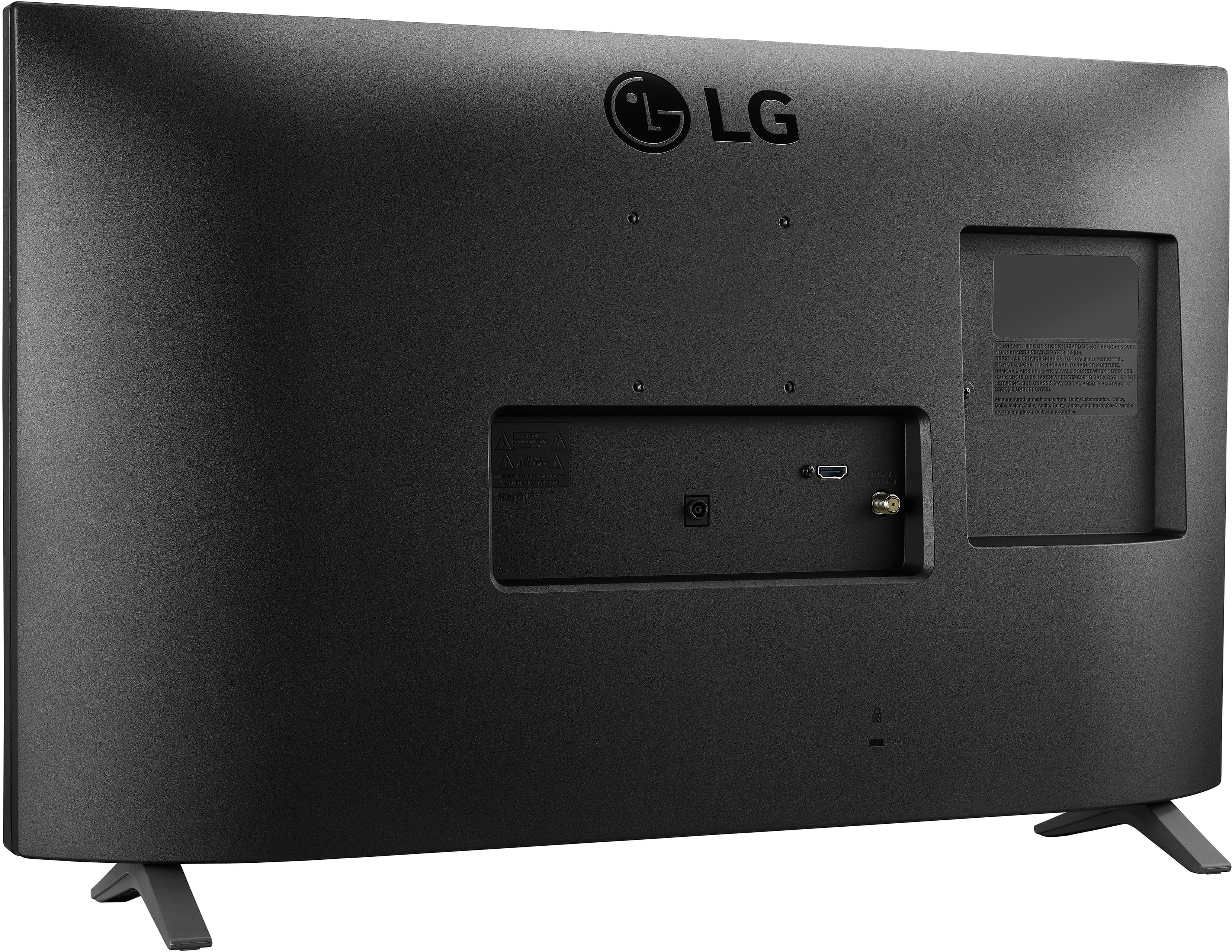
A:AnswerModel 27LP600B-PU has (1) HDMI input. So without the additional of a display splitter. The 1 input will not support both external devices. ^Daphane
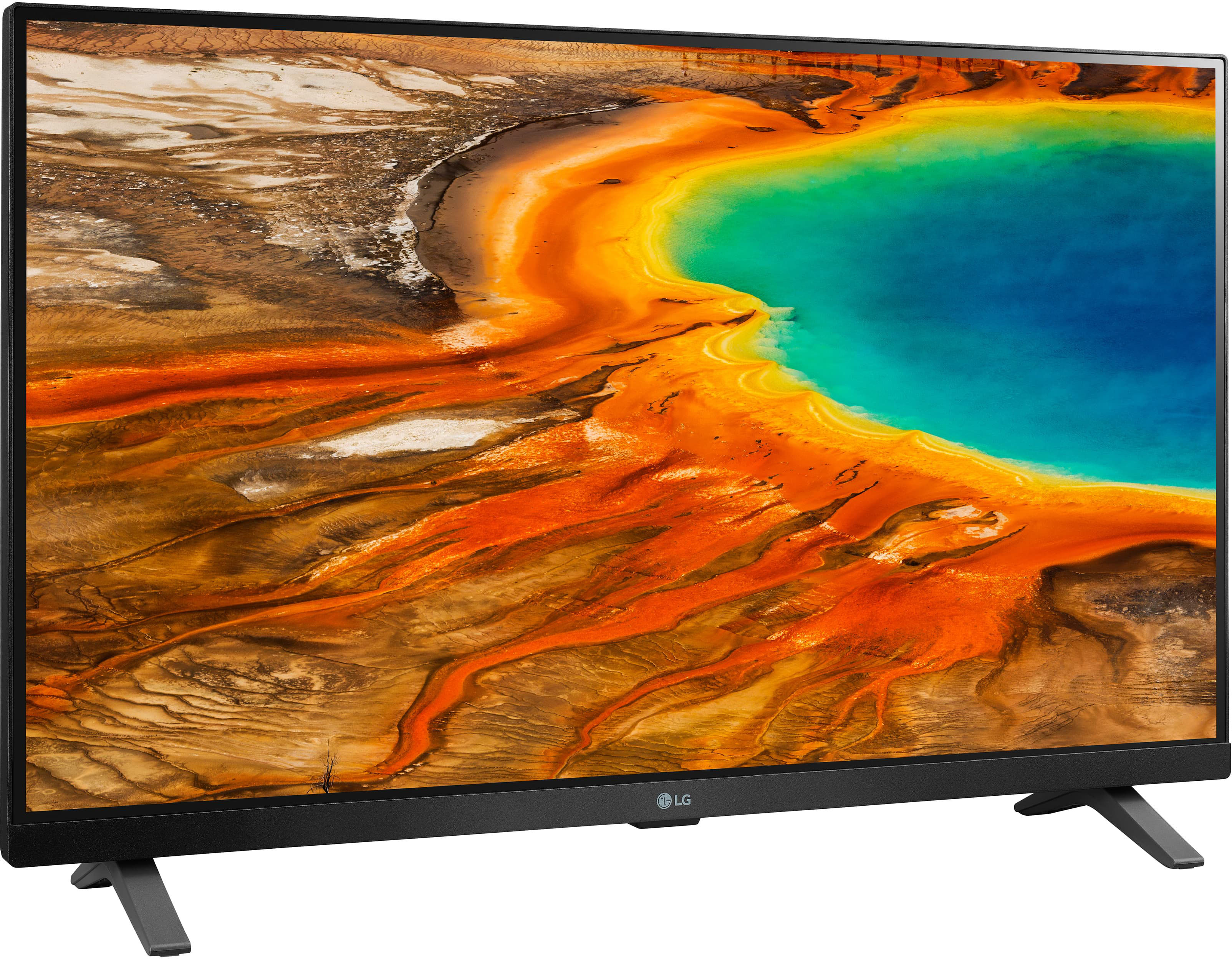
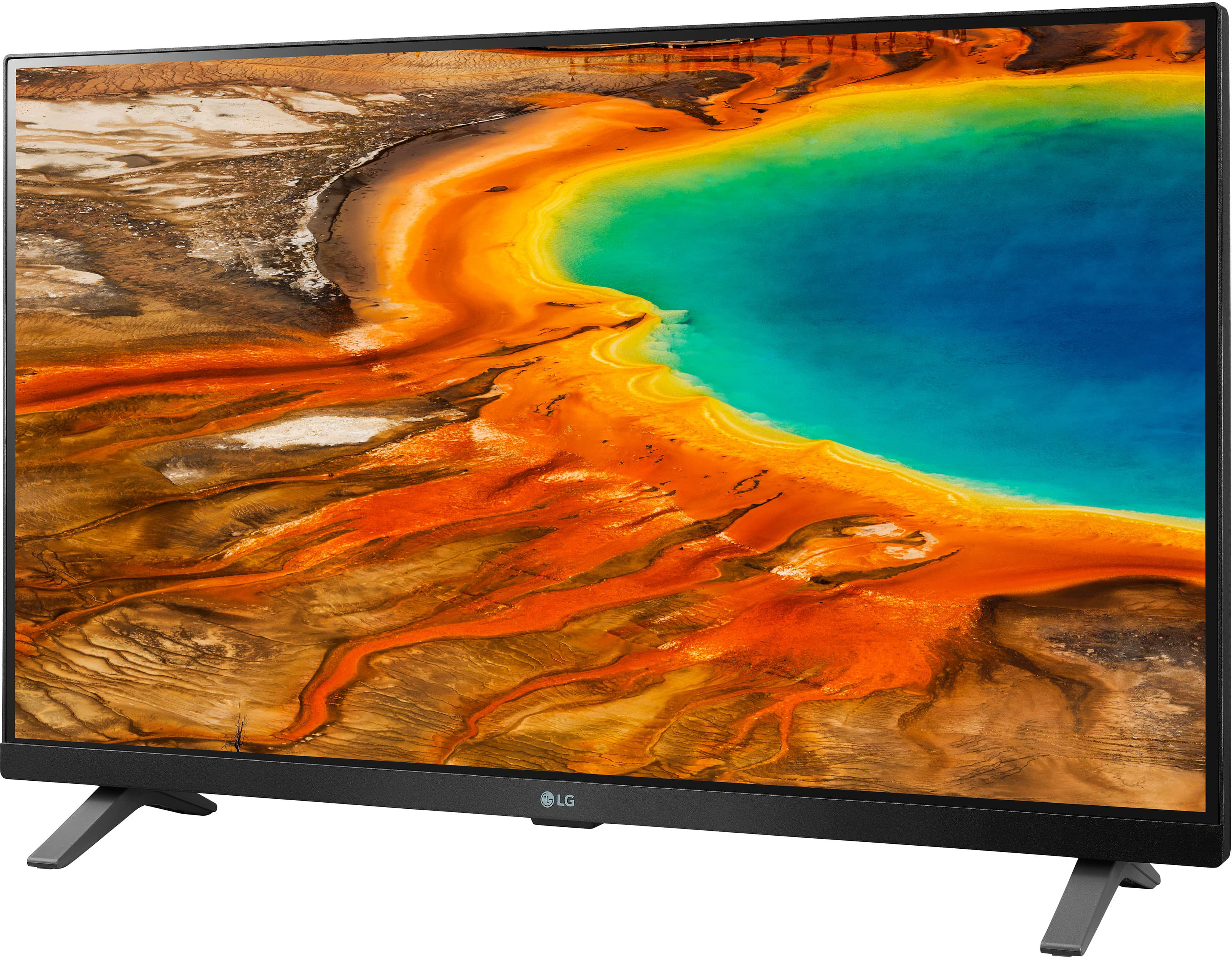
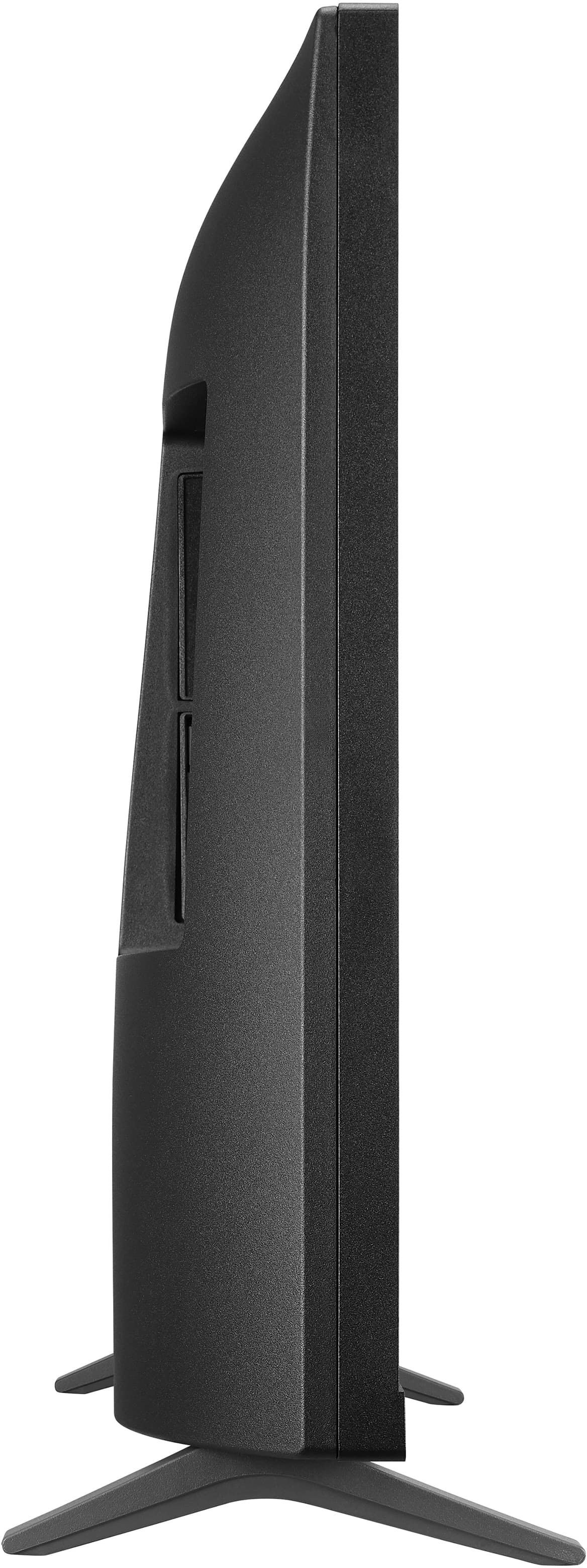
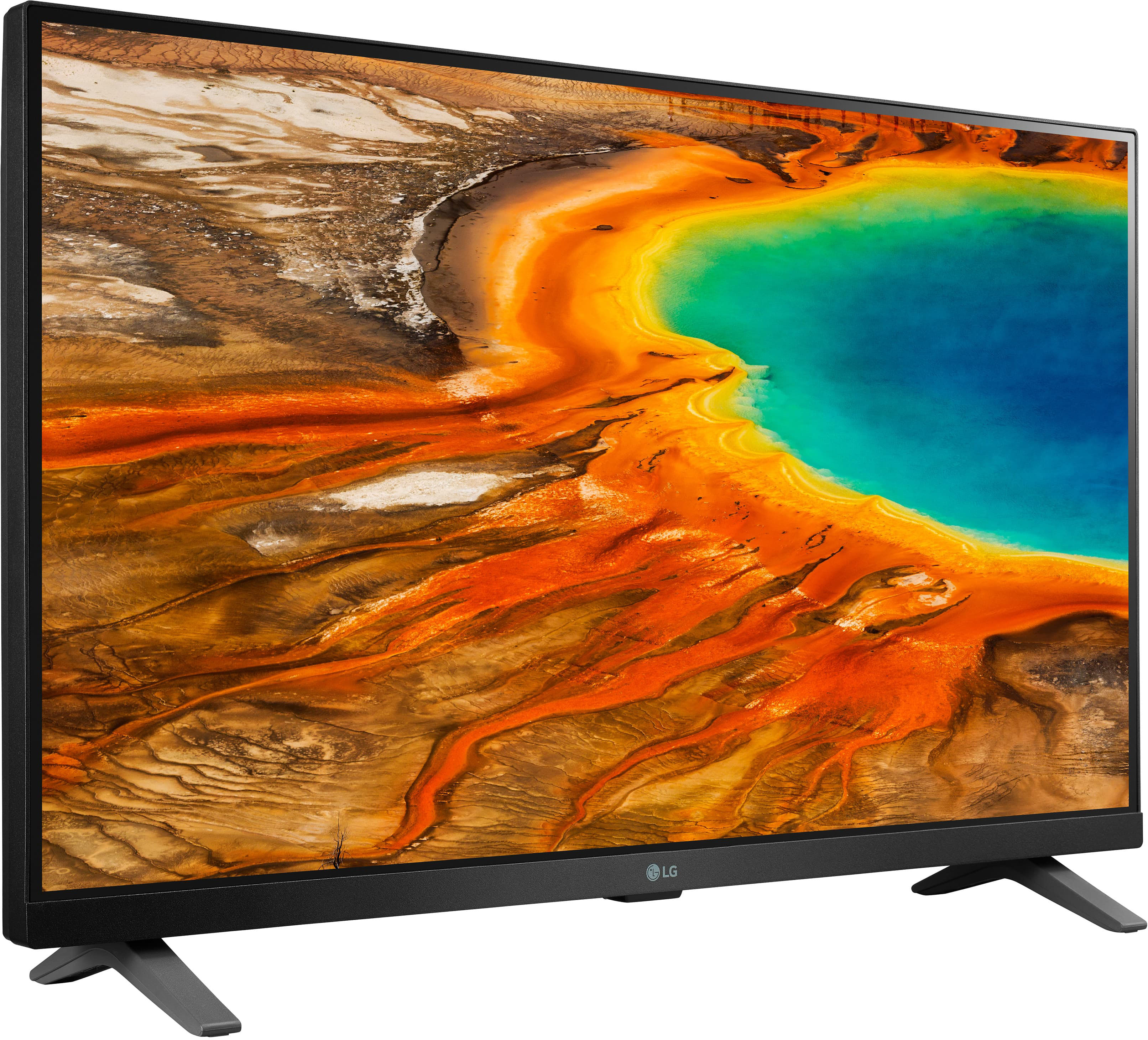
A:AnswerModel 27LP600B-PU measures 27" diagonally. The TV dimensions with the stand are 24.1"W x 15.5"H x 5.9"D, https://www.lg.com/us/monitors/lg-27lp600b-p-ips-monitor. ^Daphane
A:AnswerHello Vanessa~ What Specific/Exact Cords/Devices do we need in order to turn this LG TV into a Monitor compatible with our 2020 M1 Macbook Pro 13" as you say it can be a monitor & we have tried some options that did NOT work. This TV only has 1 HDMI port & it is in use for our FireStick as this is the ONLY way we can watch ANY Streaming media and it has 1 USB port on the back of it but it is non functional. LG said the LG DVD player/writer we bought was compatible with it & yet it is Not. Anyone who has Viable workable 'how to' make this tv a monitor OR how to CAST/Mirror Apple Apps like Pages to it, PLEASE feel free to share here. At this point we dont see this tv as much good for anything other than streaming media. Thank you!
A:AnswerWorks good for my roku. Has the auto turn on when the roku turns on. My only complaint with that is if the tv is turned on using the roku, the tv enters store mode and displays the tv features across the bottom of the screen.
A:AnswerPlease reach out to our technical support team via private message on Facebook @LGUSSupport and use #VOC in your first message to our social media support team or call at 800-243-0000. Also, be sure to provide your contact information, model/serial numbers and date of purchase. ^Daphane
A:AnswerIt will not support a sound bar. It only has 1 HDMI connection and no optical audio connection. A few questions below this is asked again. Daphane answers it correctly on that one.
A:AnswerPlease reach out to our technical support team via private message on Facebook @LGUSSupport and use #VOC in your first message to our social media support team or call at 800-243-0000. Also, be sure to provide your contact information, model/serial numbers and date of purchase. ^Daphane