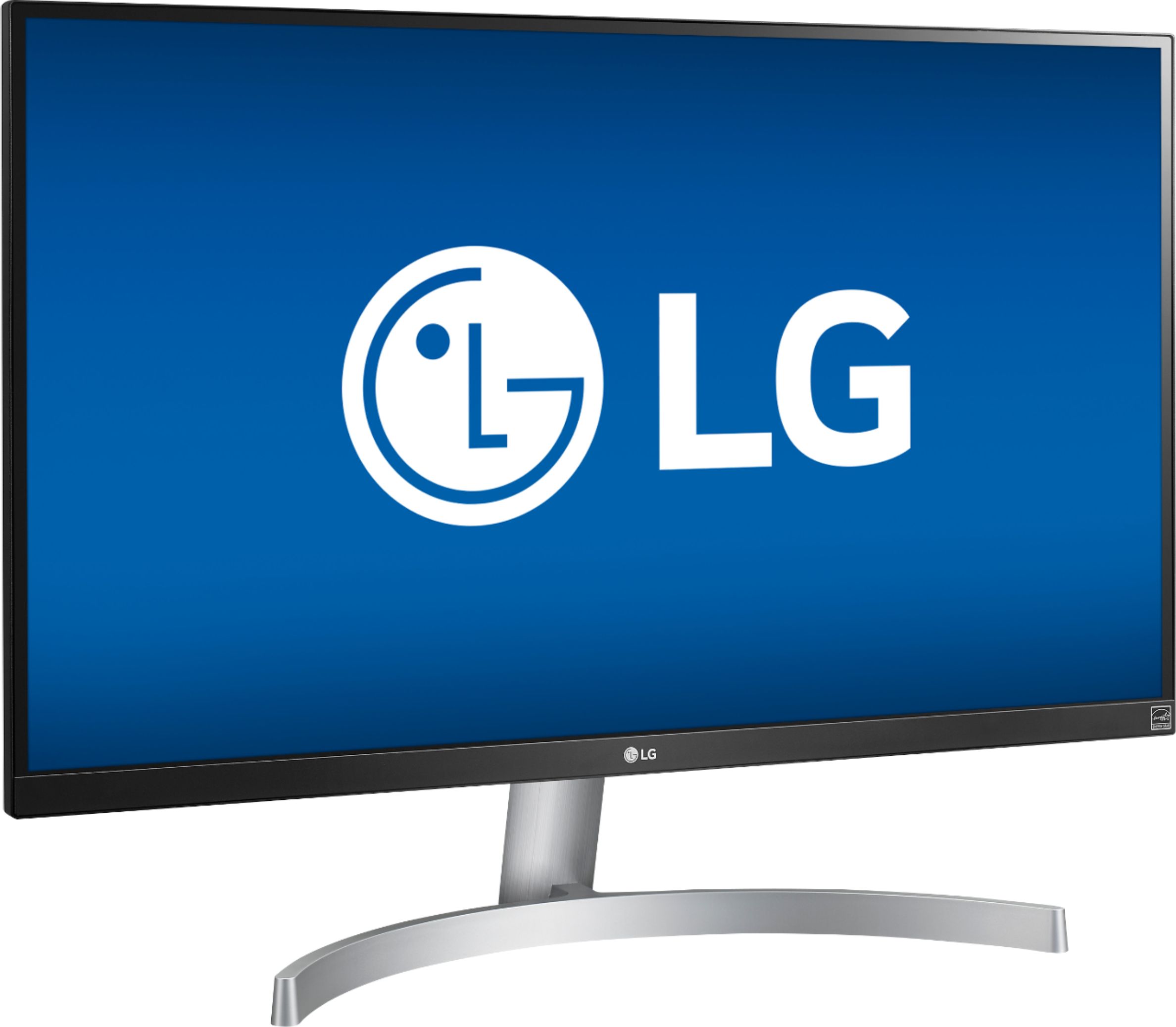
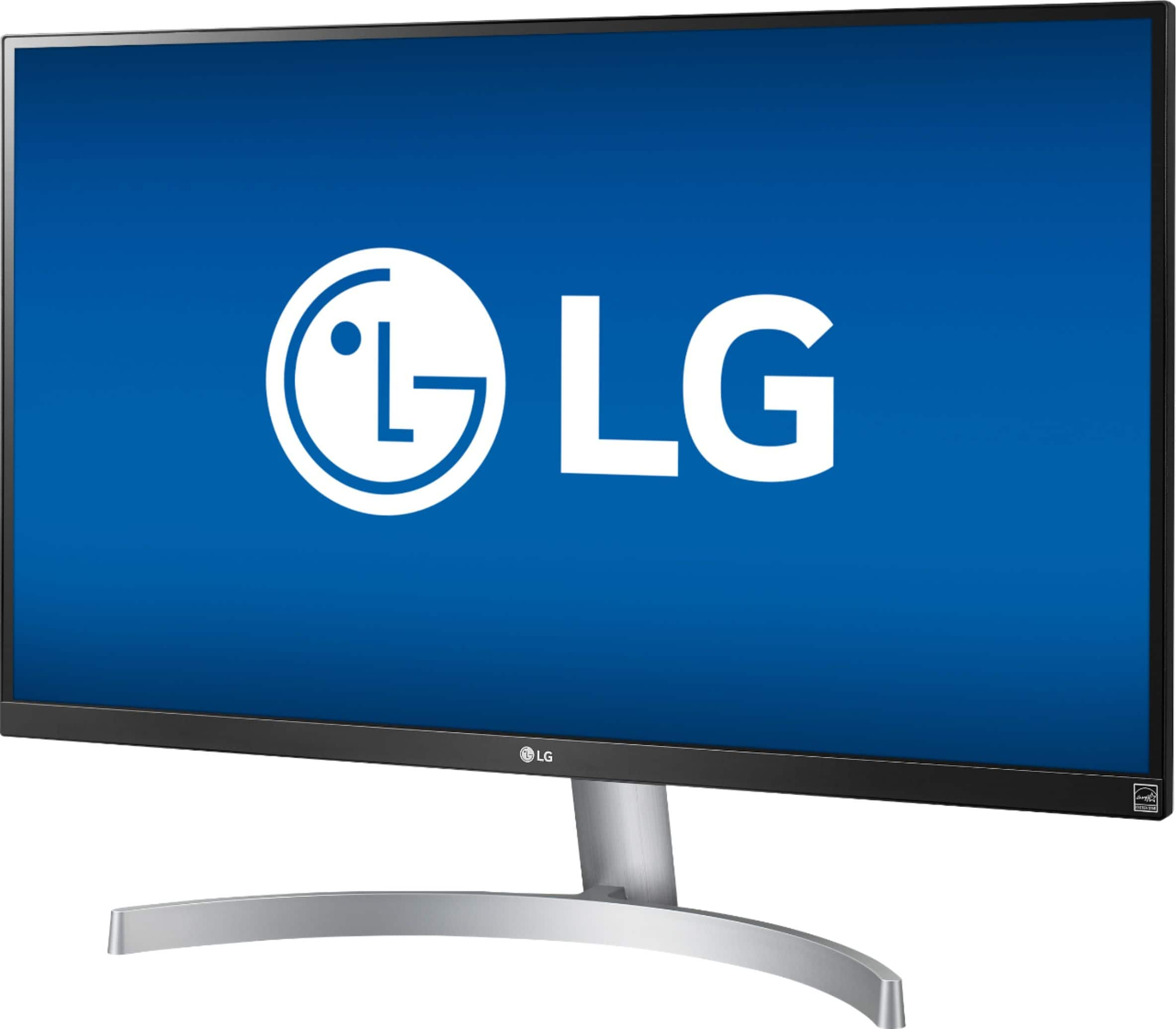
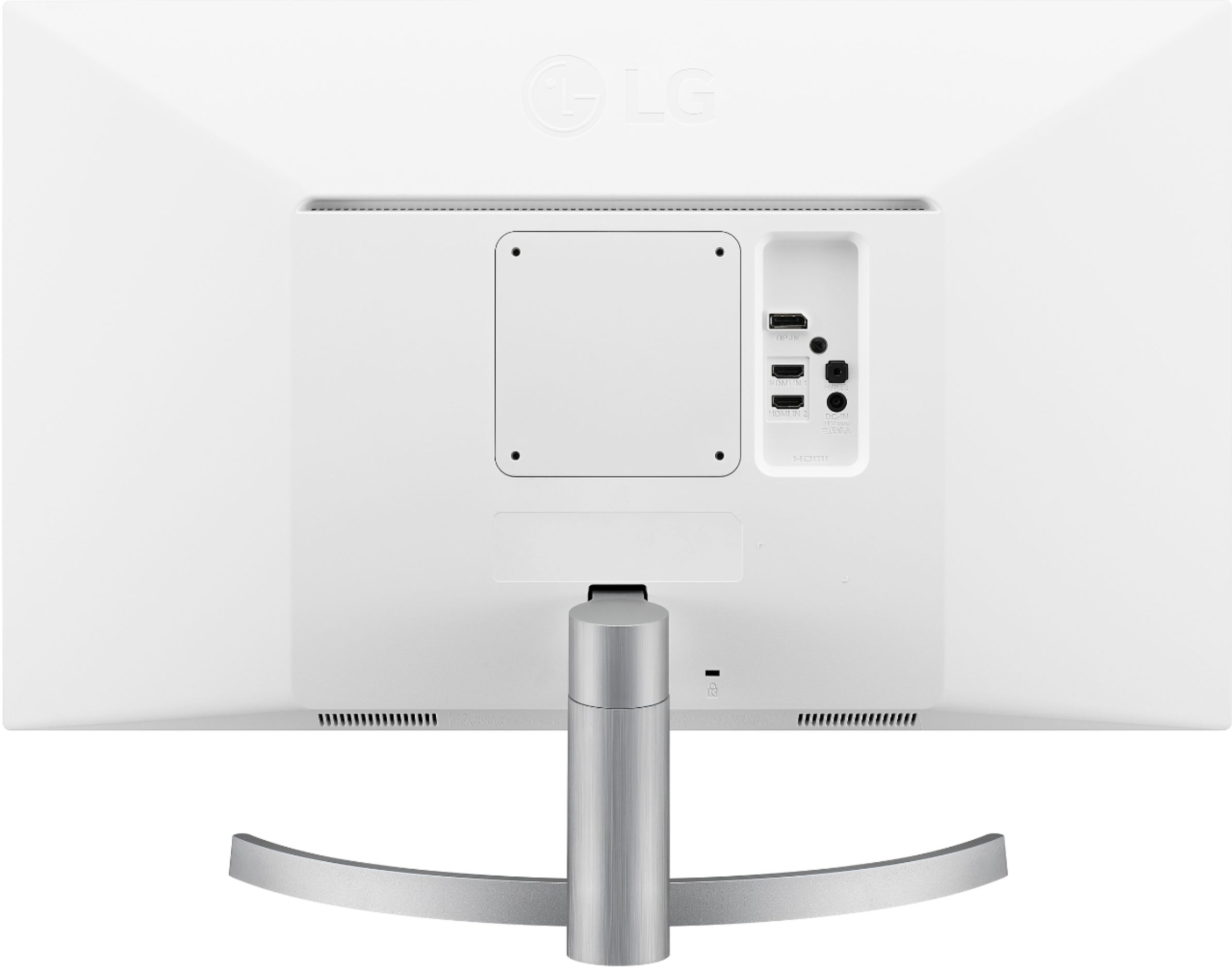
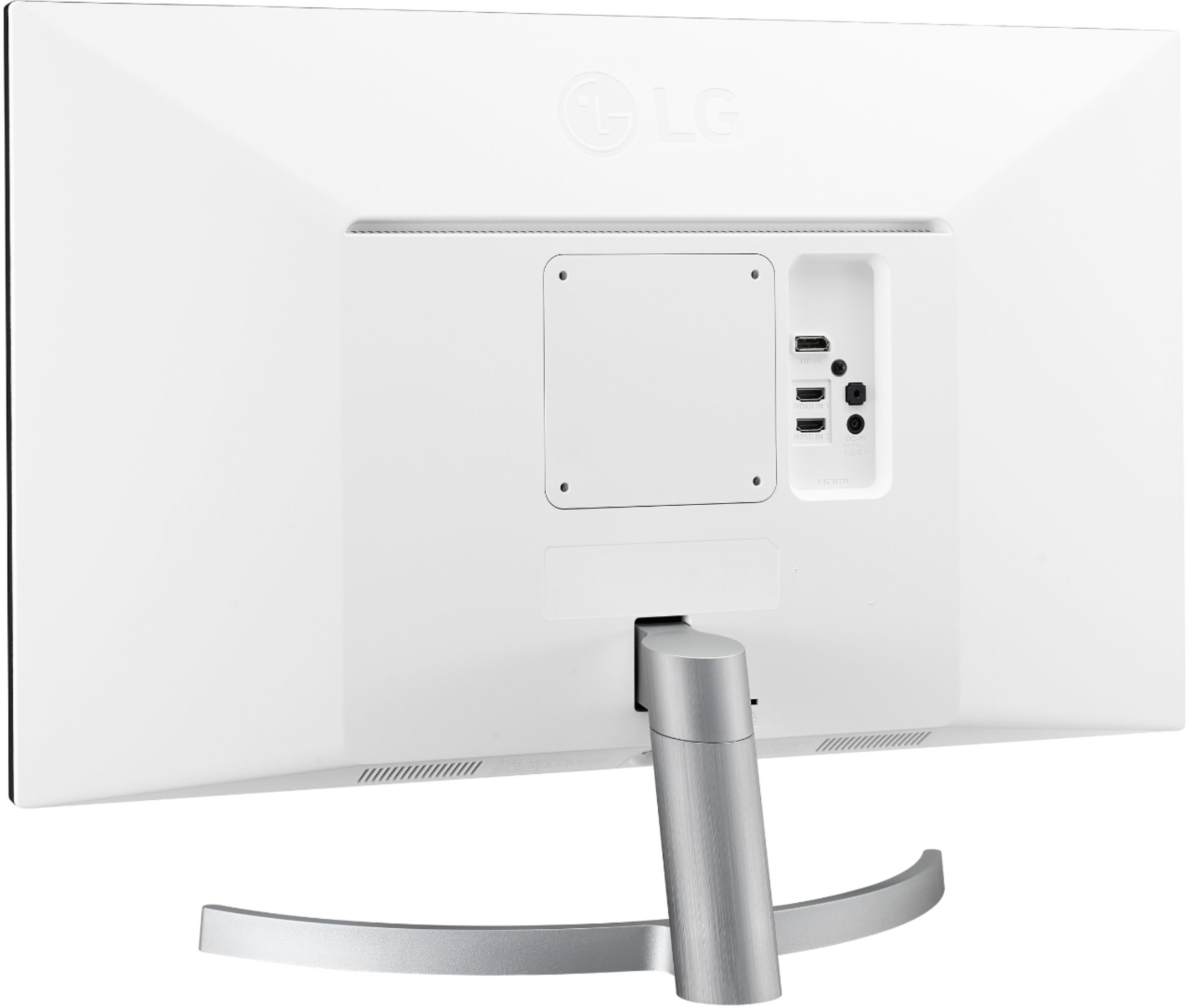
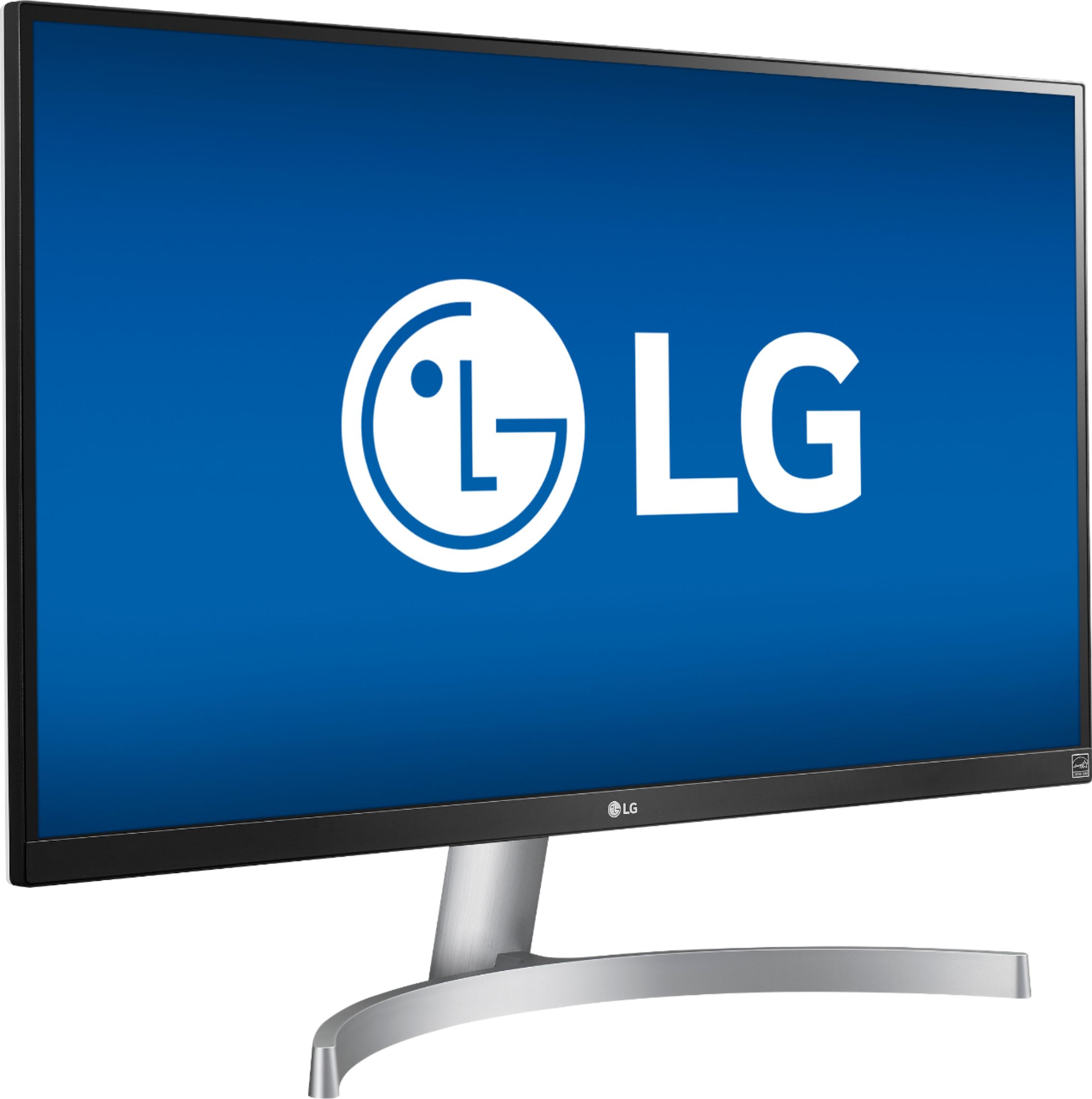
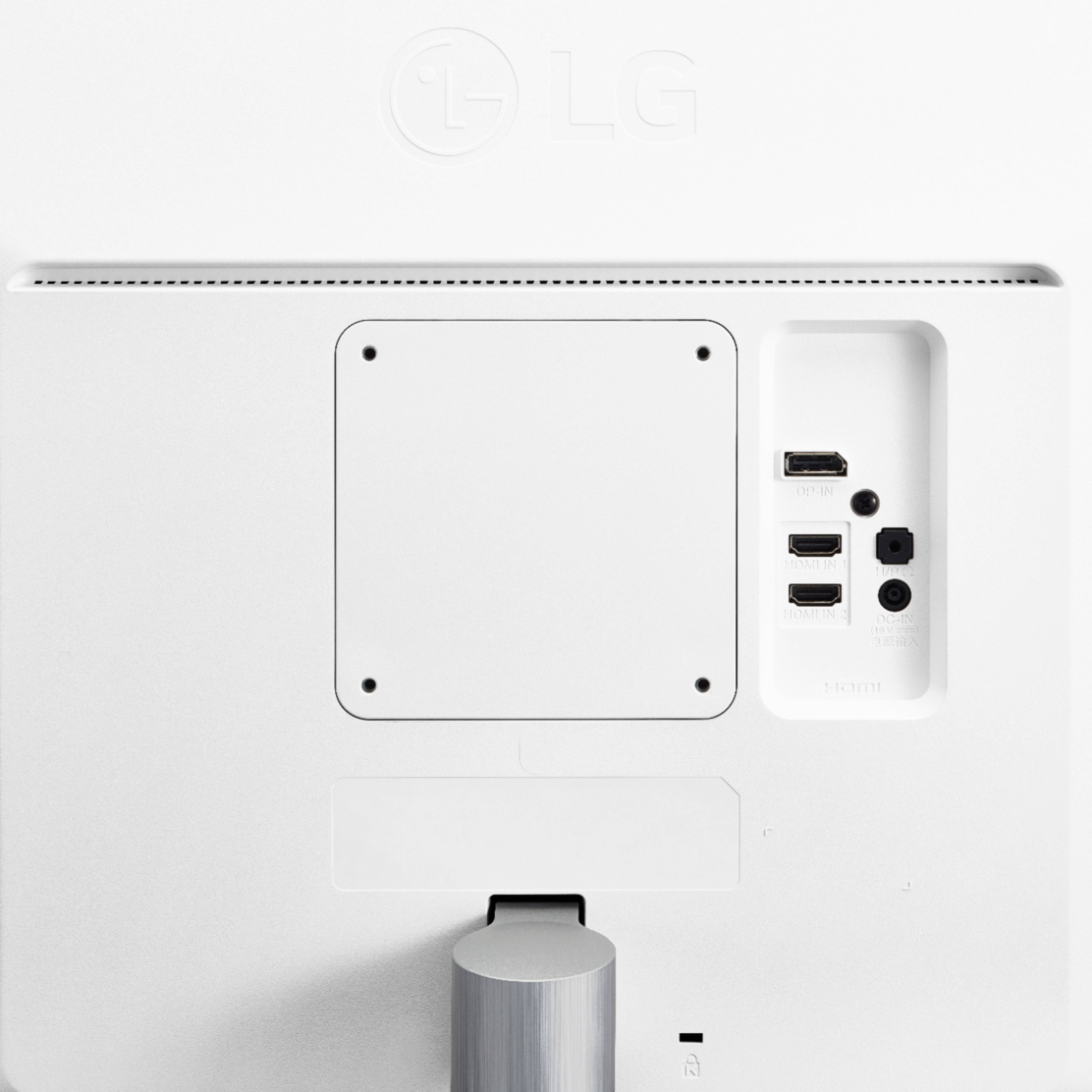
A:AnswerThe 27UK600-W is a Plug and Play monitor so you do not need to install drivers for it. It has 2 HDMI ports on it & a DisplayPort so depending on what connections your laptop has, you may or may not need adapters to make the necessary connections. ^CP
A:AnswerThis is the case for me as well. It'll turn on and off automatically if I don't change sources, but it won't switch. I'm not sure what the workaround is. I don't mind turning it on and manually switching inputs, but I agree that it's ideal to have it switch automatically.
A:AnswerYour best option is to purchase a USB-C adapter with an HDMI output. Best Buy sells one made by Apple: https://www.bestbuy.com/site/apple-usb-c-digital-av-multiport-adapter-white/6604198.p?skuId=6604198
There are other brands out there, as well. A docking station would work, but the adapter is more portable in case you want to take it on the go or use it in a different room.
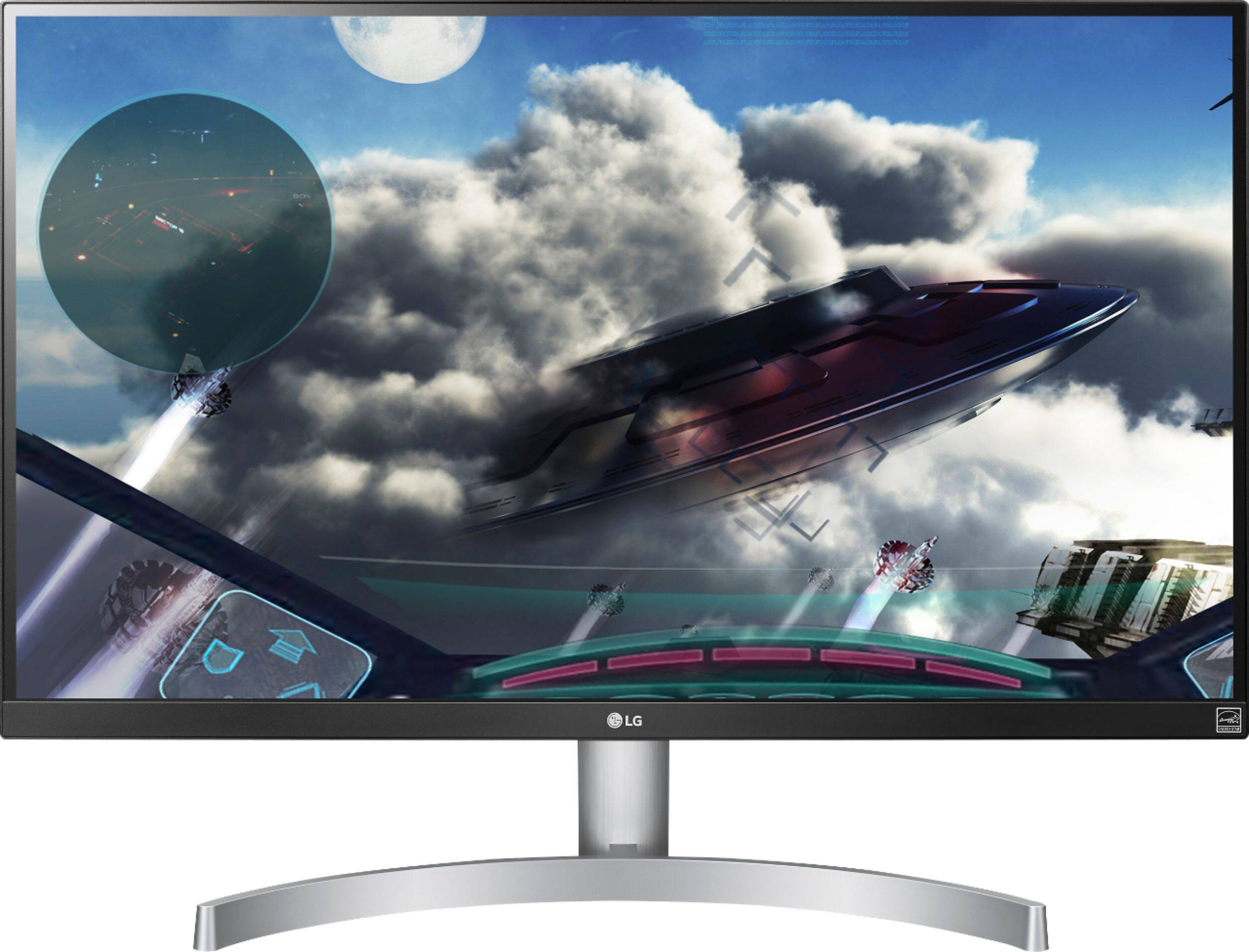
A:AnswerNot to the extent that you're probably experiencing on your OLED tv. 4k or OLED isn't optimal for gaming in FPS competitive shooters due to the increase of graphics. The OLED TV should have a gaming mode. This LG gaming monitor has different settings such as FPS mode, Racing Mode, etc. for different games. You can also customize settings separately in the settings as you please. I personally don't have any of the automatic modes on. I keep everything on off and default for gaming. When I am watching movies or using the computer, I have the extra settings on.
A:AnswerWe would be happy to have one of our computer specialists walk you through utilizing the Bios with your monitor. Please contact a computer specialist by calling 800-243-0000. ^CP
A:AnswerYes, this is specifically what made me buy this monitor because I use it with an XBox One X. It even comes with a high speed HDMI cable that supports 4K HDR.
A:AnswerSimple Answer: Yes.
Long Answer: You will be able to use FreeSync with any HDMI 2.0-enabled devices as long as the Source Device supports FreeSync through its own HDMI 2.0+ port.
A:AnswerI haven't used it but I believe there is an option I seem to remember something about it when I was setting it up I'm using external speakers myself.