A:AnswerTom, I had a heck of a time trying to download the driver and instruction manual fron the cds that came with this monitor. Later I went online, found the instruction manual, and found out that none of this was necessary. This monitor has a plug and play feature, and all that I needed to do was make the connection, plug it in and turn it on. I was so happy after a good deal of frustration. I don’t know anything about hdr or hdr10. It may be one of those things that you don’t have to worry about.
A:AnswerYes it will, perfectly if you use the right cable (recommend an active TB3 to DP cable). Can't comment on the HDMI option but I would recommend using the DP option unless you need all available TB ports for other purposes.
A:AnswerIt will be hard to figure out your issue without seeing it in person. The problem sounds like it is in the Xbox settings. I have my own Xbox One X hooked up to this exact monitor, and it works great. Try to look in your Xbox display settings, and enable 4k HDR content. Maybe look up a youtube video where they explain how to do it.
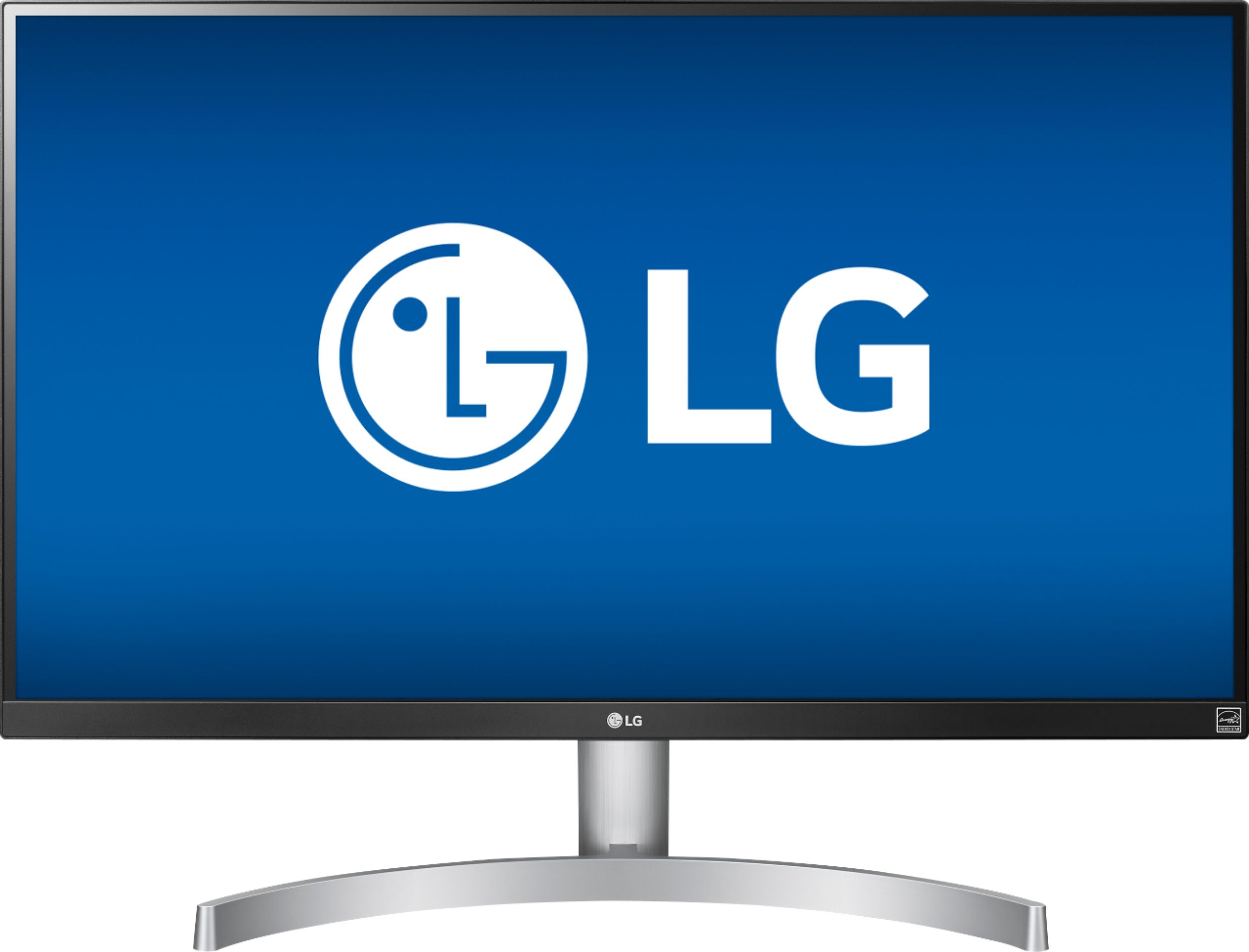
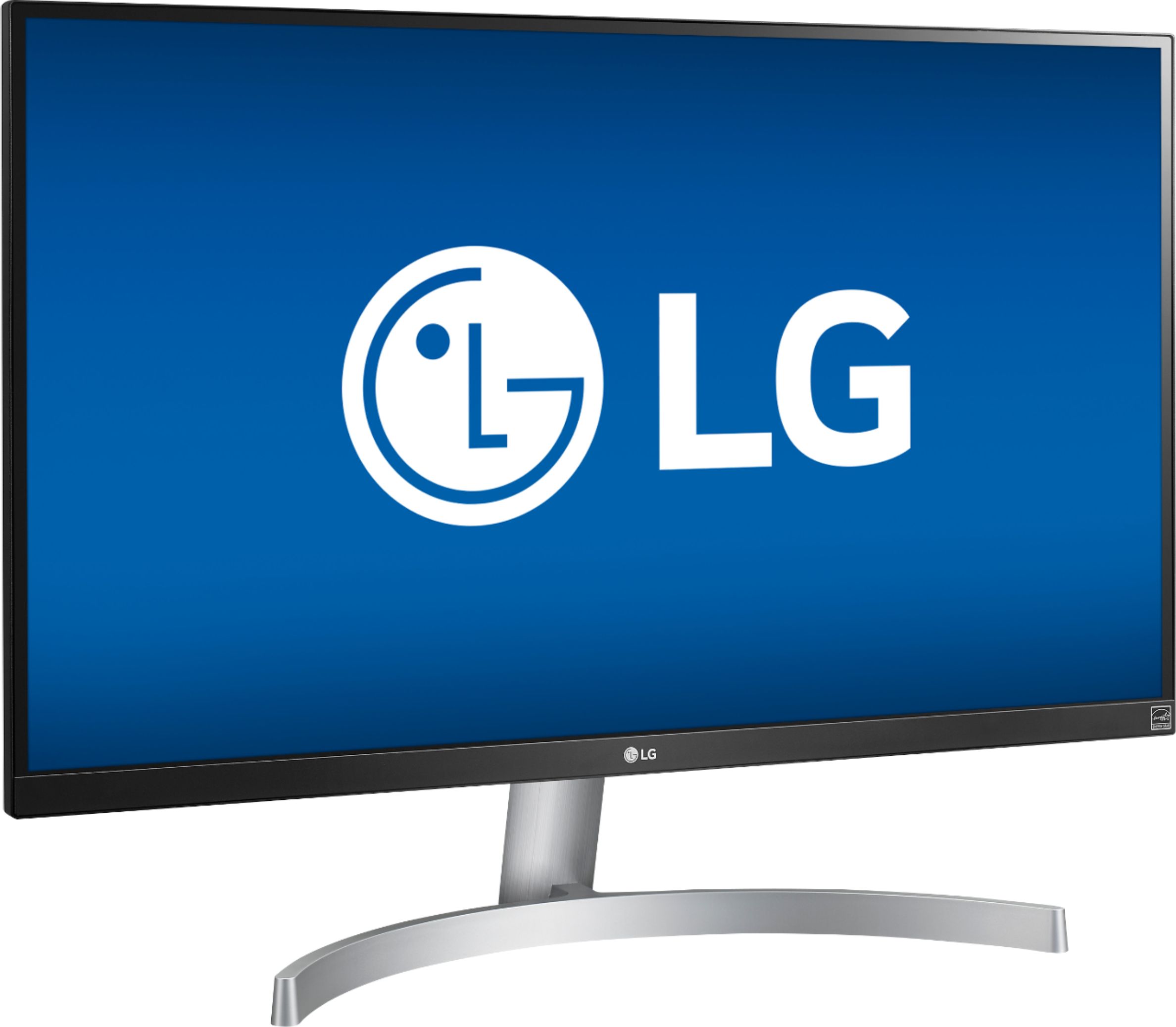
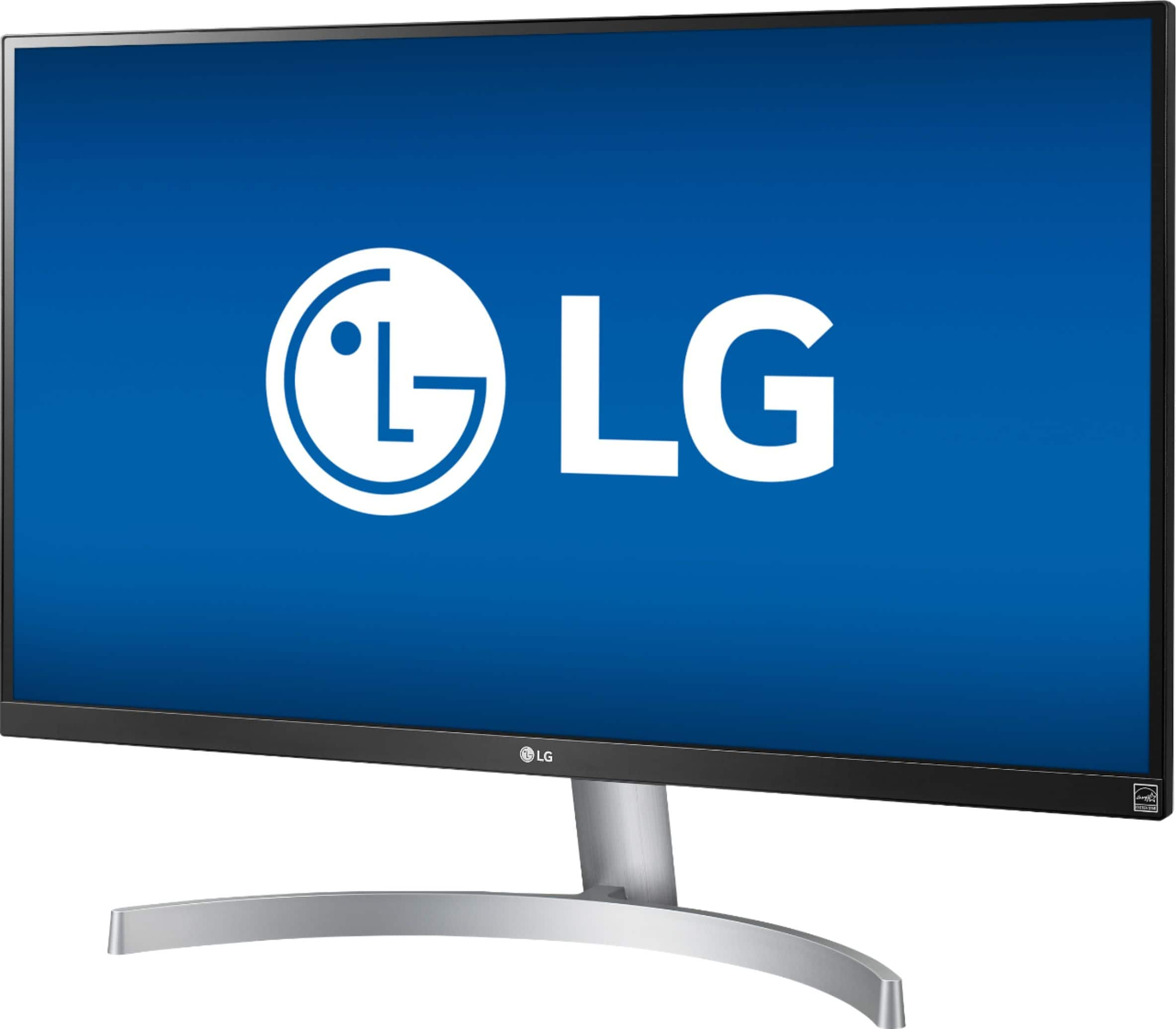
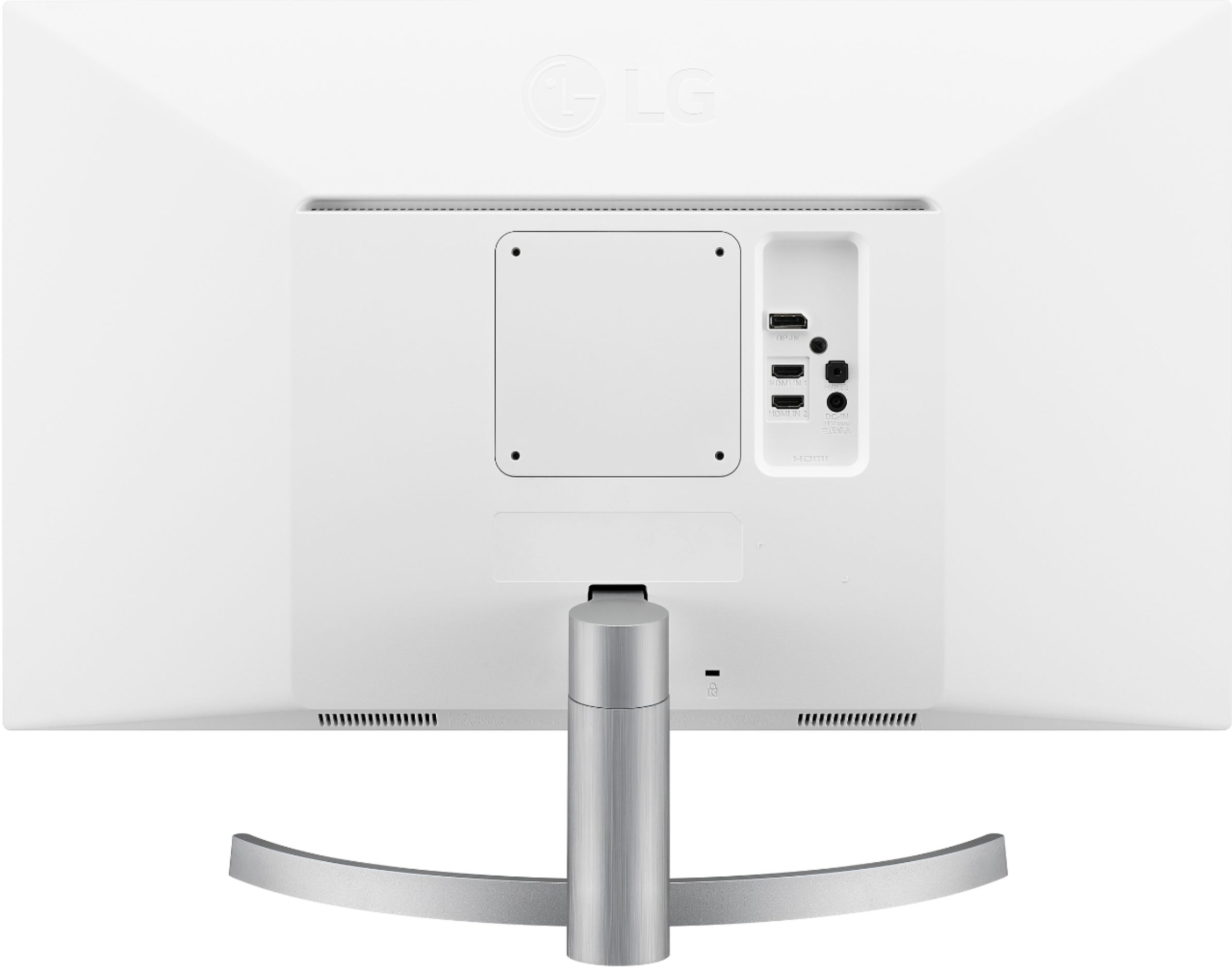
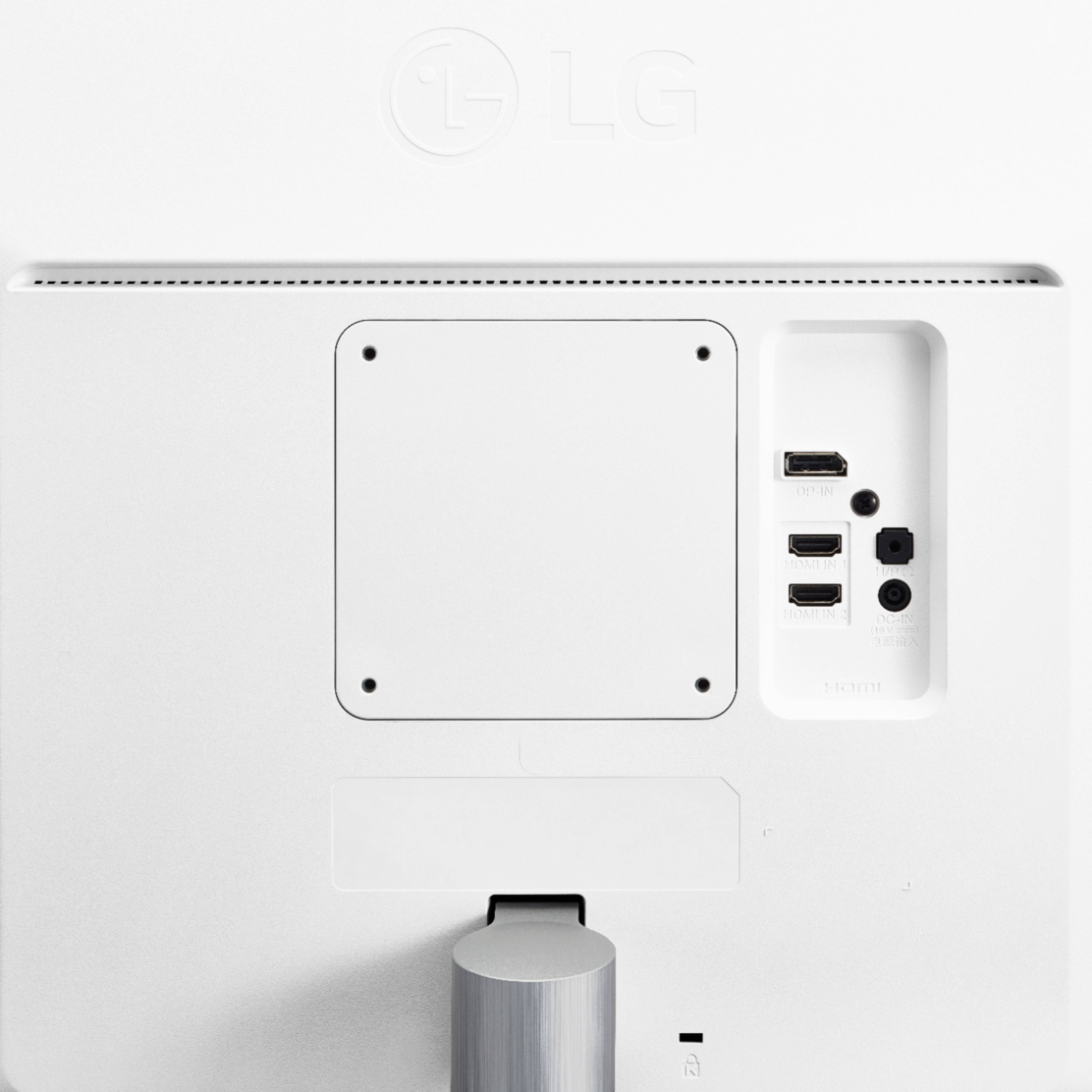
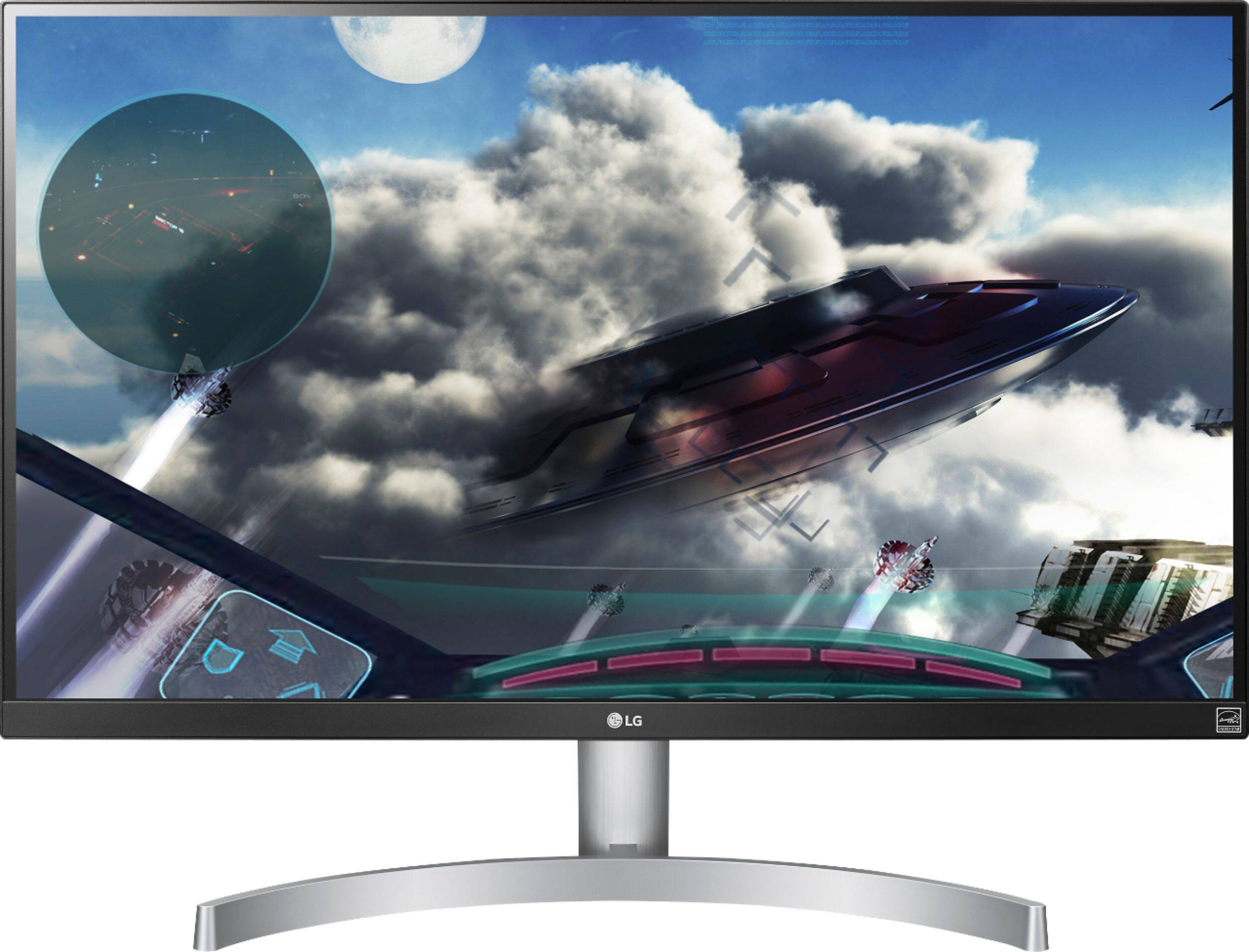
A:AnswerThe LG 27" Class 4K UHD IPS LED Monitor with HDR 10 (27" Diagonal), Model # 27UK600-W has a native resolution of 3840 x 2160 @ 60 Hz and supports HDR10. Both HDMI ports on the monitor support HDR and both are HDMI 2.0 ports and are HDCP 2.2 compliant. This monitor can be used with any device that has HDMI ports that are HDCP 2.2 compliant...^IFV
A:AnswerA GTX 670 is not suitable, performance wise, for gaming at 4k. You might get a few games to run if you turn down all of the details, but don't expect playable results.
Should work fine for regular desktop use.
If you're planning to connect the display using HDMI, you will only be able to achieve 30 Hz at 4k. 60 Hz requires HDMI 2 which that card doesn't support. Displayport or dual DVI-D should be able to provide 60 Hz.
A:AnswerYes, the monitor will Auto-Shutdown when an active source isn't detected.
You might be able to change this in the settings. But I'll be honest, the monitor came with the Auto-Shutdown already on.
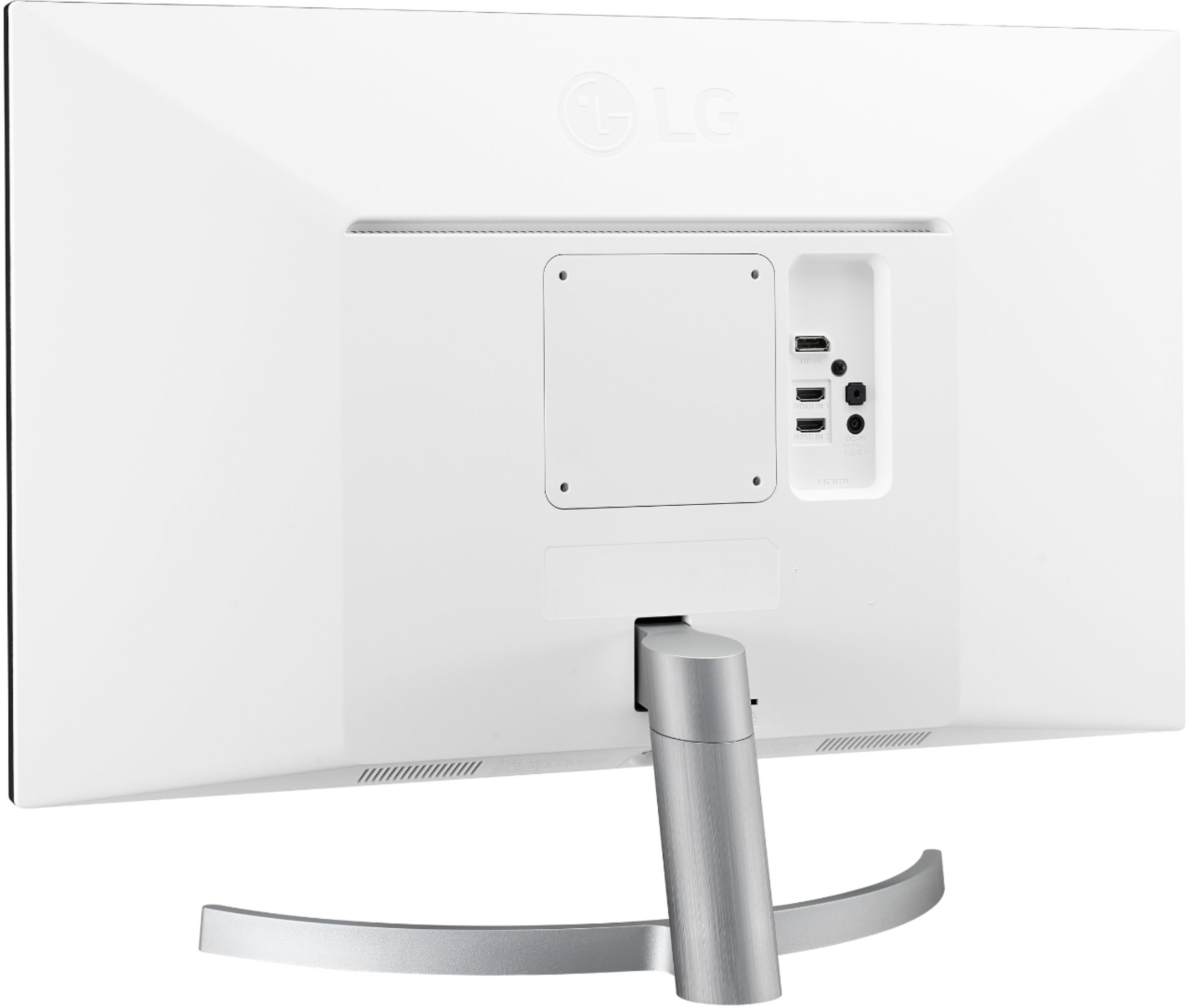
A:AnswerNo internal speakers, but it does have a standard 3.5mm stereo jack input on the back if you want speakers connected directly to the monitor as opposed the computer/console. I use mine for both PC and Xbox One X, so I just use standard desktop speakers plugged into the monitor.
A:AnswerThis monitor absolutely works with Macs as long as they are a model with USB-C interface(s). I bought this specifically for use with my MacBook Pro 15" (Late-2016) and MacBook Air Retina 13" (2018). On another very large online store, I bought a USB-C to Display Port cable for connectivity. This is a thin, simple cable that has no inline boxes or bulk so it works very well for a clean desktop. Using that cable, I get 4K @ 60hz. For whatever reason, it was hit or miss getting 60hz when using a variety of 4K HDMI dongles I had laying around. These dongles all claimed to support 4K @ 60hz but out of three of them, only one actually did. This USB-C to DisplayPort cable, however, works perfectly and I don't have an ugly, unnecessary box hanging out the side of my computer. Buy with confidence. The color accuracy and the consistency in panel backlighting is excellent. My MacBook display is hardware calibrated and the LG matches it right out of the box - so well in fact that I didn't even bother creating a profile for it.