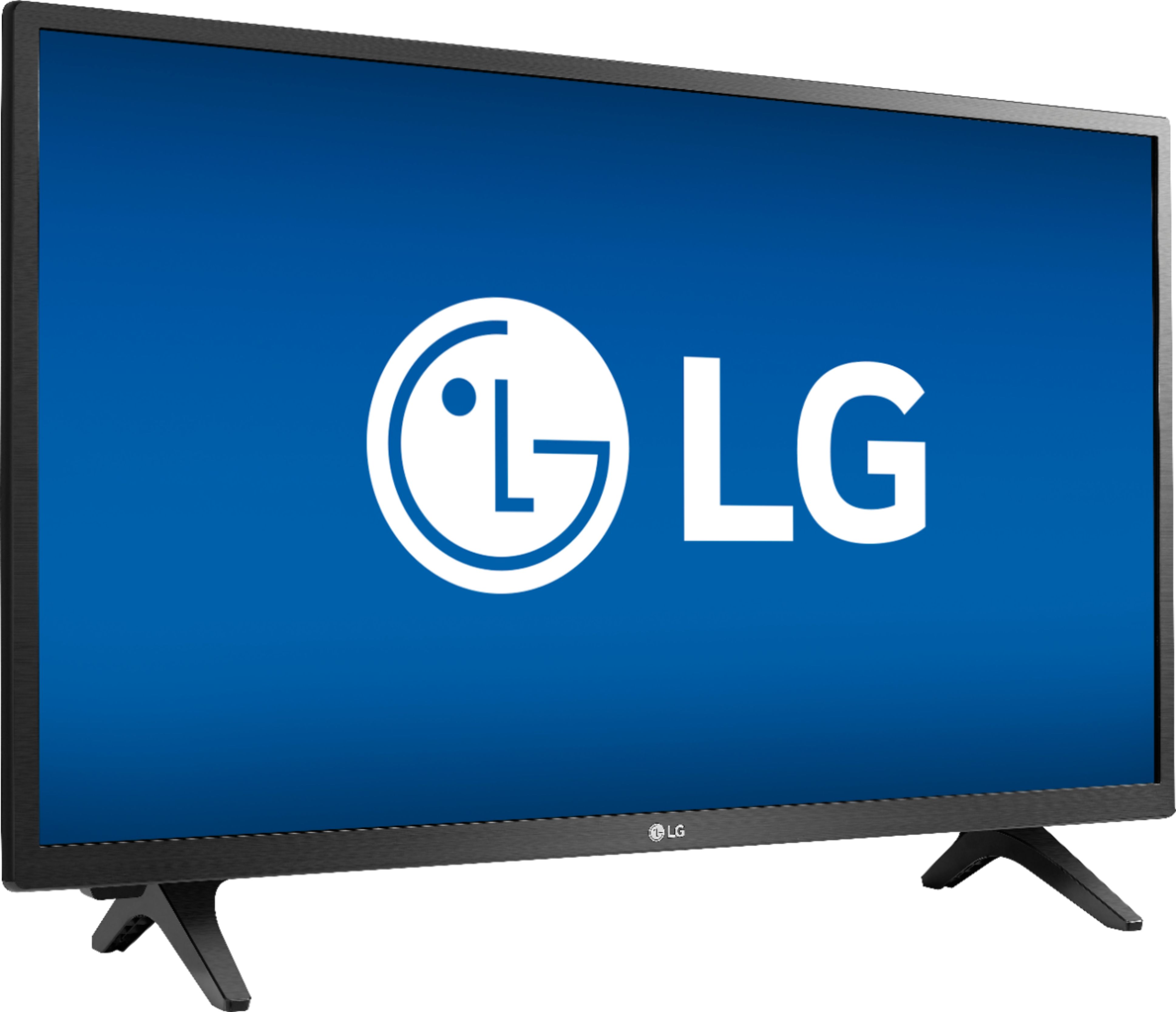
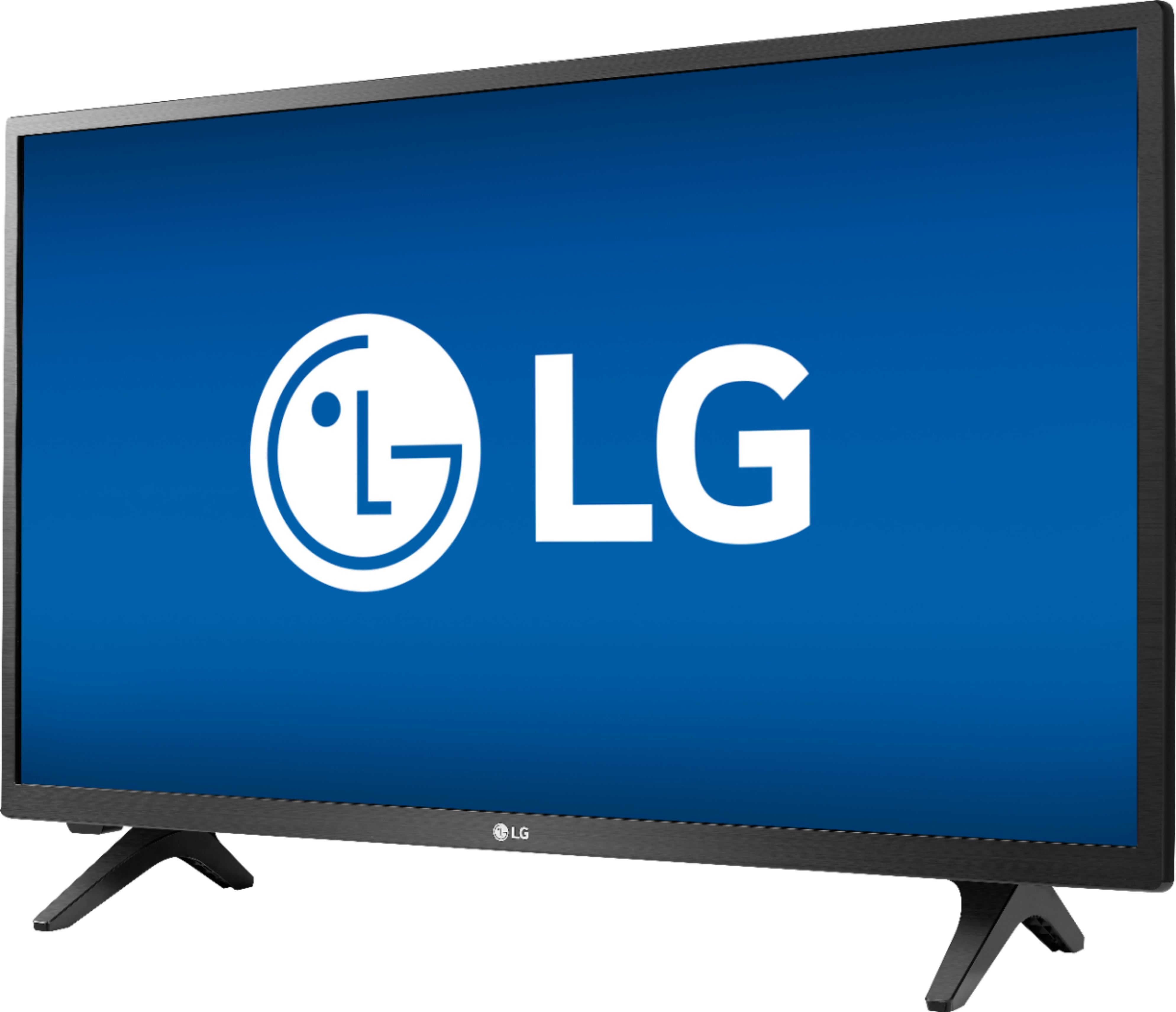
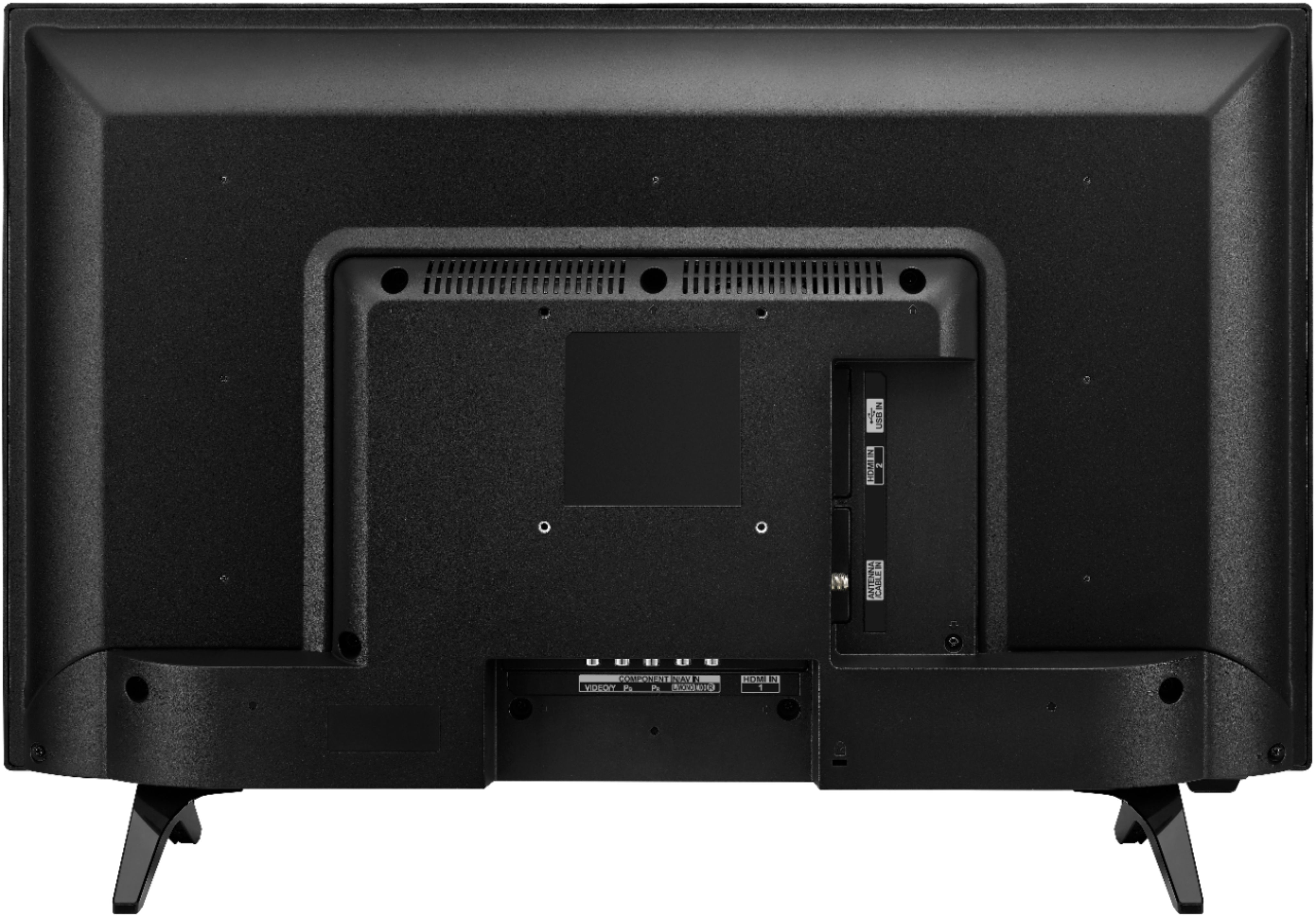
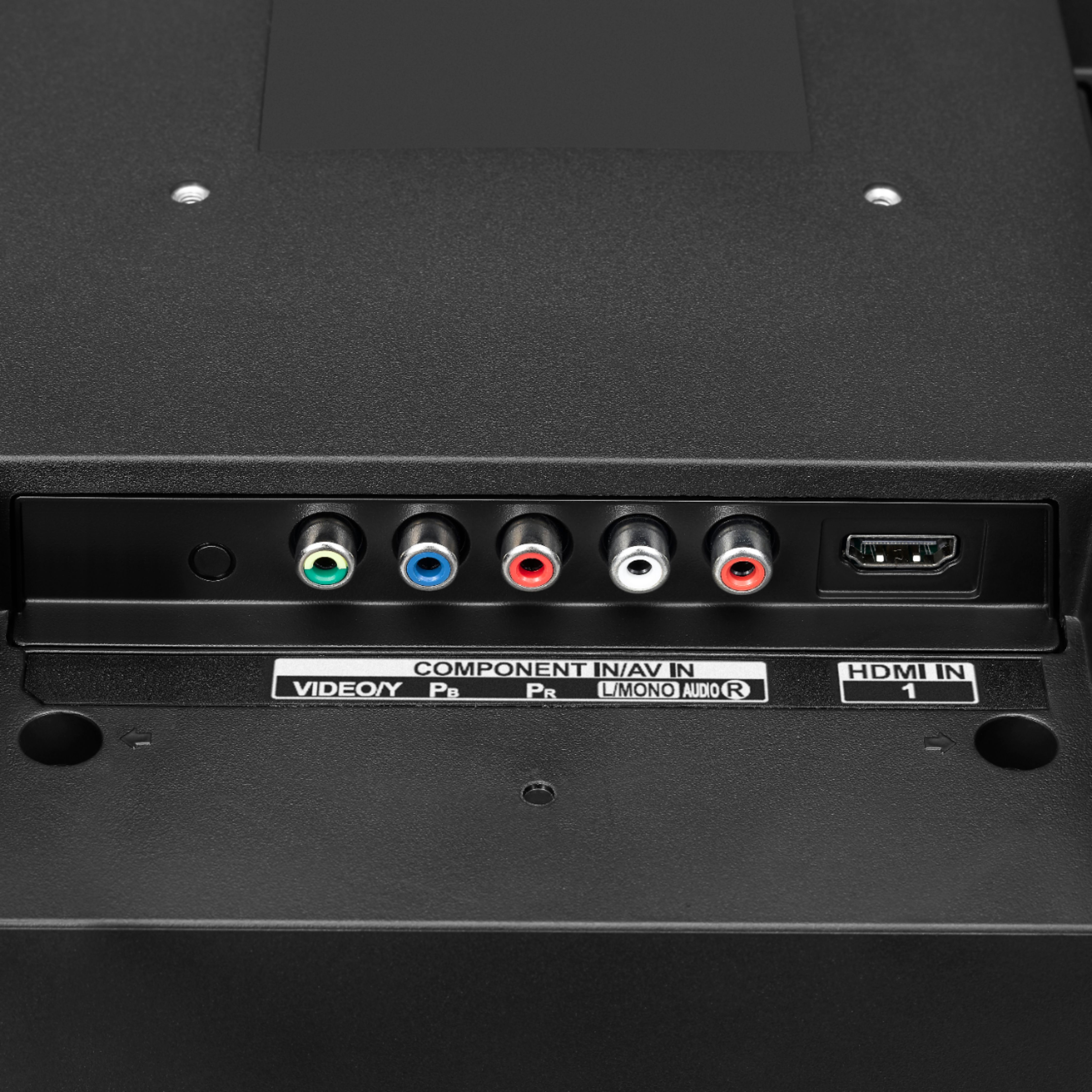
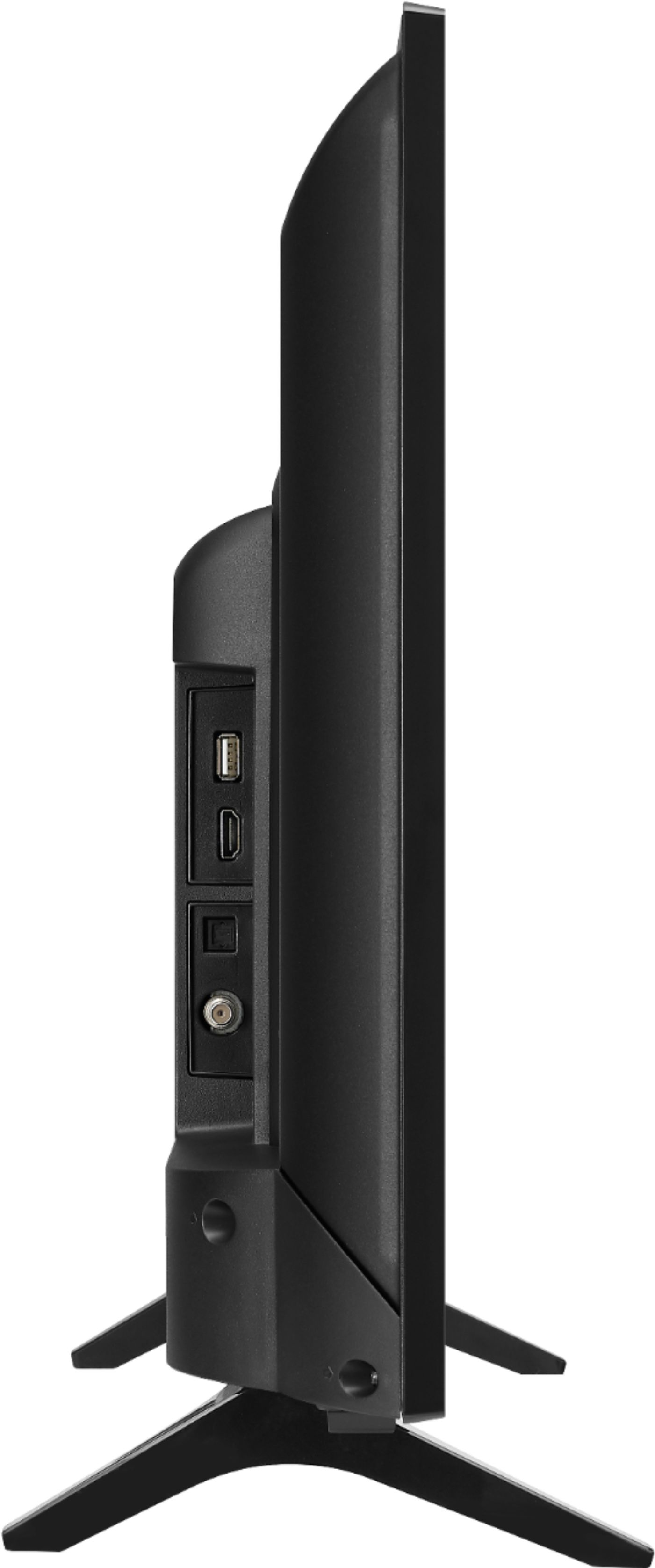
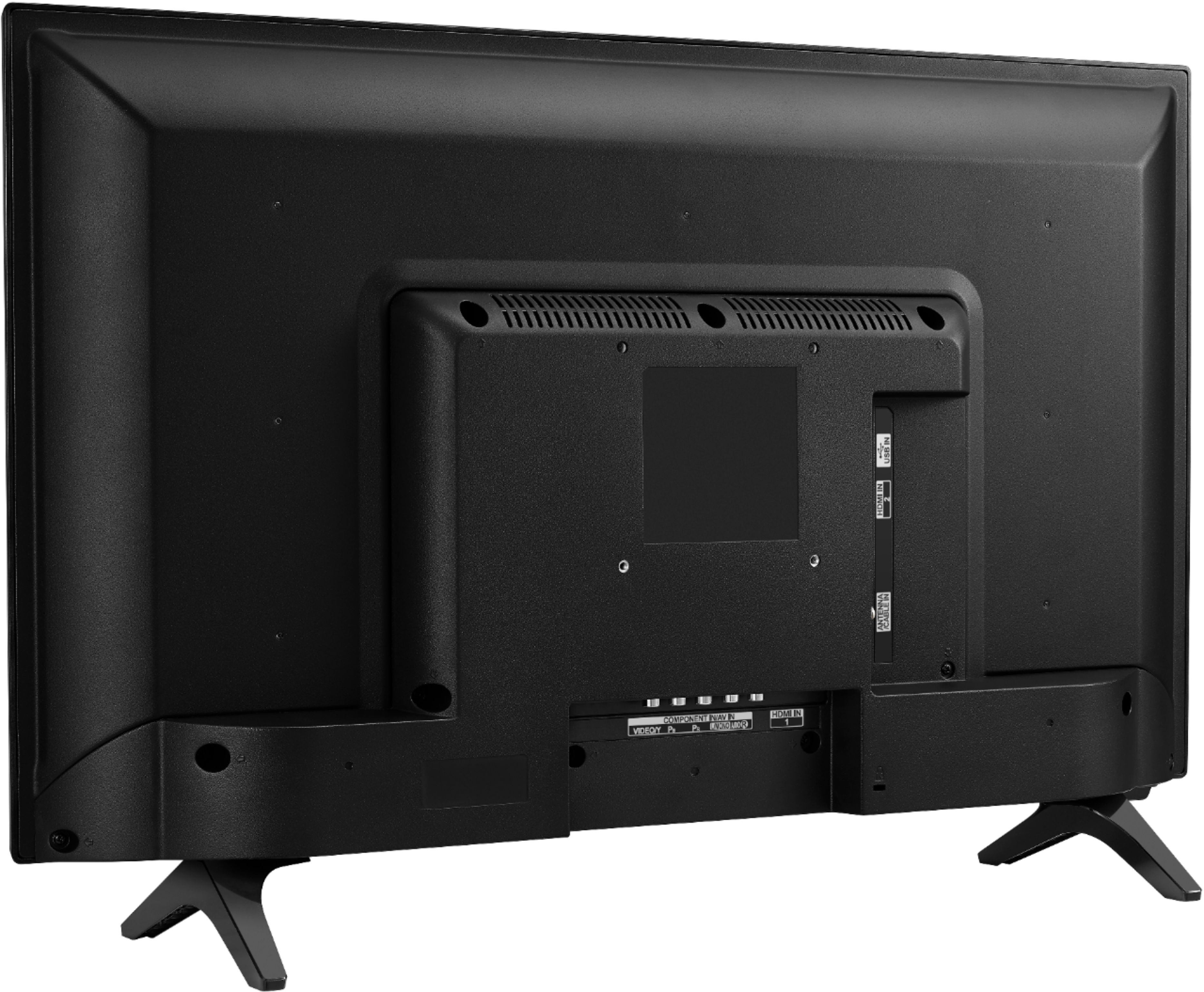
A:Answer Hi Maude. That will depend on what type of remote control Comcast provided you with for your cable set-top box. If it is a universal remote that has discreet infrared codes you can use to control LG TVs, you can contact Comcast for the discreet infrared codes that can be used with the remote so you can control some functions on the LG 28 inch Class HD TV (27.5'' Diag), Model # 28LM400B-PU. They will let you know what functions it can control on TVs. Comcast does offer a Large-Button Remote to customers free of charge upon request. It is simple to program and can operate two devices at once, such as your TV Box and television. It is pre-programmed to work with Comcast's Motorola TV Boxes and TV Adapters and is compatible with the Xfinity X1 TV Box. Comcast provides this remote at no additional charge for their customers and offers help and support for using it, though they do not manufacture the device. It can be programmed for control of TV power and volume. You have to refer to the Device Codes list included with the remote to locate your TV manufacturer. The Set Up Codes for an LG TV are 302, 499, 549, 636, 581, 694, 001...^IFV