A:AnswerI had the same issue with my Pixelbook and double-checked my display settings. Dunno the setup for Macs, but make sure you have the LG selected as your primary instead of extended.
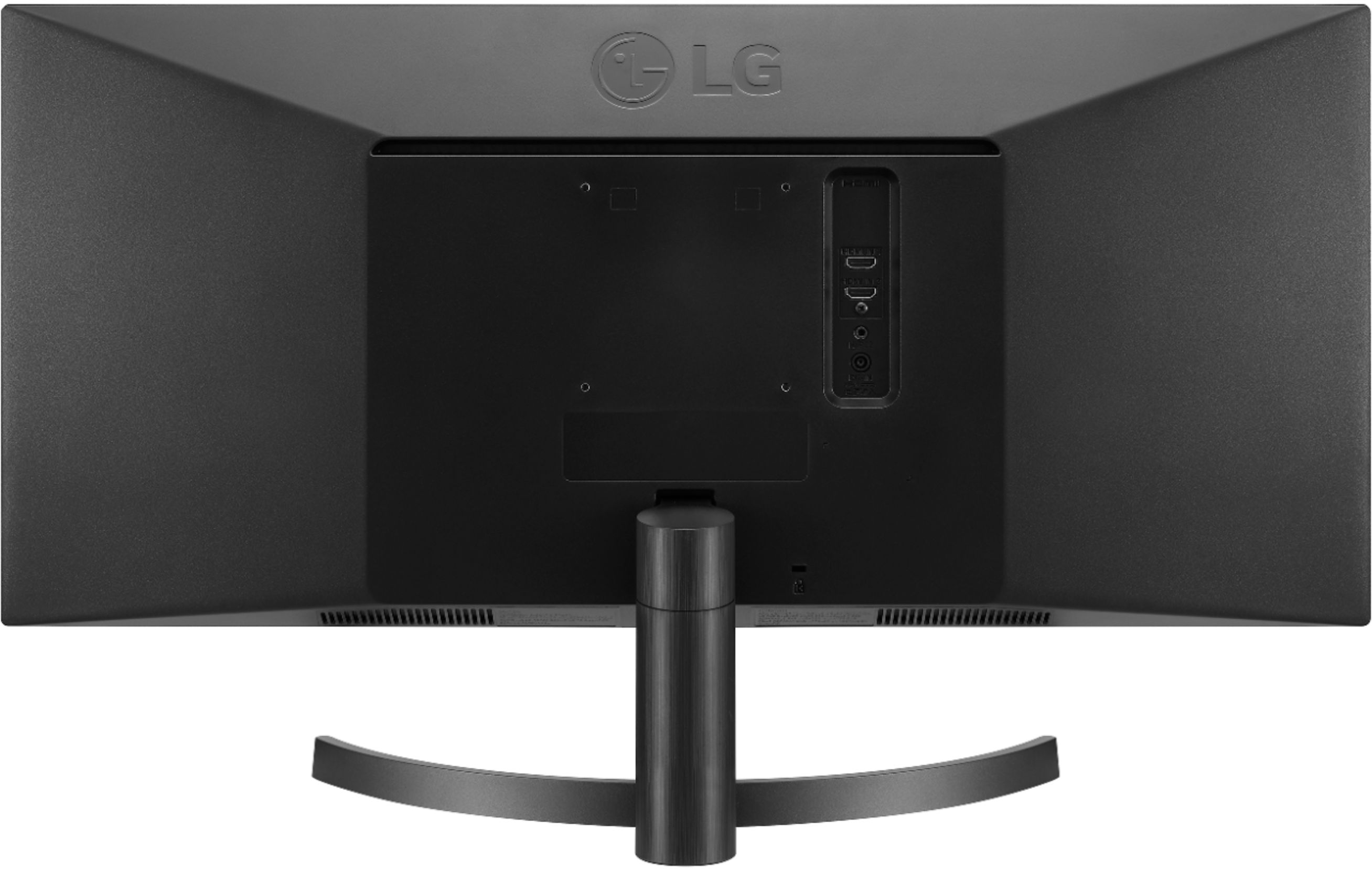
A:AnswerA lot of people like to game on their monitors. So, they will have a computer hooked into one hdmi port and an Xbox, PlayStation, or other gaming consoles in the other hdmi port:) Some even have two computers. An Apple Mac in one and a custom built Pc in the other:) Hope this helps!
A:AnswerDear LG, I contacted the facebook page you refered. No answer so far. On top of that, nobody looked at my question. Please do something, the display is great, but this problem is juste throwing away my pleasure to work with.
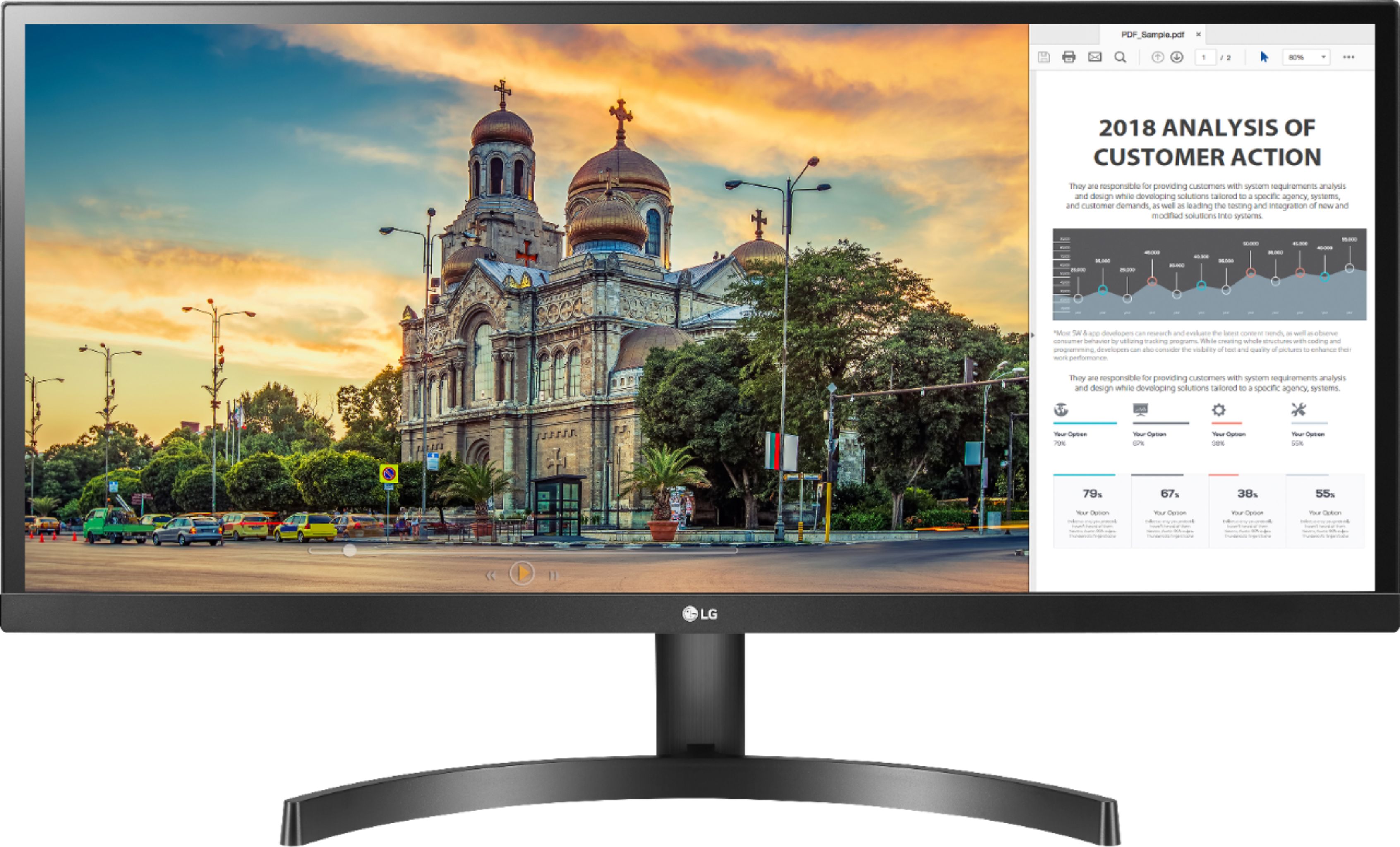
A:AnswerYou will need to download and install the On-Screen Control 2.2 software [Windows] OnScreen Control - version 4.96 or [Mac OS] OnScreen Control - version 3.92 from the support page for the LG 29'' Class 21:9 UltraWide FHD IPS Monitor with HDR10 (29'' Diagonal), Model # 29WL500-B which will give you Screen Split. You can also use the Screen Split function from your Windows or Mac OS operating systems...^IFV
A:AnswerPlease contact our Support Center at (800) 243-0000 for assistance with the width for the stand on the LG 29'' Class 21:9 UltraWide FHD IPS Monitor with HDR10 (29'' Diagonal), Model # 29WL500-B...^IFV
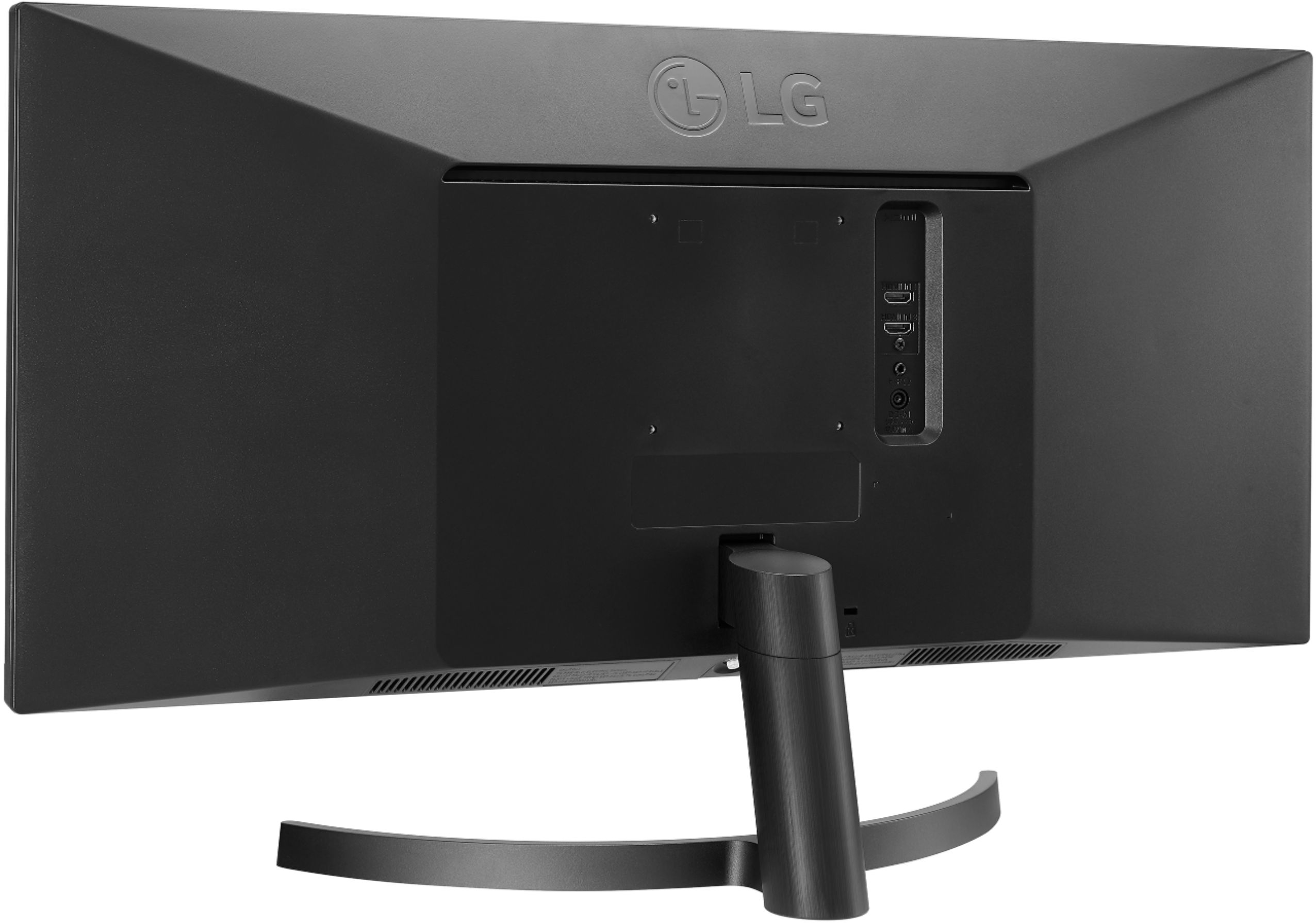
A:AnswerThe LG 29'' Class 21:9 UltraWide FHD IPS Monitor with HDR 10 (29'' Diagonal), Model # 29WL500-B has 2 x HDMI inputs. It is a plug n play model. If your computer supports plug n play then it should be compatible. ^CP
A:AnswerYes but you'll need the proper USC-C connection to the monitor.......check the monitor to see what the input connection is...could be HDMI or older style connection...
A:Answerno, but it does have an aux jack to connect external speakers. i have an HDMI from my Apple TV to the monitor and then a aux cord going to the speakers next to the screen.
A:AnswerThe 29WL500-B features HDR10. It also features Game modes for First-Person-Shooter games and even a RTS pre-set mode allow you to choose the best conditions for you and the game you're playing. ^CP