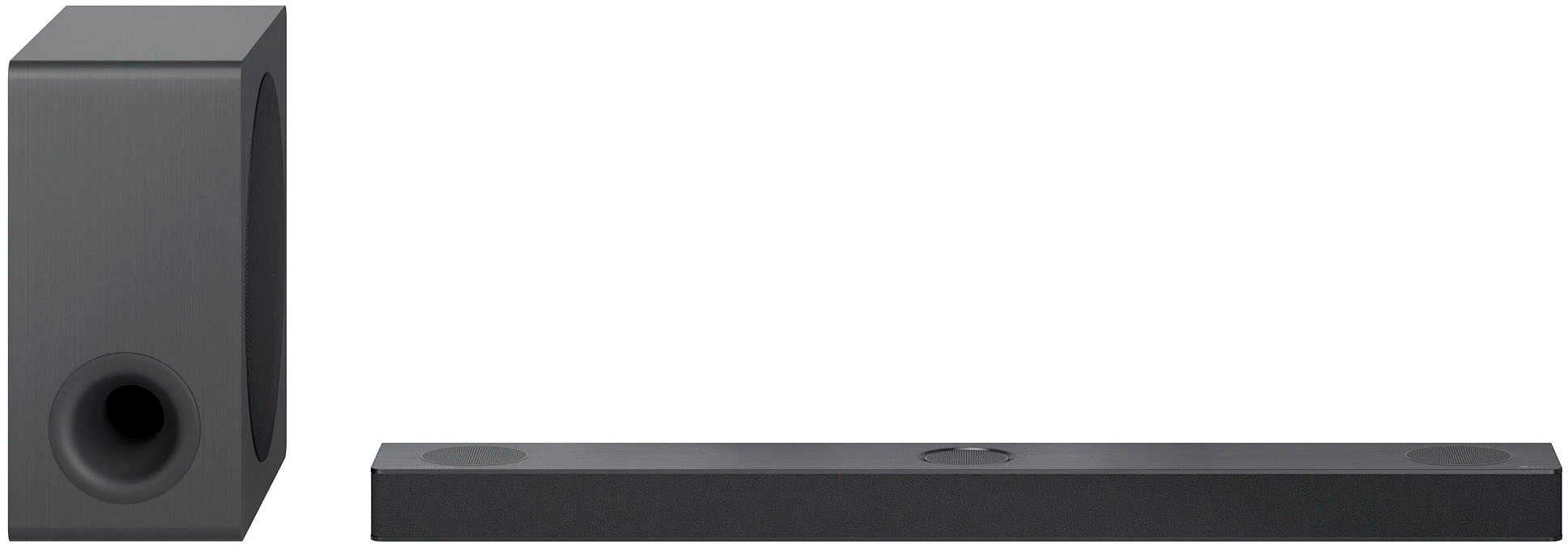
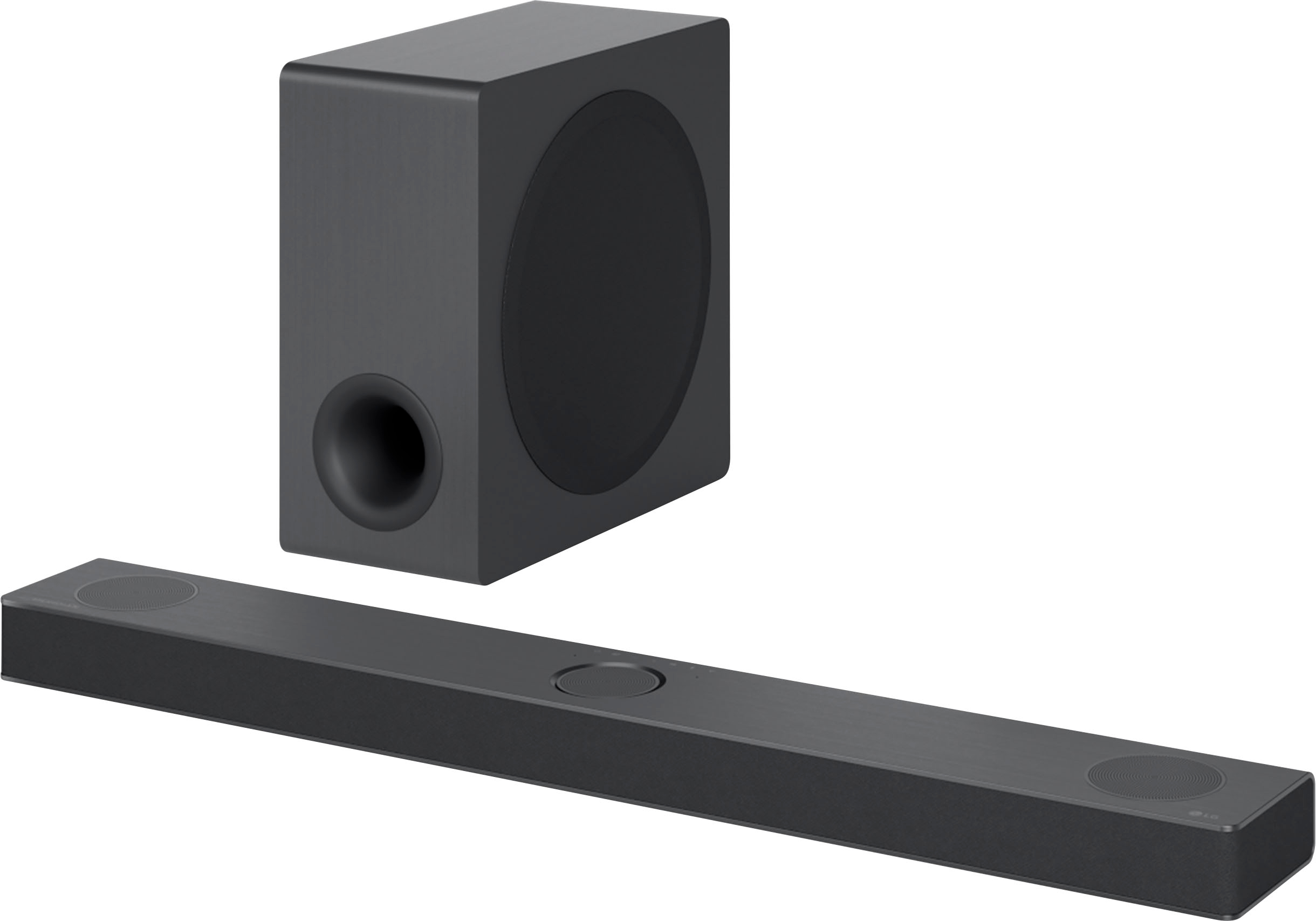
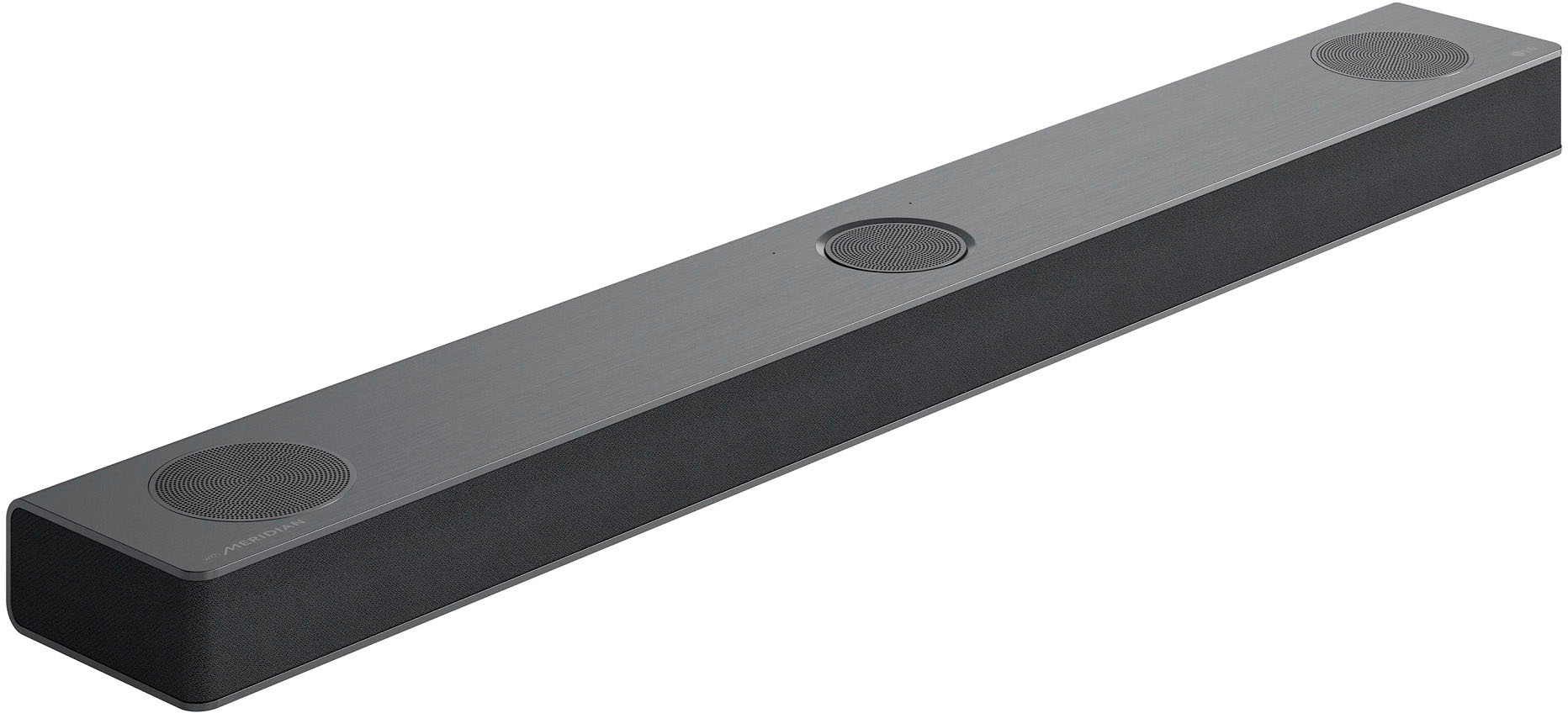
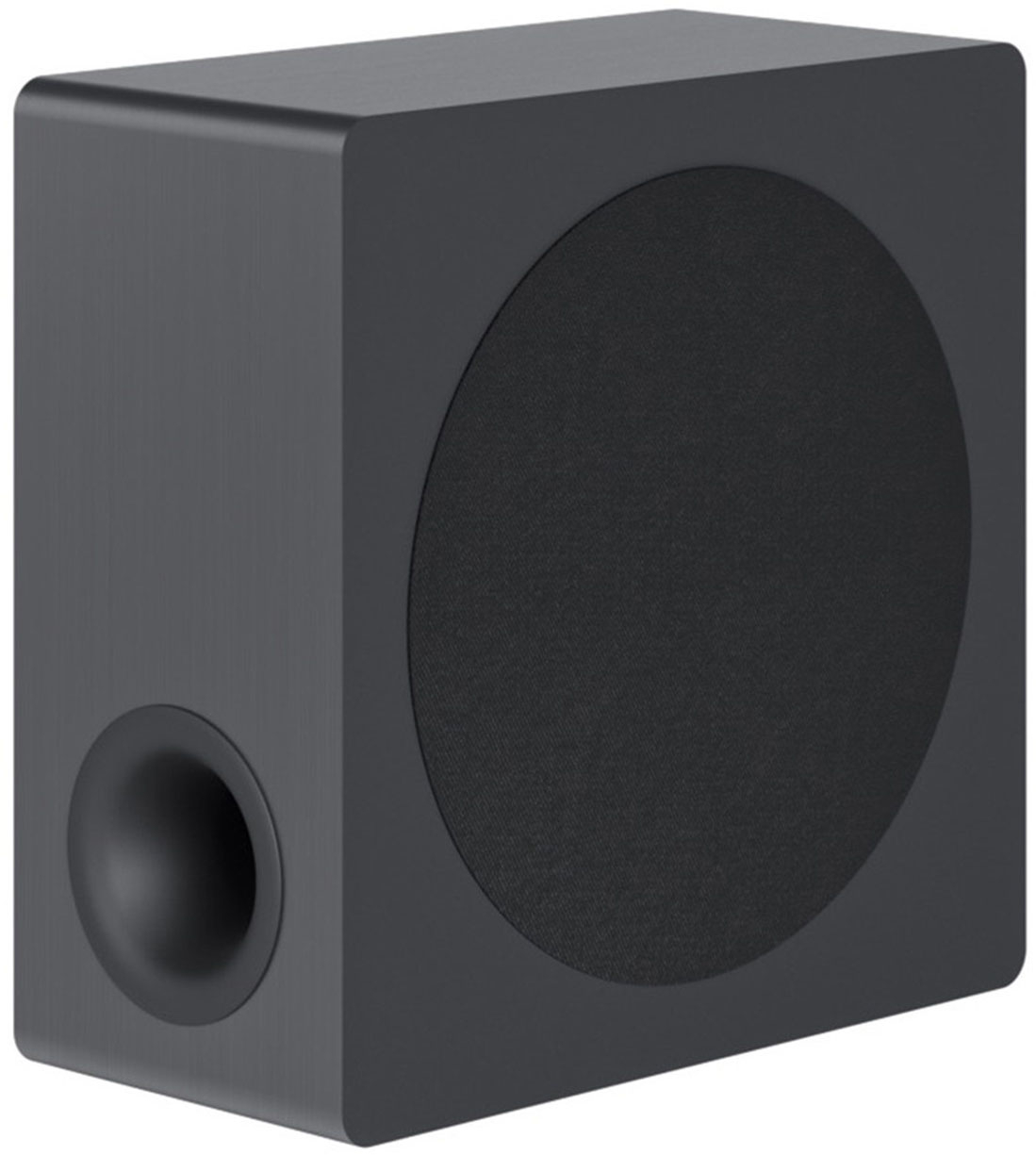
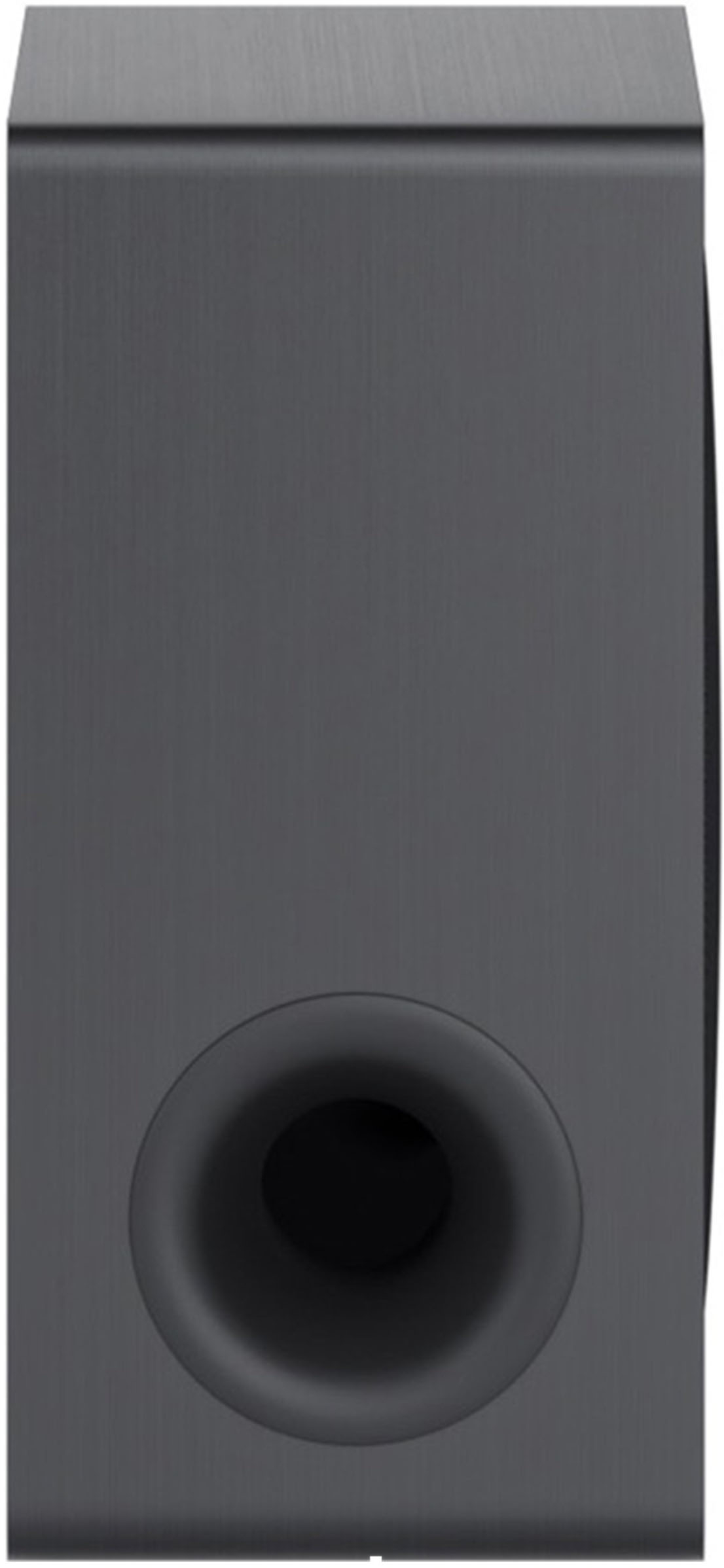
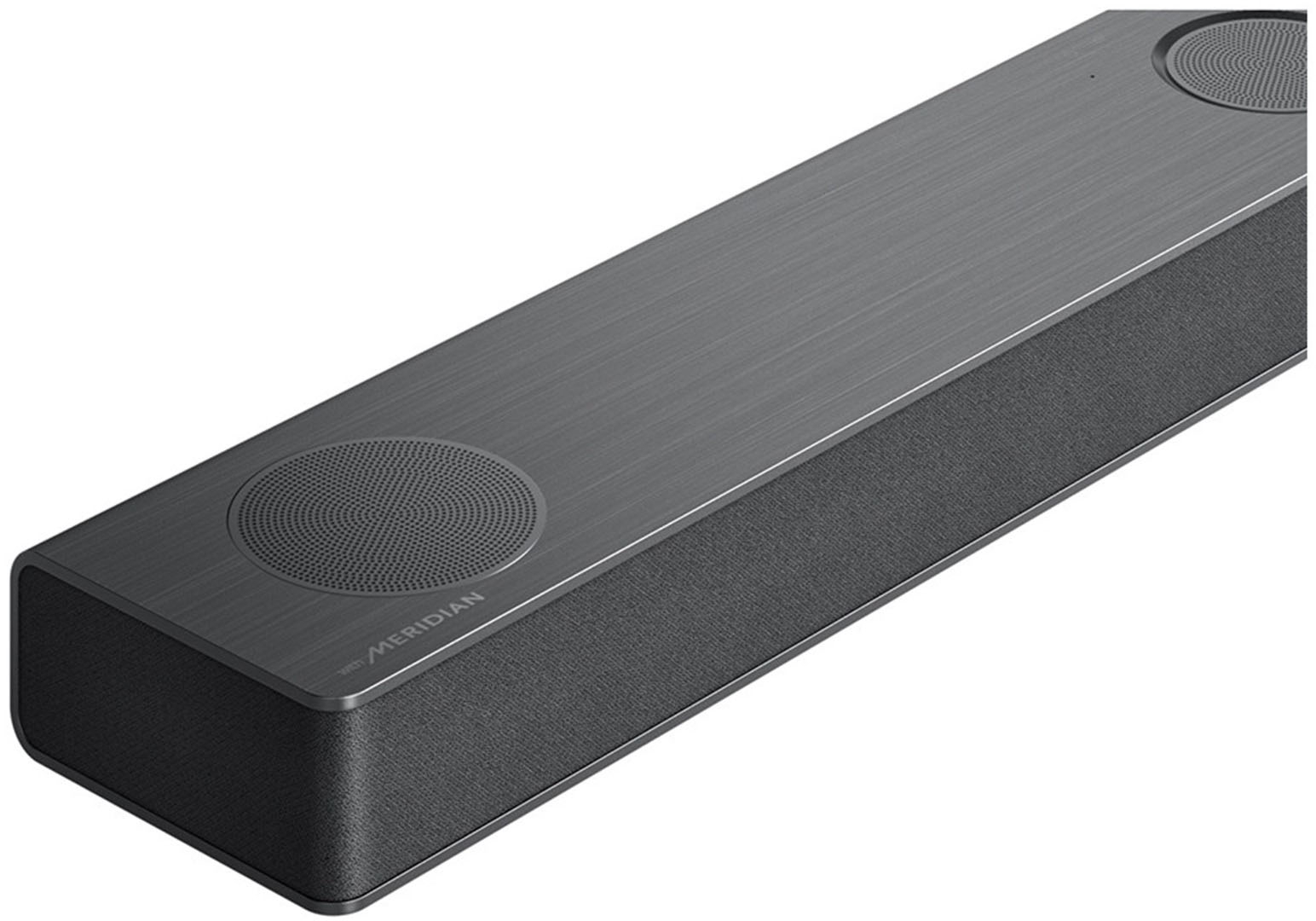
A:AnswerHi Brea707291. The subwoofer for the LG 3.1.3 Channel Soundbar with Wireless Subwoofer, Dolby Atmos and DTS:X - Black, Model # S80QY connects to the soundbar via Bluetooth. The class of the Bluetooth device will determine the wireless range of the device. Most Bluetooth devices, including this soundbar and devices like your smartphone or Bluetooth headphones are Class 2 meaning they operate at a distance of up to 33 feet. The soundbar should be installed close to the wireless subwoofer as possible. The closer the distance between the sound bar and the wireless subwoofer, the better the sound quality. To prevent wireless interference, you should maintain a distance of at least 1 m (33 ft) between the sound bar or the wireless subwoofer and any peripheral devices that generate strong electromagnetic waves (ex. wireless routers, microwave ovens, etc.) This model does not come with the rear speaker kit like Model # S80QR. The wireless receiver for the rear wireless speakers for Model # S80QR is also a Bluetooth Class 2 device that has the same wireless range of 33 feet...^Ivan
A:AnswerThank you for raising your concern regarding LG Sound Bar (S80QY) model.The LG S80QY soundbar can be connected to a TV using an HDMI or an Optical connection. If you are currently using the HDMI cord and finding the sound to be quieter than expected, switching to an optical connection may not necessarily make it louder. The soundbar's volume is influenced by various factors, including the audio source, the soundbar's settings, and the TV's settings. You can download its owner's manual through this link for more information: https://www.lg.com/us/support/product/lg-S80QY.DUSALLK. ^Cris
A:AnswerHey, Alex! The LG 3.1.3 Channel Soundbar subwoofers frequency response extends from 35Hz to 160Hz, where the soundbar takes over and reproduces frequencies all the way up to 40kHz (±3dB). ~Rita
A:AnswerHello, JimmyB.
If you do not want to use Bluetooth with the LG - 3.1.3 Channel Soundbar with Wireless Subwoofer, Dolby Atmos and DTS:X - Black, then you do not have to pair it with your TV or source device. If you already have it paired with other devices & you do not want to use Bluetooth, you can unpair the soundbar with those devices.
Regrettably, Bluetooth cannot be turned off...^Ivan.
A:AnswerHello there! Thank you for sharing your experience with us. We understand your curiosity about the E-ARC feature on the S80QY sound bar. E-ARC stands for Enhanced Audio Return Channel, which allows for high-quality audio transmission from your TV to the sound bar, especially useful for formats like Dolby Atmos and DTS. To explore more about how E-ARC can enhance your audio experience, please send us a private message on Social Media @LGUSSupport, and our team will be more than happy to assist further. We appreciate your interest! —Renzo
A:AnswerHi, Jason. Thank you for reaching out regarding your LG Soundbar (S80QY) model. The main functions still seem to work when you get beeps from button presses; it does not appear to be a complete system failure. However, the disappearing display light is likely a hardware or software issue that may require professional diagnosis and repair by LG. In the meantime, you may visit this link for help: https://www.lg.com/us/support/help-library/lg-sound-bar-how-to-reset--20153193962273. For further assistance, you can reach out to us on social media @LGUSSupport. ^Juvy
A:AnswerIf the light on the back isn't on when plugged in you've probably got bigger issues than you can fix. Otherwise try disconnecting and connecting the power, or move it to a different spot where there might be less interference between the sub and soundbar.
A:AnswerIt certainly sounds like there's an issue with the setup or configuration if you're experiencing significantly lower volume when using both your TV and soundbar in conjunction to utilize Dolby Atmos. Here are a few troubleshooting steps you might consider to resolve this issue:
Check Your Connections: Make sure the HDMI cable is securely connected to both the TV and the soundbar. Use the HDMI ARC (Audio Return Channel) port on your TV if available, as this allows for better audio transmission, especially for advanced audio formats like Dolby Atmos.
Configure Audio Settings:
On your TV, ensure that the audio output setting is configured to use HDMI ARC or HDMI eARC (enhanced ARC) if available. This setting is crucial for transmitting Dolby Atmos signals to the soundbar.
On your soundbar, ensure it is set to the correct input that corresponds to the ARC/eARC connection.
TV Internal Speakers Off: Sometimes having both the TV speakers and the soundbar active can cause issues. Ensure the TV’s internal speakers are turned off in the audio settings menu. This directs all audio output to your soundbar, which is what you want for Atmos.
Volume Levels: Check the individual volume levels on both your TV and the soundbar. Sometimes, one or the other might be set to a low volume, affecting overall output.
Check for Firmware Updates: Both your TV and soundbar may need firmware updates. Manufacturers often release updates to fix bugs or improve functionality, including audio output capabilities.
Dolby Atmos Source: Confirm that the content you are trying to watch is encoded with Dolby Atmos. Not all content supports Atmos, and if it’s not Atmos content, the soundbar might not process it as such.
Reset Both Devices: If all else fails, try resetting both your TV and soundbar to their factory settings. This can sometimes resolve deeper issues with software or settings conflicts.
If after trying these steps, you still experience issues, it may be helpful to contact the support teams for your TV and soundbar.
A:AnswerHi, Thank you for the response. It's an LG 75" TV. I did verify that the SimpliLink was on. On the LG TV , there's a setting that when turned on says that it's also for SimipLink. And in the sound bar app, it's set to auto on/off.