
Black Friday is hereShop new DoorbustersShop now

Skip to content
Gift Ideas
26 Cypress St
Williston, VT 05495
Opens at 9 am
Find Another Store
Main Content

Questions & Answers

Your price for this item is $124.99
The comparable value price is $179.99
Page Showing 1-20 of 110 questions
  • QuestionWhat version of webOS does this TV use?

    • Answer This TV uses webOS 23.
    This question and answer was generated by AI based on customer and product data.
  • QuestionDoes this TV come with a stand?

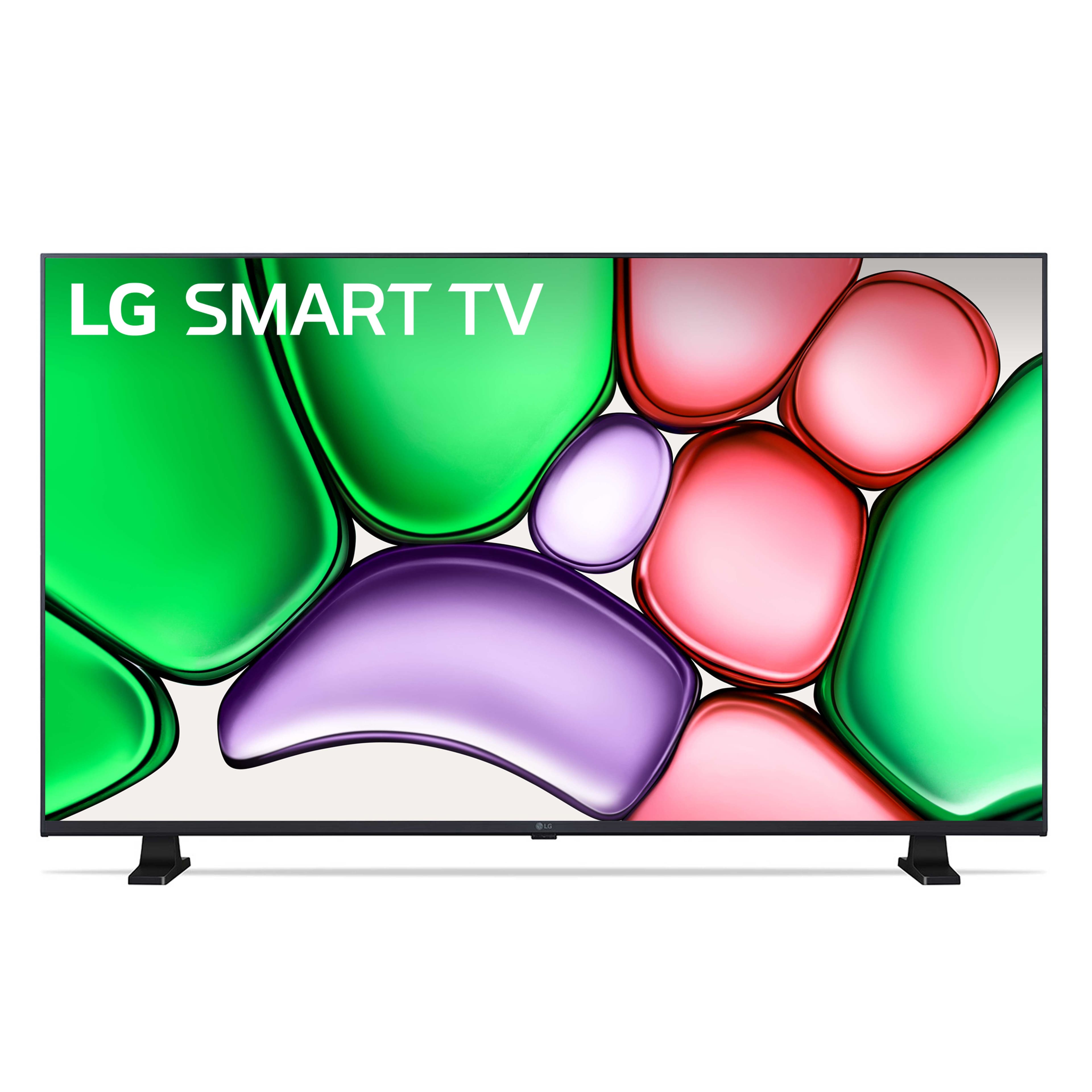
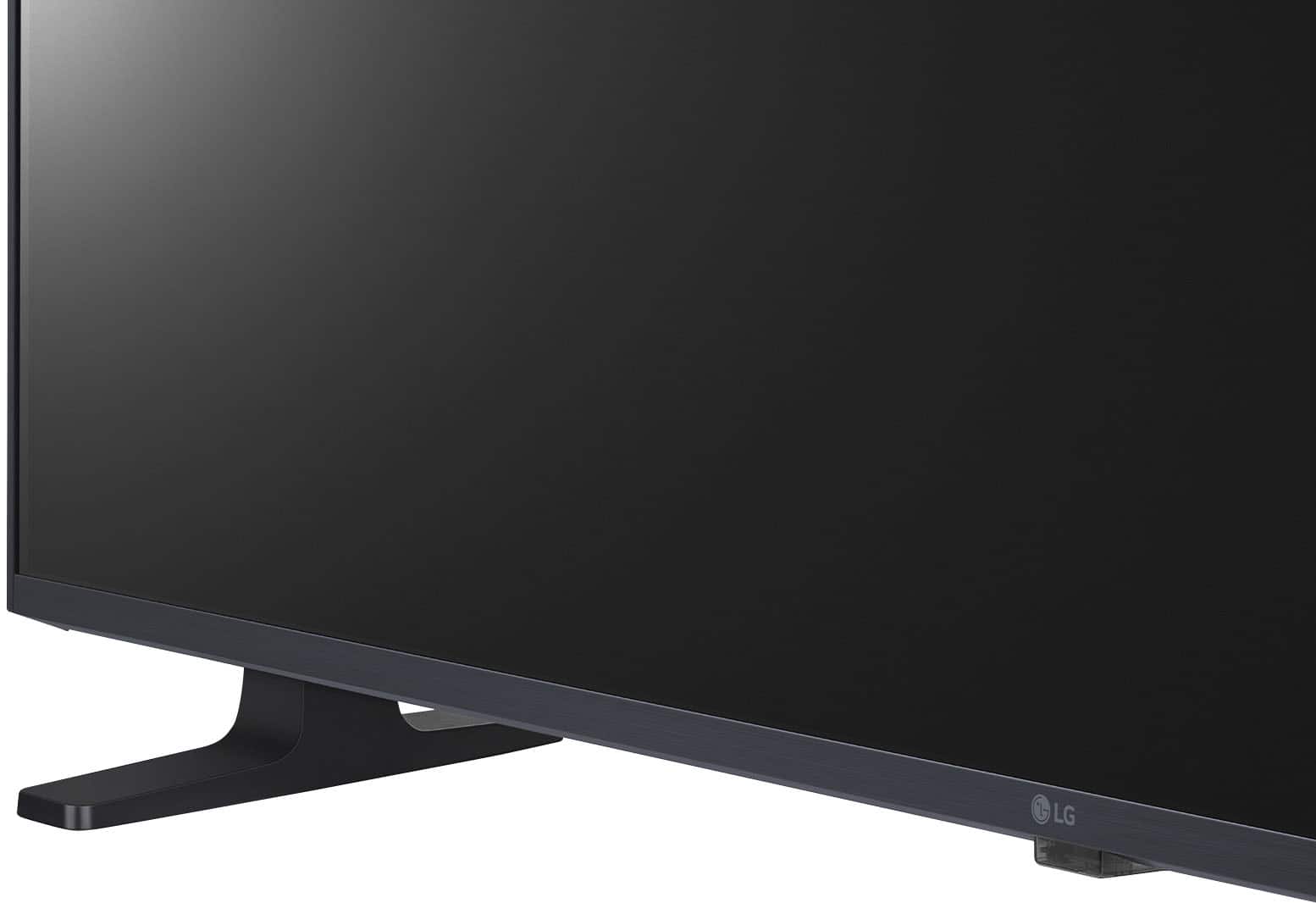
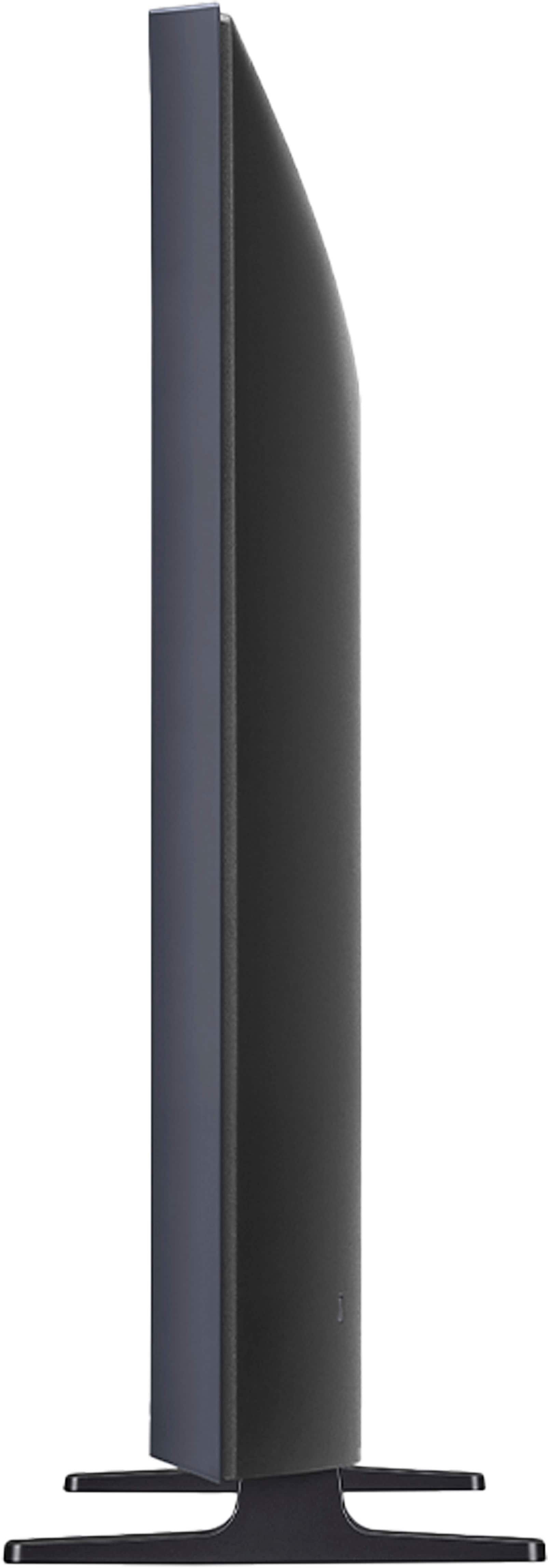
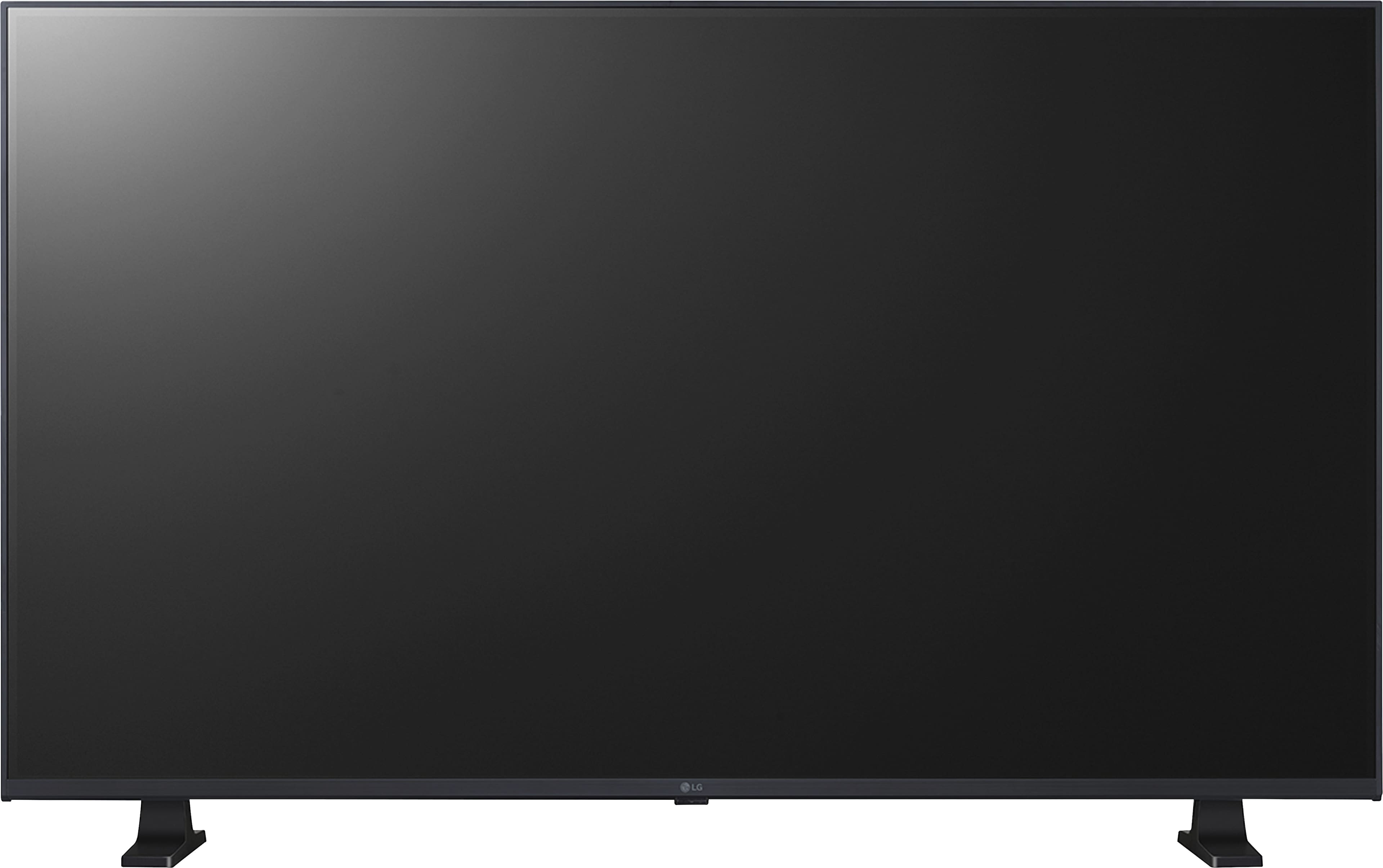
    • Answer Yes, this TV comes with a stand.
    This question and answer was generated by AI based on customer and product data.
  • QuestionWhat type of audio output does this TV have?

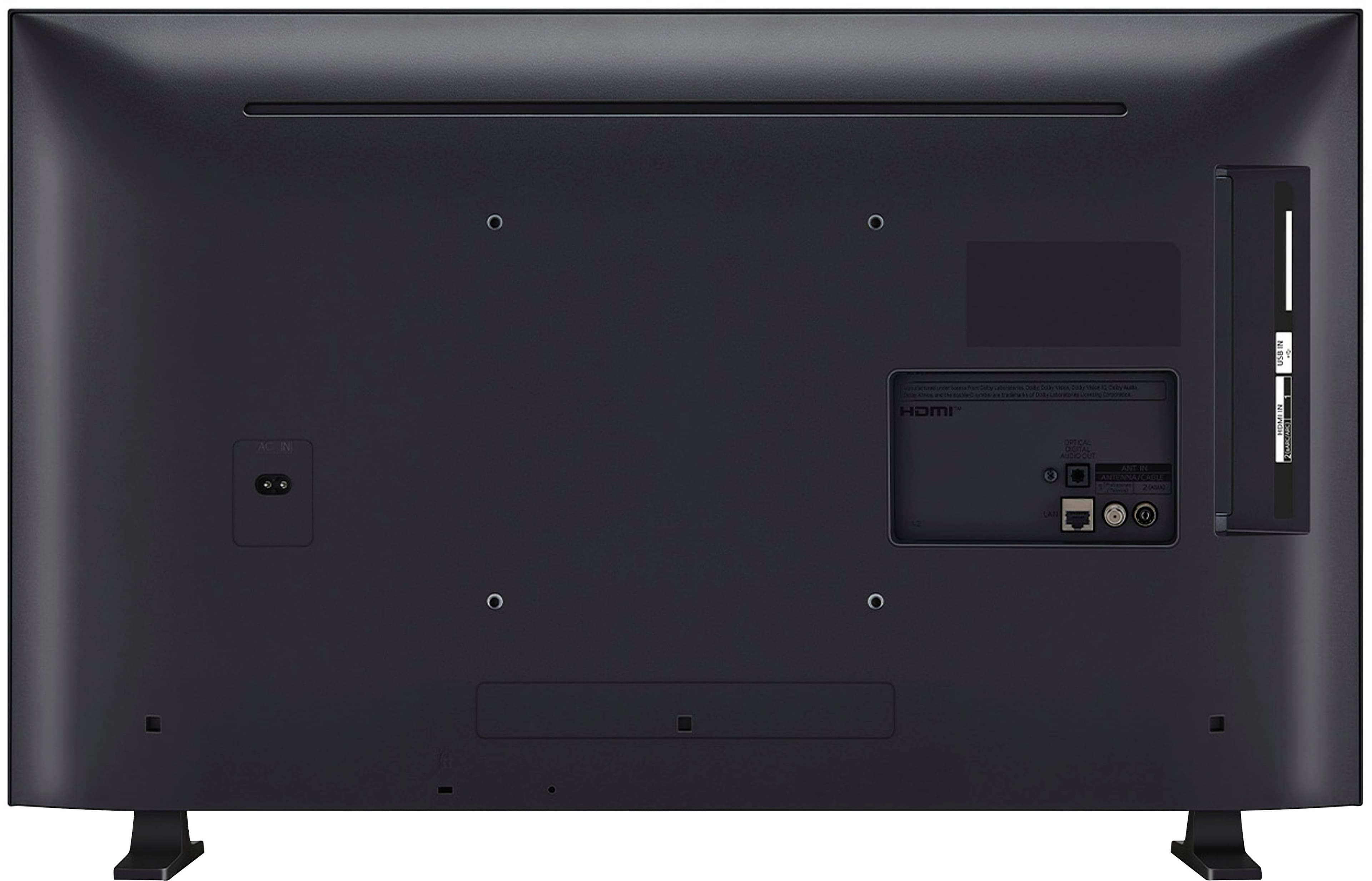
    • Answer This TV has 1 optical digital audio output.
    This question and answer was generated by AI based on customer and product data.

  • QuestionDoes this LG TV have HDR?

    • Answer Yes, this TV has HDR10.
    This question and answer was generated by AI based on customer and product data.

  • QuestionHow many HDMI ports does this TV have?

    • Answer This TV has 2 HDMI ports.
    This question and answer was generated by AI based on customer and product data.

  • QuestionWhat is the resolution of this LG TV?

    • Answer This LG TV has a resolution of HD (720p).
    This question and answer was generated by AI based on customer and product data.

  • QuestionWhat is the correct model of the magic remote that will work on this TV?

    Asked by Fats.

    • Answer The correct Model # MR23GN remote is what's needed. The MR650A is for 2017 TVs

      Answered by Anonymous

  • QuestionHow do I have it start up with live tv instead of the apps

    Asked by Jack7.

    • Answer I had the same question when I first got mine, so if I remember correctly, one has to press the 'home' button on the remote (the button with the house outline), then on the screen use the arrow keys to go up to the upper left and use the button in the center of the arrow buttons on the remote ('enter') to click on the gear icon. Your pointer will then appear on another gear icon so click on it. The click on 'general', then 'system', then 'additional settings', and you'll get to yet another box that has more items so click on 'home', then 'power on screen', then (finally!) click on 'recent input' to highlight that little button. Make sure that when you turn on the tv, that in the lower left your signal feed (in my case 'hdmi input') is there, then arrow to it and click on it, and that's it. The next time you turn on the tv, it should automatically start up with the last signal feed you were using when you shut down.

      Answered by Fanbo

  • QuestionThe remote that comes with the TV is horrible. The LG Magic remote that is compatible with this TV is not available from LG, and the customer ratings are horrible. That said, what is another non-LG remote I can buy for this TV, with voice features?

    Asked by quentin.

    • Answer I hate the LG remote. I switched from a Samsung TV to an LG to see if a difference. Biggest mistake ever. This remote is flawed big time. 65 inch C4 series. I will never by an LG again. Also, AI keeps charmin whenever a word is spoken off the TV. Crazy TV.

      Answered by Anonymous

  • QuestionCan I connect this tv to a dvd player?

    Asked by Fancy65.

    • Answer Hello, Fancy65. That depends on what type of DVD Player you have. If your DVD Player is a progressive scan DVD player with older AV Composite ports (Red, White, and Yellow RCA Barrel ports) or AV Component Ports (Red, Green, and Blue RCA barrel ports with the associated Red/White audio ports), it cannot be connected to the LG -32" Class LR65 Series LED HD WebOS TV, Model # 32LR655BPUA, since the TV only has HDMI inputs for connectivity. If it is an Upconverting DVD Player with an HDMI Output, you can connect that to the HDMI inputs on the TV...^Ivan.

      Answered by LG Digital Customer Care

  • QuestionDoes this TV work with antenna?

    Asked by beth.

    • Answer Hello there. Thank you for your interest in the 32LR655BPUA TV. Yes, this model is equipped with a built-in tuner, which allows it to receive over-the-air broadcasts when connected to an antenna. You can enjoy local channels and programming in high definition without the need for a separate set-top box. If you have specific questions about antenna compatibility or need assistance setting up your TV for optimal reception, please send us a private message on Social Media @LGUSSupport. Our team is here to help ensure you get the best viewing experience with your 32LR655BPUA TV. Thank you for choosing LG! —Mau

      Answered by LG Digital Customer Care

  • QuestionIf doesn’t fit on flat surface can it fit a purchased center mount for it

    Asked by Skipper.

    • Answer Thank you for reaching us regarding LG WebOS TV. The LG 32LR655BPUA TV has a stand width of 23.9 inches. If it doesn't fit on a flat surface, consider using a center mount. Make sure to choose a mount that matches the TV's size and weight specifications, and ensures proper viewing height and angle. You can download its owner's manual through this link for more information: https://www.lg.com/us/support/product/lg-32LR655BPUA.AUS. For additional assistance, please reach out to us on social media @LGUSSupport so we can help you further. ^Cris

      Answered by LG Digital Customer Care

  • QuestionDoes this tv have a web browser?

    Asked by Anonymous.

    • Answer Hello there. Thank you for your question about the LG 32LR655BPUA TV. This model does indeed come equipped with a full web browser feature. If you have any more questions about its features or need further assistance, please send us a private message on our social media platform via @LGUSSupport. Our team is here to help. We appreciate your patience. ^Sam

      Answered by LG Digital Customer Care

  • QuestionIs this LG 32 “ TV Roku compatible?

    Asked by BrandLoyal.

    • Answer Hi there! Thank you for your question about the LG 32" TV (32LR655BPUA). Yes, this TV is Roku-compatible, allowing you to stream content from popular apps such as Netflix, Max, Disney+, YouTube, Prime Video, ESPN, Apple TV, Sling TV, and many more directly through the TV’s interface. https://www.lg.com/us/tvs/lg-32lr655bpua-fhd-tv#pdp_specs If you need further assistance or have any more questions, feel free to send us a private message on social media @LGUSSupport, and our team will be happy to assist you. We hope you enjoy your streaming experience! —Renzo

      Answered by LG Digital Customer Care

  • QuestionCan you set a maximum volume level on this tv so kids can’t turn it up super loud?

    Asked by StephAKnee.

    • Answer The LG 32-inch Class Full Series with webOS23, Model # 32LR655BPUA, has a Volume Limit Mode setting that, when enabled, prevents the volume from rising above a certain level. This function may not work for audio devices connected to the TV's Optical Digital Audio Output/HDMI eARC/ARC port...^Ivan.

      Answered by LG Digital Customer Care

  • QuestionCan I just use my xfinity remote with this TV or does it need both remotes?

    Asked by Anonymous.

    • Answer Hi there. Thank you for your question about the LG 32LR655BPUA TV. We understand that you're curious about using your Xfinity remote with your new TV. You can absolutely use your Xfinity remote to control the LG 32LR655BPUA TV. Most Xfinity remotes are designed to be universal and can be programmed to control both your TV and your Xfinity cable box. This allows you to manage basic functions like power, volume, and input selection with just one remote. To set this up, follow the programming instructions provided by Xfinity for your remote model. If you encounter any issues or have more questions, please don't hesitate to send us a private message on social media @LGUSSupport. We're here to help you enjoy a seamless experience with your LG TV. We appreciate your patience. —Renzo

      Answered by LG Digital Customer Care

  • QuestionDoes this model carry “LG channels” and “Freevee”?

    Asked by Anonymous.

    • Answer Hey there! We're a little late to the party, but this LG TV does support LG Channels. For more information on which channels you'll have access to, input your LG TV model number (32LR655BPUA) and country on our page here: https://us.lgappstv.com/main/appSearch. If you have any other questions, please feel free to reach out to us on social media @LGUSSupport. We're only a message away! *Joseph

      Answered by LG Digital Customer Care

  • QuestionIs this TV capable of receiving OTA (over the air) HDTV signals?

    Asked by TAC.

    • Answer Hello there, thank you for your interest in the 32LR655BPUA TV model. Yes, this TV is capable of receiving OTA (over the air) HDTV signals. You can enjoy high-definition programming from local broadcast stations using an antenna connected to the TV's RF (antenna/cable) input. If you have any questions about antenna setup or need further assistance, please feel free to send us a private message on Social Media @LGUSSupport. We're here to help ensure you get the most out of your TV experience. —Renzo

      Answered by LG Digital Customer Care

  • QuestionWhat is the distance between the legs?

    Asked by Jerry.

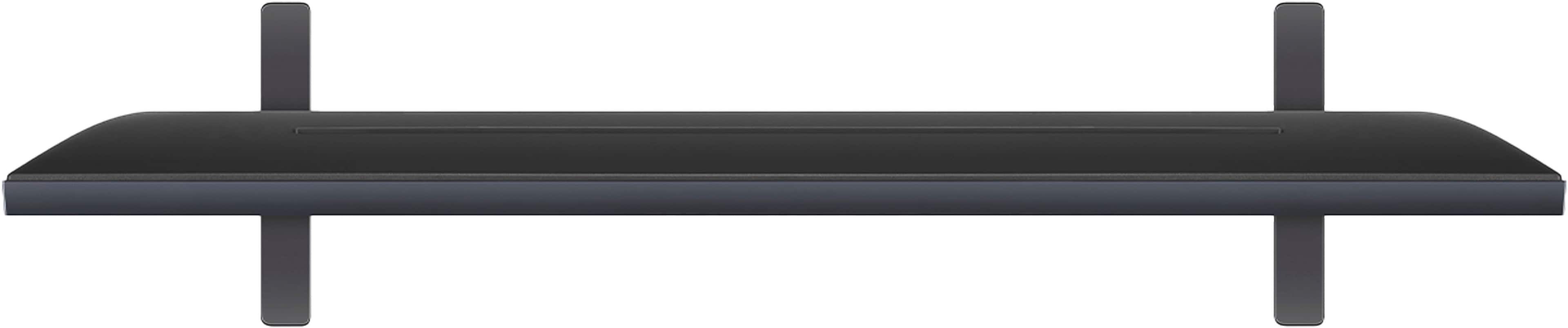
    • Answer Hello there! After checking, the stand width for the LG 32LR655BPUA TV model is 23.9 inches. This measurement likely represents the distance between the legs or feet of the TV stand. It's important to note that this dimension refers to the width of the stand when the TV is placed on a flat surface. This information can be useful for determining if the TV will fit on your existing furniture or when planning your entertainment setup. -Junel

      Answered by LG Digital Customer Care

  • QuestionCan this be used as a secondary computer monitor?

    Asked by Jazzy.

    • Answer Thank you for reaching us regarding LG WebOS TV. Yes, the LG 32LR655BPUA can be used as a secondary computer monitor. You can download its owner's manual through this link for more information: https://www.lg.com/us/support/product/lg-32LR655BPUA.AUS. If problem persist, please reach out to us on social media @LGUSSupport so we can help you further. ^Cris

      Answered by LG Digital Customer Care