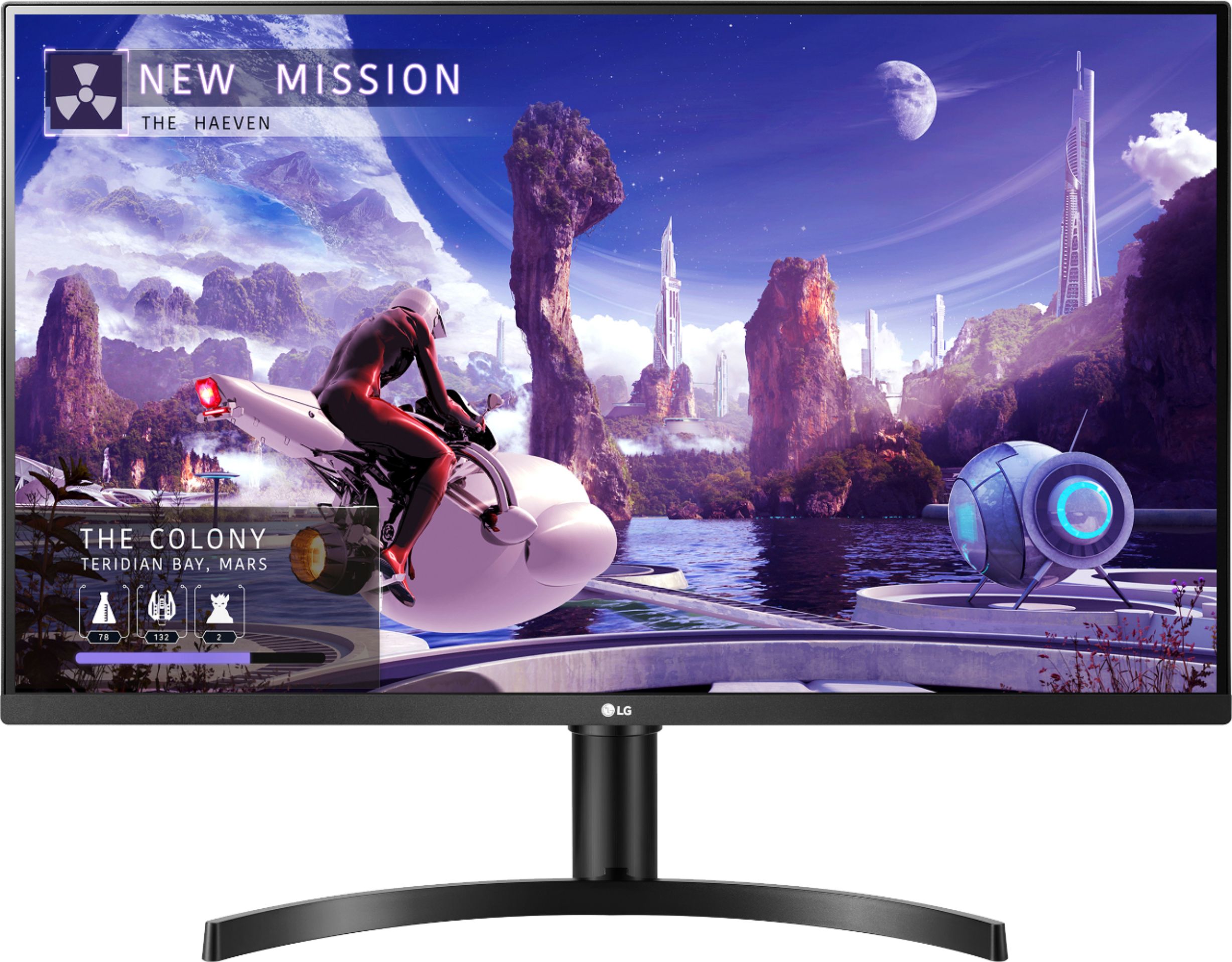
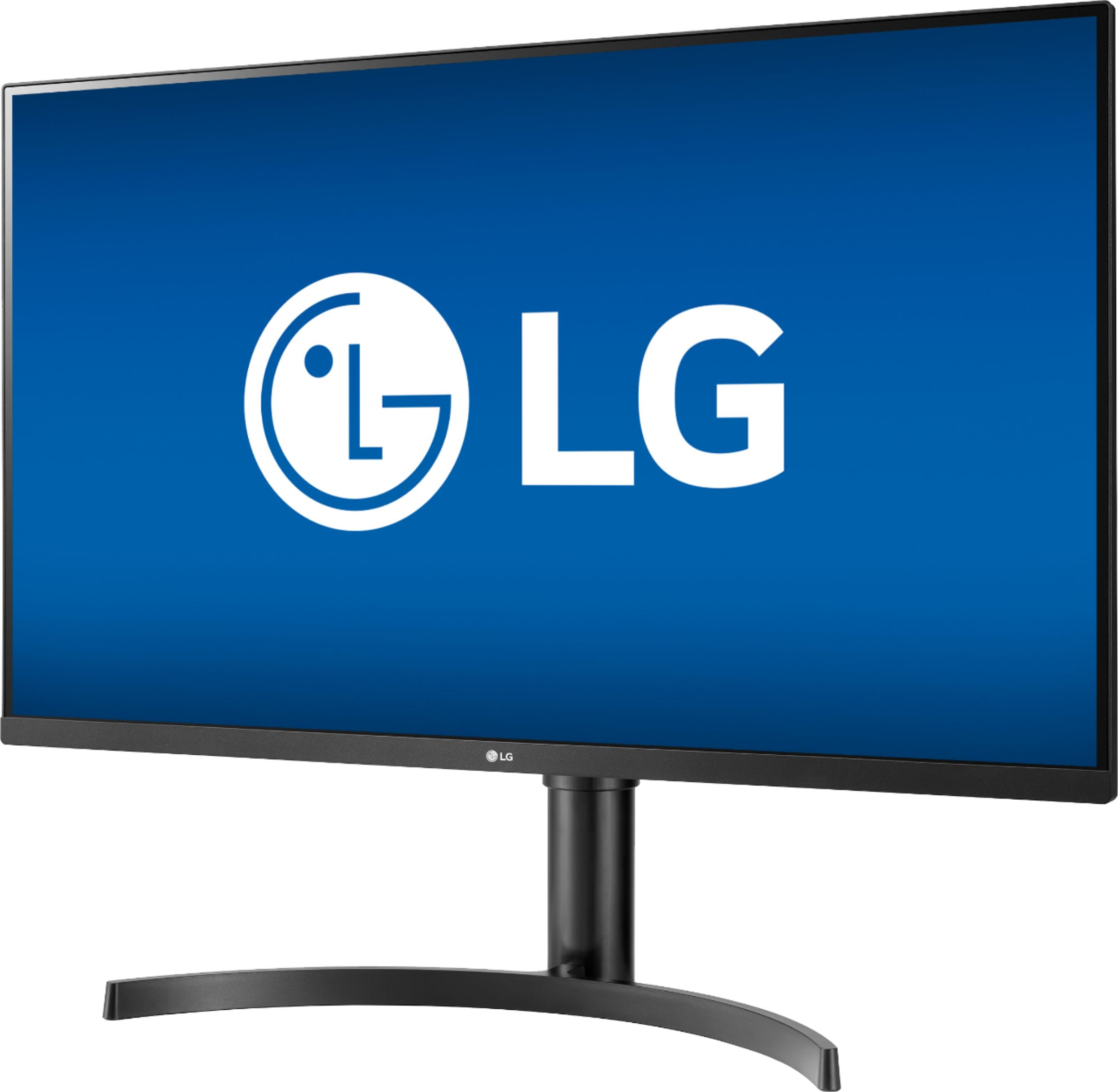
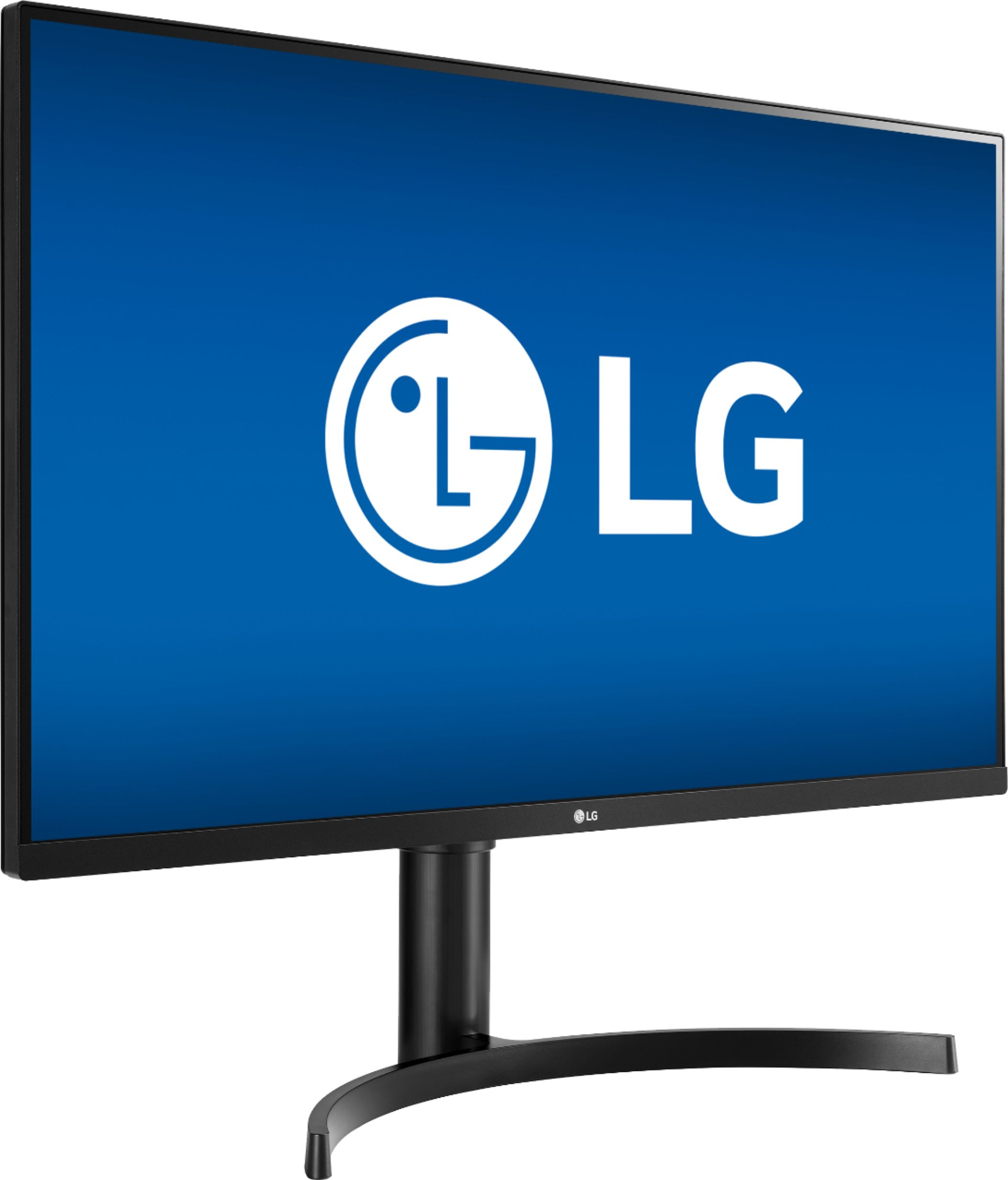
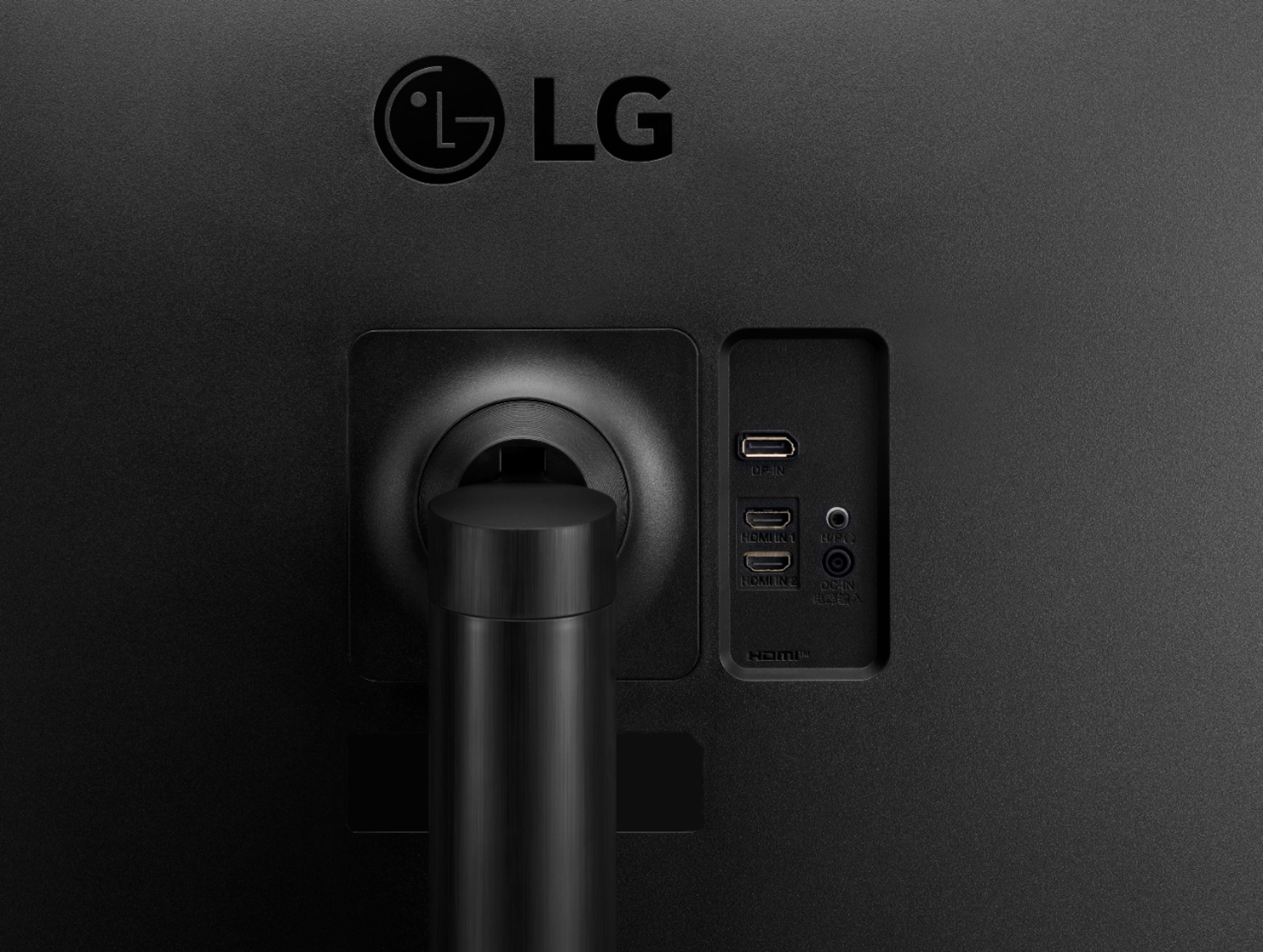
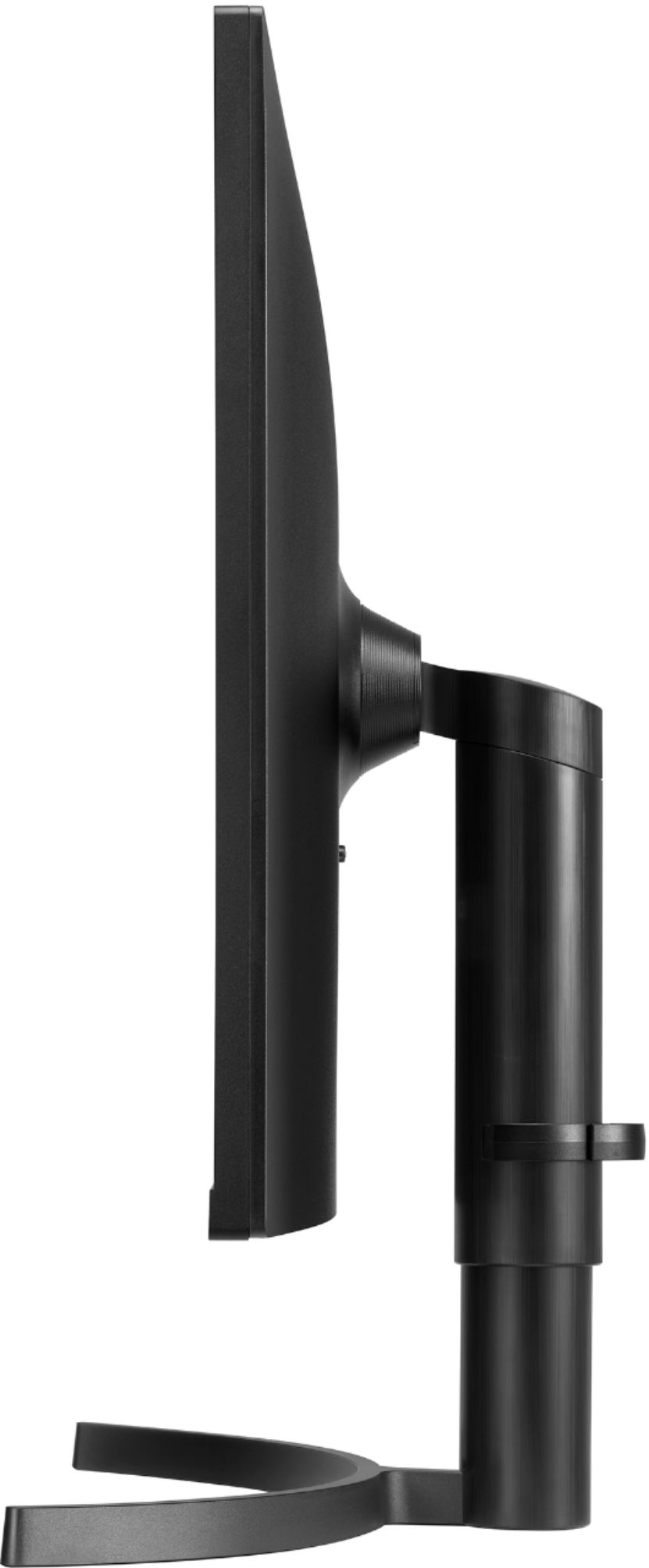
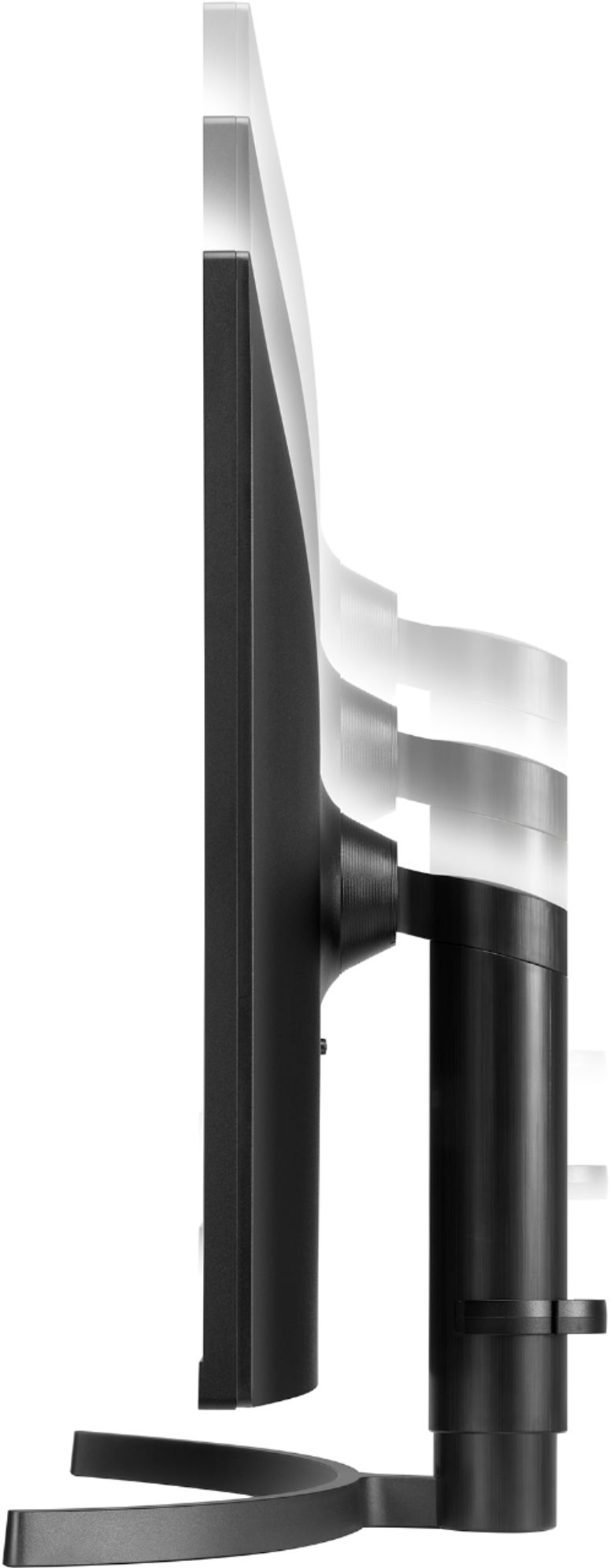
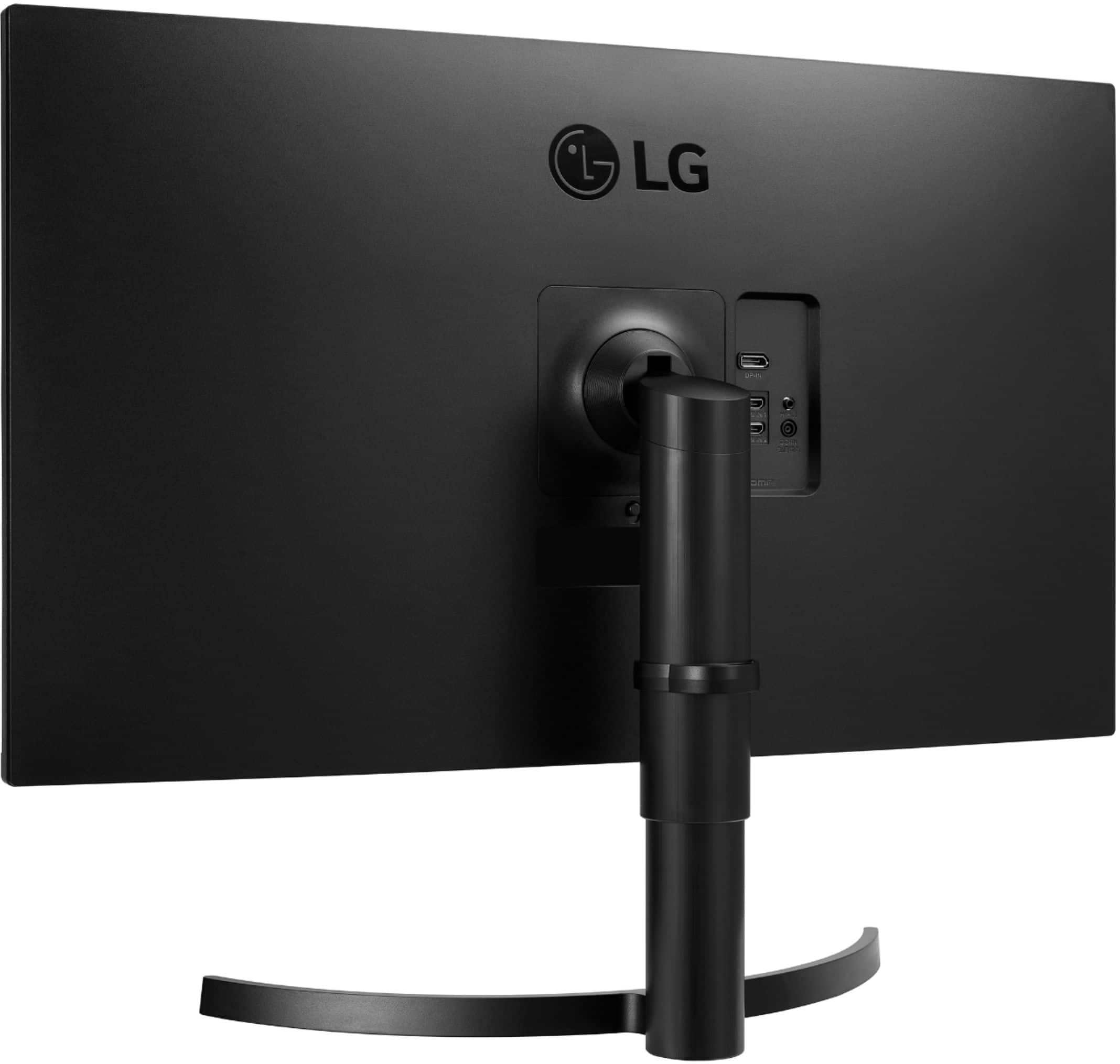
A:AnswerYes. It raises and lowers easily as well as has a pivot for tilt forward/backward. Part that allows up/down tilt is shown in photos (pardon the dust) to show how the tilt functions.
A:AnswerThe stand on this one is height and tilt adjustable. The 32QN600-B is only tilt adjustable. All other specs are the same. The stand on the 32QN650-B is really solid and well designed. I've read complaints from others about the stand on the 32QN600-B. Apparently it causes the monitor to move a bit while typing on a keyboard. There is no movement at all with the 32QN650-B while typing.
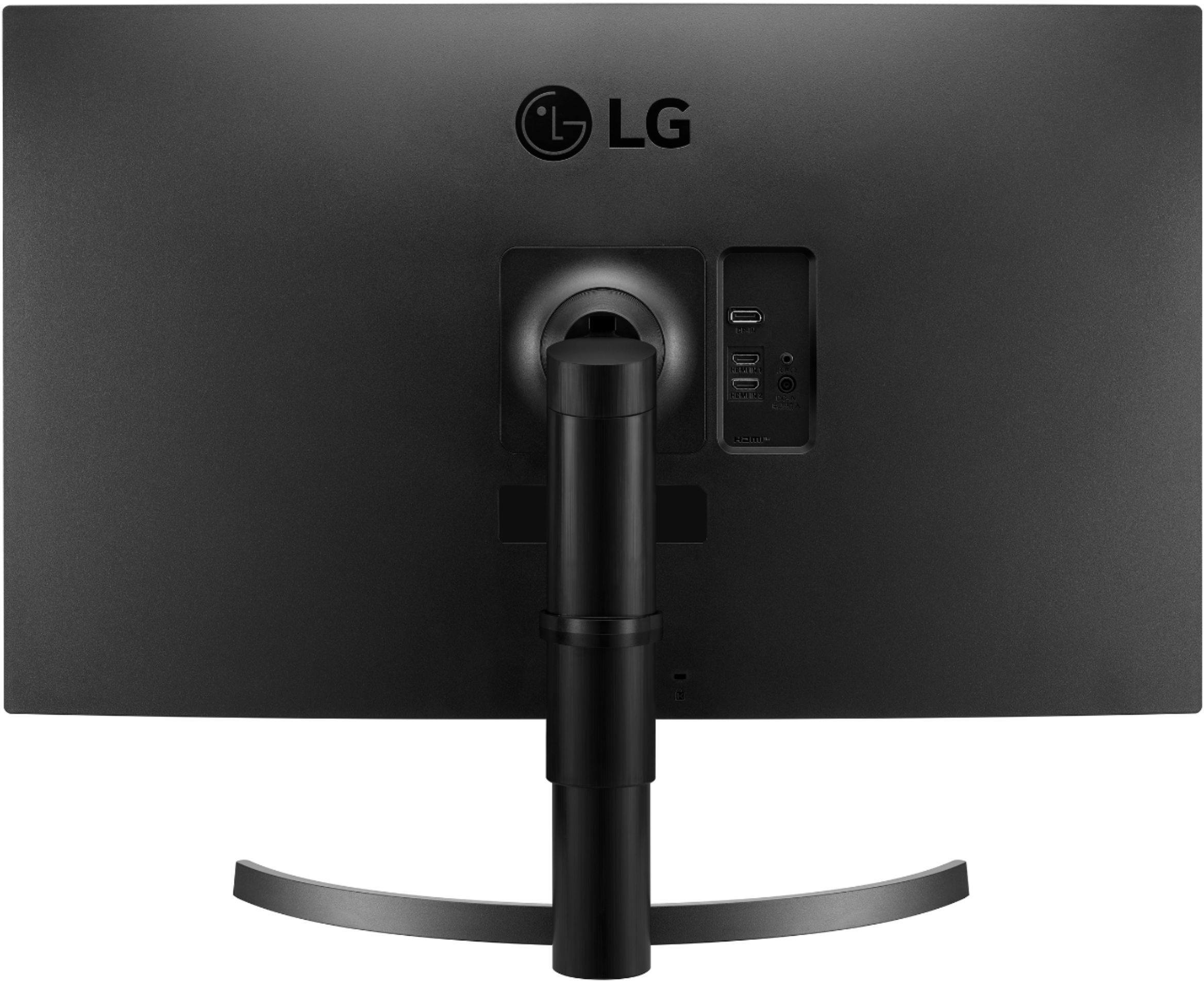
A:AnswerThe LG 32" QHD IPS HDR10 Monitor with FreeSync™, Model # 32QN650-B has a 3.5 mm Headphone Out port that can be used to connect to external computer speakers. It can also be used to connect to a Soundbar, Home Theater System or an external receiver that has an AUX In (Portable In) or the older RCA Stereo Audio In barrel ports (Red/White) using an appropriate audio cable...^Ivan
A:AnswerPlease reach out to our technical support team via private message on Facebook @LGUSSupport and use #VOC in your first message to our social media support team or call at 800-243-0000. This will allow for an open dialogue with expert agents that are better able to offer the proper assistance. Also, be sure to provide your contact information, model/serial numbers and date of purchase. ^Daphane
A:AnswerPlease seek recommendations/opinions on the forums at https://www.facebook.com/LGUSA; they are a great resource for getting help from other LG customers. Thank you. ^Daphane
A:AnswerPlease reach out to our support team via private message on Facebook @LGUSSupport and use #VOC in your first message to our social media support team or call at 800-243-0000. Also, be sure to provide your contact information, model/serial numbers and date of purchase. ^Daphane
A:AnswerYou will need an adaptor, VGA To HDMI. For further assistance, please reach out to our support team via private message on Facebook @LGUSSupport and use #VOC in your first message to our social media support team or call at 800-243-0000. ^Daphane
A:AnswerThis question depends more on your computer than your monitor. If your laptop allows you to attach a wireless keyboard and mouse, then the two will show on your LG monitor.