Questions & Answers
- Model:
- 32QN650-B
- |
- SKU:
- 6437574
Highly rated by customers for: Screen Size, Resolution, Ease of use
Page Showing 21-28 of 28 questions
Q: QuestionWill this monitor work on the xbox series s?
Asked by Baller11161985.
- A:Answer This monitor offers a maximum resolution of 2560 x 1440 @ 75 Hz. The recommended resolution is 2560 x 1440 @ 60 Hz. This monitor does not have HDMI 2.1 and will not support 4K@120Hz. ^Daphane
Answered by LG Digital Customer Care

Q: QuestionIs the monitor height adjustable?
Asked by Anonymous.
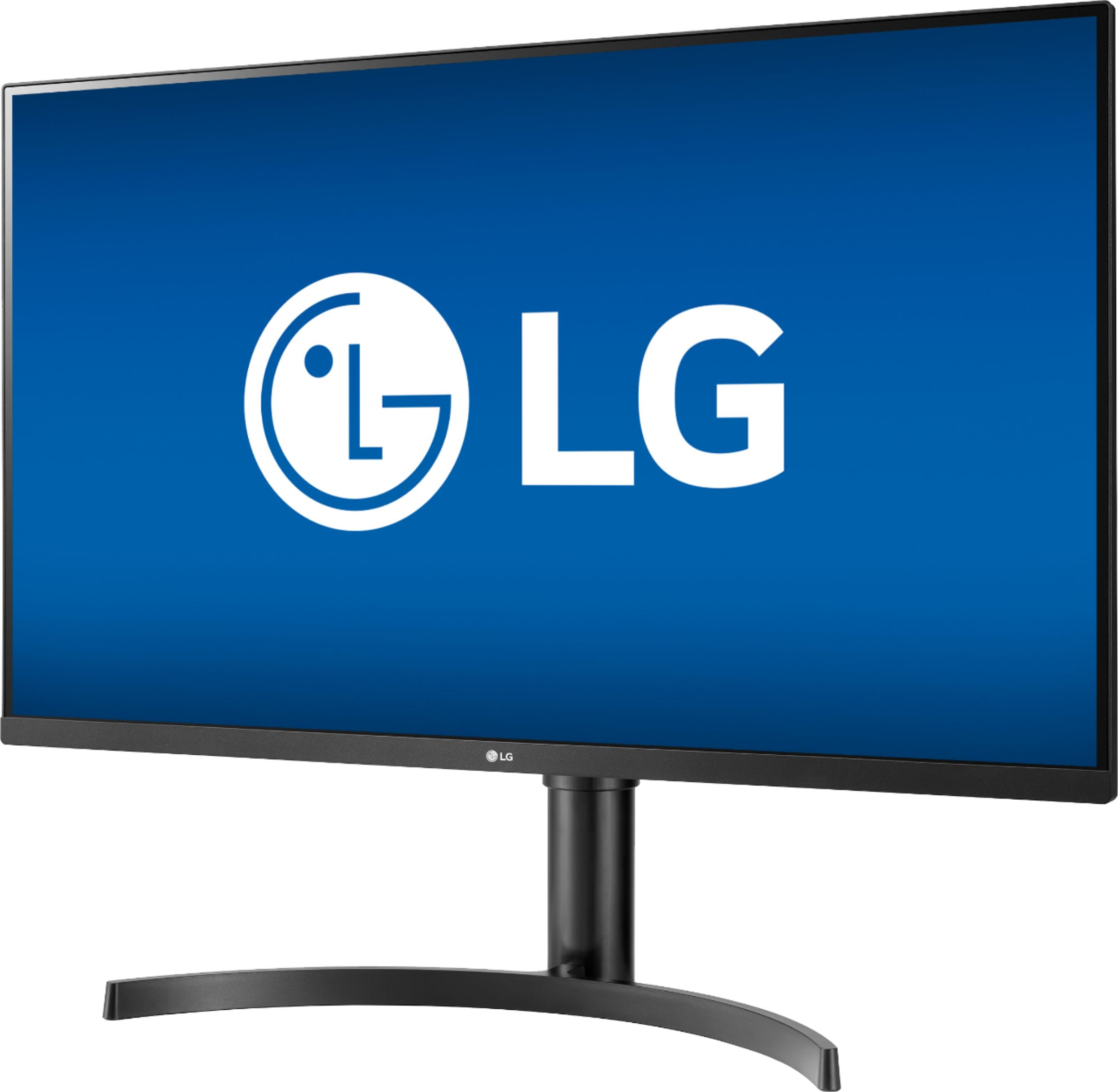
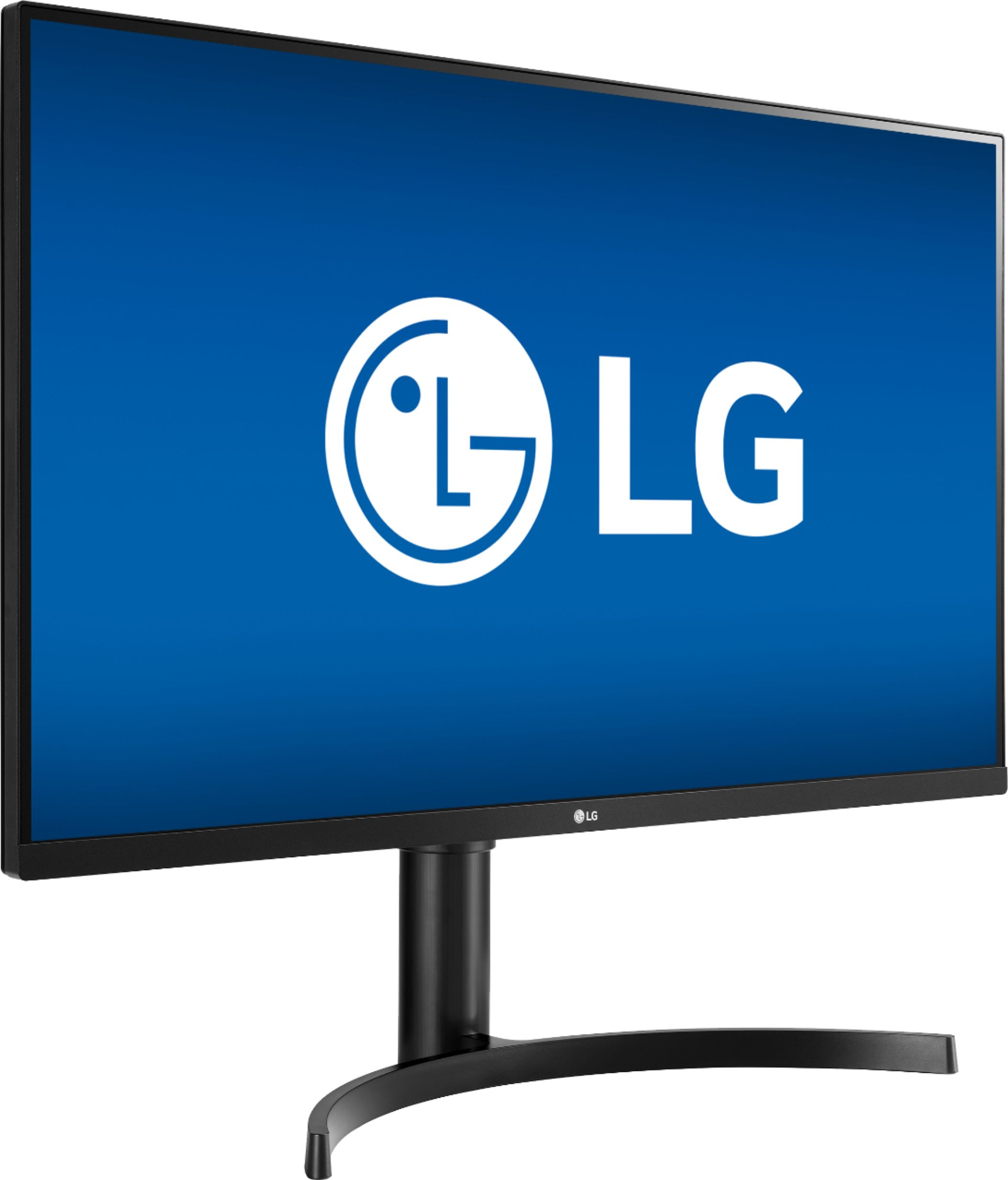
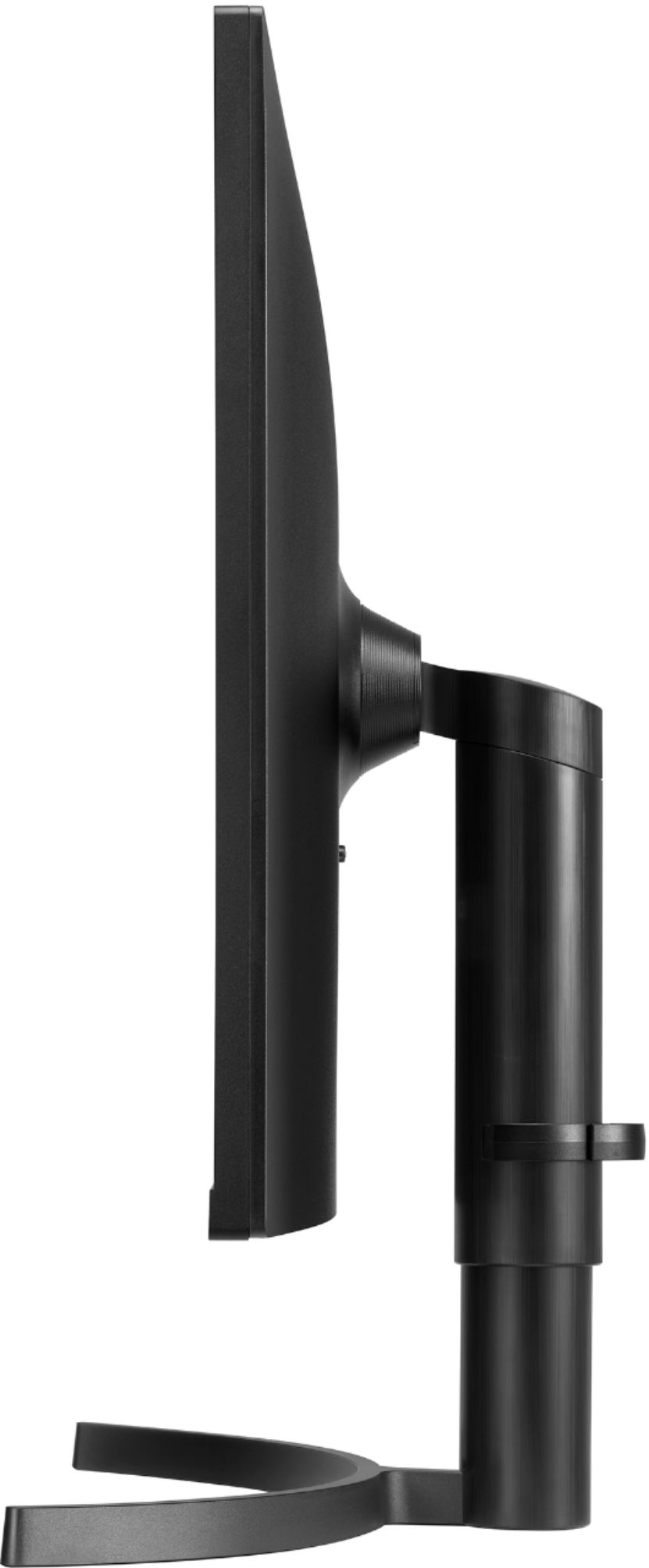
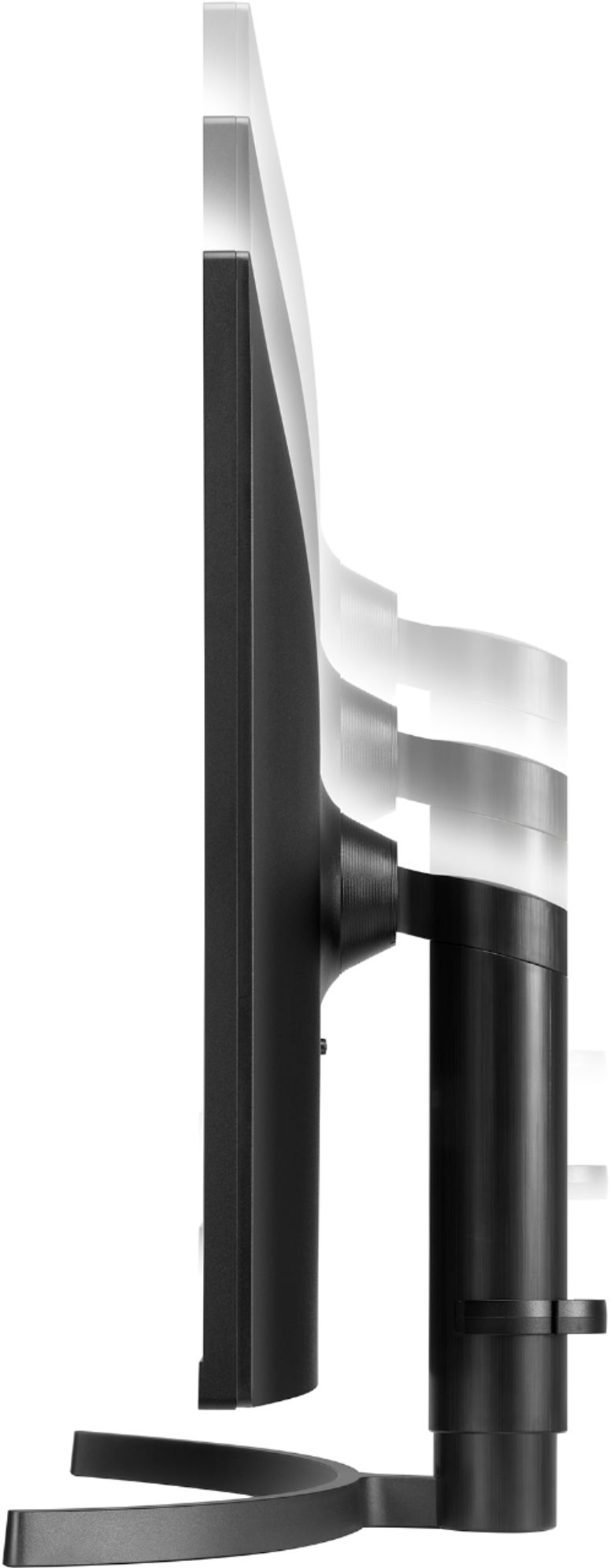
- A:Answer Yes. The stand it comes with is easily adjustable
Answered by Twizz
Q: QuestionYou’re description says IPS .. LED. This Must be a mistake, because IPS cannot work with anything but LCD.
Asked by Geo.
- A:Answer IPS is an LCD based design. LCD has an LED backing to illuminate it, but it isn't the same as LED. OLED is just an updated design.
Answered by cmoviefan
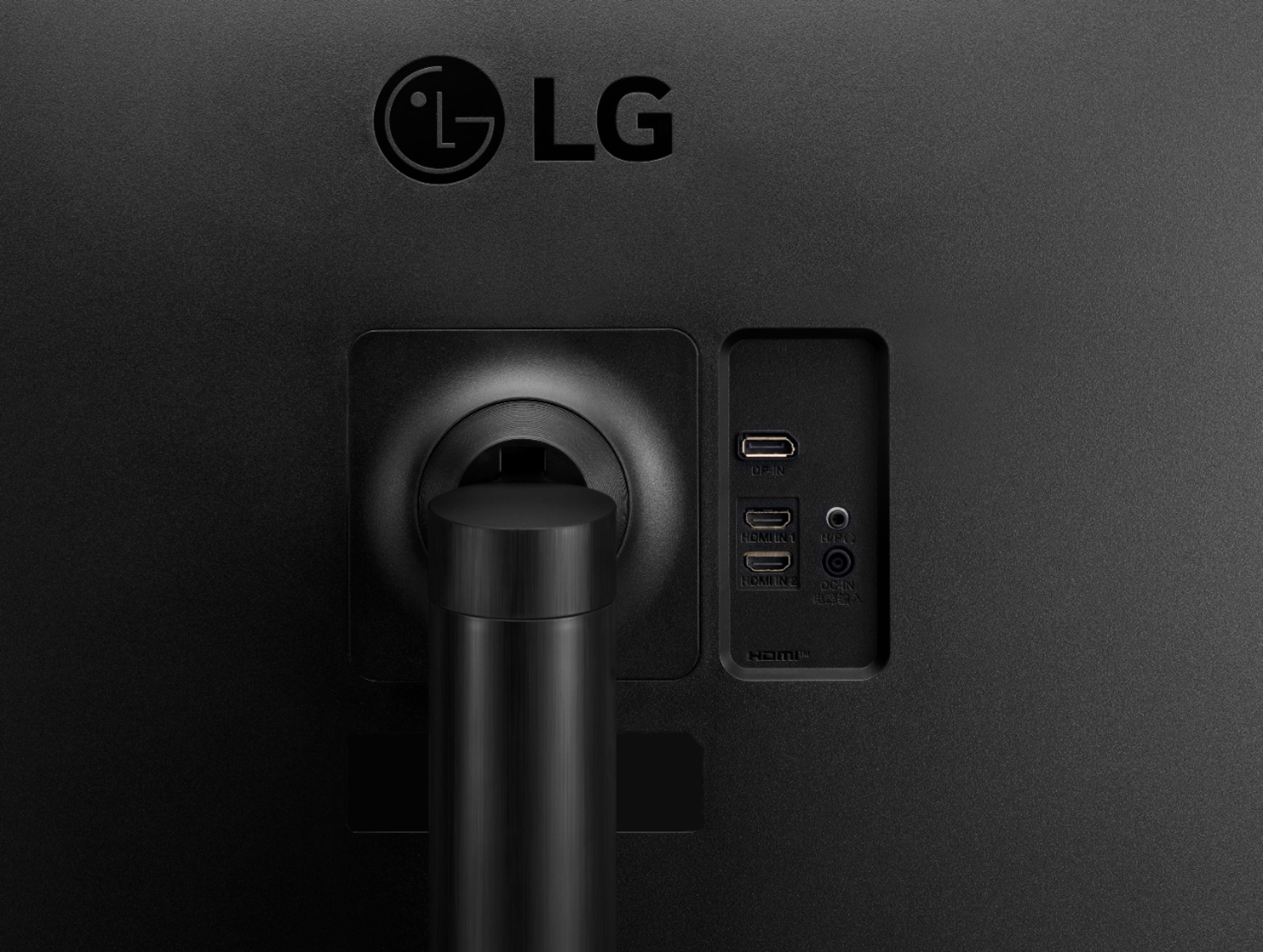
Q: QuestionHow do I switch between HDMIs? I want to plug my laptop into one and a Roku into the second. Would the monitor act just as well as a TV with a Roku (acknowledging I’d have to route external speakers through the Aux - is that right?) ?
Asked by dudewhofainted.
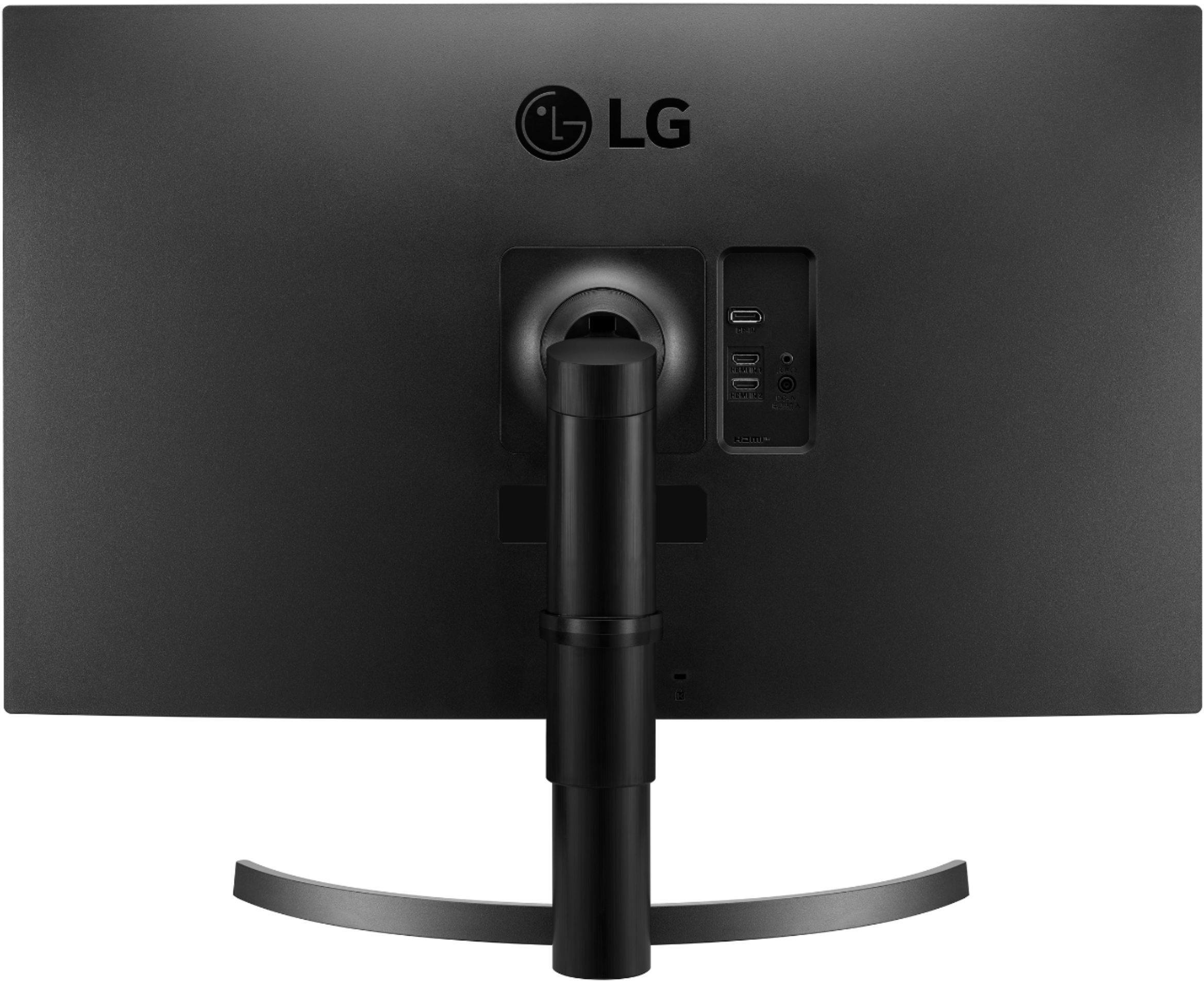
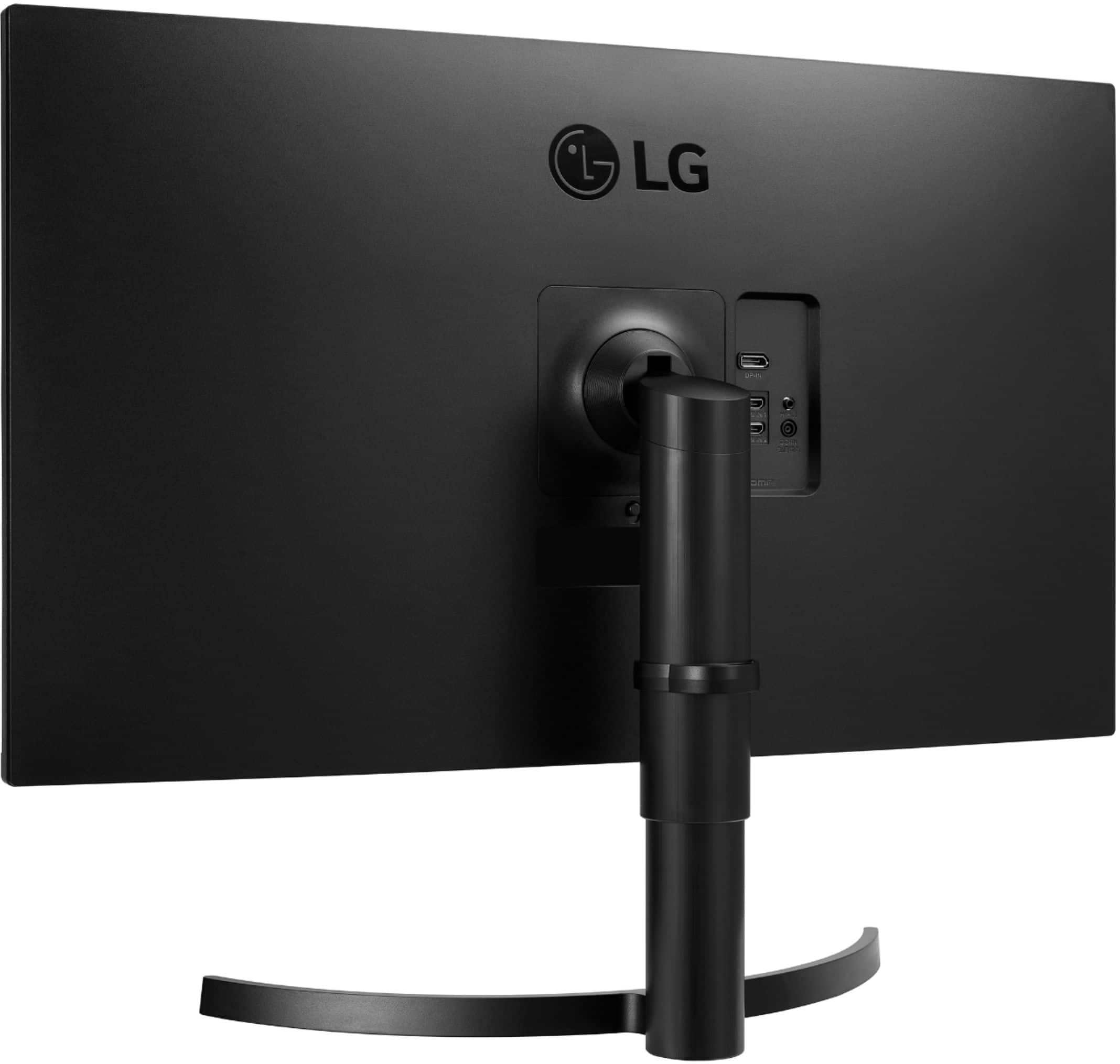
- A:Answer First, to switch between the Roku and the laptop you would best be advised to get an HDMI switcher available from Best Buy or Amazon. The monitor has two HDMI inputs and can switch between the signals, but using the tiny control at the bottom of the monitor is far too cumbersome to constantly use for switching between HDMI signals. Save yourself some navigational headaches by forgetting that tiny control and buy an HDMI switcher. Plug the Roku and the laptop HDMI cables into the switcher, then connect an HDMI cable from the switcher output to the monitor's HDMI Input 1. I am currently using another LG monitor tethered to a Roku. It works fine and this monitor should yield comparable results. You will need a speaker, as you mentioned, connected from the monitor's AUX output. I'm using a JBL bluetooth speaker that I keep plugged in all the time for my audio output.
Answered by campbelld
Q: QuestionCan I connect two computers to this monitor at the same time so that both computers can be displayed on this monitor at the same time?
Asked by Anonymous.
- A:Answer No, I do not believe you can display two computers simultaneously on this LG monitor. This arrangement would require a program devised by LG to allow it to do so. LG has some ultrawide monitors that come with software to allow them to display multiple laptops at the same time. This is not an ultrawide and does not have such a program. I have two laptops connected to this monitor and the hookup works beautifully - but I can only display one laptop at a time.
Answered by campbelld
Q: QuestionDoes the monitor have speakers, if so what watt are they? Thanks
Asked by Ohno.
- A:Answer No speakers. It does have a headphone output jack and a volume control for it.
Answered by Mikel
Q: QuestionIf I set HDR in Windows, the monitor will not let me select HDR Picture mode or Freesync. If I turn of Windows HDR, then I can use both. Is the montior's HDR picture mode simply a simulation of HDR? Which should I be usning for true HDR? NITs seem low.
Asked by Saracen55.
- A:Answer Yes, HDR on this monitor is just a simulation. More like a picture settings preset to simulate HDR. NIT is too low for true HDR. Minimum NIT would need to be 400 and this has 350.
Answered by Mikel
Q: QuestionCan this be rotated to vertical? I'd like to use it for text editing: show many lines on a single screen.
Asked by Benj.
- A:Answer No it cannot be rotated vertical. It is height and tilt adjustable. At 32 inches the monitor in portrait mode would be so high you would have a very sore neck and irritated eyes after trying to read the text in portrait mode. Even horizontally at 32 inches, the height of this monitor is at the absolute limit of what I can easily see and feel comfortable with. There is no way I would even attempt to read anything on this in a vertical rotation. I would have to stand up to to do it and that would create all kinds of other discomfort when it comes to typing.
Answered by Mikel
Page 2, Showing 21-28 of 28 questions
Best-selling Best Buy
- $299.99$299.99The price was $349.99
- $59.99$59.99The price was $99.00
- $14.99$14.99The price was $19.00
- $24.99$24.99The price was $29.99
- $199.99$199.99The price was $349.99
- $14.99$14.99The price was $19.00
- $139.99$139.99The price was $149.99
- $149.00$149.00The price was $399.00