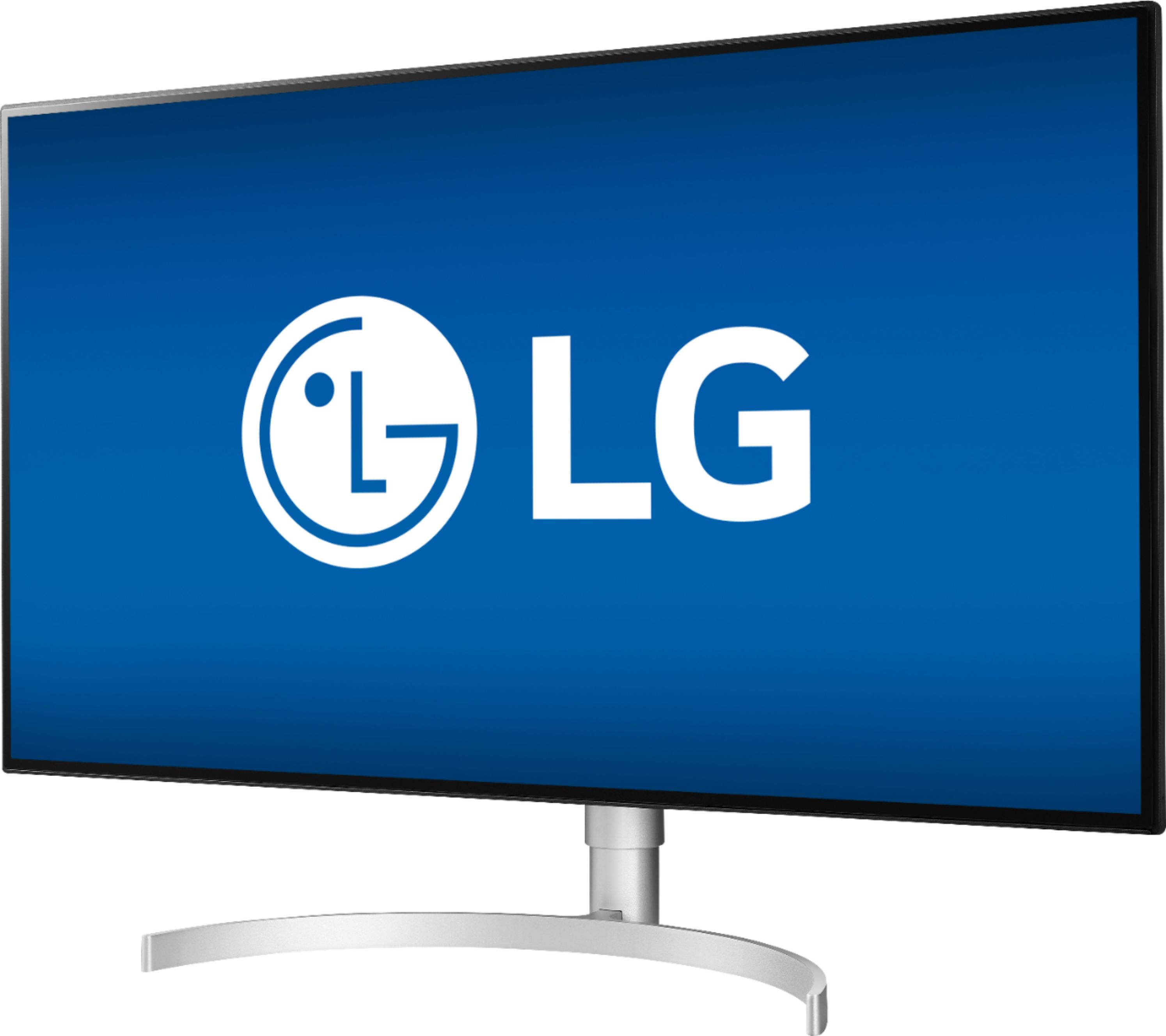
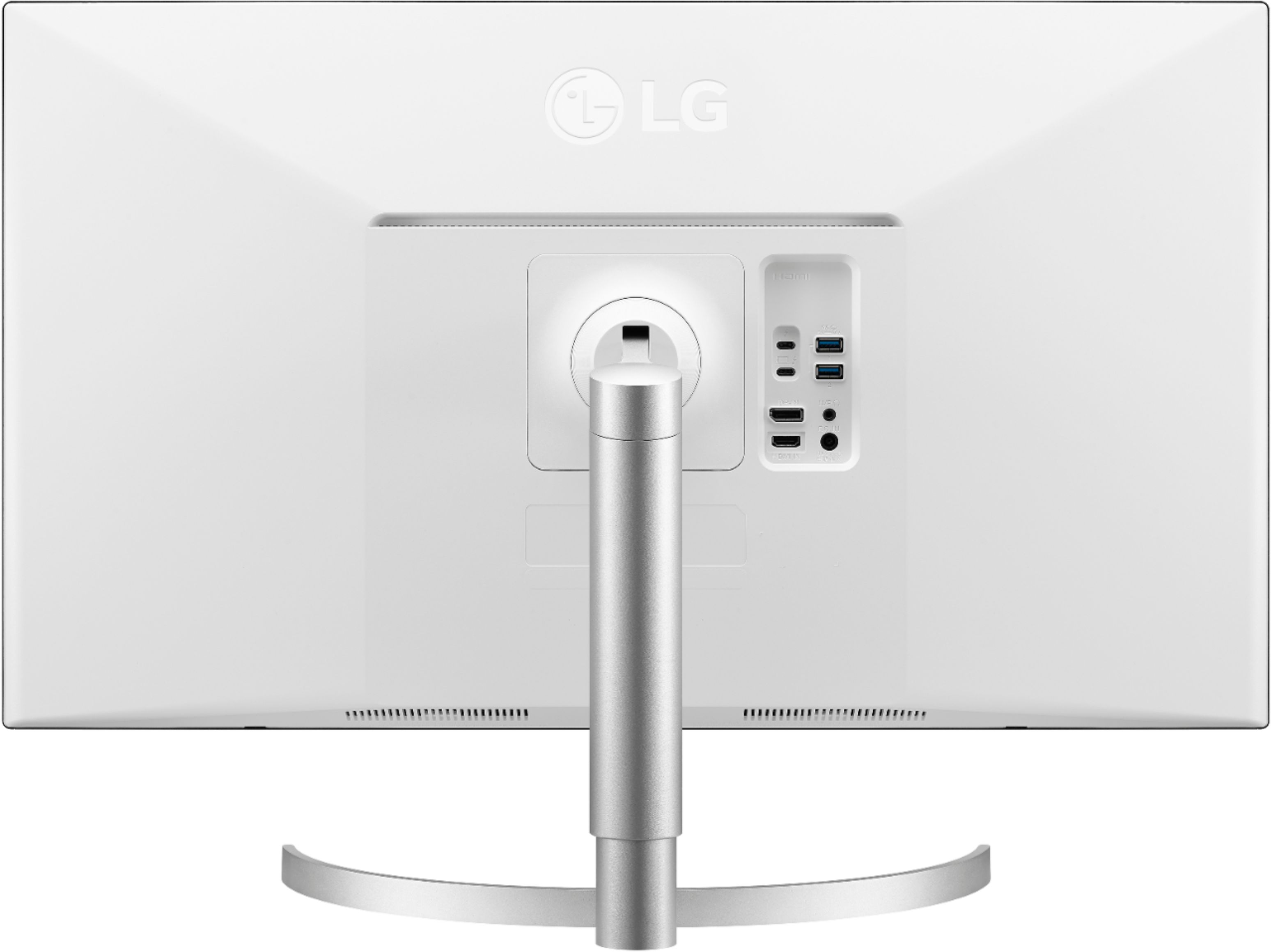
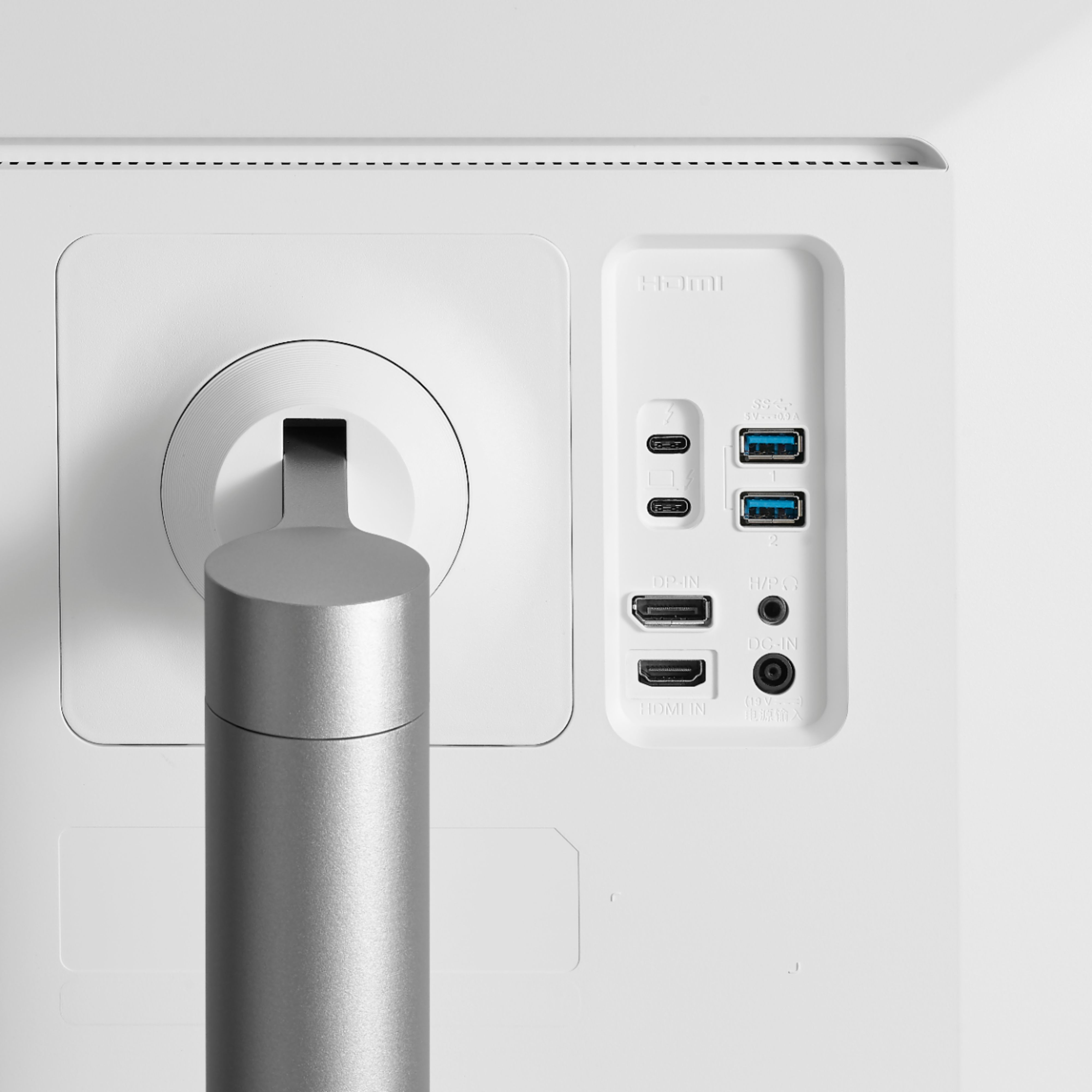
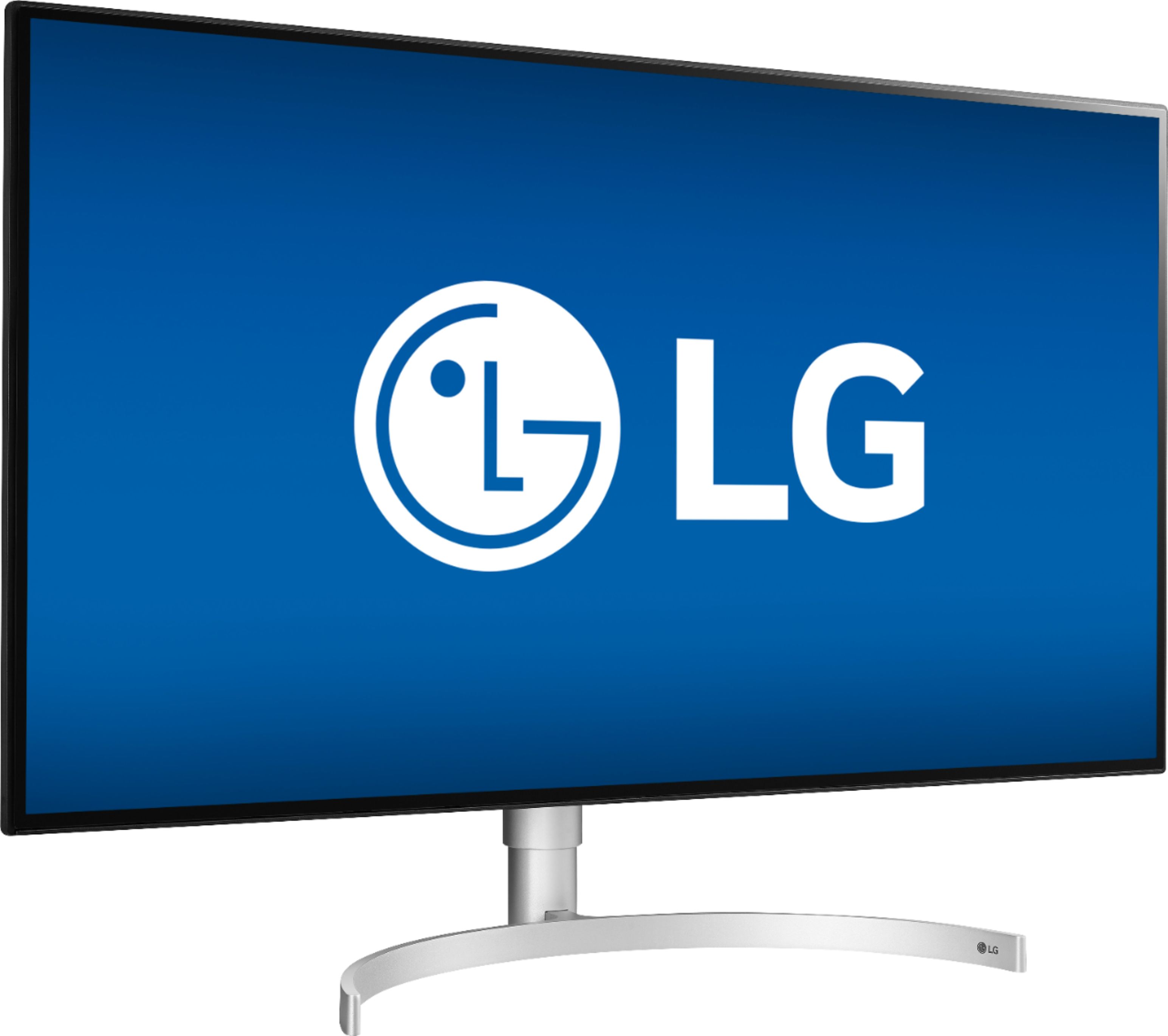
A:AnswerThe LG 32'' Class UltraFine™ 4K UHD LED Monitor with Thunderbolt™ 3 (31.5'' Diagonal), Model # 32UL950-W has a native resolution of 3840 x 2160 and a native refresh rate of 60Hz. It features an HDMI input, a DisplayPort input an 2 x Thunderbolt™ 3 ports that have a power delivery of 60W. If the Graphics Card in your 2015 vintage MacBook Air supports the monitor's native resolution and has the appropriate ports to connect to the monitor's ports or you can use adapters to make the necessary connections, it will work with the monitor...^IFV
A:AnswerThe Thunderbolt™ 3 output on the LG 32'' Class UltraFine™ 4K UHD LED Monitor with Thunderbolt™ 3 (31.5'' Diagonal), Model # 32UL950-W enables 40Gbps data and high-bandwidth video, including a 4K signal to two different screens, or 5K/60fps to a single screen and 60W charging. The monitor features a DisplayPort input and an HDMI input and a Thunderbolt™ 3 input in addition to the Thunderbolt™ 3 output that you can connect to...^IFV
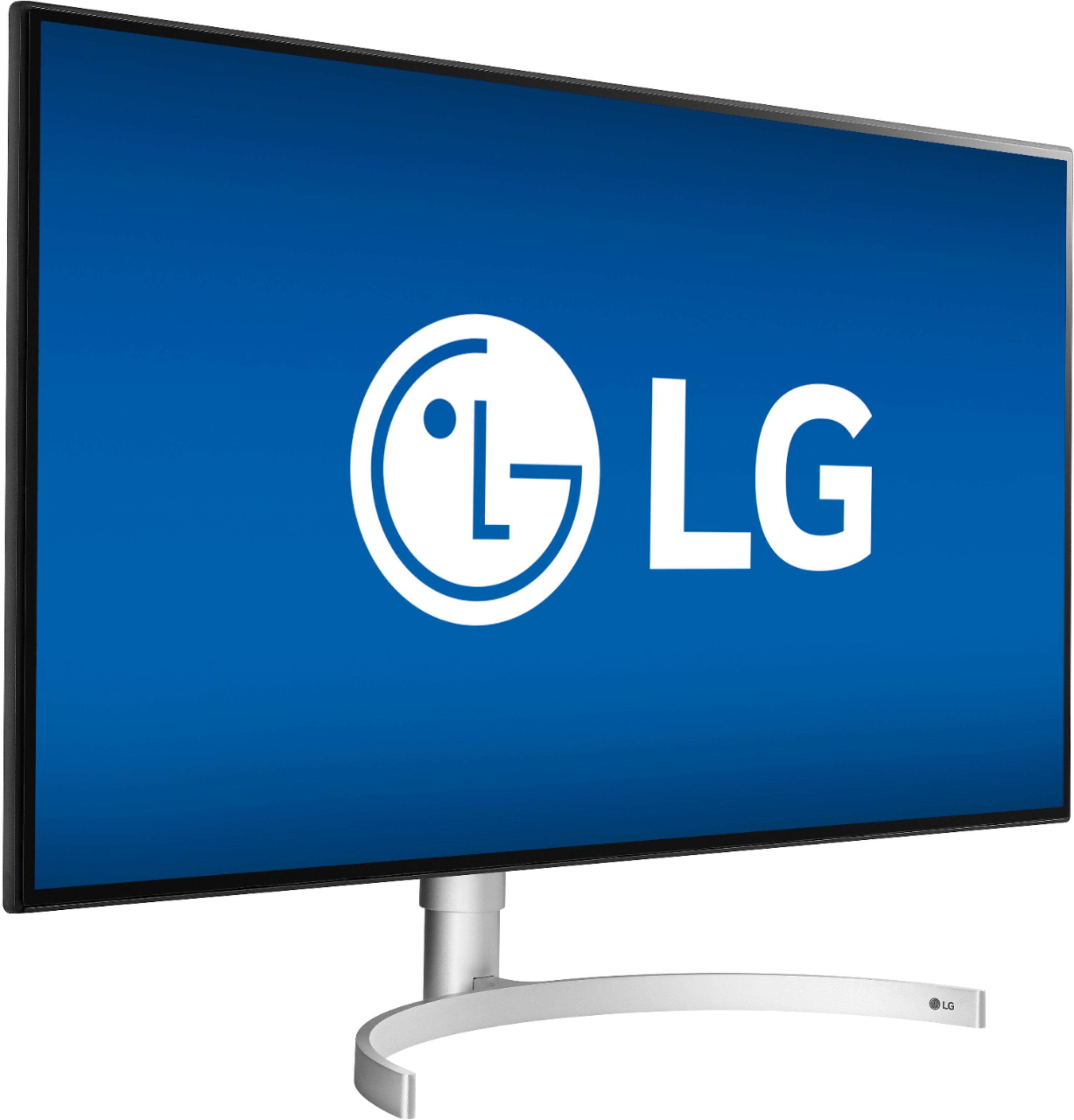
A:AnswerThe 32UL950-W features HDR600 VESA Certified Display HDR technology which ensures lifelike fidelity and striking color, so games and movies are seen exactly as the developer or filmmaker intended. The 4K Ultra HD 3840 x 2160 resolution is ideal for watching high-resolution videos and playing games with settings maxed out. Its 5 ms response time delivers solid performance for precise gaming and video work. Its 60Hz refresh rate provides smooth video and good refresh rates for everyday use. The 32" anti-glare HDR Nano IPS LED monitor means more accurate color and a broader contrast ratio are combined to deliver truly high-end picture quality. It features FreeSync technology. The adaptive synchronization technology matches the frame rate of the monitor to any compatible AMD graphics card. It has HDMI, DisplayPort and Thunderbolt 3 inputs that allow you to set up DVD players and other AV sources for a clear, high-quality audio and video signal. The 1300:1 contrast ratio ensures images are crisp and clear with deep blacks and bright highlights. Its 450 cd/m² brightness produces bright images that can be seen clearly even in well-lit rooms. High dynamic range (HDR) makes bright and dark portions of the image even more so, while Nano IPS controls color better, covering 98% of the DCI-P3 color space, the digital film industry standard. We hope this information helps. If you have additional questions, give our computer specialists a call at 800-243-0000. ^CP
A:AnswerThis unit has a 1300:1 contrast ratio which ensures images are crisp and clear with deep blacks and bright highlights. High dynamic range (HDR) makes bright and dark portions of the image even more so, while Nano IPS controls color better, covering 98% of the DCI-P3 color space, the digital film industry standard. ^CP
A:AnswerYou can pretty much hook up a ps4 to anything that has a HDMI hookup. I have the LG Nano IPS 32" $1000 Monitor hooked up took my PC and ps4. and I am super satisfied beyond words. Only 60 Hertz and still running 4k with ease.
60 fps allday everyday!!! All types of adjustments on the monitor to work with. HDR on LG monitors are the best for gaming, hands down!!! You can actually cut your HDR off In the game, and run it on ps4 and monitor for best results. Since there are so many variations of HDR from game to game you'll have to play with adjust the settings till you find out the best setting for each game according to how you like it. But with the LG Nano IPS 2019's you shouldn't any problems. Good luck!
A:AnswerOnly if you are using USBC. Quick tip. I would download the free program called Monitor control from GitHub. It works great and you can also control your volume from there as well. LG doesn't have a program that is any good. Honestly LG should buy their software and add it to their current one that does nothing. It's ranked 1.3 on the App Store right now. Best of luck.
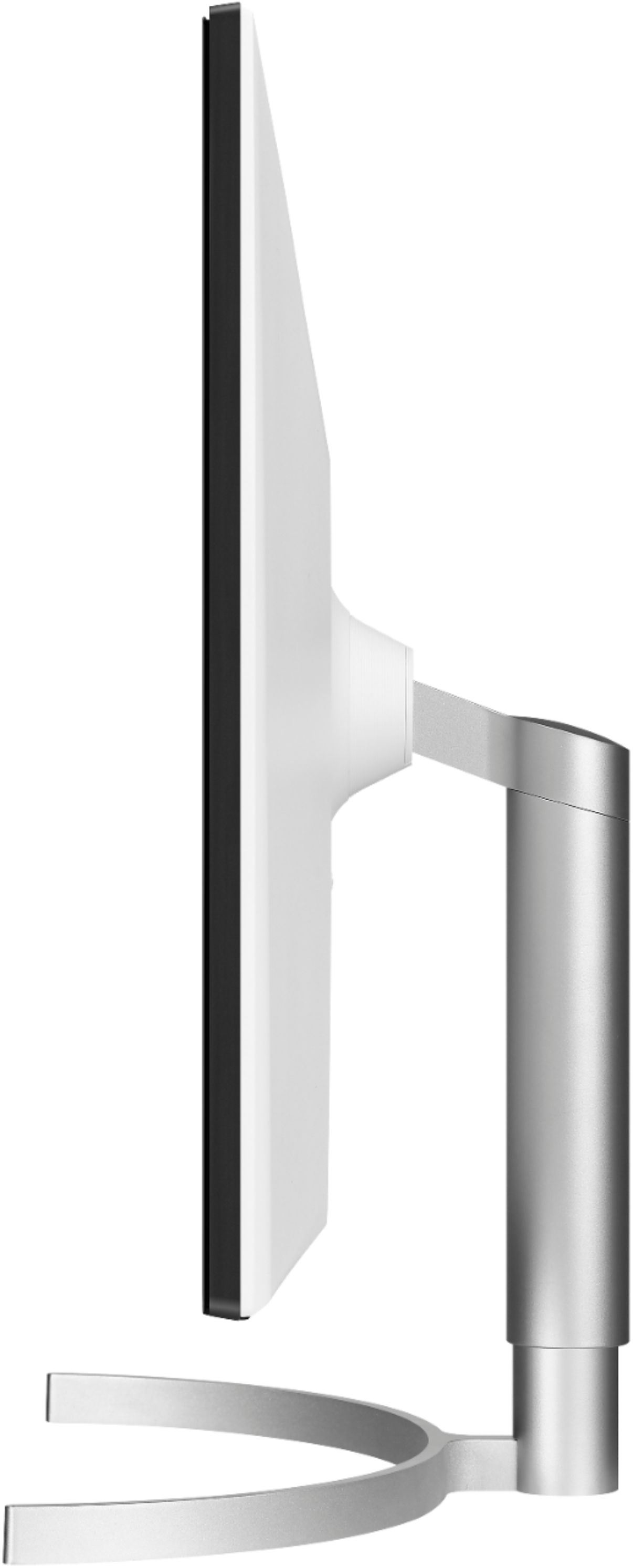
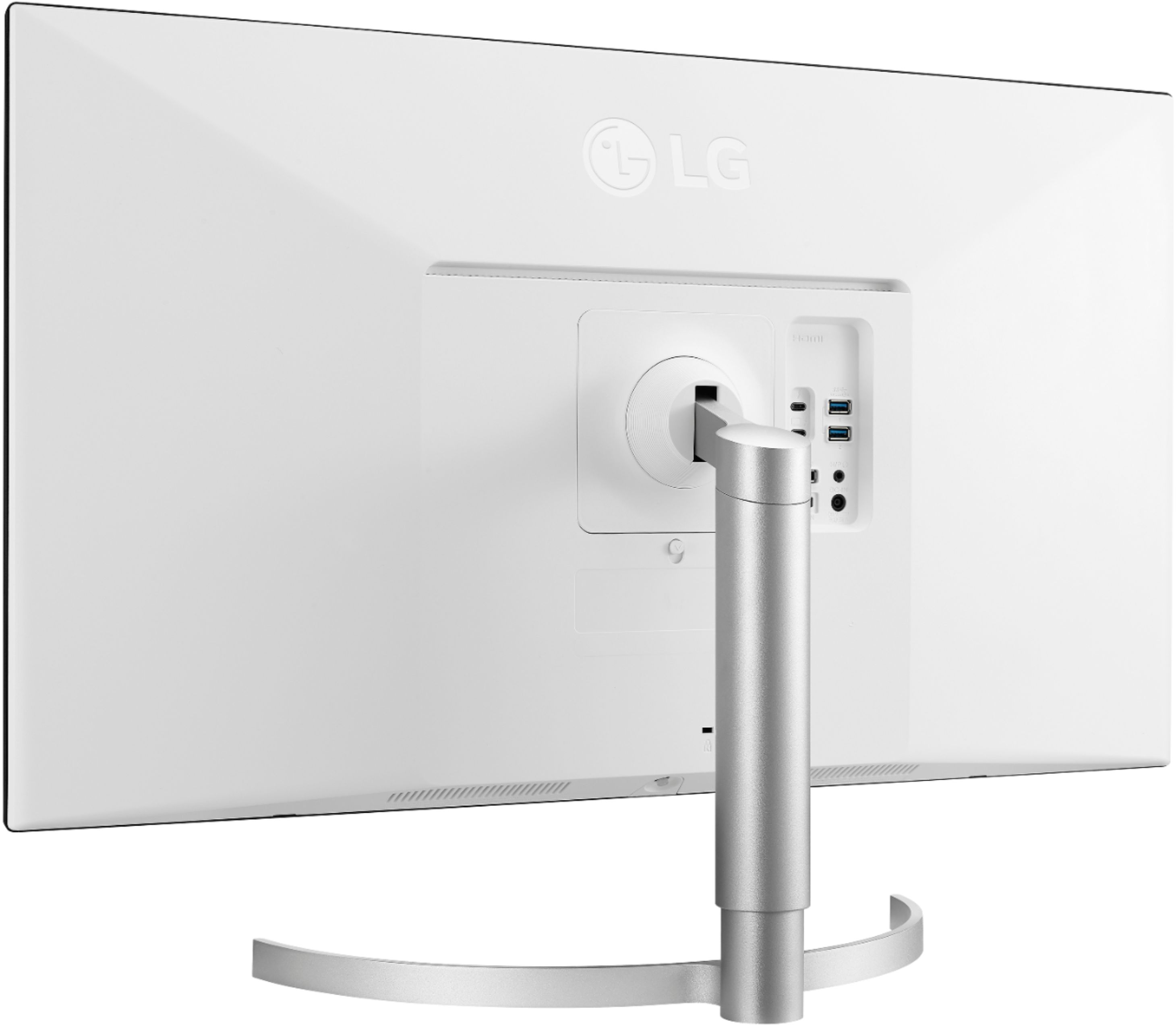
A:AnswerThis unit can be wall mounted. The Wall Mount Size is 100 x 100 mm. If you are in need of further assistance, please reach out to our support team on Twitter via @LGUSSupport or on Facebook at https://www.facebook.com/LGUSA or call at 800-243-0000. ^Daphane
A:AnswerThis is a Plug and Play monitor and doesn't require drivers. If you are in need of assistance with using a monitor, give our computer specialists a call at 800-243-0000. ^Daphane
A:AnswerBest monitor I've ever owned. Yes, it is that good in my opinion. My eyes used to strain so much with other monitors.This thing is so bright that I have to turn down the brightness or it would hurt my eyes if I look at it too long. The colors are amazing and this is the only thing that comes close to a Retina display for the price.
A:AnswerWe would be happy to ensure this monitor is just what you need for your computer. For assistance, please give our computer specialists a call at 800-243-0000. ^CP
A:AnswerPlease reach out to our support team via private message on Facebook @LGUSSupport and use #VOC in your first message to our social media support team or call at 800-243-0000 to verify. Also, be sure to provide your contact information, model/serial numbers and date of purchase. ^Daphane