Black Friday is hereAlso, shop the 24-Hour Flash Sale.Shop now

Main Content

Questions & Answers

Your price for this item is $379.99
Page Showing 61-80 of 100 questions
  • Questionwould the usb c also charge the MacBook Pro?

    Asked by Anonymous.

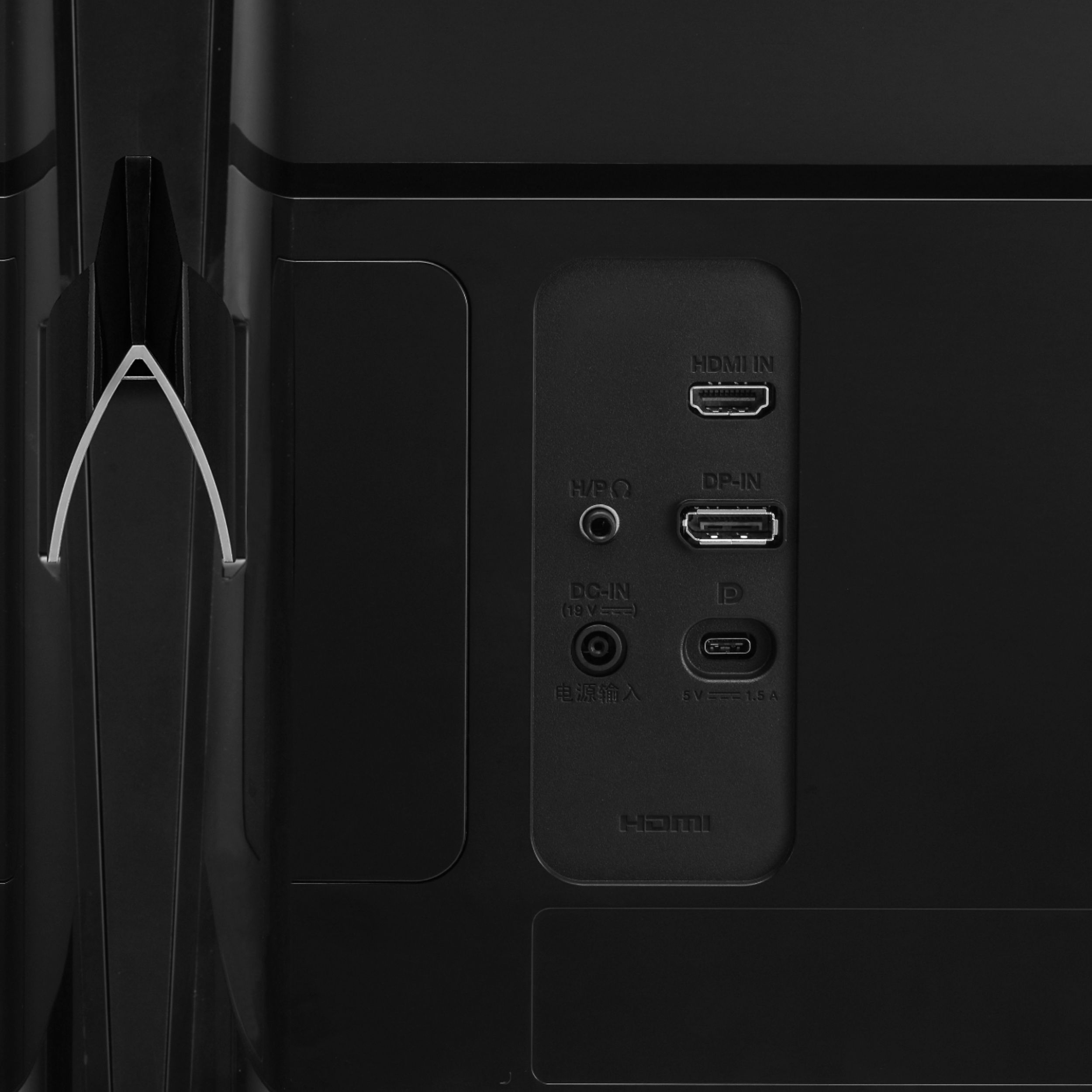
    • Answer The USB-C port on the LG 34" Class 21:9 UltraWide® Full HD IPS Gaming Monitor (34” Diagonal), Model # 34UM69G-B does not support USB PD (Power Delivery) so it will not charge other devices. ^CP

      Answered by LG Digital Customer Care

  • QuestionThis is my first time getting a gaming monitor and i don't know what to get next so if you can help me that would be very helpful im trying to game in it btw.

    Asked by Richard.

    • Answer The WFHD 2560 x 1080 resolution with 21:9 aspect ratio delivers crystal clear picture quality with stunning detail. The high pixel density helps you see extremely fine details on screen so you can view and edit high-resolution photos and more. The 5ms response time helps prevent blurring, ghosting, and streaking during intense action sequences in video games and movies. The 75Hz refresh rate is a good choice for gaming and other fast-moving media. FreeSync technology for fluid gameplay synchronizes the refresh rate between the GPU and display to eliminate image tears and choppiness. 250 cd/m² brightness provides a highly visible display and crisp on-screen images. The Dynamic Action Sync feature minimizes input lag so the game play in RTS games is more responsive. Keep visibility even in dark scenes. LG's Black Stabilizer senses dark scenes and helps make it brighter so that you can find the enemies hiding and waiting to attack your player in the dark. Set your game mode to optimize and customize your gaming conditions. There are 3 gamer modes, 2 First-Person-Shooter modes and even a RTS pre-set mode so you can choose the best mode for you and the game you're playing. We hope this information helps. If you have concerns or questions, you can contact our Customer Support by any of the below options: Phone: 1-800-243-0000 LiveChat: https://www.lg.com/us/support/chatbot Email: https://www.lg.com/us/support/email-appointment Facebook Messenger: https://www.facebook.com/LGUSA/ Twitter: @LGUSSupport The LG Community Forum is also a great resource for getting help from other LG customers: https://lgcommunity.us.com/ ^CP

      Answered by LG Digital Customer Care

  • QuestionCan you connect a ps4 to tbis

    Asked by Hi.

    • Answer Yes, a PS4 is able to connect to this monitor via HDMI. ^CP

      Answered by LG Digital Customer Care

  • QuestionIs this a good monitor to get if your only using it for gaming? On console

    Asked by zDeepRange.

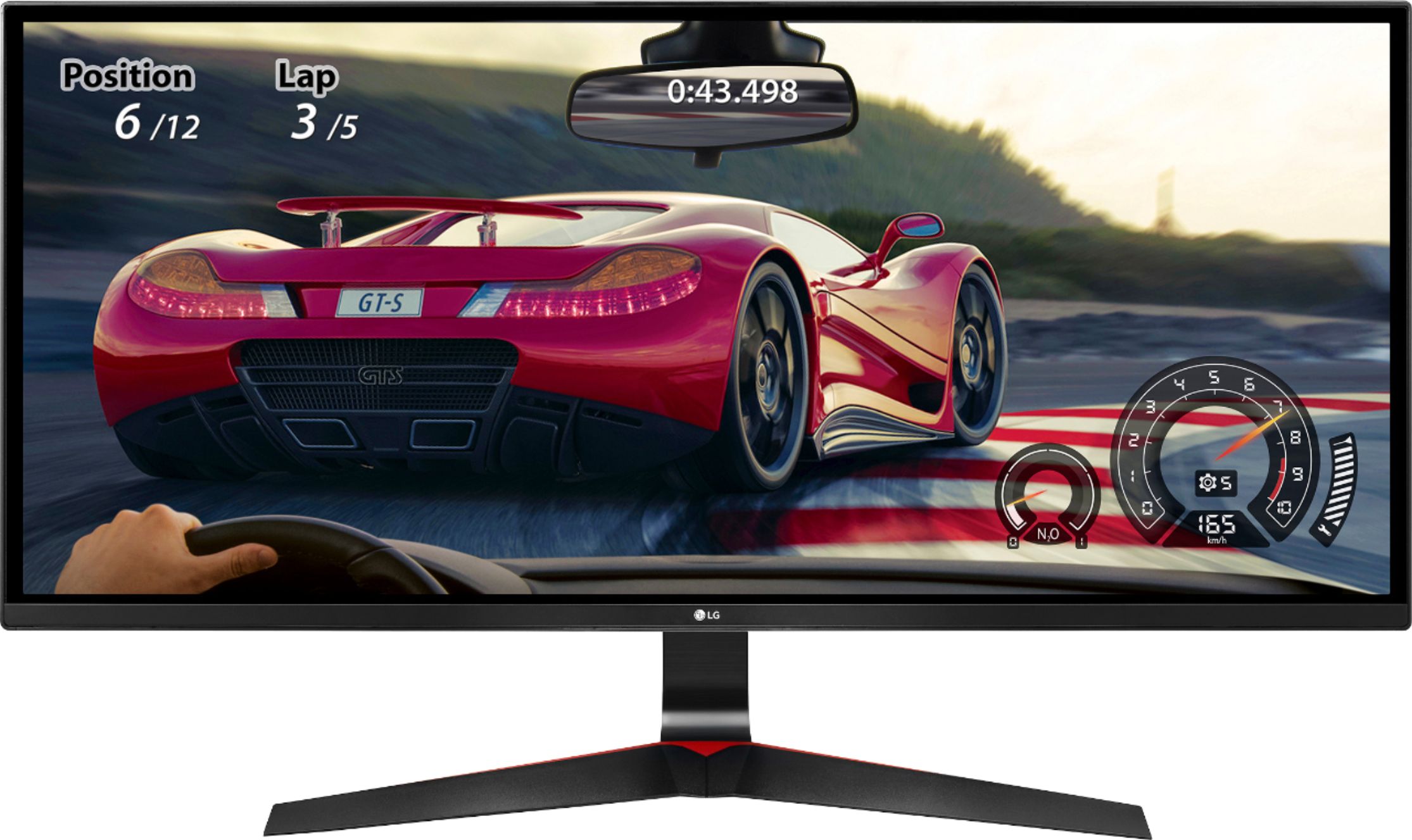
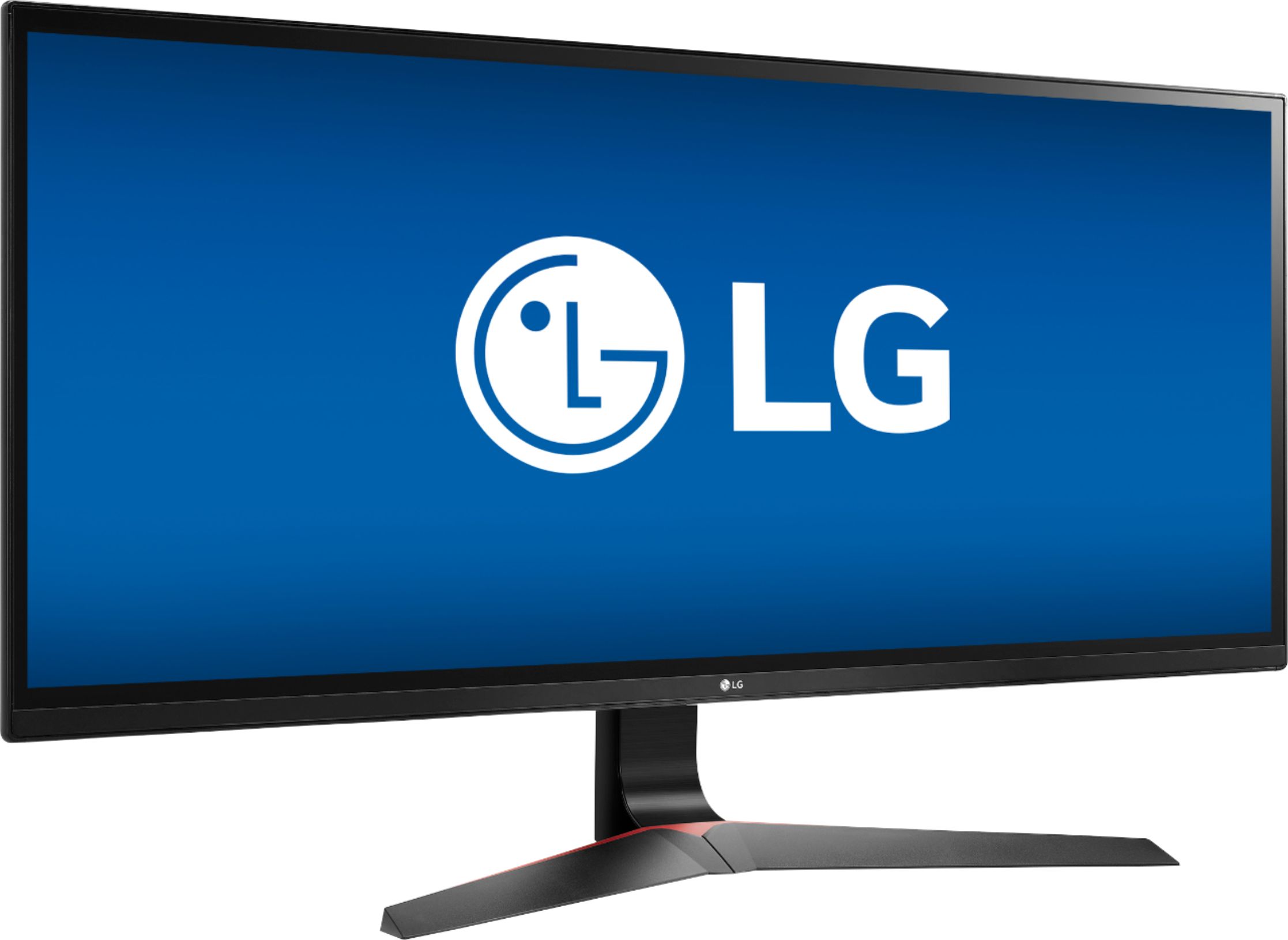
    • Answer The 34UM69G-B has a WFHD 2560 x 1080 resolution with 21:9 aspect ratio delivers crystal clear picture quality with stunning detail. The high pixel density helps you see extremely fine details on screen so you can view and edit high-resolution photos and more. With 1ms motion blur reduction and a Full HD 21:9 aspect ratio, this monitor delivers every bit of the action in your favorite games. AMD FreeSync technology on this LG UltraWide HD monitor reduces stuttering for more seamless play. Its 5ms response time helps prevent blurring, ghosting, and streaking during intense action sequences in video games and movies. The 75Hz refresh rate is a good choice for gaming and other fast-moving media. 250 cd/m² brightness provides a highly visible display and crisp on-screen images. Dynamic Action Sync feature minimizes input lag so the game play in RTS games is more responsive. LG's Black Stabilizer senses dark scenes and helps make it brighter so that you can find the enemies hiding and waiting to attack your player in the dark. Set your game mode to optimize and customize your gaming conditions. There are 3 gamer modes, 2 First-Person-Shooter modes and even a RTS pre-set mode so you can choose the best mode for you and the game you're playing. If you have additional questions regarding our monitors, give our computer specialists a call at 800-243-0000. ^CP
      Answered by LG Digital Customer Care

  • QuestionDoes this monitor support on screen control?

    Asked by OnScreenControl.

    • Answer If by that you mean being able to split windows into premade layouts via LG on-screen control, yes it does. I believe it comes with around 6 different layouts.

      Answered by TPFCDesigns

  • QuestionDoes the UBB C port have a high enough output to charge a 2018 13 Macbook Pro?

    Asked by Evan.

    • Answer The USB-C port on the LG 34" Class 21:9 UltraWide® Full HD IPS Gaming Monitor (34” Diagonal), Model # 34UM69G-B does not support the USB PD (Power Delivery) specification so it will not charge your Macbook Pro. You can transfer data. ^CP

      Answered by LG Digital Customer Care

  • QuestionCan this be connected to a desk top as one of a two monitors set -up? If yes, are there any special requirements?

    Asked by Tomasiou.

    • Answer It’s has normal connection like a normal pc monitor nothing special is required to use it

      Answered by NV68

  • QuestionHow can I connect a Mac air?

    Asked by John.

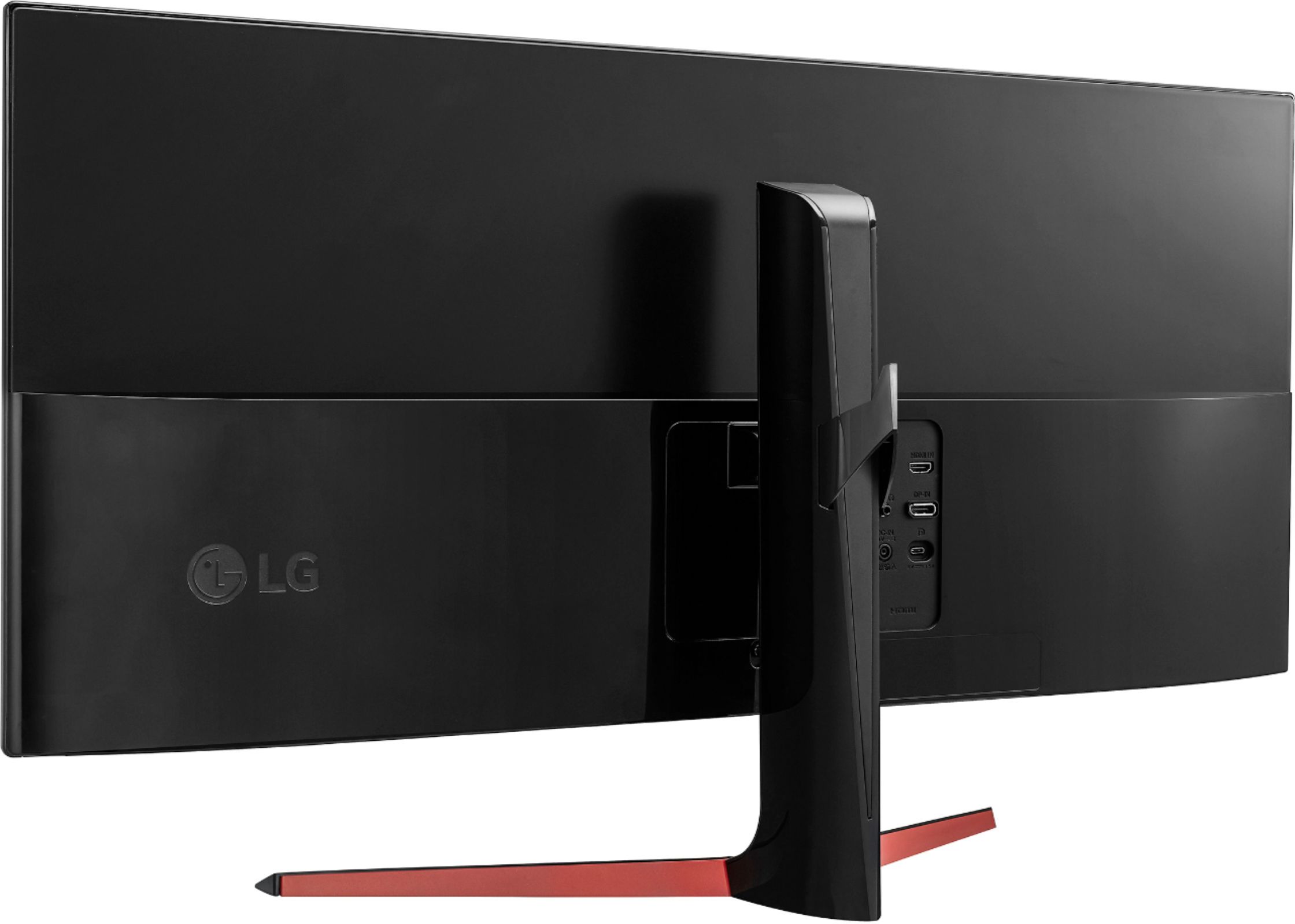
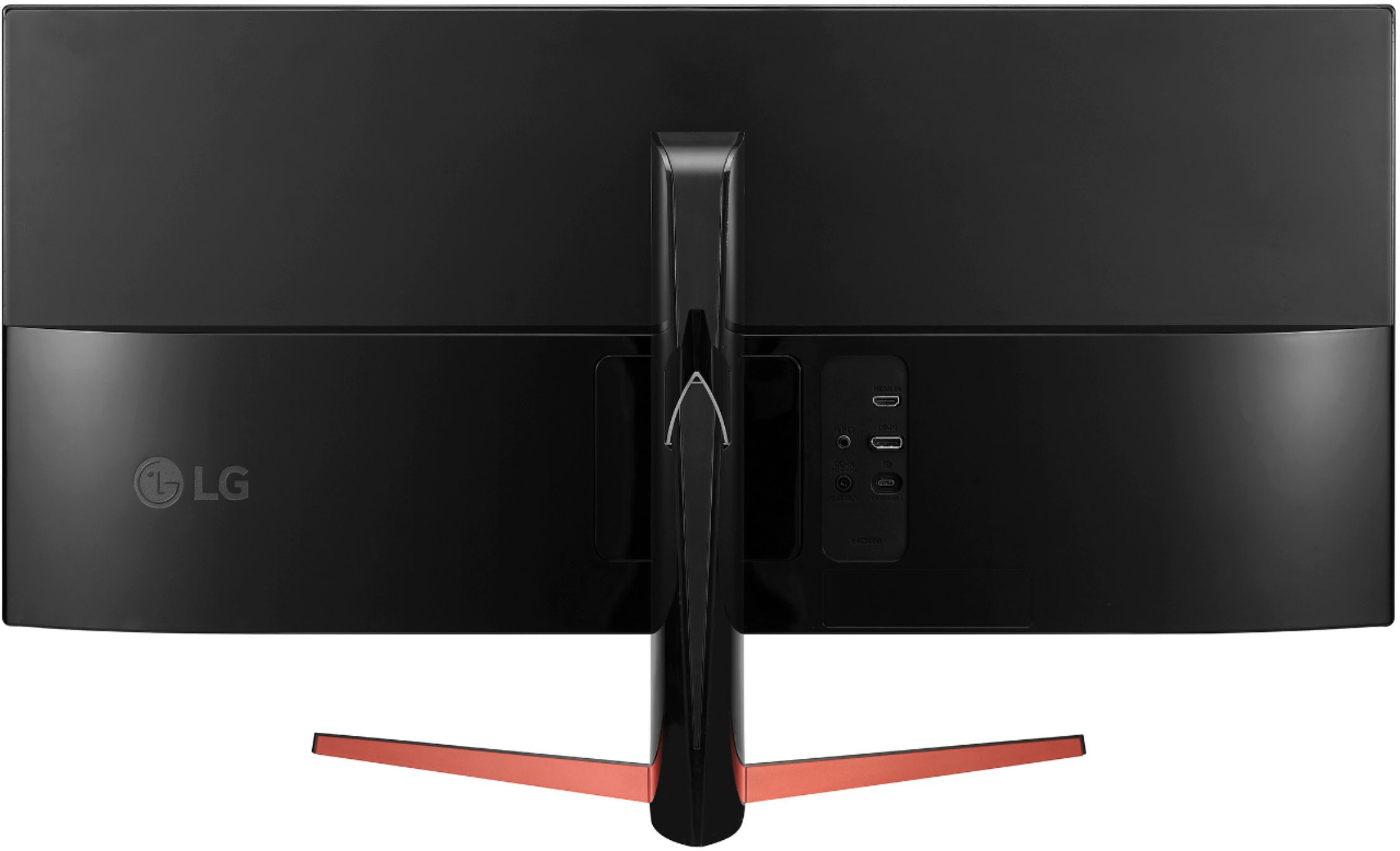
    • Answer The 34UM69G-B has the following inputs for connecting to your computer: HDMI, DisplayPort, USB-C. If you're in need of some guidance with using your monitor, please give us a call at 800-243-0000 so a computer specialist can help out. ^CP

      Answered by LG Digital Customer Care

  • QuestionWhat is the height without stand?

    Asked by SEY.

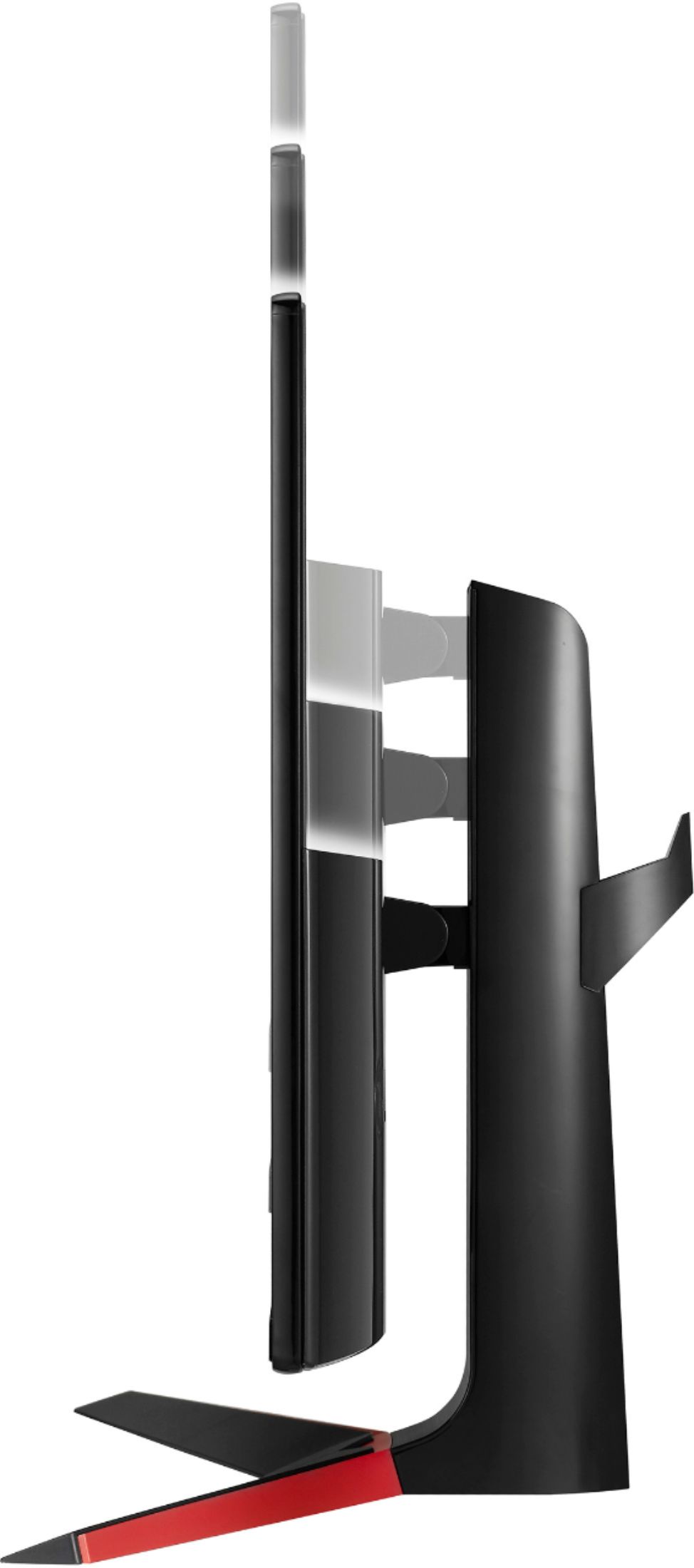
    • Answer The 34UM69G-B has the following dimensions without the stand: (WxHxD) 32.6" x 14.6" x 1.6". ^CP

      Answered by LG Digital Customer Care

  • QuestionIs this monitor color accurate for video editing and using photoshop?

    Asked by Finn.

    • Answer The 34UM69G-B has the following specifications: Color Gamut (CIE 1931) sRBG over 99%, Color Depth (Number of Colors) 6bit+A-FRC, 16.7M colors. It is Color Calibrated. If you need additional assistance with our monitors, give our computer specialists a call at 800-243-0000. ^CP

      Answered by LG Digital Customer Care

  • QuestionCan I use my Xbox hdmi

    Asked by Alex.

    • Answer The LG 34" Class 21:9 UltraWide® Full HD IPS Gaming Monitor (34” Diagonal), Model # 34UM69G-B has an HDMI port on it that you can connect to external devices...^IFV

      Answered by LG Digital Customer Care

  • QuestionDoes this monitor support dual display or split screen?

    Asked by Nikki.

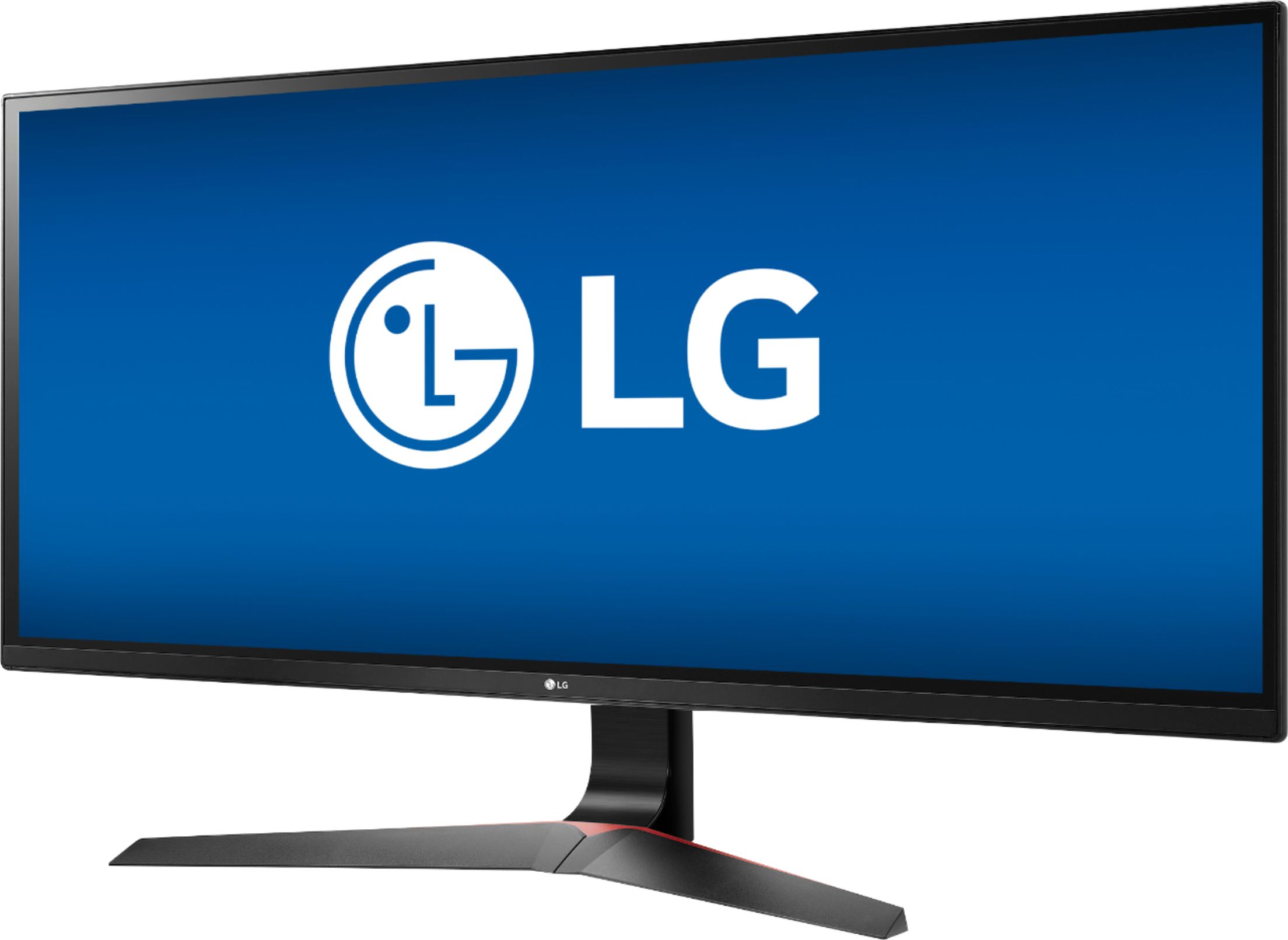
    • Answer The 34UM69G-B does support On-Screen Control with Screen Split 2.0. For additional questions regarding our monitors, give our computer specialists a call at 800-243-0000. ^CP
      Answered by LG Digital Customer Care

  • QuestionDoes it have split screen options?

    Asked by Don.

    • Answer The 34UM69G-B does support On-Screen Control with Screen Split 2.0. For additional questions regarding our monitors, give our computer specialists a call at 800-243-0000. ^CP
      Answered by LG Digital Customer Care

  • QuestionDoes the monitor have flicker free technology?

    Asked by Hugo.

    • Answer The 34UM69G-B is listed as Flicker Safe. ^CP

      Answered by LG Digital Customer Care

  • QuestionCan I connect this monitor to an HP laptop, hook up a keyboard and have whatever is displaying on my laptop display on the monitor?

    Asked by Jb.

    • Answer Yes you can.

      Answered by kkingotu

  • QuestionCan we use a Microsoft wireless display adapter to turn this into a wireless display?

    Asked by Viv.

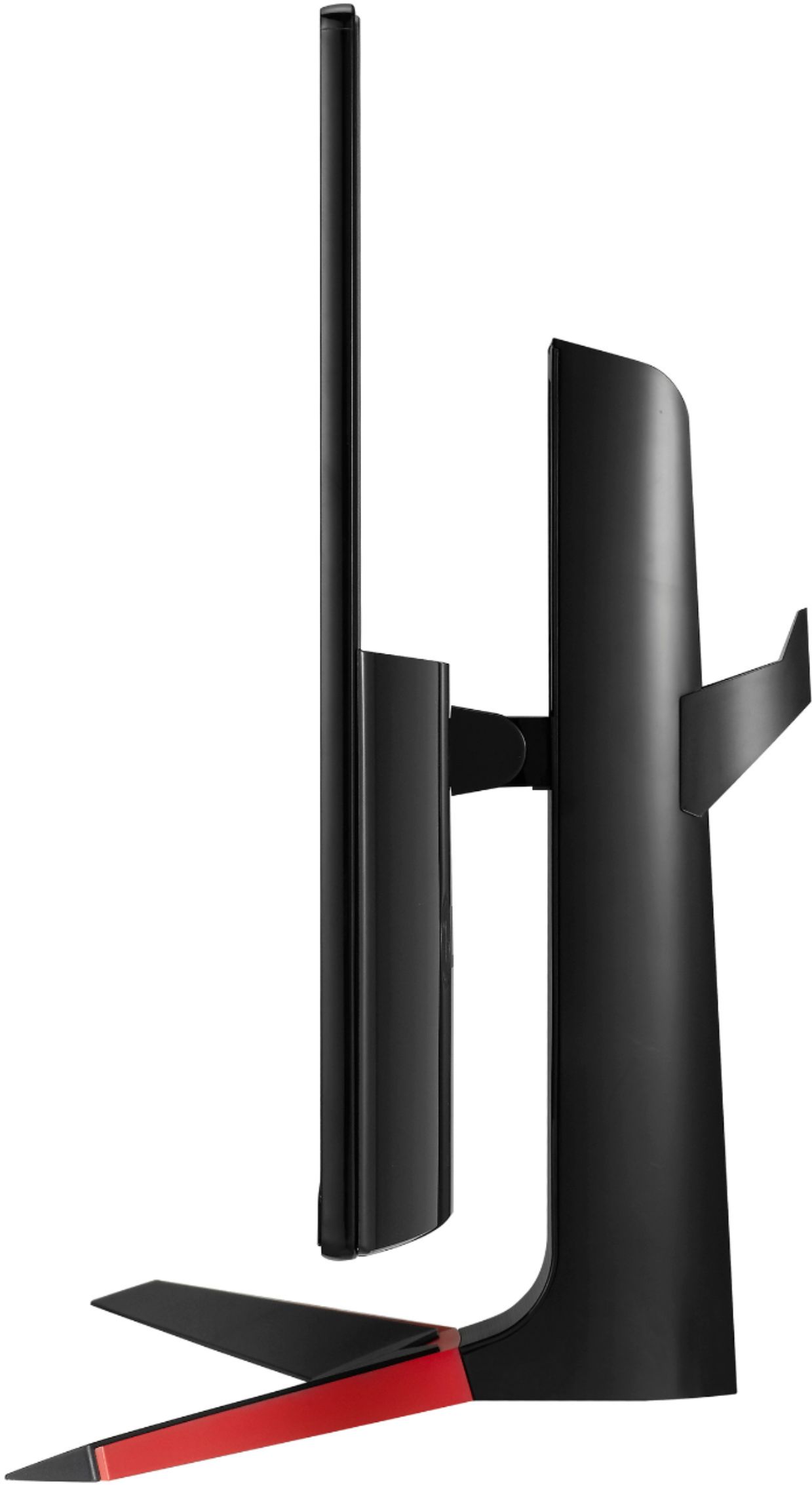
    • Answer The 34UM69G-B is not a wireless display. It has the following ports available: HDMI, DisplayPort, USB Type-C inputs and headphone jack. If you have additional questions regarding our monitors, give our computer specialists a call at 800-243-0000. ^CP
      Answered by LG Digital Customer Care

  • QuestionIs this monitor curved i searched the name and another one comes up

    Asked by Suber.

    • Answer No, this monitor is not curved. It is however a great monitor for the price, it is bright, the colors are very rich and no light bleed.

      Answered by Glide1340

  • QuestionCan this be mounted on a wall?

    Asked by Williz.

    • Answer Yes with a TV wall mount.

      Answered by Robert

  • QuestionCan this monitor be used in a dual-monitor type mode? With two screens on one monitor?

    Asked by John.

    • Answer The 34UM69G-B does support On-Screen Control with Screen Split 2.0. ^AC

      Answered by LG Digital Customer Care

  • QuestionDoes the USB-C Support charging as well as display and audio output?

    Asked by JJ.

    • Answer No, this unit uses a power adapter.

      Answered by CommunityAnswer