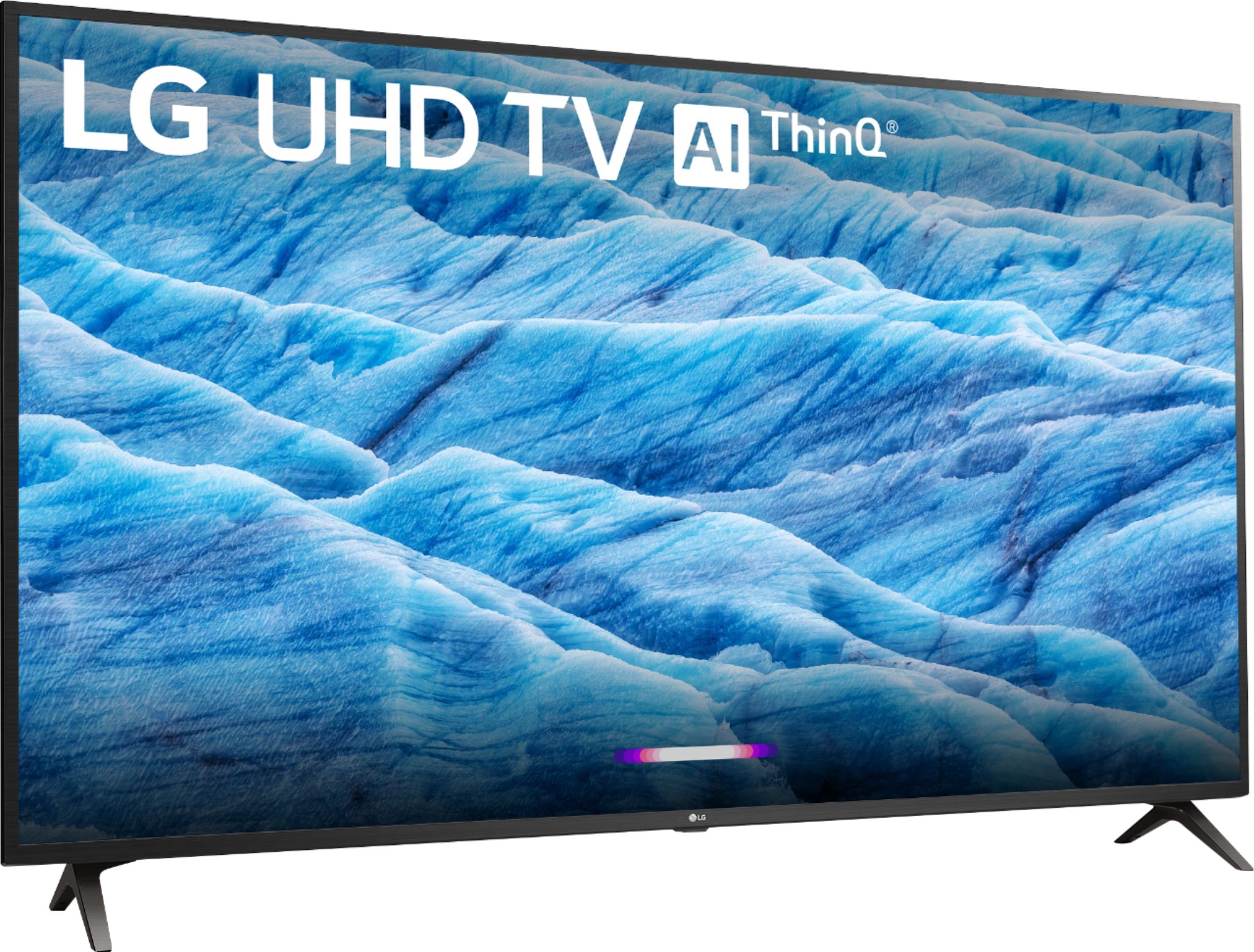
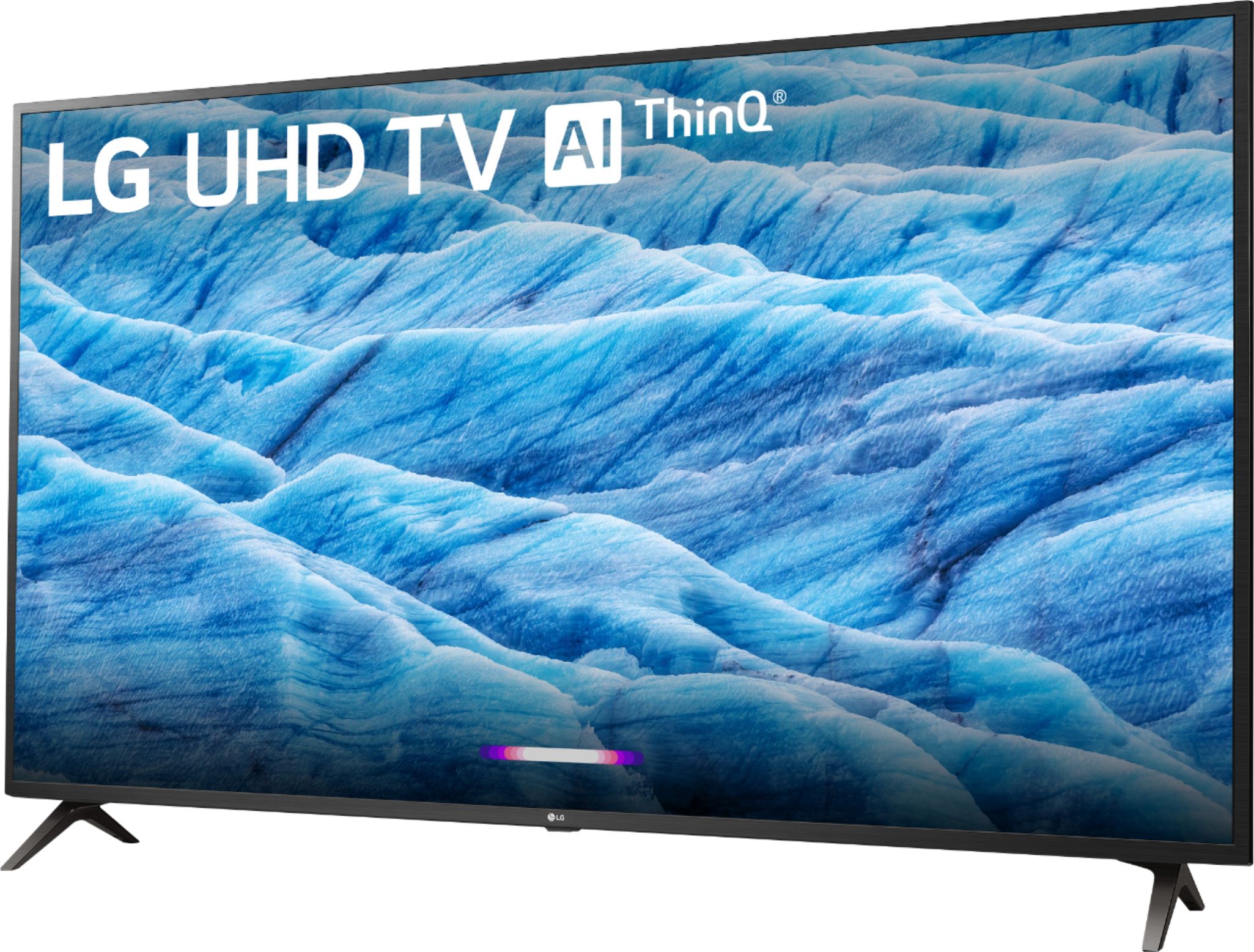
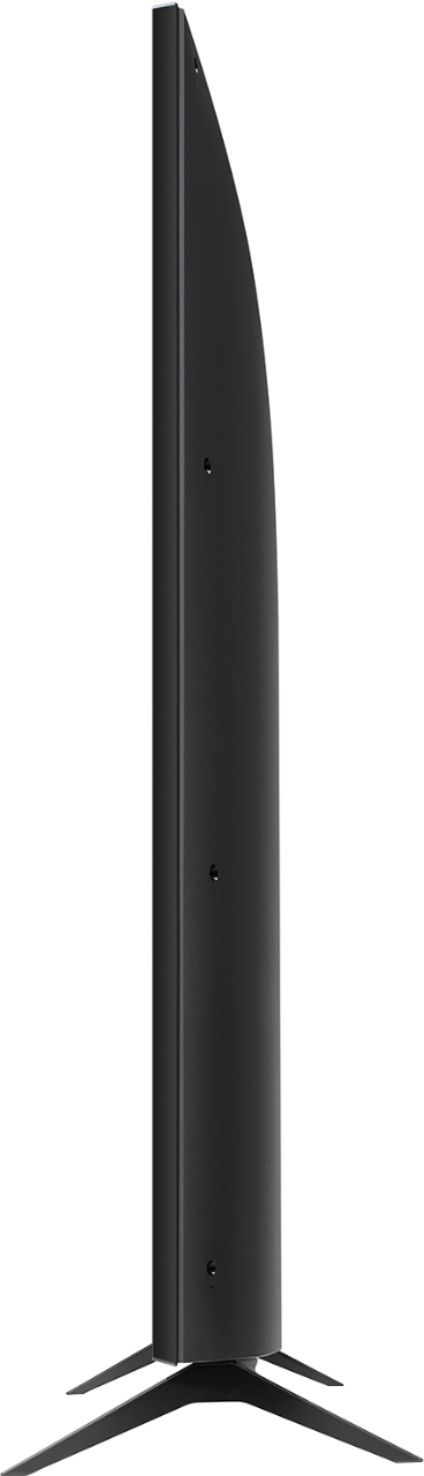
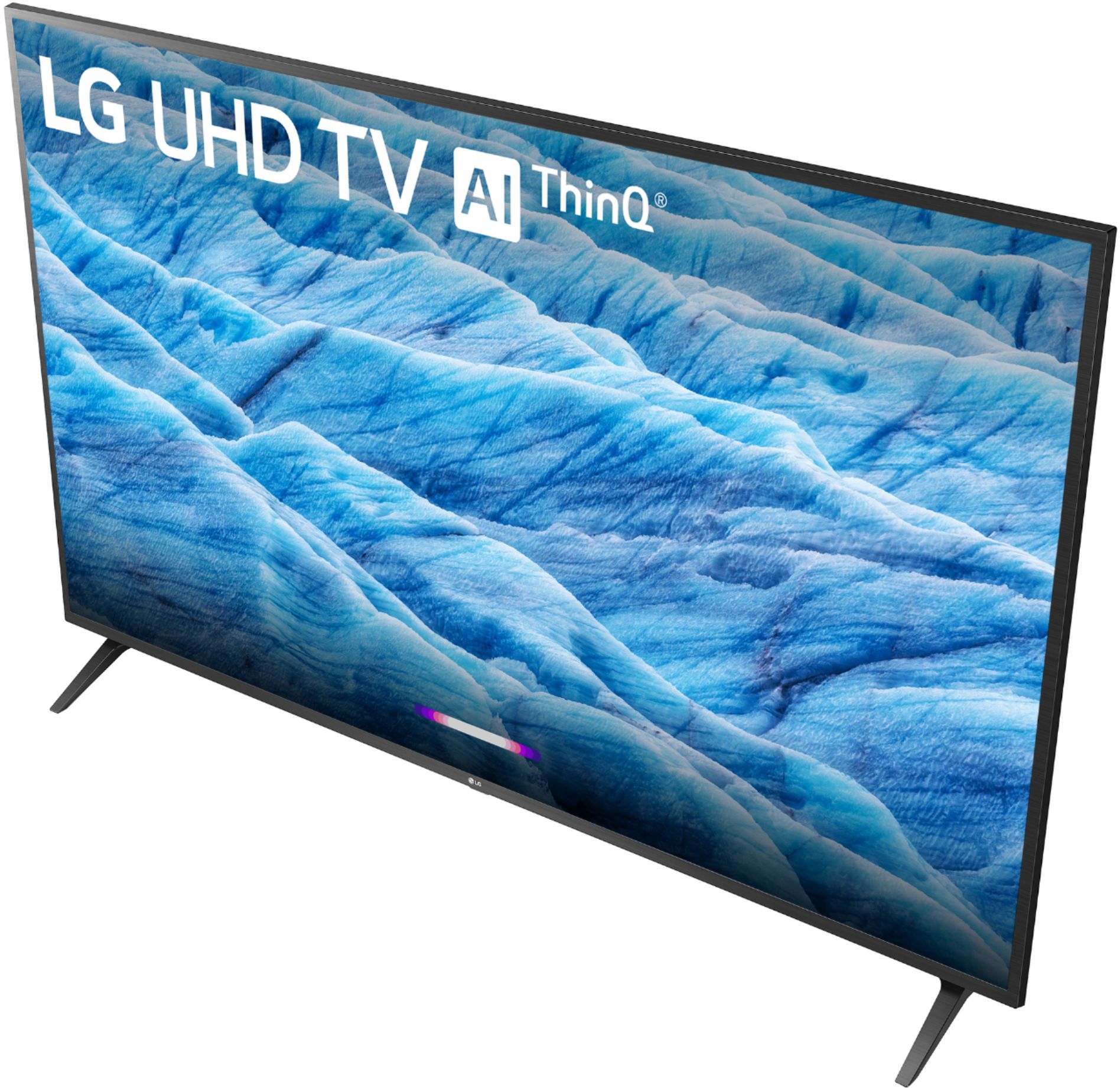
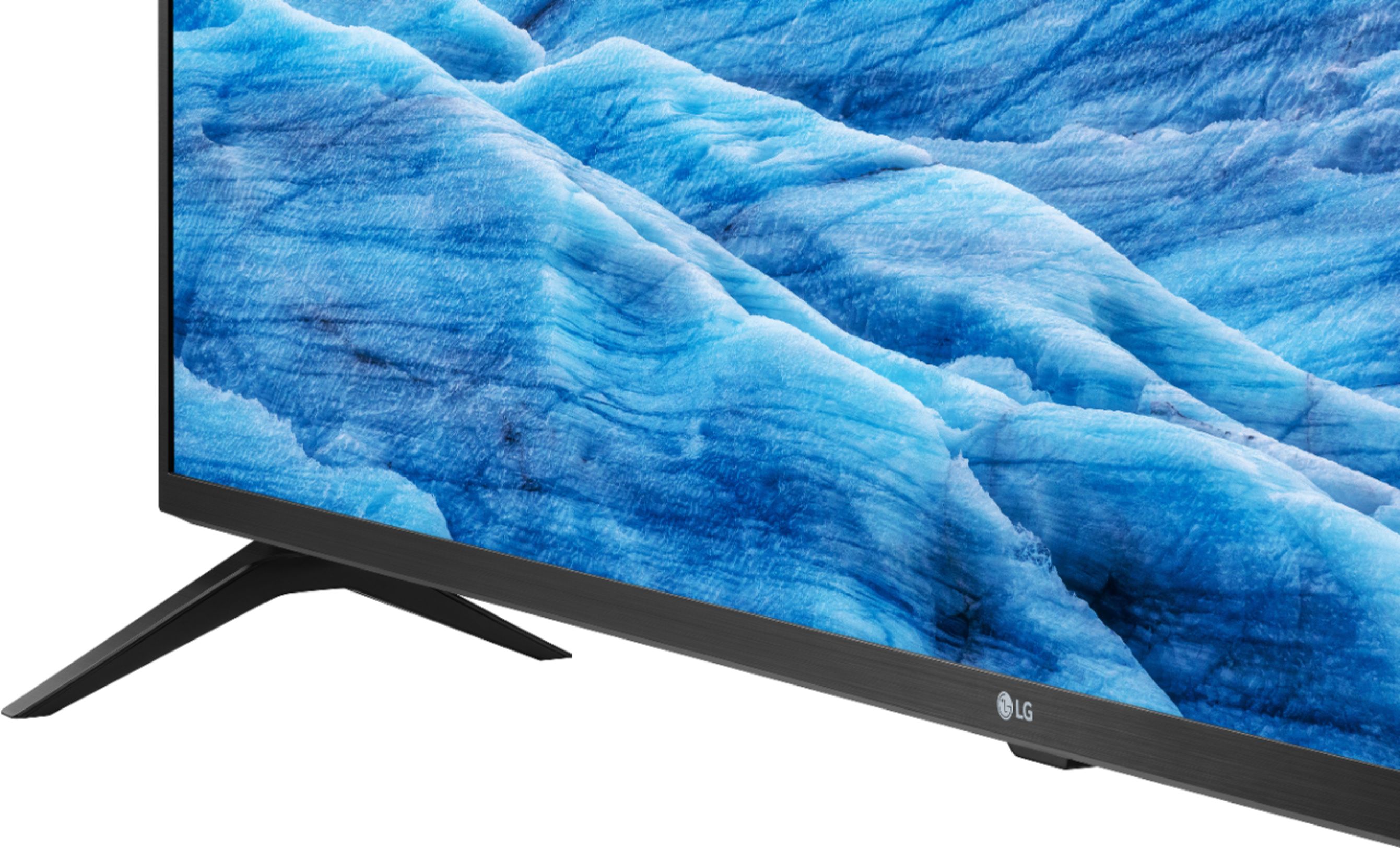
A:AnswerThis "stand" is really better defined as two individual legs for the television. At any rate, from outer edge to outer edge, the legs measure just under 32 inches in width (31 and 7/8).
A:AnswerThere are many differences between the 43UM7300PUA and the 43UK6090 such as the UM7300's compatibility with a magic remote. The 43UM7300PUA also features a Quad Core Processor for improving images, action and color, reducing distracting video noise and motion blur, enhancing sharpness and portraying accurate colors. The 43UM7300PUA also features bluetooth capability. If you are in need of any assistance, have additional questions, or would just like to see our helpful tips, check us out on Twitter @LGUSSupport Facebook https://www.facebook.com/LGUSA/ or you can give us a call at 800-243-0000. ^CP
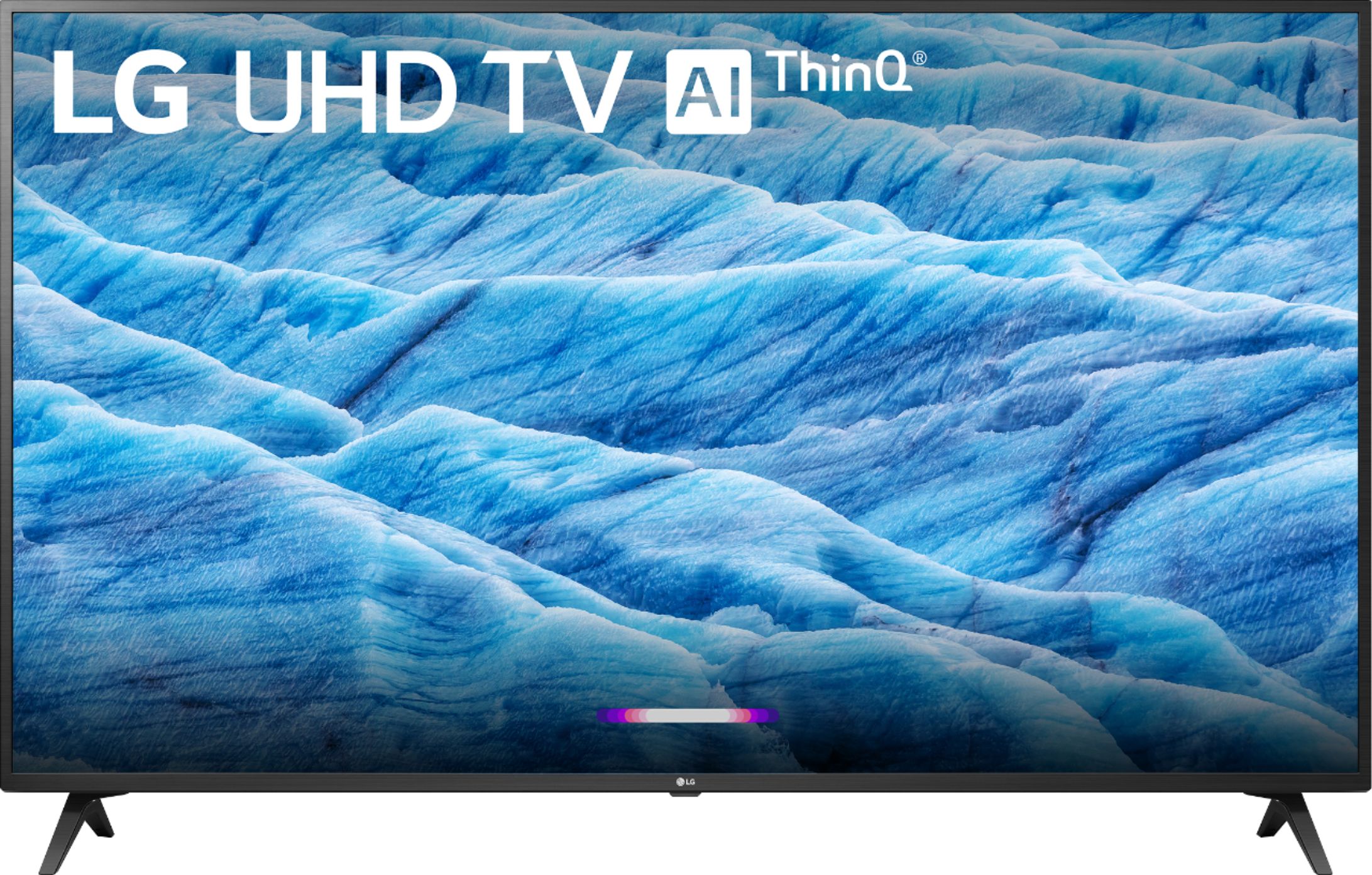
A:AnswerYes it comes with Hulu and Amazon prime apps etc. It is a way better model than the UK6090, I bought that model and returned it because I wasn't happy with the overall picture quality. I bought LG UM7300PUA a few weeks ago and absolutely love it.
A:AnswerHello, this TV is manufactured for use in the USA and does require 120Vac for optimal operation, however, the TV can withstand up to 240Vac with an adapter if needed. ^CP
A:AnswerThere is, and it’s as good as a pc monitor. The only thing about this is windowed more is somewhat necessary if you don’t want a sore neck. The screen is huge. I decided to buy this solely on the review on rtings.com and I love it.
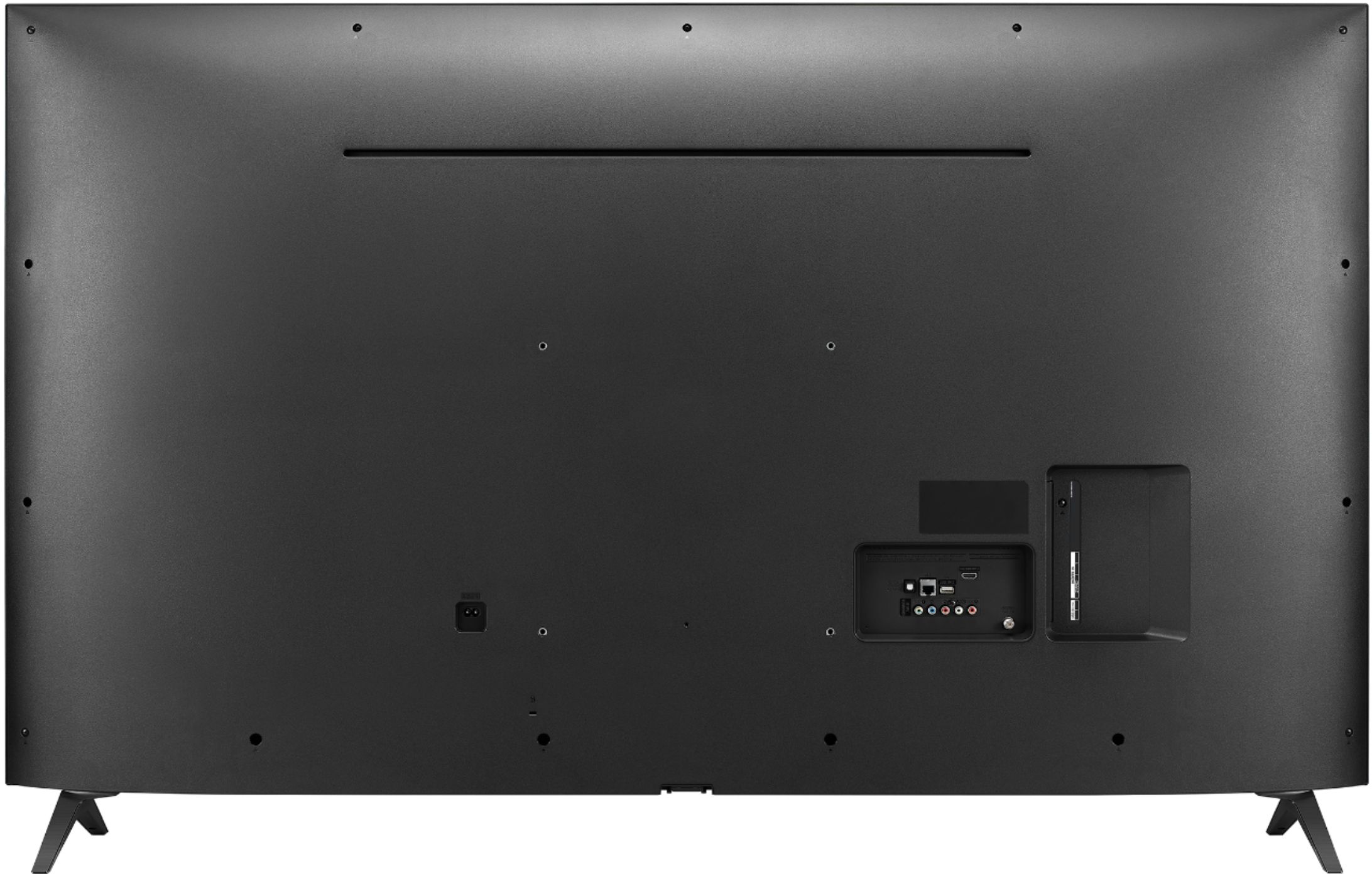
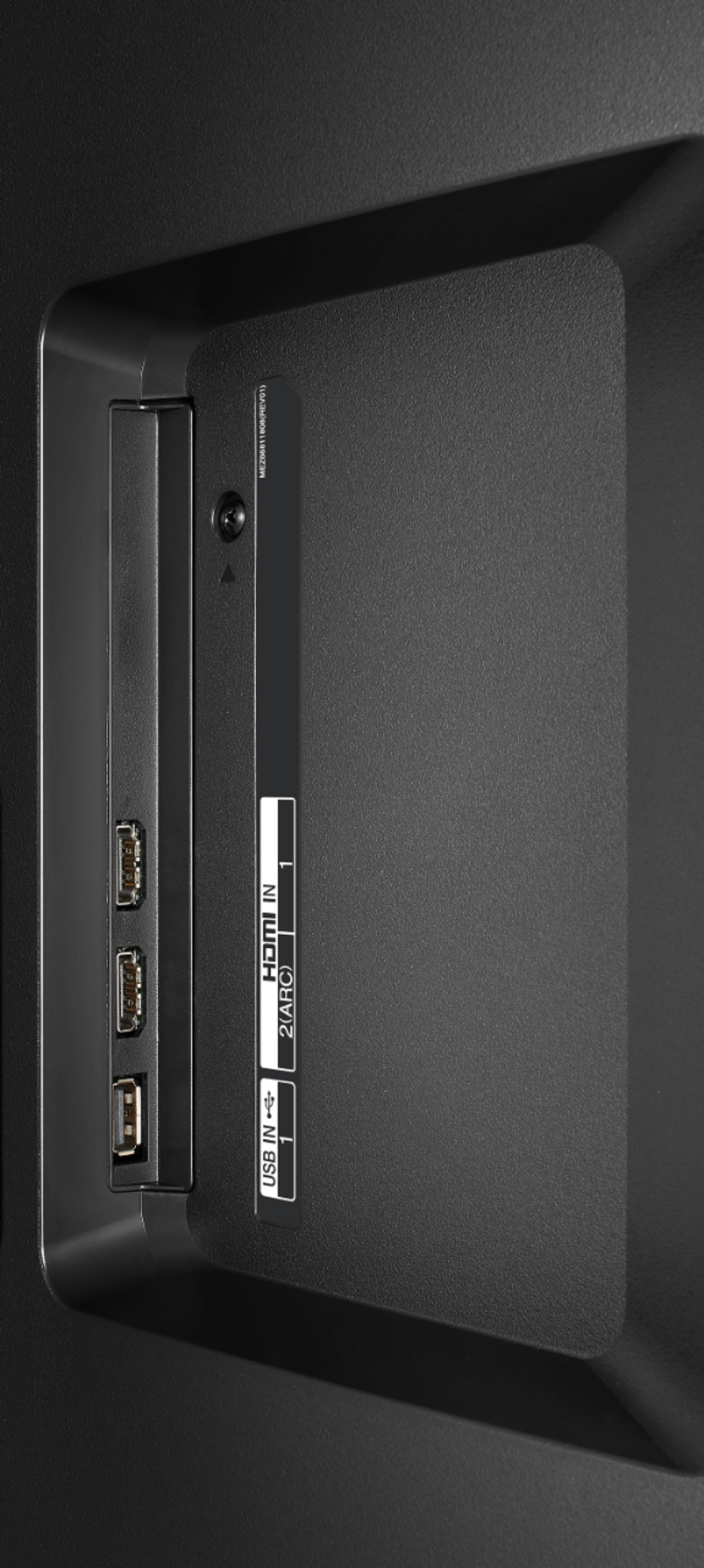
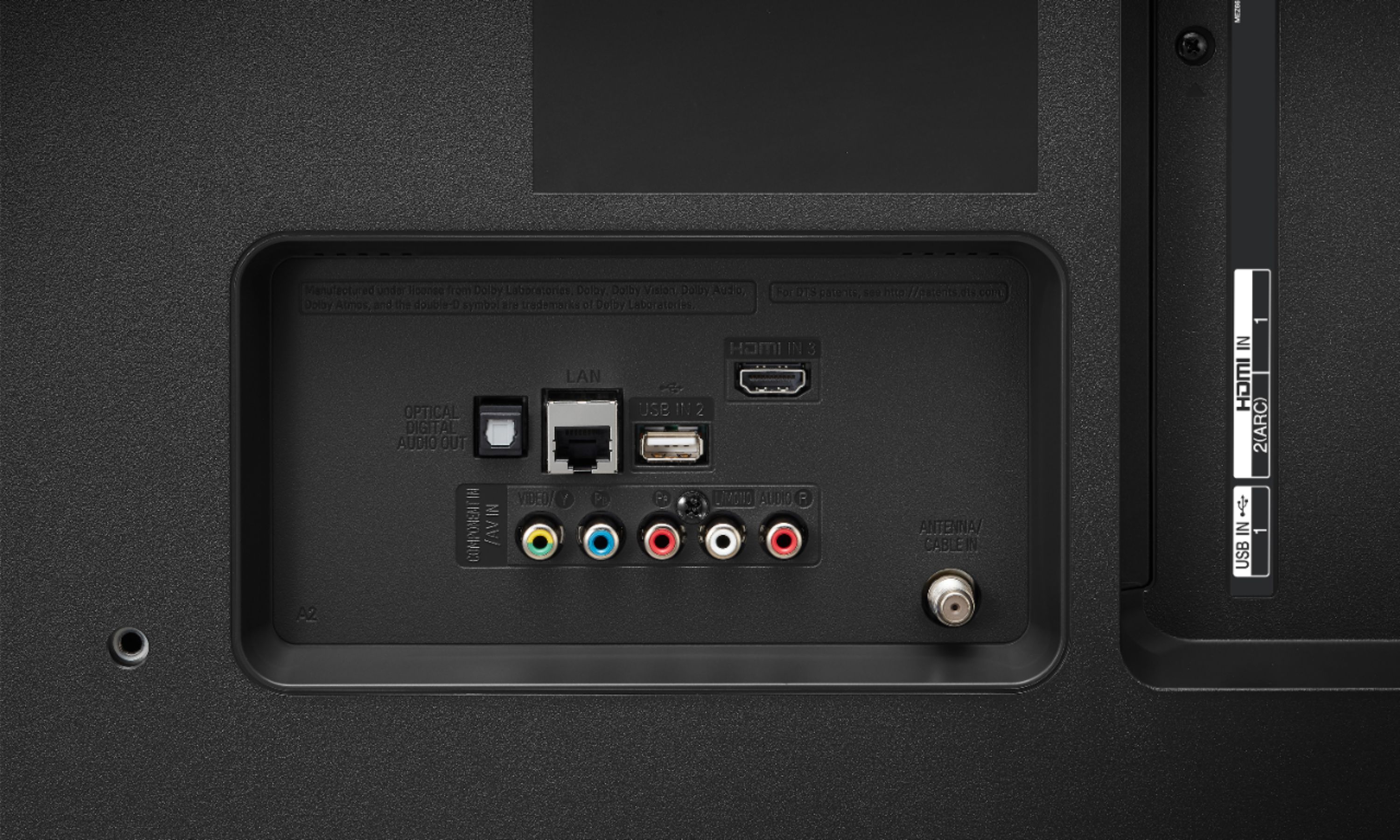
A:AnswerThe LG 43 inch Class 4K Smart UHD TV w/AI ThinQ® (42.5'' Diag), Model # 43UM7300PUA has what is referred to as a Shared Composite/Component Video Input that you can connect your DVD player to. If you look at the thumbnail images for the TV on the BestBuy site showing the back of the TV, you can enlarge the image to see the ports. The Red/White ports on the right are your L/R stereo audio inputs and on the left is a half green/half yellow port that the yellow composite video cable for your DVD can plug into for the video...^IFV
A:AnswerWhile I don't see an "off" setting for WiFi, you can effectively turn it off with manual network settings.
Press the Settings button on the Magic Remote (looks like a gear)
Click the Network Icon on the left.
Select WiFi Connection and scroll to the bottom, Advanced WiFi Settings.
Scroll again to the bottom and select "Edit"
uncheck "Set Automatically" and clear any address entries.
This will most likely disable any "Cast" functionality like AirPlay but if you really need WiFi disabled, that will do it.
A:AnswerYes. Use own tv antenna.
Lg has there own TV channel App it’s free and has many channels to watch as long you have Internet. Say bye bye to cable or satellite service.
A:AnswerThe 43UM7300PUA can be connected to a computer via HDMI. The IPS 4K panel's wide viewing angle keeps you enthralled with spectacular realism - displaying almost 100% color accuracy, even from a 60-degree angle. ^CP
A:AnswerYou can install the Xfinity Stream Beta app on the LG Content Store. Not sure if thats the same app you were asking for though. But that’s the only Xfinity app there is available to install.