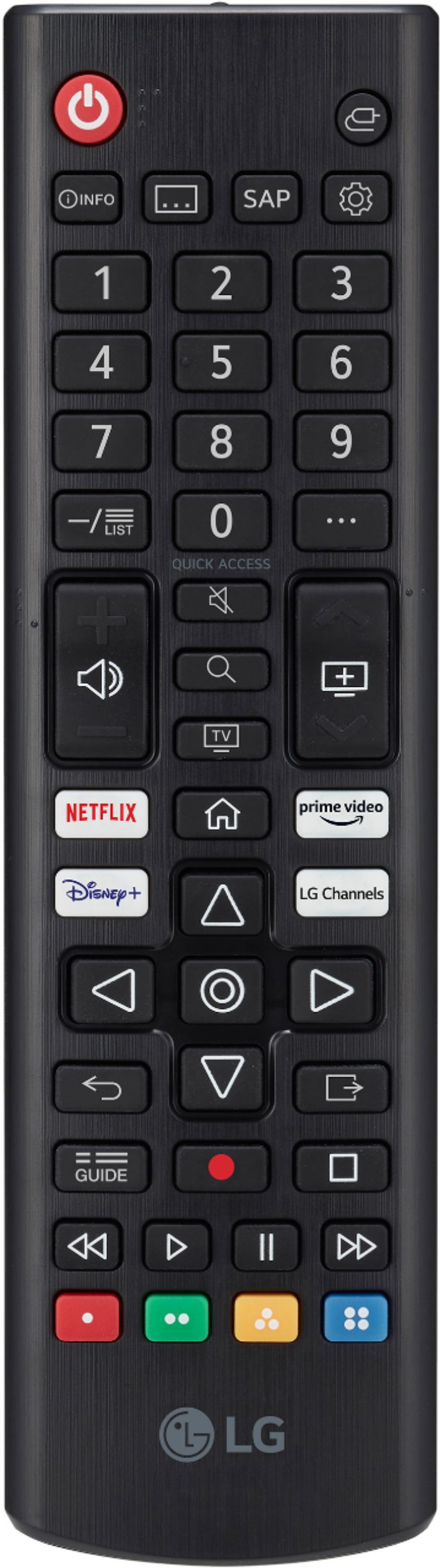
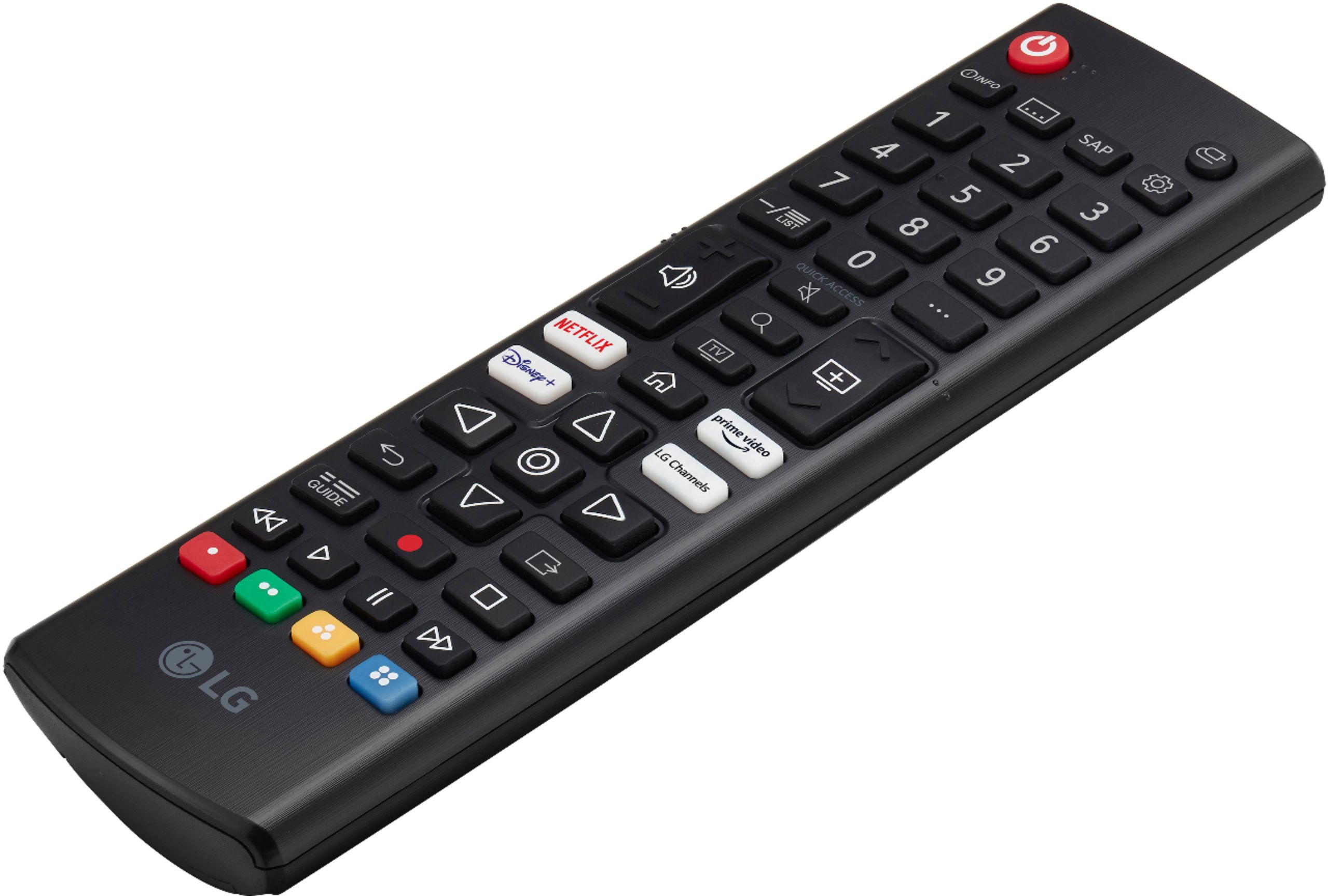
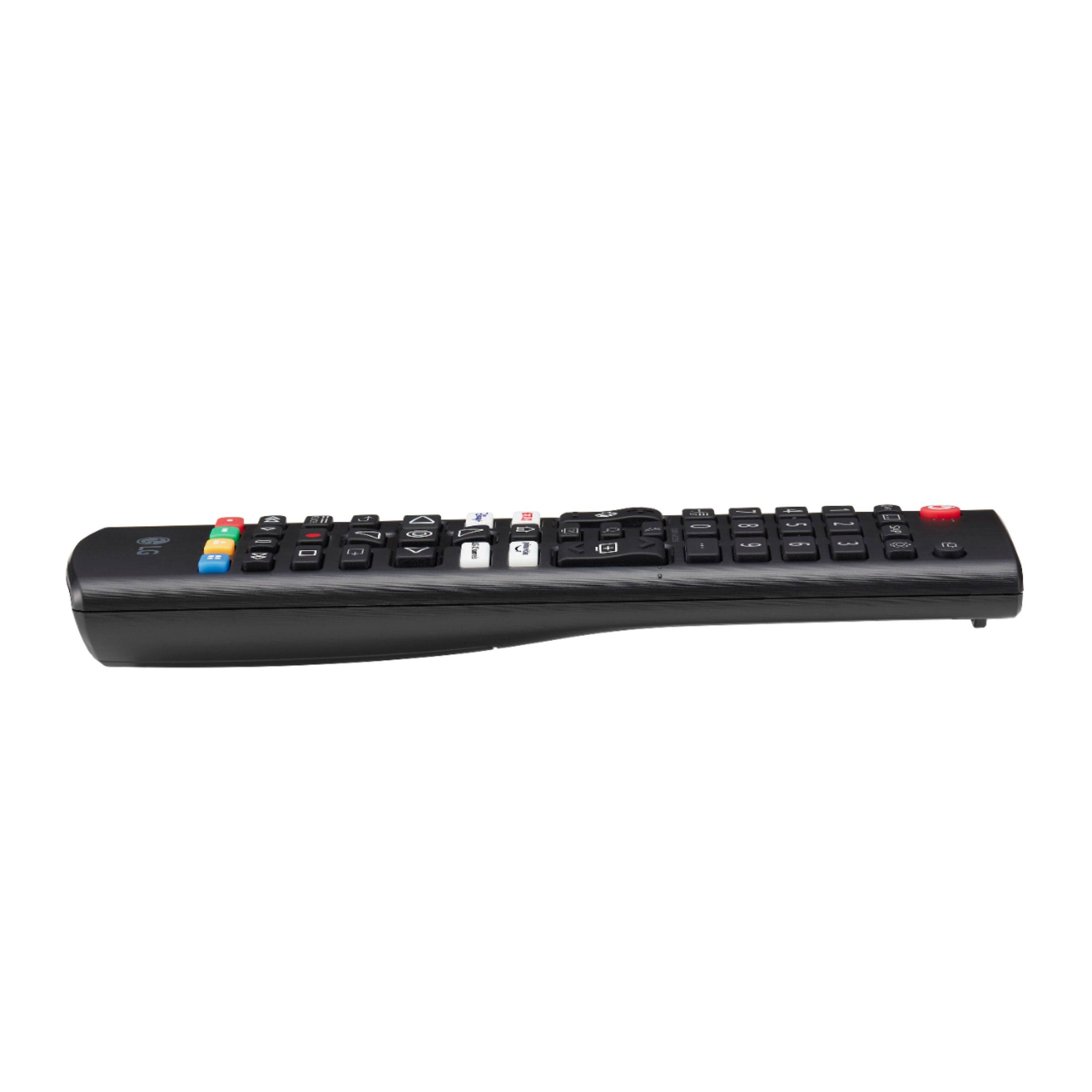
A:AnswerNo - and that's a real problem because the remotes are small, and have too many buttons crammed into that small space with no tactile differentiation. A really bad design
A:AnswerPlease reach out to our technical support team via private message on Facebook @LGUSSupport and use #VOC in your first message to our social media support team or call at 800-243-0000. Also, be sure to provide your contact information, model/serial numbers and date of purchase. ^Daphane
A:AnswerTry turning AI Sound on. With AI Sound on, the optimal and realistic surround effects are provided per the content based on artificial intelligence. For further assistance, please reach out to our support team via private message on Facebook @LGUSSupport and use #VOC in your first message to our social media support team or call at 800-243-0000. ^Daphane
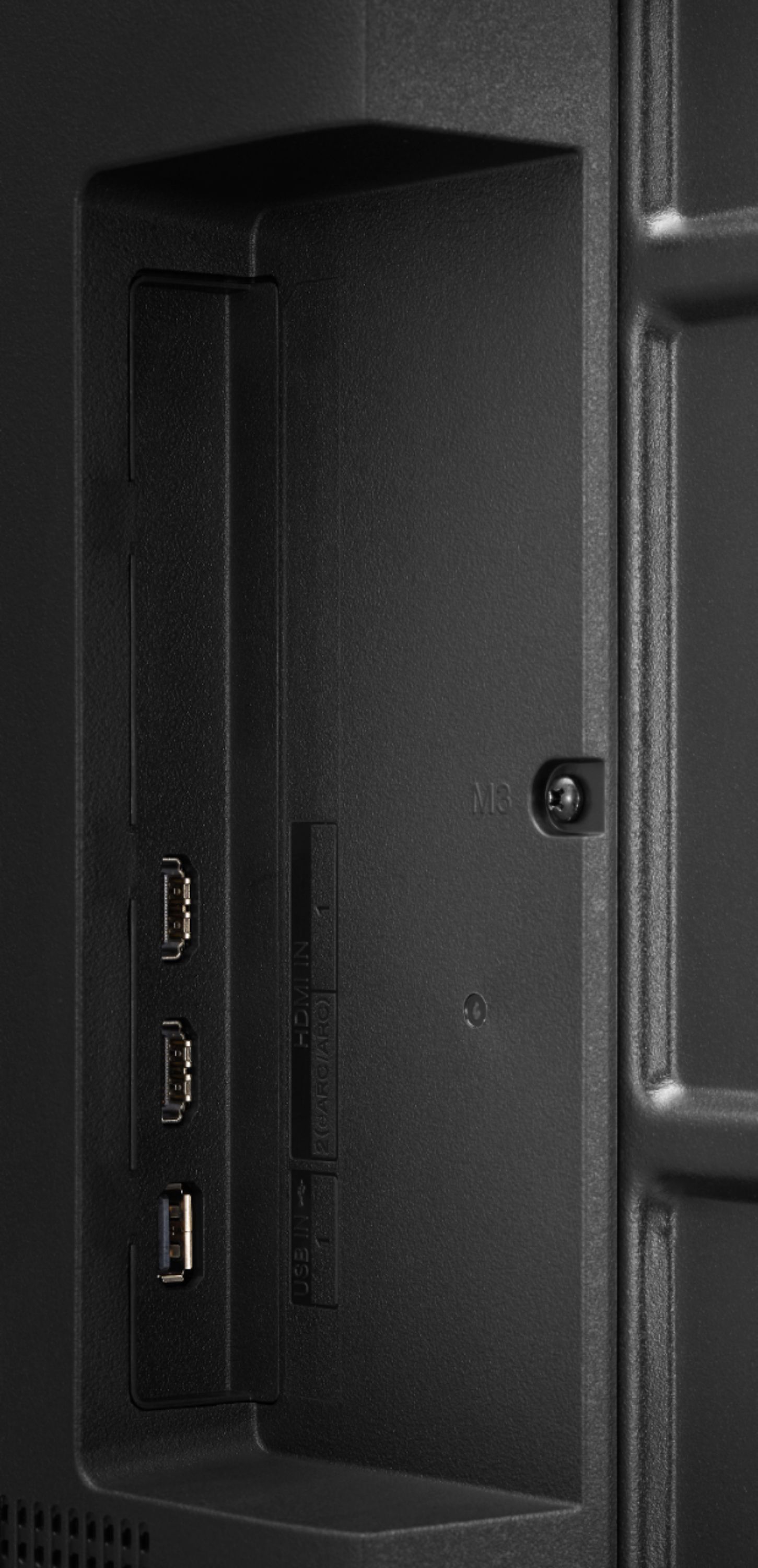
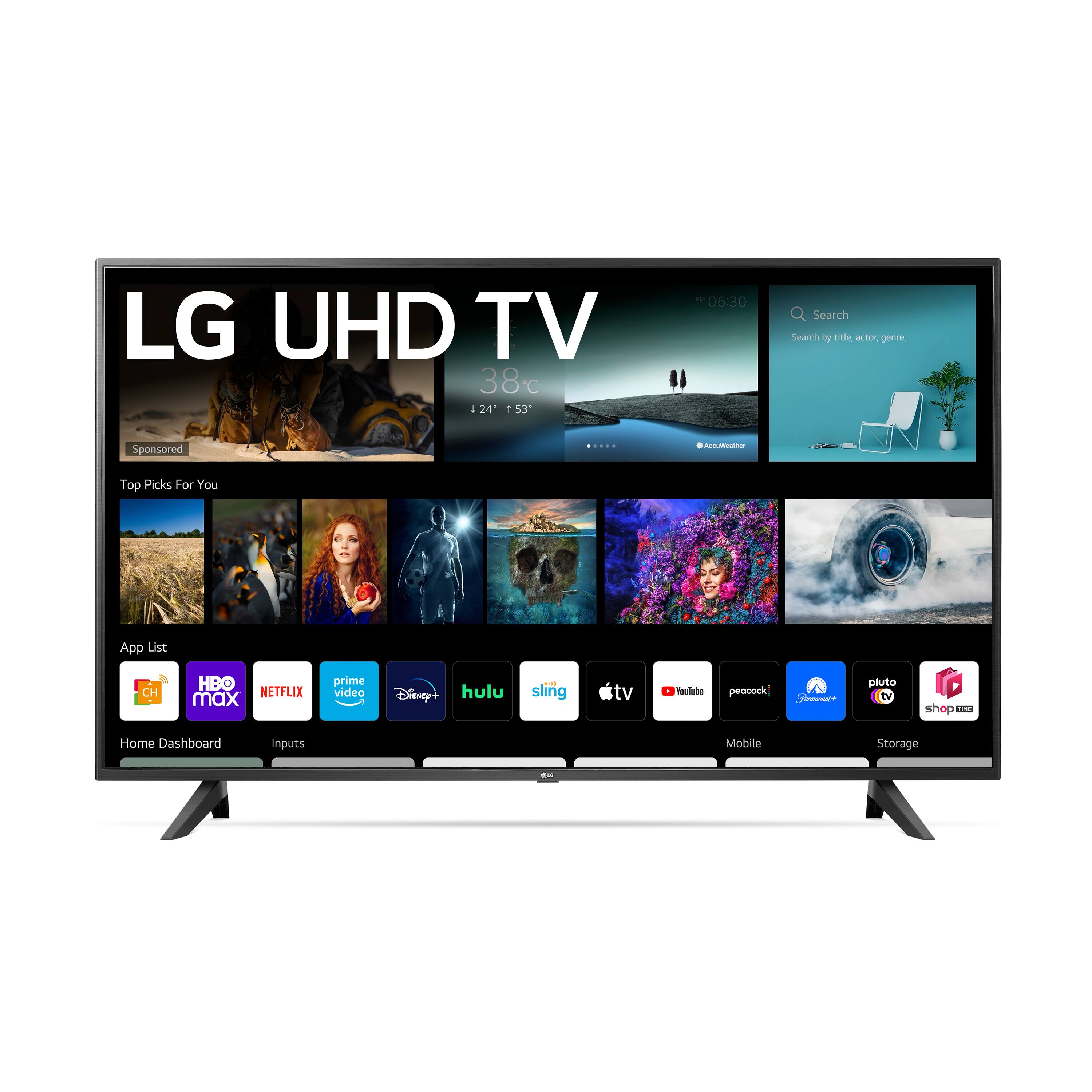
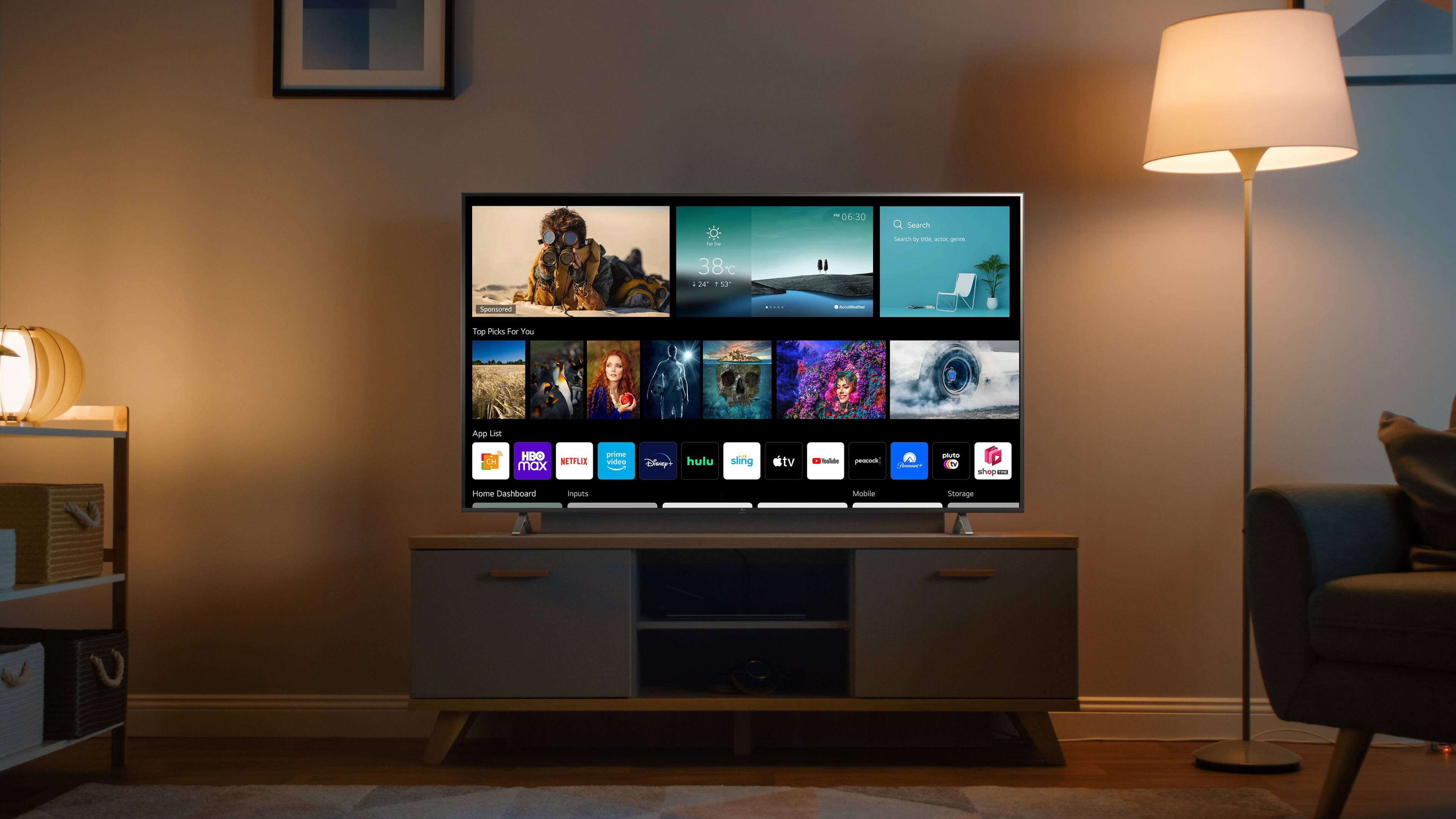
A:AnswerYes, you can connect an Amazon Firestick via HDMI. This TV has a webOS platform. Our webOS platform offers over 600 apps including streaming content and games - including over 180 free streaming channels via the LG Channels (on select models). Additional charges apply for some streaming services. For a complete listing of available apps, please visit: https://us.lgappstv.com/main/tvapp. ^Daphane
A:AnswerYes model 43UP7000PUA has an On timer. The TV is turned on and displays the set channel at a set time Settings > General > Time & Timers > Power On Timer. ^Daphane
A:AnswerPluto is in the LG Content Store (app store). Comet is not. For a complete listing of available apps, please visit: https://us.lgappstv.com/main/tvapp. ^Daphane