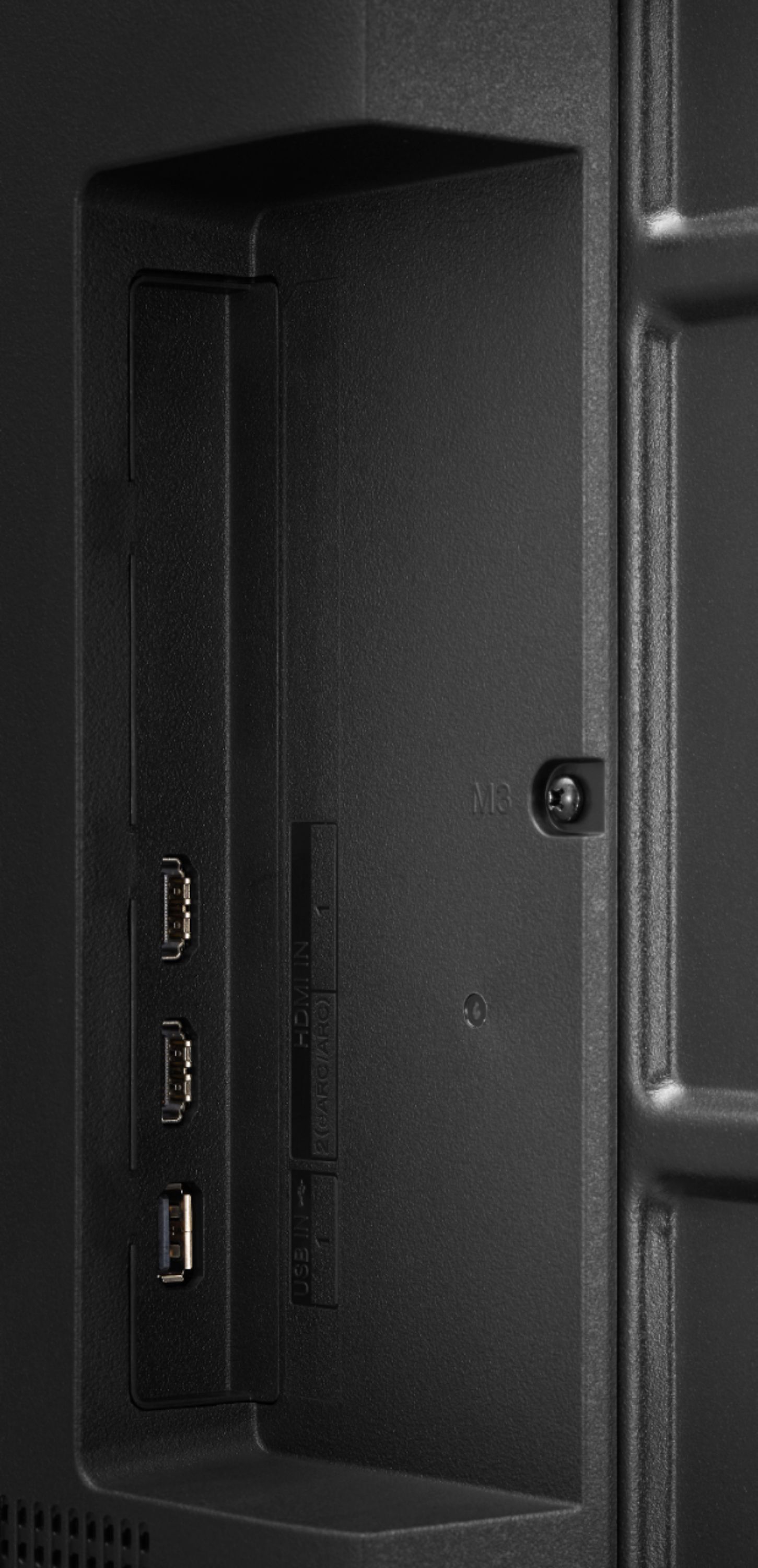
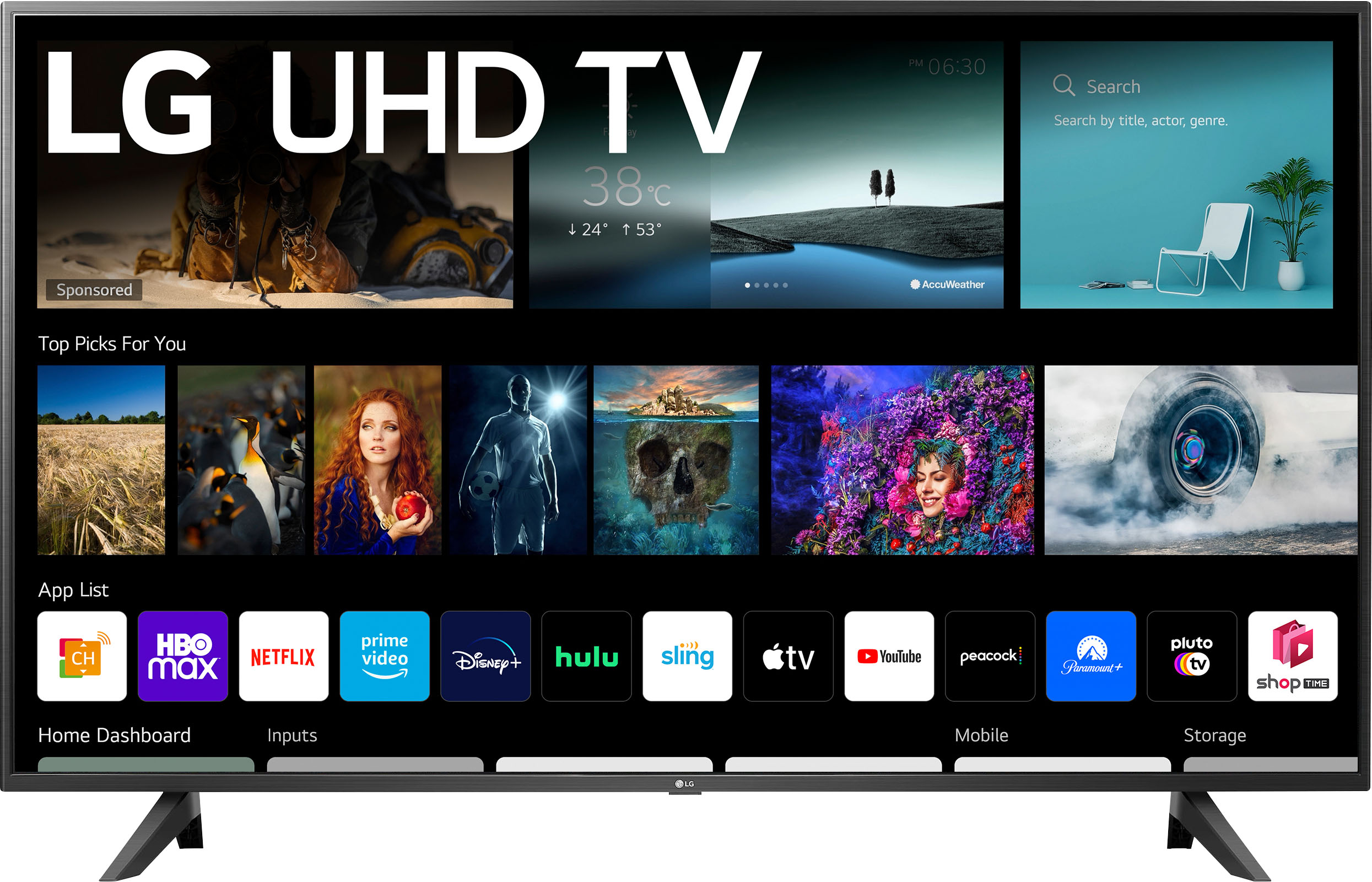
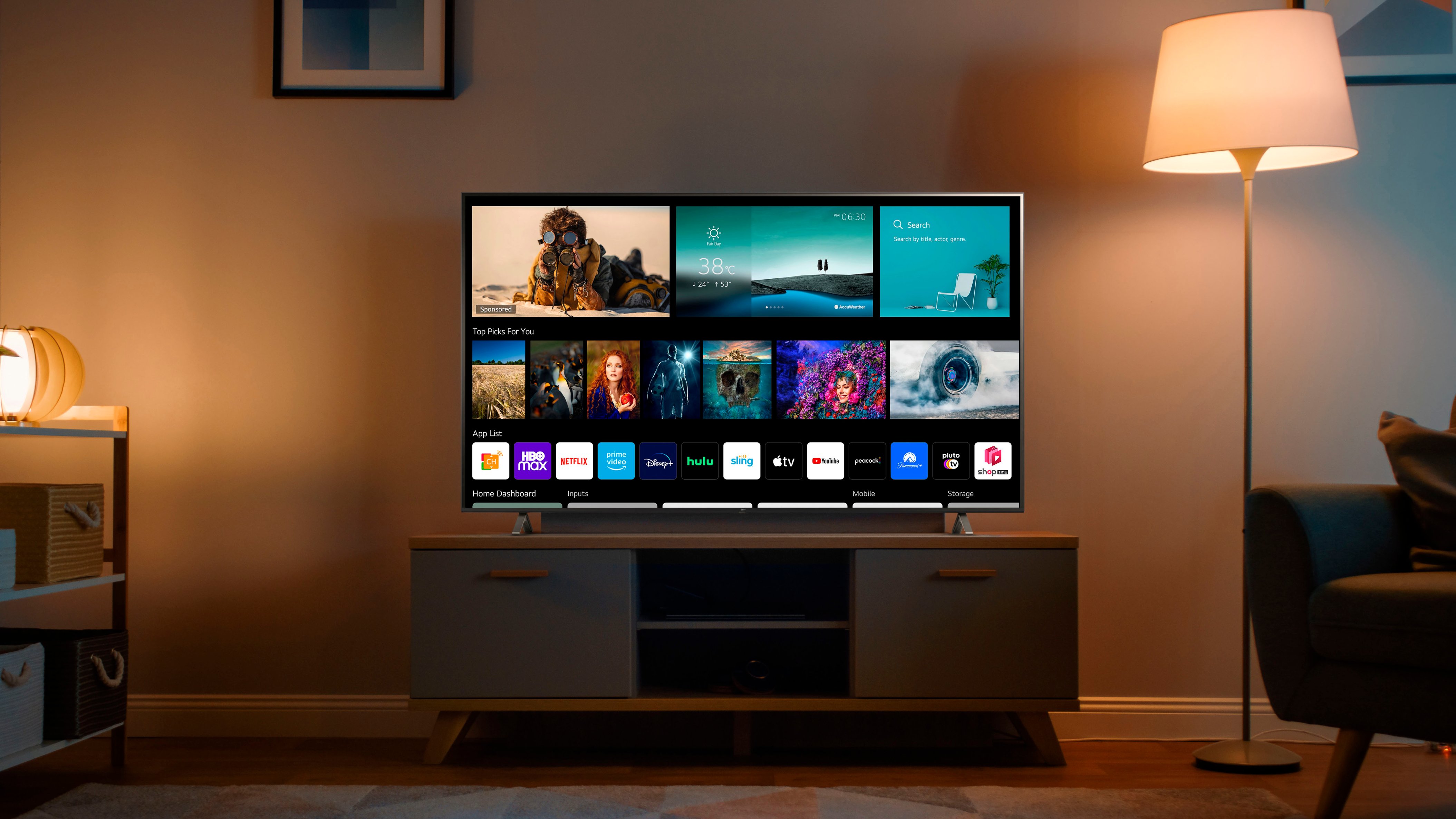
A:AnswerNo, model 43UP7000PUA will not support pause/rewind/fast-forward Live TV with the addition of a USB. A USB storage device (USB HHD or USB stick) can be connected to the USB port on the TV to allow you to view content files on the TV. ^Daphane
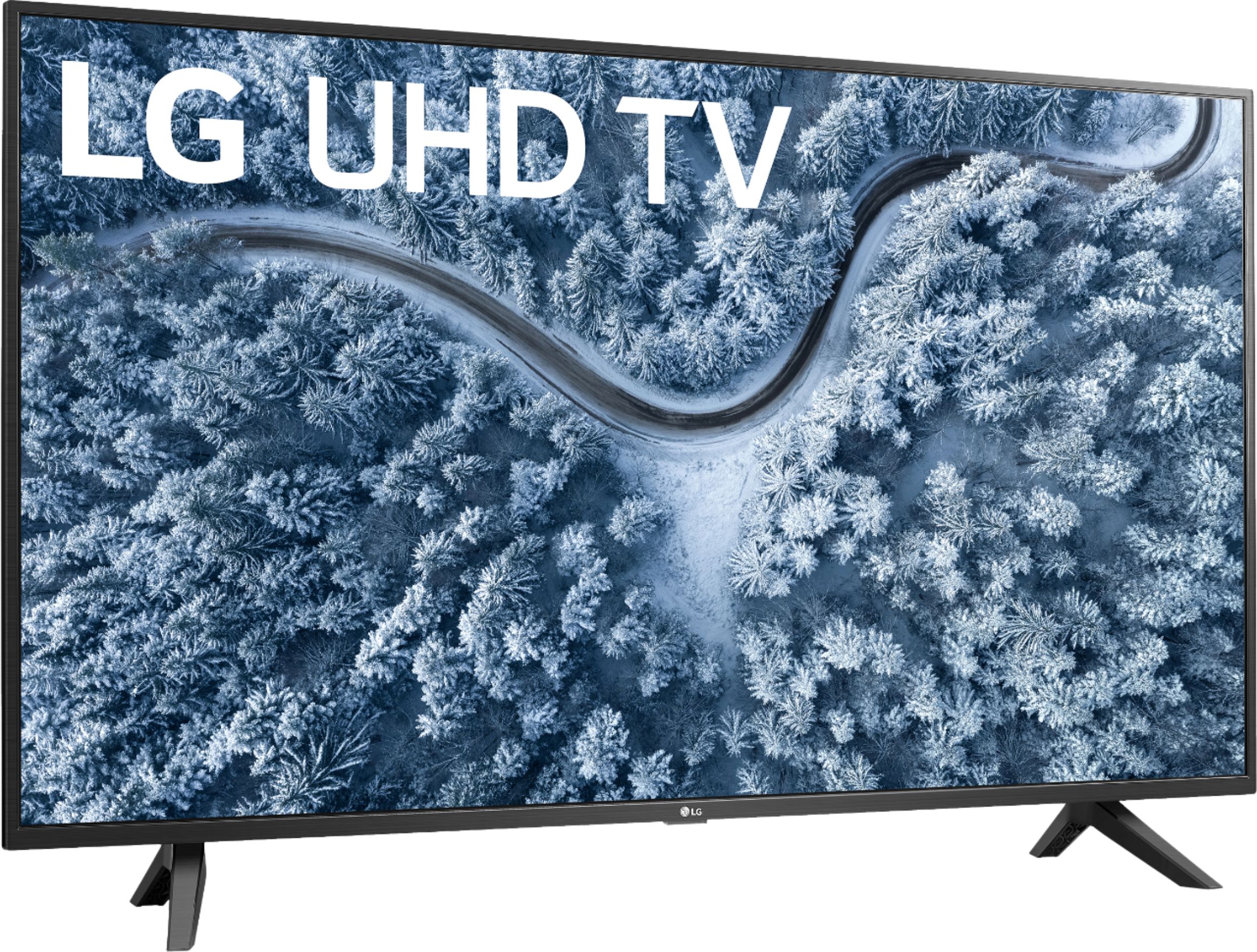
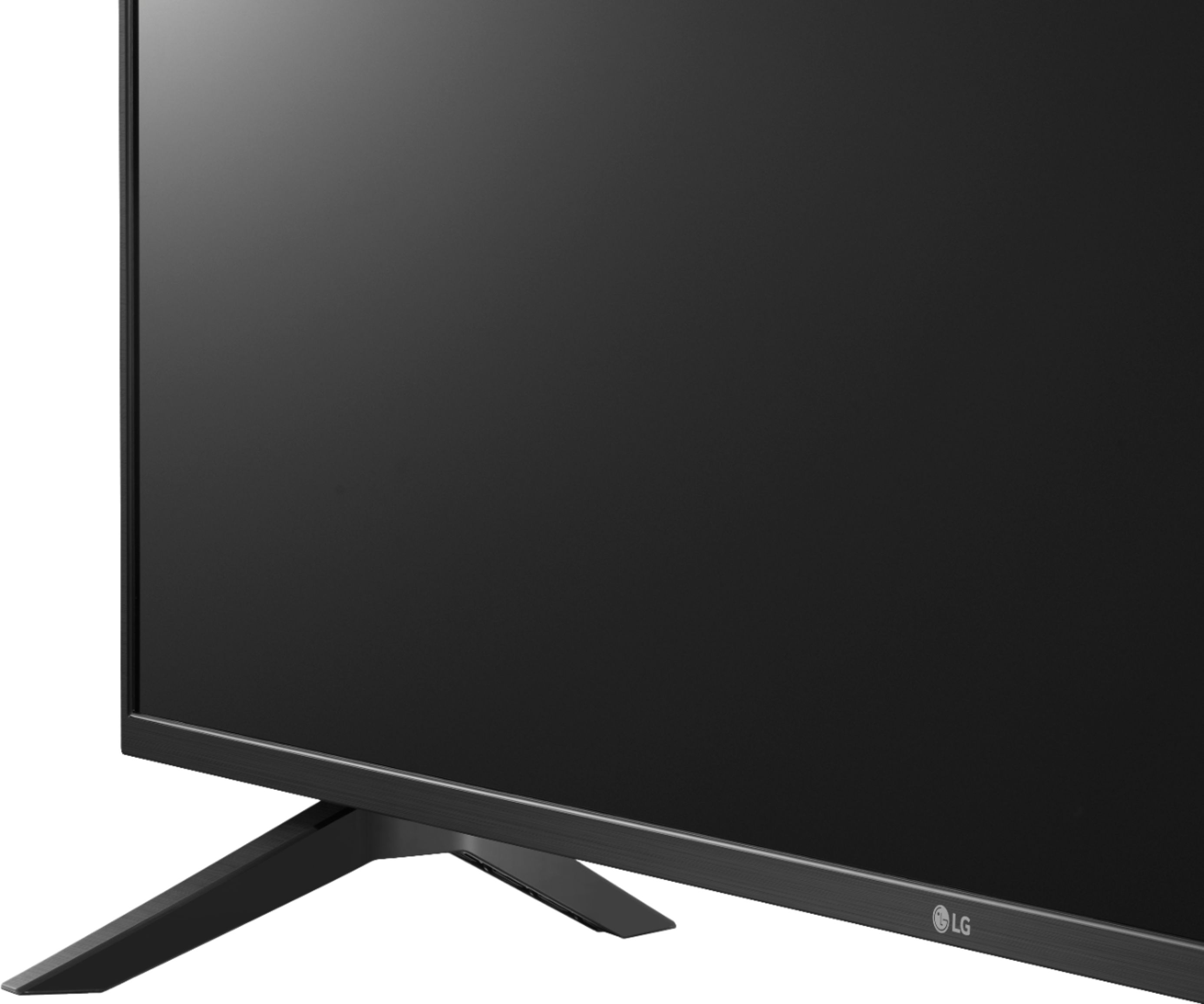
A:AnswerMode 43UP7000PUA has a joystick/power button underneath the bottom bezel. It can be used to turn the power off/on, change the input source, adjust the volume and scroll through the saved channels. ^Daphane
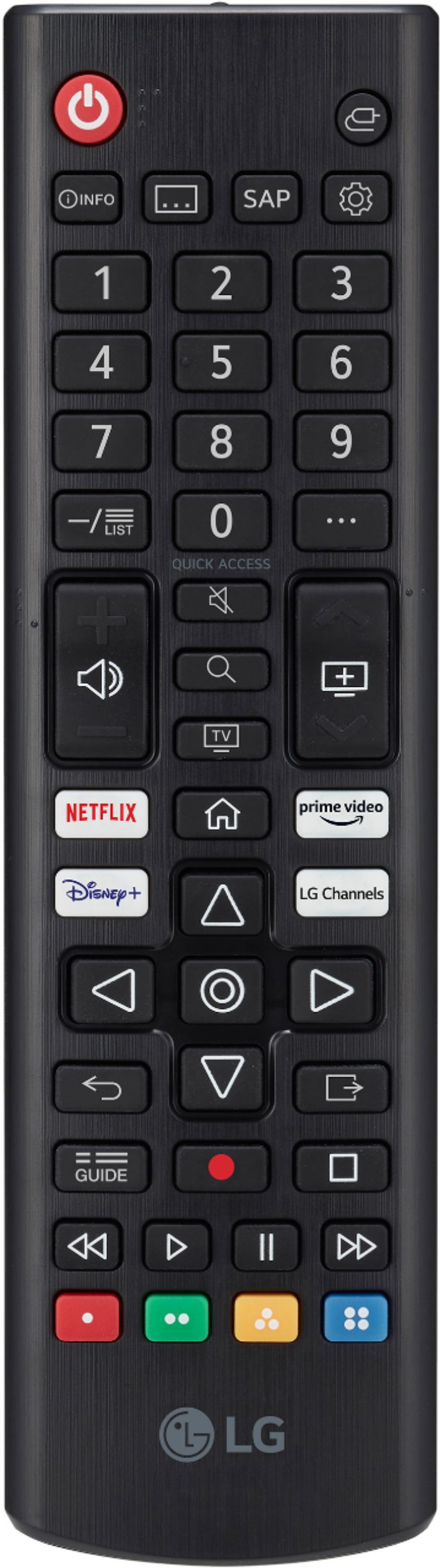
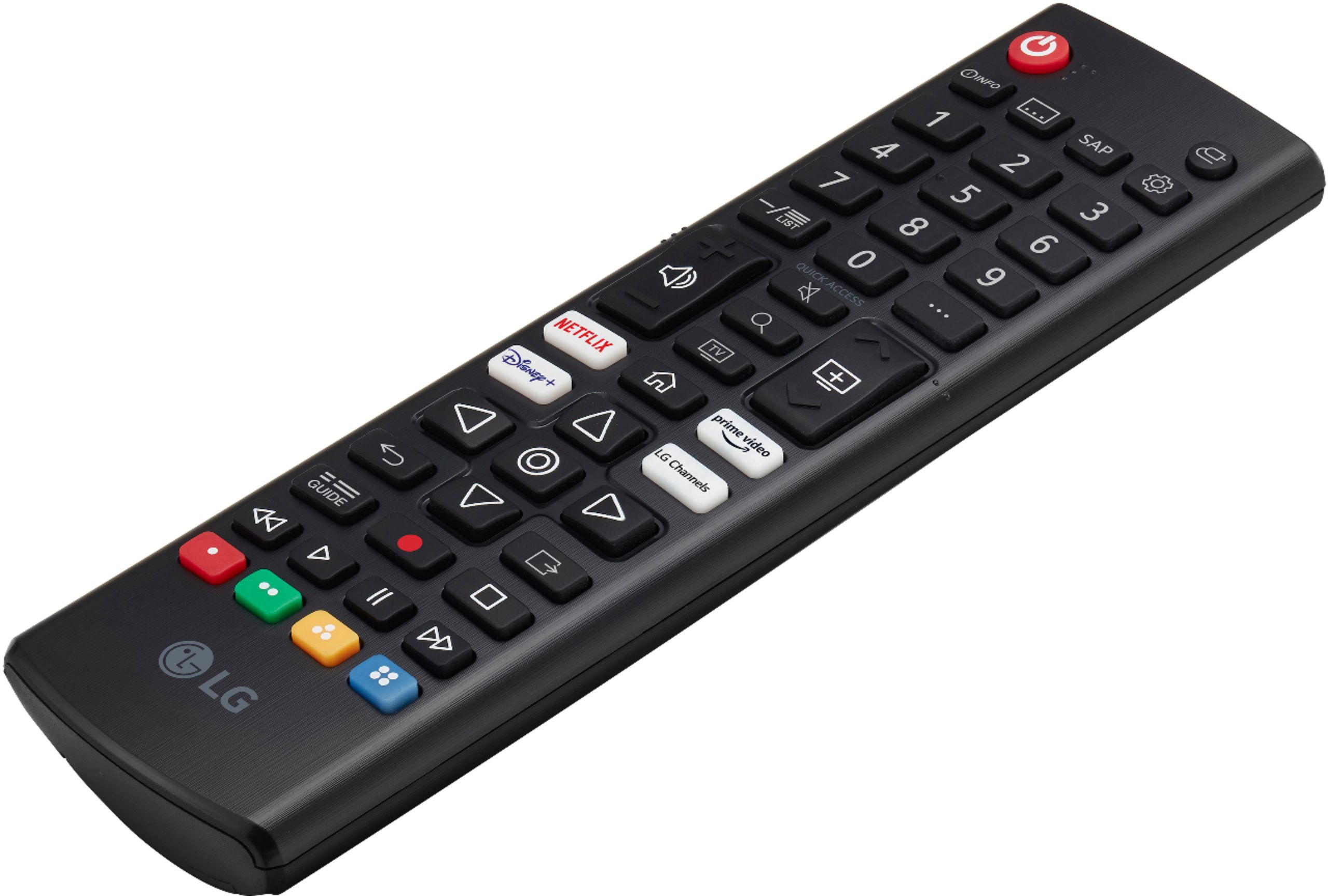
A:AnswerNo, the remote doesn't provide audibles. The TV has Audio Guidance once a button is pressed on the remote. Audio can be provided when you change channels, adjust the volume and change input settings. ^Daphane
A:AnswerNo, Acorn TV app is not in the LG Content Store. For a complete listing of available apps, please visit: https://us.lgappstv.com/main/tvapp. ^Daphane
A:AnswerYes, you can connect a Chromecast device to screen share. This TV also has screen mirroring technology include Apple AirPlay 2 and Miracast. ^Daphane
A:AnswerHBO Max is not currently available on LG’s webOS platform. However, we are continually working to add the latest streaming applications, such as HBO, but cannot provide a concrete timeline at this time. In the meantime, our webOS platform offers over 600 apps including streaming content and games - including over 180 free streaming channels via the LG Channels app (on select models). Also, you can access much of the HBO content through the Amazon Prime, YouTube TV or Apple TV+ apps that are available on our platform. For a complete listing of available apps, please visit: https://us.lgappstv.com/main/tvapp. ^Daphane UPDATE: HBO Max is now available in the LG Content Store and is accessible to TVs with a webOS4.0/4.5/5.0/6.0. ^Daphane
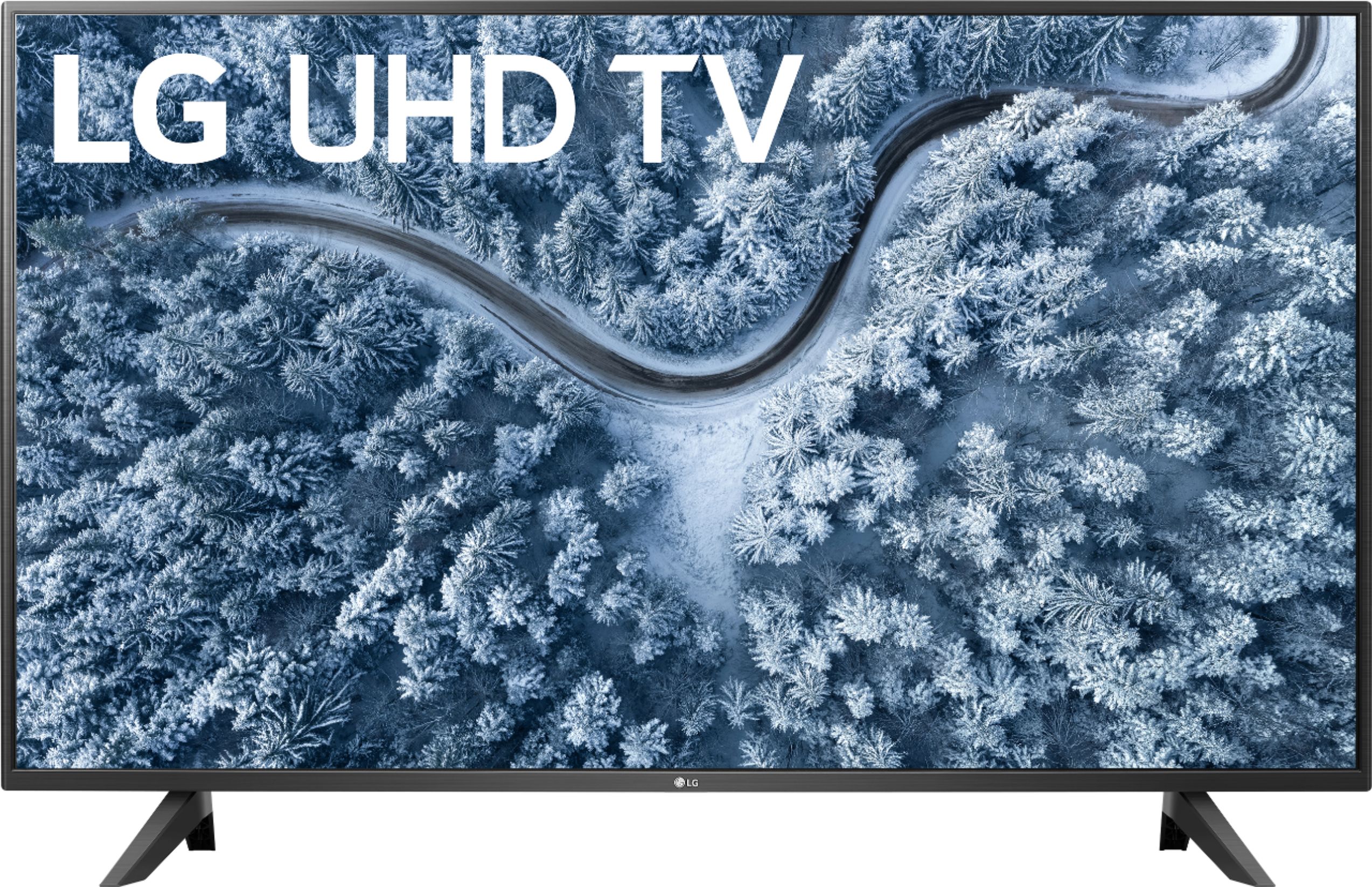
A:AnswerModel 43up7000 is a 2021 version with webOS 6.0, HDMI 2 is an eARC port. Please see the link for a side by side comparison of available specifications for both TVs, https://www.lg.com/us/compare?bizType=B2C. ^Daphane