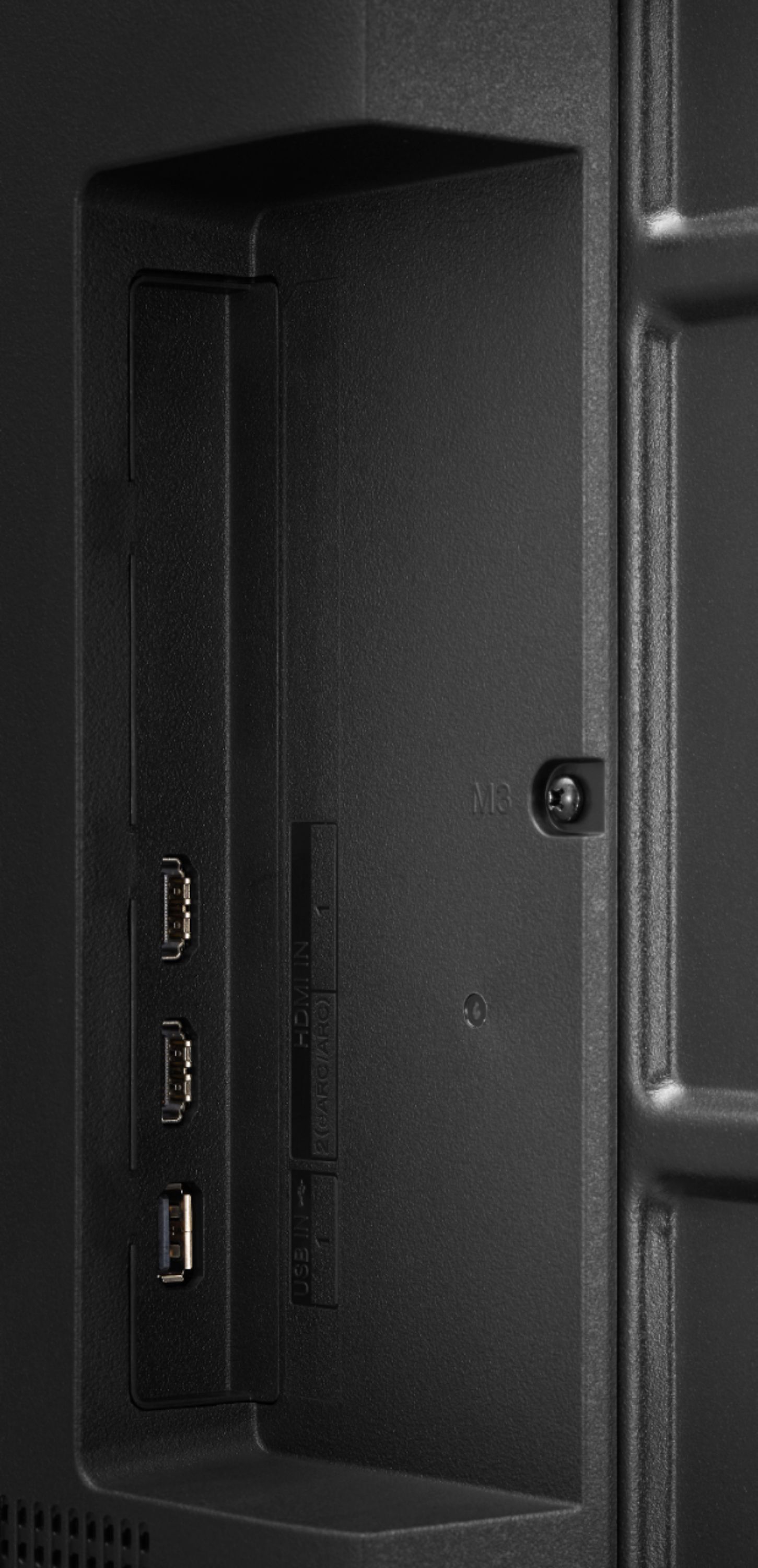
A:AnswerUnfortunately there is not a jack to add speaker nor does the TV have Bluetooth connectivity. You can add a Soundbar via Digital Audio Output (Optical). ^Daphane
A:AnswerYes, fuboTV is currently available on 2018-2021 models of LG Smart TVs with webOS 4.0 or higher. This is a 2021 model and run webOS 6.0. ^Daphane
A:AnswerI used Best Buy Geek Squad, cost was $200 which included 1 year of tech support. However, be forewarned...Best Buys administrative process of scheduling appts is painful. GEEK SQUAD technicians were great!
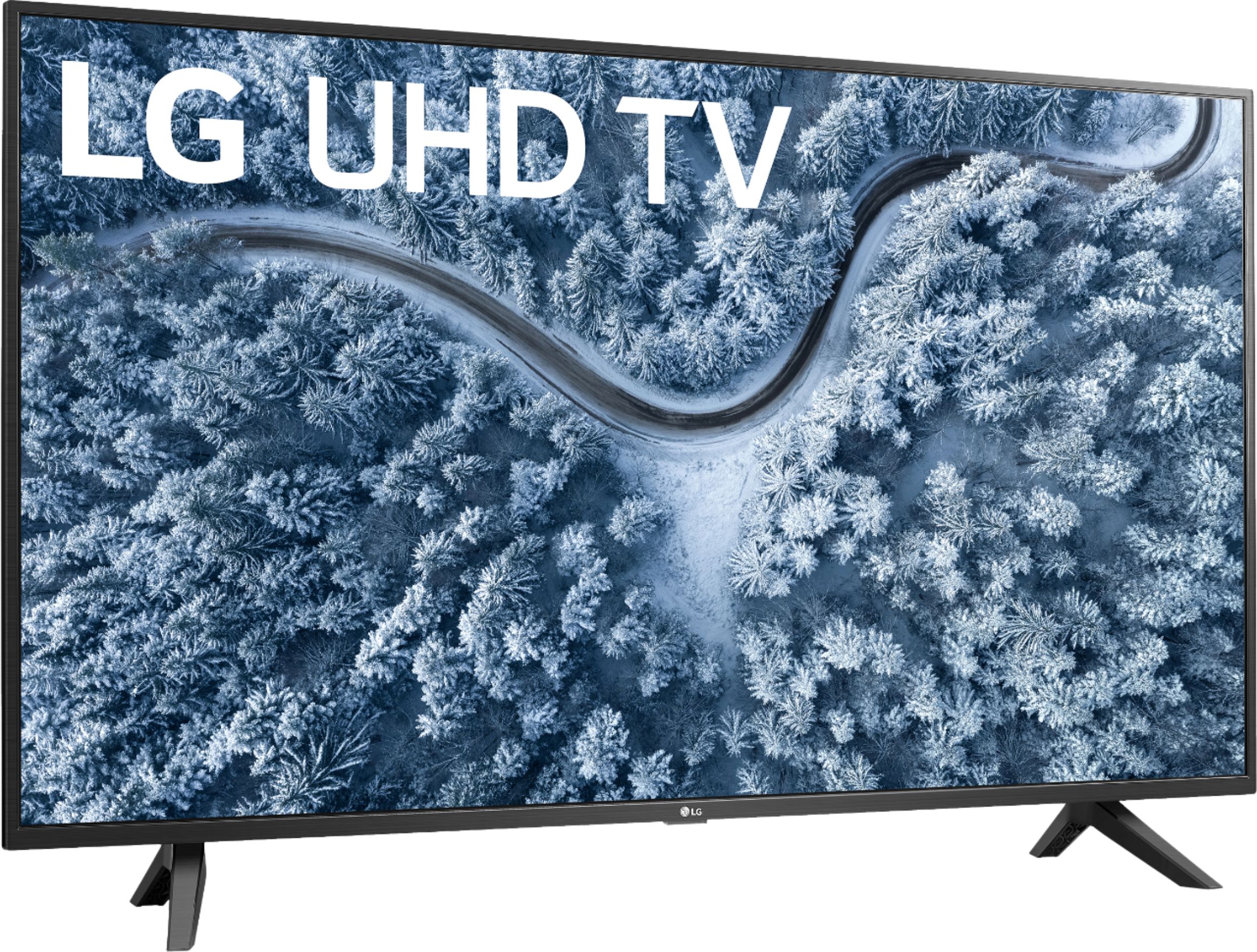
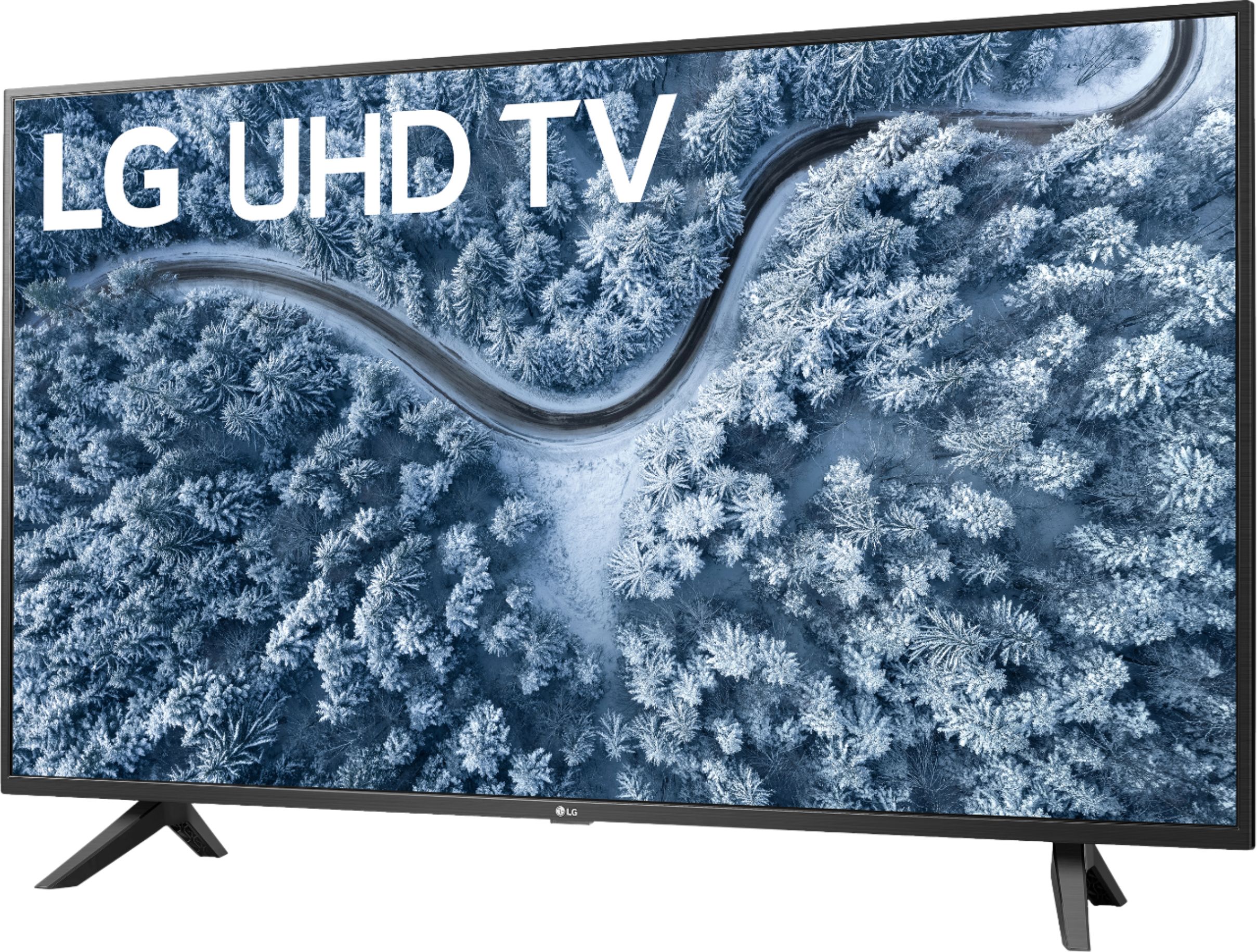
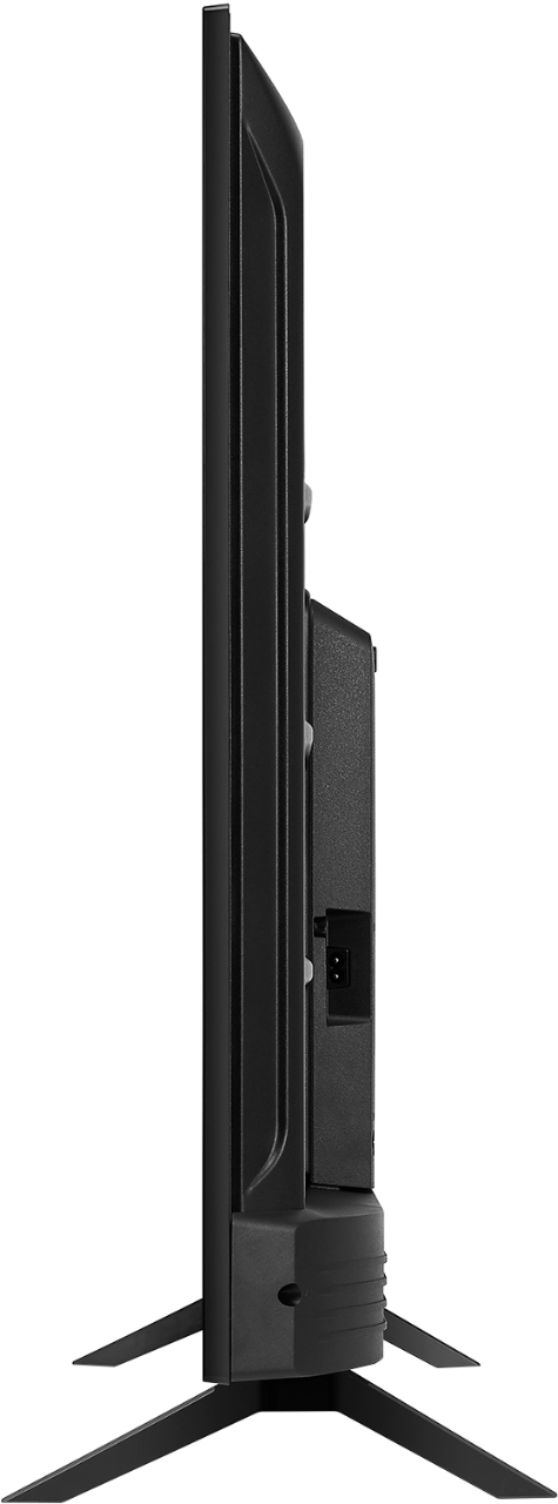
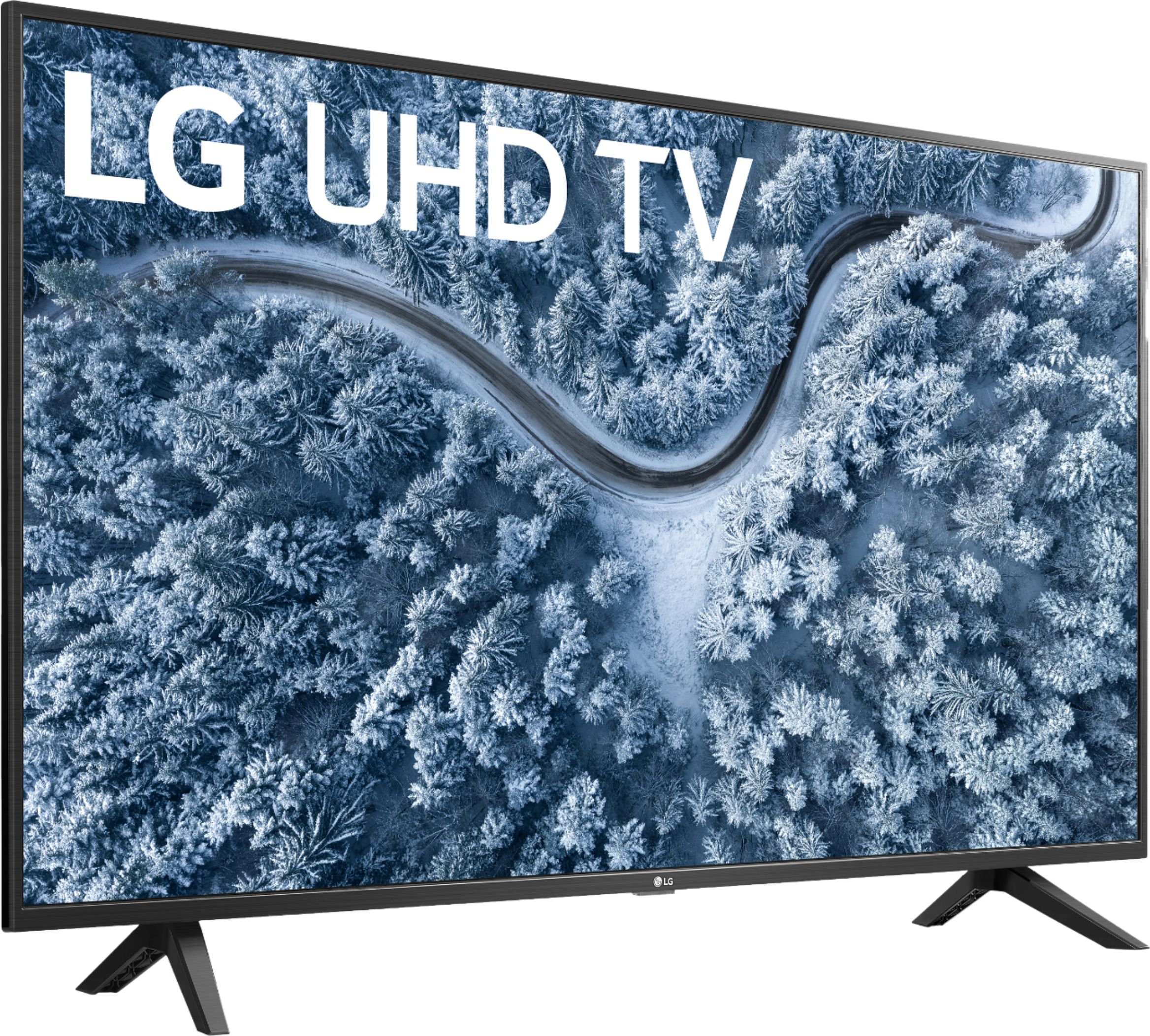
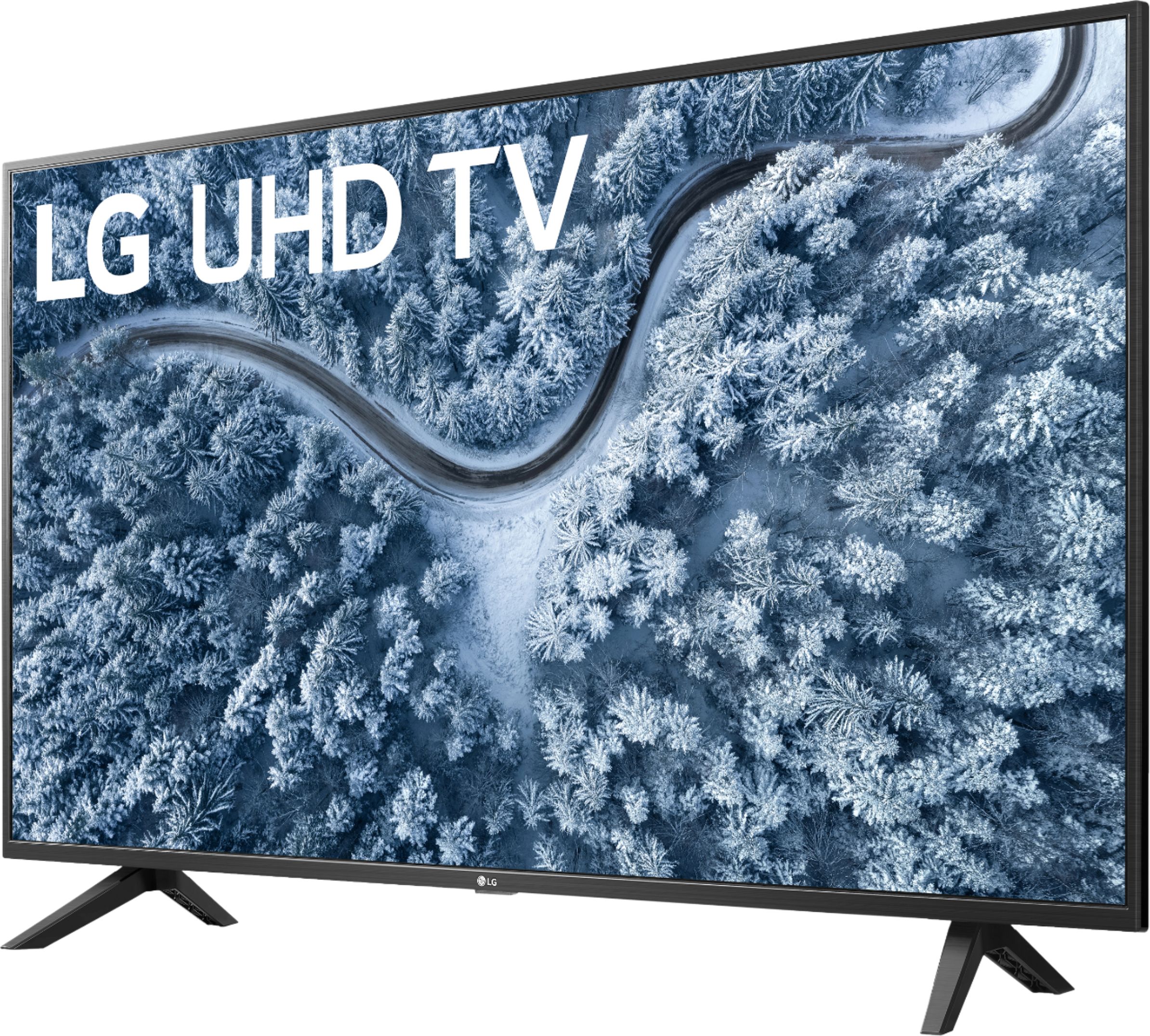
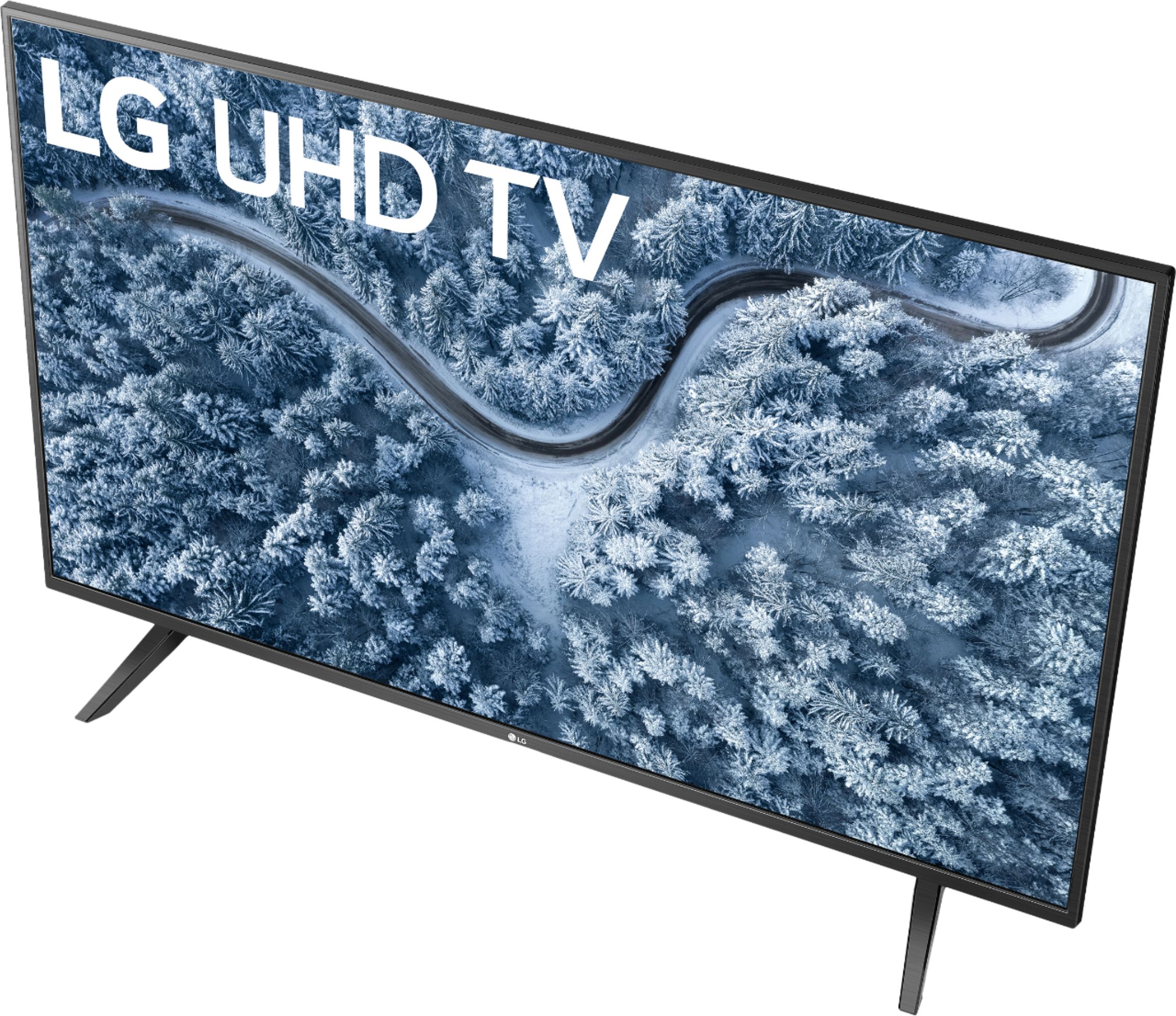
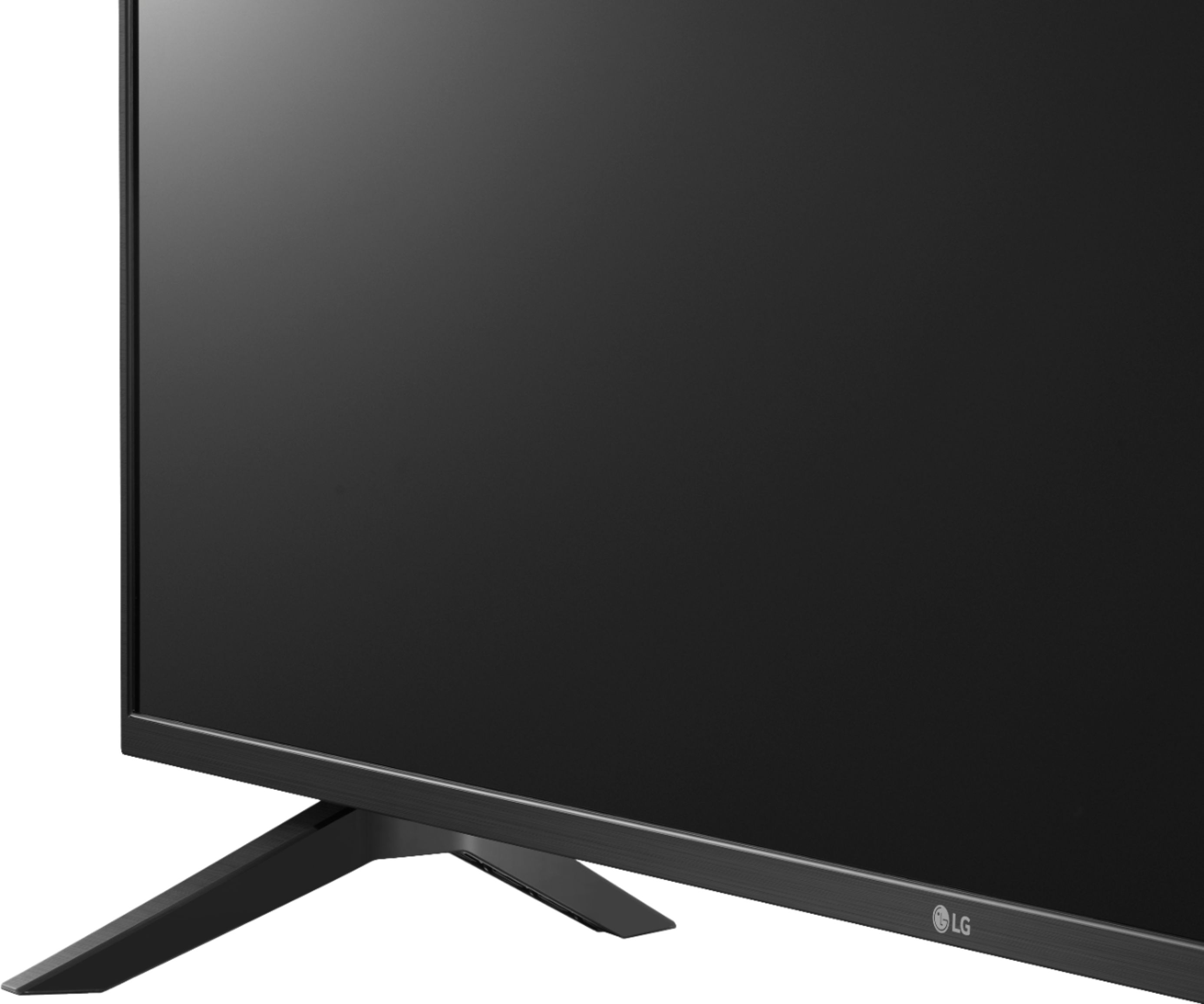
A:AnswerThe TV dimension with the stand are 38.1"W x 24.3"H x 8.6"D and without the stand are 38.1"W x 22.3"H x 3.5"D. The stand width is 30". ^Daphane
A:AnswerLG TVs do not support Chromecast. We support similar functionality where consumers can view content from their phone or portable device via Miracast and Apple Airplay2. ^Daphane
A:AnswerThis model does feature HDR10. The refresh rate is TruMotion 120 (Native 60Hz). TruMotion increases the standard refresh rate causing the image rendered on the TV screen resulting in drastic reduction of blur and yields crisper details. This TV does not have any version 2.1 HDMI inputs and will not support 4K@120Hz. ^Daphane
A:AnswerPlease reach out to our support team via private message on Facebook @LGUSSupport and use #VOC in your first message to our social media support team or call at 800-243-0000. Also, be sure to provide your contact information, model/serial numbers and date of purchase. ^Daphane
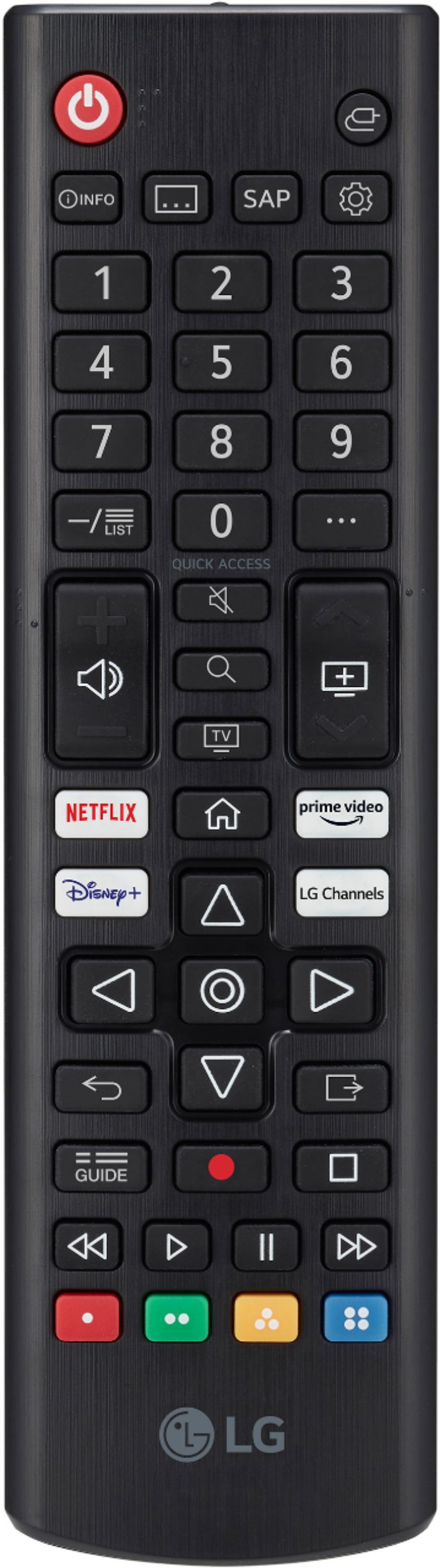
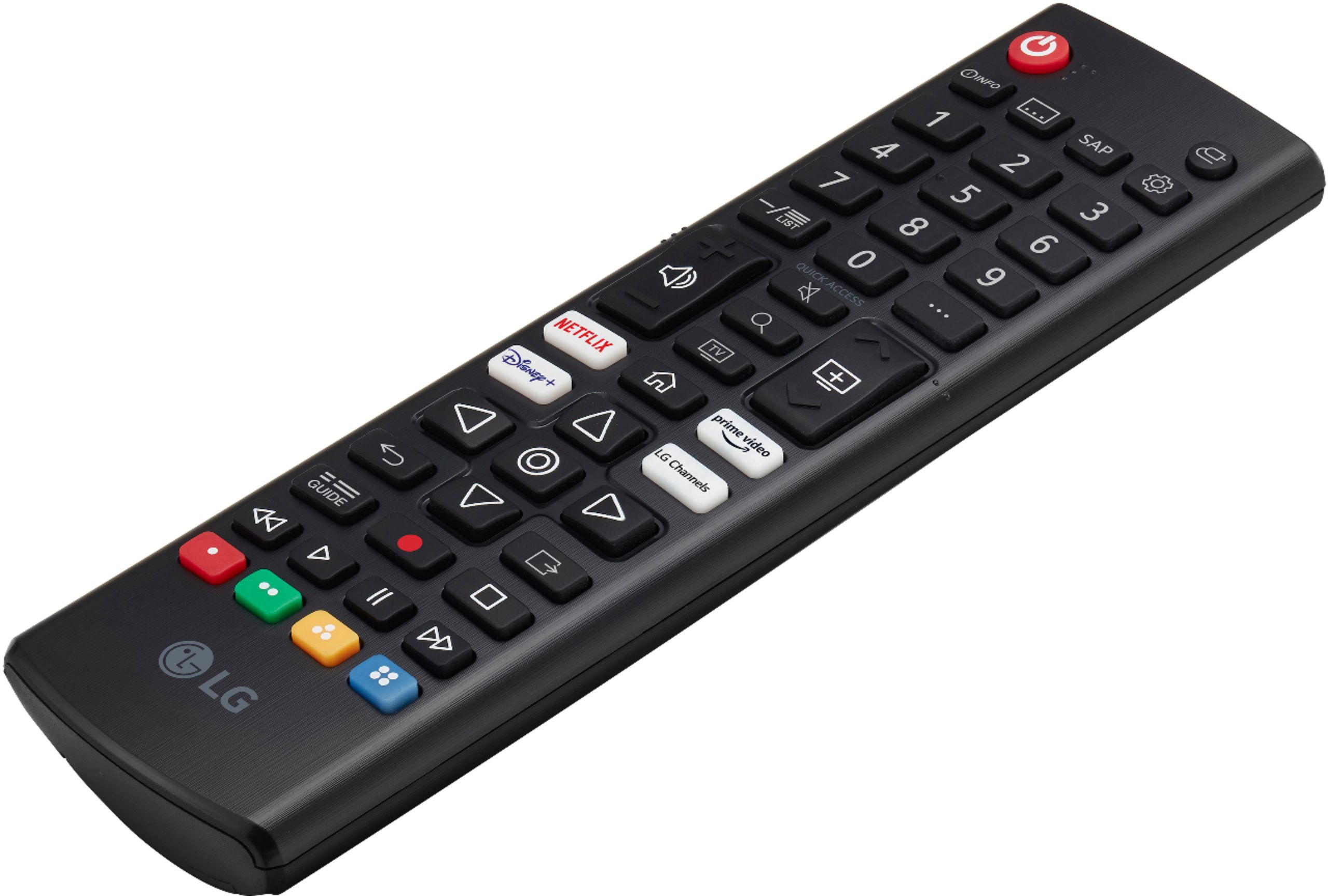
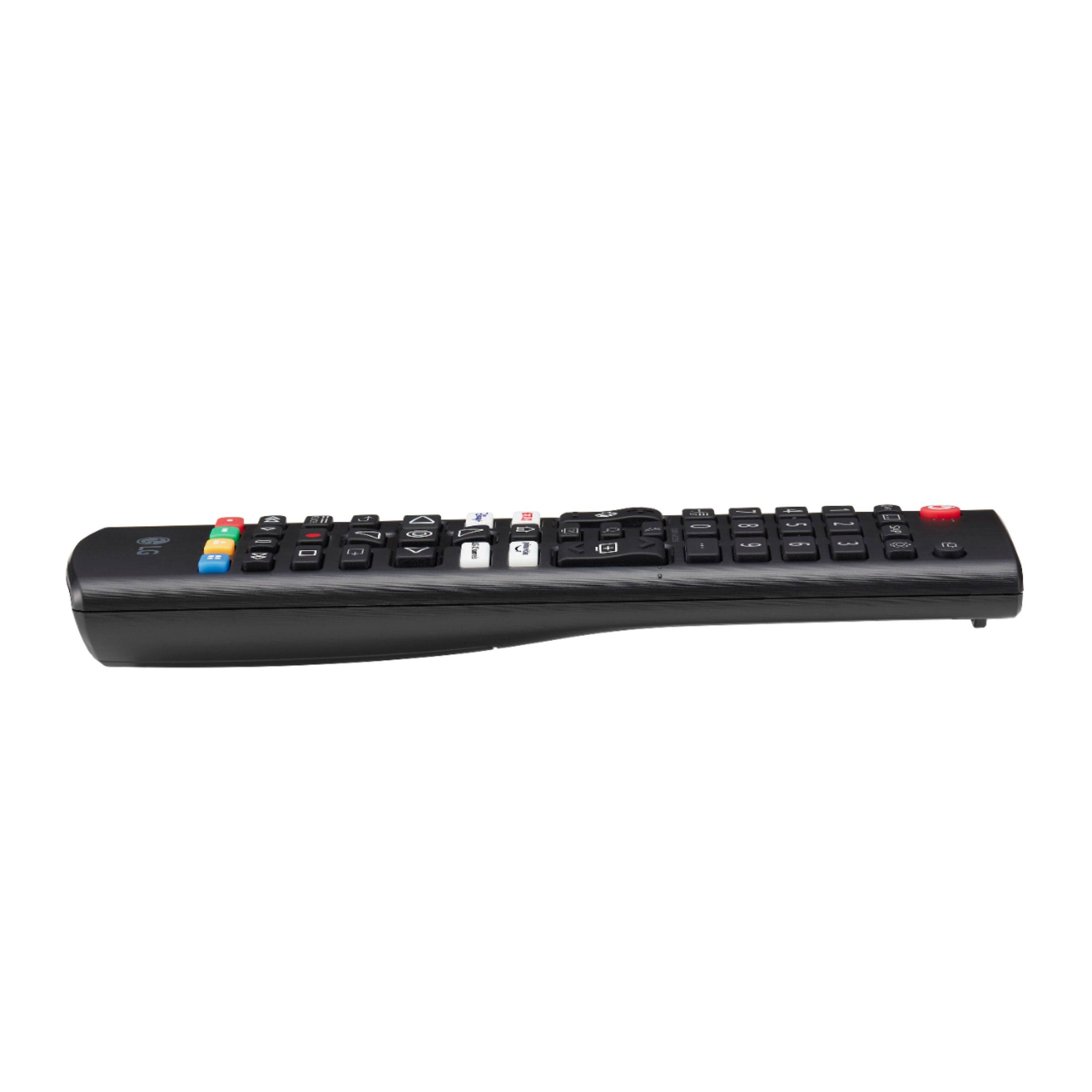
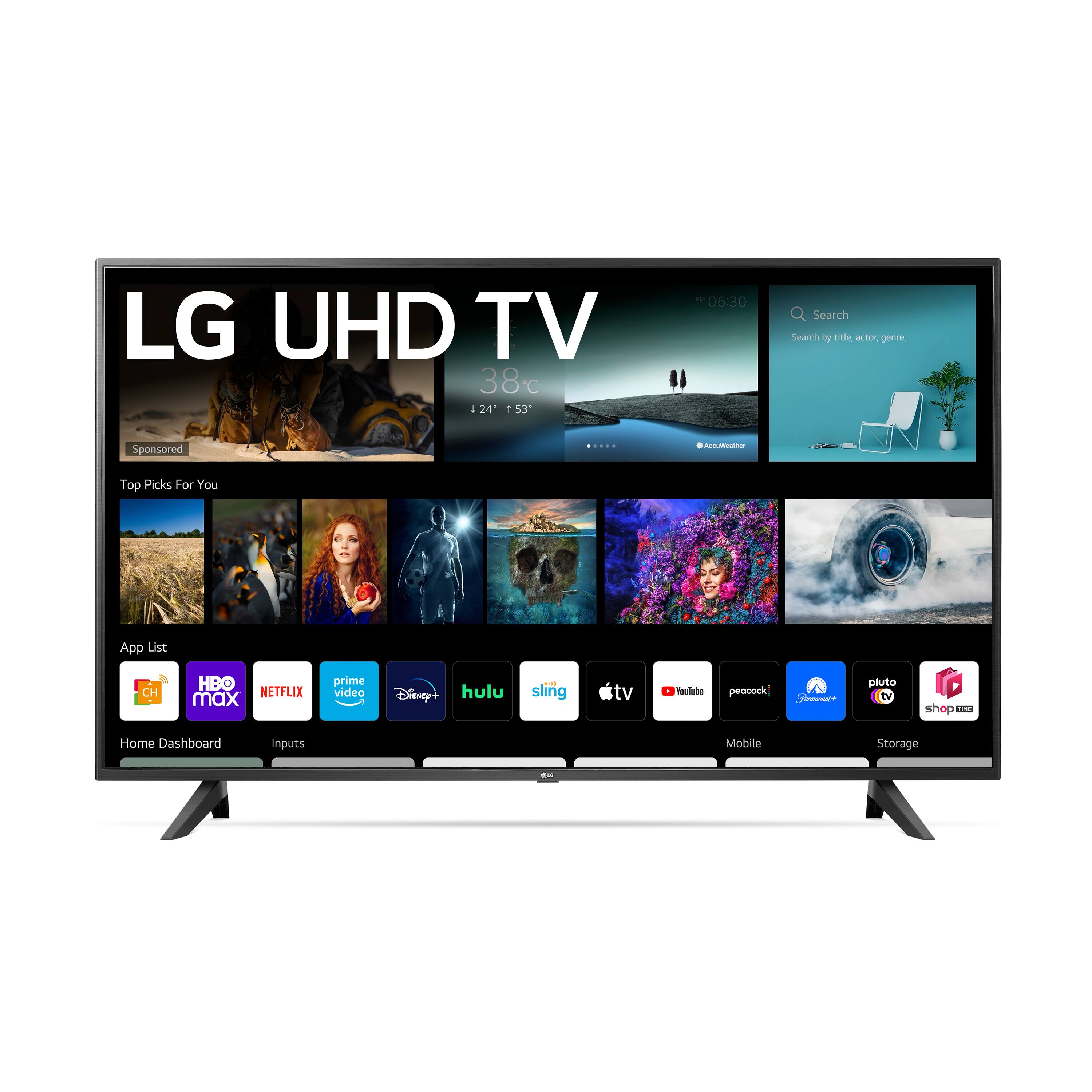
A:AnswerAdding content is not difficult, but it takes time since the process requires using the remote for navigation, and the design of the remote is dreadful.
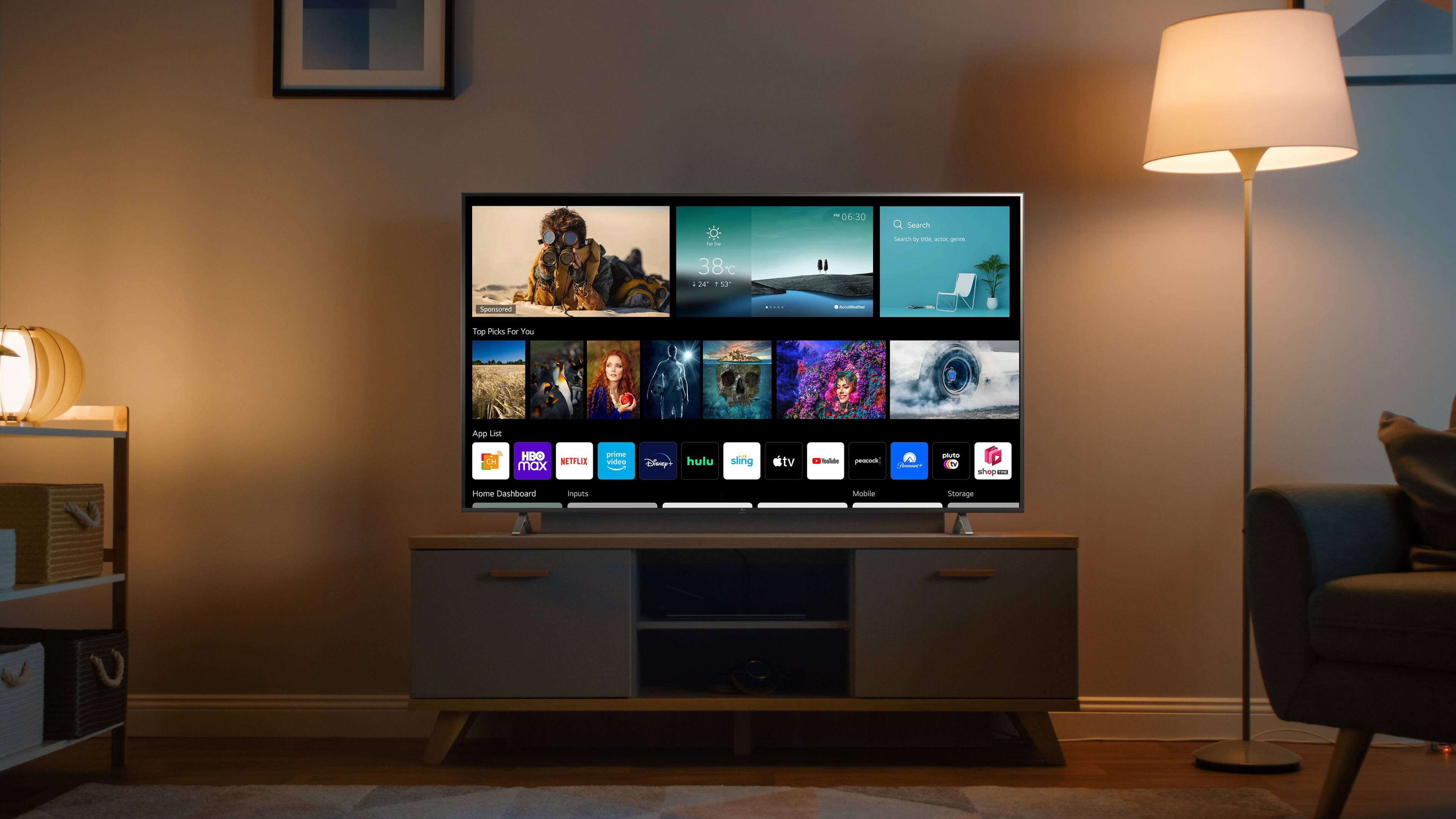
The approach I take is to start at the home screen, select the icon to add apps, and then use the remote to tediously type in the name of the app. As you type in the name, a selection menu will appear on the screen, and will be refined as more of the name is typed in. If the app is available in the Content Store, it will appear on the selection menu. Then, click on the selected app. At that point, an 'Install' button should appear on the screen. After the app has been installed, it will appear at the far right end of the app menu - I then use the 'Edit' function to move the app to the left so that I cluster the apps that I use at the left end of the menu.
A problem that you may encounter is that the app you are searching for won't appear in the app menu. The WebOS used by LG is primitive and isn't compatible some some apps. For example, I have been unable to install apps for PBS, PBS Passport, a local broadcast station, or Acorn TV. I think these can be accessed by means of an add-on Roku device.
A:AnswerNo, Rakuten Viki app is not in the LG Content Store. For a complete listing of available apps, please visit: https://us.lgappstv.com/main/tvapp. ^Daphane

A:AnswerPlease reach out to our support team via private message on Facebook @LGUSSupport and use #VOC in your first message to our social media support team or call at 800-243-0000. Also, be sure to provide your contact information, model/serial numbers and date of purchase. ^Daphane