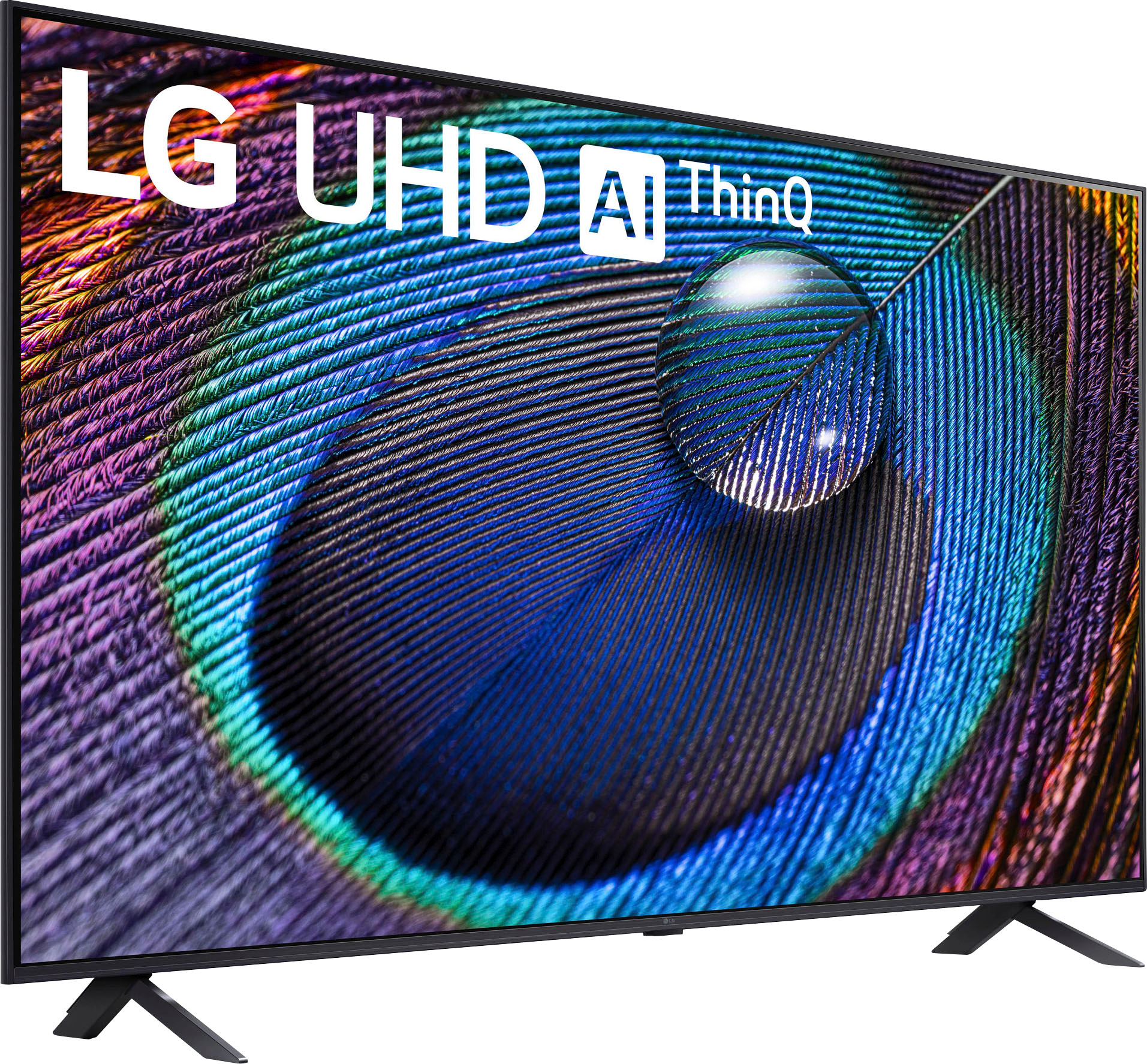
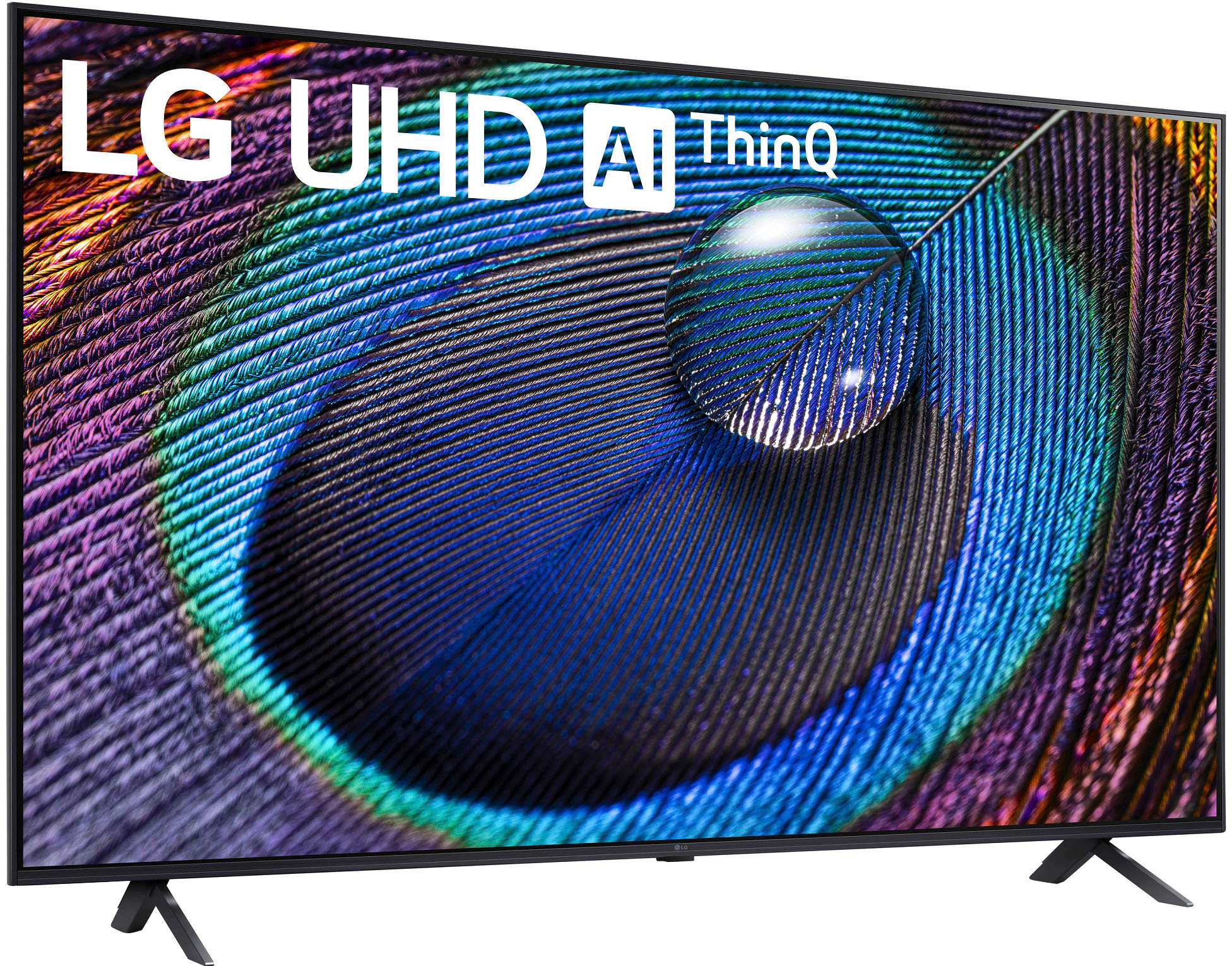
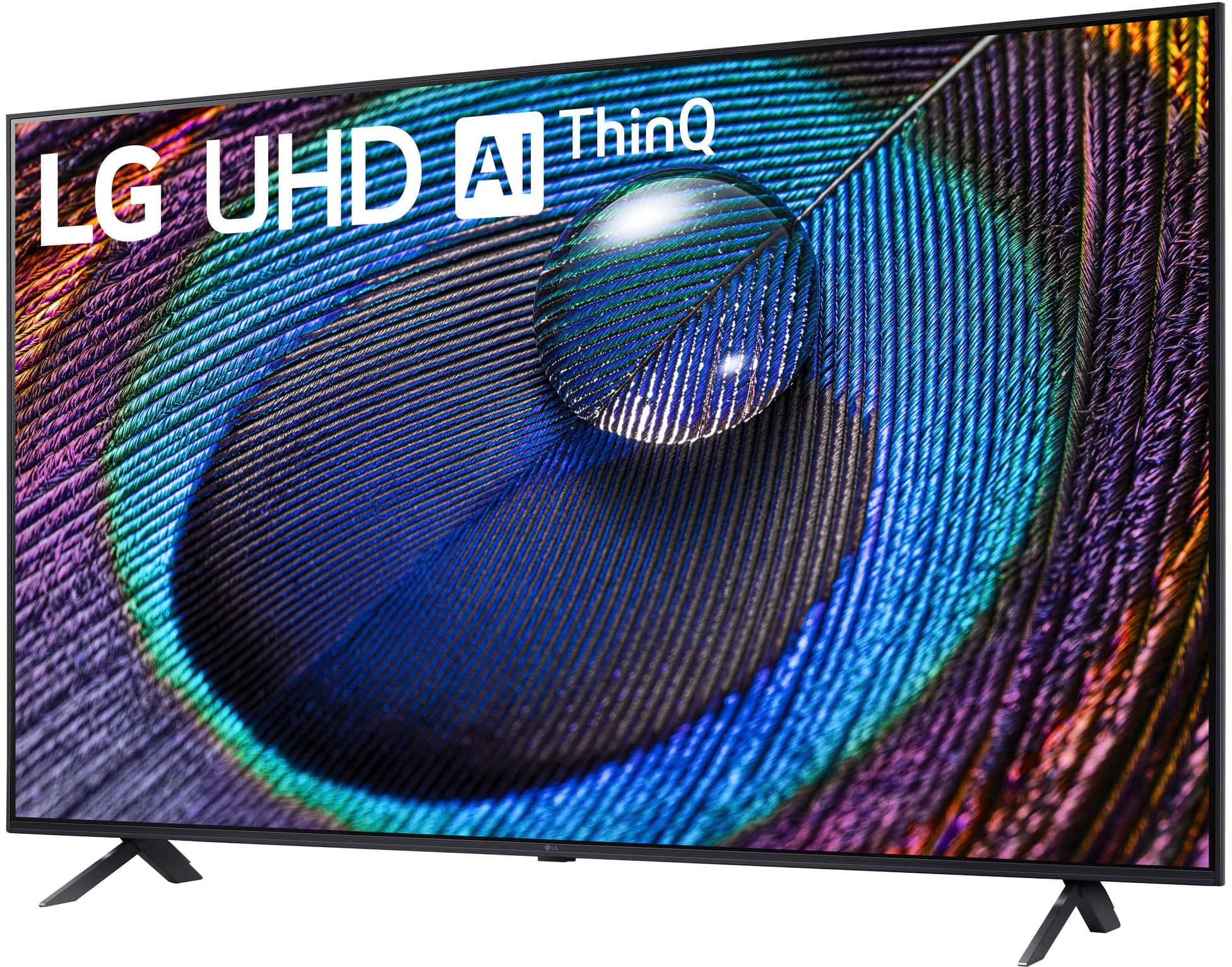
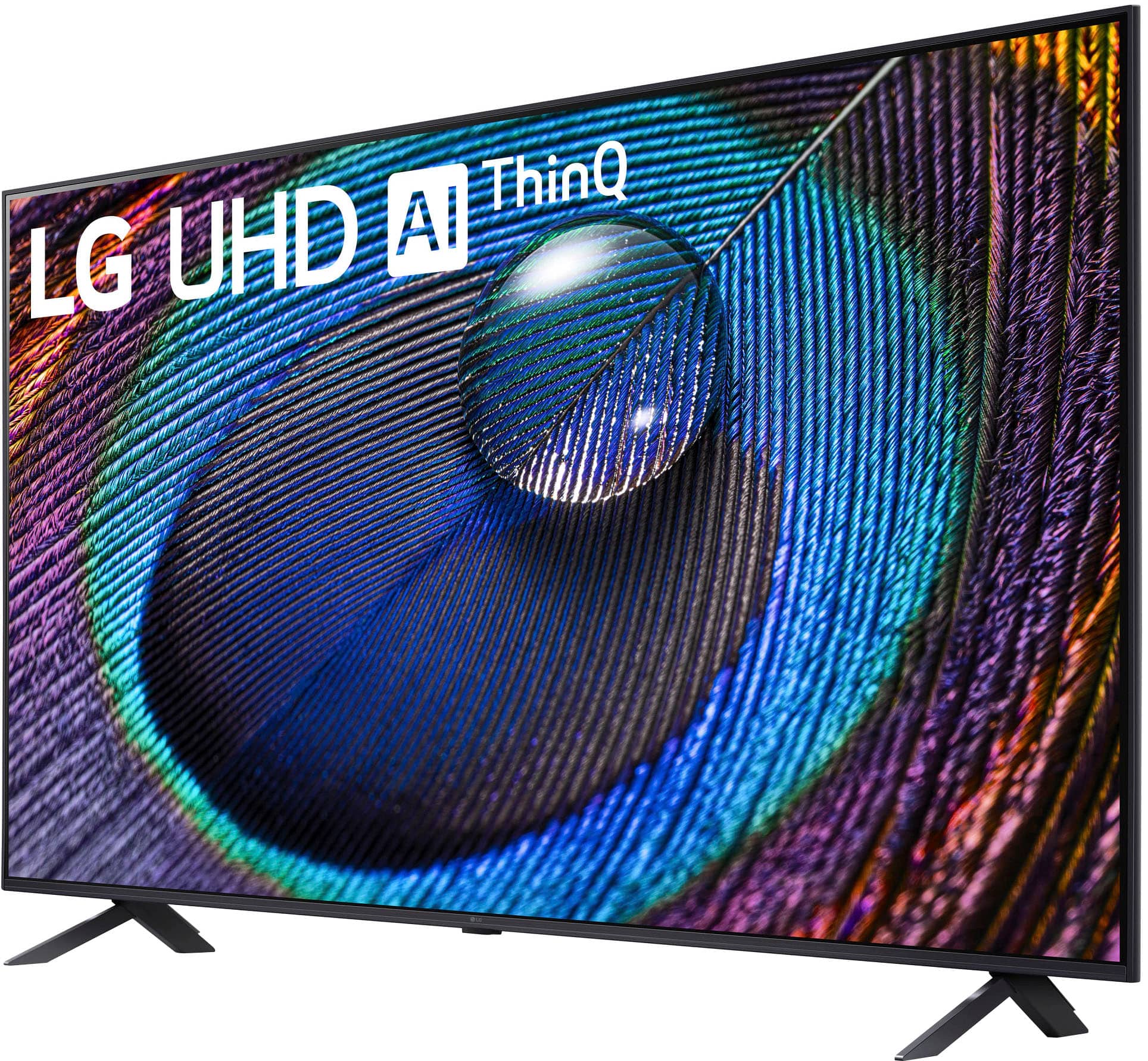
Black Friday is hereShop new DoorbustersShop now

Main Content

Questions & Answers

Your price for this item is $322.99
Clearance
The comparable value price is $379.99
Page Showing 1-20 of 36 questions
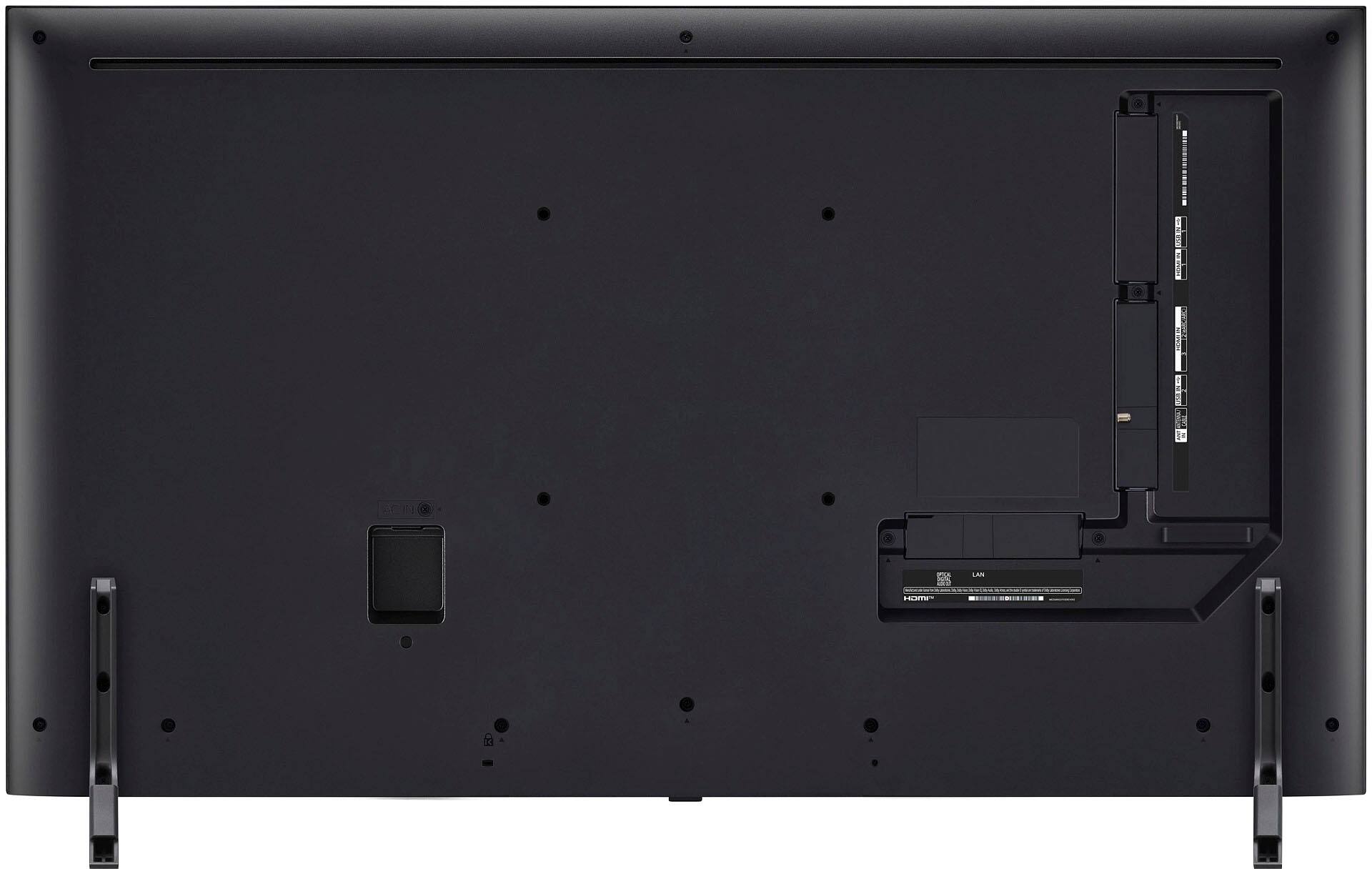
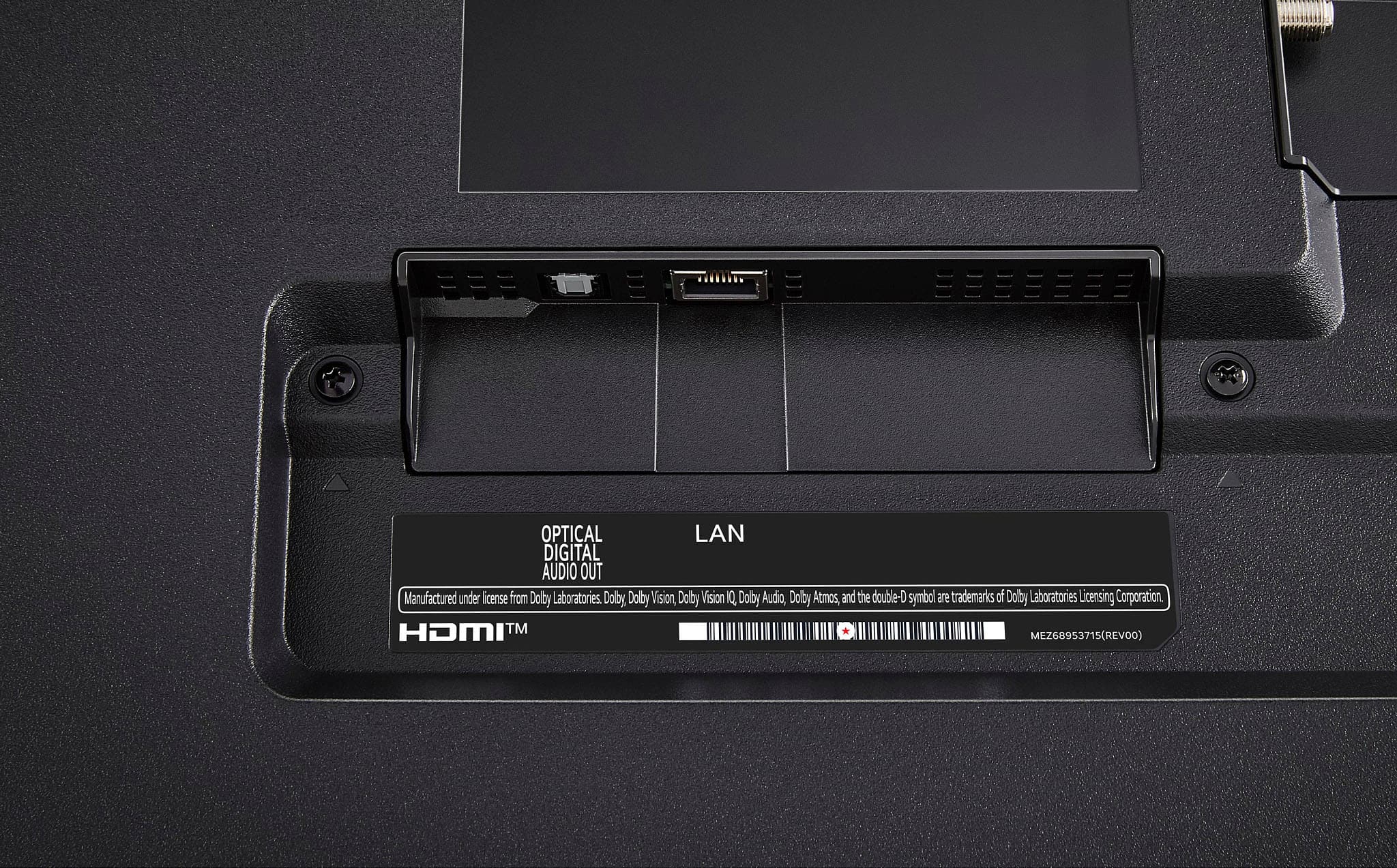
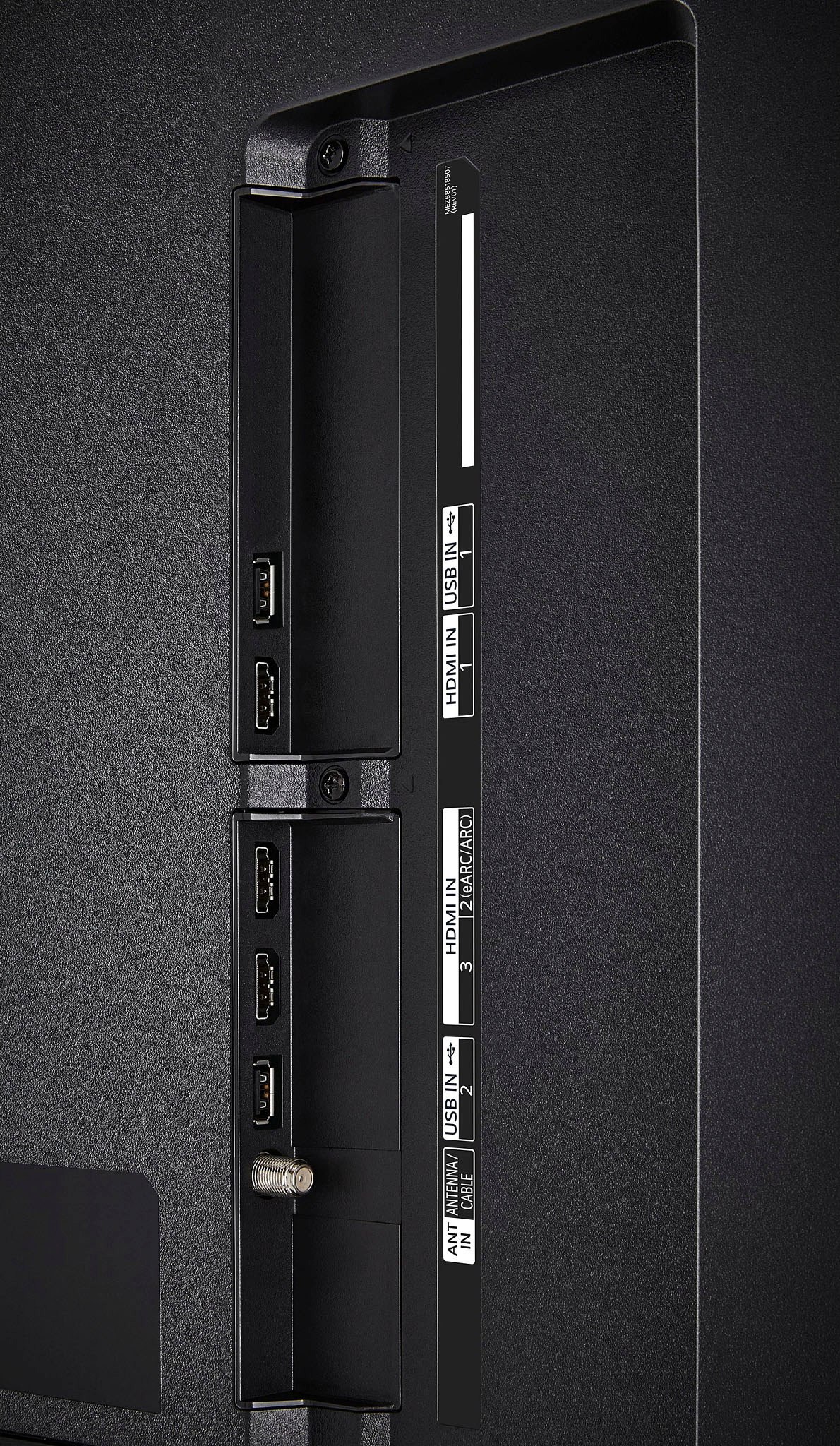
  • QuestionHow many HDMI ports does this TV have?

    • Answer This LG TV has 3 HDMI ports.
    This question and answer was generated by AI based on customer and product data.
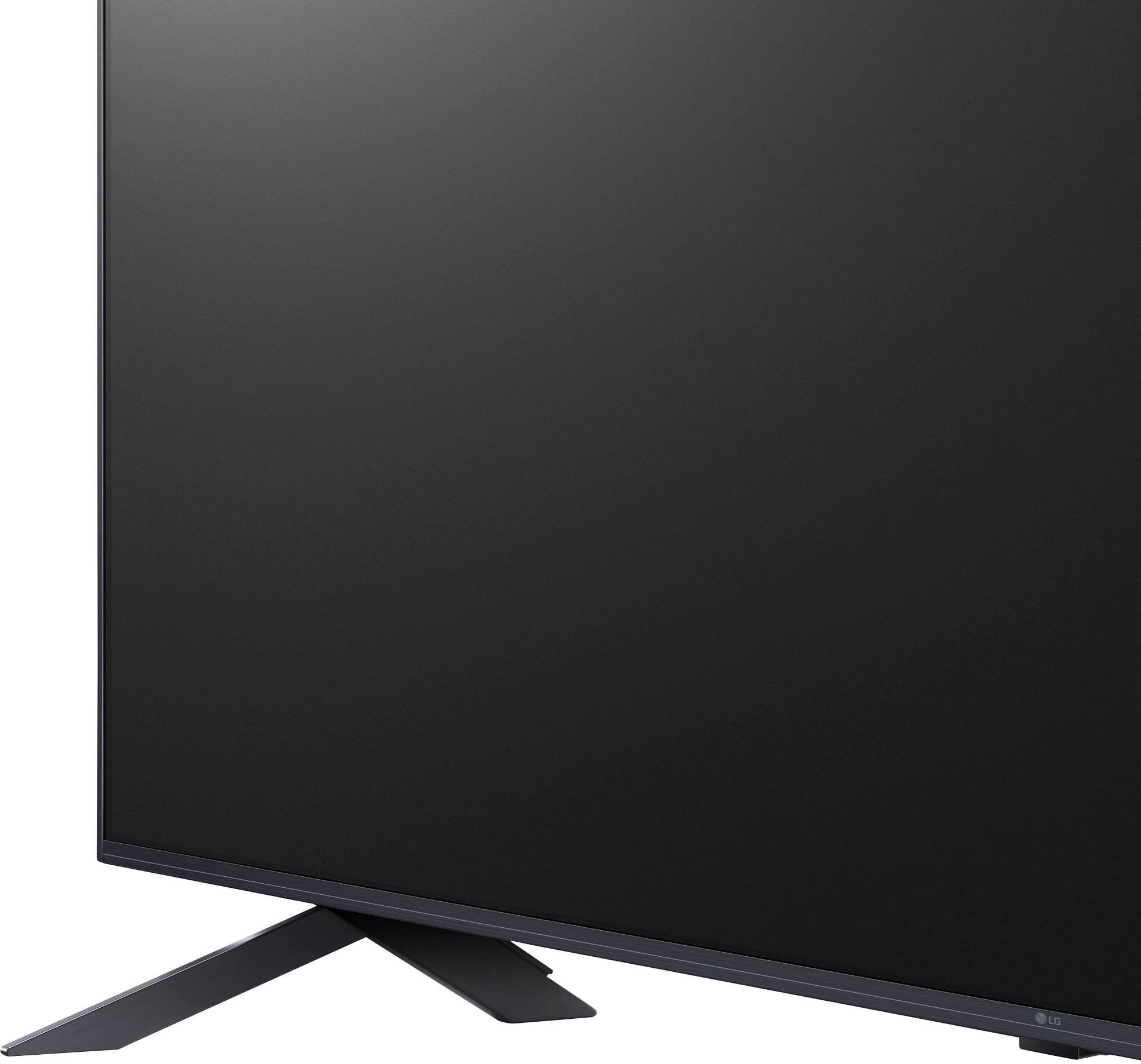
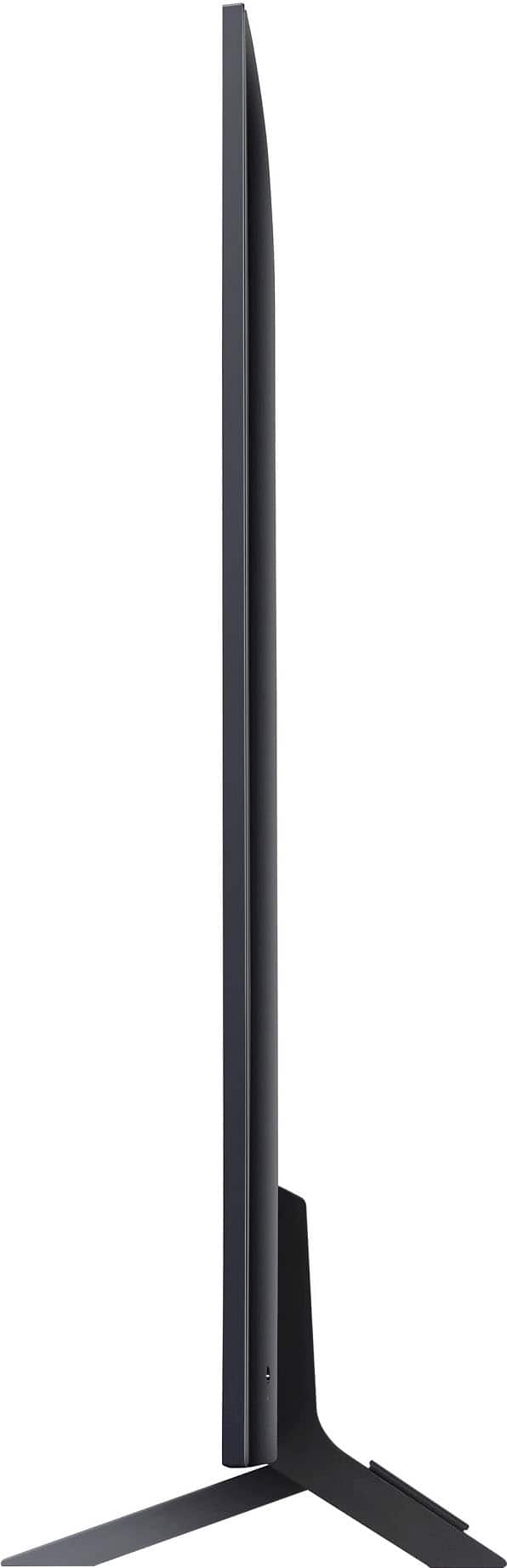
  • QuestionDoes this TV come with a stand?

    • Answer Yes, the stand is included with this TV.
    This question and answer was generated by AI based on customer and product data.
  • QuestionDoes this TV have built-in speakers?

    • Answer Yes, this TV has 2 built-in speakers.
    This question and answer was generated by AI based on customer and product data.
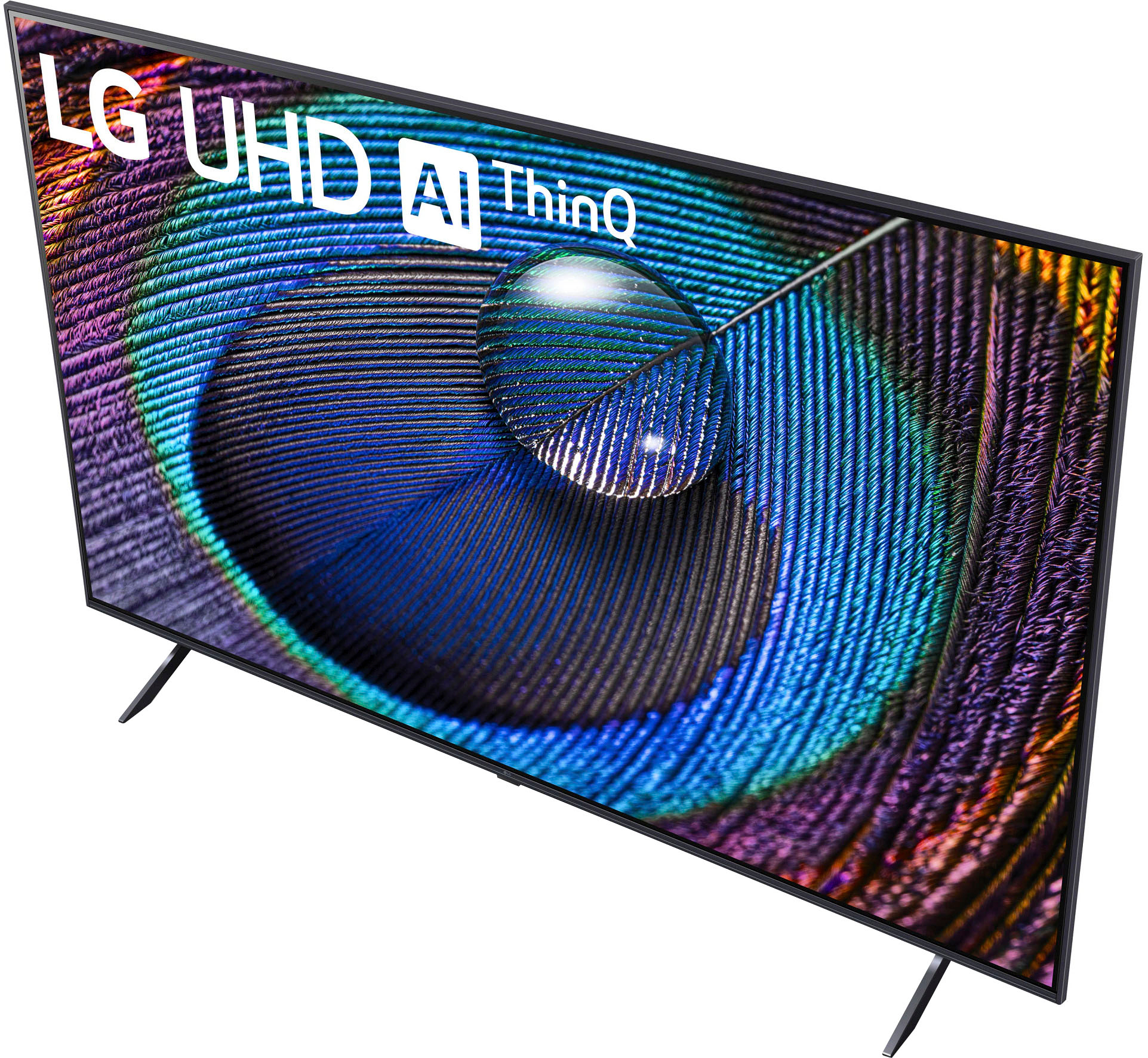
  • QuestionWhat type of display does this LG TV have?

    • Answer This LG TV has a 4K UHD display.
    This question and answer was generated by AI based on customer and product data.
  • QuestionIs this LG TV compatible with Amazon Alexa?

    • Answer Yes, this TV is compatible with Amazon Alexa.
    This question and answer was generated by AI based on customer and product data.
  • QuestionIf you stand to the side of this TV, is the color washed out? We bought a Visio last year and the color gets really washed out unless directly in front of it -- looking for a TV that has good color no matter where you sit in the room.

    Asked by Evieloutoo.

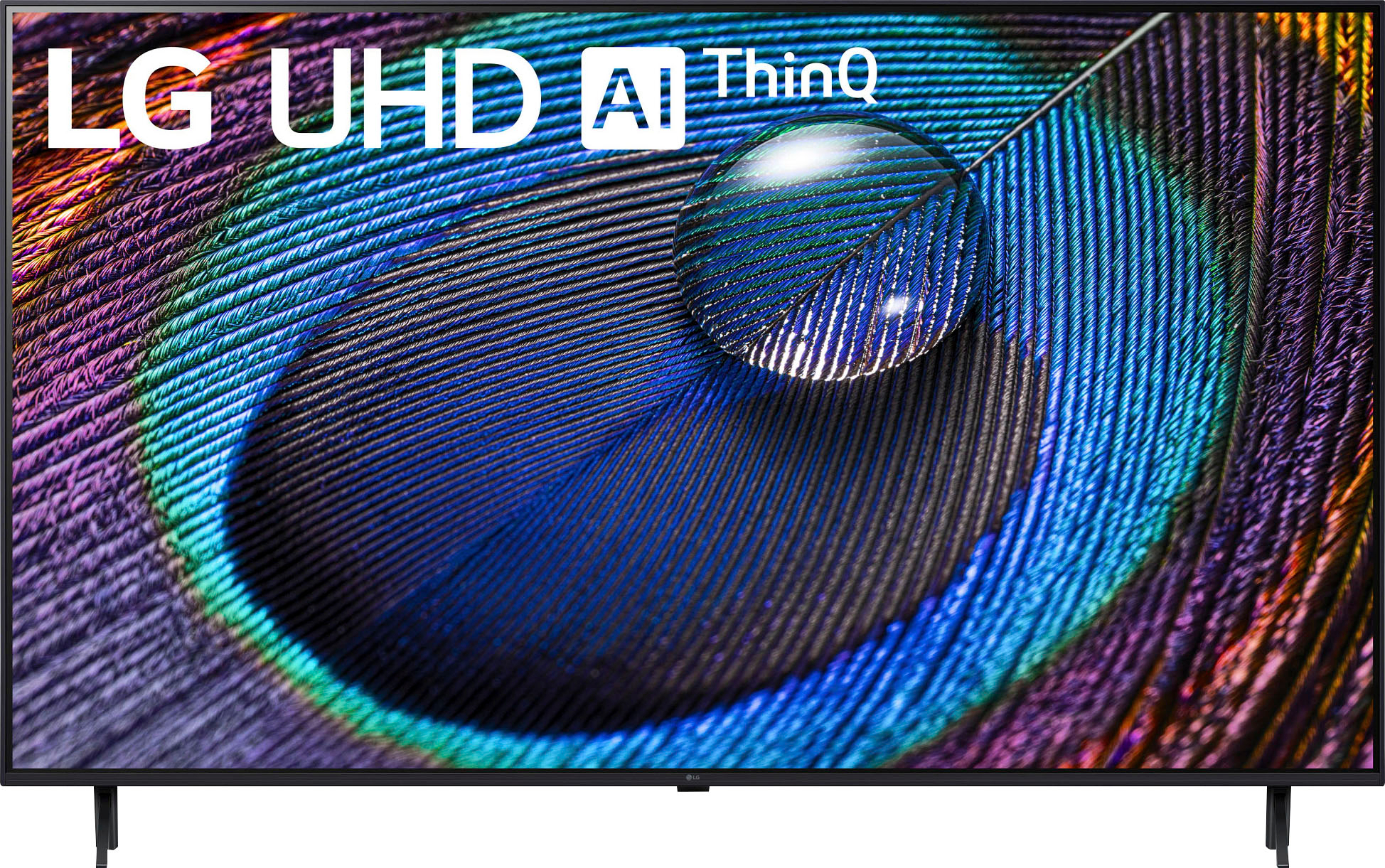
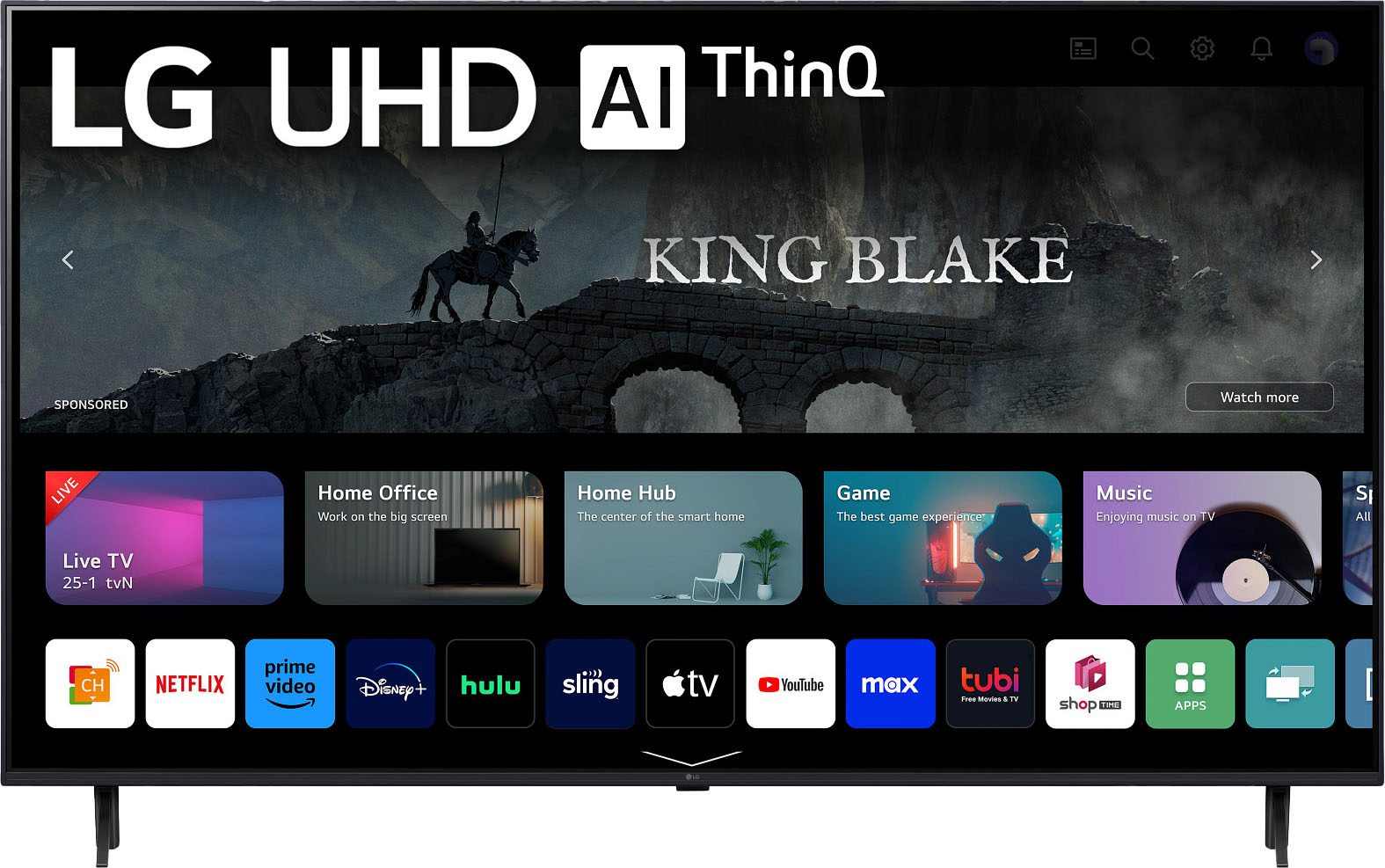
    • Answer The LG 43 Inch Class UR8000 series LED 4K UHD Smart webOS 23 w/ ThinQ AI TV, Model # 43UR9000PUA is an LED LCD TV that has an IPS panel, and IPS panels are superior to VA panels when it comes to viewing angles. They're generally recommended for wide seating arrangements because the image remains accurate when viewing from the side. On the other hand, the image on a VA panel quickly loses accuracy as you move off-center, and it can get pretty noticeable when sitting at a wide angle. However, depending on how far you stand to the side of any TV, there is a point where you will experience color washout, color shift, or brightness loss. OLED is a different technology that uses self-emissive pixels. Each pixel turns itself on and off and emits light in all directions. This means that OLEDs have very wide viewing angles, even better than IPS panels, but even with that, there is no type of TV that has good color no matter where you sit in the room. Unfortunately, you can't do anything to improve the viewing angles on a TV. If you have a wide seating arrangement, consider getting an OLED or an IPS panel TV. A TV's viewing angles are something that we can all test with our own eyes at home. Simply walk around your TV and see if the image starts to change when moving off-center. If it changes, it means you have narrow viewing angles, but if it stays the same, the TV has wide viewing angles...^Ivan
      Answered by LG Digital Customer Care

  • QuestionDoes this tv have a built-in web browser?

    Asked by rhemmer.

    • Answer Yes, but the built-in browser is LG's own and is limited. There are no other web browsers available in the LG app store. The LG browser does not support some of the methods for displaying video within a web page. We really wanted to watch some shows on PBS with this television but could not. The built-in web browser on our Sony Bravia TV and browsers for Windows and Linux computers display these PBS streamed programs with no problem.

      Answered by MikeK

  • QuestionI have Verizon 5G HOME for my internet provider. Do I need the DIRECTV Satellite and the DIRECTV Receiver Box with this TV? The programs I like the most are Netflix, Prime Video, and CNN, besides the local channels. Thank You

    Asked by SilverLakeGuy.

    • Answer If your Internet speeds on Verizon 5G are consistently "good" then you will have no problem with the regular streams such as Netflix, Prime, and CNN and/or Local TV station viewing over your Internet connection. The three streaming services you mentioned have "apps" for that LG television. Local channels on the other hand are another issue. Yes, you can work with the DirectTV service personnel to subscribe to streaming TV over the Internet without the "dish". You really should also compare the DirectTV services and pricing against the offerings from YouTube TV, Hulu Live TV, and Sling.
      Answered by MikeK

  • QuestionWould I be able to access Hulu through this TV?

    Asked by Alger.

    • Answer Thank you for your interest in the LG Smart webOS (43UR9000PUA) model. Yes, you should be able to access Hulu on the LG 43UR9000PUA TV. The Hulu app comes pre-installed on all LG TVs with webOS 3.5 or higher, and the LG 43UR9000PUA TV is equipped with webOS 6.0, which should support the Hulu app. You can download its owner's manual through this link for more information: https://www.lg.com/us/support/product/lg-43UR9000PUA.AUS. ^Cris

      Answered by LG Digital Customer Care

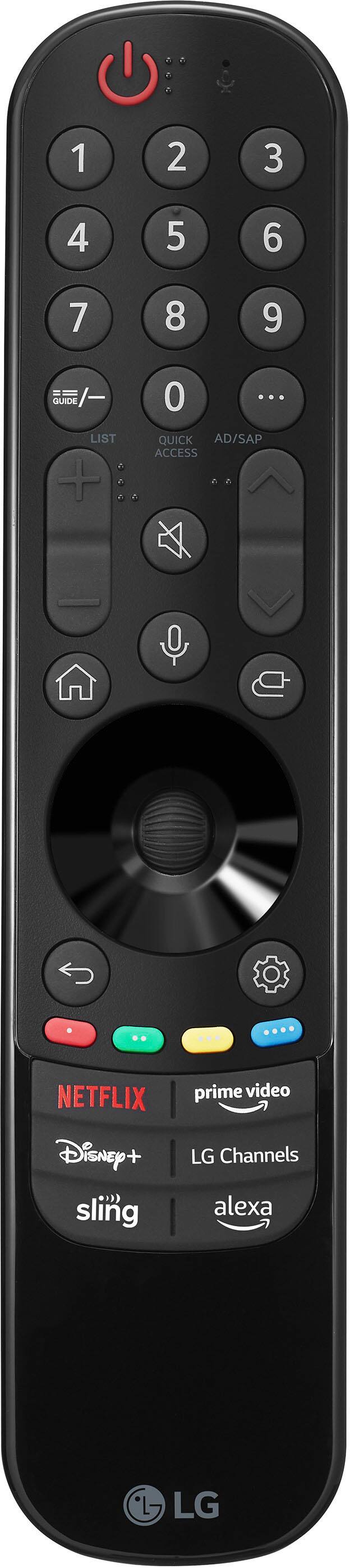
  • QuestionI read on the specs that it is Alexa compatible! Is it “hand free” Alexa compatible ?

    Asked by LP.

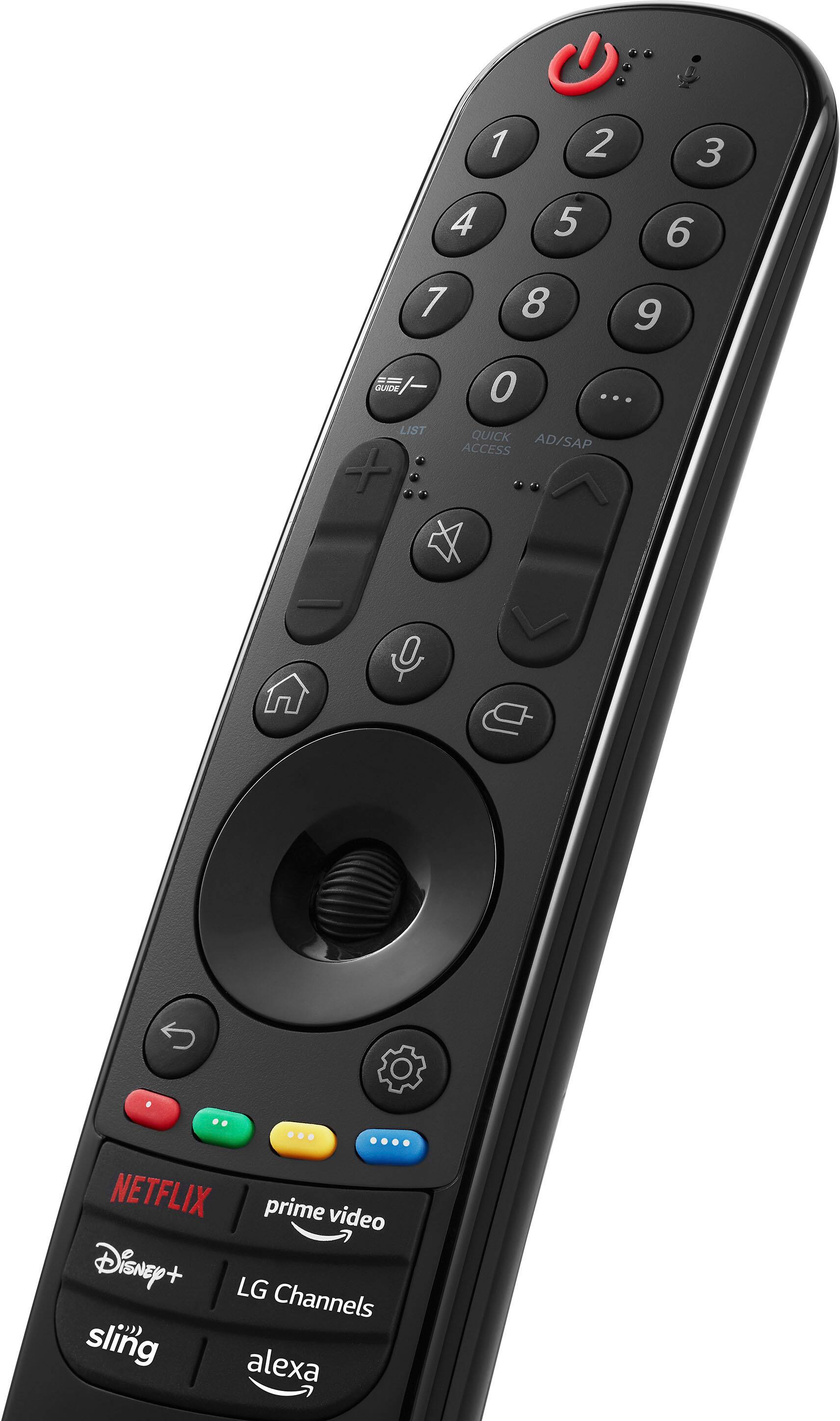
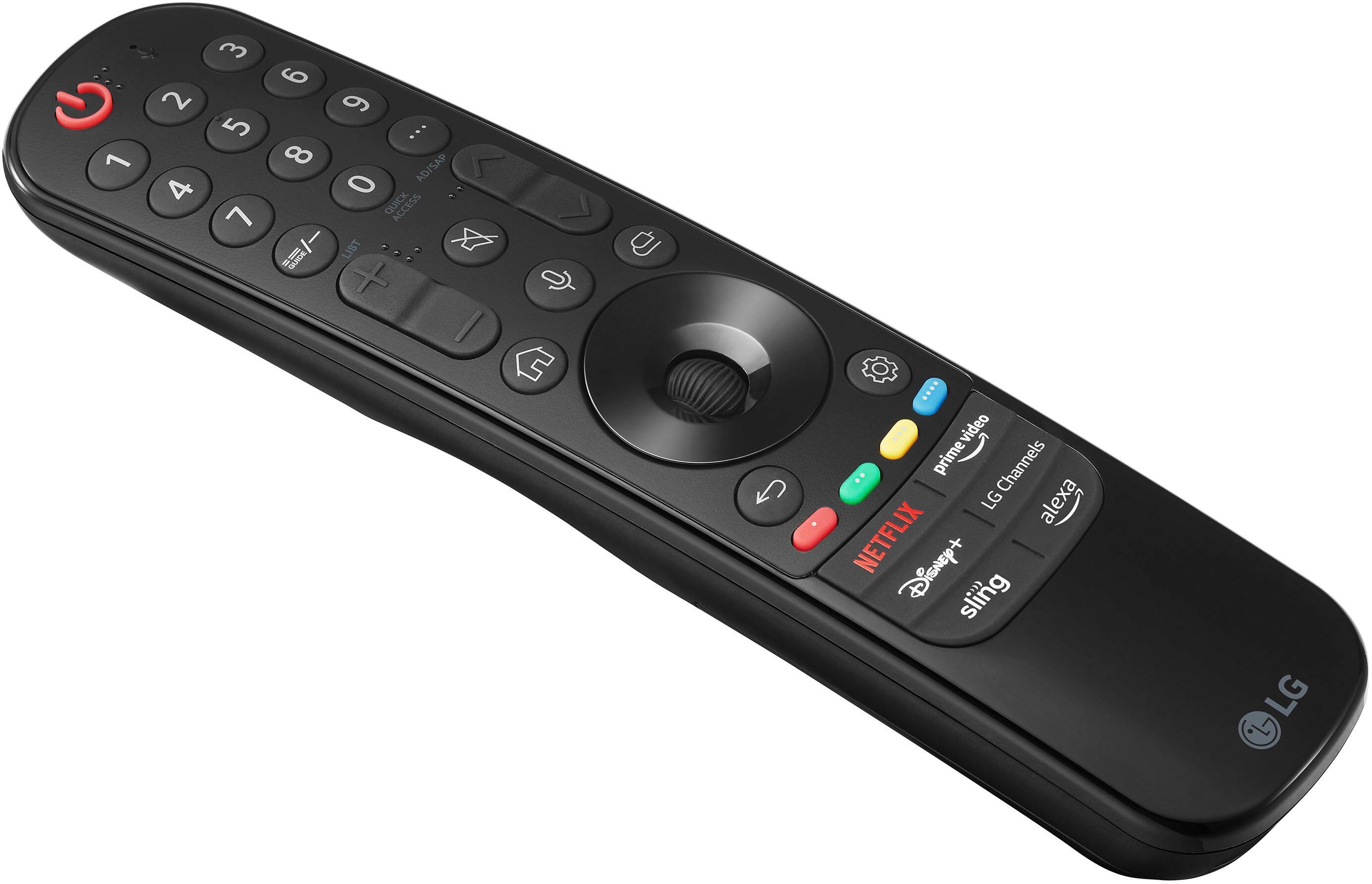
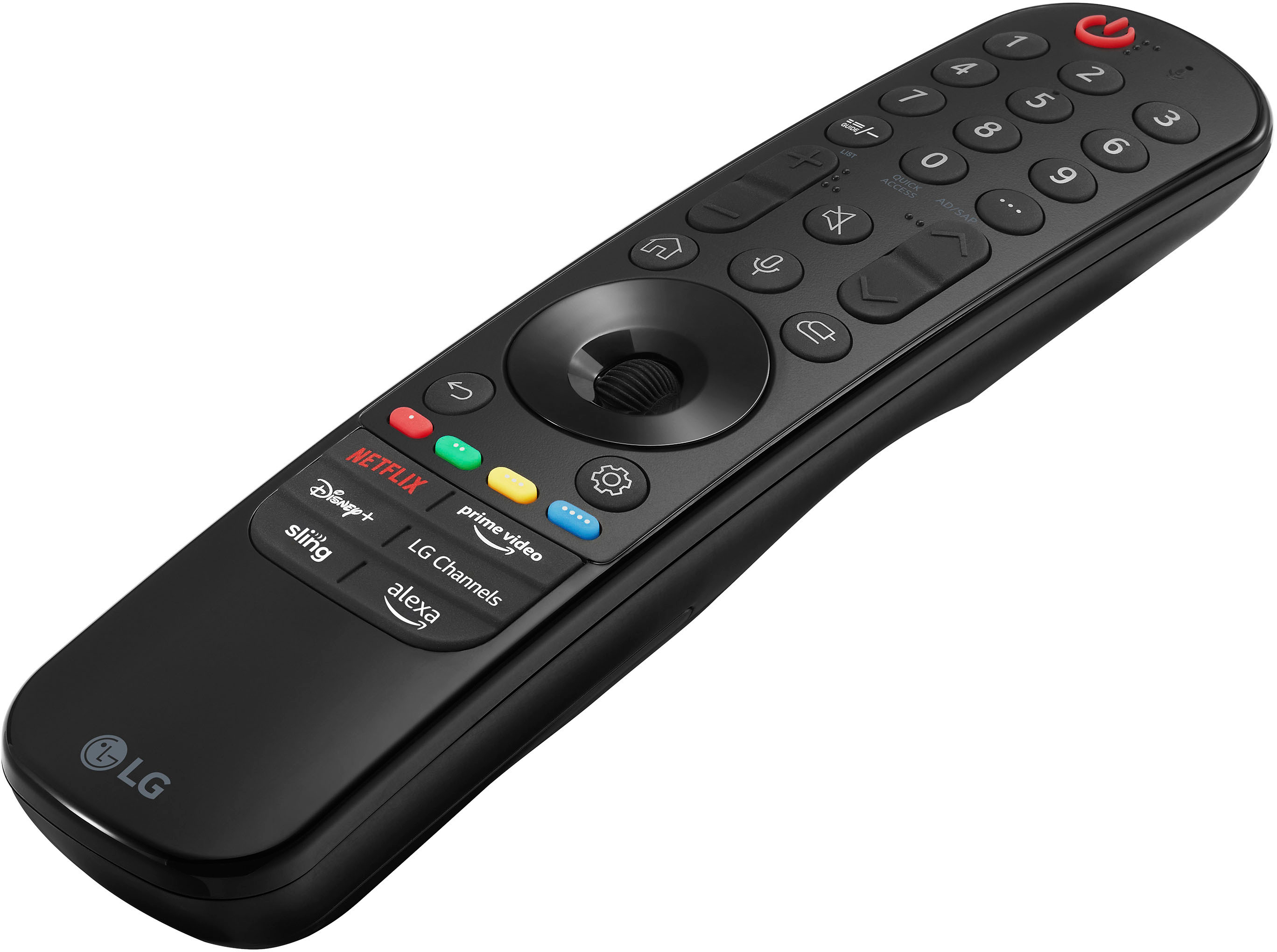
    • Answer No, not like an Alexa unit. The TV has to be on and then you press ALEXA button on the LG Remote.

      Answered by GeorgeM

  • QuestionHow many LG Channels does it have?

    Asked by Amanda.

    • Answer Don't know how to get a count but literally hundreds! Even grouped by type of shows. Some good stuff in here....

      Answered by GeorgeM

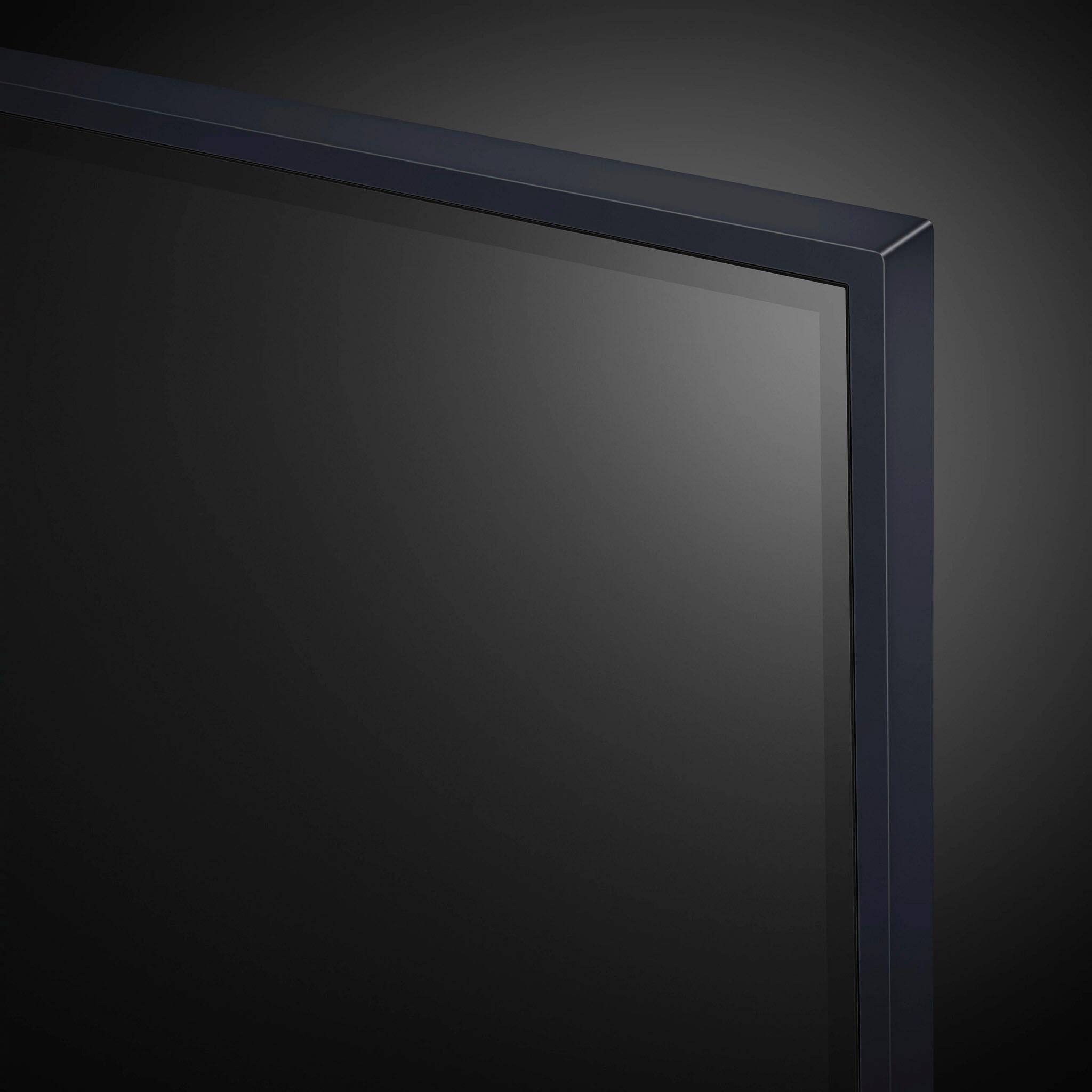
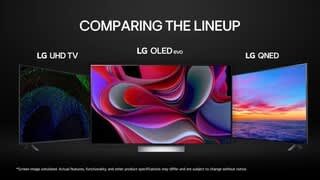
  • QuestionI'm not a big fan of "edge lit" TV screens. Brightness and overall screen images are just not as good as "back lit" screens. What's the advantage of "edge lit" screens? Is it supposed to be better?

    Asked by Scott.

    • Answer Hi there. Thank you for your question. Edge-lit TV screens, like the one in the LG model 43UR9000PUA, have LEDs placed along the edges of the screen, offering several advantages. They allow for a thinner and more lightweight TV design, making them easier to mount on walls and fit into various spaces. Additionally, edge-lit screens tend to use less power, contributing to energy savings, and they often come at a lower cost compared to full-array back-lit screens, making them an attractive option for budget-conscious consumers. While back-lit screens generally provide superior brightness and contrast due to better control of lighting across the screen, edge-lit screens can still offer good overall brightness and image quality for general viewing purposes. The choice between edge-lit and back-lit screens ultimately depends on your preferences and viewing needs. If you prioritize image quality and are willing to invest more, back-lit screens might be the better option. For a sleek, energy-efficient, and cost-effective solution, edge-lit screens are a good choice. Please send us a private message on Social Media @LGUSSupport if you have any further questions, and our team will be more than happy to assist you further. We appreciate your patience. —Renzo

      Answered by LG Digital Customer Care

  • QuestionCan I get the Plex app on this LG?

    Asked by Chris.

    • Answer Thank you for your interest in the LG Smart webOS TV. Yes, you can get the Plex app on the LG 43UR9000PUA smart TV model. You can download its owner's manual through this link for more information: https://www.lg.com/us/support/product/lg-43UR9000PUA.AUS. For additional assistance, please reach out to us on social media @LGUSSupport so we can help you further. ^Cris

      Answered by LG Digital Customer Care

  • QuestionWhy does this TV give me inaccurate speed test readings? I have other devices in my home that give accurate readings even when moved further away from my main WiFi gateway than where my TV is placed. I can't watch anything on it at all.

    Asked by Brian.

    • Answer Hello there. Thank you for sharing your experience with us. We understand that the 43UR9000PUA didn't meet your expectations regarding speed test accuracy. Your feedback is important, and we'd like to assist you further. To address the issue of inaccurate speed test readings, please ensure that your TV's firmware is up to date. Sometimes, updating the firmware can resolve connectivity issues and improve performance. You can find instructions on how to update your TV's firmware in the user manual or on our official website. Additionally, we recommend checking the placement of your TV in relation to your WiFi gateway. Ensure there are no physical obstructions or interference that could affect the signal strength. Moving the TV closer to the WiFi router or using a WiFi extender might also help improve connectivity. Please send us a private message on Social Media @LGUSSupport, and our team will be more than happy to explore further solutions tailored to your situation. We appreciate your patience as we work to resolve this issue for you. —Renzo

      Answered by LG Digital Customer Care

  • QuestionHow is the built-in sound quality?

    Asked by Jay.

    • Answer Thank you for reaching us regarding LG Smart webOS TV. The built-in speakers can get reasonably loud, the overall sound quality from the LG 43UR9000PUA integrated speakers is rated as subpar. You can download its owner's manual through this link for more information: https://www.lg.com/us/support/product/lg-43UR9000PUA.AUS. If problem persist, please reach out to us on social media @LGUSSupport so we can help you further. ^Cris

      Answered by LG Digital Customer Care

  • QuestionWhat's the difference between this remote and the previous model remote? Can this remote respond to Google?

    Asked by Scott.

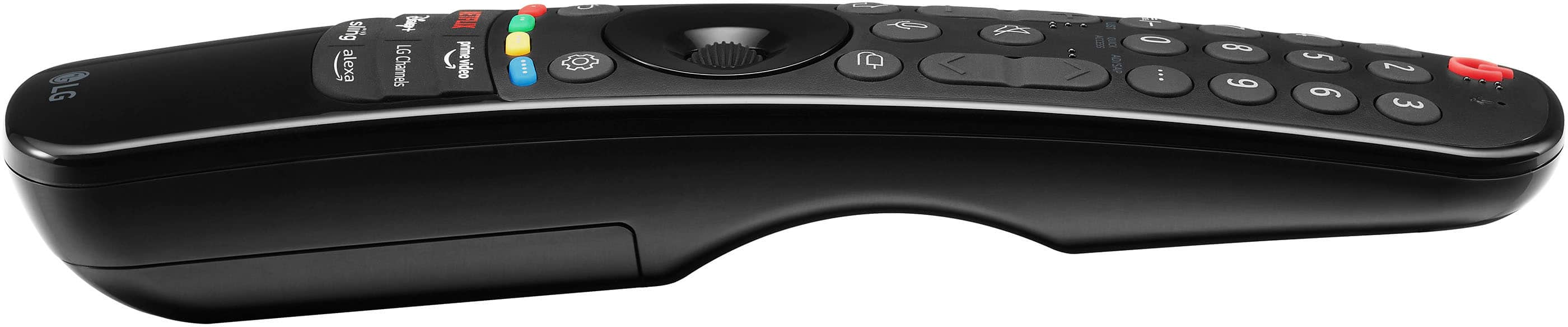
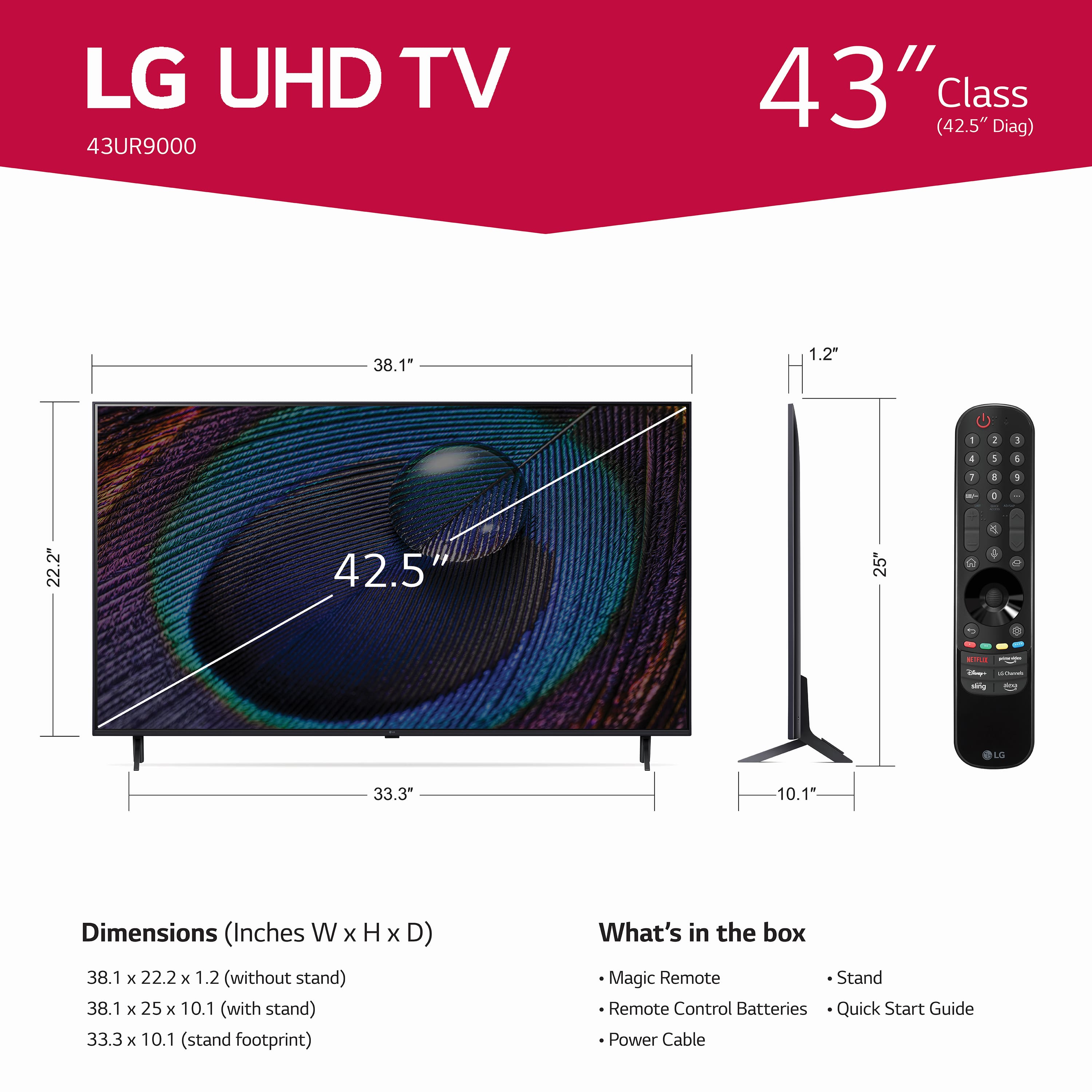
    • Answer Thank you for your interest in the LG Smart webOS (43UR9000PUA) model. The LG 43UR9000PUA TV comes with a standard remote, and an optional magic remote can be purchased separately. The magic remote is a feature-filled remote that allows for voice commands and has a "shake the remote for a mouse" feature. You can download its owner's manual through this link for more information: https://www.lg.com/us/support/product/lg-43UR9000PUA.AUS. ^Cris

      Answered by LG Digital Customer Care

  • QuestionWhat is the plug like? I want to mount this as close to the wall as possible with a thin (low profile) mounting bracket. My handyman said I may have to put in a special wall socket for the plug so it is not sticking out of the wall.

    Asked by CaroleT.

    • Answer No, its a regular plug and will stick out. I had the same problem and solved it with a item called "Sleek Socket" on Amazon. It fits flat against the outlet (just plugs in - no wiring needed) and TV is then plugged into the other end which is a small extension set of outlets. Works Great.

      Answered by GeorgeM

  • QuestionWhat is the stand depth?

    Asked by Mike.

    • Answer 10 INCHES

      Answered by Anonymous

  • QuestionCan it get Disney, HBO, YouTube, Peacock, NBA, Amazon Prime and Paramount? What does WEBOS cover??

    Asked by RickDo2.

    • Answer Not sure about NBA TV, but yes to all other. In my experience, webos covers all of my streaming applications (and I subscribe to too many).

      Answered by Isaac

  • QuestionIs this an outdoor television?

    Asked by Larry.

    • Answer I bought this TV for indoor use in our bonus room!!! Great picture and we love it so far!!! I don't think it is used for the outdoors though.

      Answered by Maxwell8