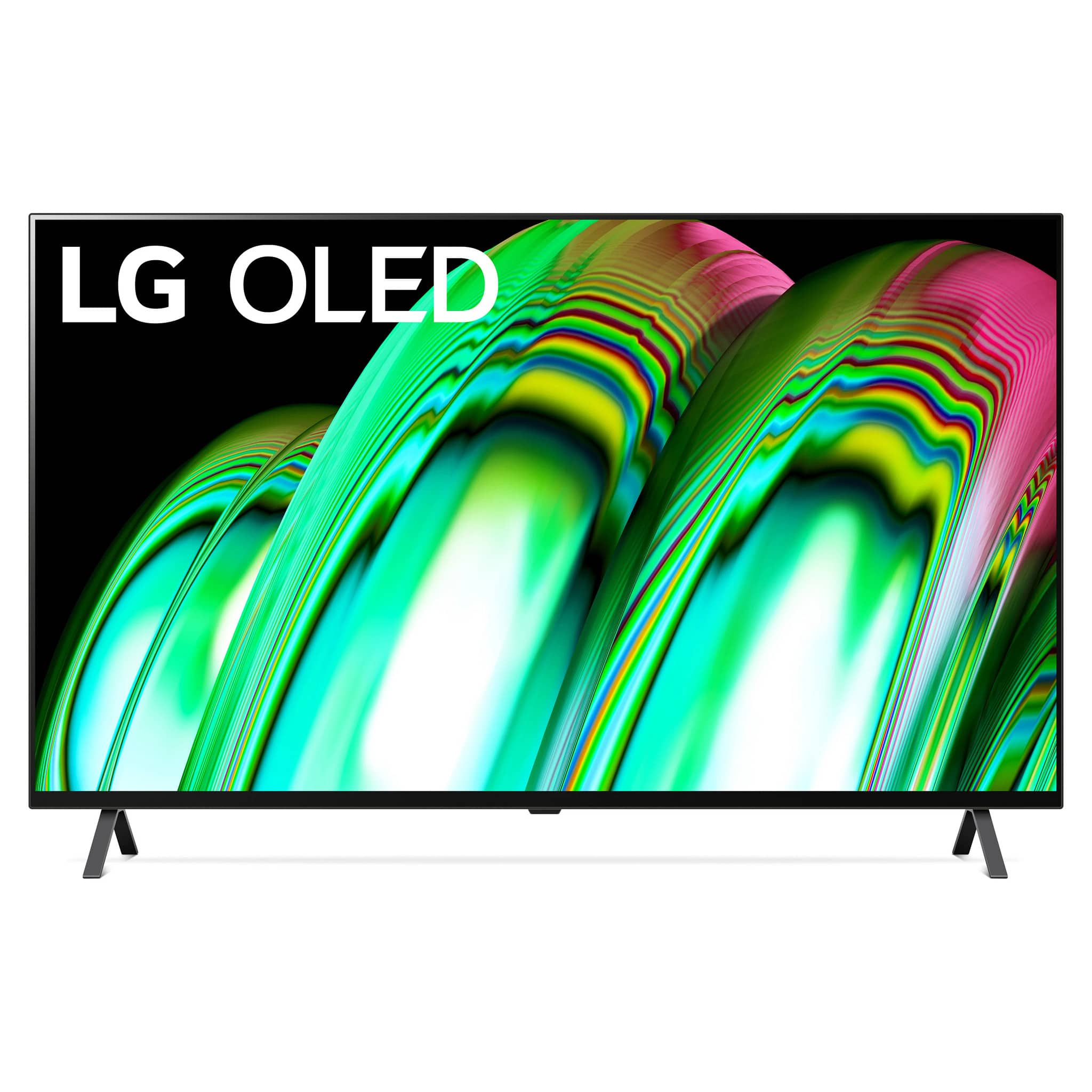
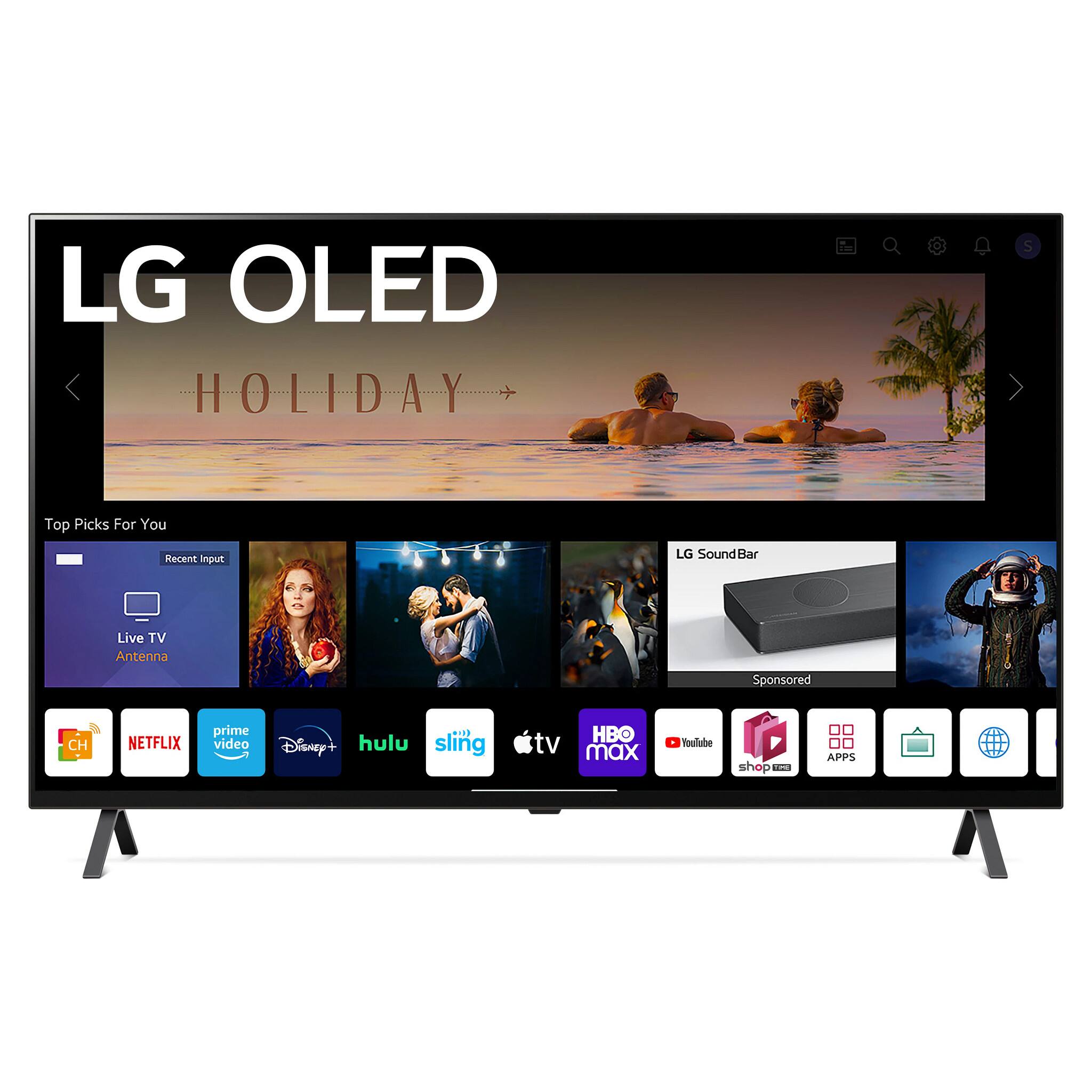
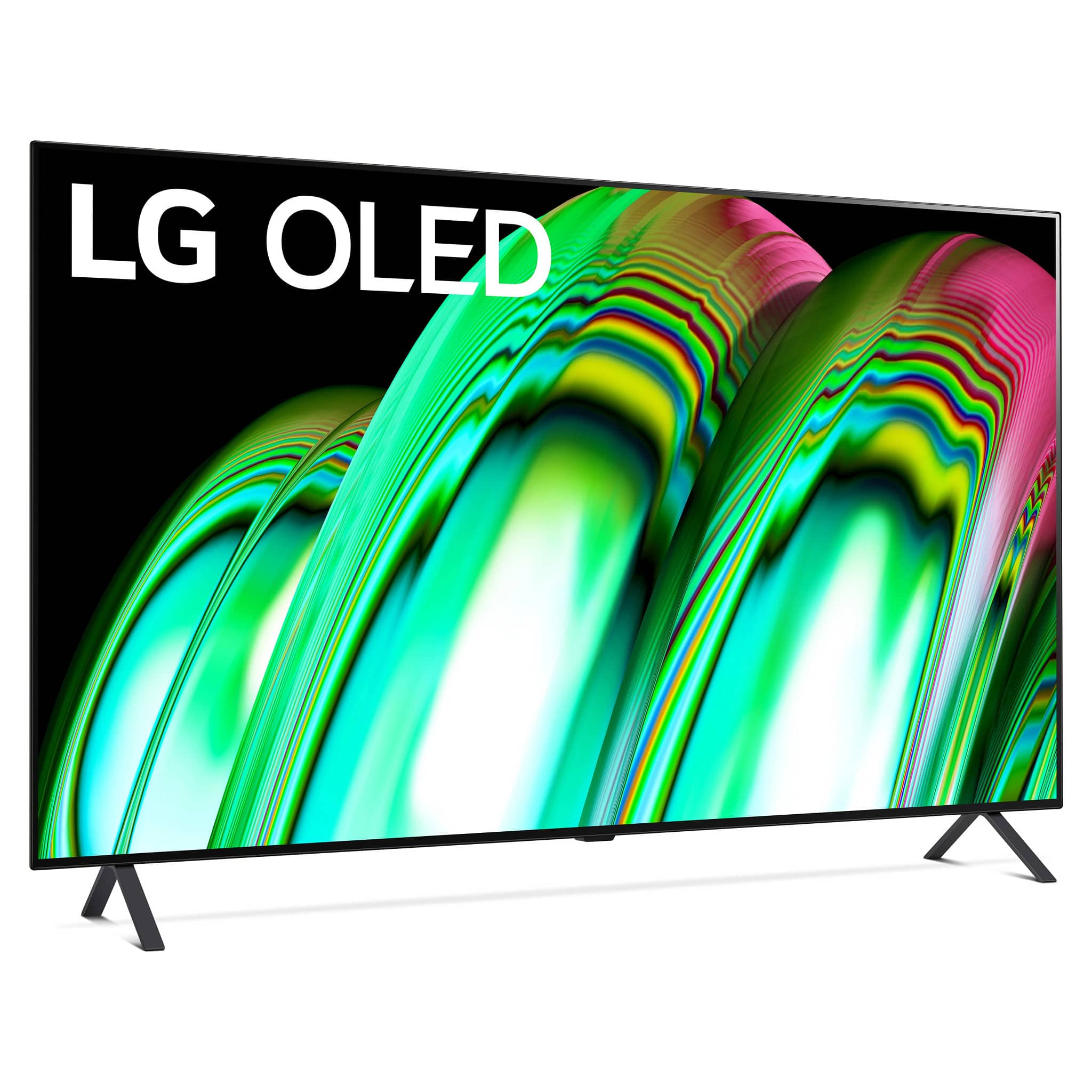
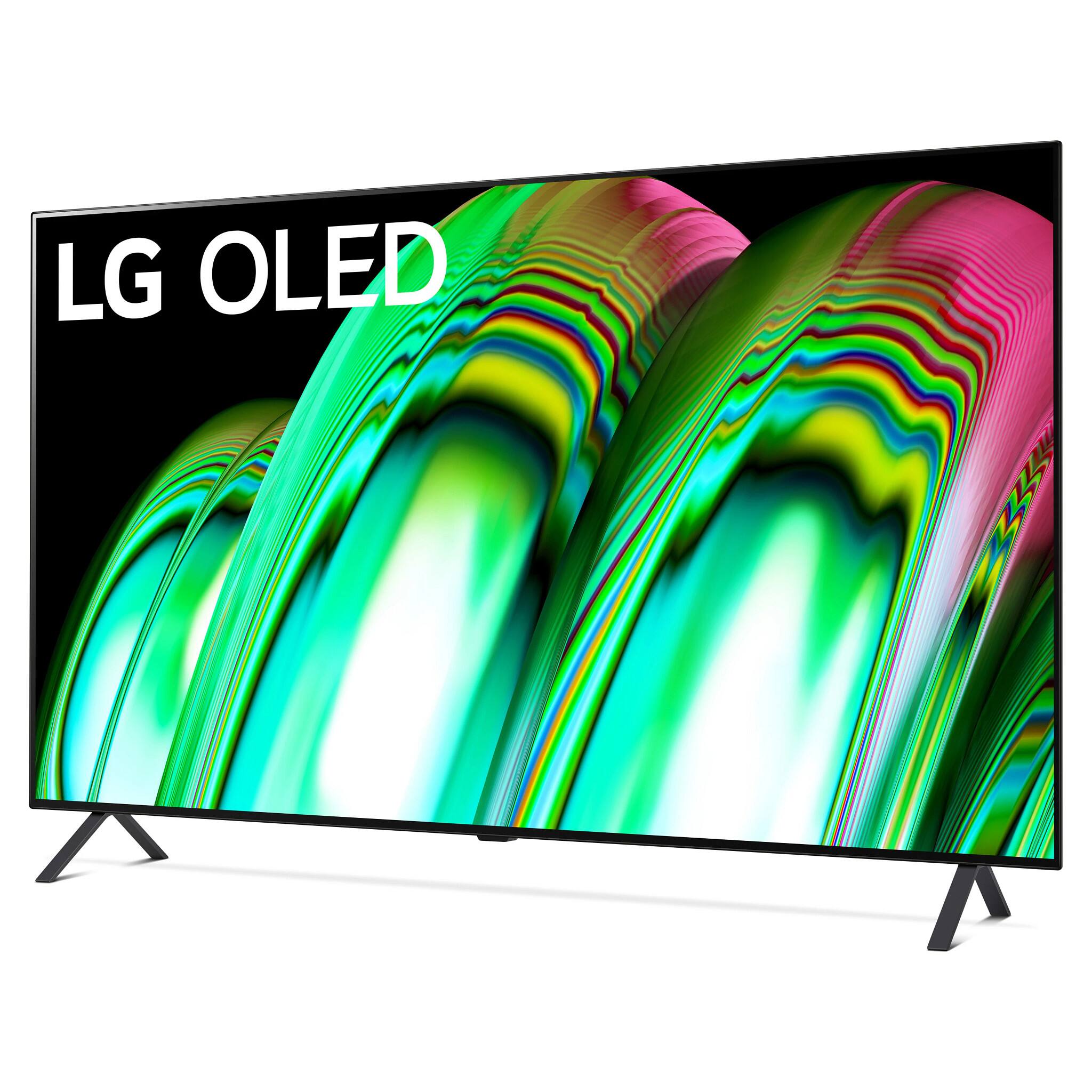
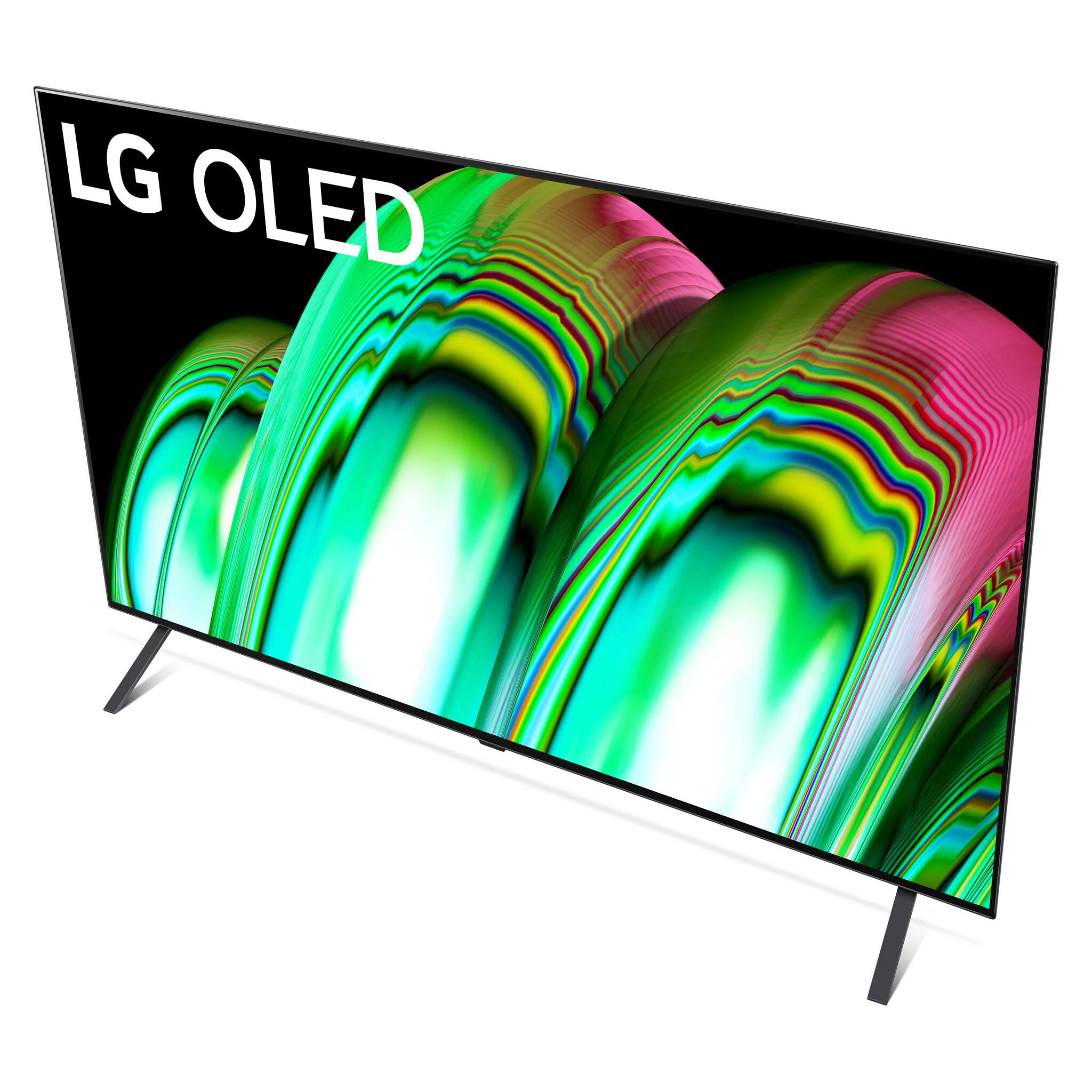
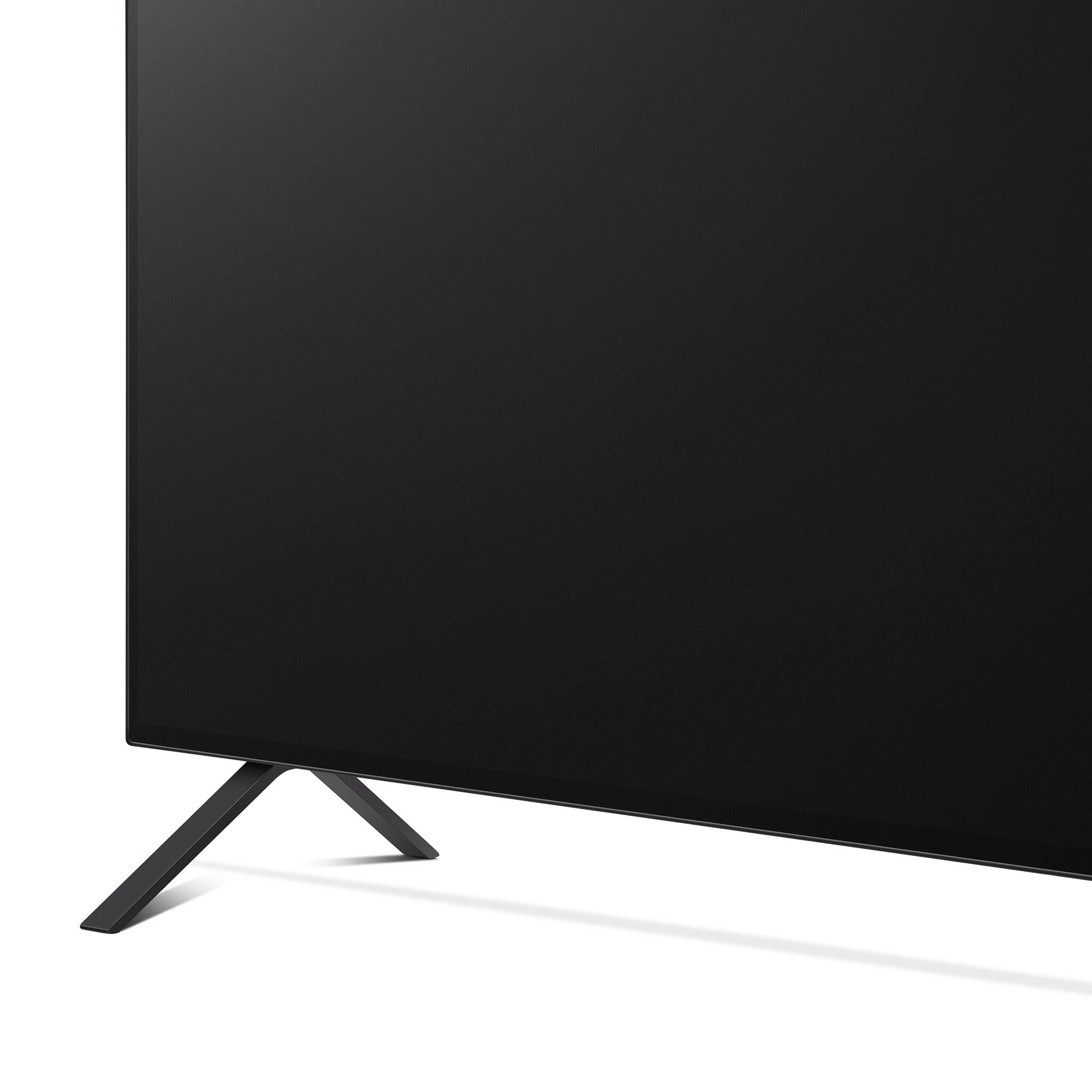
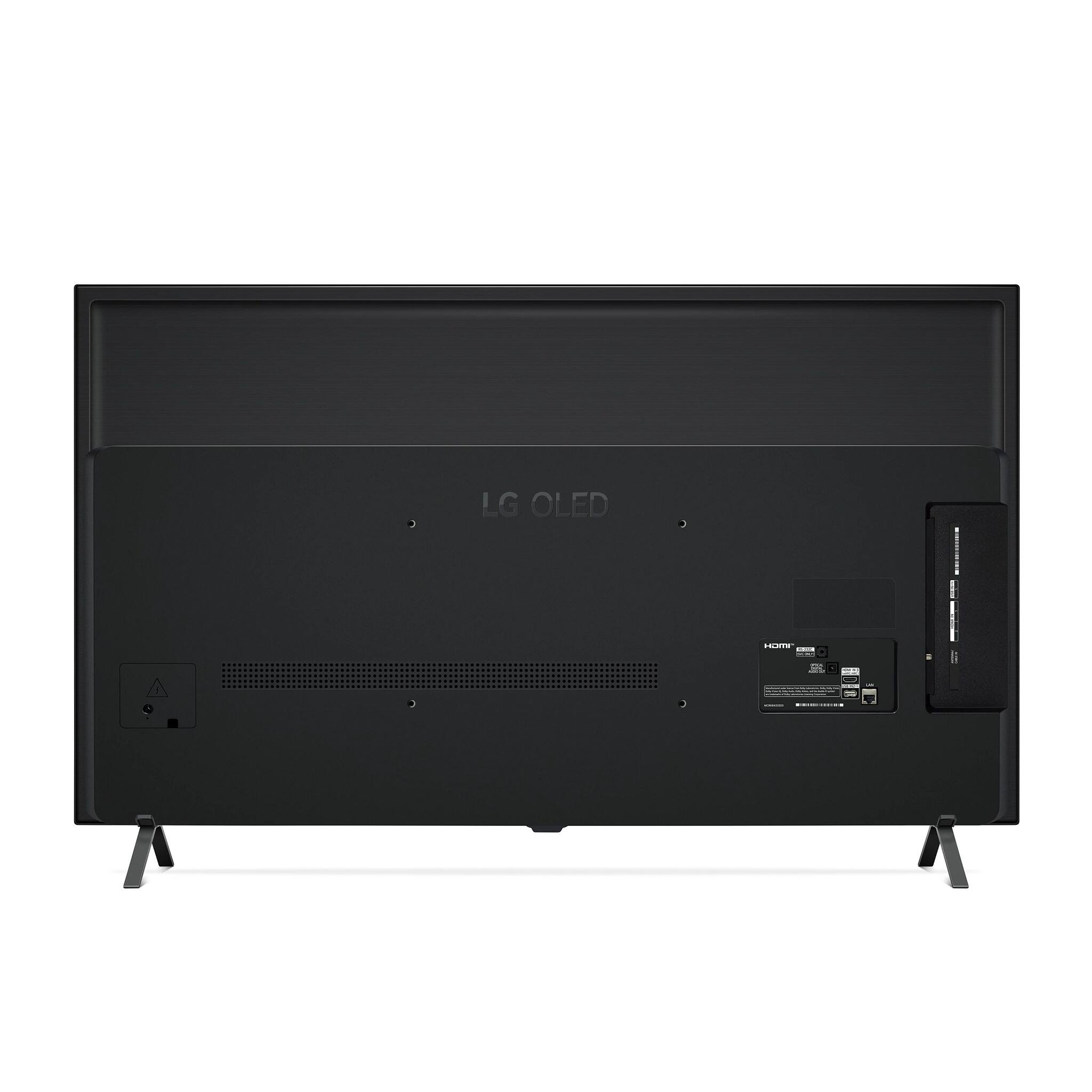
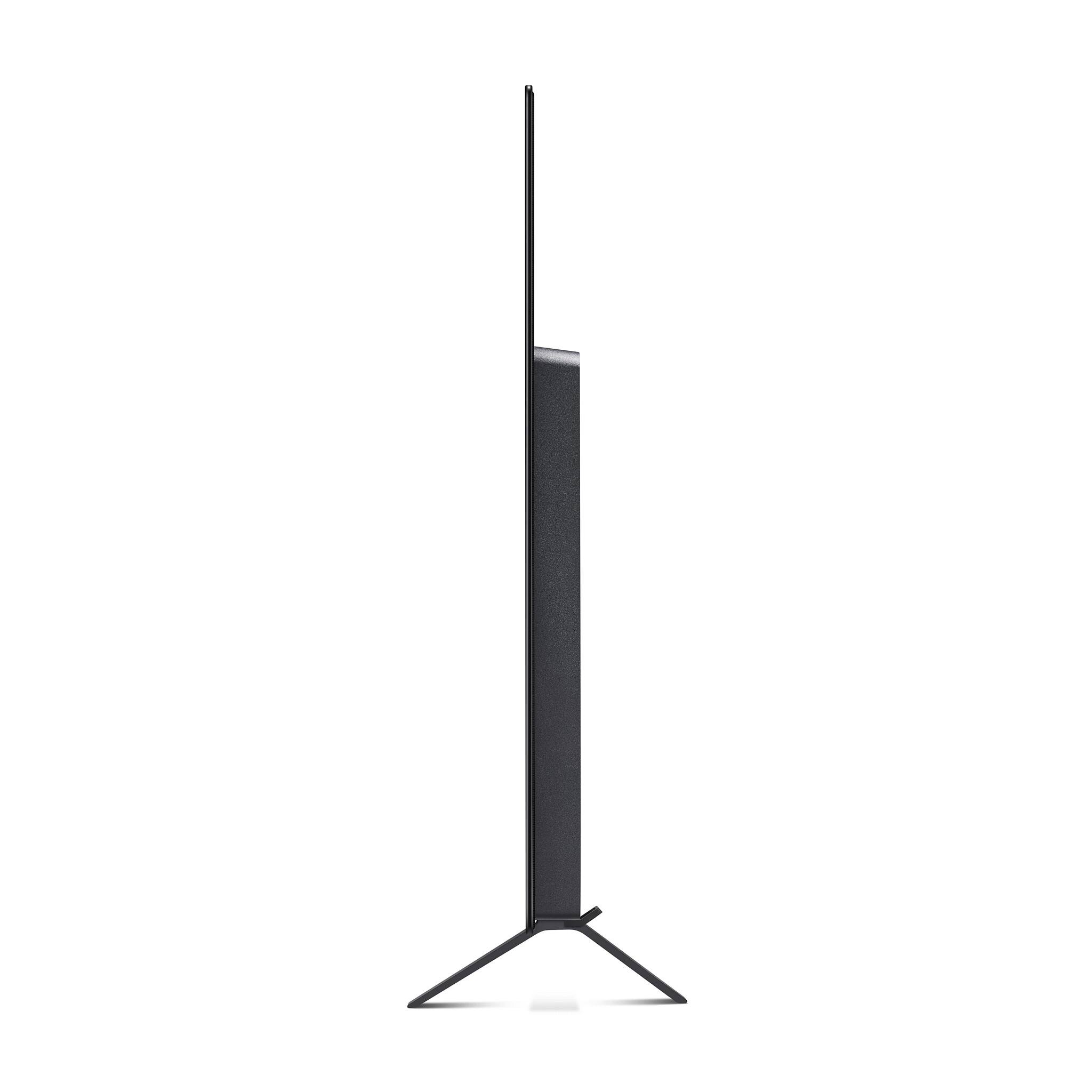
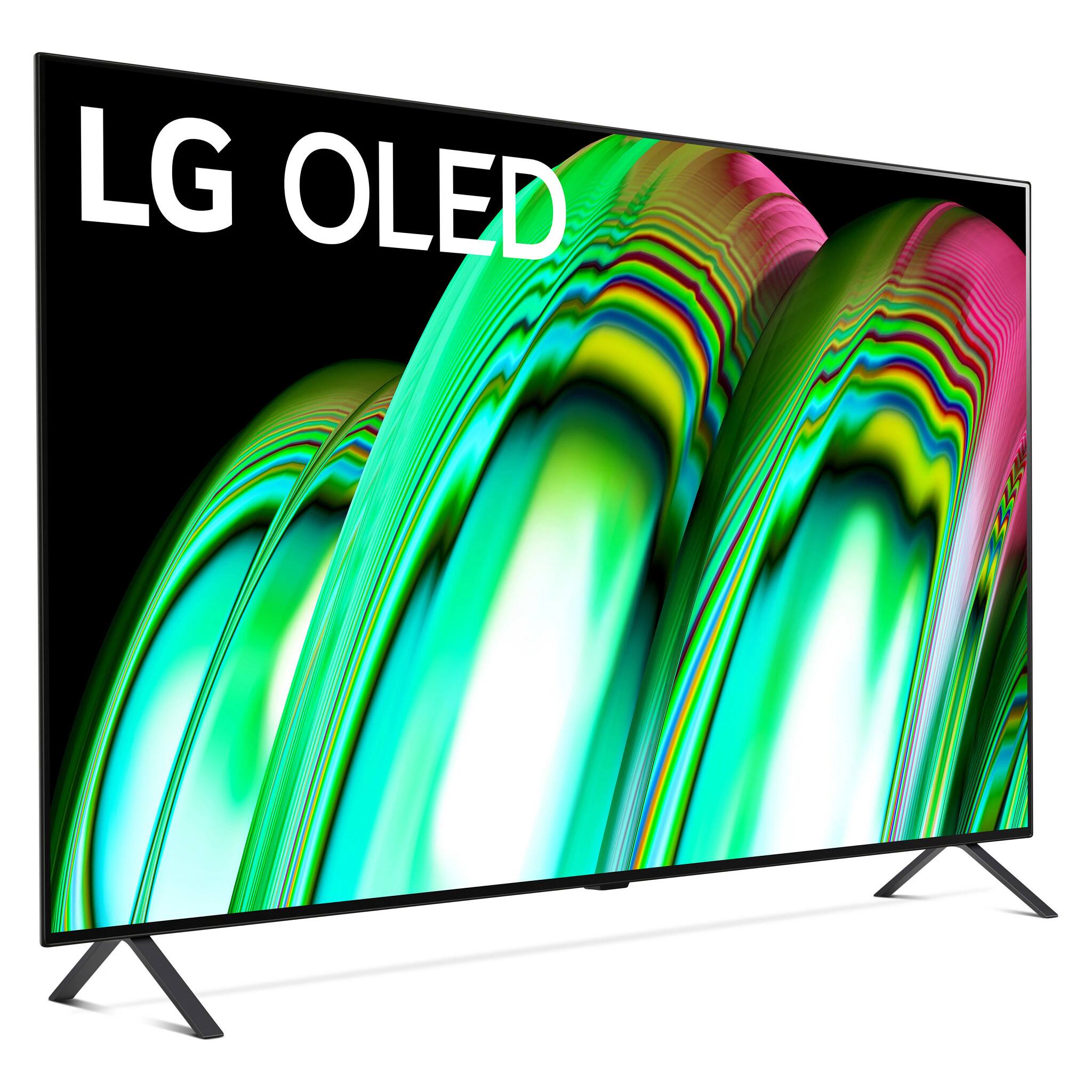
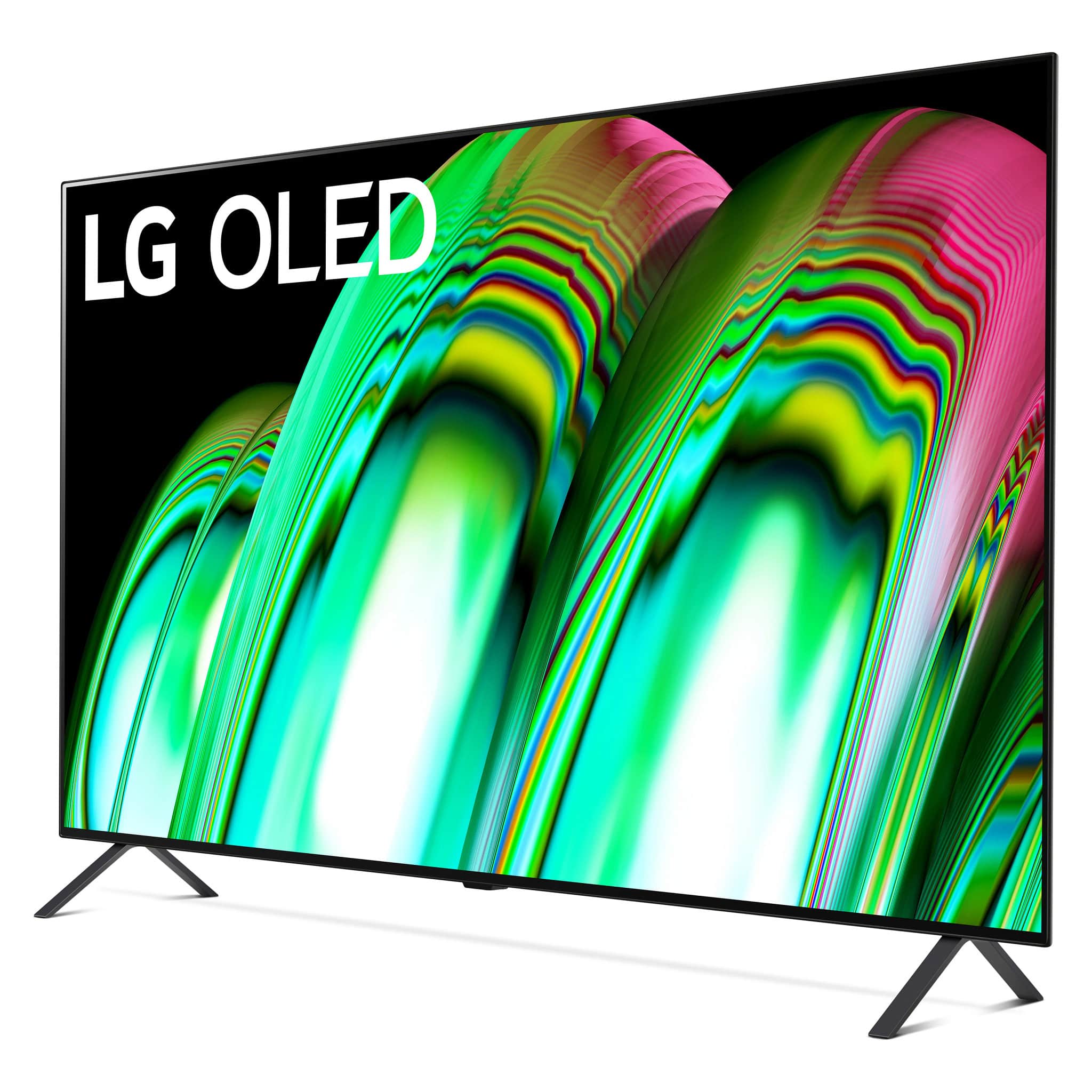
A:AnswerIt has base supports for putting it on a table surface, but no wall mounting hardware. To mount it on a wall, a separate wall mount is required.
A:AnswerThank you for your interest in the LG OLED48A2PUA.AUS model. Yes, you can listen to the LG OLED48A2PUA.AUS TV using Apple AirPods via Bluetooth. Users have reported success in connecting their AirPods to LG OLED TVs, including the A2 series, through Bluetooth. You can download its owner's manual through this link for more information: https://www.lg.com/us/support/product/lg-OLED48A2PUA.AUS. ^Cris
A:AnswerThank you for your interest in the LG OLED48A2PUA.AUS model. To add or change remotes for the LG OLED48A2PUA TV, including using a smartphone app, you can follow the steps. Here are the general steps for pairing and re-pairing remotes with the LG TV:
Pairing LG Magic Remote with TV: The LG Magic Remote needs to be paired with the TV before use. The process for connecting the remote with the TV involves turning on the TV and following simple steps to connect the remote with the TV
LG TV Plus Remote App: The LG TV Plus Remote App, now known as ThinQ, provides features for controlling the TV. The app may offer the functionality to control the TV using a smartphone, and it is advisable to explore the app's features for remote control capabilities
Universal Control on LG TV Magic Remote: The LG TV magic remote can be used to control other compatible devices in the home. The universal control feature allows programming the LG TV magic remote to control devices such as setup boxes, home theaters, or soundbars. The process involves configuring the universal remote control using the TV's magic remote
Re-pairing LG TV Magic Remote: If re-pairing the LG TV magic remote is necessary, the process involves pressing and holding the HOME button and SETTINGS button on the LG TV magic remote together for 5 seconds. The LED on the remote control will flash, and the re-pairing process includes un-pairing and pairing steps
Troubleshooting LG Magic Remote: If the LG Magic Remote fails to control the TV, troubleshooting steps involve confirming good batteries, ensuring a clear line of sight for the IR sensor on the TV, and re-pairing the remote with the TV if necessary
You can download its owner's manual through this link for more information: https://www.lg.com/us/support/product/lg-OLED48A2PUA.AUS. ^Cris
A:AnswerYou should have got an email with a link to Redeem it.
The email would be the one you used during the purchase.
Look in your spam folder.
I have attached a snapshot of the email I received.
You need to Click on the "Redeem Now" button.
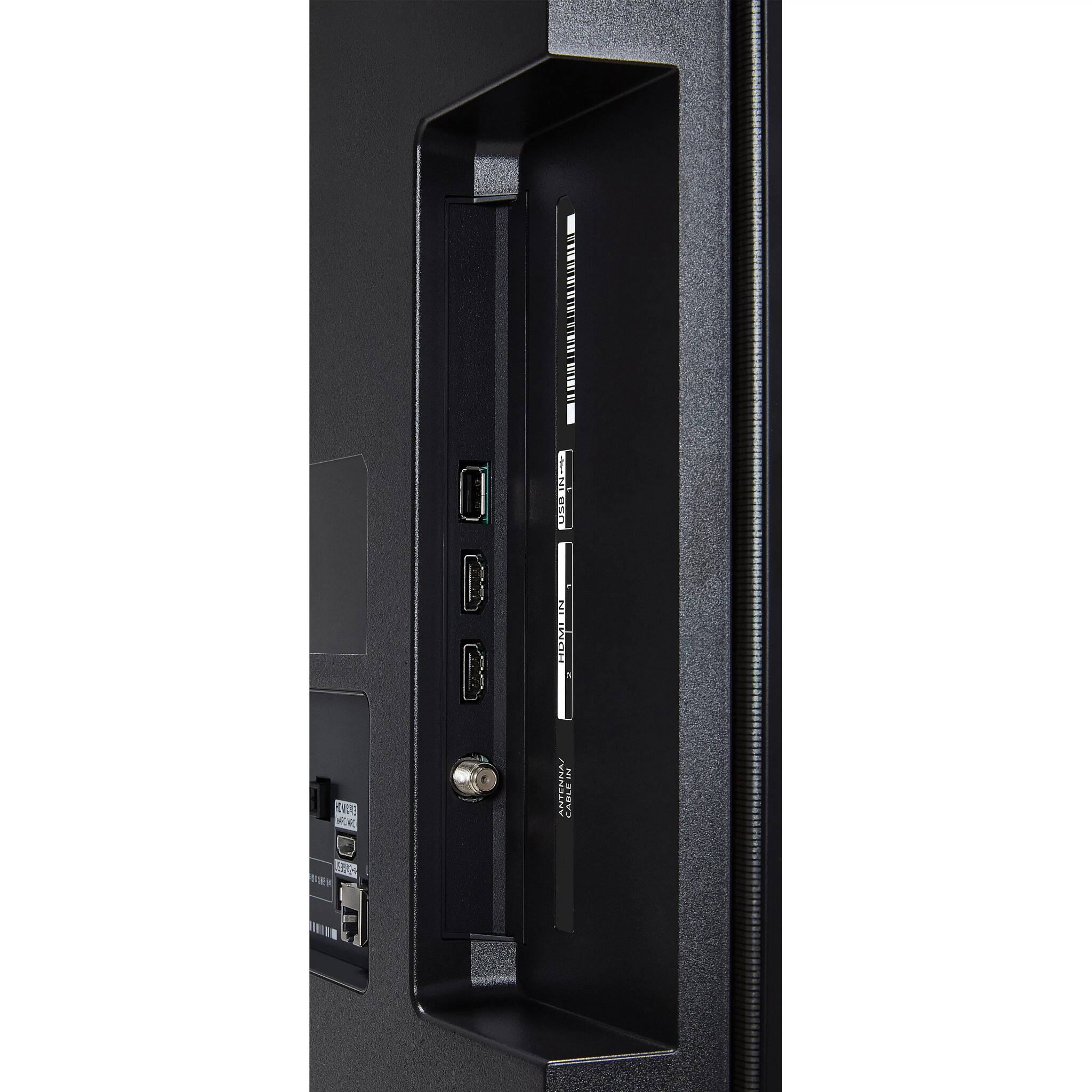
A:AnswerThank you for your interest in the LG OLED48A2PUA.AUS model. Yes, the LG OLED48A2PUA TV has at least one HDMI input that supports HDCP 2.2. HDCP 2.2 is a copy protection standard used by many 4K Ultra HD sources, such as streaming services and Ultra HD Blu-ray players, to prevent unauthorized copying of copyrighted content. You can download its owner's manual through this link for more information: https://www.lg.com/us/support/product/lg-OLED48A2PUA.AUS. ^Cris
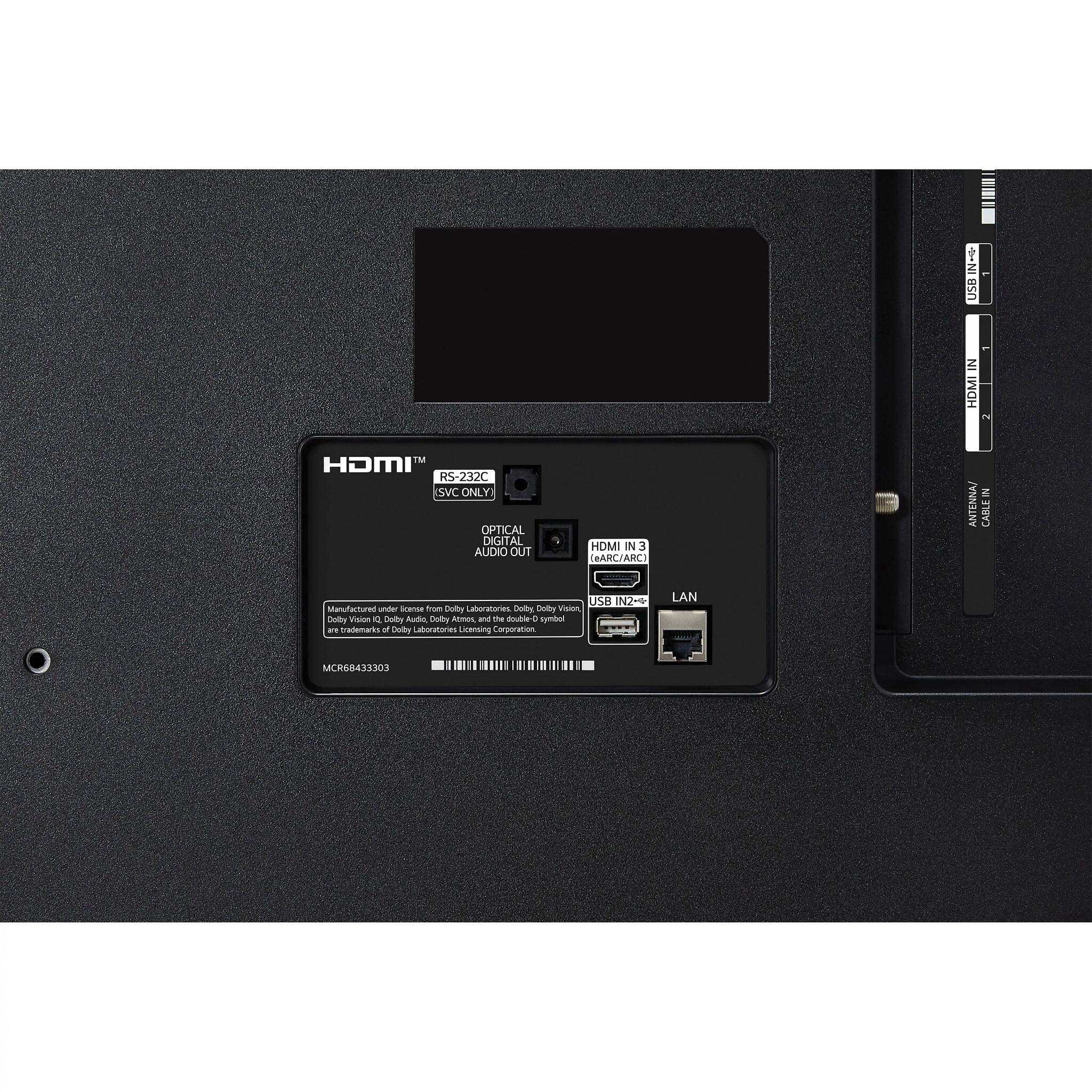
A:AnswerThank you for your interest in the LG OLED48A2PUA.AUS model. No, the LG OLED48A2PUA TV does not have an internal antenna for watching local, over-the-air broadcasting. To watch over-the-air channels, you will need to connect an external UHD antenna to the UHD TV port on the back of the TV. You can download its owner's manual through this link for more information: https://www.lg.com/us/support/product/lg-OLED48A2PUA.AUS. ^Cris
A:AnswerDepends on what you’re looking to do. If you pair your phone and use it as a bluetooth speaker it turns off the main display and just uses the speakers it’s connected to or the inbuilt ones.
A:AnswerHi there. Thanks for the question. Yes, you can use a DTS soundbar with your LG48A2PUA TV that supports Dolby ATMOS. The eARC (Enhanced Audio Return Channel) feature allows you to connect a compatible soundbar or audio system to your TV using the HDMI eARC port. eARC is an advanced version of ARC (Audio Return Channel) that can support higher audio bandwidth and allows for the transmission of high-quality audio formats, including Dolby ATMOS and DTS:X.
^Jolly
A:AnswerHi, Please reach out to our support team on Facebook at @LGUSSupport and use #VOC in your first message to our social media support team. Please be sure to provide your name, phone number, address, email, model/serial numbers, and date of purchase and we will be happy to assist you.^Vanessa