A:AnswerThe TV has the ability to cast from your phone directly to it. I have an iPhone and was shocked to discover this is an option. I can't speak for an Android phone but I would strongly suggest looking online, even You Tube, for confirmation.
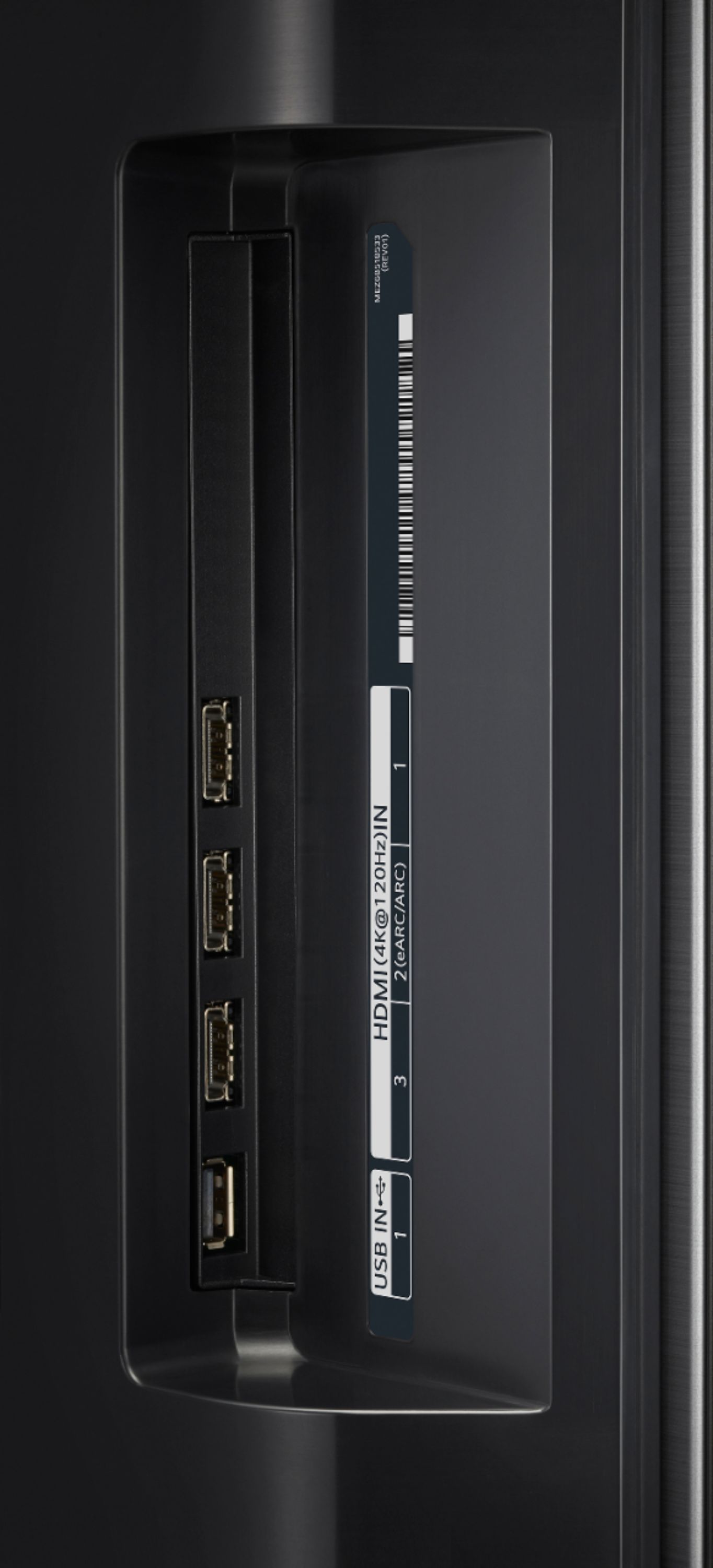
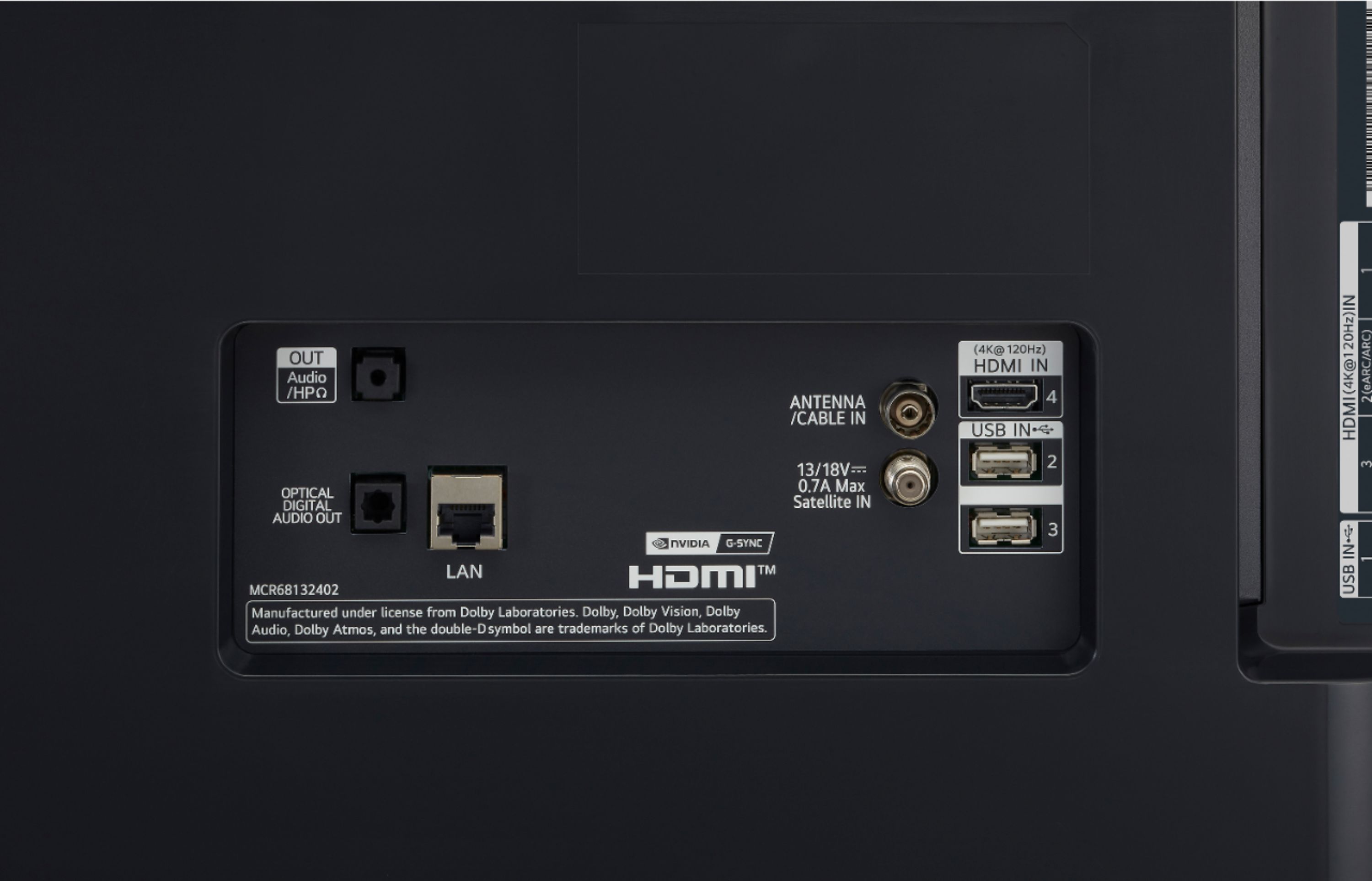
A:AnswerYes, the TV will display photos and videos from a flash drive connected to one of the USB ports on the TV. Use only USB storage devices that are formatted as a FAT 32 or NTFS file system. ^Daphane
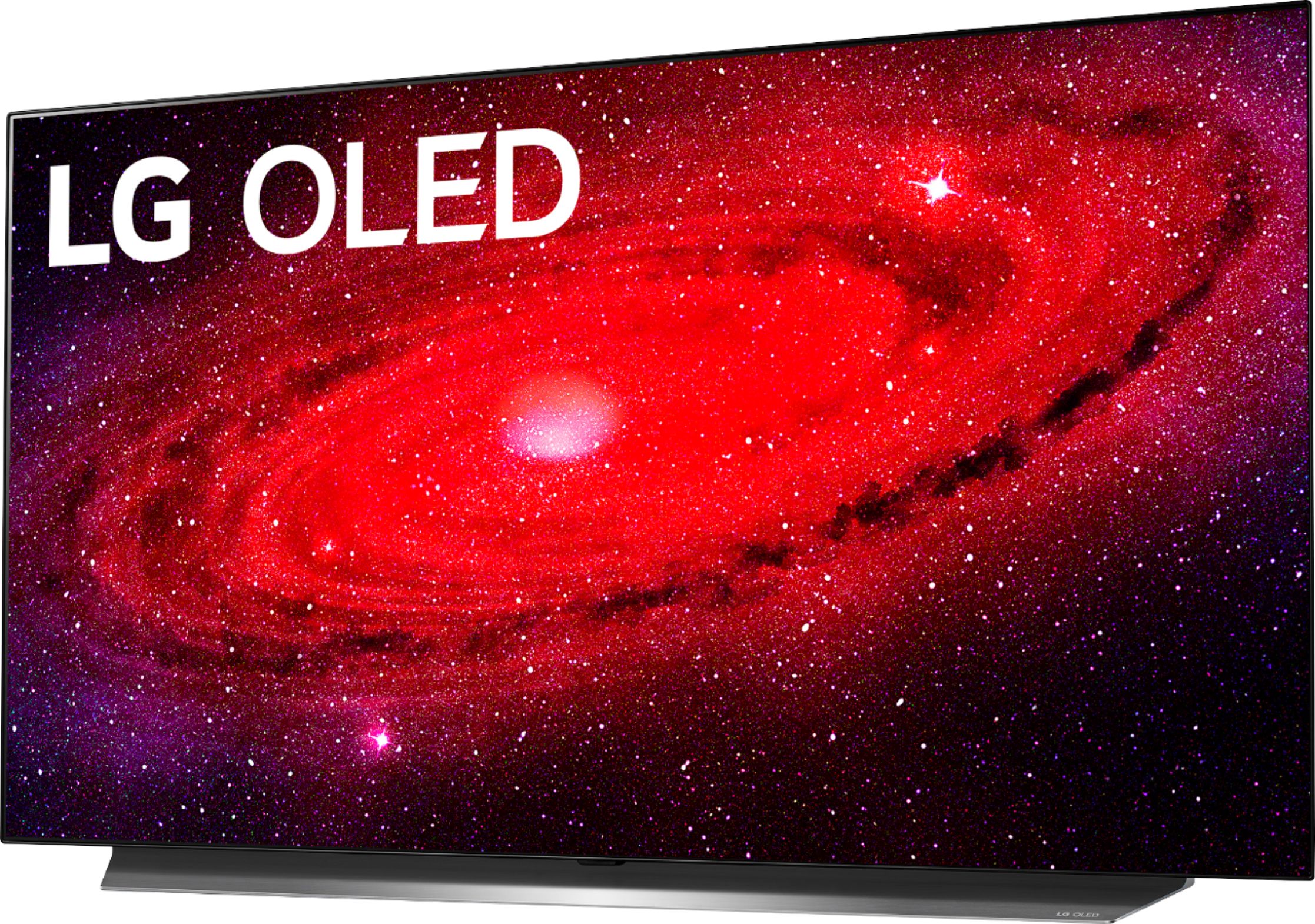
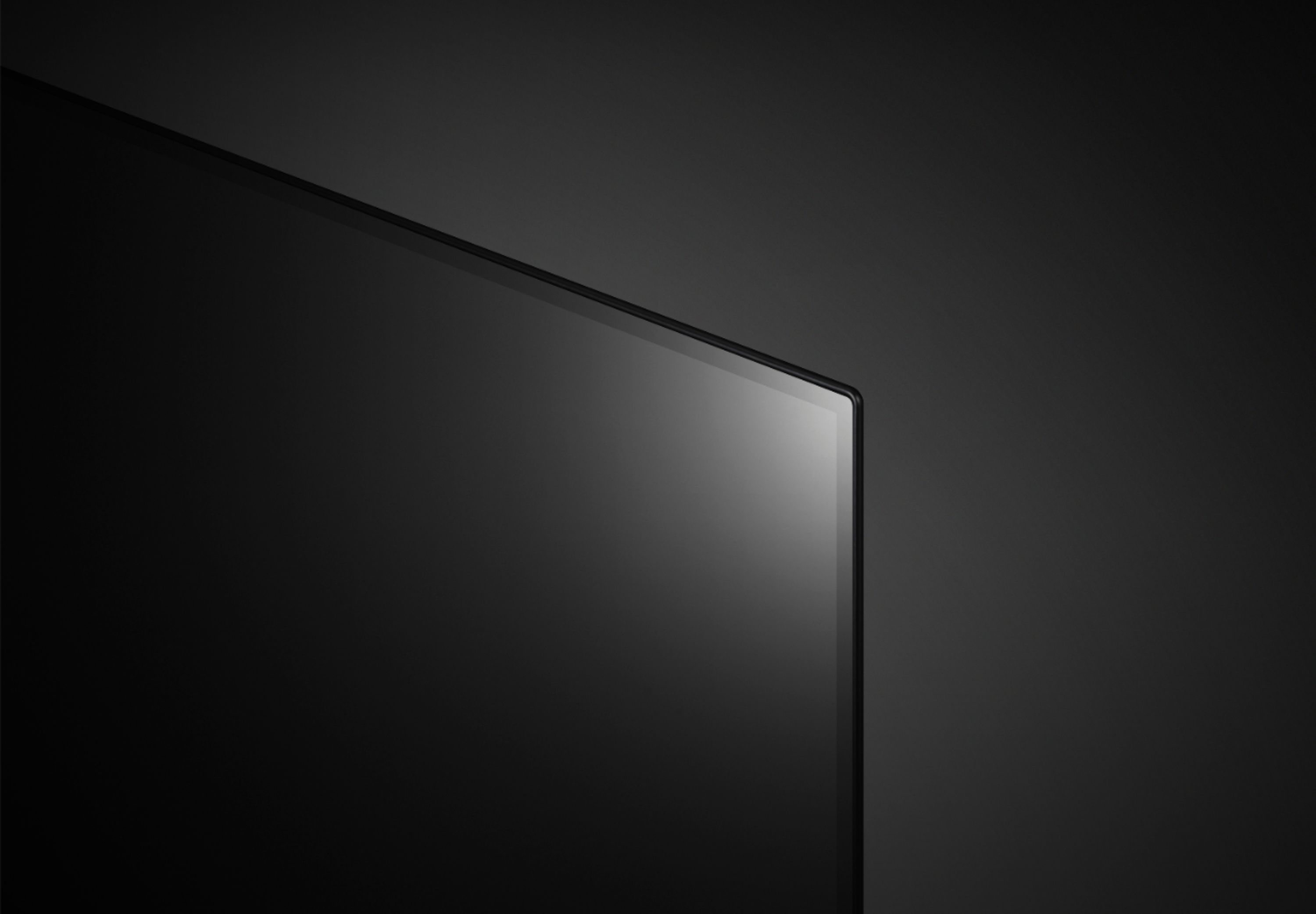
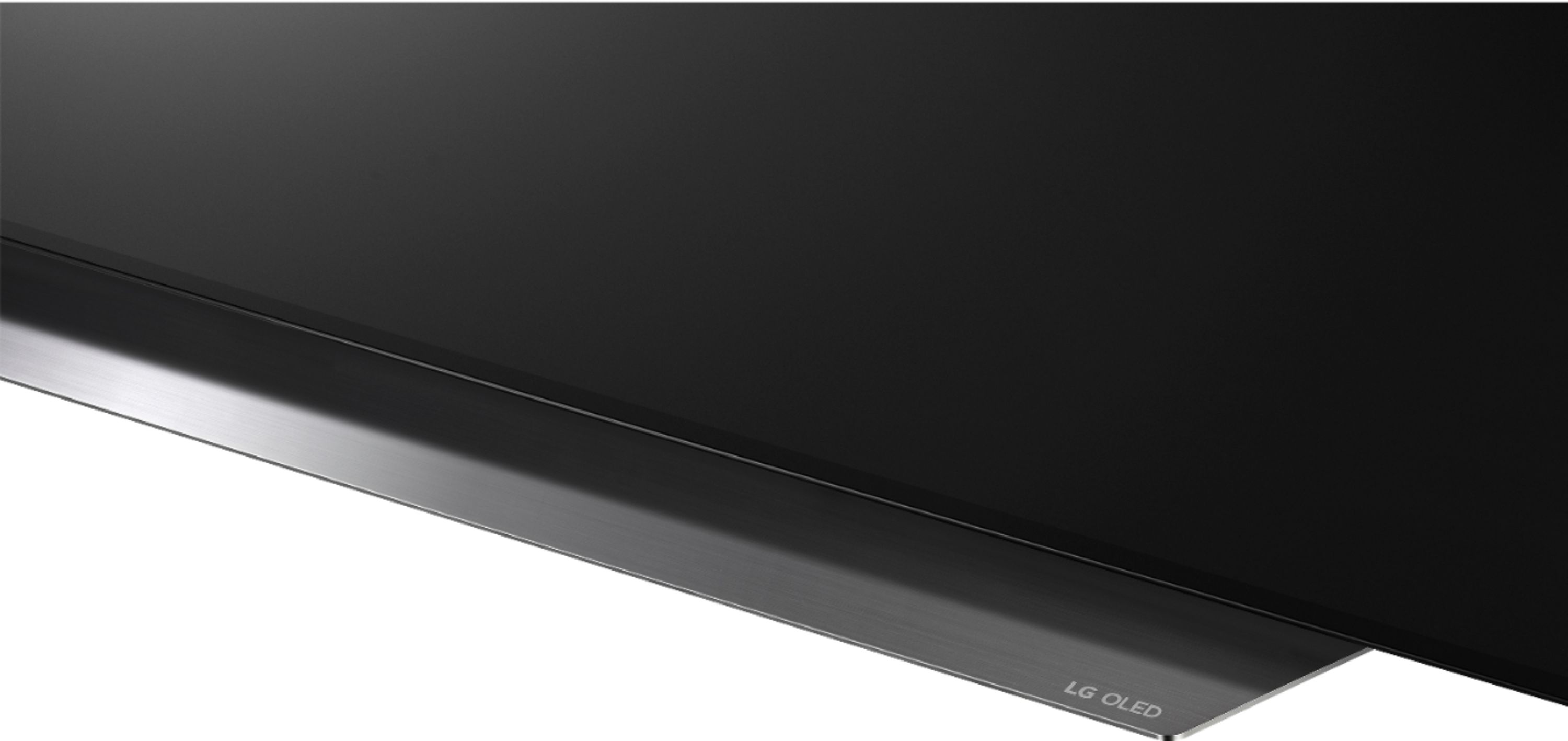
A:AnswerThe bezel all around the TV is less than .5". An exact measurement was not provided from the factory. You can try the LG Community Forum; it is a great resource for getting help from other LG customers: https://lgcommunity.us.com. ^Daphane
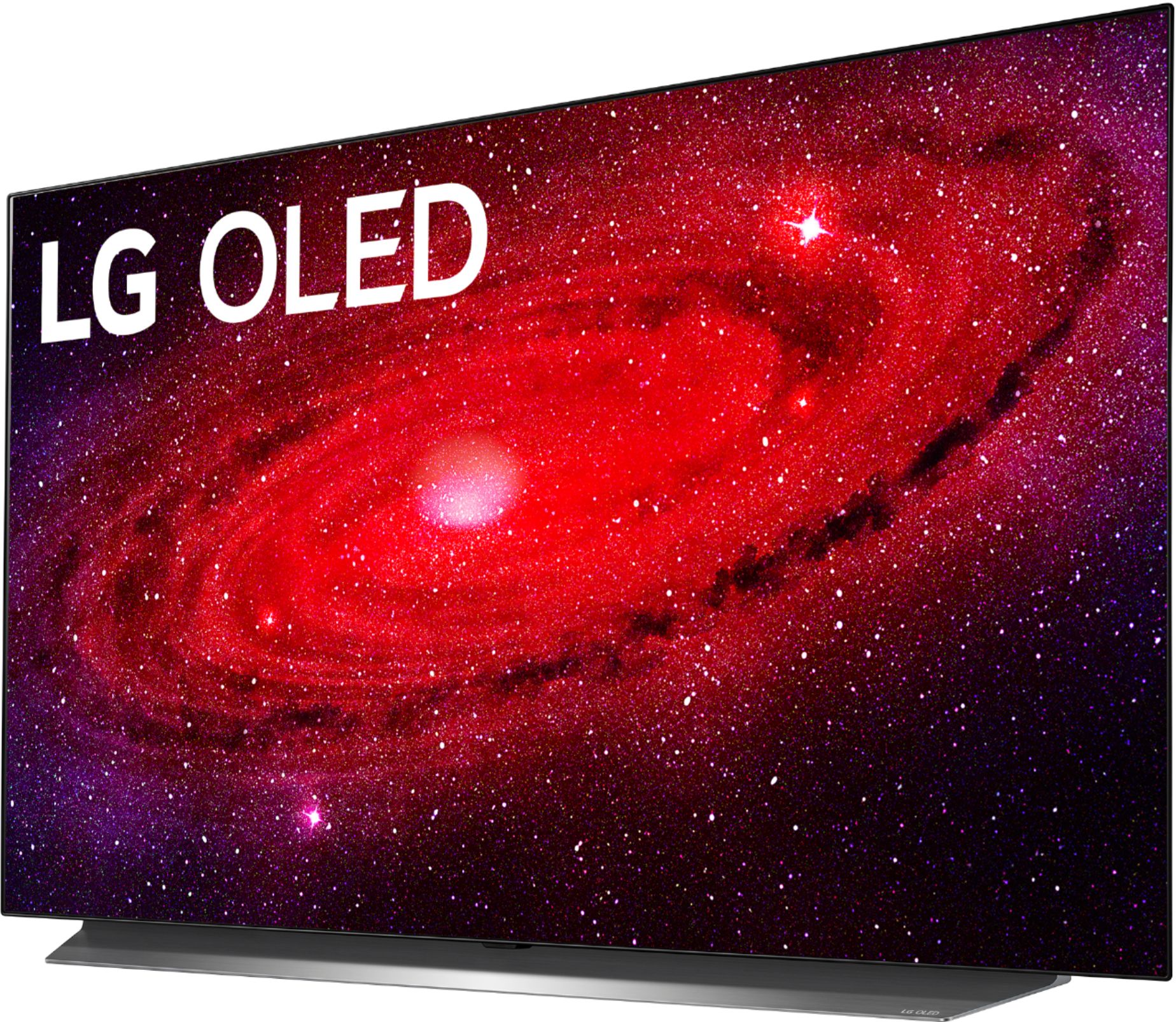
A:AnswerUnfortunately, AT&T TV isn't compatible LG Smart TV. This TV has a webOS platform. Our webOS platform offers over 600 apps including streaming content and games - including over 180 free streaming channels via the LG Channels (on select models). Additional charges apply for some streaming services. For a complete listing of available apps, please visit: https://us.lgappstv.com/main/tvapp. ^Daphane
A:AnswerThis TV has Alexa Built-in "Works with" Alexa so it should support and Alexa Cube via Bluetooth, select the speaker via settings as Audio Out. It does support Apple Airplay2. ^Daphane
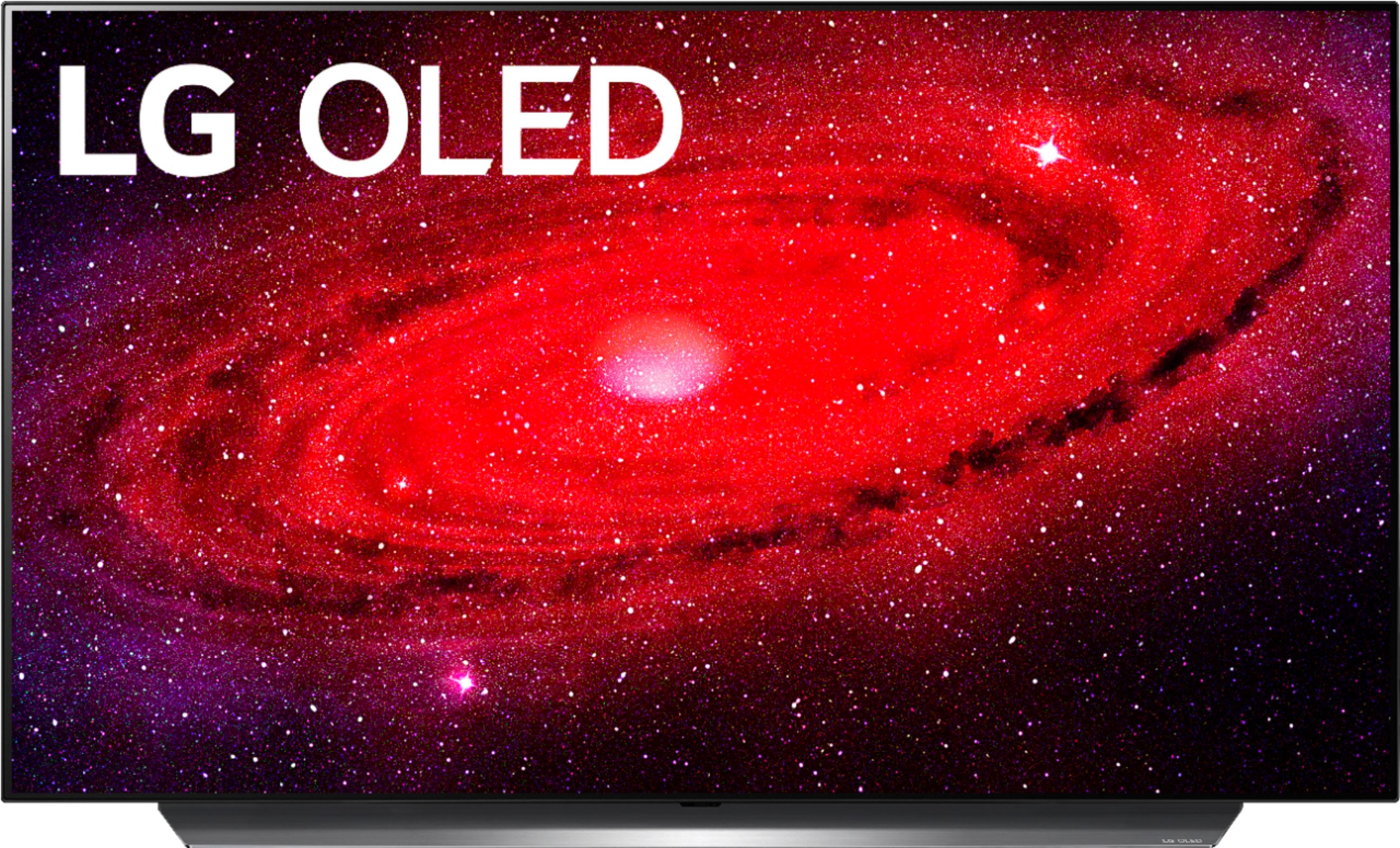
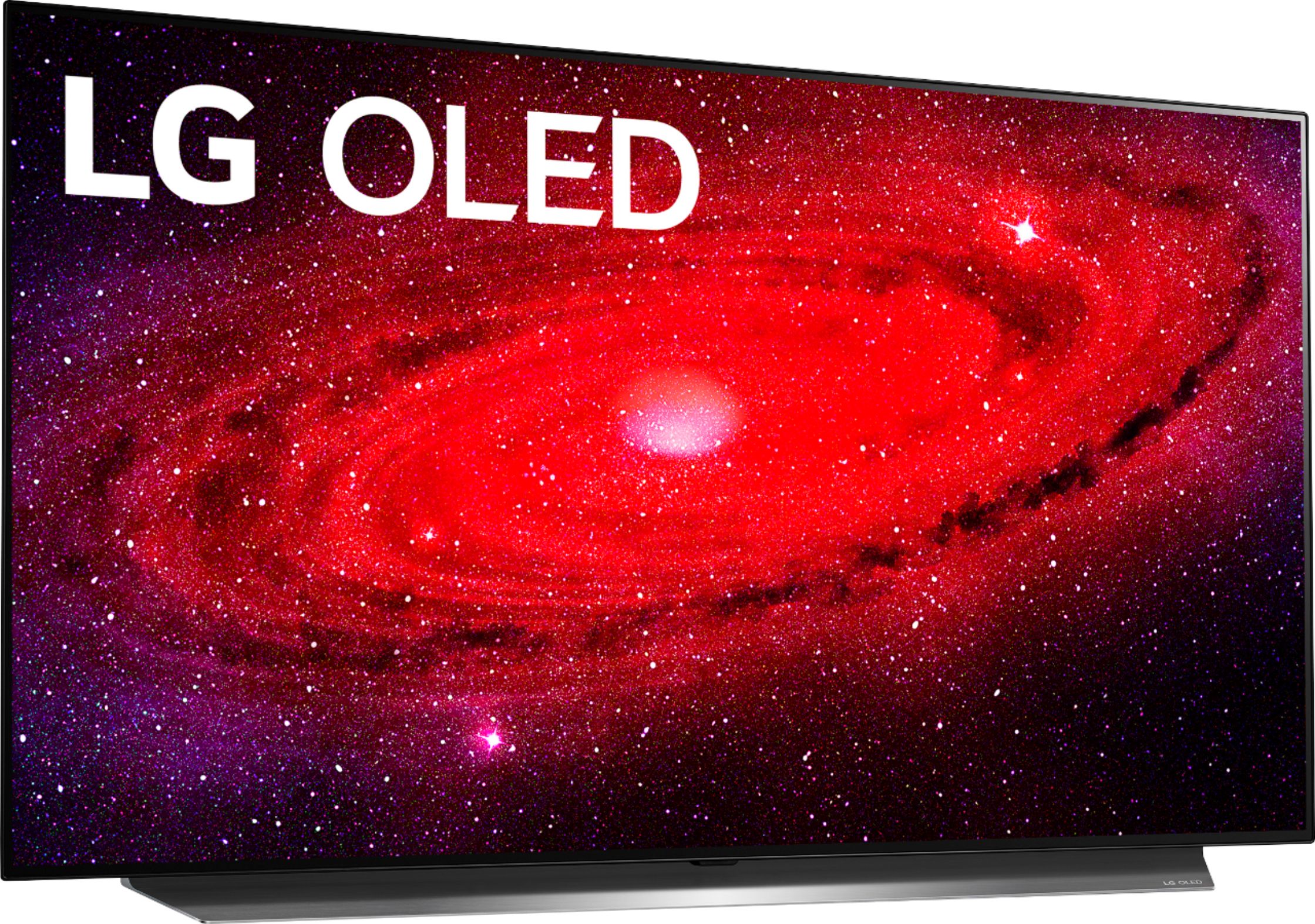
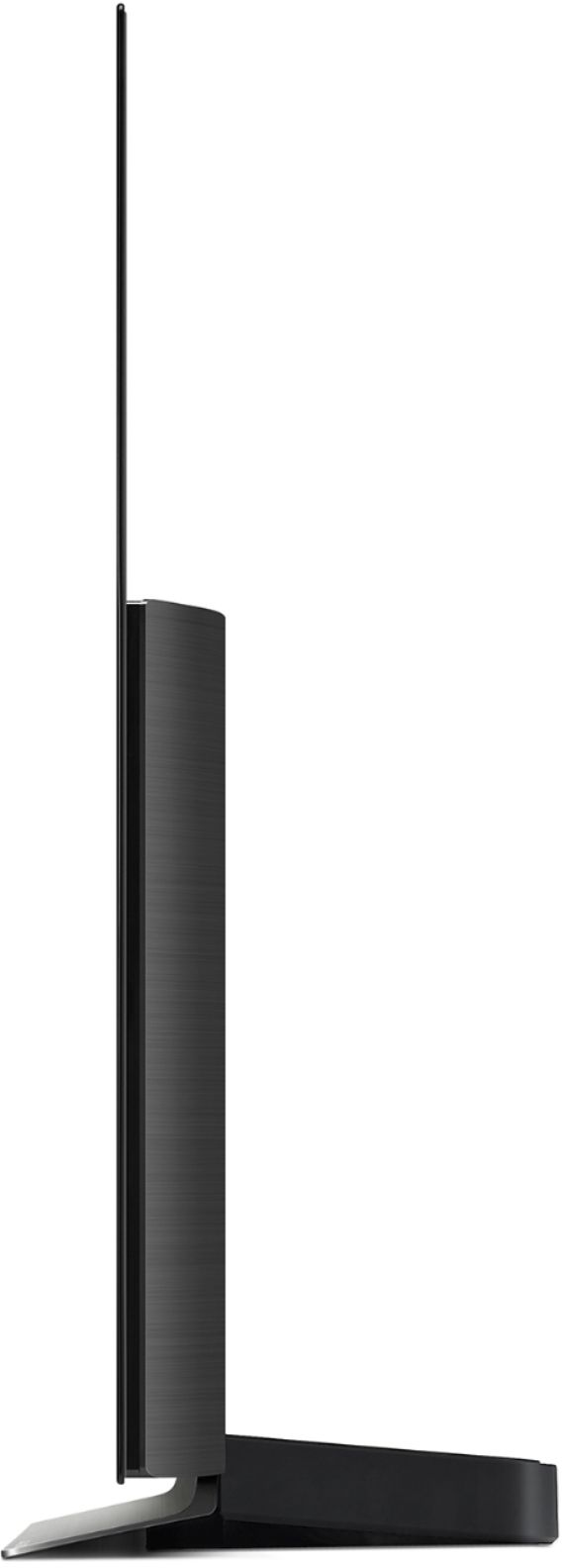
A:AnswerThe stand is in two pieces - there's a front piece that goes under the screen that is 31.75" long. From the middle of the front of the screen, the stand is 9" deep. Be careful when assembling that you don't cross thread any of the bolts - they have very fine threads.