Questions & Answers
- Model:
- S70TR
- |
- SKU:
- 6578017
Q: QuestionWhen turning on my system, there is about a 10 minute delay with the rear speakers and subwoofer connecting/functioning. Only the sound bar works during this time, is this normal? The sub is within 2 feet of the sound bar, rear speakers 6 feet.
Asked by Cody.
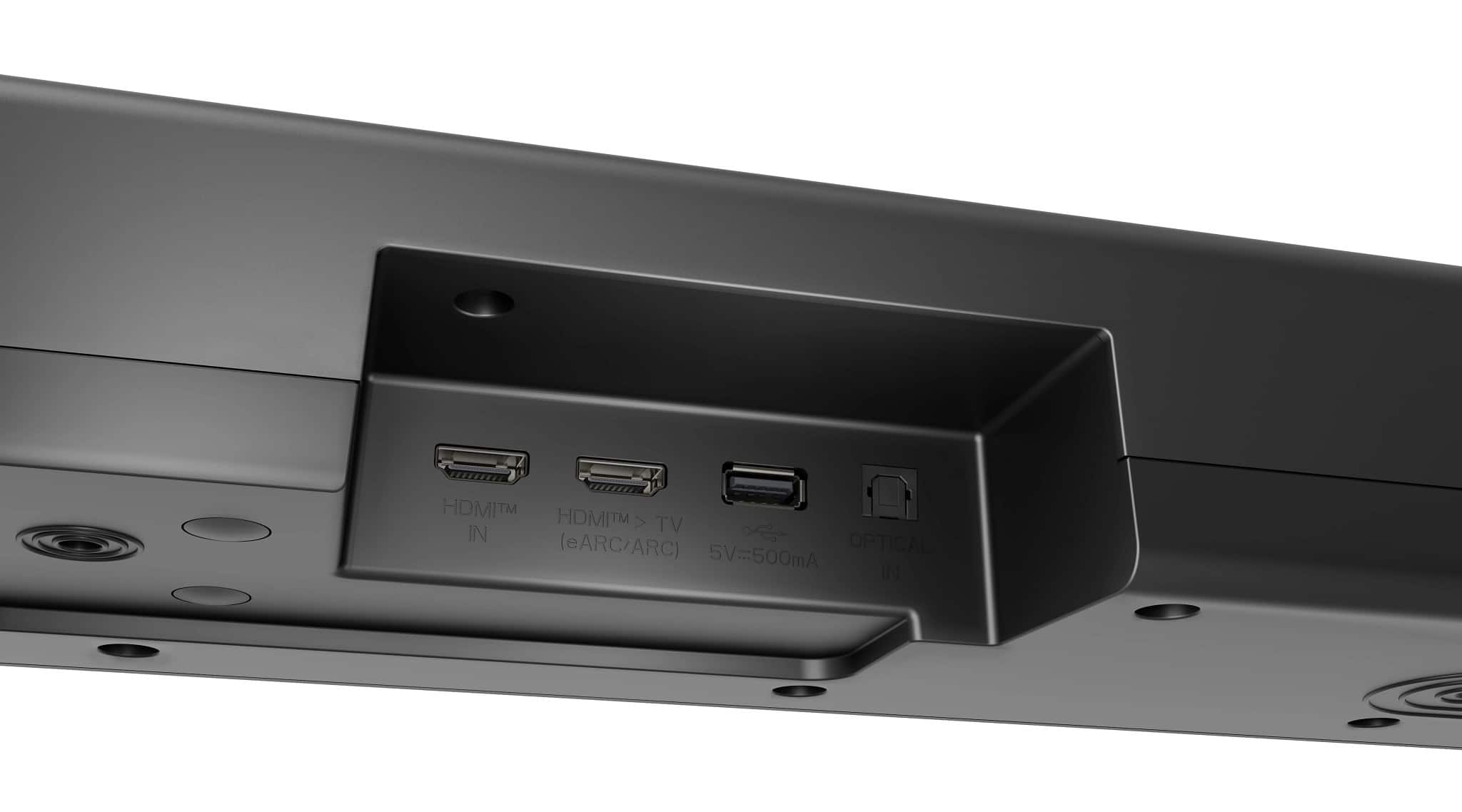
- A:Answer How is the LG 5.1.1-Channel S70TR Home Theater Soundbar with Wireless Subwoofer and Rear Speakers, Dolby Atmos®, WOW Orchestra - Black, connected in your "system"? The delay in soundbar activation can be attributed to several factors, including the type of connection used, audio processing settings, and the television settings and processing. Using HDMI ARC/eARC is generally the best option as it minimizes latency. However, if both your soundbar and TV are not configured correctly for ARC operations, you may experience delays. Optical cables also introduce delays, mainly due to additional processing time required to convert the audio signals. Bluetooth can often lead to more significant audio lag than other connection types. The delay is usually a consequence of signal compression and transfer times. The issue may not solely lie with the soundbar, and your television settings can also contribute to the delay...^Ivan.
Answered by LG Digital Customer Care
Q: QuestionHow much wire does the left and right speakers come with
Asked by Matt67.
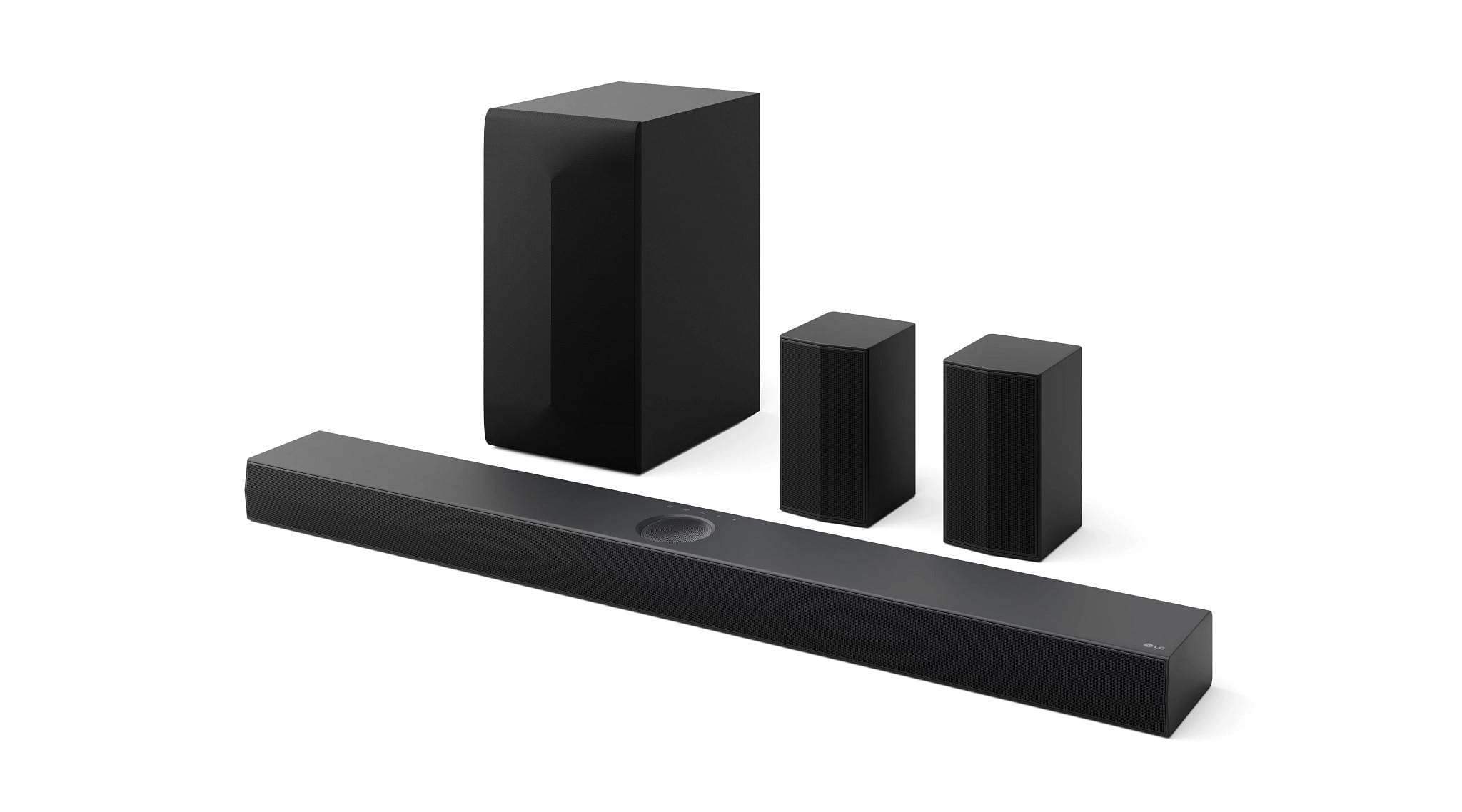
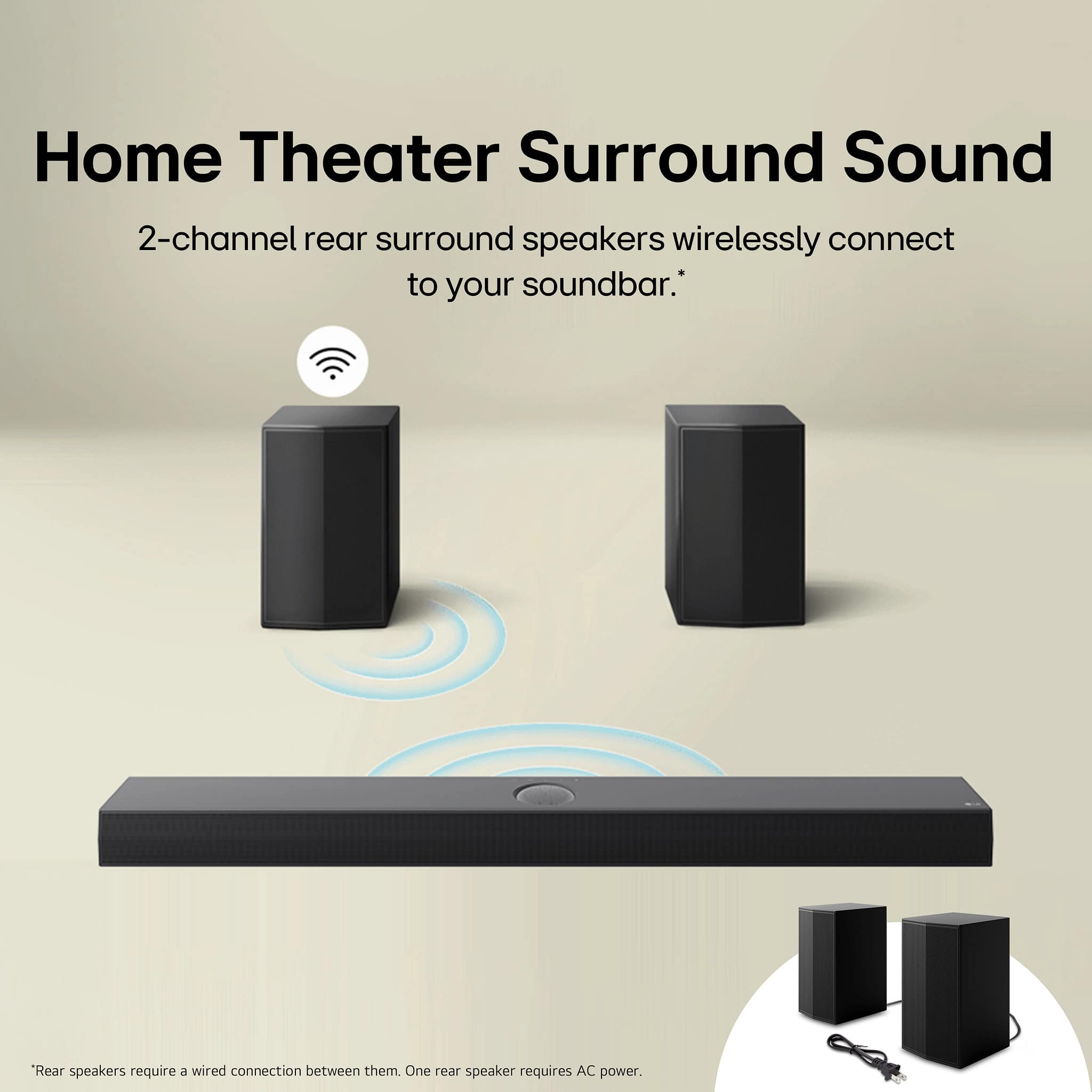
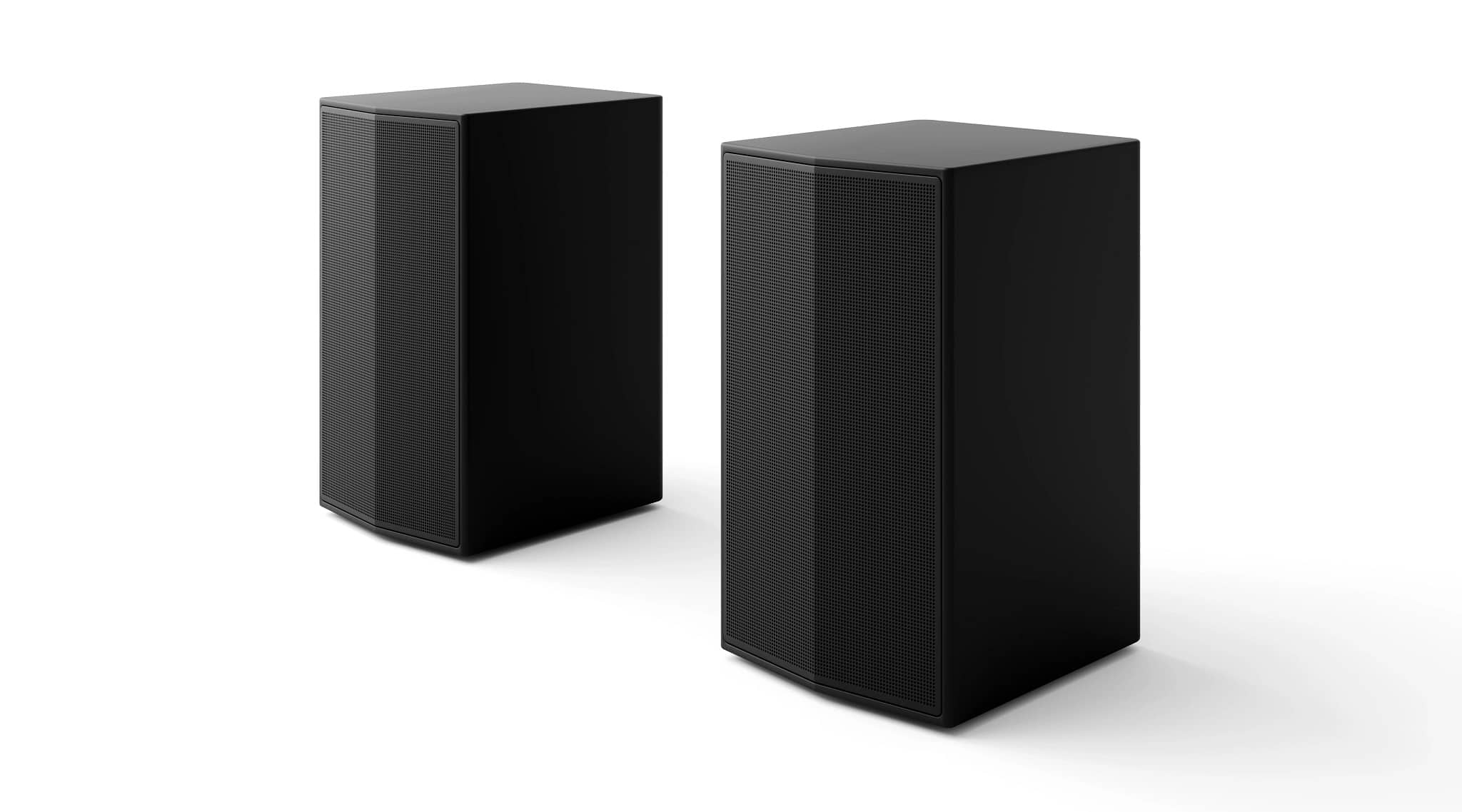
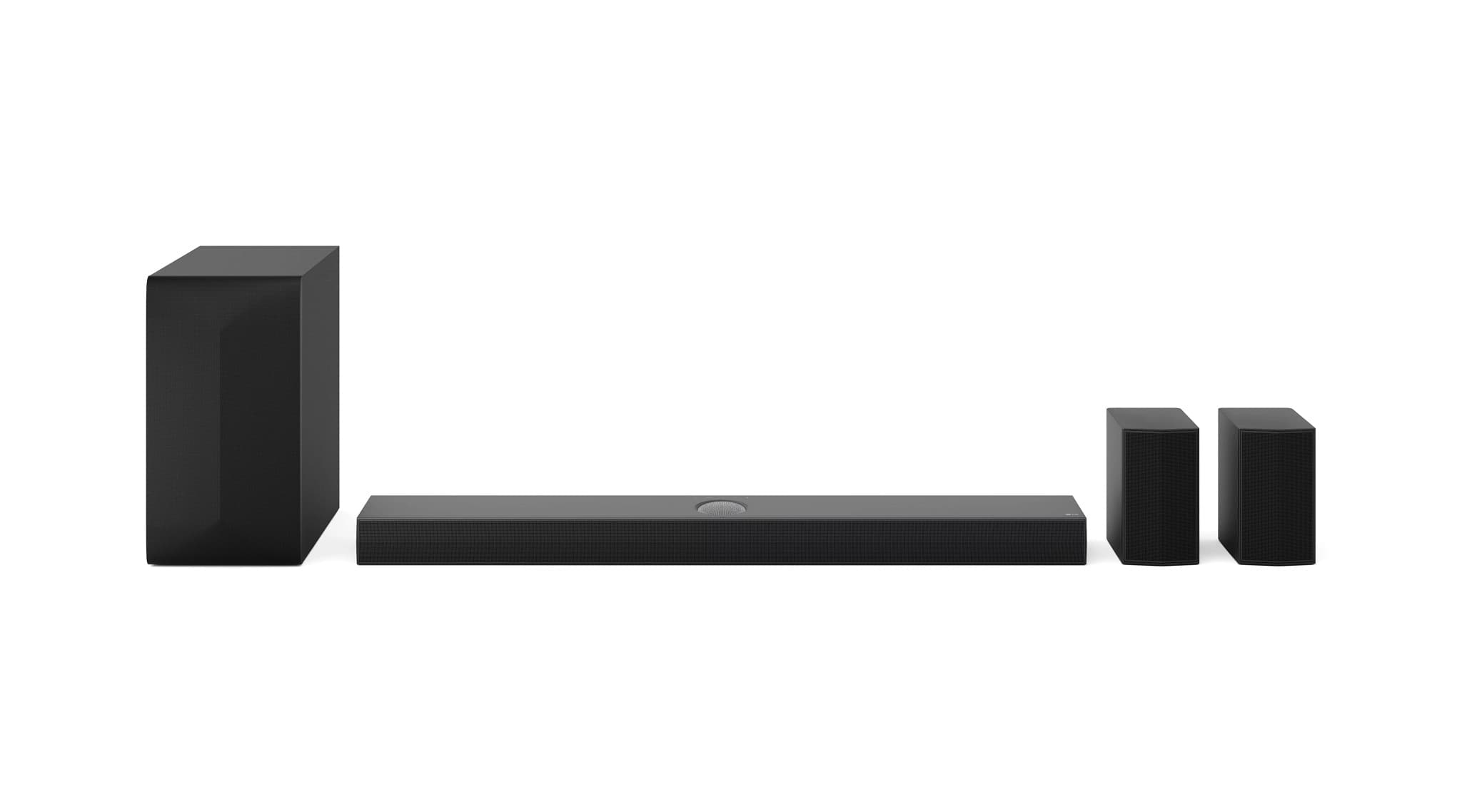
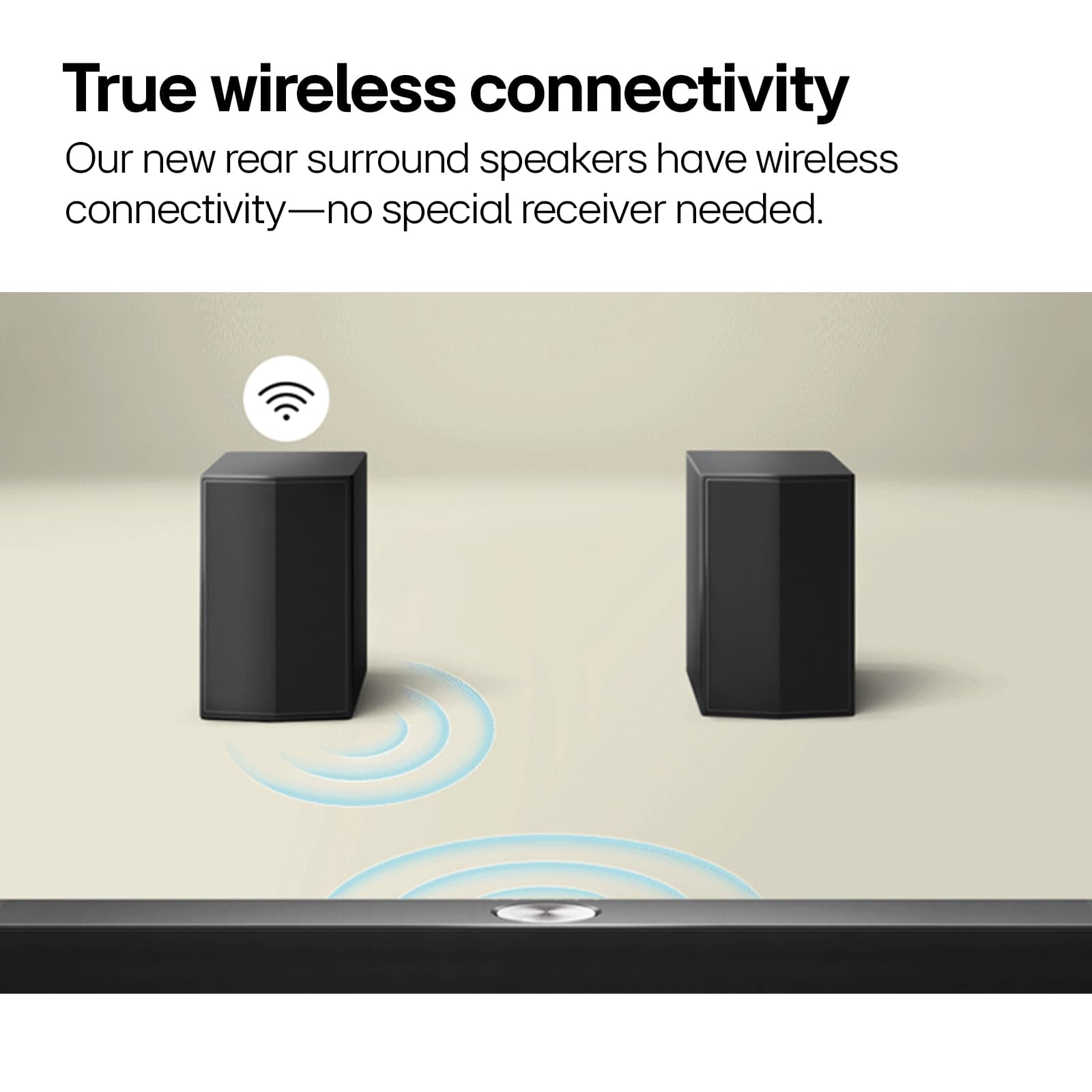
- A:Answer The 2-channel Rear Speakers for the LG 5.1.1-Channel S70TR Home Theater Soundbar with Wireless Subwoofer and Rear Speakers, Dolby Atmos, WOW Orchestra - Black, Model # S70TR, are wireless and only one speaker has to be connected to an outlet for power and the cable that connects the speakers has a length of 26 Ft (8m)...^Ivan.
Answered by LG Digital Customer Care
Q: QuestionAre three satellite speakers wireless?
Asked by LS.
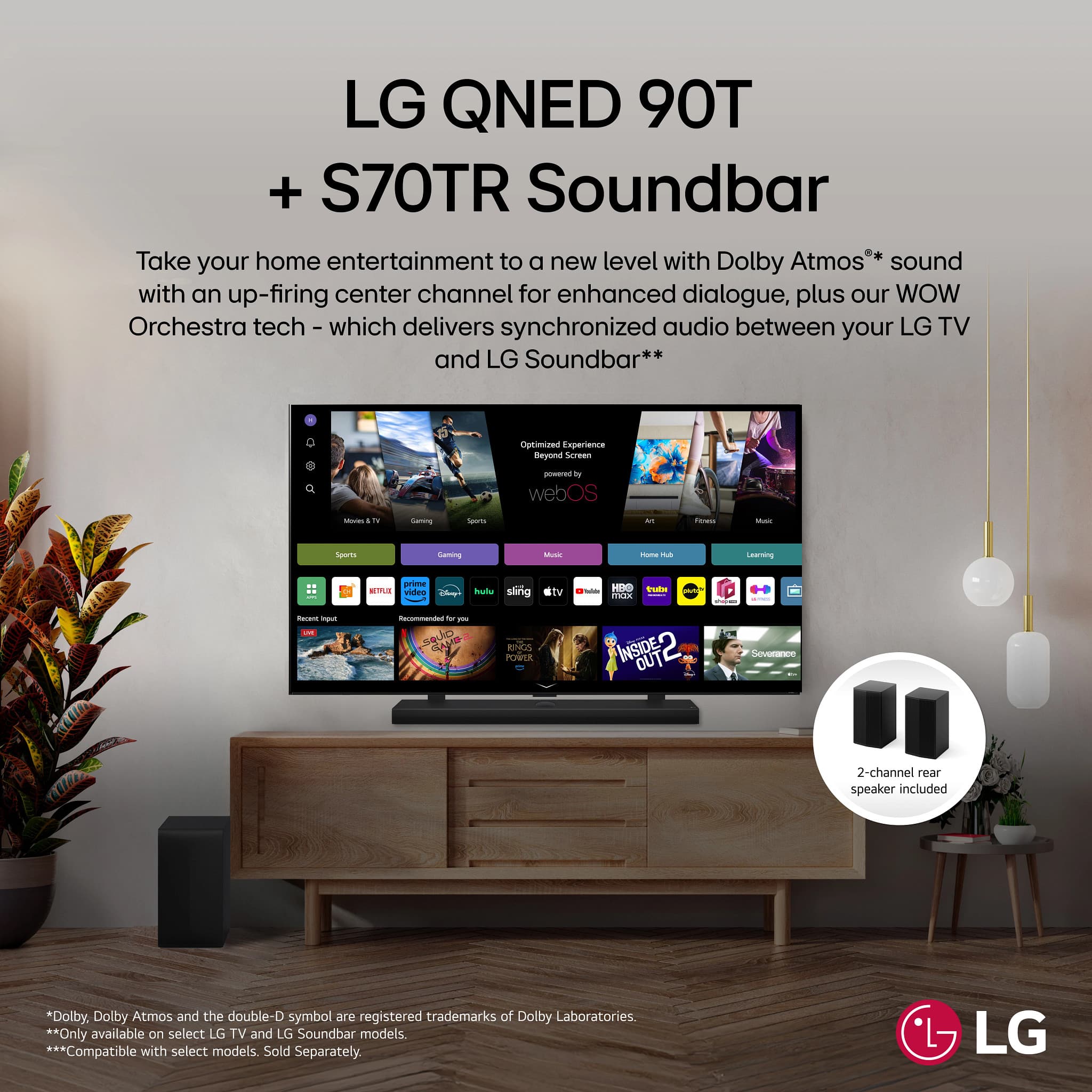
- A:Answer The LG 5.1.1-Channel S70TR Home Theater Soundbar with Wireless Subwoofer and Rear Speakers, Dolby Atmos®, WOW Orchestra - Black, does not have satellite speakers. It has 9 total speakers, including an up-firing center speaker and wireless rear surround speakers. Up-firing speakers are not the same as satellite speakers. Up-firing speakers are designed to bounce sound off the ceiling to create a three-dimensional sound field, while satellite speakers are typically used in a surround sound system to provide sound from different directions around the room. Up-firing speakers are often used in setups with low ceilings or limited space, whereas satellite speakers are used in setups with higher ceilings to provide a more precise and directional sound. Both types of speakers can be part of a surround sound system, but they serve different purposes and are used in different types of setups. The 2-channel rear surround speakers are wireless and only one of the speakers has to be plugged into an outlet for power which is shared with the other speaker via a single cable between the speakers...^Ivan.

Answered by LG Digital Customer Care
Q: QuestionI’m not getting any sound from the subwoofer or back speakers. The light is on the speakers (green) and the sound bar light is on but goes off
Asked by DarnleyeG.
- A:Answer Hi there, Don. Thank you for sharing your experience with us. We understand your inquiry regarding the lack of sound from the subwoofer and rear speakers on your S70TR Home Theater Soundbar. We also understand the lights are indicating a successful connection (green on speakers/subwoofer) but the soundbar display is going off. Since the subwoofer and rear speakers rely on a strong, stable connection to the soundbar for audio, and the lights indicate a good connection but you have no sound, we can provide a basic troubleshooting step to help refresh the link: Please try manually re-pairing the subwoofer and soundbar. First, turn the soundbar off using the power button. Next, press the [Pairing] button on the back of the wireless subwoofer, and check if the LED light begins to blink green. Finally, turn the soundbar back on. Once connected, the LED light on the back of the wireless subwoofer will turn solid green. LG Sound Bar – Why Isn’t My Subwoofer Connect to My LG Sound Bar? - https://www.lg.com/us/support/help-library/lg-sound-bar-why-isnt-my-subwoofer-connect-to-my-lg-sound-bar--1422391675816 If the sound still does not come through the subwoofer and rear speakers after trying this step, we'd like to assist you further to explore the issue. Please send us a private message on Social Media @LGUSSupport, and our team will be more than happy to assist you. —Renzo
Answered by LG Digital Customer Care

Q: QuestionWhat do you hockey it to when you have cables tv also hocked to tv can't get the speakers to work have to plg into admission have cord for that but can't get it to work all together.
Asked by Anonymous.
- A:Answer Hi there. Thank you for sharing your inquiry with us. We understand your inquiry regarding the connection setup for your LG S70TR Soundbar and Cable TV, as well as the issue you are having with getting all the speakers to work together. It is our goal to ensure you are enjoying the full 5.1.1 channel sound. For the best audio experience when connecting both a soundbar and a cable box, we recommend the following setup: Cable Box to TV: Connect your Cable TV box directly to any standard HDMI Input port on your TV. Soundbar to TV (eARC/ARC): Connect the LG S70TR Soundbar to your TV's special audio return port, which is labeled HDMI ARC or HDMI eARC. This port is usually clearly marked on your TV. This connection allows the audio from all devices connected to the TV (including your cable box) to be sent back to the soundbar for playback. Since the S70TR model includes a wireless subwoofer and wireless rear speakers, the main soundbar unit must connect to the TV first. If you are not getting sound from the rear speakers specifically, even though they are powered on, a simple check of their wireless connection to the main soundbar is often the solution. One initial step you can take to address the issue of all the speakers not working together is to manually re-pair the wireless subwoofer and rear speakers with the main soundbar unit. To do this, please follow these steps: Turn off the main S70TR soundbar unit using the power button. Locate the PAIRING button on the back of the wireless subwoofer and the rear speaker module. Press the PAIRING button on the back of the wireless subwoofer and the rear speaker module, and check if the LED lights begin to blink green. Turn the main soundbar unit back on using the power button. When the connection is successfully re-established, the LED lights on the subwoofer and rear speaker module should turn to a solid green color. This re-pairing process helps the system confirm the wireless connection. https://www.bestbuy.com/product/lg-5-1-1-channel-s70tr-home-theater-soundbar-with-wireless-subwoofer-and-rear-speakers-dolby-atmos-wow-orchestra-black/JJ8VPZQWVT If you continue to experience difficulties getting all the speakers to play sound, or if you need assistance with checking your TV's audio output settings (where you need to select HDMI ARC, Optical, or External Speaker), please send us a private message on Social Media @LGUSSupport, and our team will be more than happy to assist you with more advanced troubleshooting steps. —Renzo
Answered by LG Digital Customer Care

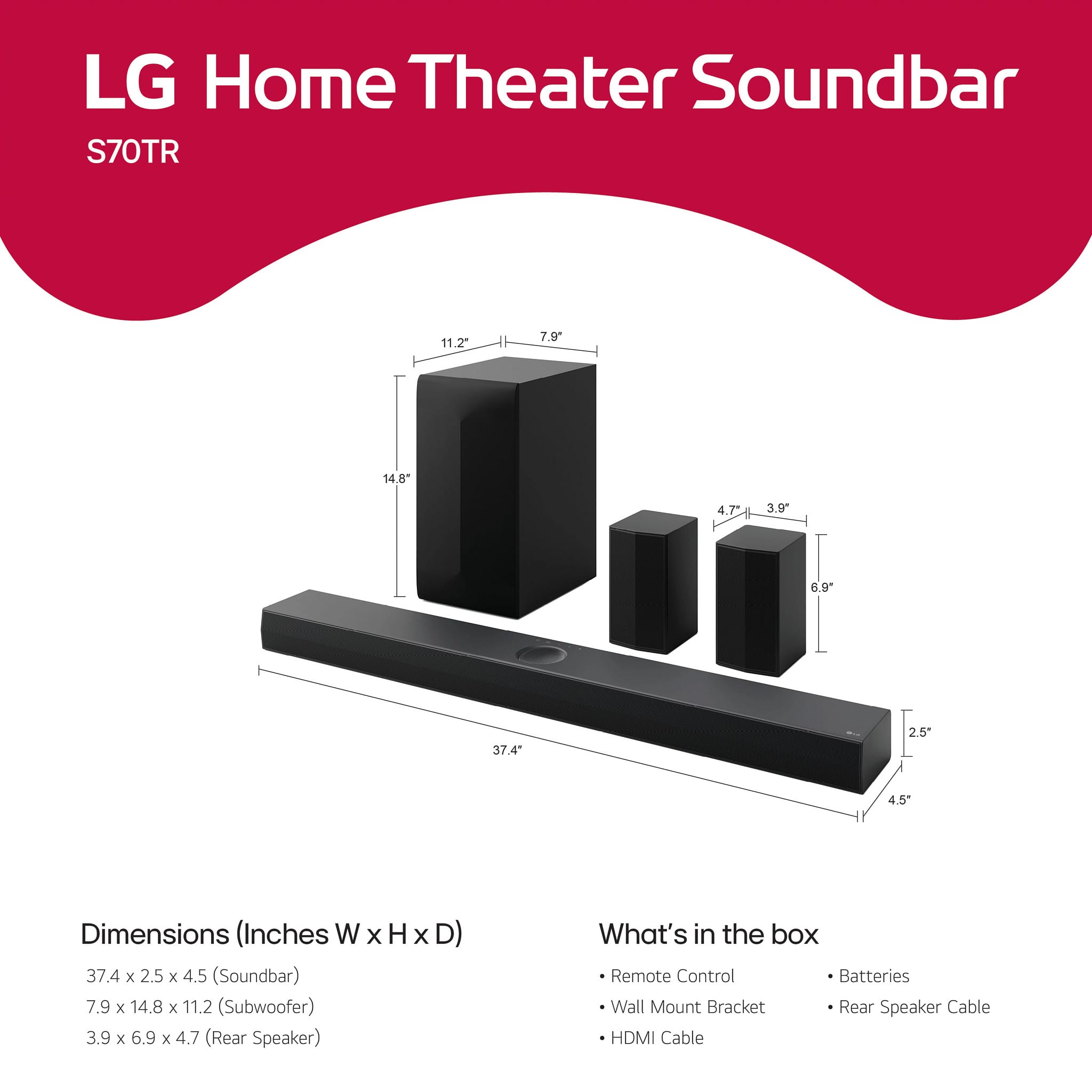
Q: QuestionWhat size is the subwoofer
Asked by Mike.
- A:Answer The W x H x D dimensions for the LG - 5.1.1-Channel S70TR Home Theater Soundbar with Wireless Subwoofer and Rear Speakers, Dolby Atmos, WOW Orchestra - Black, Model # S70TR's subwoofer's cabinet are 7.9" x 14.8" x 11.2", with a net weight of 12.7 lbs, so the subwoofer will be a 6" subwoofer...^Ivan.

Answered by LG Digital Customer Care

Q: QuestionHow long is the included speaker cable to connect the 2 wireless satellite speakers to each other?
Asked by Jayy.
- A:Answer More than 10 feet
Answered by samlanham
Q: QuestionHow is the quality of the soundbar without the subwoofer and side speakers? Does the soundbar alone provide good surround sound and bass? I'd like an LG Dolby Atmos soundbar for my LG C5, but may not need the subwoofer and side speakers at all times.
Asked by Brandon.
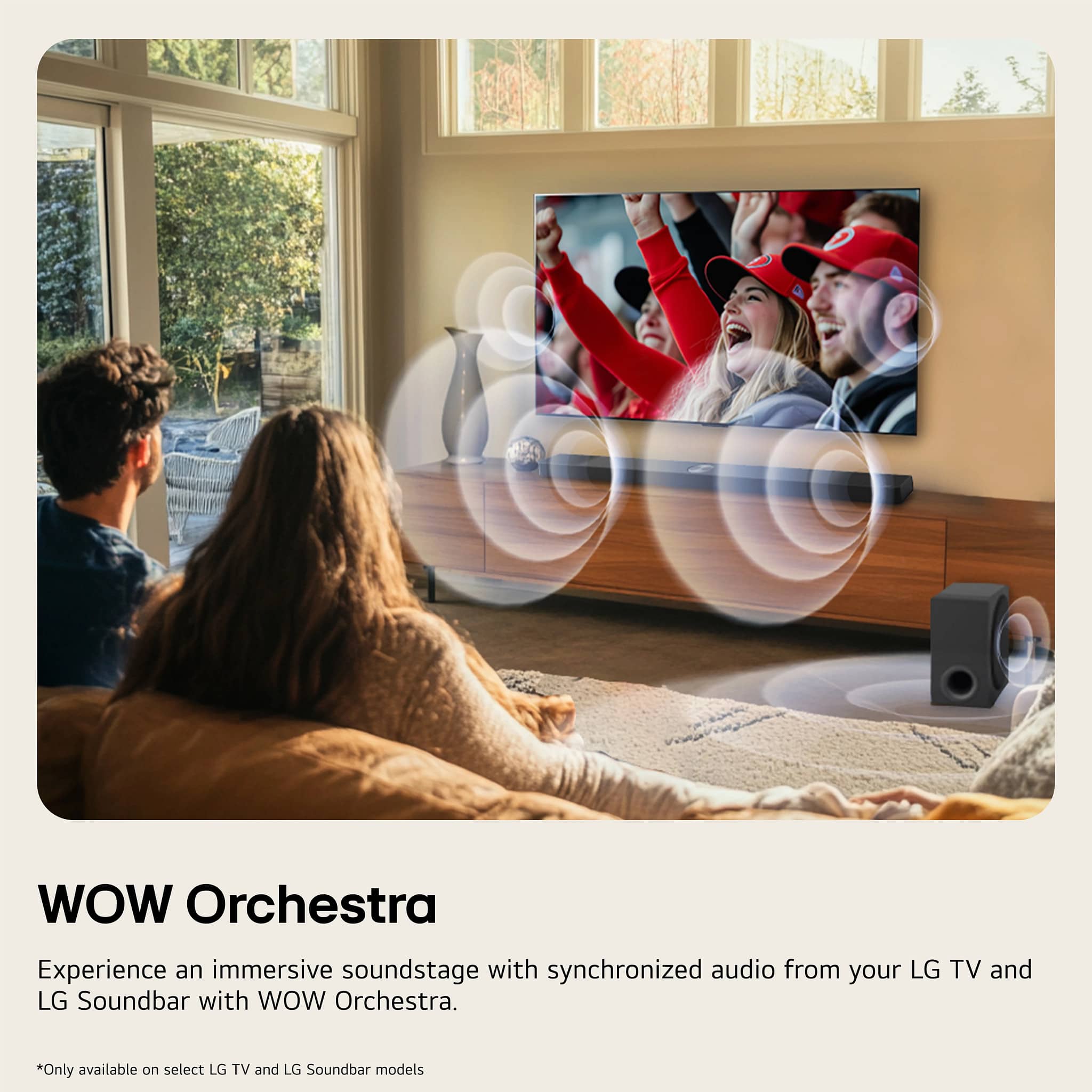
- A:Answer The sub and the surrounds are a must have. When paired with an LG tv using the Wow Orchestra it sounds good but the sub and surrounds make the difference between ok and great.
Answered by BrianD
Q: QuestionHow far can the rear speakers be from the sound bar?
Asked by Dev.
- A:Answer I have mine about 18 feet and they sound very good
Answered by StevenI
Q: QuestionWhere are the set up instructions? We bought these speakers to go with the LG OLED TV, and there is nothing in the box that says how to set it up with the TV, not even a QR code.
Asked by Customer.
- A:Answer The included instructions are basic and indicate where to plug into your LG TV. The problem is with the manual of your LG TV; there isn't one! There a specific HDMI port on the LG tv for your soundbar; it is labeled 'ARC' or 'eARC'. The not so fun part if looking for the soundbar settings/options on your TV; it will be trial and error for a while.
Answered by FelixD
Q: QuestionI have an LG OLED C5 series TV. I will be mounting the TV to the wall. Are there LG brackets that I can use to hang my S70TR soundbar from the C5 OLED TV? Could I use the brackets that come with the soundbar or do those only work for wall mounting?
Asked by Andrew.
- A:Answer I think there are brackets in the box.
Answered by JamesC
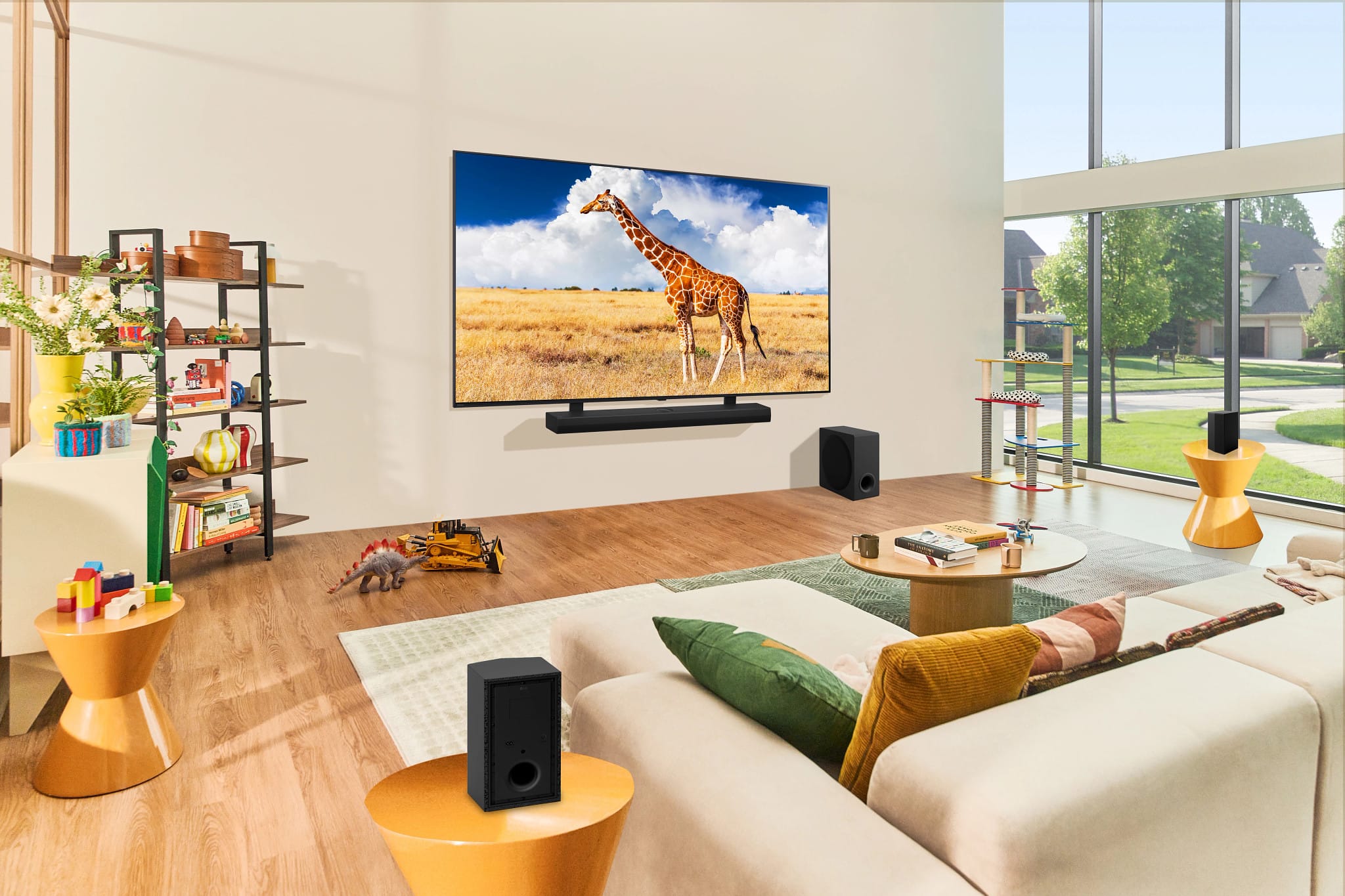
Q: QuestionI will be mounting my LG TV to the wall. Is there a way to hang the soundbar from the tv without having to mount the soundbar to the wall?
Asked by Andrew.
- A:Answer You must buy a sound bar mount that connects to the back of your TV. You may need to remove the TV from the wall and put the sound bar mount underneath the TV wall mount.
Answered by ChrisMKX
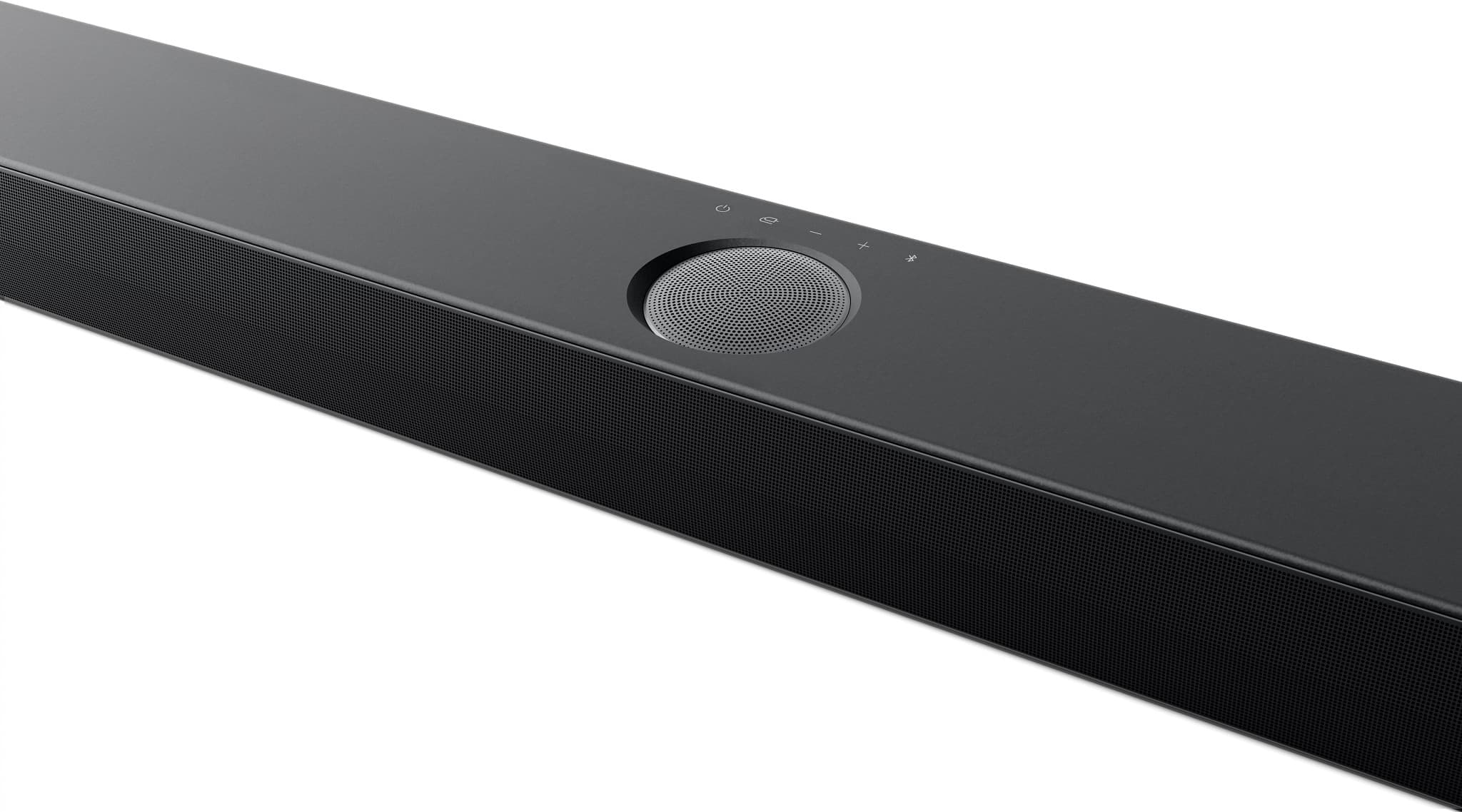
Q: Questionhow do I turn on the BASS BLAST on my S7OTR sound bar I bought today ?
Asked by bartman.
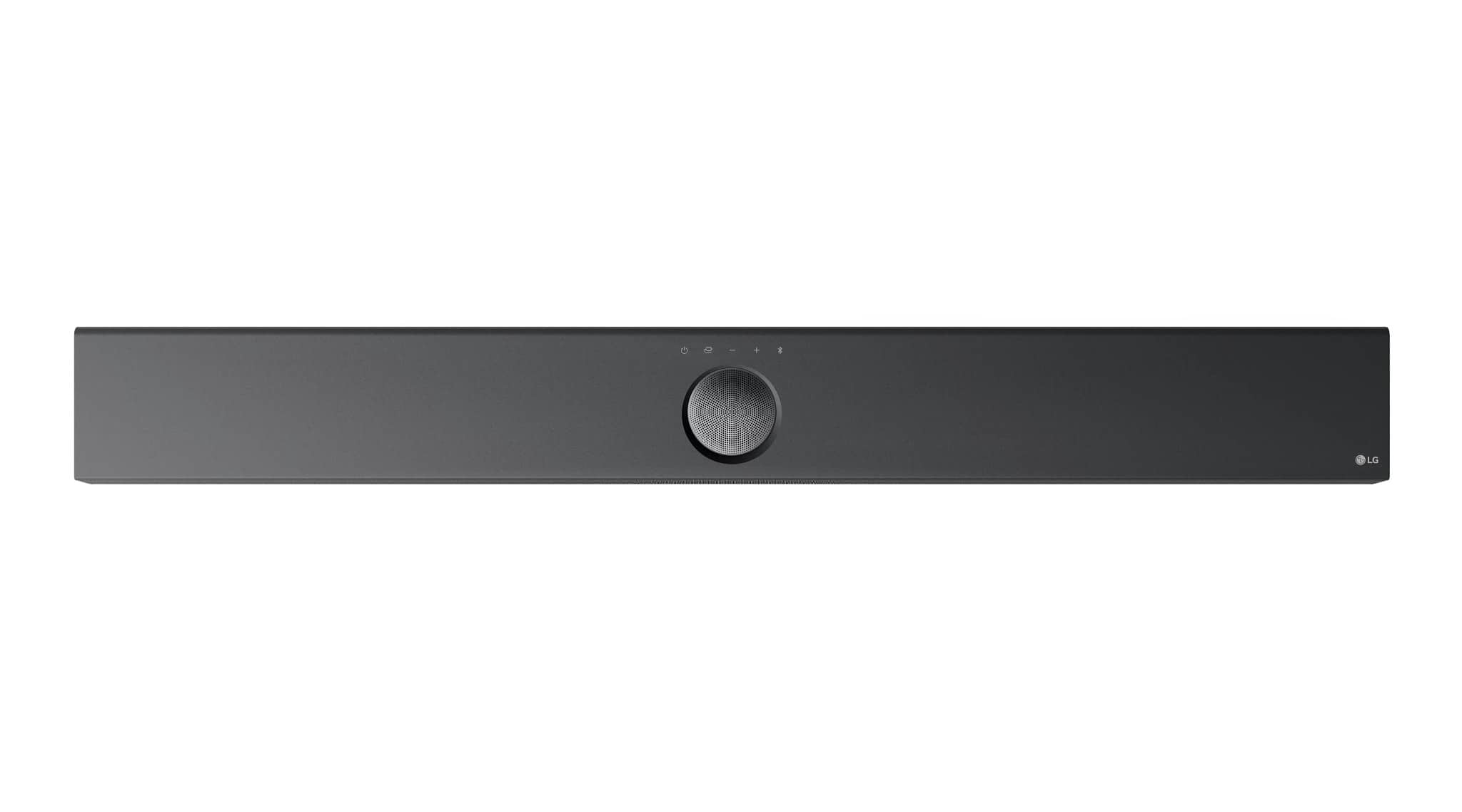
- A:Answer Firstly, you should search for and download the full owners manual from the LG site (https://www.lg.com/us/support/product/lg-S70TR.CUSALLK?tab=1) - it has all the soundbar details. To enable the different speaker modes like Bass Boost, double click the function button (looks like a plug with a tail) on the remote several times while the speakers are connected. Each double click advances it to a different mode, one of which is Bass Boost. The speaker will announce the mode you're in. You can probably do this from the top buttons on the main soundbar too.
Answered by marksteff
Q: QuestionAre the satellite speakers wireless
Asked by Kevin.
- A:Answer No. Satellite speakers (rear) are connected to each other with speaker wire. One of the rear speakers plugs into 120 AC power via power cord. Subwoofer plugs into 120 AC power via power cord.
Answered by Fubarino
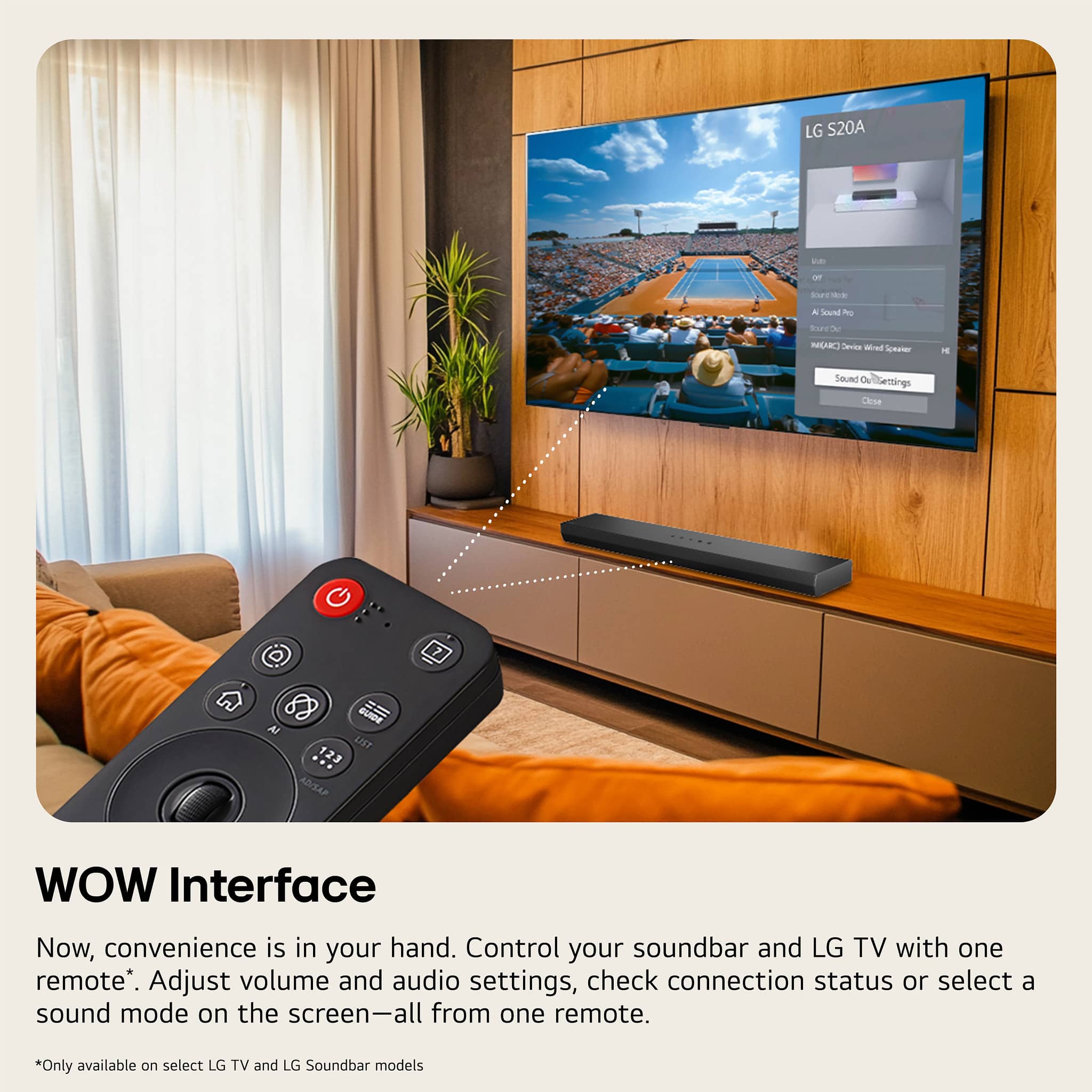
Q: QuestionWill the WOW Orchestra work with my LG UT7550? I would like to only have one remote for both.
Asked by Scott.
- A:Answer The LG UHD UT7550 Series 4K UHD TV with webOS 24 does not support WOW Orchestra or WOW Interface, so it will not work with those features on the LG 5.1.1-Channel S70TR Home Theater Soundbar with Wireless Subwoofer and Rear Speakers, Dolby Atmos®, WOW Orchestra - Black...^Ivan.
Answered by LG Digital Customer Care
Q: QuestionHow Many Watts total RMS? How could you not include the most important spec.
Asked by GrandNationalMike.
- A:Answer 500w seems correct.
Answered by JerryB
Q: QuestionHow would this pair with an LG CX (purchased 2020)? Or does LG have a system that would work better with that set?
Asked by belairtrappist.
- A:Answer Hello there, Jimmy. Thank you for your interest in the LG S70TR soundbar. We understand your inquiry about pairing it with your LG CX TV. The S70TR soundbar is designed to work well with LG TVs and can be connected using HDMI ARC/eARC or an optical cable. A key feature is WOW Orchestra, which allows the soundbar and a compatible LG TV to work together for an enhanced soundstage. Both the S70TR and the CX TV have eARC capabilities, which should allow for a great connection. https://www.bestbuy.com/site/lg-5-1-1-channel-s70tr-home-theater-soundbar-with-wireless-subwoofer-and-rear-speakers-dolby-atmos-wow-orchestra-black/6578017.p?skuId=6578017 If you decide to purchase the soundbar and have any questions during the setup, please send us a private message on Social Media @LGUSSupport and our team will be more than happy to explore possible solutions. We appreciate your patience. —Renzo


Answered by LG Digital Customer Care

Q: QuestionWhy does my LG home theater sound bar system S 70 TR only play when what I’m watching is in Dolby? If it’s not Dolby sound the surround sound system does not play.
Asked by JL0017.
- A:Answer We recently purchased an LG 65" and added the LG 5.1.1 soundbar to it. We are still fine tuning the audio. It is trial and error and the output options are in the TV settings. Sometimes we feel the speakers are not working but it depends on what we are watching and the sound channels that are coming from that. It can be frustrating.
Answered by FelixD
Q: QuestionHi there, what are the dimensions on the sound bar?! Thanks.
Asked by Anonymous.
- A:Answer They are on the web site.
Answered by FelixD
Best-selling sound bars
- Black Friday Deal$249.99Your price for this item is $249.99
- $499.00Your price for this item is $499.00
- $1,099.00Your price for this item is $1,099.00
- $39.99Your price for this item is $39.99
- $99.99Your price for this item is $99.99$119.99The comparable value for this item is $119.99
- $219.00Your price for this item is $219.00
- $299.99Your price for this item is $299.99$399.99The comparable value for this item is $399.99
- $199.99Your price for this item is $199.99$279.99The comparable value for this item is $279.99
- $349.99Your price for this item is $349.99$399.99The comparable value for this item is $399.99
- $199.99Your price for this item is $199.99$279.99The comparable value for this item is $279.99
Samsung - HW-B650/ZA 3.1 Channel Soundbar with Wireless Subwoofer, Dolby 5.1 / DTS Virtual:X - BlackBlack Friday Deal$199.99Your price for this item is $199.99- $119.99Your price for this item is $119.99
- $699.99Your price for this item is $699.99$799.99The comparable value for this item is $799.99
- $549.99Your price for this item is $549.99$699.99The comparable value for this item is $699.99
- $139.99Your price for this item is $139.99$159.99The comparable value for this item is $159.99
- $599.99Your price for this item is $599.99$699.99The comparable value for this item is $699.99
- $209.99Your price for this item is $209.99$229.99The comparable value for this item is $229.99
- $59.99Your price for this item is $59.99
- $99.99Your price for this item is $99.99